
Realism Beyond
Realism Beyond is an amazing hand crafted Modpack that just makes the game more realistic, with a lot to explore
Screenshots
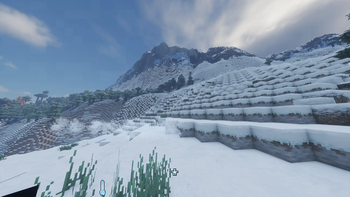
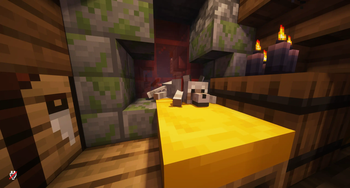
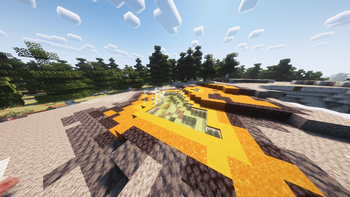
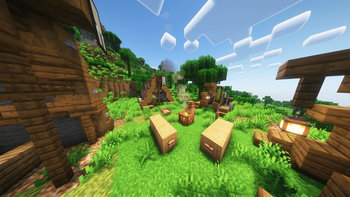
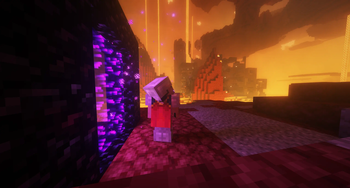
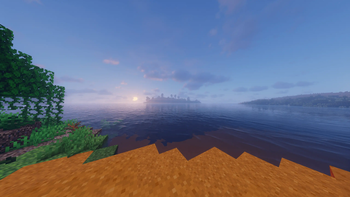
Über dieses Modpack
Welcome to the Realism Beyond experience! This modpack is packed with goodies, including Distant Horizons 2.0, multiple Shaderpacks and various texturepacks like Fresh Animations or Fresh Moves. This pack also has optimization mods to use high performance shaders such as Rethinking Voxels. This Modpack has many mods that make the game more realistic, including the most realistic sounds, perfect word generation, heat/cold, realistic trees and even more! Feel free to customize your experience by adjusting settings or disabling mods as you see fit. Have a lot of Fun using this and have a great day!
My Tip for better FPS:
turn off VSync immediately (from 60 to 113 FPS)
Render distance to 10 Chunks and
Simulation Distance to 8 Chunks
(from 113 to 123 FPS)go to video settings, then to performance, turn off Use Entity Culling (+5 FPS)
change the shader or/and the settings of the shader however you like
Please set the RAM to a higher value than the default, about half the RAM your PC has!
For better Gameplay:
- Please change the FOV to 90 or higher
Important!!!
You might want change some Keybinds!!!
When you create a new world type this in the chat:
/function vanilla_refresh:other/actions/other/biome_disable
Type this aswell in Chat:
/function vanilla_refresh:other/actions/other/subtitle_disable
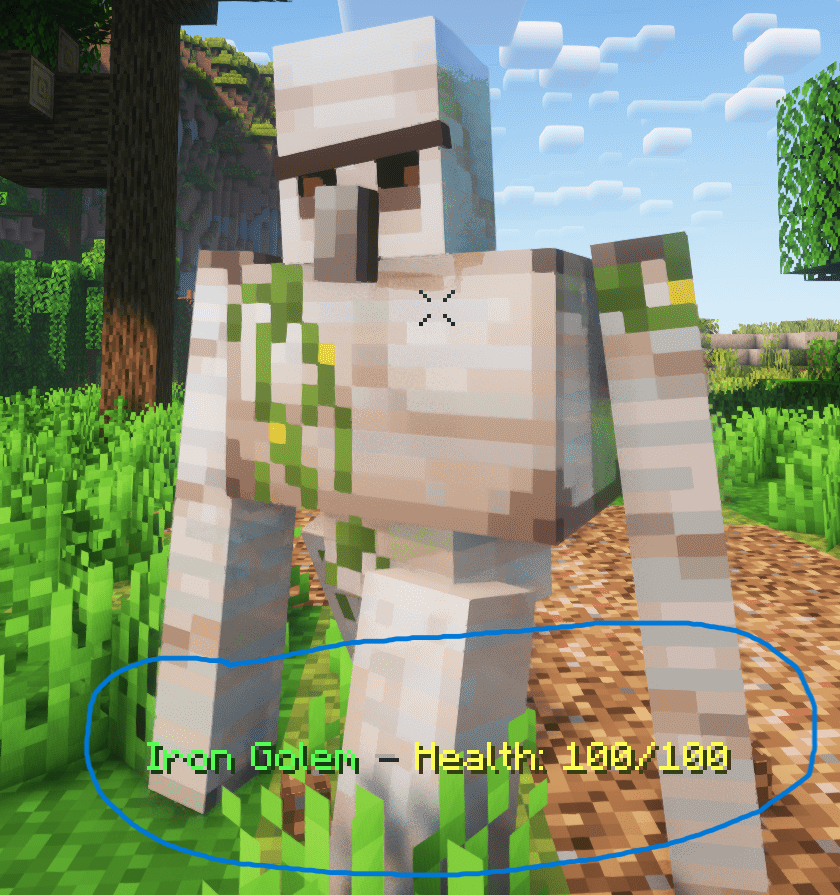
If you want you can disable that health display (see below) by typing this in chat
/function vanilla_refresh:other/actions/mob/mob_health_disable
- I get around 98 FPS (48 Chunks Render Distance, 32 Chunks Simulation Distance, using Bliss Shader)
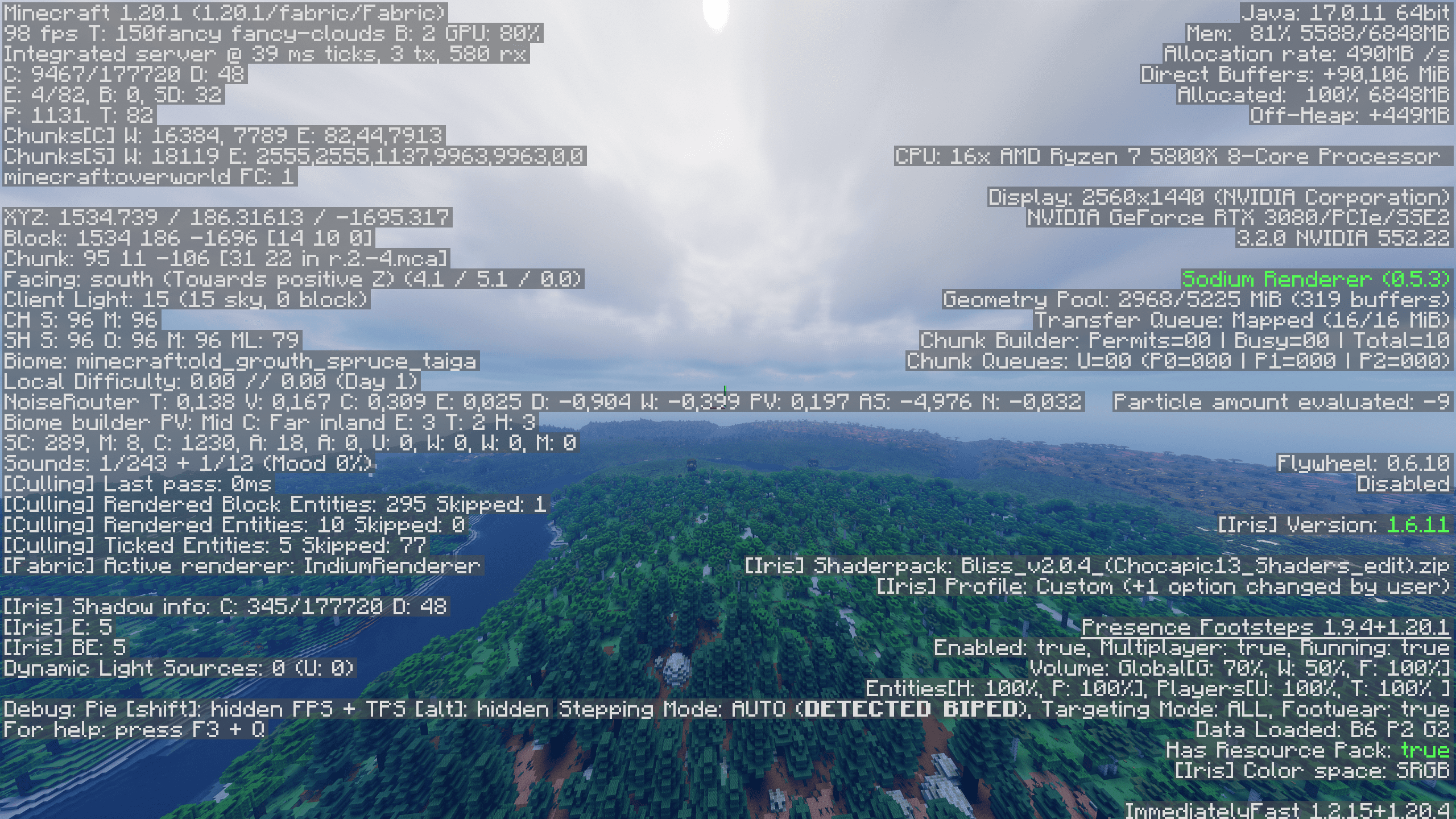
Remember that this is a modpack that requires good PC components!
Verfügbare Versionen
Realism Beyond Server einrichten
Server bestellen
Wähle mindestens 6 GB RAM (8 GB empfohlen für Realism Beyond). Je nach Spieleranzahl: +1 GB pro 5 Spieler.
Modpack im Dashboard installieren
Öffne den Modpack-Browser im Dashboard, suche nach "Realism Beyond" und klicke "Installieren". Der fabric-Loader und Minecraft 1.21.4 werden automatisch konfiguriert.
Server starten & spielen
Starte den Server – alle Mods werden automatisch geladen. Teile die Server-IP mit Freunden und spielt zusammen!
Häufige Fragen
Realism Beyond Server crasht oder startet nicht – was tun?
Häufigste Ursachen: zu wenig RAM oder falscher fabric-Loader. Prüfe latest.log auf "OutOfMemoryError" → erhöhe RAM auf mindestens 8 GB. Bei "Mixin" oder "ClassNotFoundException": Modpack-Version und Loader stimmen nicht überein. Bei Mado Hosting werden Loader und Minecraft-Version beim Modpack-Install automatisch konfiguriert – das verhindert die meisten Startprobleme.
Wie viel RAM braucht ein Realism Beyond Server wirklich?
Minimum 6 GB, empfohlen 8 GB für stabile Performance. +1 GB pro 5 Spieler. Wichtig: Minecraft-Modpacks brauchen mehr RAM als Vanilla – plane pro zusätzlichem Spieler extra ein. Bei Mado Hosting kannst du den RAM jederzeit live hochskalieren, ohne Datenverlust (ab €7.800000000000001/Monat).
Kann ich eigene Mods zu Realism Beyond hinzufügen, ohne Konflikte?
Ja, aber achte auf die Kompatibilität: Nutze nur Mods für den gleichen Loader (fabric) und die gleiche Minecraft-Version (1.21.4). Häufige Probleme: ID-Konflikte bei Rezept-Mods und inkompatible Coremod-Versionen. Im Mado Dashboard zeigt der Mod-Browser nur kompatible Mods an und warnt bei bekannten Konflikten.
Realism Beyond Server laggt – Performance-Tipps
1) RAM auf 8 GB+ erhöhen. 2) Server-View-Distance auf 8 reduzieren (server.properties). 3) Pre-Generiere Chunks mit dem "Chunky" Plugin. 4) Prüfe mit /spark profiler welche Mods die meiste Tick-Time verbrauchen. Bei Mado Hosting laufen alle Server auf NVMe-SSDs mit dedizierten CPU-Kernen – das eliminiert Hardware als Engpass.
Ähnliche Modpacks
![Cobblemon Official Modpack [Fabric]](https://cdn.modrinth.com/data/5FFgwNNP/e7f9ee2e9d361623847853fe2ddce42f519ee64f.png)
![COBBLEVERSE - Pokemon Adventure [Cobblemon]](https://cdn.modrinth.com/data/Jkb29YJU/581ecf54530972afb18a04660afd820f2f24f6c7.png)
![Better MC [FABRIC] - BMC2](https://cdn.modrinth.com/data/shFhR8Vx/a19c2bcb51d38f32f138d3607e91cb2b7b8e387f_96.webp)


![Better MC [FORGE] - BMC4](https://cdn.modrinth.com/data/4BV47HRn/7f5ef7cc61b2593609aabef3ed07a866a4f11b73_96.webp)
Realism Beyond Server mieten
Starte deinen eigenen Server mit automatischer Modpack-Installation.
Details
- Lizenz
- LicenseRef-All-Rights-Reserved
- Server-seitig
- Erforderlich
- Client-seitig
- Erforderlich
Unterstützte Versionen
Starte deinen Realism Beyond Server jetzt
Ab €7.80/Monat; für die beste Performance werden 8 GB RAM empfohlen.
Server konfigurieren →