
Simply Craftmine
Simply Craftmine is an optimization modpack for 25w14craftmine, the April Fools snapshot for the never-released Craftmine Update.
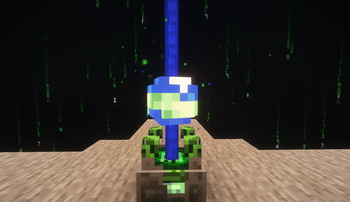
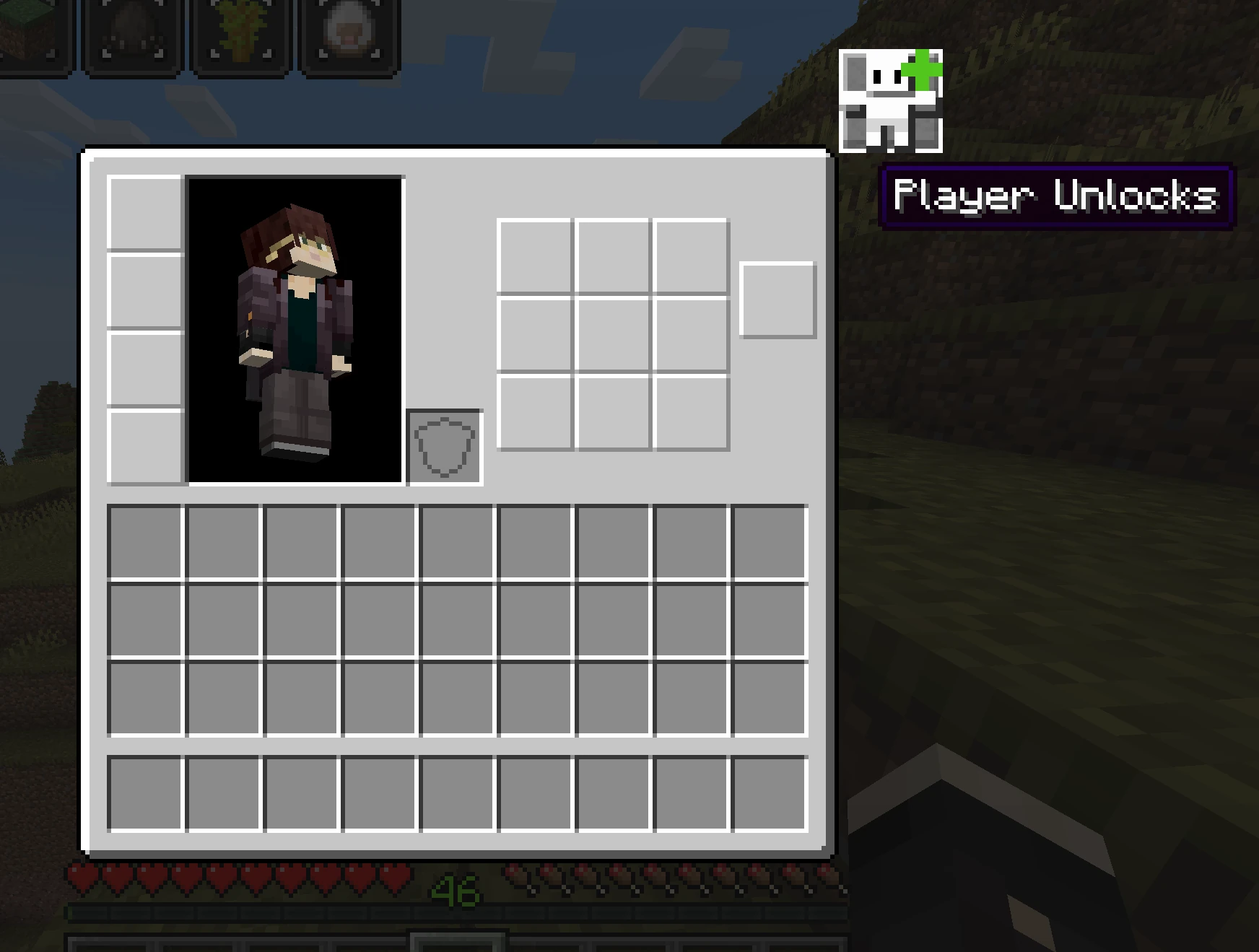
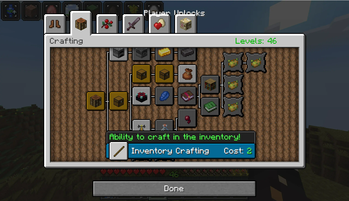
Screenshots
Über dieses Modpack

Simply Craftmine is an optimization modpack for 25w14craftmine, the April Fools snapshot for the never-released Craftmine Update.
It's recommended to launch this with Prism Launcher! Modrinth App occassionally fails to launch the pack.
What is 25w14craftmine?

25w14craftmine is one of the yearly April Fools updates for Minecraft, in which normal progression has been replaced by the new Mine Crafter block, which allows players to progress through custom dimensions (called Mines), slowly levelling up over time.
Running a Mine
In a Mine, you must survive long enough to reach the exit. Time spent in the mine gathering resources can be used to level up your player through a new skill tree system. Over time, you'll also find new mine ingredients which can be used to customize the generated mines.
Mod List + Mod Licenses
Every mod in this pack has been handpicked to be compatible with 25w14craftmine, including some custom ports. If you know/have made any mods that would fit in the pack, send them my way! Looking to develop mods for Craftmine? Try my fork of the Fabric Example Mod.
- AppleSkin by squeek502, from Modrinth.
- Architectury API by shedaniel, from Modrinth
- BugMine by Mikarific, from Modrinth.
- Client Sort by TerminalMC, from Modrinth.
- Cloth Config by shedaniel, from Modrinth.
- Complementary Shaders by IMS21, released as an unstable build by ims21 in the Iris Discord server- distributed in accordance with its LGPL License.
- Concurrent Chunk Management Engine (C2ME) by ishland, from Modrinth.
- Connected Doors by Domi, from Modrinth
- CraftMineFix by DialingSpoon527, from Modrinth
- CraftMine Biome Fix by JoshuaBradbury, from Modrinth.
- Ender Christmas Plus by cassiancc, from Modrinth.
- Exchange Value Tracker by haykam, from Modrinth.
- Fabric API by modmuss50, from Modrinth
- Fabric Language Kotlin by modmuss50, from Modrinth.
- FerriteCore from malte0811.
- I Can't Believe It's Not 1.21.5 by Chocohead, from Modrinth.
- Item Descriptions by cassiancc, from Modrinth
- Immersive Overlays by cassiancc, from Modrinth.
- Iris by IMS21, released as an unstable build by ims21 in the Iris Discord server - distributed in accordance with its LGPL License.
- Jade by Snownee, from Modrinth.
- JourneyMap by mysticdrew, from Modrinth.
- LambDynamicLights by LambdAurora, from Modrinth.
- Logical Zoom by LogicalGeekBoy, from Modrinth
- MidnightControls by Motschen, from Modrinth.
- Mod Menu by Prospector, from Modrinth.
- Mouse Tweaks by YaLTeR, from Modrinth.
- Raised by yurisuika, from Modrinth.
- Reliable Recipe Viewer by cassiancc, from Modrinth.
- Screenshot to Clipboard by comp500, using a custom fork by cassiancc and distributed under its MIT License.
- Sodium by jellysquid3, using a fork by Mikarific released on GitHub- distributed in accordance with its Polyform Shield License.
- Text Placeholder API by Patbox, from Modrinth
- ToolTipFix by kyrptonaught, using an updated fork by BlueStaggo and distributed under its MIT License.
- YACL by isxander, from Modrinth.
Verfügbare Versionen
Simply Craftmine Server einrichten
Server bestellen
Wähle mindestens 4 GB RAM (6 GB empfohlen für Simply Craftmine). Je nach Spieleranzahl: +1 GB pro 8 Spieler.
Modpack im Dashboard installieren
Öffne den Modpack-Browser im Dashboard, suche nach "Simply Craftmine" und klicke "Installieren". Der fabric-Loader und Minecraft 25w14craftmine werden automatisch konfiguriert.
Server starten & spielen
Starte den Server – alle Mods werden automatisch geladen. Teile die Server-IP mit Freunden und spielt zusammen!
Häufige Fragen
Simply Craftmine Server crasht oder startet nicht – was tun?
Häufigste Ursachen: zu wenig RAM oder falscher fabric-Loader. Prüfe latest.log auf "OutOfMemoryError" → erhöhe RAM auf mindestens 6 GB. Bei "Mixin" oder "ClassNotFoundException": Modpack-Version und Loader stimmen nicht überein. Bei Mado Hosting werden Loader und Minecraft-Version beim Modpack-Install automatisch konfiguriert – das verhindert die meisten Startprobleme.
Wie viel RAM braucht ein Simply Craftmine Server wirklich?
Minimum 4 GB, empfohlen 6 GB für stabile Performance. +1 GB pro 8 Spieler. Wichtig: Minecraft-Modpacks brauchen mehr RAM als Vanilla – plane pro zusätzlichem Spieler extra ein. Bei Mado Hosting kannst du den RAM jederzeit live hochskalieren, ohne Datenverlust (ab €5.2/Monat).
Kann ich eigene Mods zu Simply Craftmine hinzufügen, ohne Konflikte?
Ja, aber achte auf die Kompatibilität: Nutze nur Mods für den gleichen Loader (fabric) und die gleiche Minecraft-Version (25w14craftmine). Häufige Probleme: ID-Konflikte bei Rezept-Mods und inkompatible Coremod-Versionen. Im Mado Dashboard zeigt der Mod-Browser nur kompatible Mods an und warnt bei bekannten Konflikten.
Simply Craftmine Server laggt – Performance-Tipps
1) RAM auf 6 GB+ erhöhen. 2) Server-View-Distance auf 8 reduzieren (server.properties). 3) Pre-Generiere Chunks mit dem "Chunky" Plugin. 4) Prüfe mit /spark profiler welche Mods die meiste Tick-Time verbrauchen. Bei Mado Hosting laufen alle Server auf NVMe-SSDs mit dedizierten CPU-Kernen – das eliminiert Hardware als Engpass.
Ähnliche Modpacks

![Cobblemon Official Modpack [Fabric]](https://cdn.modrinth.com/data/5FFgwNNP/e7f9ee2e9d361623847853fe2ddce42f519ee64f.png)
![COBBLEVERSE - Pokemon Adventure [Cobblemon]](https://cdn.modrinth.com/data/Jkb29YJU/581ecf54530972afb18a04660afd820f2f24f6c7.png)

![Better MC [FABRIC] - BMC2](https://cdn.modrinth.com/data/shFhR8Vx/a19c2bcb51d38f32f138d3607e91cb2b7b8e387f_96.webp)

Simply Craftmine Server mieten
Starte deinen eigenen Server mit automatischer Modpack-Installation.
Details
- Lizenz
- GNU Lesser General Public License v3.0 or later
- Server-seitig
- Optional
- Client-seitig
- Optional
Unterstützte Versionen
Starte deinen Simply Craftmine Server jetzt
Ab €5.20/Monat; für die beste Performance werden 6 GB RAM empfohlen.
Server konfigurieren →