
Simply One Block
Simply One Block is an optimization modpack for 22w13oneblockatatime, the April Fools snapshot for the never-released One Block at a Time Update.
Screenshots
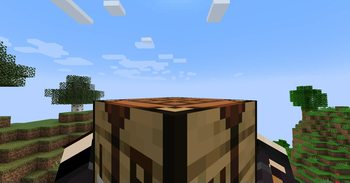
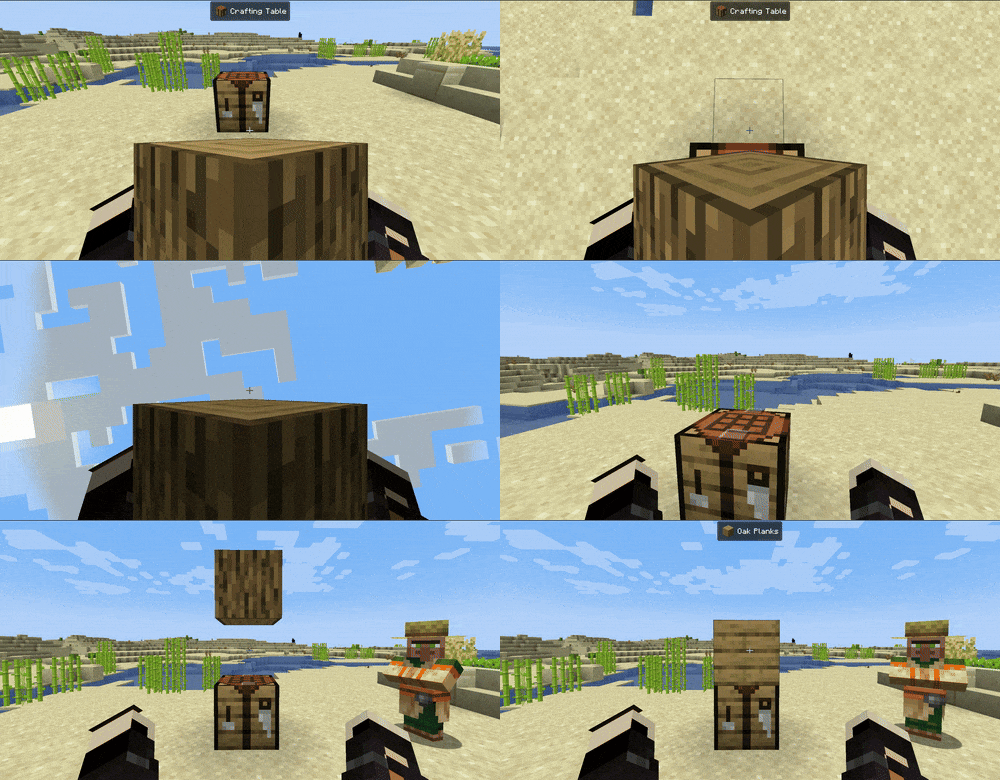
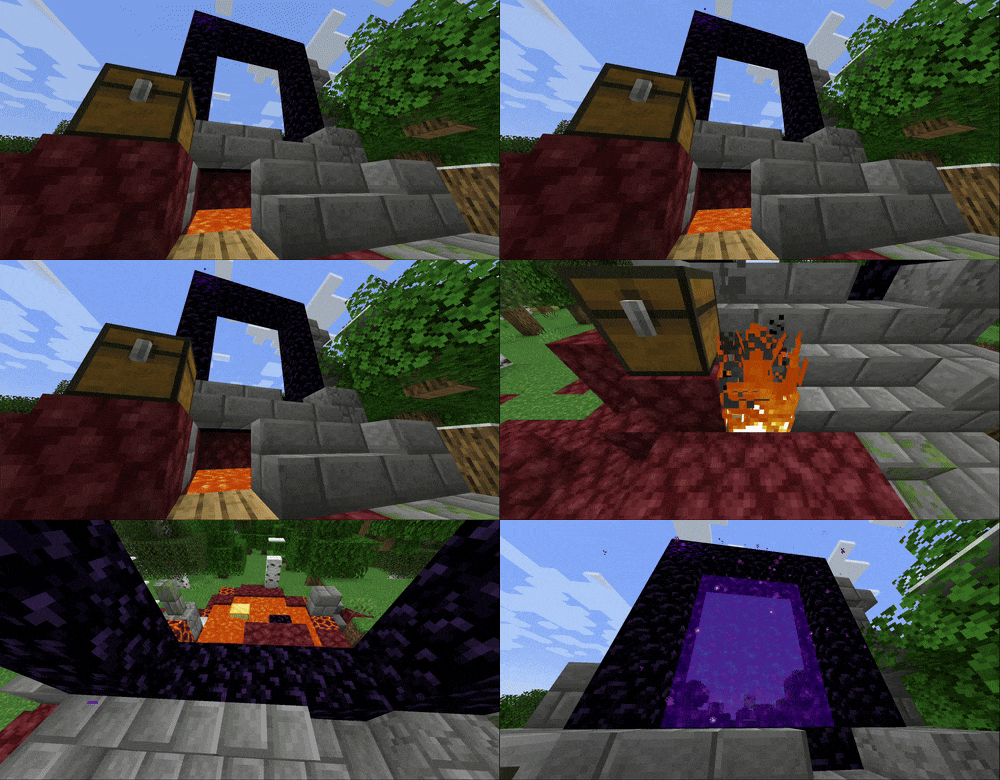
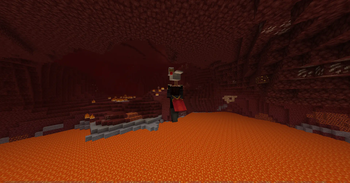
Über dieses Modpack

Simply One Block is an optimization modpack for 22w13oneblockatatime, the April Fools snapshot for the never-released One Block at a Time Update.
What is 22w13oneblockatatime?
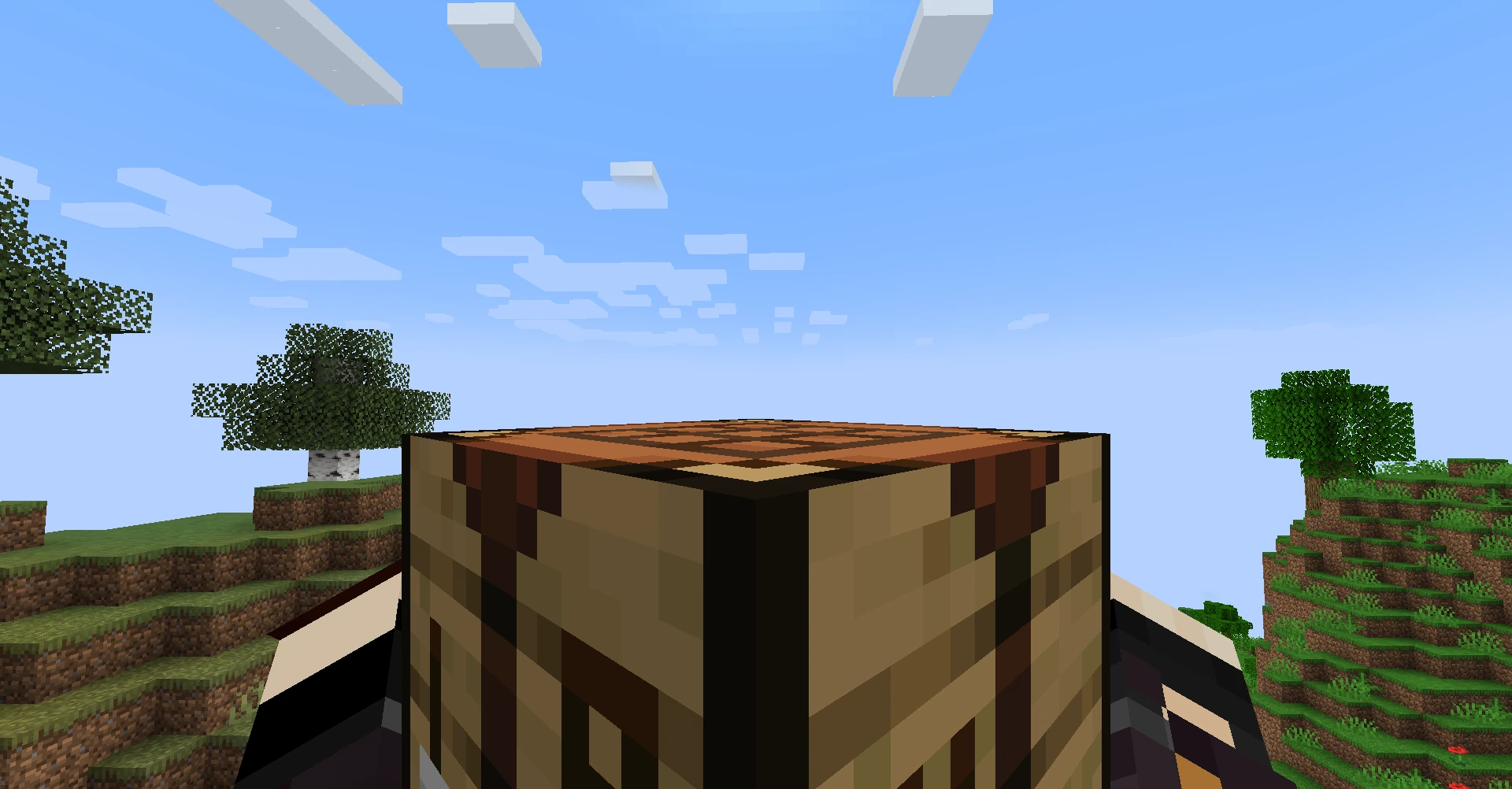
22w13oneblockatatime is one of the yearly April Fools updates for Minecraft, in which your inventory has been entirely removed. Without your inventory, you'll have to get creative if you want to beat the game.
How To Play
The Basics
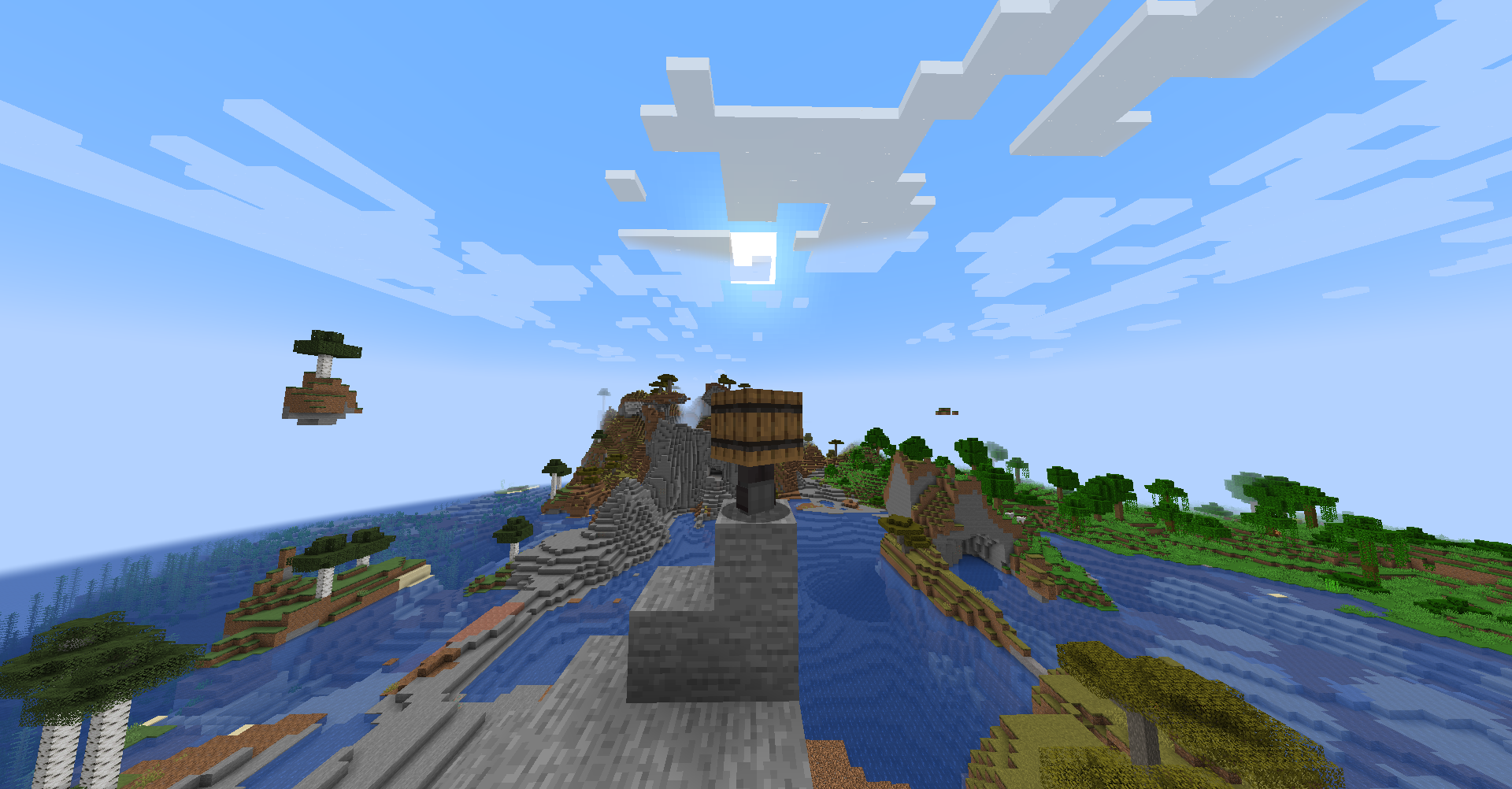
- This is one of the most dramatic departures from Vanilla Minecraft. Your inventory has been entirely removed, but your fists now have Silk Touch, hunger is nonexistent, and you can pick up Chickens and use them to fly as if you're playing Flappy Bird.
- No Inventory?: Anything you mine now appears directly in your hand.
- Chests can be left clicked to explode their contents out into the world.
- Items are also now single use, so be careful what blocks you use that Pickaxe on.
- No Combat?: Attempting to left click on a mob instead picks the mob up.
- When holding a skeleton, it will shoot wherever you're looking.
- When holding a chicken, you can press Space to flap. You'll also fall slowly.
- When holding a spider, you can climb up walls!
Crafting
- What about Crafting?: With the Crafting Menu removed, Crafting now takes place in the world. Find a Village or other structure with a Crafting Table. You can either set your recipe down on top of it and toss a Crafting Table on top of it, or throw the last item down. This is fairly finicky, and can take time to get right.
Getting to The Nether
- How do I build a Nether Portal?: Ruined Portals will be your friend here. Mining Obsidian with your fist is slow, but it's possible. Alternatively, you can craft a Pickaxe to speed up the process. If the nearest Portal is missing pieces, you can create Obsidian by picking up Seagrass to spread water.
- But how do I light it?: Nearby lava can set fire to nearby flammable blocks like Planks. The fire can then be picked up and placed on the Portal to light it. If the nearest portal is missing lava, you might be able to craft a Flint and Steel out of Iron from an Iron Golem and Flint from a Ruined Portal Chest.
Getting to The End
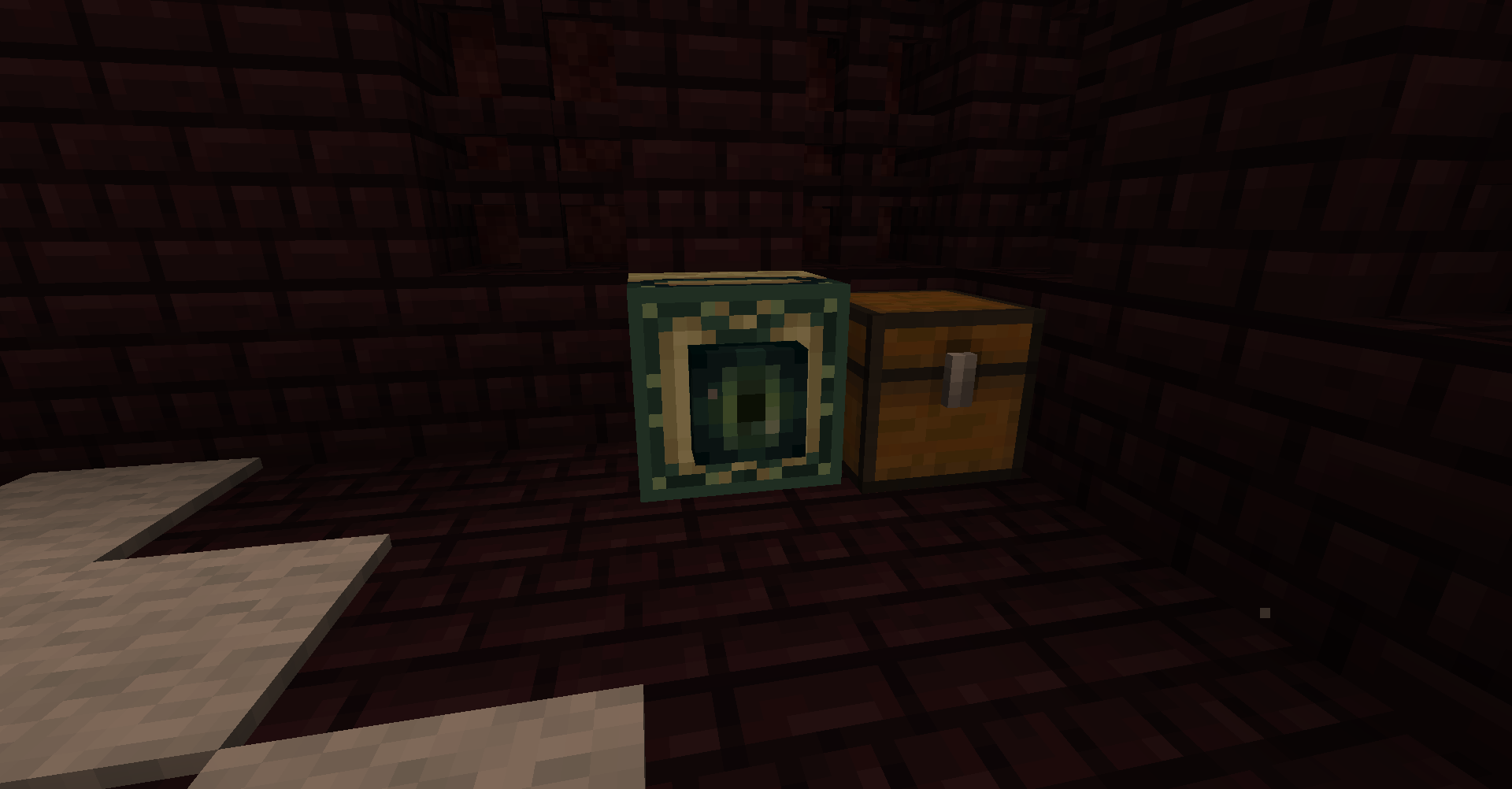
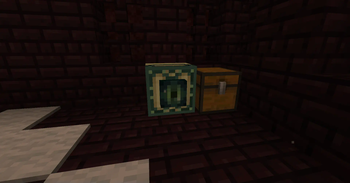
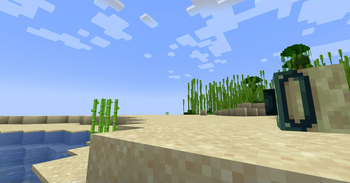
- No Ender Eyes?: Instead of Ender Eyes, End Portal Frames can be found in Nether Fortress chests. When placed in the Overworld, they'll point towards the nearest Stronghold. It's your goal to deliver these frames back to the Stronghold, as you're not likely to have a full portal.
- How do I kill the Dragon?: After destroying the towers (I'd recommend using a Chicken to fly to the tops of the towers and throwing blocks at them), you can wait for it to perch, and left click on it to ride it! Riding the Dragon is sufficient to open the End Portal, and grant the new
Ride the Endadvancement.
Mod List + Mod Licenses
Every mod in this pack has been handpicked to be compatible with 22w13oneblockatatime, including some custom ports. If you know/have made any mods that would fit in the pack, send them my way!
- Cloth Config by shedaniel, from Modrinth
- Connected Doors by Domi, from Modrinth
- Fabric API by modmuss50, from Modrinth
- Horse Buff by CodeF53, from GitHub - backported by cassiancc under CC Share-Alike
- Jade by Snownee, from Modrinth
- Mod Menu by Prospector, from Modrinth
- No Telemetry by kb1000, from Modrinth
- Screenshot to Clipboard by comp500, from Modrinth
- Sheep Consistency by IMS212 (forked from Crupette), from CurseForge under MIT License
- Sleep Background by RedLime, from GitHub under MIT License
- Sodium by jellysquid3, from Modrinth
- Starlight by spottedleaf, from Modrinth
- WI Zoom by Alexander01998, from Modrinth
Verfügbare Versionen
Simply One Block Server einrichten
Server bestellen
Wähle mindestens 4 GB RAM (6 GB empfohlen für Simply One Block). Je nach Spieleranzahl: +1 GB pro 8 Spieler.
Modpack im Dashboard installieren
Öffne den Modpack-Browser im Dashboard, suche nach "Simply One Block" und klicke "Installieren". Der fabric-Loader und Minecraft 22w13oneblockatatime werden automatisch konfiguriert.
Server starten & spielen
Starte den Server – alle Mods werden automatisch geladen. Teile die Server-IP mit Freunden und spielt zusammen!
Häufige Fragen
Simply One Block Server crasht oder startet nicht – was tun?
Häufigste Ursachen: zu wenig RAM oder falscher fabric-Loader. Prüfe latest.log auf "OutOfMemoryError" → erhöhe RAM auf mindestens 6 GB. Bei "Mixin" oder "ClassNotFoundException": Modpack-Version und Loader stimmen nicht überein. Bei Mado Hosting werden Loader und Minecraft-Version beim Modpack-Install automatisch konfiguriert – das verhindert die meisten Startprobleme.
Wie viel RAM braucht ein Simply One Block Server wirklich?
Minimum 4 GB, empfohlen 6 GB für stabile Performance. +1 GB pro 8 Spieler. Wichtig: Minecraft-Modpacks brauchen mehr RAM als Vanilla – plane pro zusätzlichem Spieler extra ein. Bei Mado Hosting kannst du den RAM jederzeit live hochskalieren, ohne Datenverlust (ab €5.2/Monat).
Kann ich eigene Mods zu Simply One Block hinzufügen, ohne Konflikte?
Ja, aber achte auf die Kompatibilität: Nutze nur Mods für den gleichen Loader (fabric) und die gleiche Minecraft-Version (22w13oneblockatatime). Häufige Probleme: ID-Konflikte bei Rezept-Mods und inkompatible Coremod-Versionen. Im Mado Dashboard zeigt der Mod-Browser nur kompatible Mods an und warnt bei bekannten Konflikten.
Simply One Block Server laggt – Performance-Tipps
1) RAM auf 6 GB+ erhöhen. 2) Server-View-Distance auf 8 reduzieren (server.properties). 3) Pre-Generiere Chunks mit dem "Chunky" Plugin. 4) Prüfe mit /spark profiler welche Mods die meiste Tick-Time verbrauchen. Bei Mado Hosting laufen alle Server auf NVMe-SSDs mit dedizierten CPU-Kernen – das eliminiert Hardware als Engpass.
Ähnliche Modpacks

![Cobblemon Official Modpack [Fabric]](https://cdn.modrinth.com/data/5FFgwNNP/e7f9ee2e9d361623847853fe2ddce42f519ee64f.png)
![COBBLEVERSE - Pokemon Adventure [Cobblemon]](https://cdn.modrinth.com/data/Jkb29YJU/581ecf54530972afb18a04660afd820f2f24f6c7.png)
![Better MC [FABRIC] - BMC2](https://cdn.modrinth.com/data/shFhR8Vx/a19c2bcb51d38f32f138d3607e91cb2b7b8e387f_96.webp)


Simply One Block Server mieten
Starte deinen eigenen Server mit automatischer Modpack-Installation.
Unterstützte Versionen
Starte deinen Simply One Block Server jetzt
Ab €5.20/Monat; für die beste Performance werden 6 GB RAM empfohlen.
Server konfigurieren →