
SurviveZ
Survive-Z is the ultimate zombie survival modpack with realistic firearms, supply drops and randomized loot!
Screenshots


Über dieses Modpack
Survive-Z is a themed modpack designed for the ultimate single-player zombie survival experience. It's all about staying alive for as long as possible until the next supply drop!
Features
- 50+ different zombies with random modifiers and increased awareness, including mutant mobs and other mini bosses.
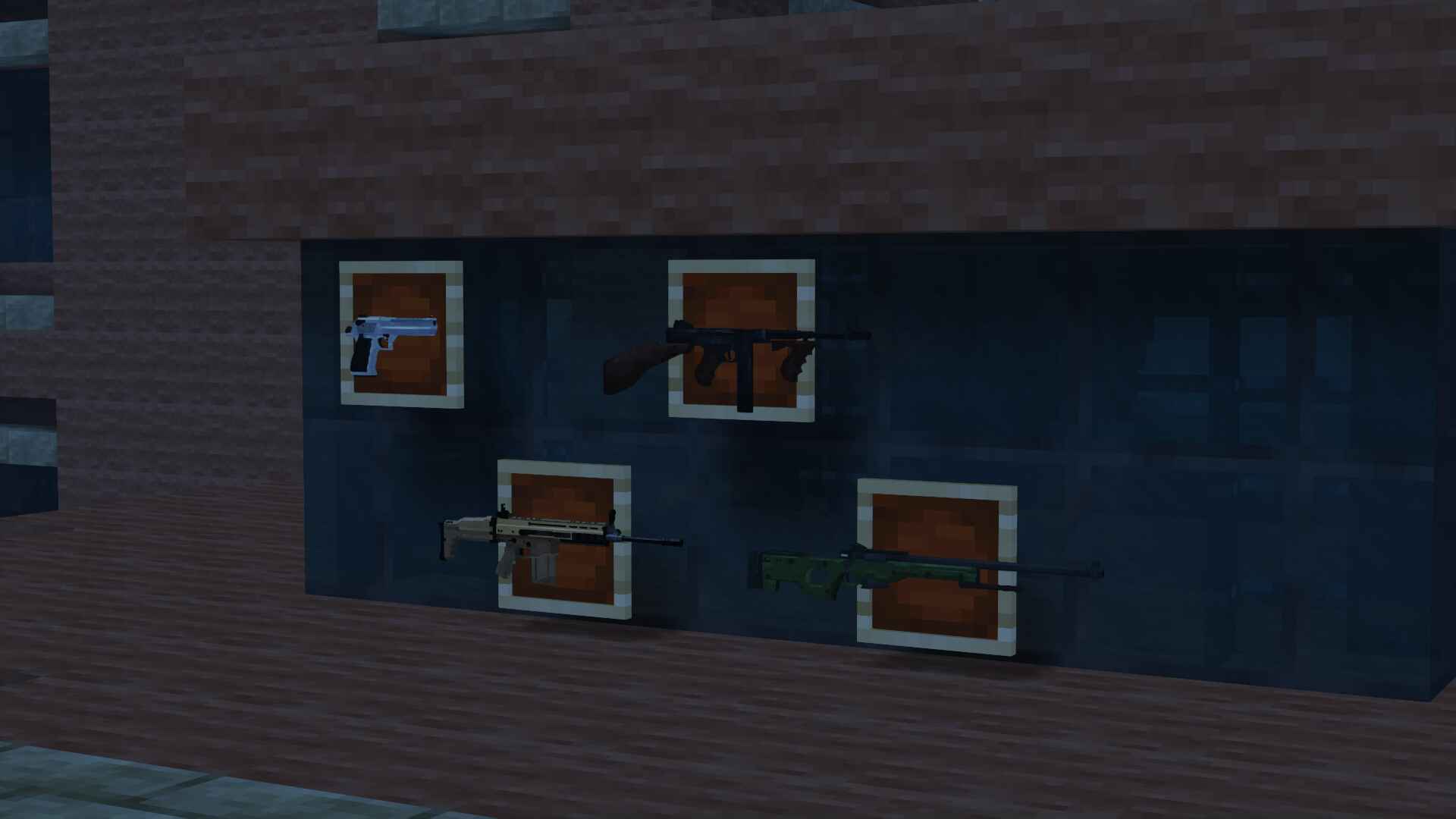
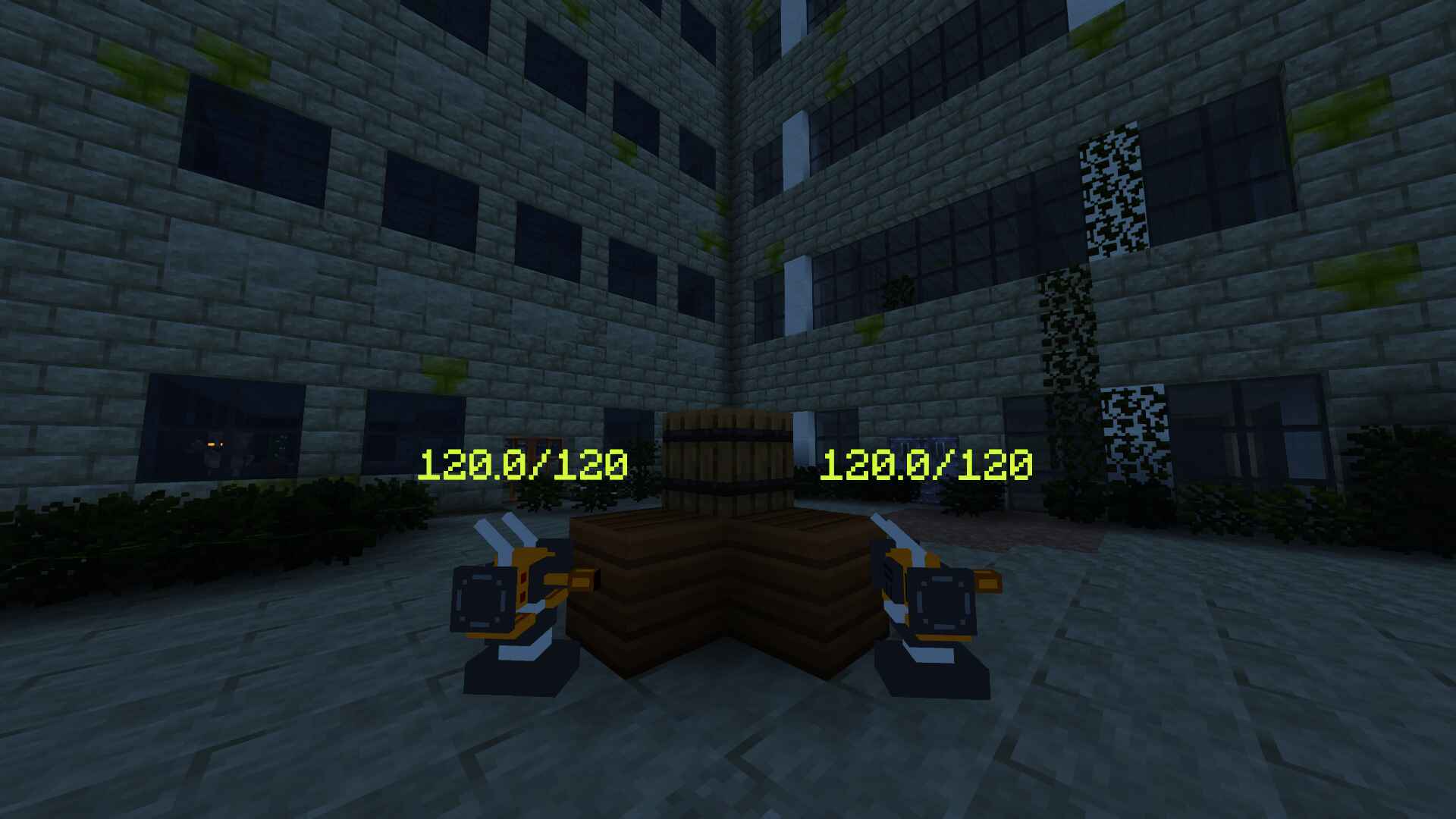
- 25+ realistic firearms and auto-turrets.
- An exclusive datapack, custom made for this modpack, that introduces falling meteors with an iron core that can be repurposed for ammo.
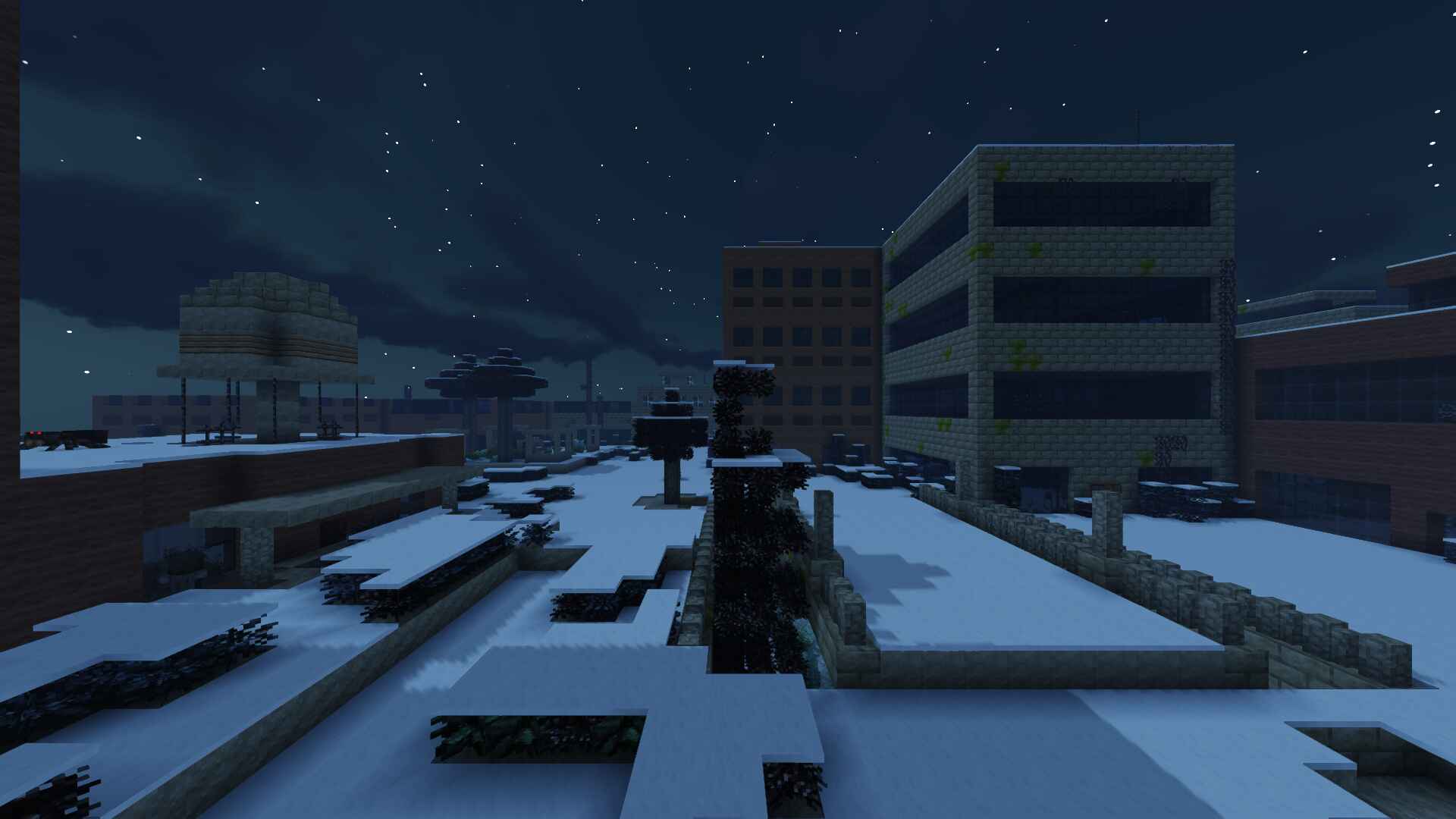
- An endless abandoned city with a perpetual night cycle.
- A carefully crafted game loop, including starting gear, custom mob drops and timed supply crates.
- Immersive visual effects and sound design.
Setting
The Lost Cities are filled with modified zombies and spiders crawling around in the dark. You can already hear their groans reverberating through the darkness.
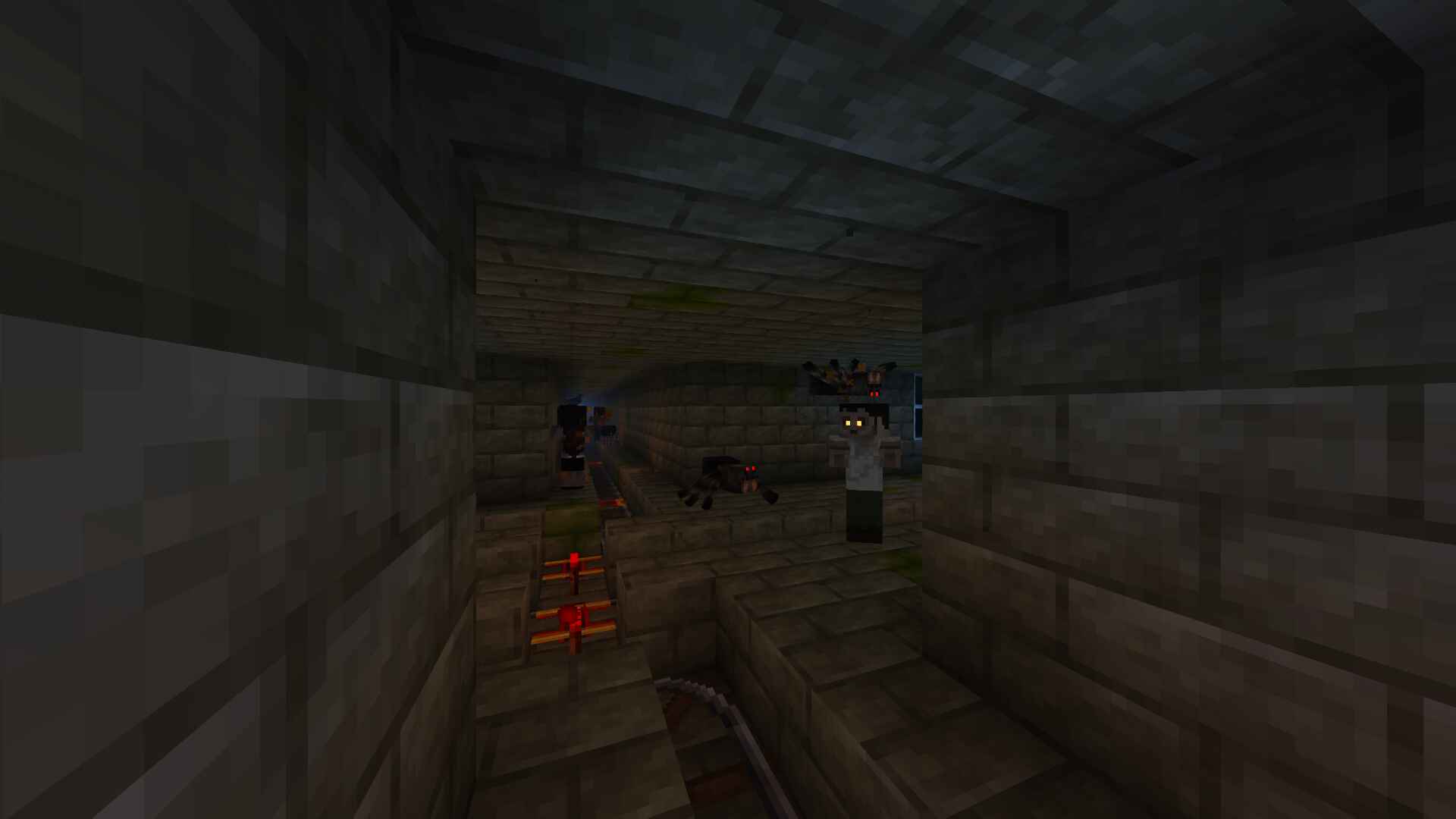
A mysterious catastrophe in the distant past plunged the world into an eternal night, enabling undead mobs to persist for longer and eventually develop heightened senses.
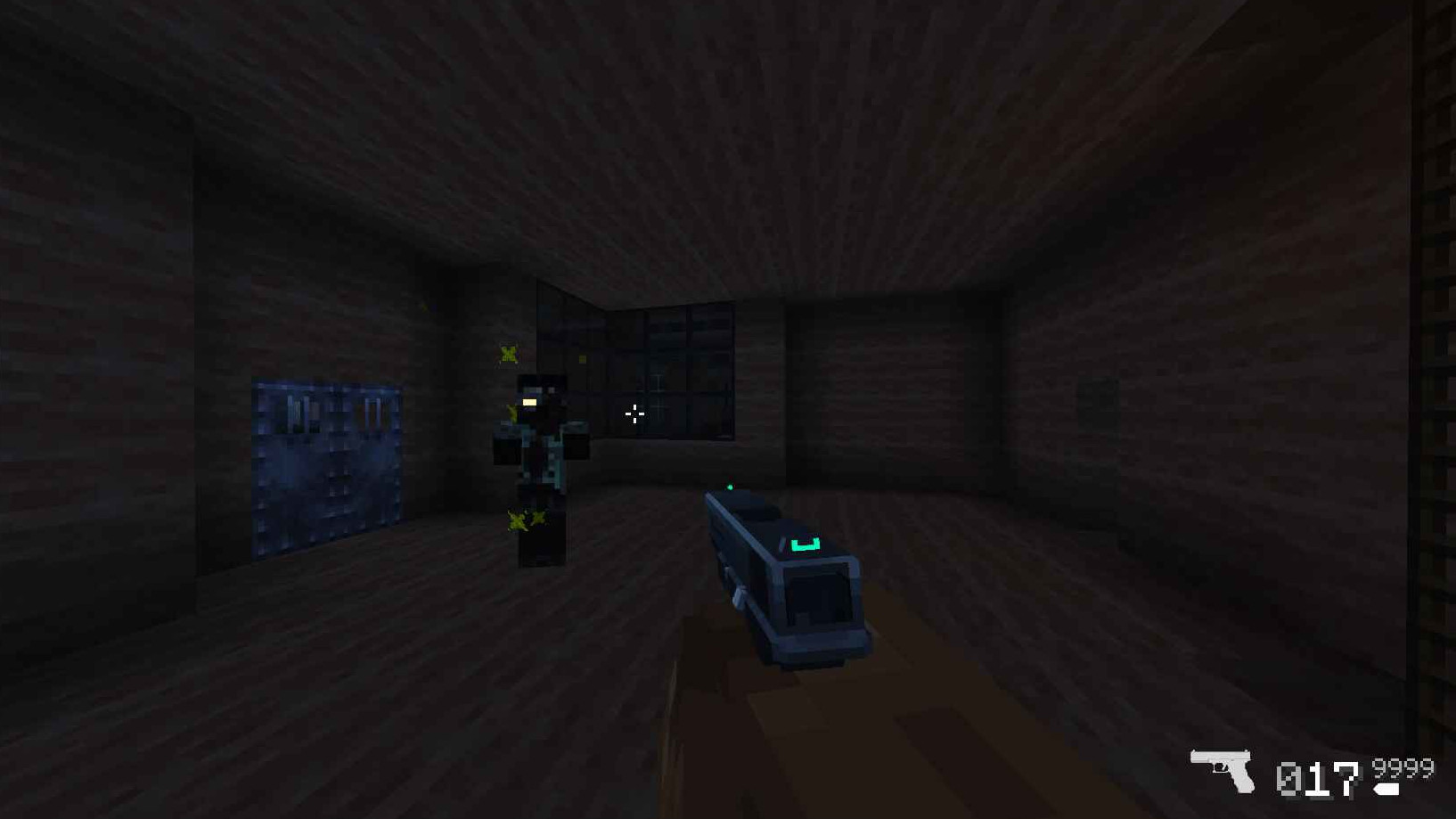
They are the monsters you were sent to fight against as the lone survivor of a secret military operation to take back the city.
Gear
Armed with your trusty pistol and knife, you will be forced to eliminate and loot the zombified monsters that once were the city's inhabitants to obtain new weapons and ammo that may prove essential to stay alive in this hostile world.
After the first ten minutes of intense combat, you hear the sound of a broadcast comm regarding a supply crate about to land in the center of the map. You make your way there, hoping to find anything that can help in your fight against the undead.
Verfügbare Versionen
SurviveZ Server einrichten
Server bestellen
Wähle mindestens 6 GB RAM (8 GB empfohlen für SurviveZ). Je nach Spieleranzahl: +1 GB pro 5 Spieler.
Modpack im Dashboard installieren
Öffne den Modpack-Browser im Dashboard, suche nach "SurviveZ" und klicke "Installieren". Der forge-Loader und Minecraft 1.16.5 werden automatisch konfiguriert.
Server starten & spielen
Starte den Server – alle Mods werden automatisch geladen. Teile die Server-IP mit Freunden und spielt zusammen!
Häufige Fragen
SurviveZ Server crasht oder startet nicht – was tun?
Häufigste Ursachen: zu wenig RAM oder falscher forge-Loader. Prüfe latest.log auf "OutOfMemoryError" → erhöhe RAM auf mindestens 8 GB. Bei "Mixin" oder "ClassNotFoundException": Modpack-Version und Loader stimmen nicht überein. Bei Mado Hosting werden Loader und Minecraft-Version beim Modpack-Install automatisch konfiguriert – das verhindert die meisten Startprobleme.
Wie viel RAM braucht ein SurviveZ Server wirklich?
Minimum 6 GB, empfohlen 8 GB für stabile Performance. +1 GB pro 5 Spieler. Wichtig: Minecraft-Modpacks brauchen mehr RAM als Vanilla – plane pro zusätzlichem Spieler extra ein. Bei Mado Hosting kannst du den RAM jederzeit live hochskalieren, ohne Datenverlust (ab €7.800000000000001/Monat).
Kann ich eigene Mods zu SurviveZ hinzufügen, ohne Konflikte?
Ja, aber achte auf die Kompatibilität: Nutze nur Mods für den gleichen Loader (forge) und die gleiche Minecraft-Version (1.16.5). Häufige Probleme: ID-Konflikte bei Rezept-Mods und inkompatible Coremod-Versionen. Im Mado Dashboard zeigt der Mod-Browser nur kompatible Mods an und warnt bei bekannten Konflikten.
SurviveZ Server laggt – Performance-Tipps
1) RAM auf 8 GB+ erhöhen. 2) Server-View-Distance auf 8 reduzieren (server.properties). 3) Pre-Generiere Chunks mit dem "Chunky" Plugin. 4) Prüfe mit /spark profiler welche Mods die meiste Tick-Time verbrauchen. Bei Mado Hosting laufen alle Server auf NVMe-SSDs mit dedizierten CPU-Kernen – das eliminiert Hardware als Engpass.
Ähnliche Modpacks

![COBBLEVERSE - Pokemon Adventure [Cobblemon]](https://cdn.modrinth.com/data/Jkb29YJU/581ecf54530972afb18a04660afd820f2f24f6c7.png)




SurviveZ Server mieten
Starte deinen eigenen Server mit automatischer Modpack-Installation.
Details
- Lizenz
- LicenseRef-All-Rights-Reserved
- Server-seitig
- Erforderlich
- Client-seitig
- Erforderlich
Unterstützte Versionen
Starte deinen SurviveZ Server jetzt
Ab €7.80/Monat; für die beste Performance werden 8 GB RAM empfohlen.
Server konfigurieren →