
Techno Biodiversity 1
A 1.12.2 modpack blending technology, space exploration, diverse biomes, and more. Discover a world of endless possibilities.
Screenshots
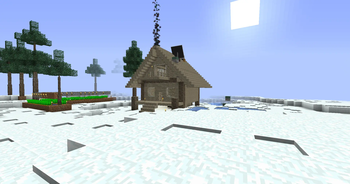
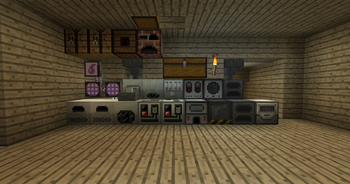
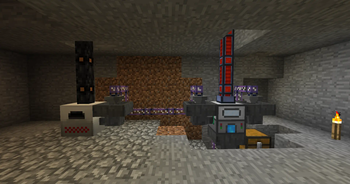
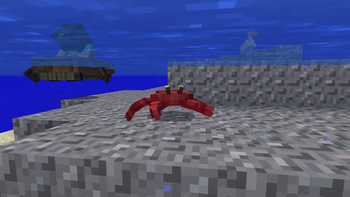
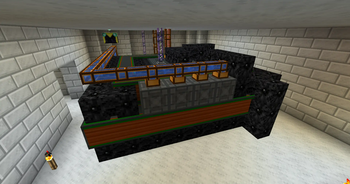
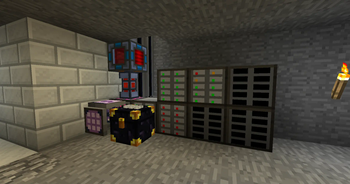
Über dieses Modpack

Techno Biodiversity is an immersive 1.12.2 forge modpack that combines technology (electricity, computers, reactors...), space, nature (biomes, trees, animals, weather), food, furniture, trains, better caves and much more.
The technical side is powered by many mods, such as IC2C, AE2, BuildCraft, Thermal Foundation mods, Industrial Foregoing. But... that's not everything 👀
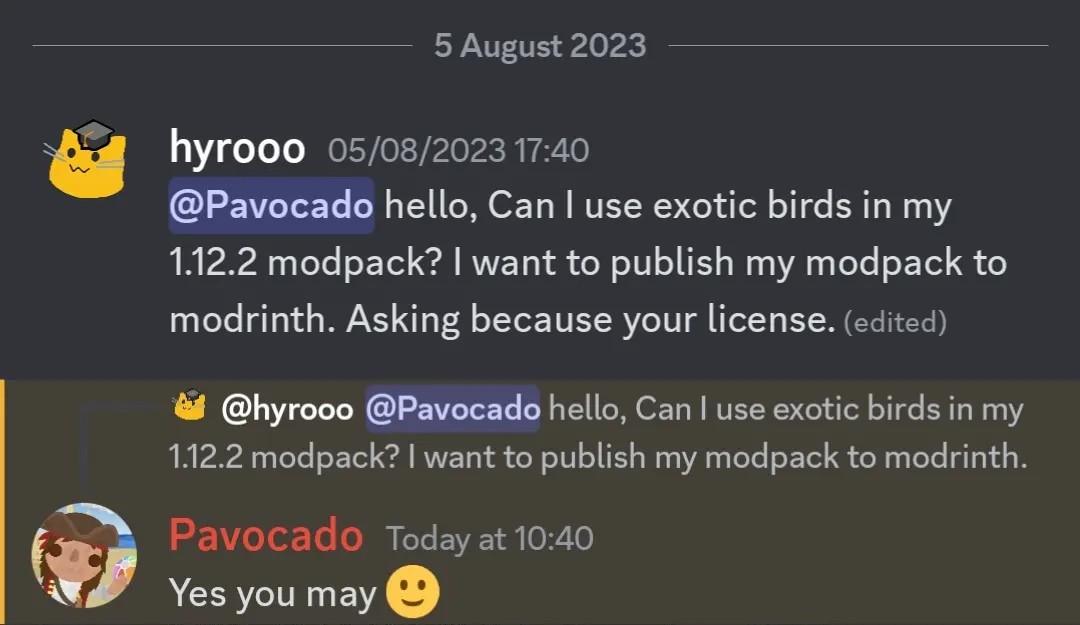
But Techno Biodiversity doesn't stop there. It also presents a stunning variety of biomes and animals through the Biomes O' Plenty mod. It's enhanced by Better Animals Plus, Exotic Birds, Dynamic Trees, Weather2 and custom caves generation by YUNG's Better Caves.
When you've had enough, you can go to space. TCHBD contains GalactiCraft that adds beautiful space system. We also have several add-ons that add additional planets.
This modpack contains a lot more stuff, if you want to check everything, check the mod list or play it 😅
⚠️ Keep in mind that this modpack is only published because we figured that maybe someone would like to play such a technical modpack as well.
- We have GitHub repository, if you have an idea or something to fix, please contact us via discord or create issue on GitHub.
- It is possible that with each version the mods will go up, but they certainly won't go down, so you don't have to worry about compatibility.
- A port to newer versions is not planned and probably never will be
Recommendations
- Optifine is highly recommended, you can install it here
- We launched this modpack using MultiMC-based launchers on 5GB, and it worked great
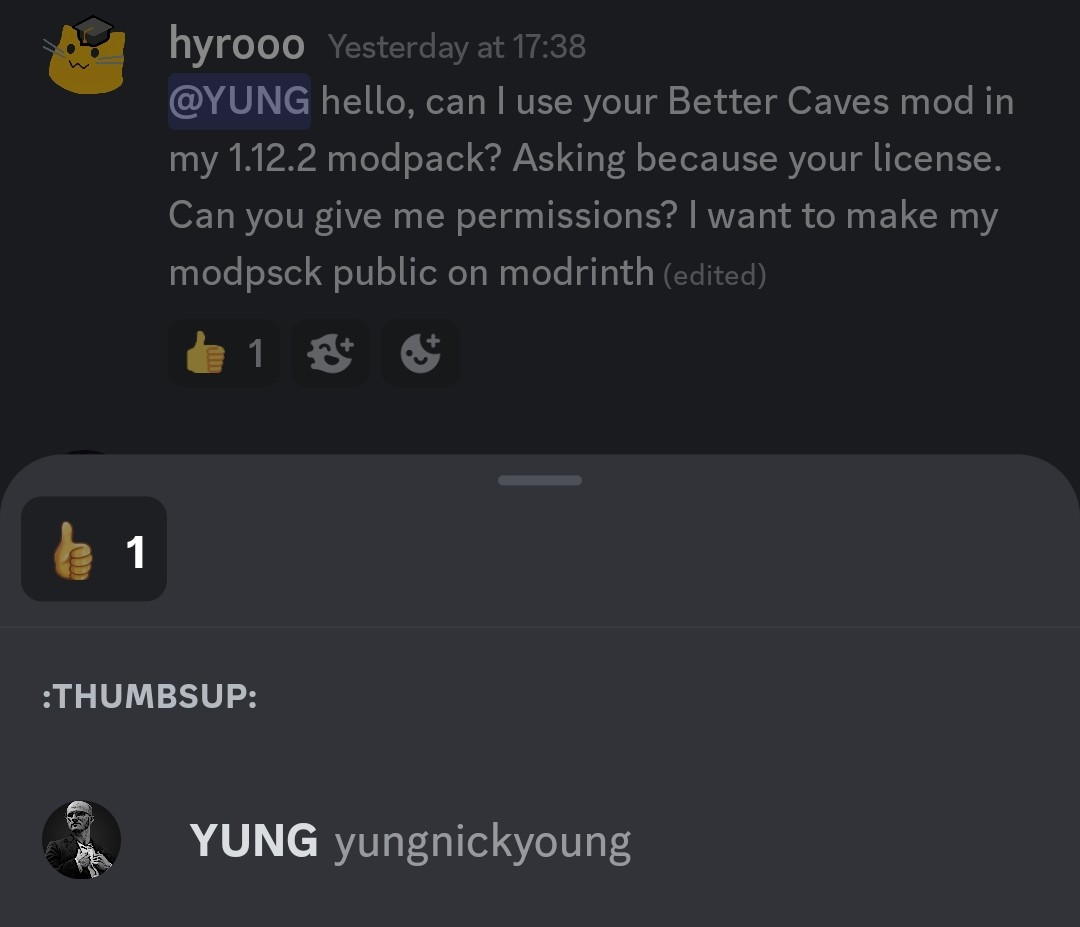
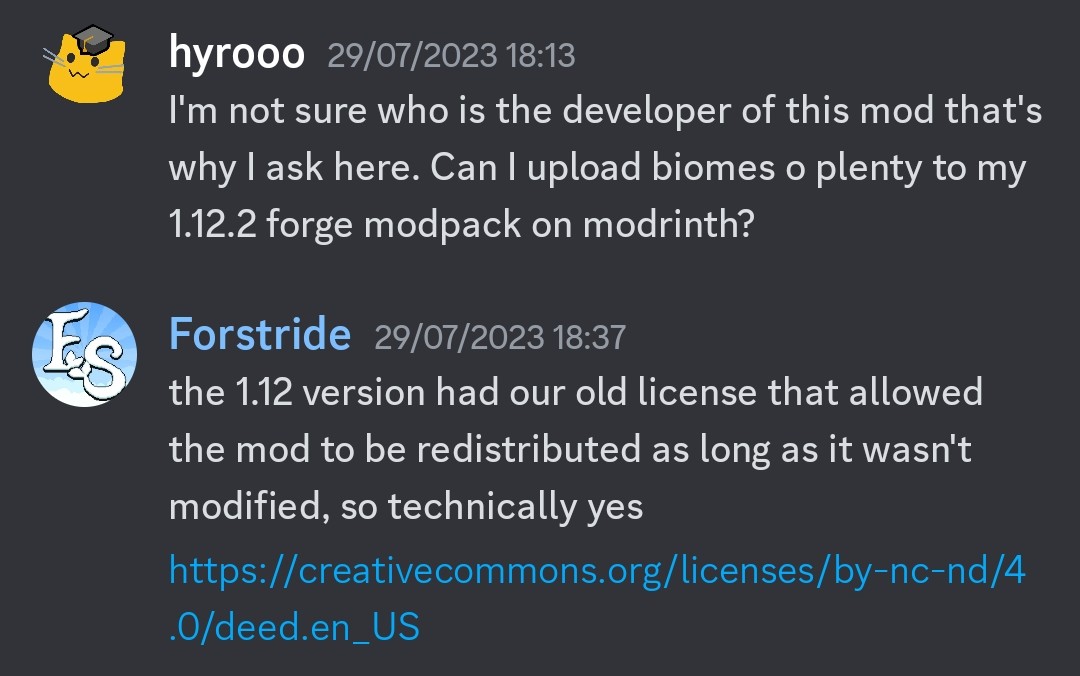
Permissions
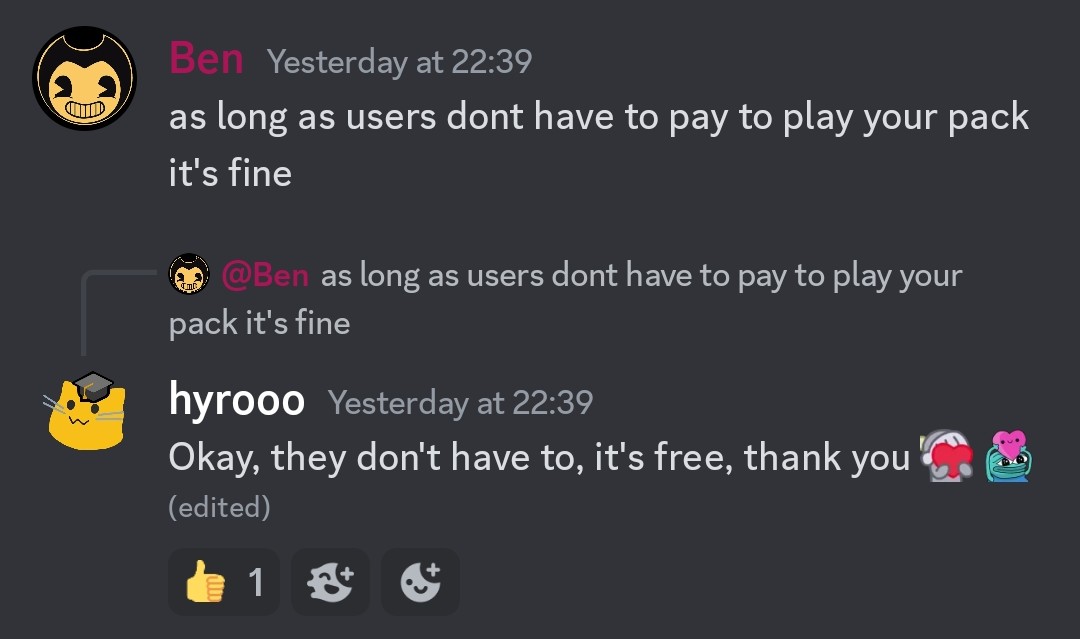
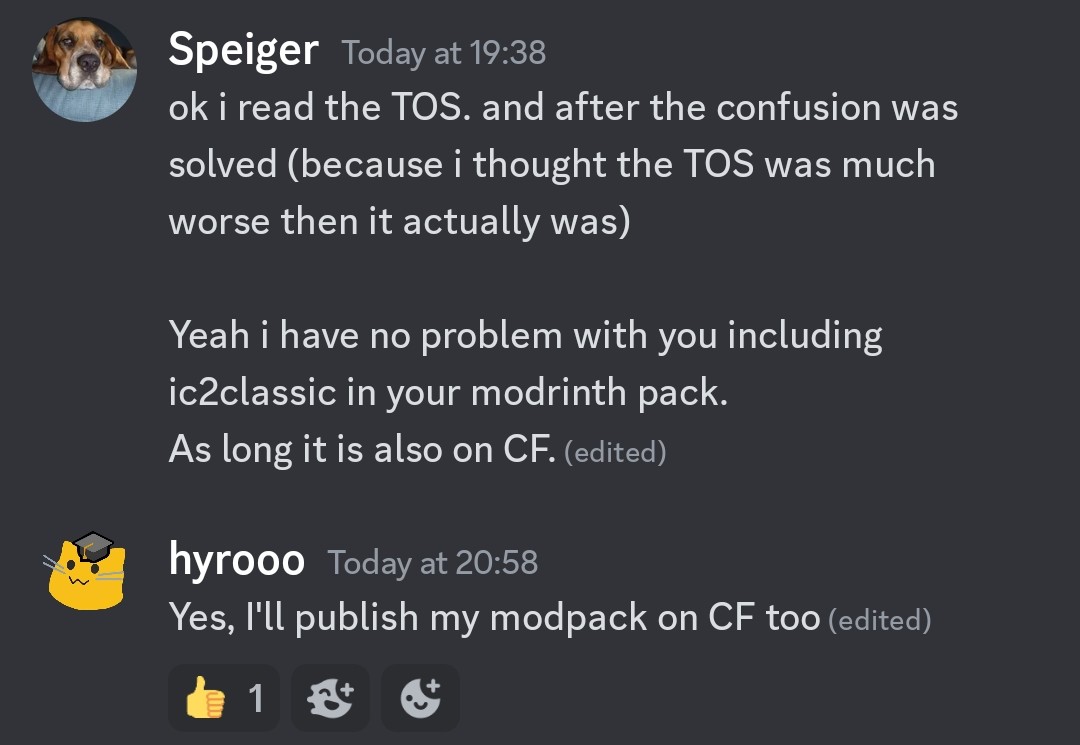
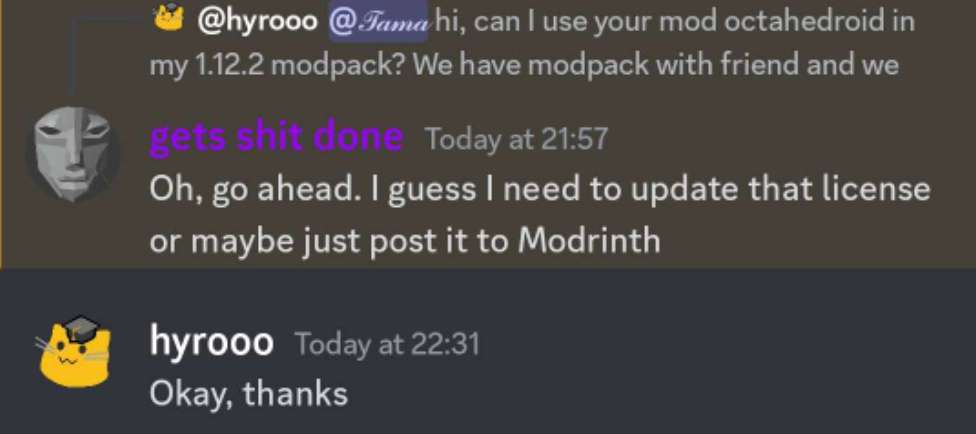
You can ignore this, it's due to licenses. For real modlist look at versions tab
Thermal Logistics
GTC Classic
Railcraft
Buildcraft
xhyrom's fork GTC Expansion, original
Verfügbare Versionen
Techno Biodiversity 1 Server einrichten
Server bestellen
Wähle mindestens 6 GB RAM (8 GB empfohlen für Techno Biodiversity 1). Je nach Spieleranzahl: +1 GB pro 5 Spieler.
Modpack im Dashboard installieren
Öffne den Modpack-Browser im Dashboard, suche nach "Techno Biodiversity 1" und klicke "Installieren". Der forge-Loader und Minecraft 1.12.2 werden automatisch konfiguriert.
Server starten & spielen
Starte den Server – alle Mods werden automatisch geladen. Teile die Server-IP mit Freunden und spielt zusammen!
Häufige Fragen
Techno Biodiversity 1 Server crasht oder startet nicht – was tun?
Häufigste Ursachen: zu wenig RAM oder falscher forge-Loader. Prüfe latest.log auf "OutOfMemoryError" → erhöhe RAM auf mindestens 8 GB. Bei "Mixin" oder "ClassNotFoundException": Modpack-Version und Loader stimmen nicht überein. Bei Mado Hosting werden Loader und Minecraft-Version beim Modpack-Install automatisch konfiguriert – das verhindert die meisten Startprobleme.
Wie viel RAM braucht ein Techno Biodiversity 1 Server wirklich?
Minimum 6 GB, empfohlen 8 GB für stabile Performance. +1 GB pro 5 Spieler. Wichtig: Minecraft-Modpacks brauchen mehr RAM als Vanilla – plane pro zusätzlichem Spieler extra ein. Bei Mado Hosting kannst du den RAM jederzeit live hochskalieren, ohne Datenverlust (ab €7.800000000000001/Monat).
Kann ich eigene Mods zu Techno Biodiversity 1 hinzufügen, ohne Konflikte?
Ja, aber achte auf die Kompatibilität: Nutze nur Mods für den gleichen Loader (forge) und die gleiche Minecraft-Version (1.12.2). Häufige Probleme: ID-Konflikte bei Rezept-Mods und inkompatible Coremod-Versionen. Im Mado Dashboard zeigt der Mod-Browser nur kompatible Mods an und warnt bei bekannten Konflikten.
Techno Biodiversity 1 Server laggt – Performance-Tipps
1) RAM auf 8 GB+ erhöhen. 2) Server-View-Distance auf 8 reduzieren (server.properties). 3) Pre-Generiere Chunks mit dem "Chunky" Plugin. 4) Prüfe mit /spark profiler welche Mods die meiste Tick-Time verbrauchen. Bei Mado Hosting laufen alle Server auf NVMe-SSDs mit dedizierten CPU-Kernen – das eliminiert Hardware als Engpass.
Ähnliche Modpacks
![Cobblemon Official Modpack [Fabric]](https://cdn.modrinth.com/data/5FFgwNNP/e7f9ee2e9d361623847853fe2ddce42f519ee64f.png)
![COBBLEVERSE - Pokemon Adventure [Cobblemon]](https://cdn.modrinth.com/data/Jkb29YJU/581ecf54530972afb18a04660afd820f2f24f6c7.png)
![Better MC [FABRIC] - BMC2](https://cdn.modrinth.com/data/shFhR8Vx/a19c2bcb51d38f32f138d3607e91cb2b7b8e387f_96.webp)


![Better MC [FORGE] - BMC4](https://cdn.modrinth.com/data/4BV47HRn/7f5ef7cc61b2593609aabef3ed07a866a4f11b73_96.webp)
Techno Biodiversity 1 Server mieten
Starte deinen eigenen Server mit automatischer Modpack-Installation.
Details
- Lizenz
- LicenseRef-All-Rights-Reserved
- Server-seitig
- Erforderlich
- Client-seitig
- Erforderlich
Unterstützte Versionen
Starte deinen Techno Biodiversity 1 Server jetzt
Ab €7.80/Monat; für die beste Performance werden 8 GB RAM empfohlen.
Server konfigurieren →