
Wynncraft for Lunar Client
Tailor-made list of popular mods to enhance your gameplay experience while playing Wynncraft on Lunar Client.
Screenshots



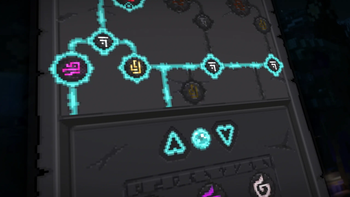
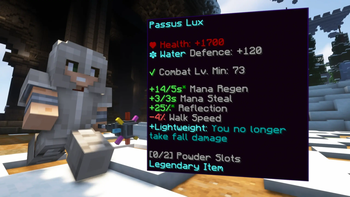

Über dieses Modpack
Wynncraft for Lunar Client
Wynncraft for Lunar Client is a tailor-made list of popular mods to enhance your gameplay experience while playing Wynncraft on Lunar Client. These mods are validated to work with Lunar Client.
Note: To experience Wynncraft at its best, we highly recommend downloading Lunar Client. While any modpack loader can be used, Lunar Client offers superior performance and features.
Modpack Content
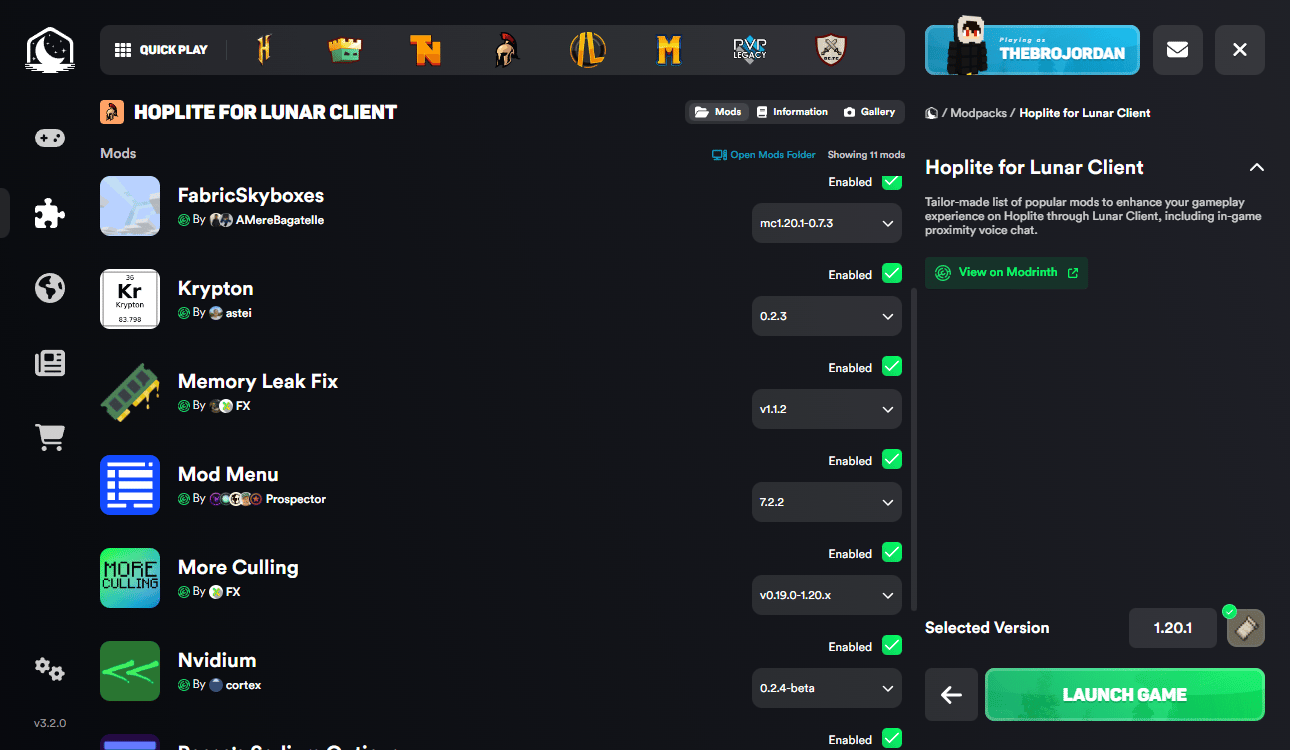
- Cloth Config API: Configuration library for Minecraft Mods.
- Krypton: Optimizes in the Minecraft network stack. Reduces CPU and memory usage.
- Mod Menu: Adds a mod menu to view an in-game list of all the mods you have installed.
- More Culling: Prevents the rendering of things you cannot see to improve performance.
- Nvidium: Optimizations for Minecraft users who have a NVIDIA GPU.
- Reese's Sodium Options: Replaces Sodium's option screen to improve user experience.
- ShowMeMyDPS!: A wynncraft mod that to display total damage within a specific period of time.
- Sodium Extra: Adds features found in Optifine to Sodium, like particle and animation settings.
- Wynncraft Spell Caster: Spell casting mod for Wynncraft.
- Wynntils: Seeks to enhance the gameplay experience of Wynncraft with a variety of features.
- Fuy: Utility mod for Wynncraft, fixes reveal nicknames, stack dupe messages, and more.
- Bobby: Allows for your render distance to be greater than the server's view-distance.
FAQ
What is Wynncraft and how do I play it?
Wynncraft is an open world MMORPG, full of adventures, unique experiences, and places to explore. From diverse landscapes, cities, and villages to mysterioues forest and spooky dungeons. Engage in a trilling adventure as you explore around to challenge your skills and complete quest solo or with team up with friends.
Ready to explore? Join using Wynncraft's server IP: wynncraft.com
How do I install the Wynncraft Modpack on Lunar Client?
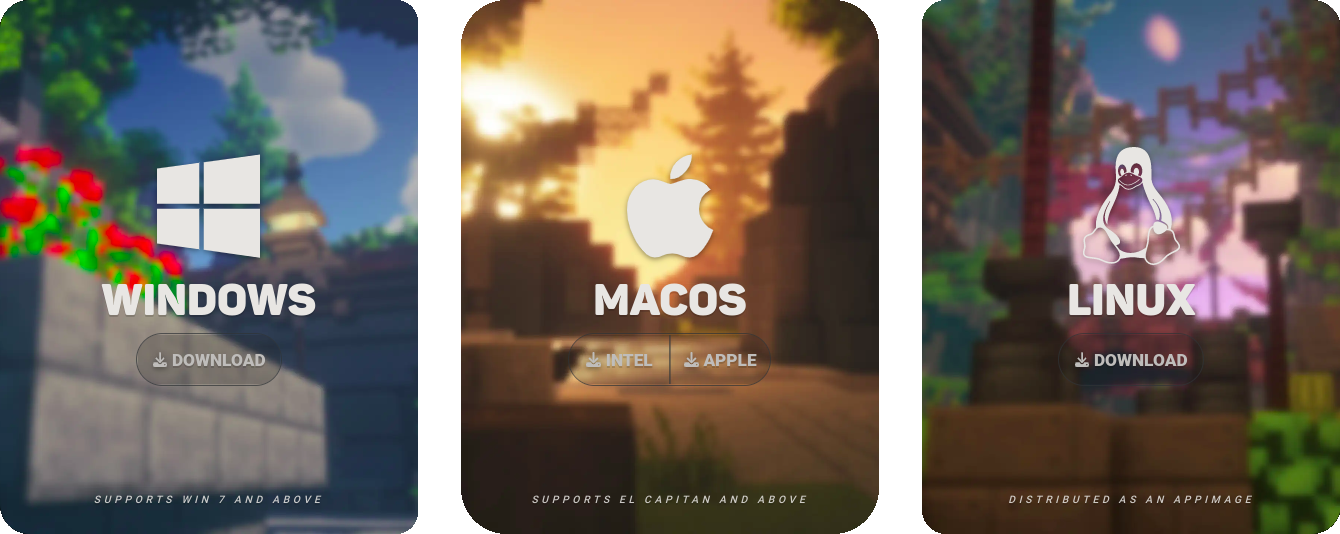
Step 1: Download Lunar Client
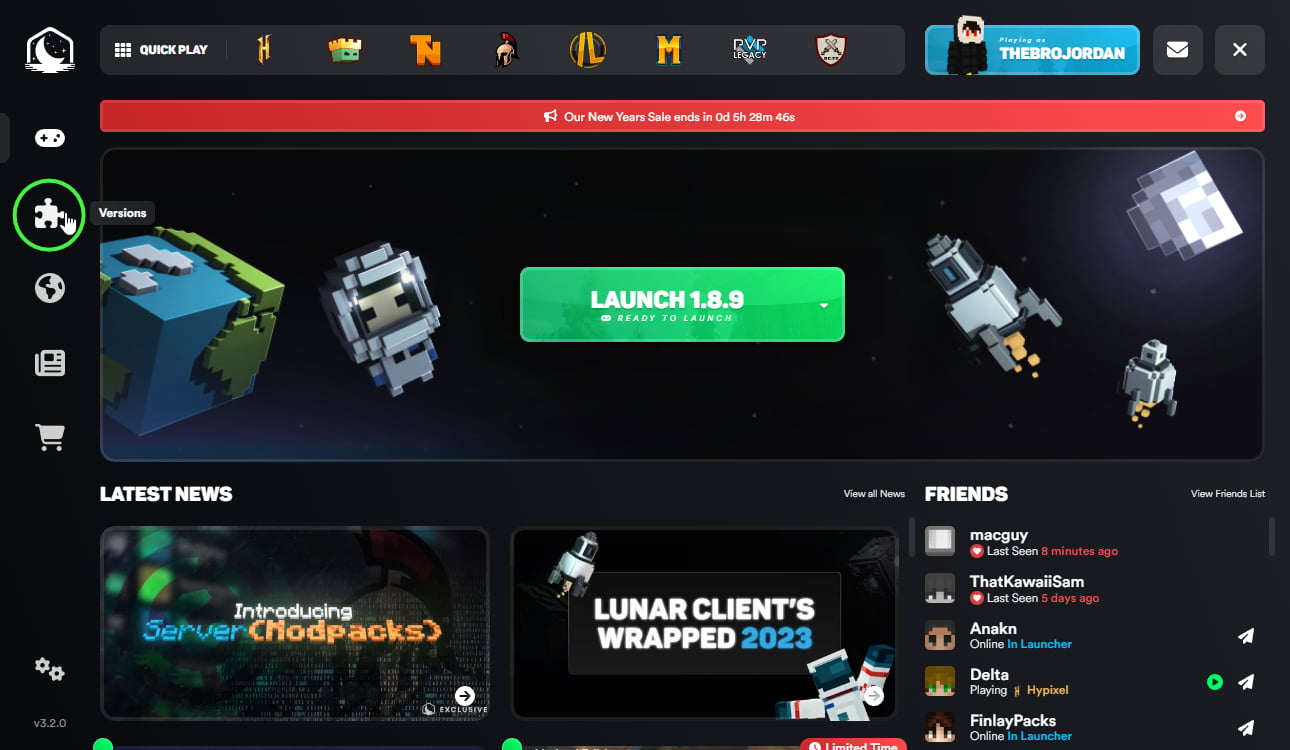
Step 2: Select "Versions" on the Lunar Client Launcher
Step 3: Click "Modpacks" on the top of the page

Step 4: Install your modpack of choosing, in this case the Wynncraft Modpack for Lunar Client.
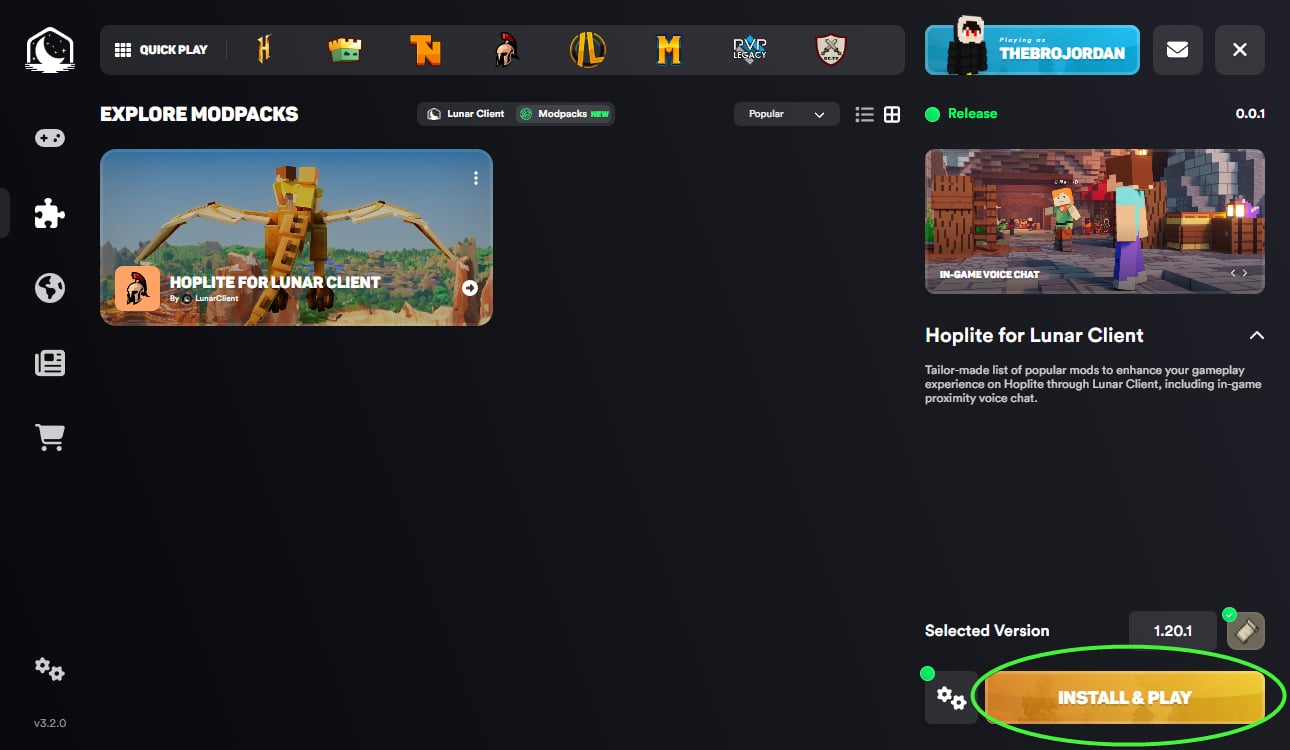
Step 5: Click "Launch Game" after the install is complete!
Be a part of our growing community, join our Discord for the latest news and updates!
Verfügbare Versionen
Wynncraft for Lunar Client Server einrichten
Server bestellen
Wähle mindestens 4 GB RAM (6 GB empfohlen für Wynncraft for Lunar Client). Je nach Spieleranzahl: +1 GB pro 8 Spieler.
Modpack im Dashboard installieren
Öffne den Modpack-Browser im Dashboard, suche nach "Wynncraft for Lunar Client" und klicke "Installieren". Der fabric-Loader und Minecraft 1.21.11 werden automatisch konfiguriert.
Server starten & spielen
Starte den Server – alle Mods werden automatisch geladen. Teile die Server-IP mit Freunden und spielt zusammen!
Häufige Fragen
Wynncraft for Lunar Client Server crasht oder startet nicht – was tun?
Häufigste Ursachen: zu wenig RAM oder falscher fabric-Loader. Prüfe latest.log auf "OutOfMemoryError" → erhöhe RAM auf mindestens 6 GB. Bei "Mixin" oder "ClassNotFoundException": Modpack-Version und Loader stimmen nicht überein. Bei Mado Hosting werden Loader und Minecraft-Version beim Modpack-Install automatisch konfiguriert – das verhindert die meisten Startprobleme.
Wie viel RAM braucht ein Wynncraft for Lunar Client Server wirklich?
Minimum 4 GB, empfohlen 6 GB für stabile Performance. +1 GB pro 8 Spieler. Wichtig: Minecraft-Modpacks brauchen mehr RAM als Vanilla – plane pro zusätzlichem Spieler extra ein. Bei Mado Hosting kannst du den RAM jederzeit live hochskalieren, ohne Datenverlust (ab €5.2/Monat).
Kann ich eigene Mods zu Wynncraft for Lunar Client hinzufügen, ohne Konflikte?
Ja, aber achte auf die Kompatibilität: Nutze nur Mods für den gleichen Loader (fabric) und die gleiche Minecraft-Version (1.21.11). Häufige Probleme: ID-Konflikte bei Rezept-Mods und inkompatible Coremod-Versionen. Im Mado Dashboard zeigt der Mod-Browser nur kompatible Mods an und warnt bei bekannten Konflikten.
Wynncraft for Lunar Client Server laggt – Performance-Tipps
1) RAM auf 6 GB+ erhöhen. 2) Server-View-Distance auf 8 reduzieren (server.properties). 3) Pre-Generiere Chunks mit dem "Chunky" Plugin. 4) Prüfe mit /spark profiler welche Mods die meiste Tick-Time verbrauchen. Bei Mado Hosting laufen alle Server auf NVMe-SSDs mit dedizierten CPU-Kernen – das eliminiert Hardware als Engpass.
Ähnliche Modpacks


![Better MC [FABRIC] - BMC2](https://cdn.modrinth.com/data/shFhR8Vx/a19c2bcb51d38f32f138d3607e91cb2b7b8e387f_96.webp)
![Better MC [FORGE] - BMC4](https://cdn.modrinth.com/data/4BV47HRn/7f5ef7cc61b2593609aabef3ed07a866a4f11b73_96.webp)


Wynncraft for Lunar Client Server mieten
Starte deinen eigenen Server mit automatischer Modpack-Installation.
Unterstützte Versionen
Starte deinen Wynncraft for Lunar Client Server jetzt
Ab €5.20/Monat; für die beste Performance werden 6 GB RAM empfohlen.
Server konfigurieren →