
Wynncraft Ultimate
The ultimate Wynncraft experience! Custom GUI's & HUD, Blazingly Fast Performance and Stunning Visuals.
Screenshots
Über dieses Modpack
Wynncraft Ultimate
Wynncraft Ultimate is the Ultimate way to experience Wynncraft.
What is Wynncraft?
The biggest and most feature rich Minecraft MMO
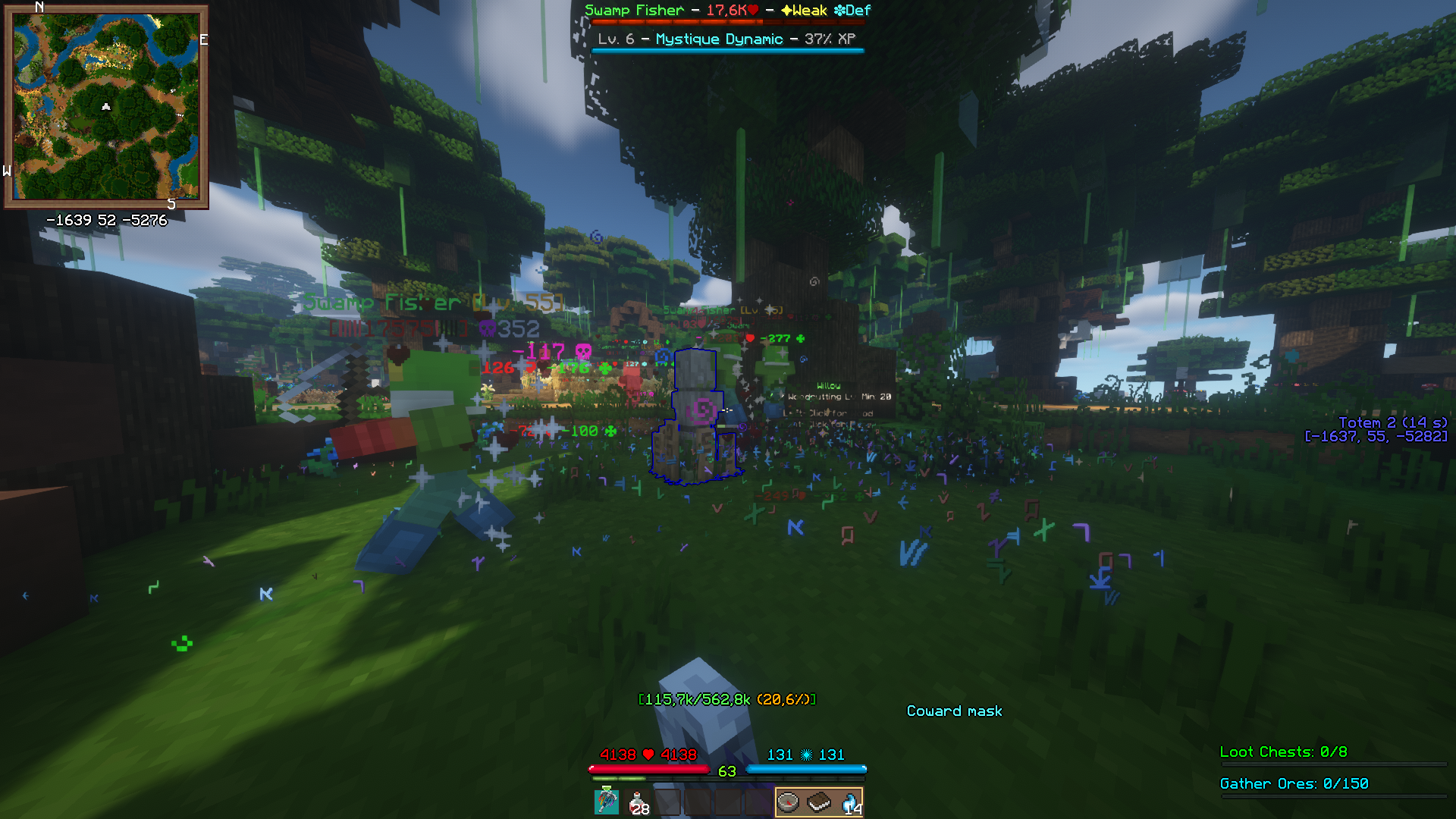
Ultimate makes use of the powerful Wynntills mod that allows for 100% customization of your Wynncraft experience. Ultimate provides a lot of performance and graphics mods that allows for your game to run smoothly even with shaders and a render distance set at 256 chunks!
The goal of Ultimate is to ensure an easy way for people to play Wynncraft with Wynntills. Ultimate therefore includes a lot of optimization mods that help make the experience more accessible.
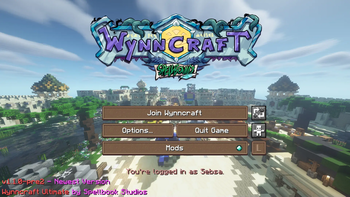
Features like a customized menu screen makes it easy to jump right in to some wynnic action.
Screenshots
Graphics
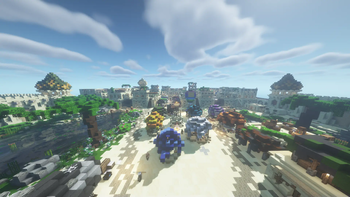
Shaders are pre-installed and ready to go. I don't think i need any pictures... It's just MC with shaders
Wynntils
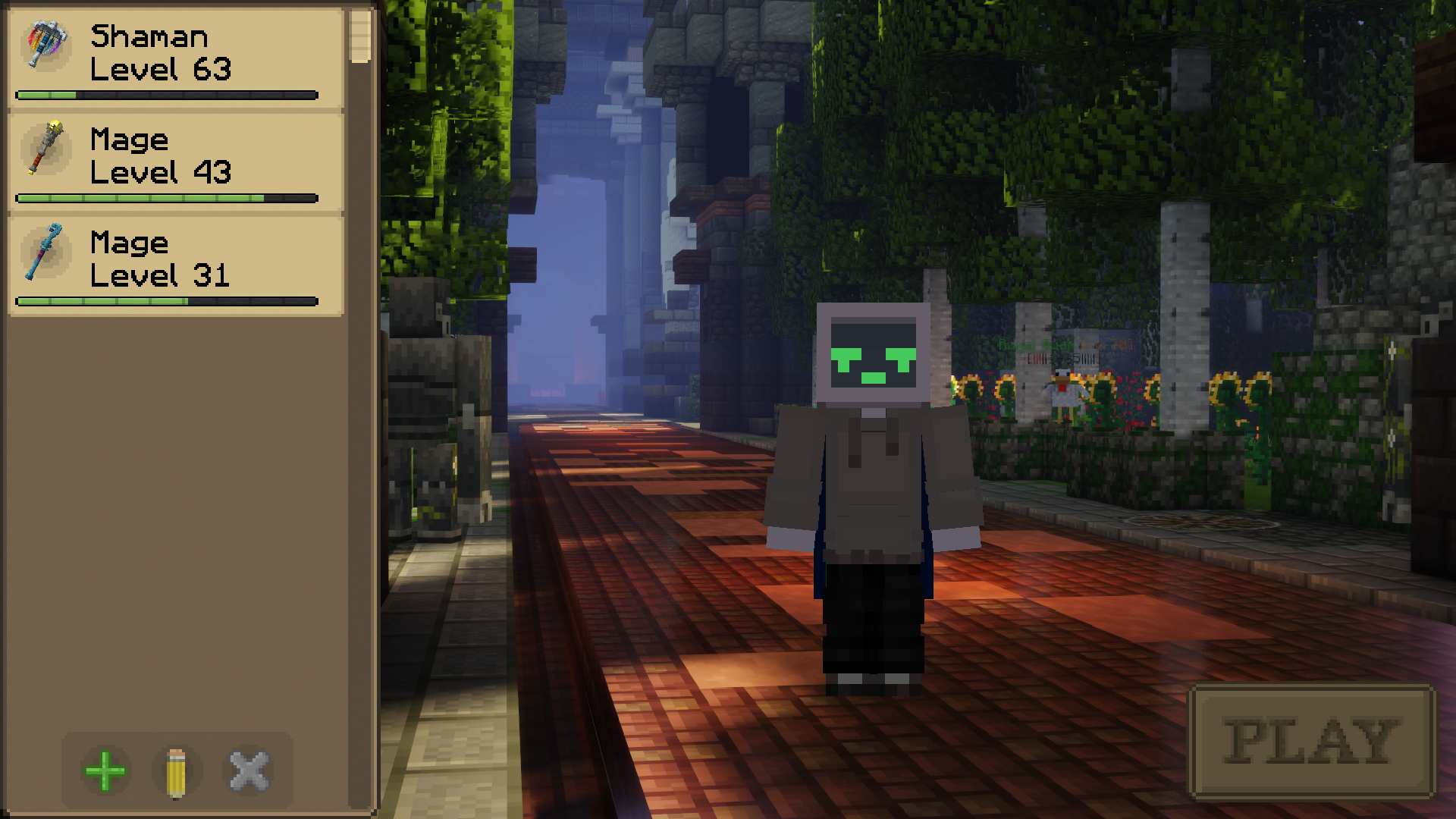 | 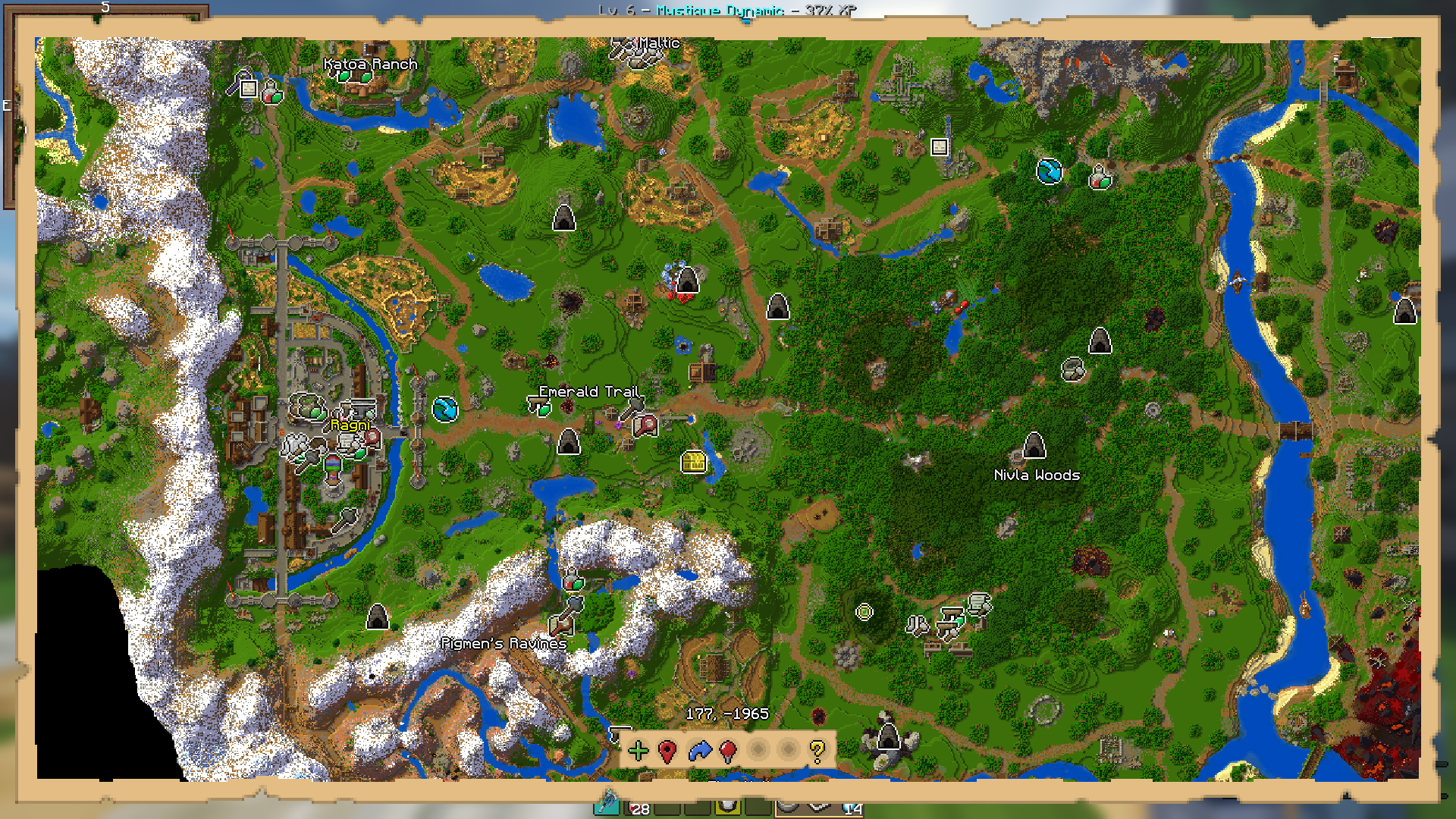 |
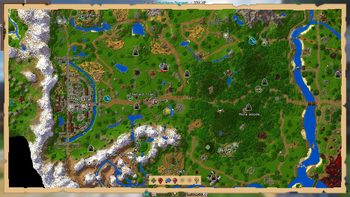
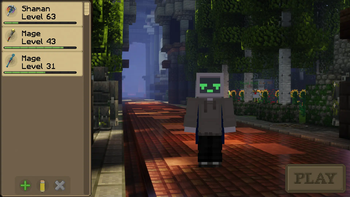
| Class Selection | World Map |
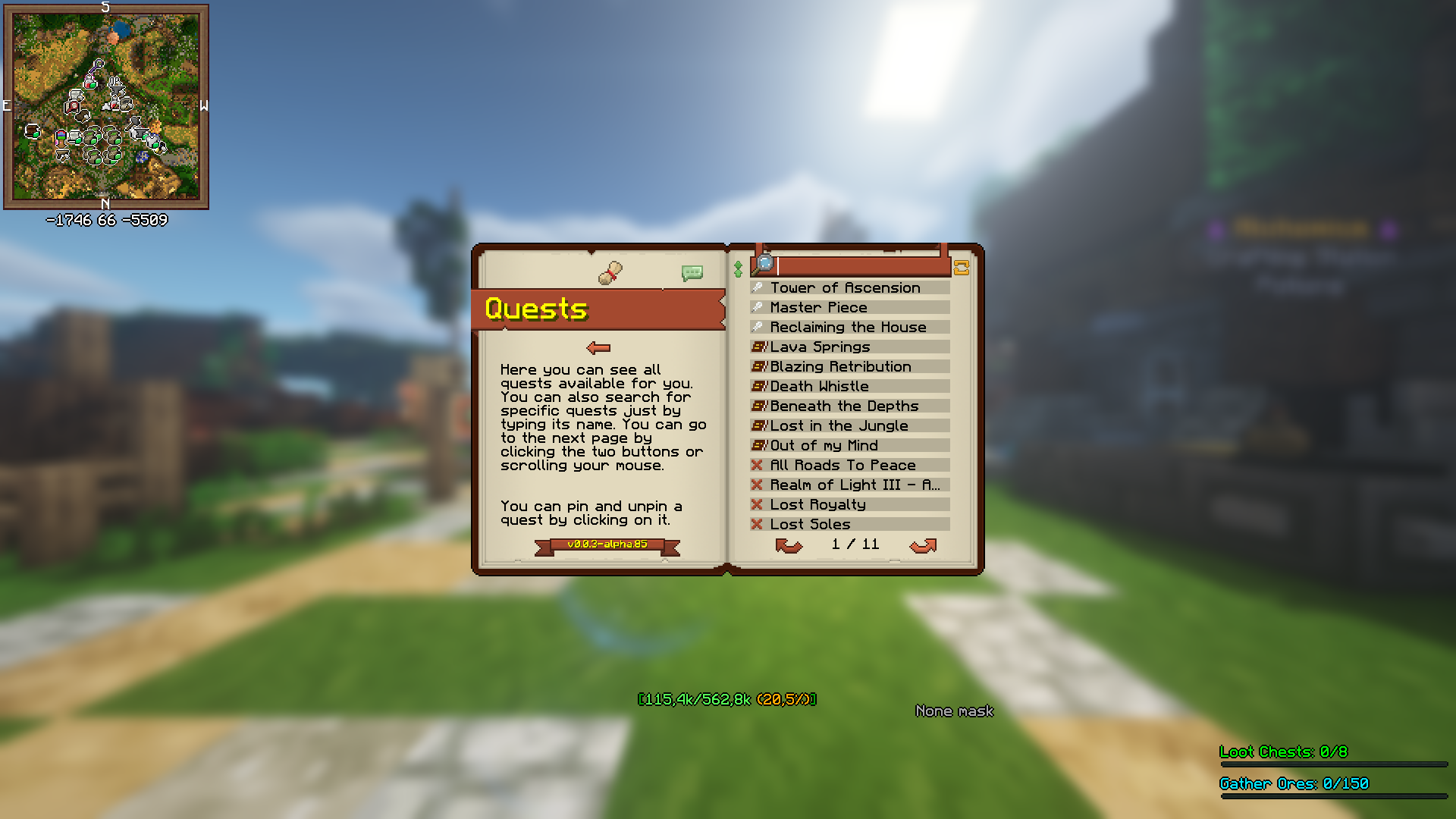 |  |
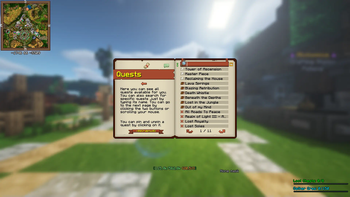
| Quest Book | General Hud |
Other
 |
| Main Menu |
Modlist
Modlist
3dskinlayersaudio-extension-for-fancymenu
auudio
blanket
blur-fabric
boat-item-view
bobby
borderless-mining
c2me-fabric
cloth-config
continuity
controlling
cull-leaves
debugify
dynamic-fps
dynamic-sound-filters
entityculling
exordium-fabric-1.0.3-mc1.19.4
fabric-api
fabric-language-kotlin
fabrishot
fallingleaves
fancymenu
ferrite-core
forcecloseworldloadingscreen
in-game-account-switcher
indium
iris
konkrete
krypton
lazydfu
lithium
logical-zoom
midnightlib
modmenu
moreculling
no-multiplayer-menu
no-telemetry
presence-footsteps
reeses-sodium-options
searchables
sodium-extra
sodium
starlight
visuality
wynnlib-0.2.13-1.19.4
wynntils
yacl
Verfügbare Versionen
Wynncraft Ultimate Server einrichten
Server bestellen
Wähle mindestens 6 GB RAM (8 GB empfohlen für Wynncraft Ultimate). Je nach Spieleranzahl: +1 GB pro 5 Spieler.
Modpack im Dashboard installieren
Öffne den Modpack-Browser im Dashboard, suche nach "Wynncraft Ultimate" und klicke "Installieren". Der quilt-Loader und Minecraft 1.20.2 werden automatisch konfiguriert.
Server starten & spielen
Starte den Server – alle Mods werden automatisch geladen. Teile die Server-IP mit Freunden und spielt zusammen!
Häufige Fragen
Wynncraft Ultimate Server crasht oder startet nicht – was tun?
Häufigste Ursachen: zu wenig RAM oder falscher quilt-Loader. Prüfe latest.log auf "OutOfMemoryError" → erhöhe RAM auf mindestens 8 GB. Bei "Mixin" oder "ClassNotFoundException": Modpack-Version und Loader stimmen nicht überein. Bei Mado Hosting werden Loader und Minecraft-Version beim Modpack-Install automatisch konfiguriert – das verhindert die meisten Startprobleme.
Wie viel RAM braucht ein Wynncraft Ultimate Server wirklich?
Minimum 6 GB, empfohlen 8 GB für stabile Performance. +1 GB pro 5 Spieler. Wichtig: Minecraft-Modpacks brauchen mehr RAM als Vanilla – plane pro zusätzlichem Spieler extra ein. Bei Mado Hosting kannst du den RAM jederzeit live hochskalieren, ohne Datenverlust (ab €7.800000000000001/Monat).
Kann ich eigene Mods zu Wynncraft Ultimate hinzufügen, ohne Konflikte?
Ja, aber achte auf die Kompatibilität: Nutze nur Mods für den gleichen Loader (quilt) und die gleiche Minecraft-Version (1.20.2). Häufige Probleme: ID-Konflikte bei Rezept-Mods und inkompatible Coremod-Versionen. Im Mado Dashboard zeigt der Mod-Browser nur kompatible Mods an und warnt bei bekannten Konflikten.
Wynncraft Ultimate Server laggt – Performance-Tipps
1) RAM auf 8 GB+ erhöhen. 2) Server-View-Distance auf 8 reduzieren (server.properties). 3) Pre-Generiere Chunks mit dem "Chunky" Plugin. 4) Prüfe mit /spark profiler welche Mods die meiste Tick-Time verbrauchen. Bei Mado Hosting laufen alle Server auf NVMe-SSDs mit dedizierten CPU-Kernen – das eliminiert Hardware als Engpass.
Ähnliche Modpacks
![Cobblemon Official Modpack [Fabric]](https://cdn.modrinth.com/data/5FFgwNNP/e7f9ee2e9d361623847853fe2ddce42f519ee64f.png)
![COBBLEVERSE - Pokemon Adventure [Cobblemon]](https://cdn.modrinth.com/data/Jkb29YJU/581ecf54530972afb18a04660afd820f2f24f6c7.png)
![Better MC [FABRIC] - BMC2](https://cdn.modrinth.com/data/shFhR8Vx/a19c2bcb51d38f32f138d3607e91cb2b7b8e387f_96.webp)


![Better MC [FORGE] - BMC4](https://cdn.modrinth.com/data/4BV47HRn/7f5ef7cc61b2593609aabef3ed07a866a4f11b73_96.webp)
Wynncraft Ultimate Server mieten
Starte deinen eigenen Server mit automatischer Modpack-Installation.
Details
- Lizenz
- LicenseRef-All-Rights-Reserved
- Server-seitig
- Nicht unterstützt
- Client-seitig
- Erforderlich
Unterstützte Versionen
Starte deinen Wynncraft Ultimate Server jetzt
Ab €7.80/Monat; für die beste Performance werden 8 GB RAM empfohlen.
Server konfigurieren →