
Xavier Optimized
A modpack contains mods that improve and optimize the vanilla game experience without changing the game's mechanism.
Screenshots
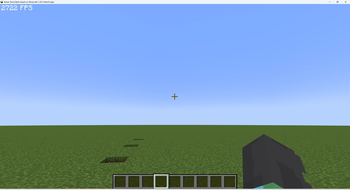
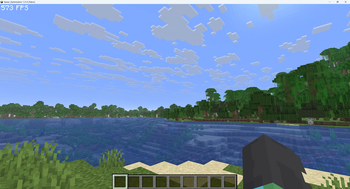
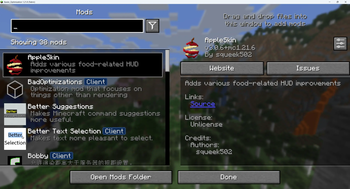
Über dieses Modpack

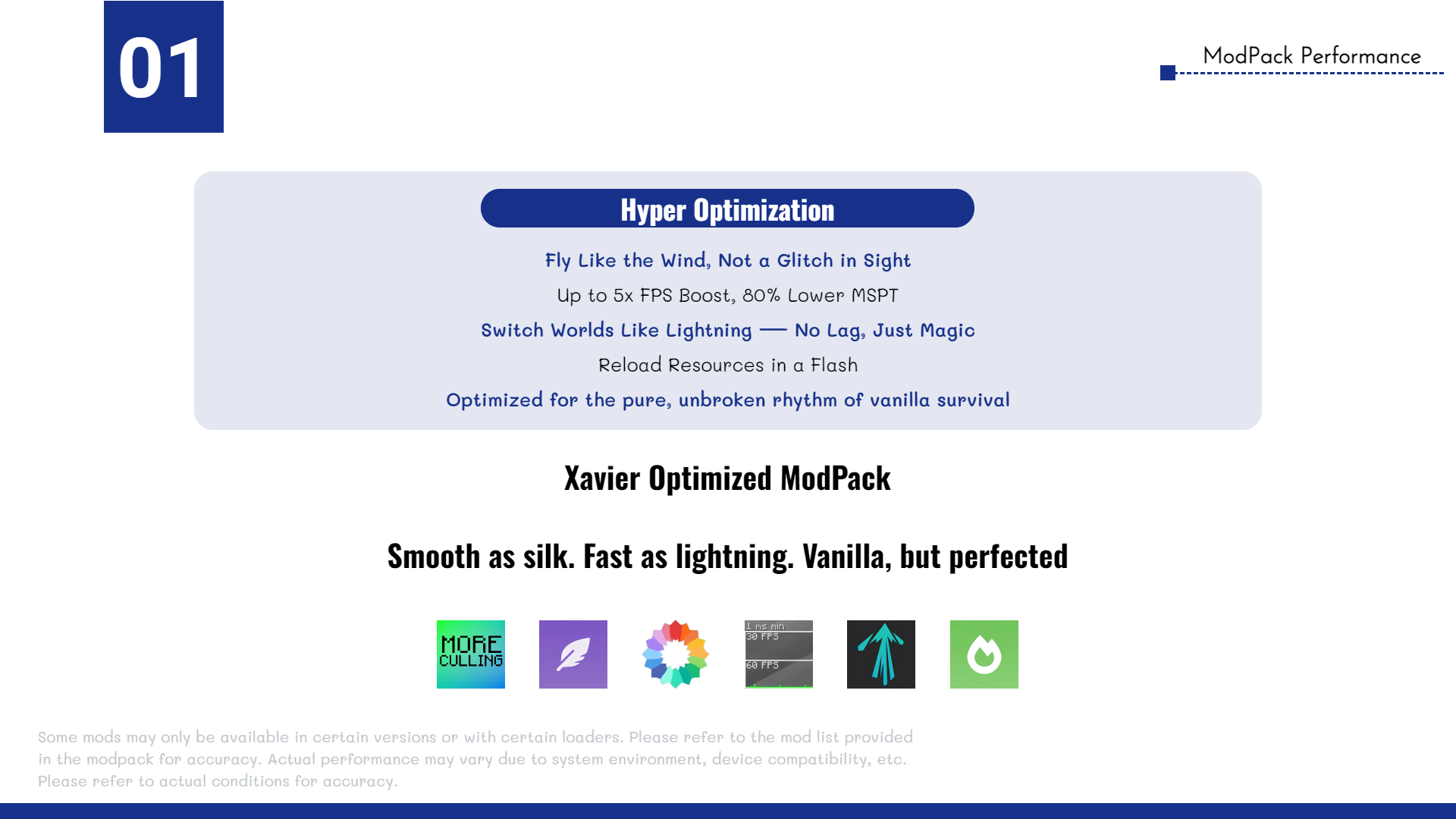
Xavier Optimized is a highly optimized Minecraft modpack designed to deliver higher FPS gains than ordinary optimization packs. The modpack's ultimate goal is to maximize the vanilla survival experience without altering the game's core mechanics. It features FPS/MSPT optimization, enhanced mod compatibility, and survival utility tools.
Notice: Work in Progress
This introduction is currently incomplete and actively being updated. Check back later for more details.
⭐Hyper Optimization
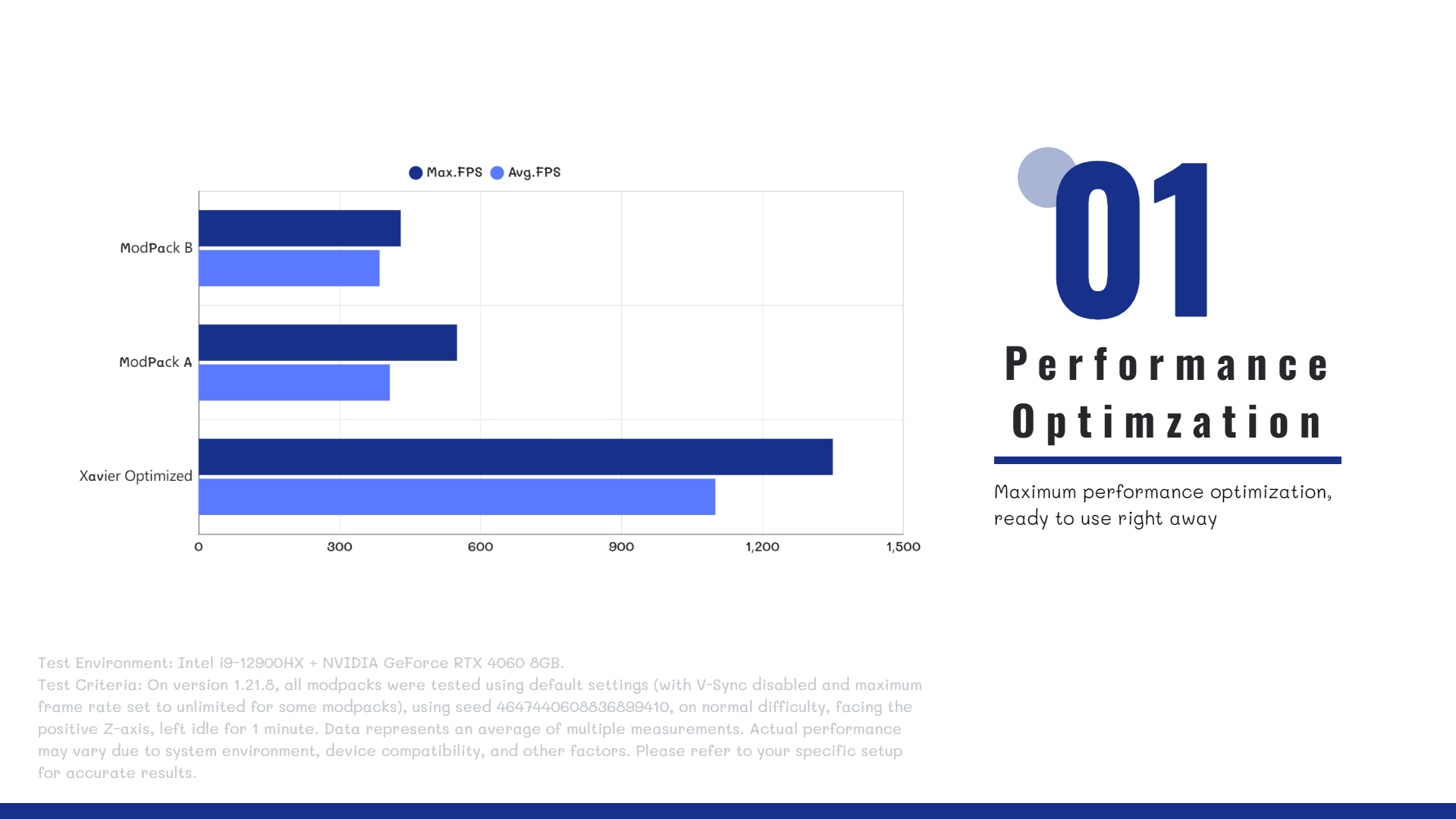
The Xavier Optimized modpack includes a wide range of high-performance optimization mods, such as Sodium, Lithium, More Culling, and more, ensuring maximum efficiency, stability, and smooth gameplay. All selected mods are carefully tested to be safe for both single-player worlds and multiplayer servers.
Whether you're running the game on a modern high-end PC or a previous-generation entry-level device, Xavier Optimized delivers significant performance improvements.
🤔FAQ
Q: Does the modpack support multiplayer?
A: Yes! Xavier Optimized is compatible with most servers and allows vanilla clients to connect seamlessly.
Q: What mods are included in the pack?
A: To see the full list of mods, go to the Versions tab, select a version, and scroll down to view the included mods.
Q: Do I need to install the modpack on the server?
A: No. The modpack is client-side only and works on any server that accepts vanilla clients.
🔗 Author Link
Email: [email protected]
Verfügbare Versionen
Xavier Optimized Server einrichten
Server bestellen
Wähle mindestens 4 GB RAM (6 GB empfohlen für Xavier Optimized). Je nach Spieleranzahl: +1 GB pro 5 Spieler.
Modpack im Dashboard installieren
Öffne den Modpack-Browser im Dashboard, suche nach "Xavier Optimized" und klicke "Installieren". Der fabric-Loader und Minecraft 1.21.11 werden automatisch konfiguriert.
Server starten & spielen
Starte den Server – alle Mods werden automatisch geladen. Teile die Server-IP mit Freunden und spielt zusammen!
Häufige Fragen
Xavier Optimized Server crasht oder startet nicht – was tun?
Häufigste Ursachen: zu wenig RAM oder falscher fabric-Loader. Prüfe latest.log auf "OutOfMemoryError" → erhöhe RAM auf mindestens 6 GB. Bei "Mixin" oder "ClassNotFoundException": Modpack-Version und Loader stimmen nicht überein. Bei Mado Hosting werden Loader und Minecraft-Version beim Modpack-Install automatisch konfiguriert – das verhindert die meisten Startprobleme.
Wie viel RAM braucht ein Xavier Optimized Server wirklich?
Minimum 4 GB, empfohlen 6 GB für stabile Performance. +1 GB pro 5 Spieler. Wichtig: Minecraft-Modpacks brauchen mehr RAM als Vanilla – plane pro zusätzlichem Spieler extra ein. Bei Mado Hosting kannst du den RAM jederzeit live hochskalieren, ohne Datenverlust (ab €5.2/Monat).
Kann ich eigene Mods zu Xavier Optimized hinzufügen, ohne Konflikte?
Ja, aber achte auf die Kompatibilität: Nutze nur Mods für den gleichen Loader (fabric) und die gleiche Minecraft-Version (1.21.11). Häufige Probleme: ID-Konflikte bei Rezept-Mods und inkompatible Coremod-Versionen. Im Mado Dashboard zeigt der Mod-Browser nur kompatible Mods an und warnt bei bekannten Konflikten.
Xavier Optimized Server laggt – Performance-Tipps
1) RAM auf 6 GB+ erhöhen. 2) Server-View-Distance auf 8 reduzieren (server.properties). 3) Pre-Generiere Chunks mit dem "Chunky" Plugin. 4) Prüfe mit /spark profiler welche Mods die meiste Tick-Time verbrauchen. Bei Mado Hosting laufen alle Server auf NVMe-SSDs mit dedizierten CPU-Kernen – das eliminiert Hardware als Engpass.
Ähnliche Modpacks

![Cobblemon Official Modpack [Fabric]](https://cdn.modrinth.com/data/5FFgwNNP/e7f9ee2e9d361623847853fe2ddce42f519ee64f.png)
![COBBLEVERSE - Pokemon Adventure [Cobblemon]](https://cdn.modrinth.com/data/Jkb29YJU/581ecf54530972afb18a04660afd820f2f24f6c7.png)
![Better MC [FABRIC] - BMC2](https://cdn.modrinth.com/data/shFhR8Vx/a19c2bcb51d38f32f138d3607e91cb2b7b8e387f_96.webp)


Xavier Optimized Server mieten
Starte deinen eigenen Server mit automatischer Modpack-Installation.
Details
- Lizenz
- BSD 3-Clause "New" or "Revised" License
- Server-seitig
- Nicht unterstützt
- Client-seitig
- Erforderlich
Unterstützte Versionen
Starte deinen Xavier Optimized Server jetzt
Ab €5.20/Monat; für die beste Performance werden 6 GB RAM empfohlen.
Server konfigurieren →