
3rd Life+
Extra lives until you dies... Minecraft with three lives, and a TWIST! Introducing the Jagged Dagger, Golden Lives, Temporary Lives, the Reviver and MORE!
Screenshots
Über diese Mod


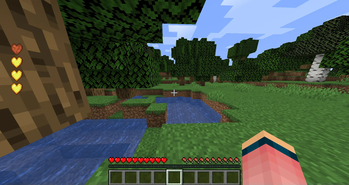
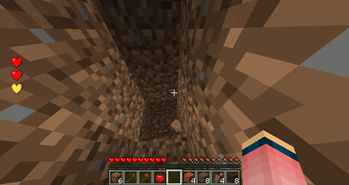
You start with three lives and a green username, when you die, you lose one of your lives and your username turns yellow, if you die again, you lose another life and your username turns red, if you die a third time, your sent into spectator mode, thus killing you while still being able to spectate the world. use the new tools and lives to advance further and achieve immortality!
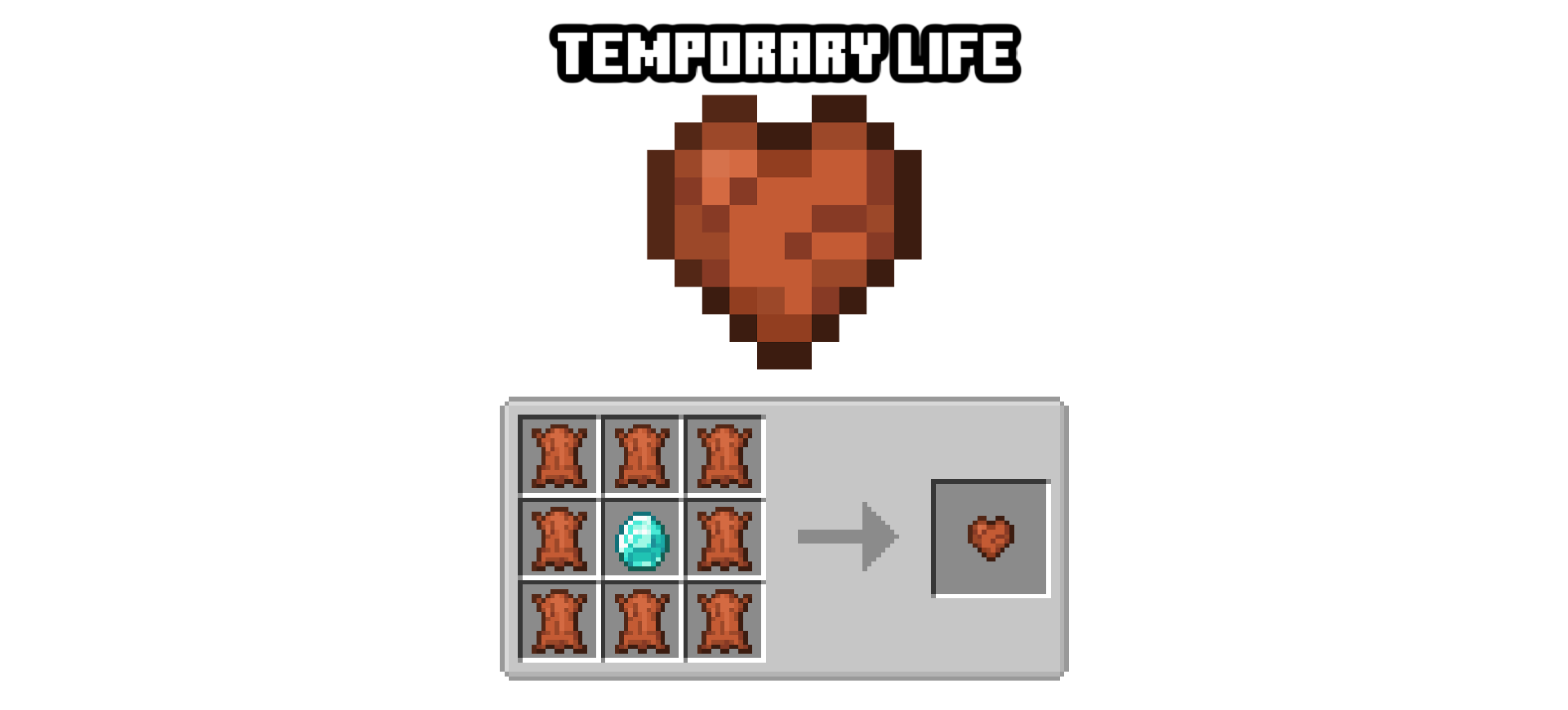
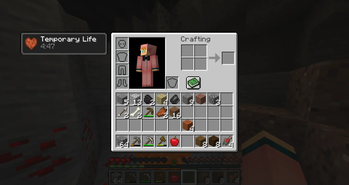
The temporary life lasts for FIVE minutes, while it is activated it will grant you an extra life that acts just like a regular life, but if the timer runs out then it will go away and your lives will be normal again.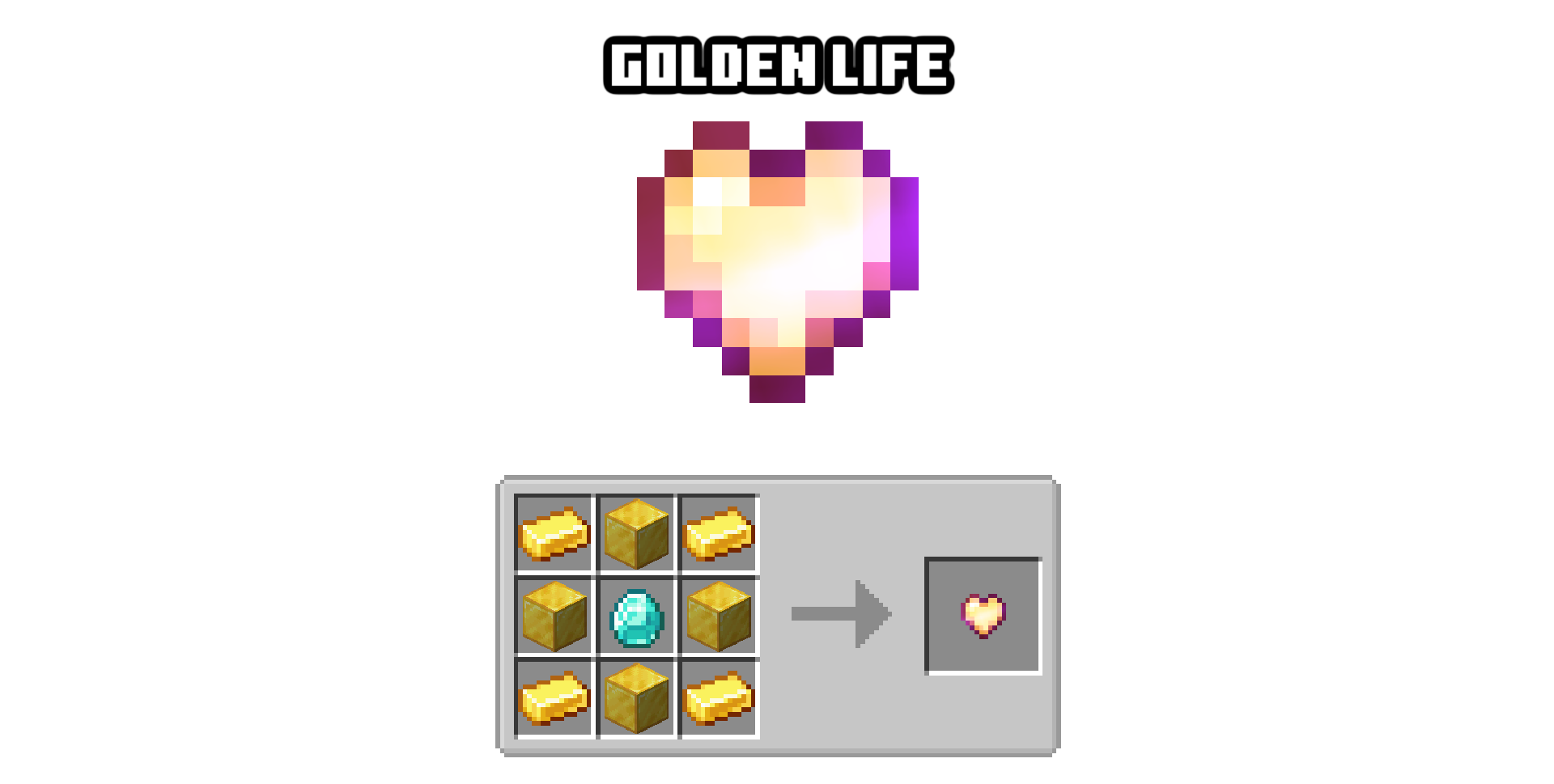
The golden life stacks over regular lives, effectively giving you extra stackable lives, only 3 can be applied on a player at a time, it is also immune to the jagged dagger.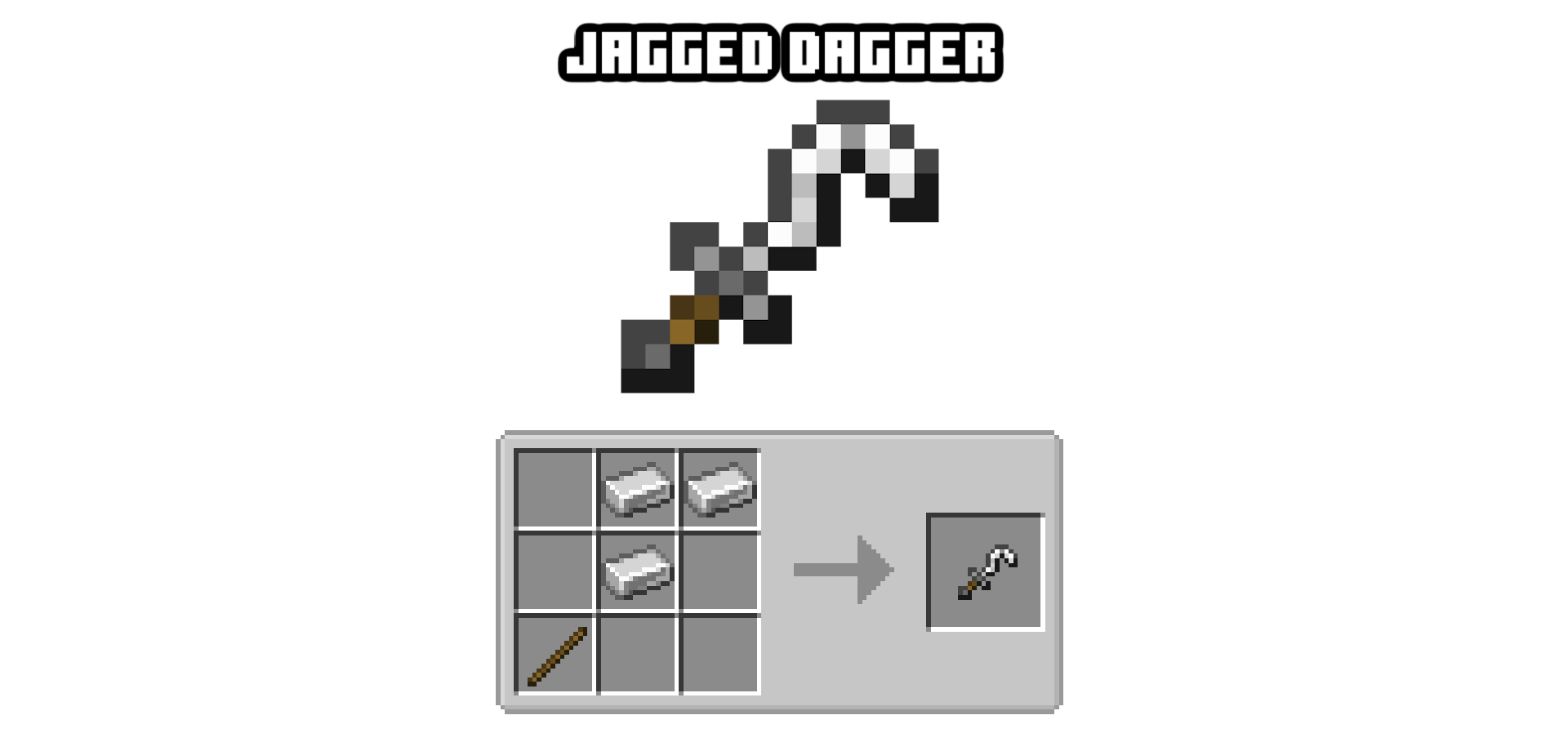
Right click the ground with this to take one of your own lives, or kill someone with it to take theirs, the lives are also named after the victim so you can add them to a collection. and lives can be used with a right click to be added to yours.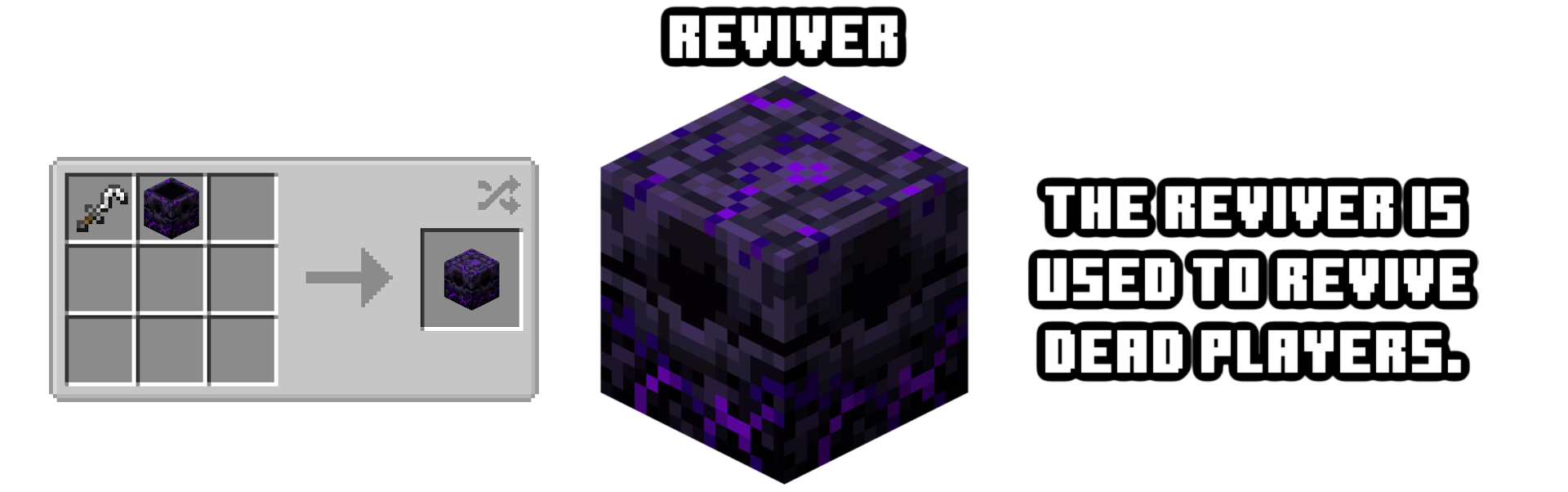
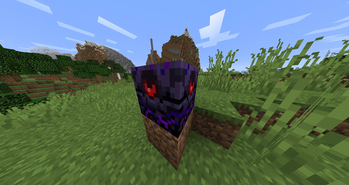
With a reviver, all you gotta do is right click it while holding a golden life and it will fill up!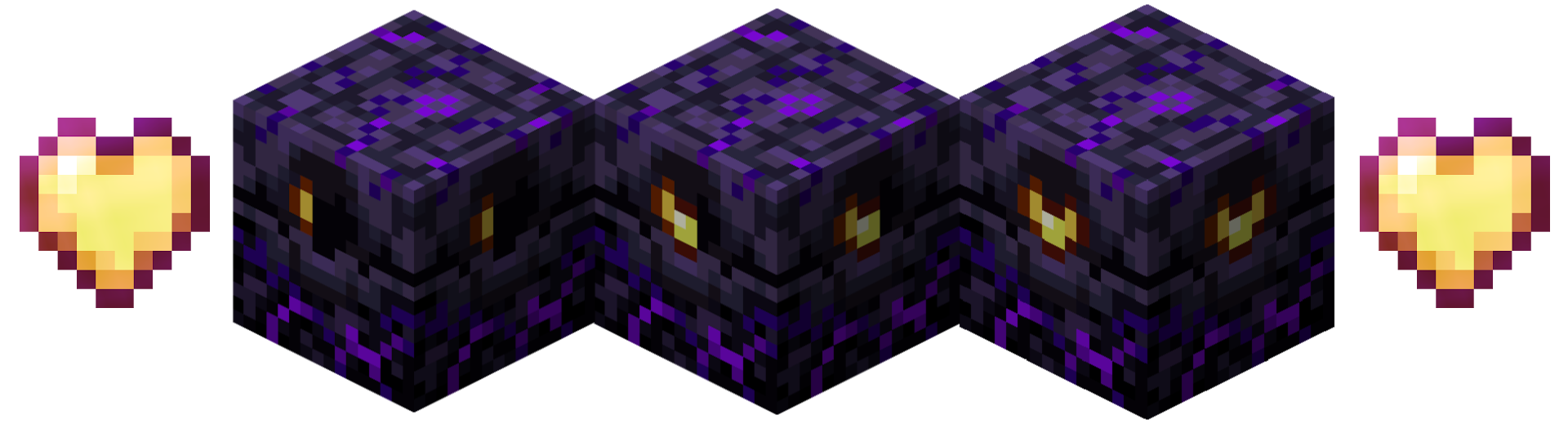

While in spectator mode, go to a filled reviver to be revived and get however many hearts that are currently in the reviver.
Hold down "I" to View your lives.
Press "O" to change your lives position
Type the command "/resetlives TARGET" to reset a target's lives.
Type the command "/addlives TARGET NUM" to give targets lives.
Type the command "/takelives TARGET NUM" to take target's lives.
Type the command "/setlives TARGET NUM" to set a certain number of lives for targets.
Please publish showcase videos as imbedded links in the comments!
Don't republish my mod on another website without my permission EVER!
Feel free to add to your mod packs - no credit needed, but i would like (if you're uploading it somewhere) for you to upload it to CurseForge or Modrinth!
Report problems in the issues tab HERE!
Verfügbare Versionen
3rd Life+ auf dem Server installieren
Server bestellen
Bestelle einen Minecraft Java Server mit mindestens 3 GB RAM (4 GB empfohlen).
forge Loader setzen
Wähle im Panel unter "Egg" den forge-Loader und die passende Minecraft-Version (1.20.6).
Mod installieren
Öffne den Mod-Browser im Dashboard und suche nach "3rd Life+". Klicke "Installieren" – fertig! Alternativ: Lade die .jar via SFTP in den /mods Ordner.
Kompatibilität
Mod-Loader
Minecraft-Versionen
1.20.6, 1.20.1, 1.19.4 (+3 weitere)
Server-seitig
✓ ErforderlichEmpfohlener RAM
4 GB(min. 3 GB)Häufige Fragen
3rd Life+ Server crasht beim Start – was tun?
Häufigste Ursache: falsche forge-Version oder zu wenig RAM. Prüfe im Server-Log (latest.log), ob ein "OutOfMemoryError" oder "Mixin"-Fehler auftritt. Bei Mado Hosting: Stelle sicher, dass mindestens 3 GB RAM zugewiesen sind und der Loader zur Mod-Version passt (1.20.6). Über das Panel kannst du den Loader mit einem Klick wechseln.
Ist 3rd Life+ mit forge und neoforge kompatibel?
3rd Life+ unterstützt offiziell forge, neoforge für Minecraft 1.20.6, 1.20.1, 1.19.4. Im Mado Dashboard werden inkompatible Loader-Kombinationen automatisch erkannt.
Server laggt mit 3rd Life+ – wie optimiere ich die Performance?
Empfohlener RAM: 4 GB (+1 GB pro 8 Spieler). Prüfe mit /spark profiler, ob 3rd Life+ den meisten Tick-Time verbraucht. Häufige Fixes: Server-View-Distance auf 8-10 reduzieren, bei Forge "performant" oder "starlight" als Zusatz-Mod installieren. Bei Mado Hosting läuft dein Server auf NVMe-SSDs mit dedizierten CPU-Kernen für minimale Latenz.
Ähnliche Mods





Modded Server mieten
Installiere 3rd Life+ mit nur einem Klick auf deinem Server.