
Aeronautics: Interstellar Expansion
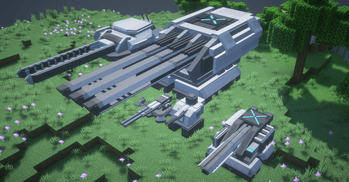
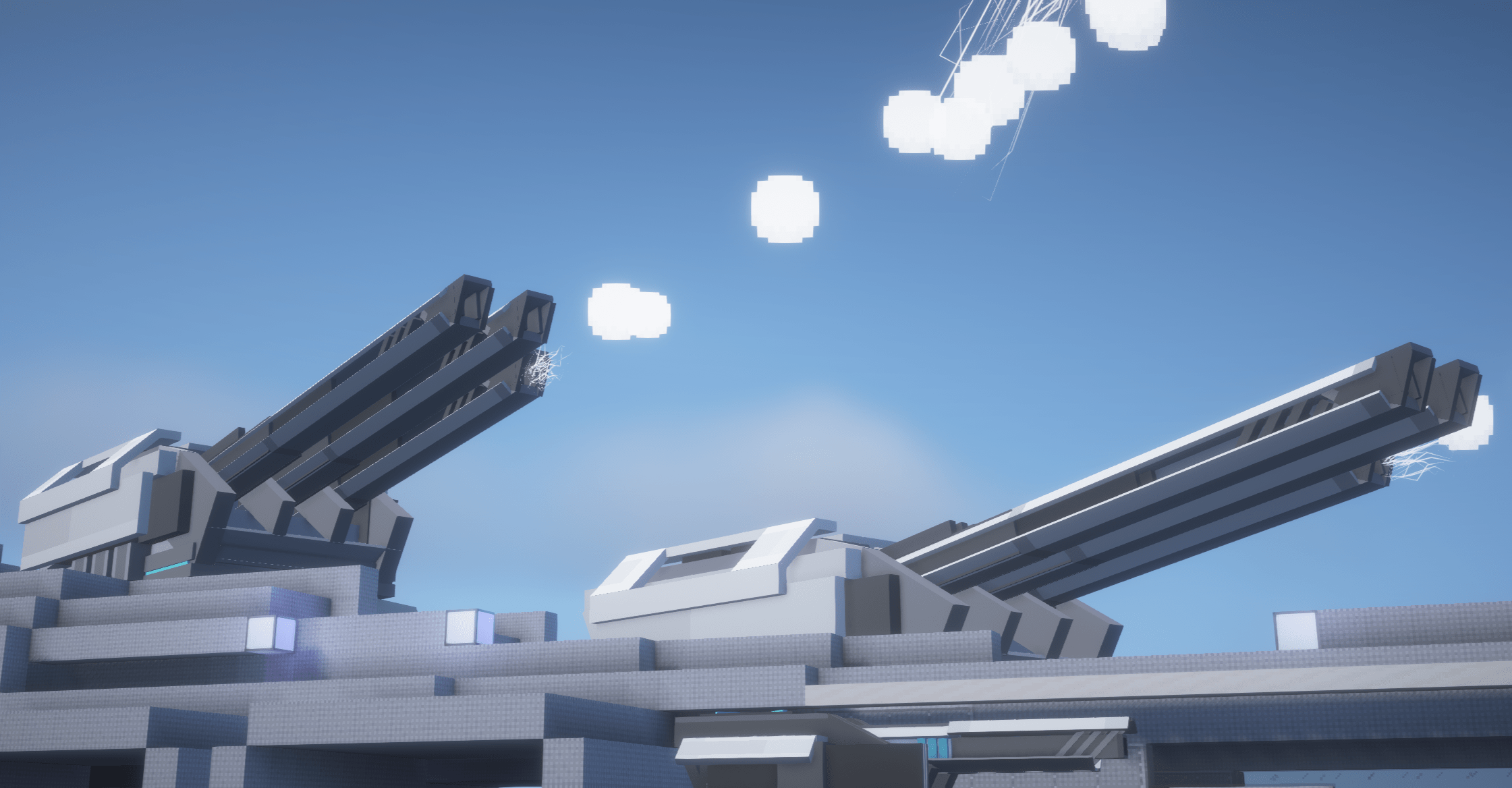
AeroIE is an addon for aeronautics, which adds new systems like control system, weapon, turret and more
Screenshots

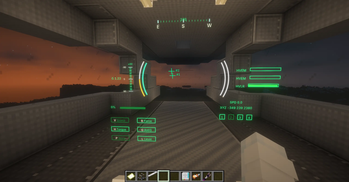
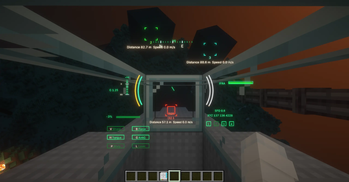
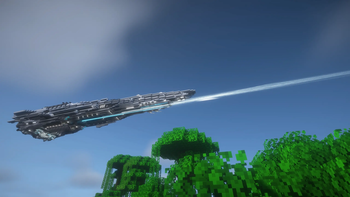
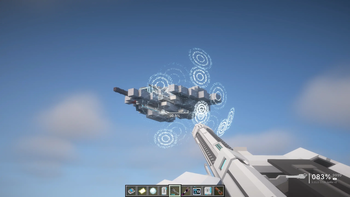
Über diese Mod
 Aeronautics: InterStellar Expansion
Build a starship, Link its systems. Command it as one block.
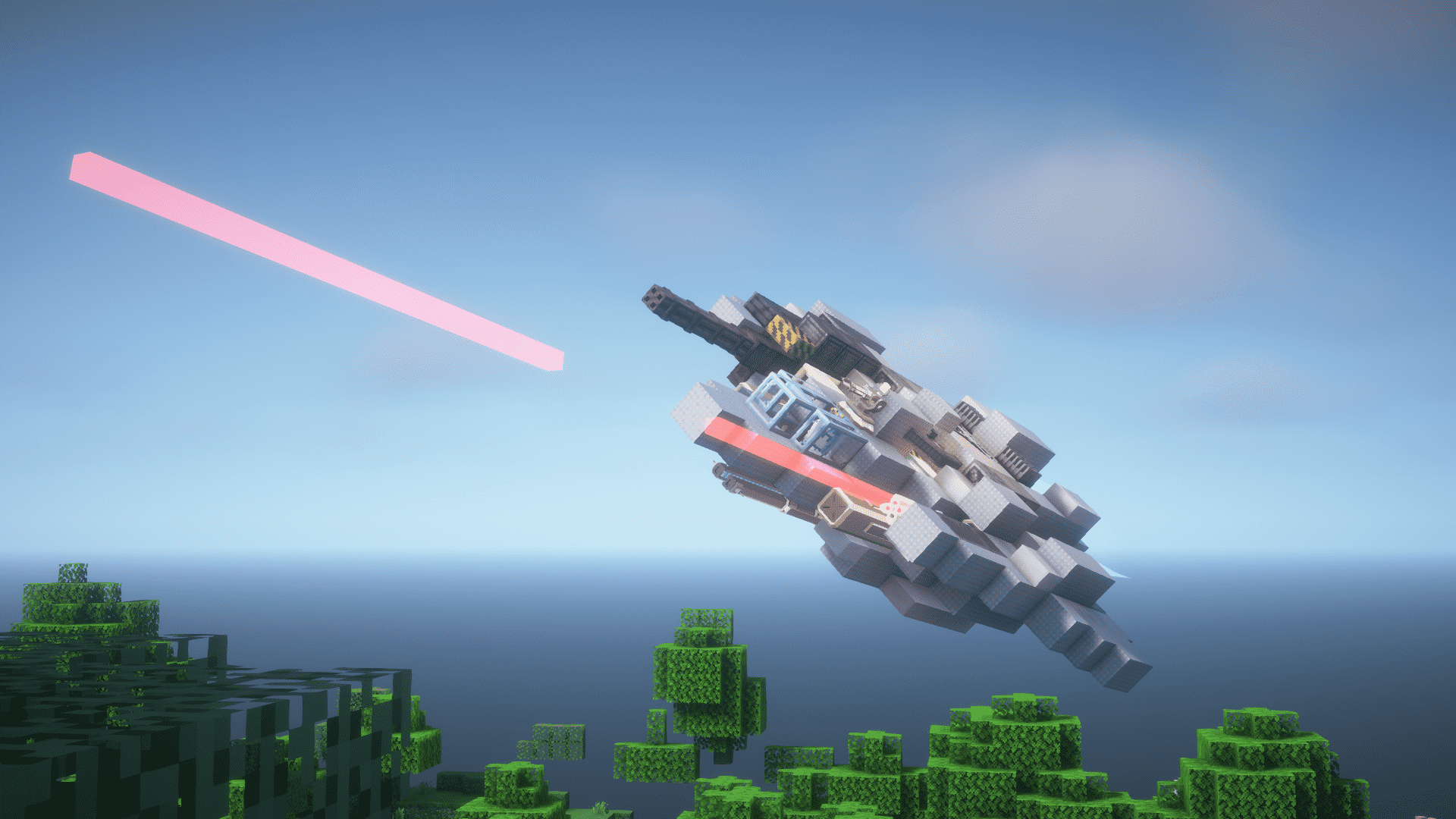
Welcome to AeroIE, an addon for Create: Aeronautics that focuses only on fully controllable spacecraft built for flight, combat, defense, and long-range travel.
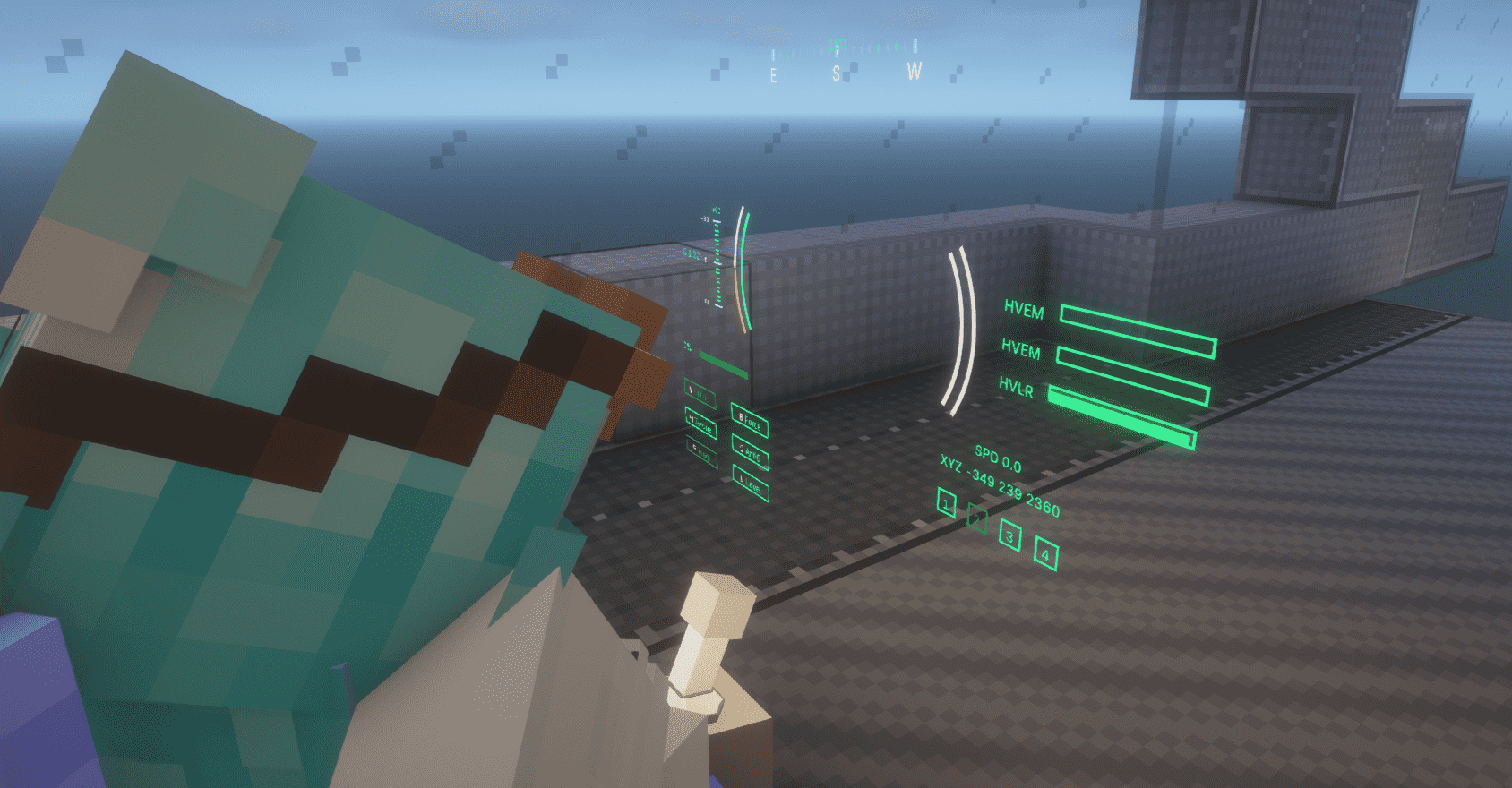
At its heart is the Control Seat. Connect a ship's engines, weapons, sensors, shields, and storage into one integrated network—without tedious thruster placement or UI-heavy micromanagement.
Key Features
- Integrated flight control with automatic thrust allocation and vector thrusters
- Ship-mounted weapons, guided missiles, automated turrets, and CIWS
- Radar and IFF systems for detecting and identifying targets
- Modular shields for protecting vessels of different shapes and sizes
- Fuel tanks, batteries, and ammunition systems designed for moving ships
- Warp travel across long distances within the same dimension
- Electromagnetic rails for launching and accelerating entire vessels
and with more exciting peripherals incoming!
AeroIE is designed to make complex spacecraft systems reliable, interconnected, and easy to control, while leaving the ship's appearance, layout, and purpose entirely up to you.

Requirements
| Component | Status |
|---|---|
| Ritchie's Projectile Lib | Required |
| Geckolib | Required |
| Create: Aeronautics | Required |
| Photon Editor | Required |
| Patchouli | Optional |
Installing Patchouli enables AeroIE's in-game guide, which explains its systems and equipment.
Feel free to create github issues when encountering bugs!
Verfügbare Versionen
Aeronautics: Interstellar Expansion auf dem Server installieren
Server bestellen
Bestelle einen Minecraft Java Server mit mindestens 3 GB RAM (4 GB empfohlen).
neoforge Loader setzen
Wähle im Panel unter "Egg" den neoforge-Loader und die passende Minecraft-Version (1.21.11).
Mod installieren
Öffne den Mod-Browser im Dashboard und suche nach "Aeronautics: Interstellar Expansion". Klicke "Installieren" – fertig! Alternativ: Lade die .jar via SFTP in den /mods Ordner.
Kompatibilität
Mod-Loader
Minecraft-Versionen
1.21.11, 1.21.10, 1.21.9 (+8 weitere)
Server-seitig
✓ ErforderlichEmpfohlener RAM
4 GB(min. 3 GB)Häufige Fragen
Aeronautics: Interstellar Expansion Server crasht beim Start – was tun?
Häufigste Ursache: falsche neoforge-Version oder zu wenig RAM. Prüfe im Server-Log (latest.log), ob ein "OutOfMemoryError" oder "Mixin"-Fehler auftritt. Bei Mado Hosting: Stelle sicher, dass mindestens 3 GB RAM zugewiesen sind und der Loader zur Mod-Version passt (1.21.11). Über das Panel kannst du den Loader mit einem Klick wechseln.
Ist Aeronautics: Interstellar Expansion mit neoforge kompatibel?
Aeronautics: Interstellar Expansion unterstützt offiziell neoforge für Minecraft 1.21.11, 1.21.10, 1.21.9. Im Mado Dashboard werden inkompatible Loader-Kombinationen automatisch erkannt.
Server laggt mit Aeronautics: Interstellar Expansion – wie optimiere ich die Performance?
Empfohlener RAM: 4 GB (+1 GB pro 8 Spieler). Prüfe mit /spark profiler, ob Aeronautics: Interstellar Expansion den meisten Tick-Time verbraucht. Häufige Fixes: Server-View-Distance auf 8-10 reduzieren, bei Forge "performant" oder "starlight" als Zusatz-Mod installieren. Bei Mado Hosting läuft dein Server auf NVMe-SSDs mit dedizierten CPU-Kernen für minimale Latenz.
Ähnliche Mods




Modded Server mieten
Installiere Aeronautics: Interstellar Expansion mit nur einem Klick auf deinem Server.