
Aeronautics: Calibrated
A mod that adds extra features to Create: Aeronautics that improve it slightly.
Screenshots
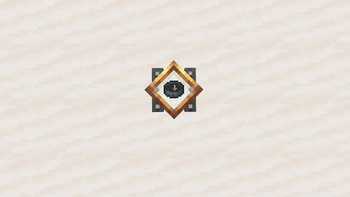
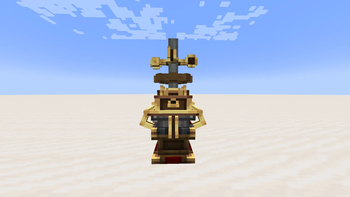
Über diese Mod
This mod currently adds these new items/blocks:
- Thruster (Ion and regular, requires FE or Fuel)
- Ionized Thermal Mechanism
- Thermal Mechanism
- Navigation Compass
- Generator (Regular, Industrial and Creative)
- Navigation Tracker
- Traverse Board
- Mechanical Anvil
- Survival Physics Staff
- Electron Cable
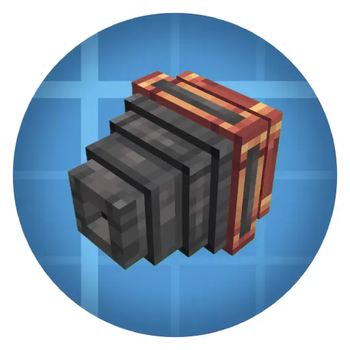
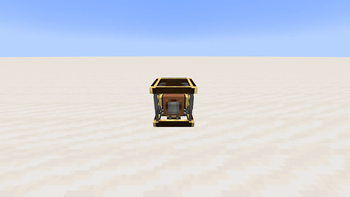
Thruster: A block that provides thrust as long as enough Power/Fuel according to the inputted redstone signal is inputted. Inputting redstone signals through the sides allows the thruster to output a specific amount of thrust.
Ionized Thermal Mechanism:
Via the Ionized Thermal Mechanism you can upgrade the Thruster to be an Ion Thruster which provides more thrust at the cost of more Power required.
Thermal Mechanism:
With the Thermal mechanism aquired through a sequenced assembly you can create the thruster in an Mechanical Crafter
Navigation Compass:
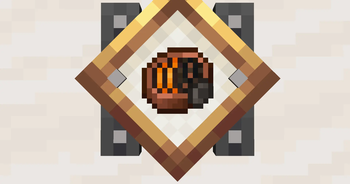
A Compass in which you can input coordinates to point you to those exact coordinates.
When Inputting into a Navigation Table it will function like any other Compass just to the inputted Coordinates
Generator:
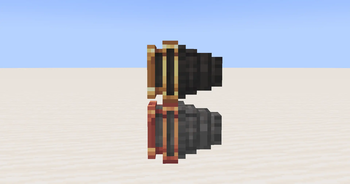
A small and compact Generator that uses RPM to create FE with a maximum FE output of 15 FE/t, 45 FE/t or nearly infinite FE/t
Navigation Tracker
An extention to the Navigation Table that outputs a higher redstone signal the closer you get to its inputted target (A Navigation Compass is inputted)
REQUIRES A MINIMUM OF CONSTANT 32 RPM ROTATIONAL POWER AND A NAVIGATION TABLE BELOW AND A SHAFT ABOVE OF IT
Traverse Board:
A small board that saves your current coordinates to later be crafted with a Navigation Compass to redirect the Compass's target to that position
Mechanical Anvil:
A block that shfits its weight depending on how much RPM you give it
Electron Cable:
A block that transfers Power
Survival Physics Staff:
A Creative Physics Staff aquireable in survival

Verfügbare Versionen
Aeronautics: Calibrated auf dem Server installieren
Server bestellen
Bestelle einen Minecraft Java Server mit mindestens 3 GB RAM (4 GB empfohlen).
neoforge Loader setzen
Wähle im Panel unter "Egg" den neoforge-Loader und die passende Minecraft-Version (1.21.1).
Mod installieren
Öffne den Mod-Browser im Dashboard und suche nach "Aeronautics: Calibrated". Klicke "Installieren" – fertig! Alternativ: Lade die .jar via SFTP in den /mods Ordner.
Kompatibilität
Mod-Loader
Minecraft-Versionen
1.21.1
Server-seitig
✓ ErforderlichEmpfohlener RAM
4 GB(min. 3 GB)Häufige Fragen
Aeronautics: Calibrated Server crasht beim Start – was tun?
Häufigste Ursache: falsche neoforge-Version oder zu wenig RAM. Prüfe im Server-Log (latest.log), ob ein "OutOfMemoryError" oder "Mixin"-Fehler auftritt. Bei Mado Hosting: Stelle sicher, dass mindestens 3 GB RAM zugewiesen sind und der Loader zur Mod-Version passt (1.21.1). Über das Panel kannst du den Loader mit einem Klick wechseln.
Ist Aeronautics: Calibrated mit neoforge kompatibel?
Aeronautics: Calibrated unterstützt offiziell neoforge für Minecraft 1.21.1. Im Mado Dashboard werden inkompatible Loader-Kombinationen automatisch erkannt.
Server laggt mit Aeronautics: Calibrated – wie optimiere ich die Performance?
Empfohlener RAM: 4 GB (+1 GB pro 8 Spieler). Prüfe mit /spark profiler, ob Aeronautics: Calibrated den meisten Tick-Time verbraucht. Häufige Fixes: Server-View-Distance auf 8-10 reduzieren, bei Forge "performant" oder "starlight" als Zusatz-Mod installieren. Bei Mado Hosting läuft dein Server auf NVMe-SSDs mit dedizierten CPU-Kernen für minimale Latenz.
Ähnliche Mods






Modded Server mieten
Installiere Aeronautics: Calibrated mit nur einem Klick auf deinem Server.