
BetterF3
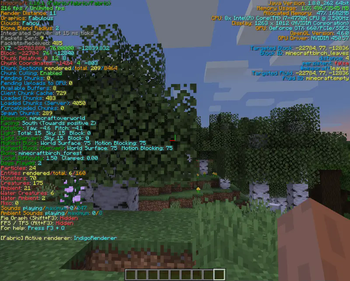
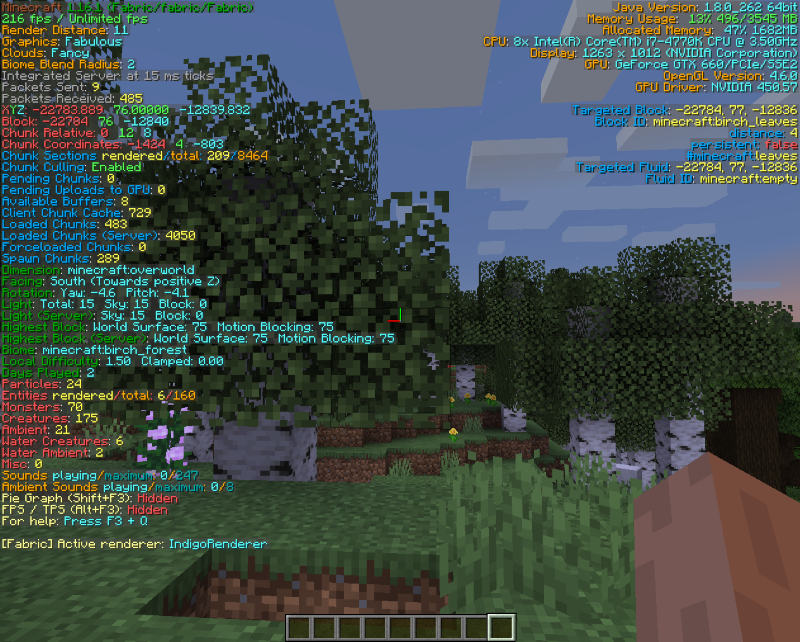
BetterF3 is a mod that replaces Minecraft's original debug HUD with a highly customizable, more human-readable HUD.
Screenshots
Über diese Mod
BetterF3

BetterF3 is a mod that replaces Minecraft's original debug HUD with a highly customizable, more human-readable HUD. You can customize colors, position, add spacings, and more.
Dependencies
Fabric
- Optionally: ModMenu to access the options menu
- Included: Cloth Config to use F3 + M
Forge
- Highly Recommended: Cloth Config to use F3 + M
Features
Each line is part of a Module, you can:
- Change the colors of each module
- Change the position of each module
- Add and delete modules, as well as add spacings between them
- Disable individual lines of a module, or disable the whole module
- Add a shadow to the text rendered (Activated by default)
- Change the color of the background behind all lines
- Animations for opening/closing (with configurable speeds)
Translations
This mod has been translated into multiple languages. Add or update your own language on Crowdin
Development Builds
The latest builds can be found here.
Configuration
Downloading Cloth Config allows you to press F3 + M in game to edit the F3 menu.
Screenshots and Videos
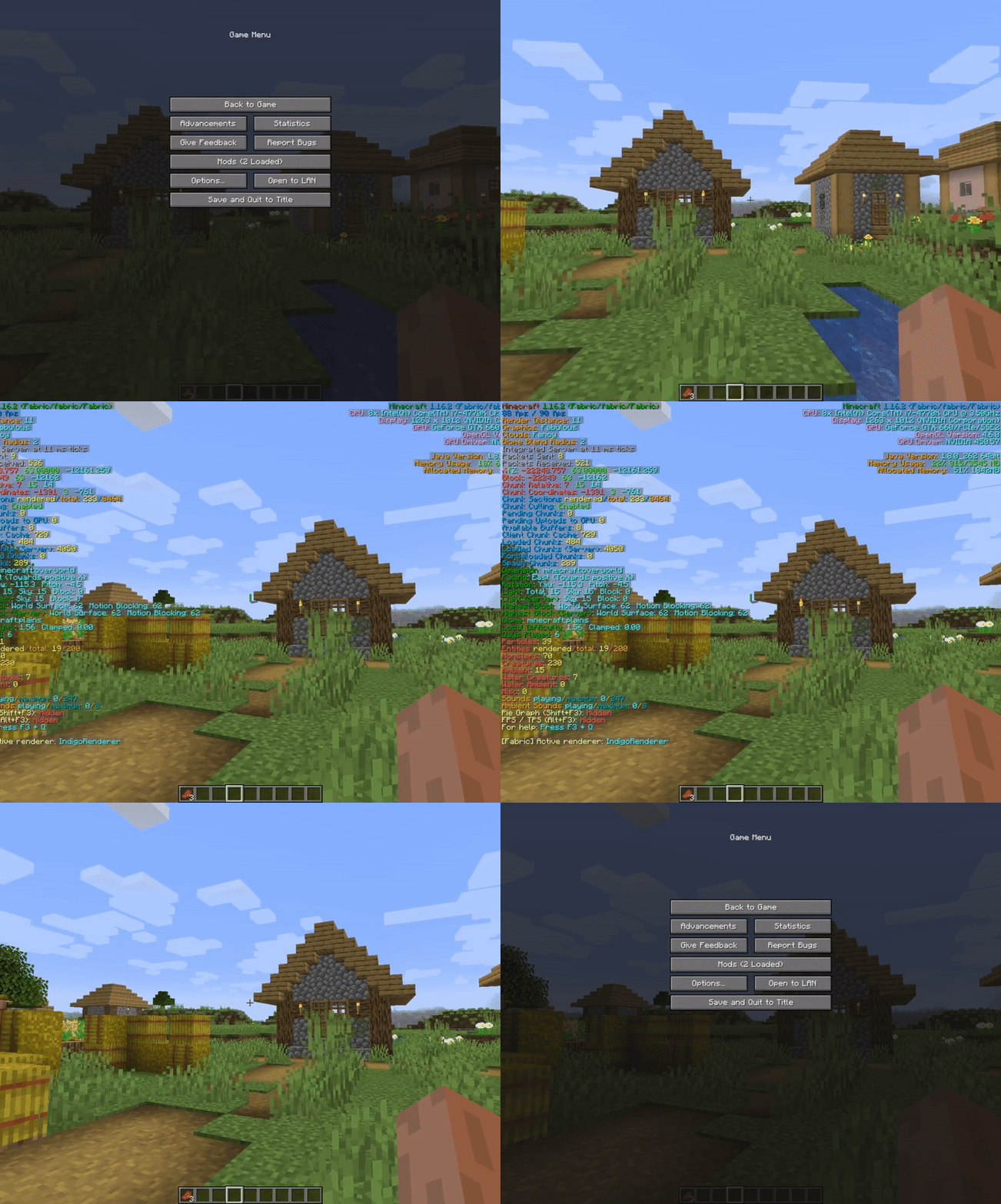
Video by AntVenom
Video by Boodlyneck
Thanks to @Nirewen for the icon.
Post any issues on the GitHub Issues tab
Verfügbare Versionen
BetterF3 auf deinem Client installieren
Mod-Loader lokal installieren
Installiere fabric für deine lokale Minecraft-Version.
Passende Datei herunterladen
Wähle die BetterF3-Datei für fabric und Minecraft 26.3.
Mod installieren
Lege die .jar-Datei in deinem lokalen .minecraft/mods-Ordner ab und starte Minecraft neu. Eine Installation auf dem Server ist nicht nötig.
Kompatibilität
Mod-Loader
Minecraft-Versionen
26.3, 26.2, 26.1.2 (+43 weitere)
Server-seitig
✗ Nicht unterstütztEmpfohlener RAM
4 GB(min. 3 GB)Häufige Fragen
Muss BetterF3 auf dem Minecraft Server installiert werden?
Nein. Modrinth kennzeichnet BetterF3 serverseitig als nicht unterstützt. Installiere die Mod nur im lokalen Minecraft-Mods-Ordner. Dein Server kann unverändert bleiben, sofern die Mod-Seite keine zusätzliche Abhängigkeit nennt.
Welche Version und welchen Loader braucht BetterF3?
Nutze eine Datei für fabric, forge, neoforge, quilt und exakt deine Minecraft-Version. Unterstützte Versionen sind unter anderem 26.3, 26.2, 26.1.2. Loader-Dateien sind nicht untereinander austauschbar.
BetterF3 funktioniert nicht – was kann ich prüfen?
Prüfe zuerst Minecraft-Version, Loader-Version und erforderliche Abhängigkeiten. Lege die .jar-Datei im lokalen .minecraft/mods-Ordner ab und entferne ältere Duplikate. Da die Mod clientseitig ist, löst mehr Server-RAM dieses Problem nicht.
Ähnliche Mods

![[ETF] Entity Texture Features](https://cdn.modrinth.com/data/BVzZfTc1/af683d206d50b05258d865b0d6e4aa2f2cee12f2_96.webp)
![[EMF] Entity Model Features](https://cdn.modrinth.com/data/4I1XuqiY/6e5bbd0d06b1741bfdab6c0cfab6de8fdaf0064c_96.webp)



Minecraft Server für deine Gruppe
BetterF3 bleibt auf deinem Client. Hoste dazu eine kompatible Welt für deine Mitspieler.