
Adventures In Time - TARDIS
Adds the TARDIS from Doctor Who and more into Minecraft 1.20.1.
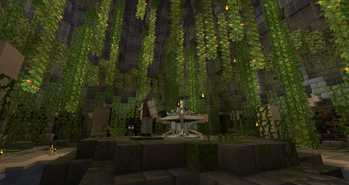
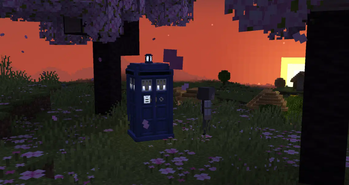
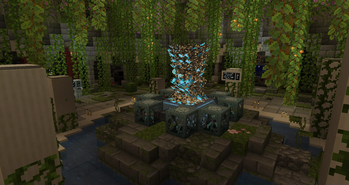
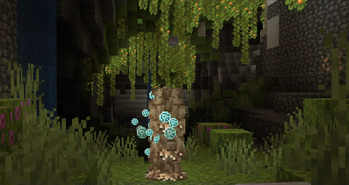
Screenshots
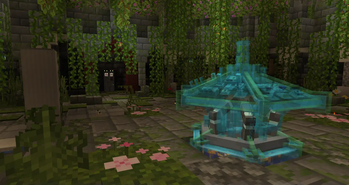
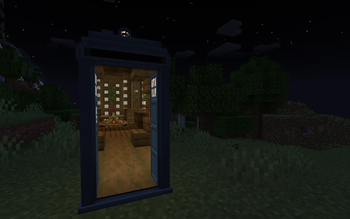
Über diese Mod






 WARNING
Versions 1.2.5.2812-1.20.1-release and above will require YACL.
AIT FORGE HAS NOW MOVED TO HERE!
Summary
Apparatus Vivi. Living machine. The TARDIS. Whatever you wish to call it, it grows, learns, with you. It will learn things from you, so make sure to behave yourself around it, or else it might learn something you wish it wouldn't have learnt. In addition the mod adds space, mars, moon and more all for you to explore with your TARDIS. But remember, it is alive, and it will make choices of its own, you are not the one in full control.
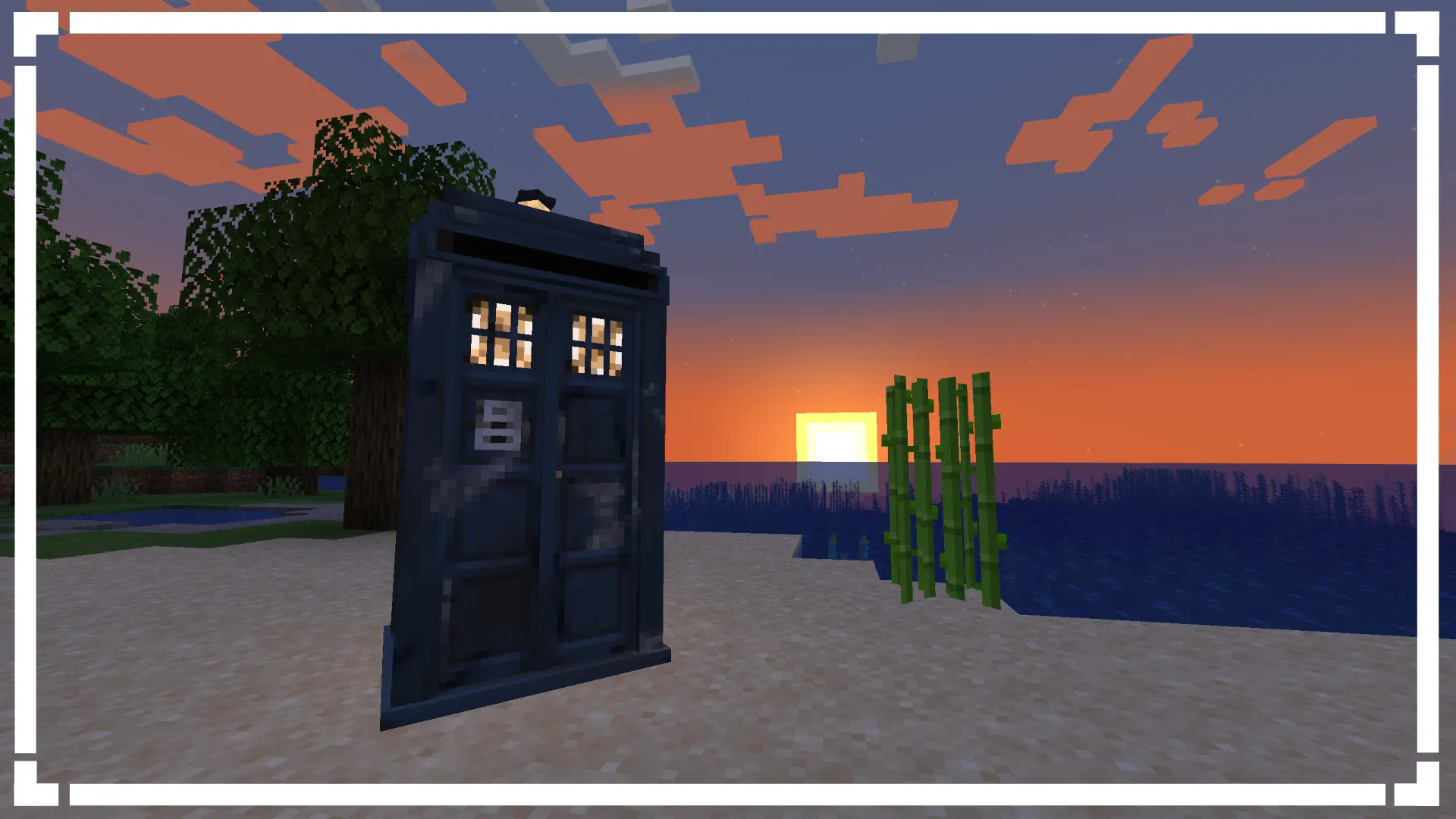
 What does this mod add?
- A functional TARDIS
- 2 Dimensions (Mars/Moon)
- 20+ Functional Controls
- Immersive Sound Design
- Console Specific Controls (Coffee Machine)
- The Time-Vortex (Customisable aswell)
- Rifts
- An Engine System
- Customisable Animations
- Party TARDIS! (Done via putting a disc into the console port/naming your TARDIS "partytardis")
- Sonic Screwdriver
- Astral Map (Locator)
- Handles
- Ghost Monumenting
- Engine Phasing
- Shader Support
- An unhealthy amount of customisation
- And a lot more

Available for Fabric + Forge on 1.20.1
Recommended to play with 8GB of RAM minimum singleplayer.
Recommended to have 8GB of RAM allocated to the multiplayer servers.
 Need Help? Confused? Don't know what a feature does?
If you have confusion about special blocks you are able to check the items tooltip for more info on what conditions you need to be to place the block. We also have a wiki which documents on most things in the mod from blocks and items right to how to add custom datapack exteriors and consoles.
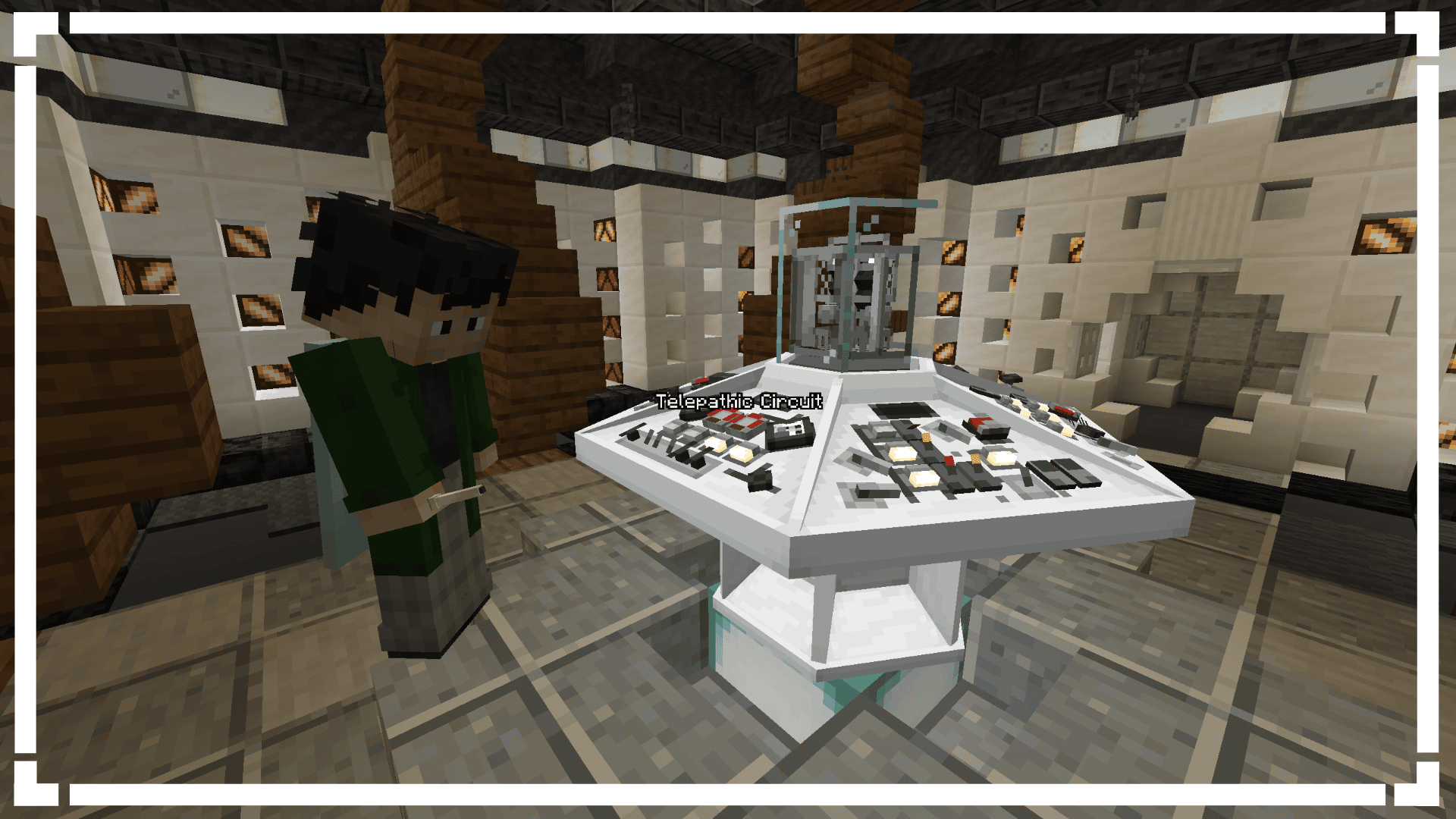
 Compatibility
If you have Gravity Changer (qouteall fork)
- You will be able to control your TARDIS interior gravity from the TARDIS Monitor
 Credits
Developers:
- Loqor
- Dr. Theo
- Maketendo
- AddieDaBaddie
- Saturn
Artists:
- Westankrang
- Tright
- b2
- Ouro
- Maggie
Sound Design:
- Dian
- Radio
- TARDISSFX (the YouTube channel)
- Uriel_N_Diaz
- Classic
Thank You's:
- duzo
- MagicMan(?) (Help with modeling)
- Bug1312 (Help with code)
- DocArcane (Credit for the Steampunk console design)
- Creativious (Help with code)
- nitrogenez (Ukrainian Translations)
- Codiak (Help with code)
- Theta (Some Vortex's)
 Links & Community
Verfügbare Versionen
Adventures In Time - TARDIS auf dem Server installieren
Server bestellen
Bestelle einen Minecraft Java Server mit mindestens 3 GB RAM (4 GB empfohlen).
fabric Loader setzen
Wähle im Panel unter "Egg" den fabric-Loader und die passende Minecraft-Version (1.20.1).
Mod installieren
Öffne den Mod-Browser im Dashboard und suche nach "Adventures In Time - TARDIS". Klicke "Installieren" – fertig! Alternativ: Lade die .jar via SFTP in den /mods Ordner.
Kompatibilität
Mod-Loader
Minecraft-Versionen
1.20.1, 1.16.5
Server-seitig
✓ ErforderlichEmpfohlener RAM
4 GB(min. 3 GB)Häufige Fragen
Adventures In Time - TARDIS Server crasht beim Start – was tun?
Häufigste Ursache: falsche fabric-Version oder zu wenig RAM. Prüfe im Server-Log (latest.log), ob ein "OutOfMemoryError" oder "Mixin"-Fehler auftritt. Bei Mado Hosting: Stelle sicher, dass mindestens 3 GB RAM zugewiesen sind und der Loader zur Mod-Version passt (1.20.1). Über das Panel kannst du den Loader mit einem Klick wechseln.
Ist Adventures In Time - TARDIS mit fabric und forge und quilt kompatibel?
Adventures In Time - TARDIS unterstützt offiziell fabric, forge, quilt für Minecraft 1.20.1, 1.16.5. Achtung: Forge- und Fabric-Mods sind NICHT untereinander kompatibel – wähle einen Loader und bleibe dabei. Im Mado Dashboard werden inkompatible Loader-Kombinationen automatisch erkannt.
Server laggt mit Adventures In Time - TARDIS – wie optimiere ich die Performance?
Empfohlener RAM: 4 GB (+1 GB pro 8 Spieler). Prüfe mit /spark profiler, ob Adventures In Time - TARDIS den meisten Tick-Time verbraucht. Häufige Fixes: Server-View-Distance auf 8-10 reduzieren, bei Forge "performant" oder "starlight" als Zusatz-Mod installieren. Bei Mado Hosting läuft dein Server auf NVMe-SSDs mit dedizierten CPU-Kernen für minimale Latenz.
Ähnliche Mods




Modded Server mieten
Installiere Adventures In Time - TARDIS mit nur einem Klick auf deinem Server.
Details
- Lizenz
- GNU Lesser General Public License v3.0 only
- Server-seitig
- Erforderlich