
Ala Industrial
A technology mod featuring an EU energy system, machines, generators, and ore processing for Minecraft.
Screenshots
Über diese Mod
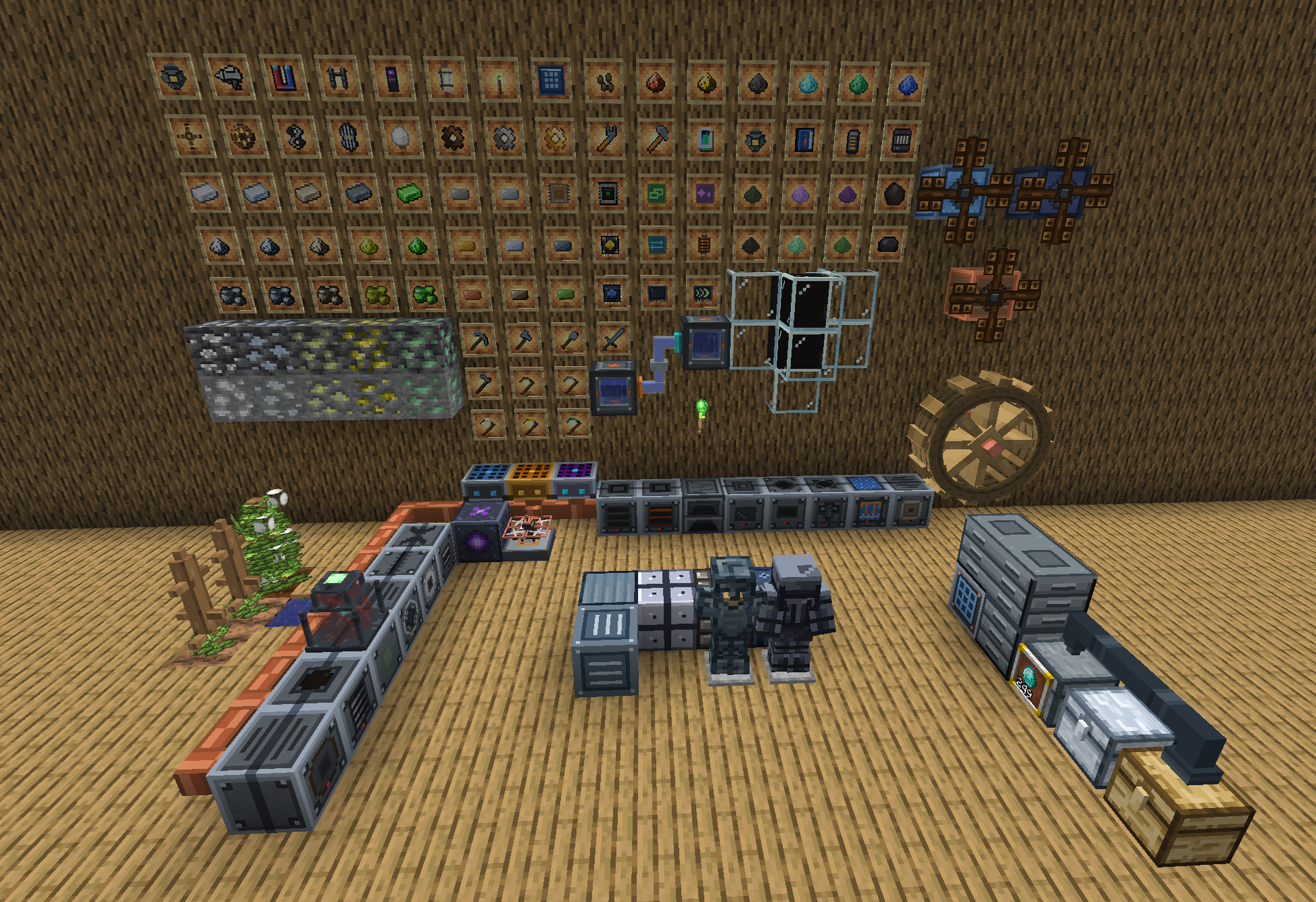
Ala Industrial is a full-scale technology mod for Minecraft 26.3 and 26.2, on Fabric and NeoForge. Start with one solar panel and a macerator that doubles your ore. End up running a nuclear reactor room, a drone-tended farm, a self-crafting assembly line and a teleporter network back to your base.
Everything runs on one EU/FE power grid: generators make it, cables carry it, batteries store it, and machines, tools and armour spend it. EU/FE talks to Team Reborn Energy on Fabric and Forge Energy on NeoForge, so the mod plays well with the rest of your tech pack.
📖 Wiki: every block, recipe and number · 💬 Discord
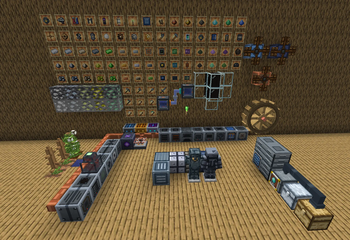
At a glance: 11 generators · a walk-in nuclear reactor · crops and crystals you grow yourself · 20+ processing machines · item, fluid and steam pipes · auto-crafting and auto-farming · a teleporter with a map · electric tools, weapons and a jetpack · new ores, an oil field and a refinery · a skill tree and a career screen · 24 languages · an in-game guide book.
☢️ The Nuclear Reactor: a room you build, not a block you place

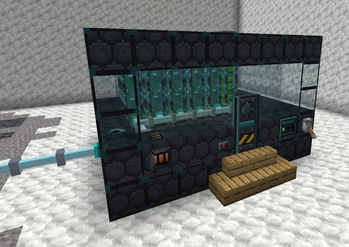
The mod's biggest power source and its most dangerous build. Wall in a room with reactor casing, fit a sliding airlock, stack fuel columns of enriched uranium rods and pipe in water: the core turns it into steam and pushes out up to 512 EU and FE/t, enough for an entire factory floor.
- A real control console. Five tabs (Console, Room, Core, Coolant and Log) tell you which wall has a hole, which rod is worn, what your water loop is missing and what happened while you were away.
- Steam you can see. Reinforced pipes feed the core from inside the room, steam lines carry the exhaust, and a nozzle outside vents white geyser puffs while the reactor works.
- Meltdowns are real. Let it overheat and the room goes critical, and the scorched ground remembers it.


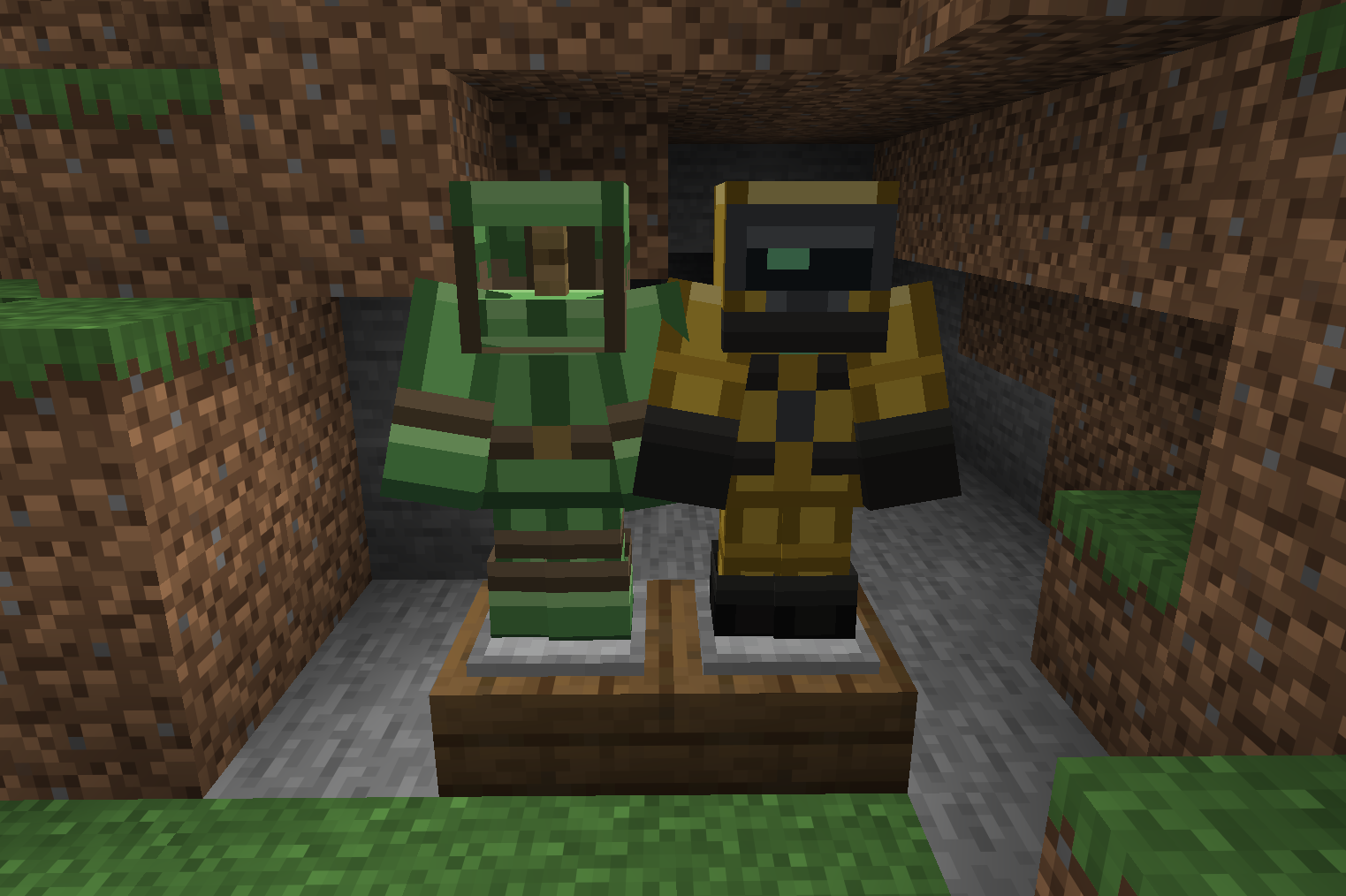

Radiation is part of the deal. Uranium irradiates whatever stands near it, and villagers turn into zombie villagers. Bring a Geiger Counter (its lamp turns red before the damage starts), a Shielding Suit, a lead-lined Shielding Chest and a Shielding Pouch to carry fuel safely.

🌱 Grown, not mined
Some materials you have to farm. Rubber comes from a plant, string from a crop, amethyst from a sealed room.

- Kok-saghyz, the rubber dandelion. Grow it slowly, watch its root through the soil without digging, and harvest it for renewable rubber. The garden drone keeps you in seeds.
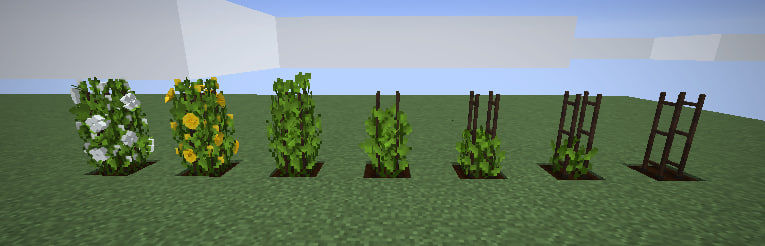
- Cotton climbs a trellis through seven growth stages and gives fibre that crafts into wool, no spiders needed.
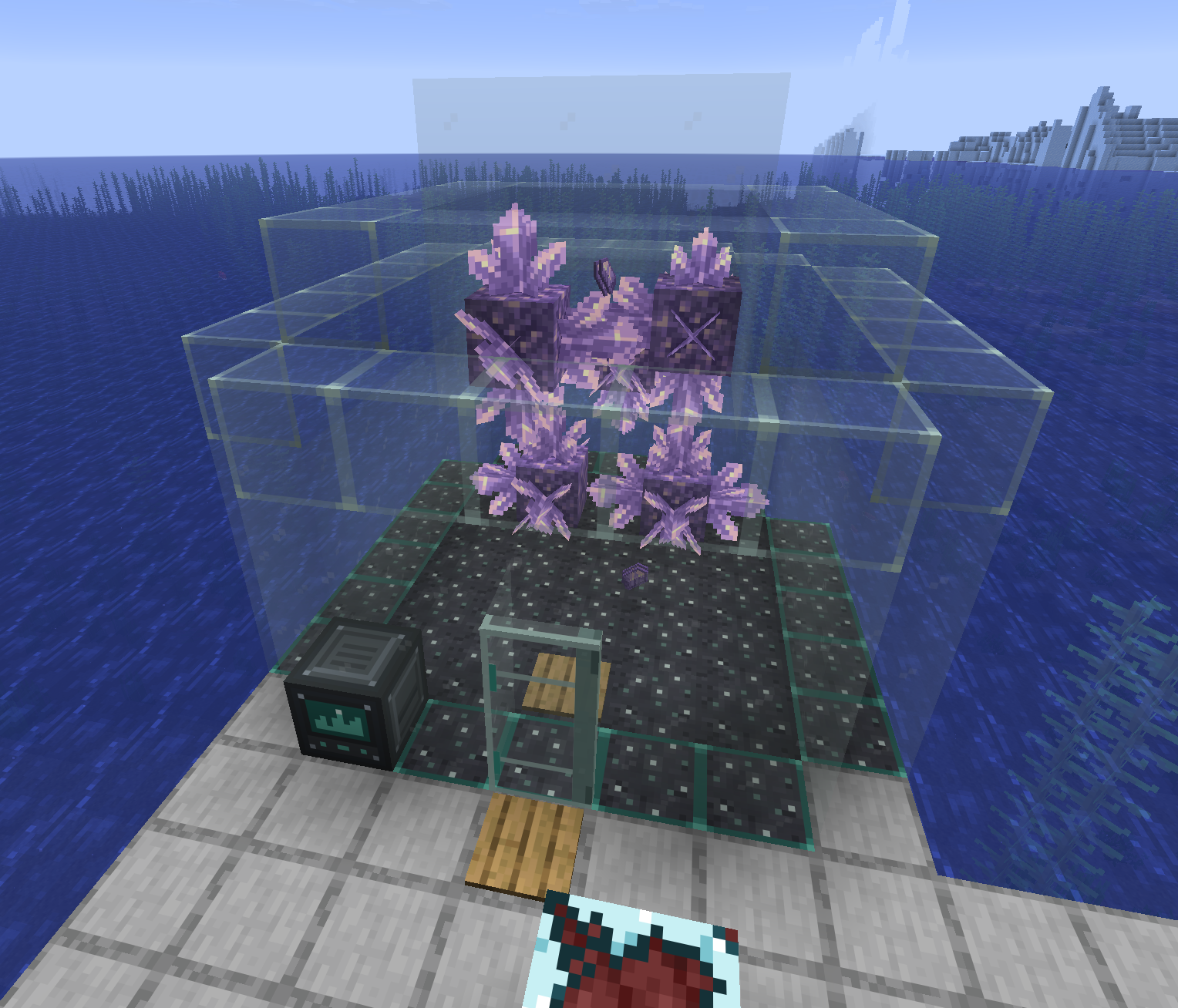

- Crystal Greenhouse. Seal a glass room, wake a seedbed, let a ceiling Sprinkler water it, and grow your own amethyst.
⚡ Power from everywhere
No single generator carries the whole base. Mix and match whatever your terrain gives you.

- Solar Panel evolves into a Daylight or a Moonlit panel. Eight panel sections assemble into the 2×2×2 Mirror Concentrator, which works as one machine from every side.
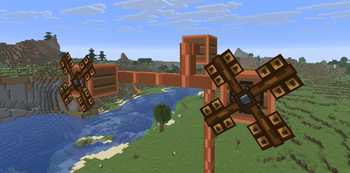
- Wind family: the Wind Turbine, the high-altitude Sky Mill and the storm-hungry Tempest Mill. Wind has a best height, and the Wind Gauge finds it. Rotors wear out and come in three grades.
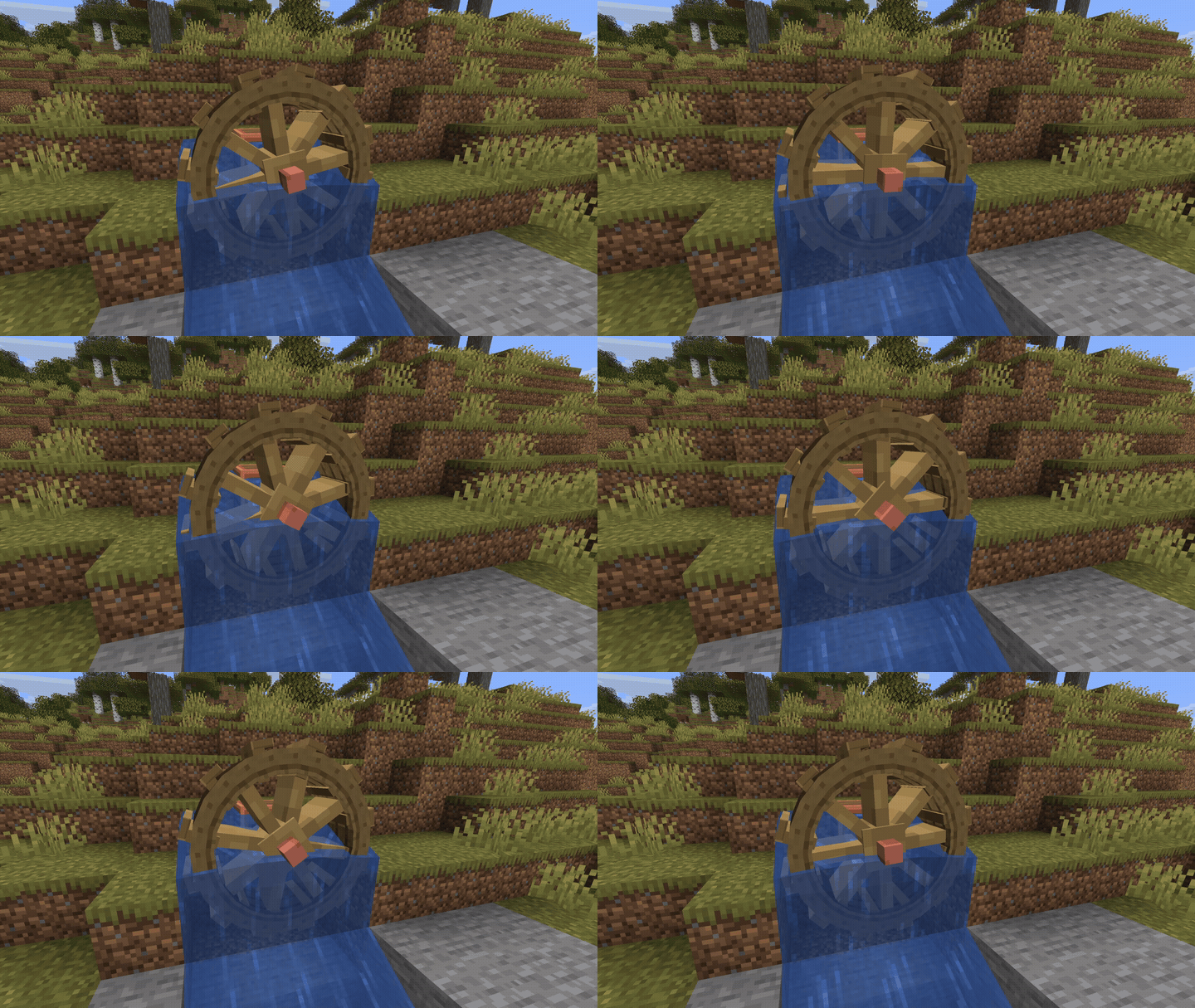
- Water Mill runs on flowing water, never on a still pond. Its wheel comes in three grades too.
- Lightning Rod Generator: storms finally pay out, if you are ready to catch them.


- Mob Wheel: the simplest power of all. Put a mob in a wooden wheel and let it run.
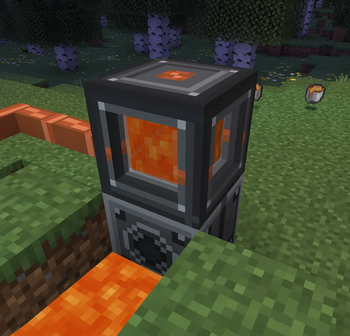
- Generator for fuel, Geothermal Generator for lava, and the Nuclear Reactor on top.

🔌 A grid you can see

- Four cable grades: tin, copper, gold and electrum, each good at something different, with distance loss and per-segment throughput. Insulated cables can be dyed, so every line of a big grid gets its own colour.
- Bare wire bites. An uninsulated cable shocks whoever walks past. Wrap it in rubber, lift it on a wooden or wool stand, or clamp a Cable Breaker on it to make the line safe.
- Network Analyzer: right-click a cable to see producers, consumers, supply and demand, and watch the energy run through the world as a glowing trace.


Too much power? Bank it. Battery Boxes share their charge fairly, the Reinforced Energy Storage holds more, and carryable Batteries can run a machine with no cable at all. The Energy Condenser soaks up the grid's surplus and squeezes it into energy clots for machine upgrades. Step onto a Charging Station and everything you wear and carry charges at once.
🏭 Machines that look alive



Every machine has an animated face, its own sound, an upgrade panel and a status line that tells you exactly why it stopped.
- Ore processing: Macerator, Electric Furnace, Compressor, Extractor and the Thermal Centrifuge turn one ore into much more.
- Metals and parts: the Alloy Smelter makes bronze, invar, electrum and cupronickel. Add a forge hammer and plates, bearings, components in three tiers and a quench press for carbon ceramic.
- Food, wood and rubber: the Canning Machine turns a drawer of leftovers into one stack of rations. Plus the Sawmill, the Vulcanizer with its Electric Heater, and a Fermenter for rotten junk.

- The odd ones: the Incubator copies items and mutates them into new materials, the Recycler turns any junk into slag worth keeping, and the Mob Repeller keeps the night away from your base.


🤖 Automation and logistics

- Garden Drone Station: dock a drone, feed it seeds, bone meal and power, and walk away. It tills, plants, fertilizes, harvests and weeds, and drops the crops into storage. Works with Farmer's Delight crops too.
- Assembler: teach it a recipe once (or hand it a blueprint) and it crafts forever from a wall of chained Storage Modules.
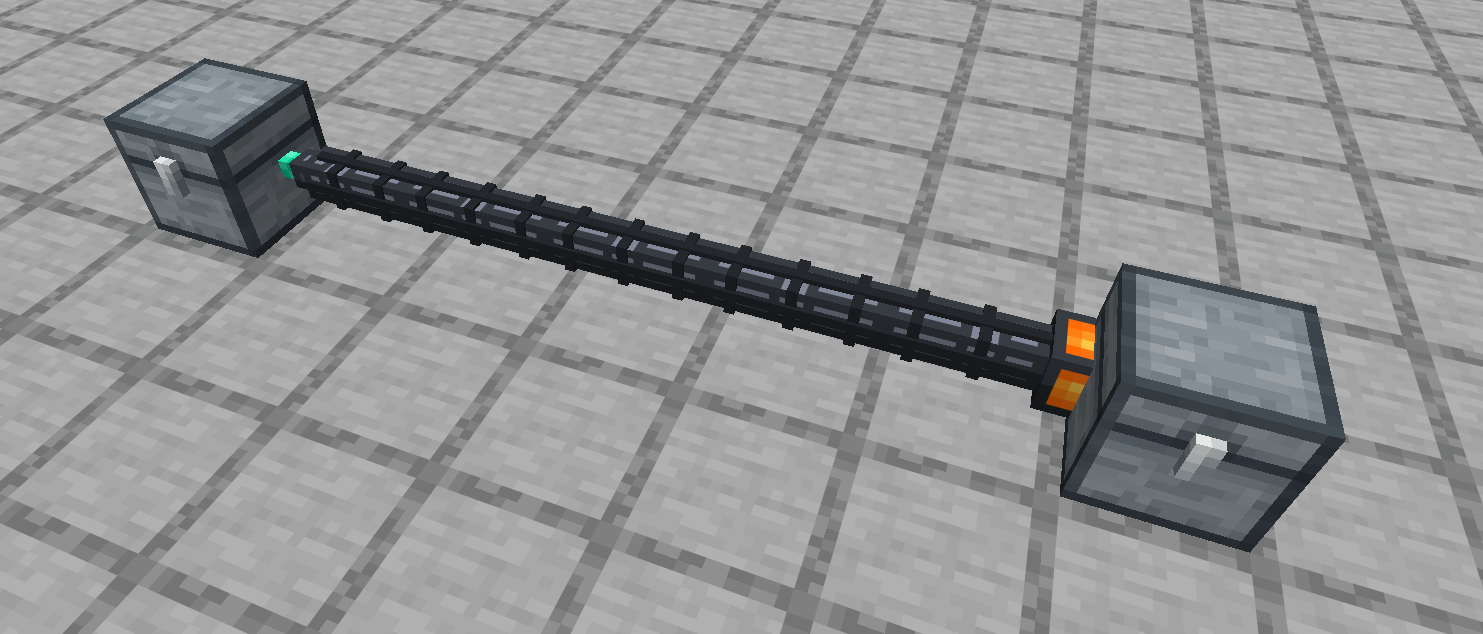
- Item pipes carry stacks between chests and machines, any distance, with no power. Wrench a side to set it and the line runs itself. The advanced grade moves twice as much.
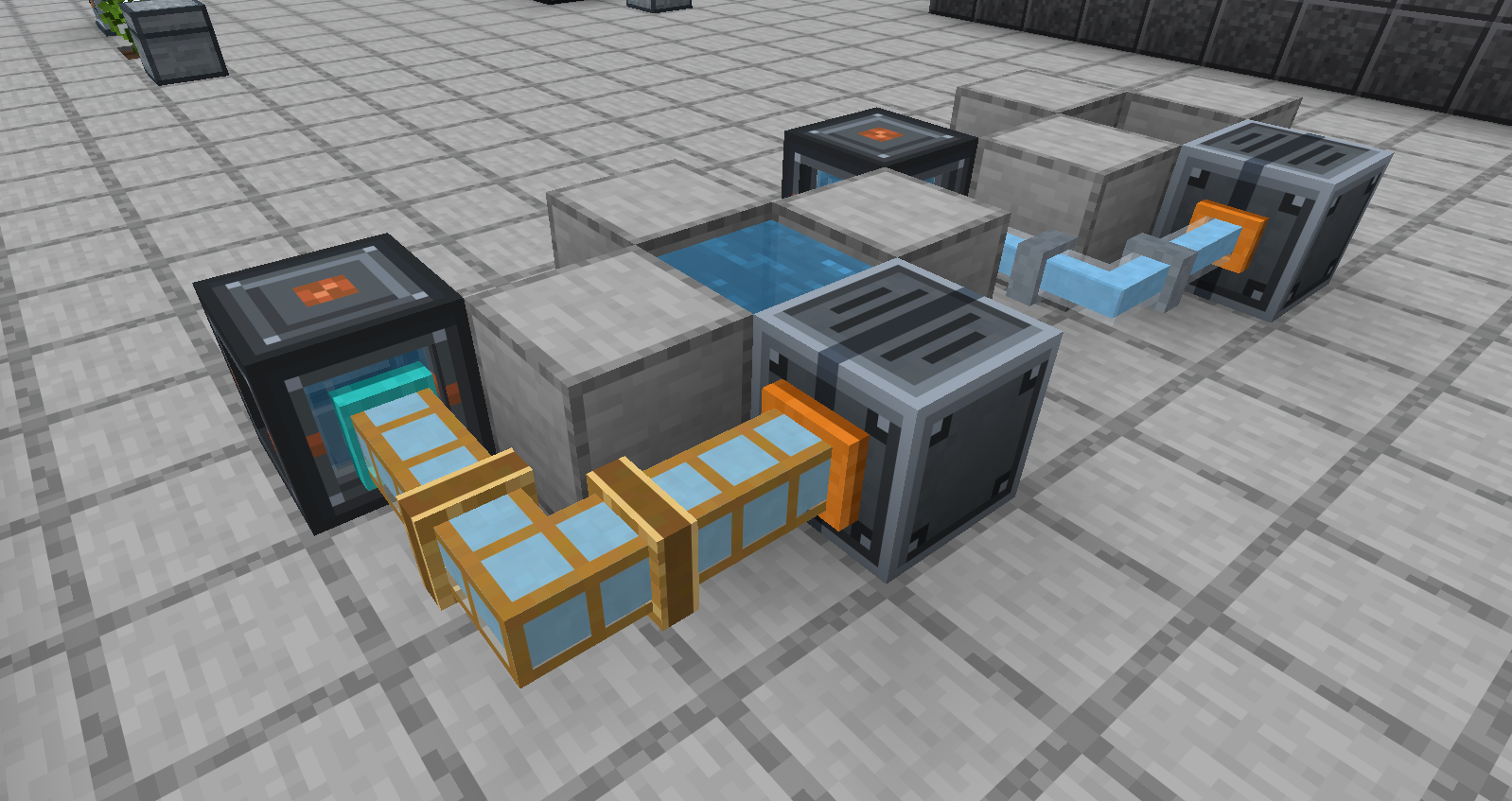
- Fluid and steam pipes carry water, lava, oil and other mods' fluids, and you watch each fluid's own colour flow through the glass. Vacuum Capsules take the colour of whatever you scooped up.

🌀 Teleporter: home in five seconds

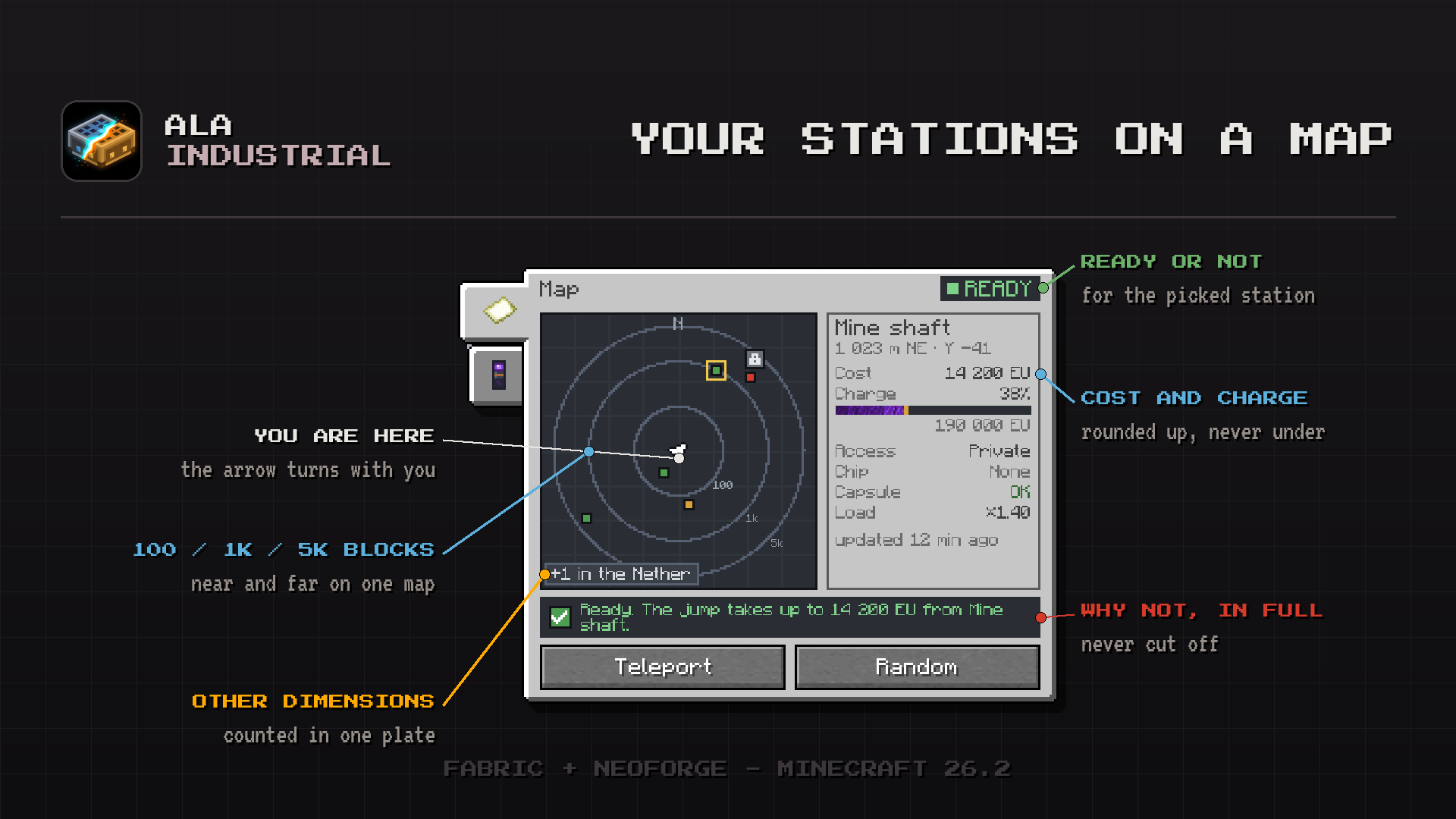
Park a station at your base and keep the Teleporter Remote in your pocket. You arrive inside a glass capsule that builds itself around the station. The remote has Stations, Map, Random and Log tabs, and the random jump sends you somewhere you have never been. A cancelled jump costs nothing, a stolen remote is useless, and stations stay private behind a padlock.
🛠️ Electric tools, weapons and gear


- Electric Drill, Chainsaw, Shovel and Hoe run on EU/FE and never wear out. Each has a diamond-tipped upgrade, the drill also a netherite one forged at a smithing table, and the Upgrade Table presses modules onto them for good.

- Electric Saber and Electric Bow: the bow draws twice as fast as a vanilla one.
- Jetpack: thrust on stored power, and glide safely down when it runs dry. Charge it from an Energy Pack on your back.

- Scythe: clears leaves, grass and flowers in a wide sweep, and harvests crops without wrecking the field.
- Electromagnet: pulls drops to you. The advanced one takes a Filter Module that grabs the diamonds and leaves the cobblestone.
- Enriched Uranium Torch: a green flame that keeps burning underwater.
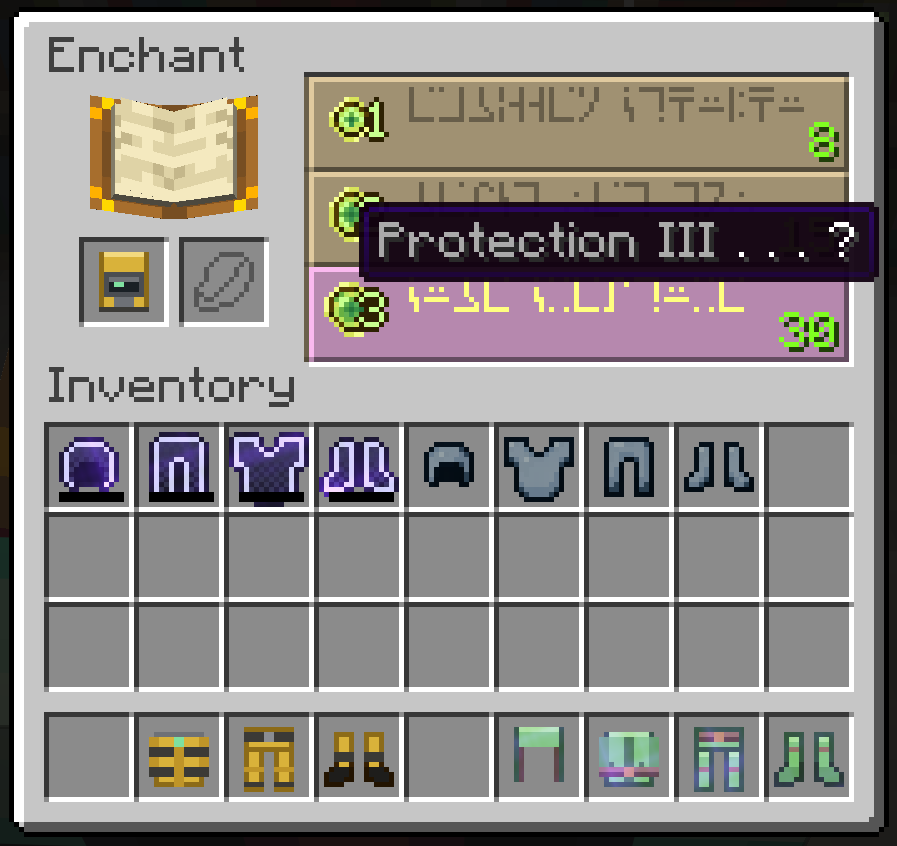
- Armour: Tempered Iron, Fluxweave, insulated and shielding sets, all enchantable at the enchanting table.


🌍 A world worth exploring

- New ores: tin, silver, nickel, uranium, sulfur and blast-proof palladium in the Nether.
- Oil: surface lakes and deep deposits that burn if you are careless. A Distillation Column splits crude into diesel and fuel oil.
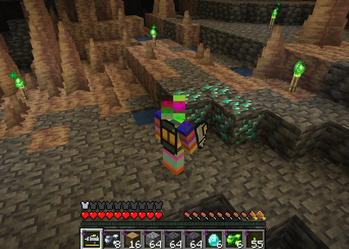
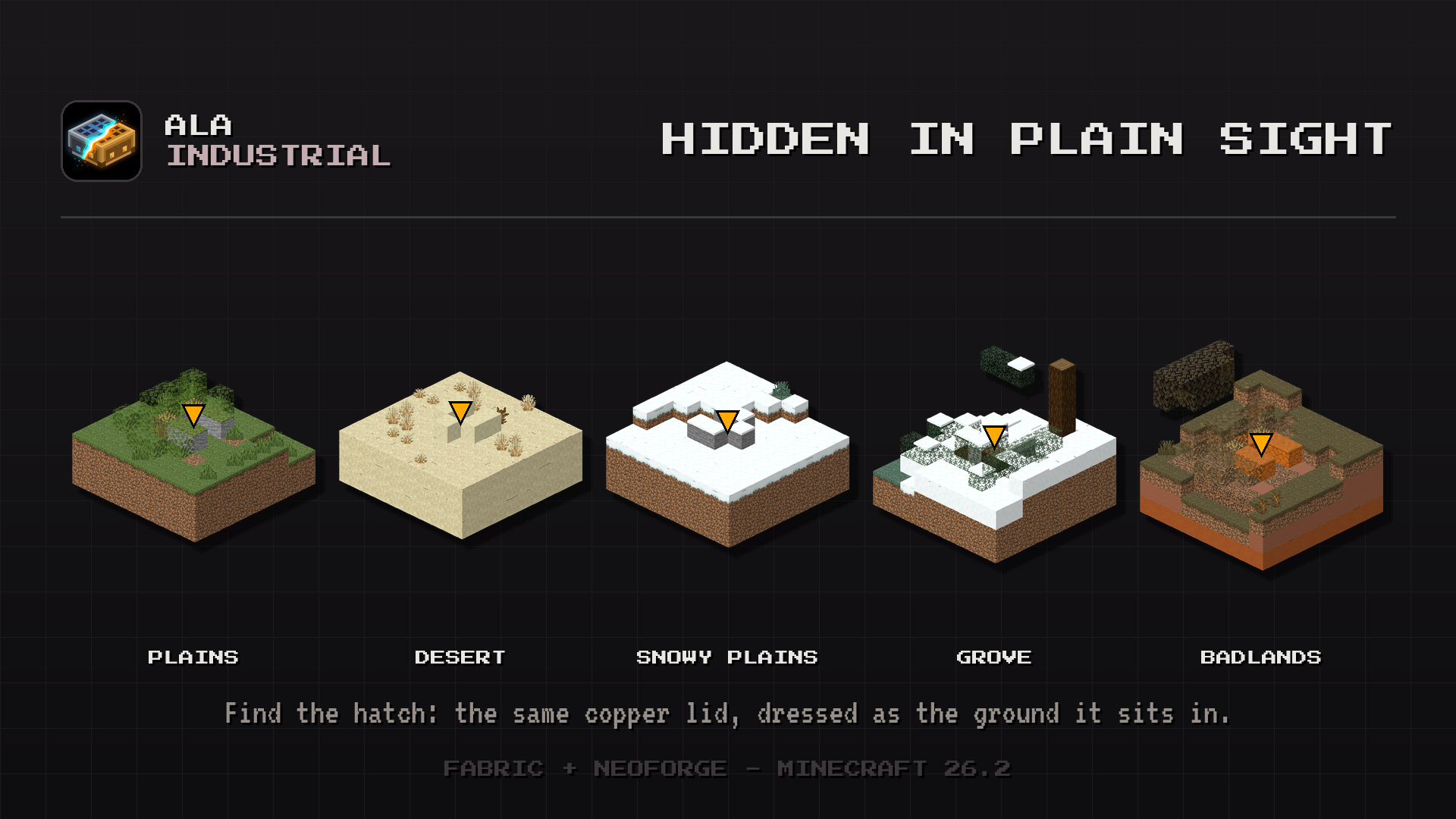
- Abandoned labs: hidden hatches in plains, deserts, snowy plains, groves and badlands lead to the labs of someone who worked here before you.
- The Industrialist: a new villager who buys your ores for emeralds.
📦 Storage you can read from across the room
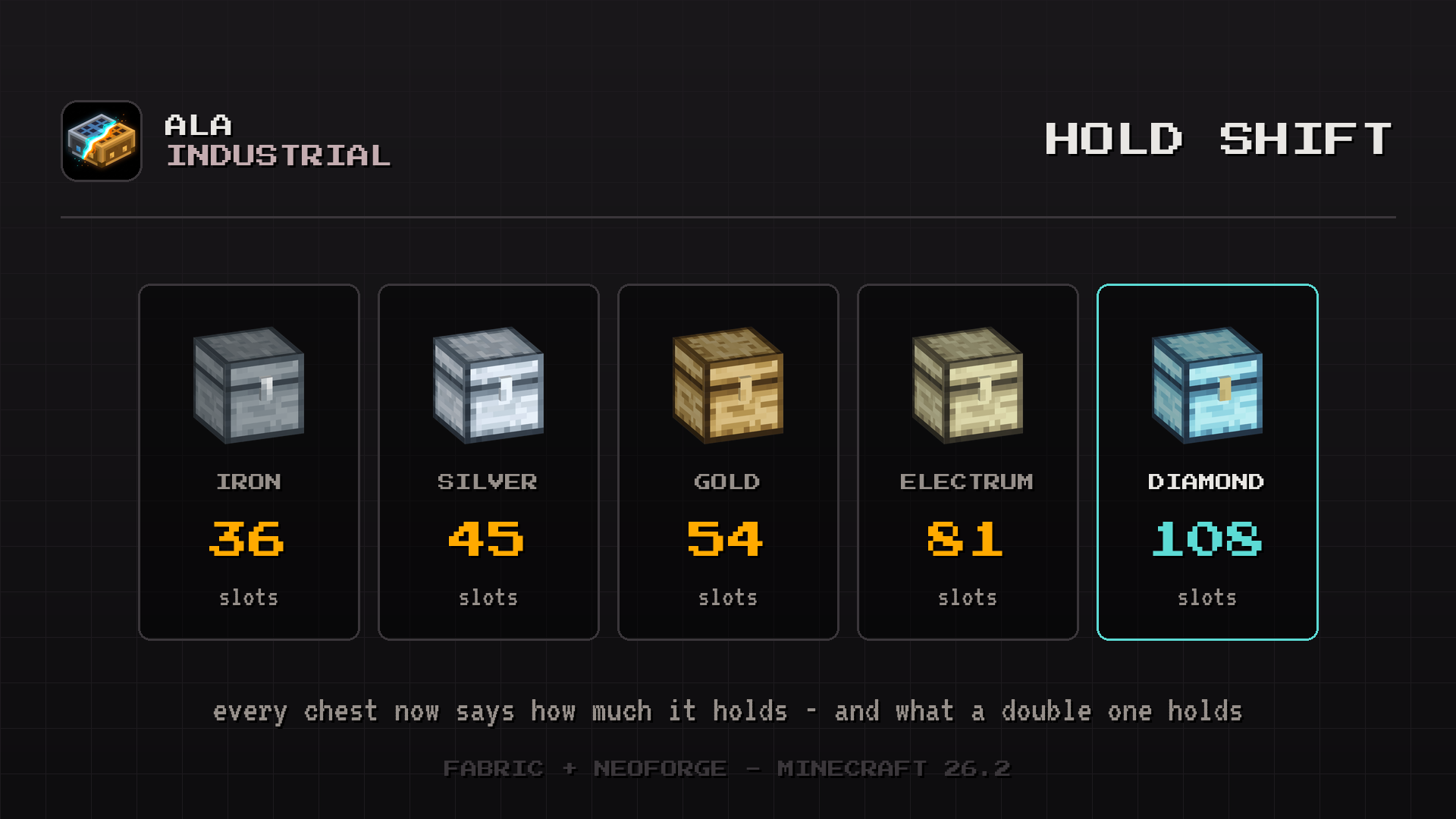

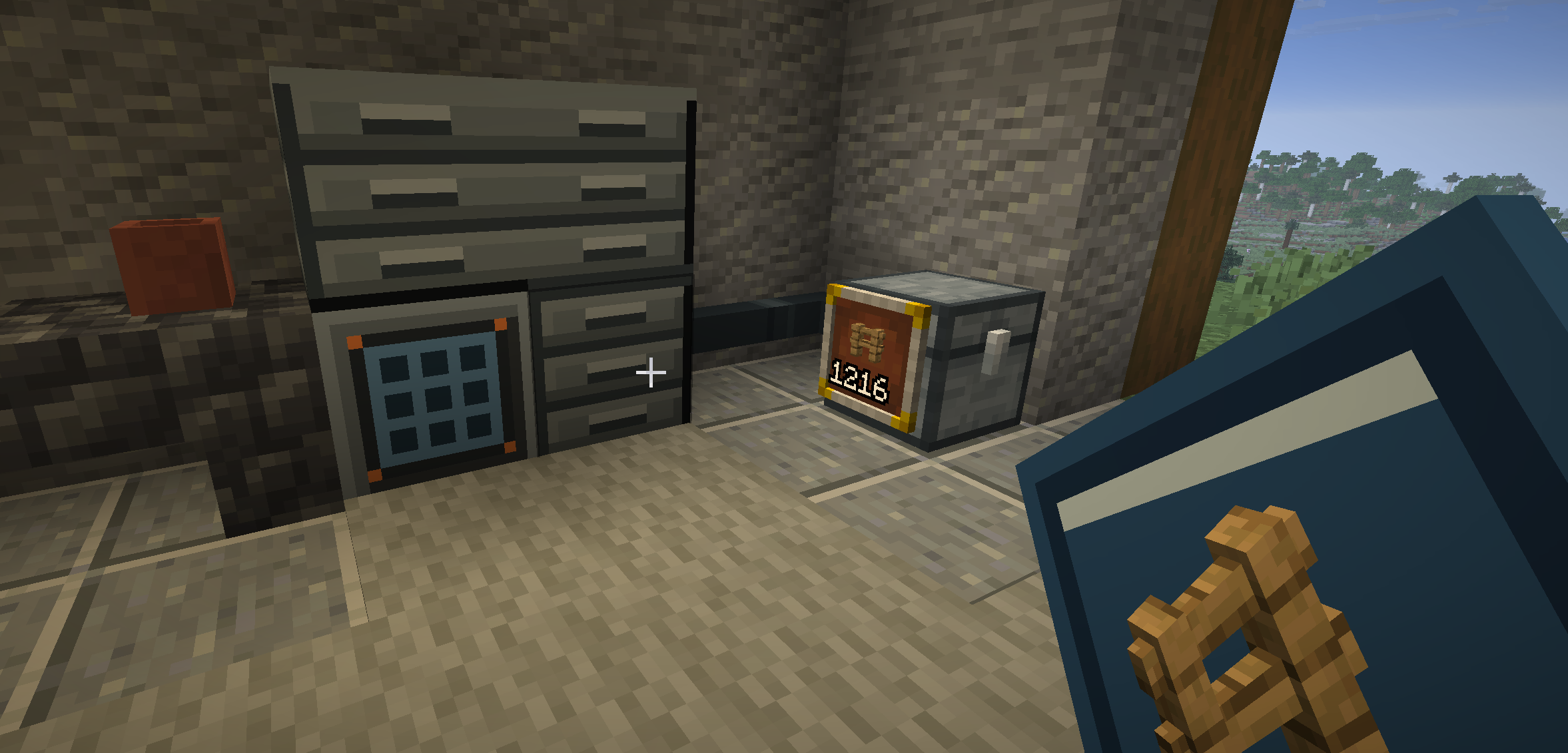
- Five chest tiers: Iron, Silver, Gold, Electrum and an explosion-proof Diamond chest. Up to 108 slots, and 216 as a double chest.
- Monitoring wall: build a wall of screens around a Monitor Core and see your stock on big lit displays.
- Stock Display Frame shows the item count of a container right on its front.
🏆 Progression
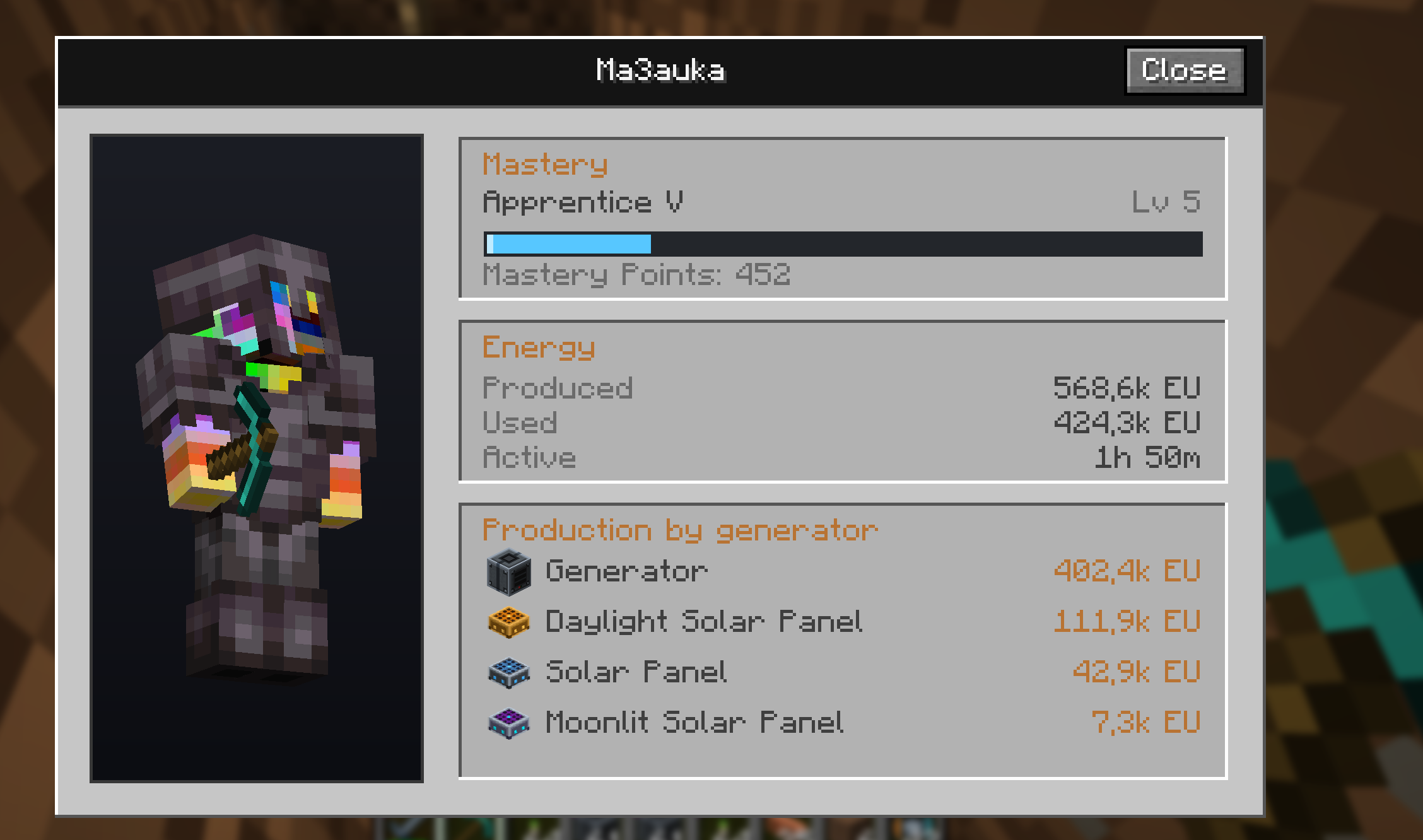

- Dashboard (
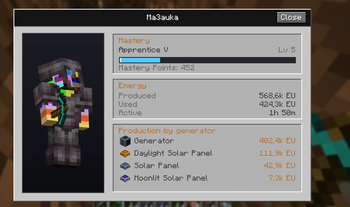
K): your industrial career. EU/FE produced and spent, machine uptime, output per generator, and a Mastery rank from Apprentice to Legend. - Workstation: build the computer and spend what you earned on a skill wheel of permanent upgrades.
- Guide Book, a tree of advancements, and every recipe in JEI and REI with the energy cost on each card.
🌐 24 languages
English, Русский, Українська, Deutsch, Nederlands, Svenska, Español (España), Español (México), Français, Italiano, Čeština, Polski, Português (Brasil), Türkçe, Bahasa Indonesia, Tiếng Việt, हिन्दी, বাংলা, العربية, ไทย, 日本語, 한국어, 简体中文, 繁體中文.
🧩 Compatibility
/ala version-/ala statusand/ala netfor diagnostics.
Verfügbare Versionen
Ala Industrial auf dem Server installieren
Server bestellen
Bestelle einen Minecraft Java Server mit mindestens 3 GB RAM (4 GB empfohlen).
fabric Loader setzen
Wähle im Panel unter "Egg" den fabric-Loader und die passende Minecraft-Version (26.3).
Mod installieren
Öffne den Mod-Browser im Dashboard und suche nach "Ala Industrial". Klicke "Installieren" – fertig! Alternativ: Lade die .jar via SFTP in den /mods Ordner.
Kompatibilität
Mod-Loader
Minecraft-Versionen
26.3, 26.2
Server-seitig
✓ ErforderlichEmpfohlener RAM
4 GB(min. 3 GB)Häufige Fragen
Ala Industrial Server crasht beim Start – was tun?
Häufigste Ursache: falsche fabric-Version oder zu wenig RAM. Prüfe im Server-Log (latest.log), ob ein "OutOfMemoryError" oder "Mixin"-Fehler auftritt. Bei Mado Hosting: Stelle sicher, dass mindestens 3 GB RAM zugewiesen sind und der Loader zur Mod-Version passt (26.3). Über das Panel kannst du den Loader mit einem Klick wechseln.
Ist Ala Industrial mit fabric und neoforge kompatibel?
Ala Industrial unterstützt offiziell fabric, neoforge für Minecraft 26.3, 26.2. Im Mado Dashboard werden inkompatible Loader-Kombinationen automatisch erkannt.
Server laggt mit Ala Industrial – wie optimiere ich die Performance?
Empfohlener RAM: 4 GB (+1 GB pro 8 Spieler). Prüfe mit /spark profiler, ob Ala Industrial den meisten Tick-Time verbraucht. Häufige Fixes: Server-View-Distance auf 8-10 reduzieren, bei Forge "performant" oder "starlight" als Zusatz-Mod installieren. Bei Mado Hosting läuft dein Server auf NVMe-SSDs mit dedizierten CPU-Kernen für minimale Latenz.
Ähnliche Mods




Modded Server mieten
Installiere Ala Industrial mit nur einem Klick auf deinem Server.