
Arcanus
A simple magic mod with player-made spells and Wynncraft-like casting.
Screenshots

Über diese Mod
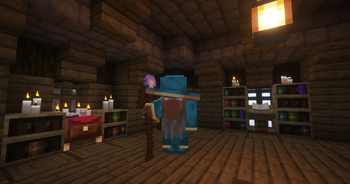
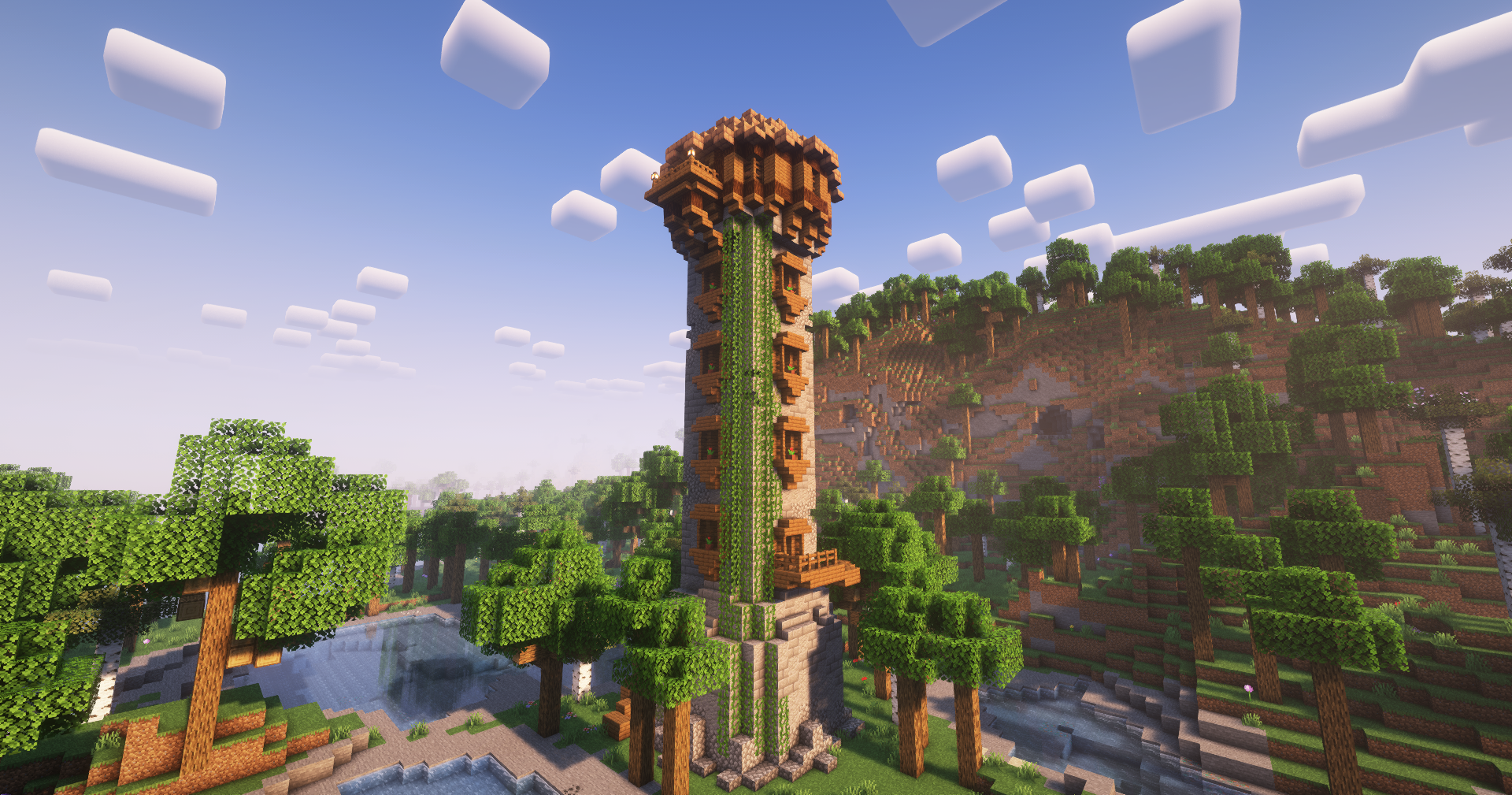
Arcanus is a small magic mod that allows players to create their own spells, and a casting system akin to Wynncraft. Find a Wizard Tower, don a hat, and speak to the wizard at the top to start your magical journey.
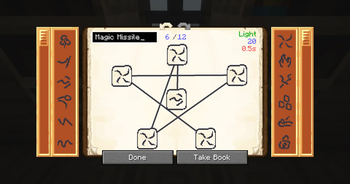
To create a spell, you first need to make a spell book and place it on a lectern. Depending on how many knowledge scrolls you've obtained from your local Wizard, you will see a variety of spell shapes on the left and spell effects on the right. These shapes and effects can be chained together in order to create fully customizable spells, with the only limits on their power being their mana cost and your own creativity.

Spell shapes are how the effects are delivered to the target. For instance, a self shape will apply the chained effects to the caster, while a projectile shape will apply the chained effects to whatever it hits. Spell effects are more obvious; they are the actual functioning parts of the spell, such as damage or freezing.
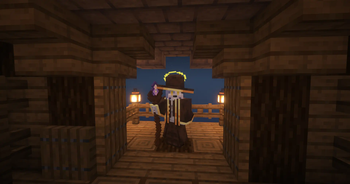
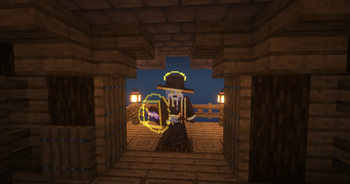
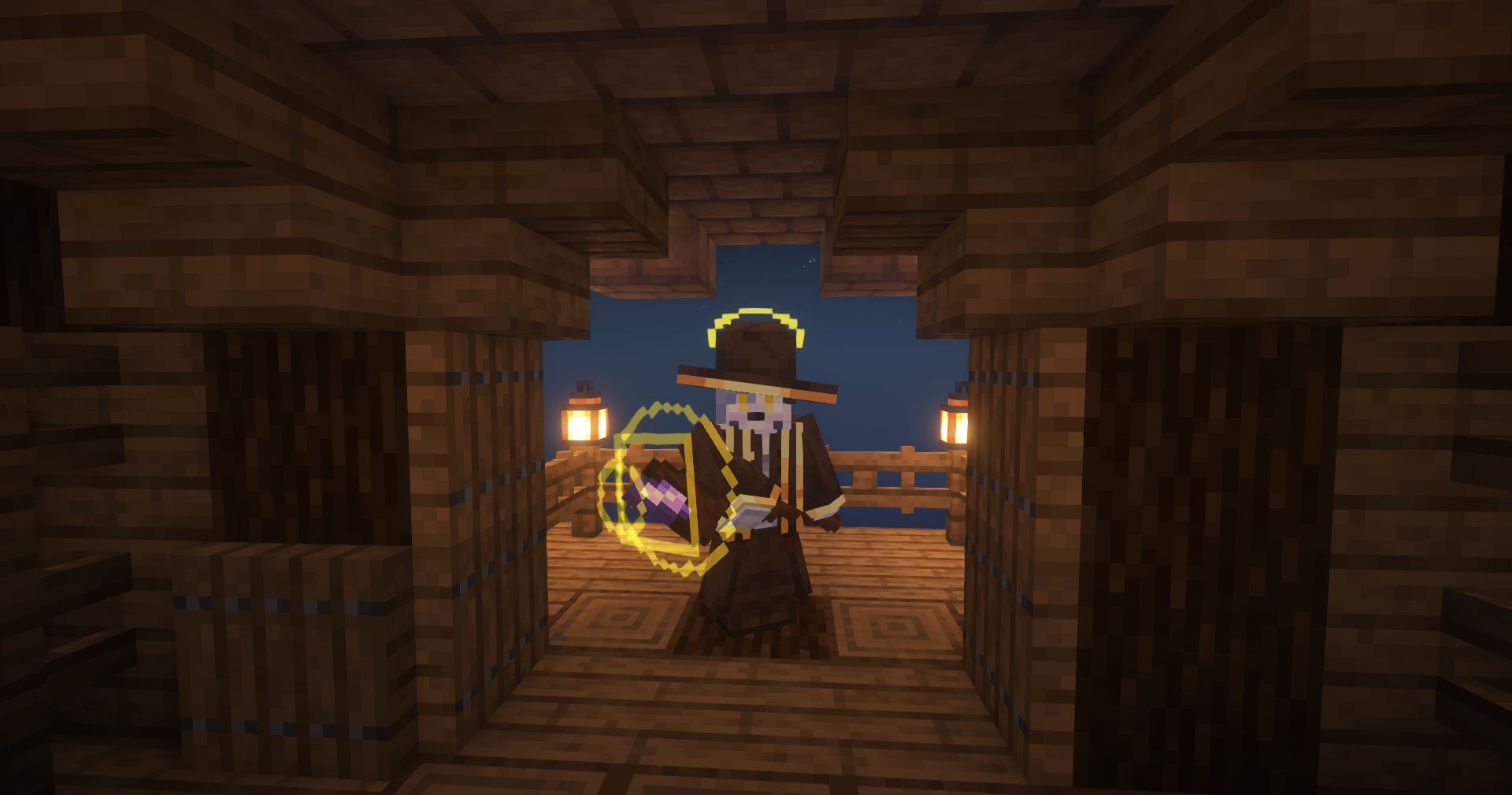
In order to cast a spell you have to combine mouse inputs that correspond to one of 8 slots on your staff. Each mouse input also corresponds to a shape: square for left, circle for right. When you cast a spell, you'll see these shapes appear around your crosshair, and other players will see them in front of your player model.
The mod is fully documented in the in-game book, the Compendium Arcanus. I highly recommend reading through it to understand everything there is to know about the mod! It's also fully configurable, including allowing pack makers to disable specific spell shapes or spell effects completely.
For Developers:
You can also find the mod on Up's maven repository.
repositories {
	maven { url = "https://maven.uuid.gg/releases" }
}

dependencies {
	modImplementation "dev.cammiescorner.arcanuscontinuum:Arcanus-Continuum-Fabric:<VERSION>"
}


Verfügbare Versionen
Arcanus auf dem Server installieren
Server bestellen
Bestelle einen Minecraft Java Server mit mindestens 3 GB RAM (4 GB empfohlen).
fabric Loader setzen
Wähle im Panel unter "Egg" den fabric-Loader und die passende Minecraft-Version (1.20.1).
Mod installieren
Öffne den Mod-Browser im Dashboard und suche nach "Arcanus". Klicke "Installieren" – fertig! Alternativ: Lade die .jar via SFTP in den /mods Ordner.
Kompatibilität
Mod-Loader
Minecraft-Versionen
1.20.1, 1.19.4, 1.19.2
Server-seitig
✓ ErforderlichEmpfohlener RAM
4 GB(min. 3 GB)Häufige Fragen
Arcanus Server crasht beim Start – was tun?
Häufigste Ursache: falsche fabric-Version oder zu wenig RAM. Prüfe im Server-Log (latest.log), ob ein "OutOfMemoryError" oder "Mixin"-Fehler auftritt. Bei Mado Hosting: Stelle sicher, dass mindestens 3 GB RAM zugewiesen sind und der Loader zur Mod-Version passt (1.20.1). Über das Panel kannst du den Loader mit einem Klick wechseln.
Ist Arcanus mit fabric und quilt kompatibel?
Arcanus unterstützt offiziell fabric, quilt für Minecraft 1.20.1, 1.19.4, 1.19.2. Im Mado Dashboard werden inkompatible Loader-Kombinationen automatisch erkannt.
Server laggt mit Arcanus – wie optimiere ich die Performance?
Empfohlener RAM: 4 GB (+1 GB pro 8 Spieler). Prüfe mit /spark profiler, ob Arcanus den meisten Tick-Time verbraucht. Häufige Fixes: Server-View-Distance auf 8-10 reduzieren, bei Forge "performant" oder "starlight" als Zusatz-Mod installieren. Bei Mado Hosting läuft dein Server auf NVMe-SSDs mit dedizierten CPU-Kernen für minimale Latenz.
Ähnliche Mods




Modded Server mieten
Installiere Arcanus mit nur einem Klick auf deinem Server.