Arts & Crafts
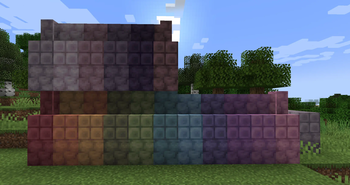
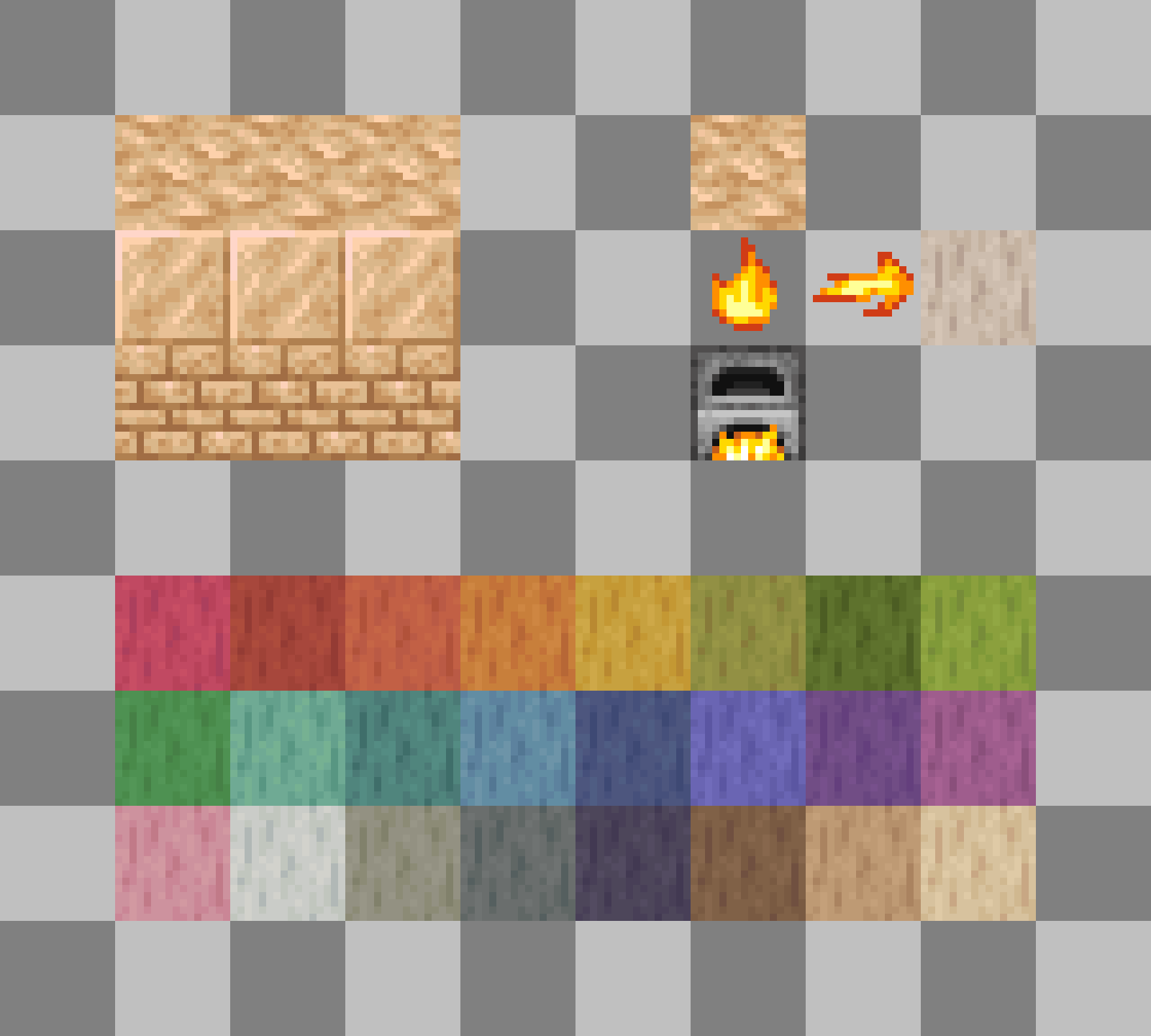
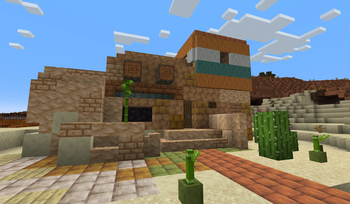
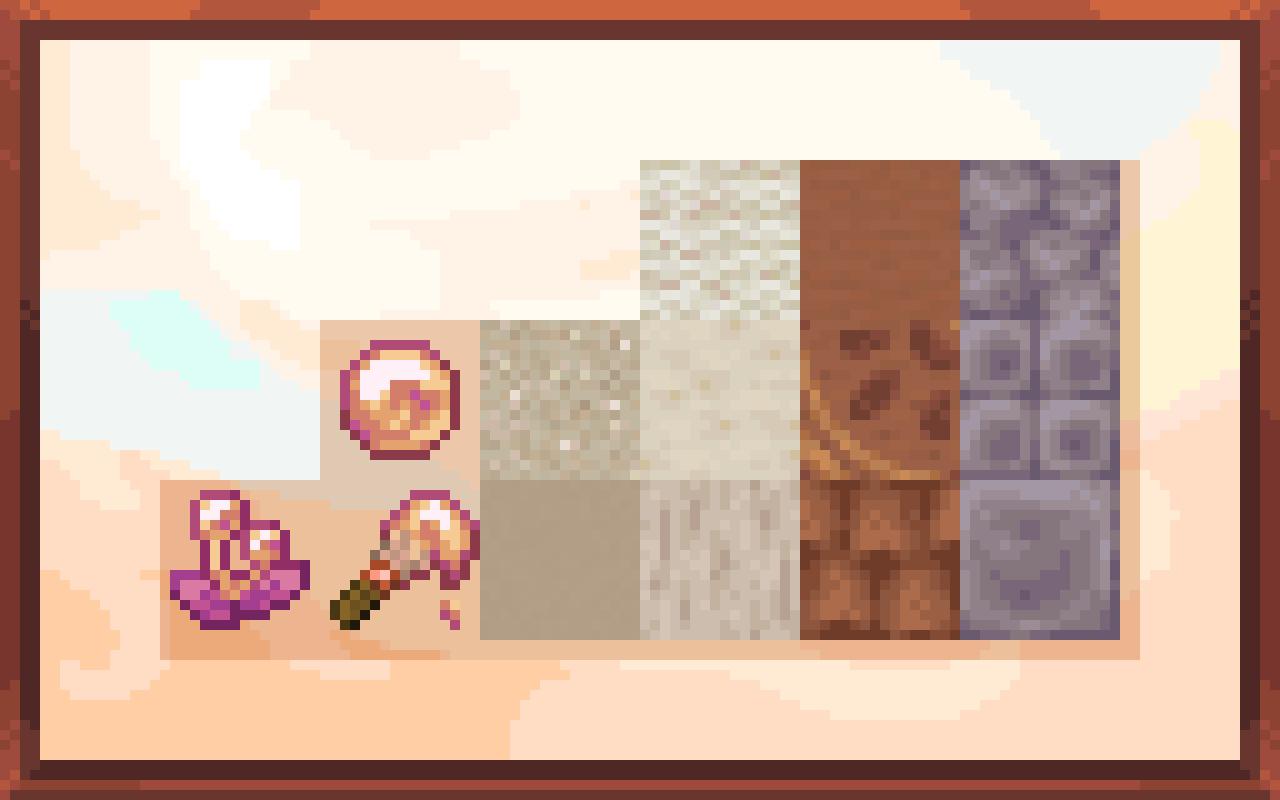
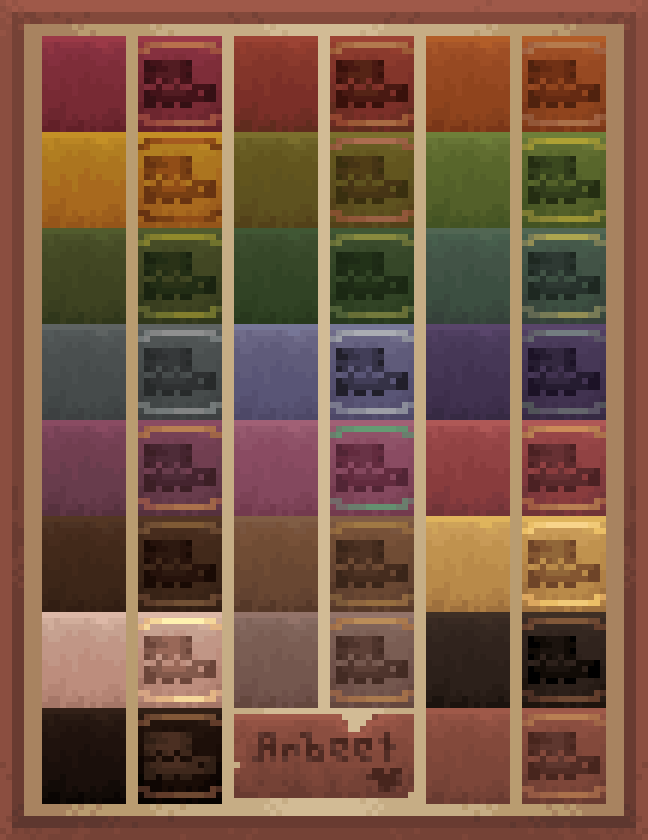
Adds many new types of building blocks like Dyed Decorated Pots, Chalk, Terracotta Shingles, Soapstone and more!
Screenshots
Über diese Mod
What is Arts & Crafts?
Arts & Crafts is a building block that adds a plethora of unique building blocks to be used in Creative and Survival worlds alike! This mod is made by KekeCreations and Arbeet! We will update this mod to newer versions!
Compatibility
Arts & Crafts V1.3.0 has a config to disable features that require a lot of compat like Dyed Flower Pots or Dyed Decorated Pots.
In Arts & Crafts V1.3.0 Dyed Decorated Pots now work with any sherd!
If you are looking for compatibility between different mods and Arts & Crafts, download this mod here for tons of compat features!
If you want to add compatibility for paintbrushes in your mod you can follow the documentation on my website on how to do that!
Features
- Chalk
- Chalk sticks
- Cork
- Dyed pots
- Gypsum
- Lotus flower
- Paintbrushes
- Painted mud bricks
- Plaster
- Shingles
- Soapstone
If you want more detail about the features in this mod, check out the wiki here!
Wiki
Credits
- Keke Creations: Coder, and mod design!
- Arbeet: Pixelartist and mod design!
- A special thanks to ExDrill for making the Paintbrush paint sounds and setting up Paintbrush datapack stuff! Twitter
- Thank you Pixel Goblin for suggesting painted mud bricks!
- Thank you JadenXGamer for making custom soapstone and cork sounds!
- Thank you Iamnotagenius for allowing me to use their config code for Fabric!
Verfügbare Versionen
Arts & Crafts auf dem Server installieren
Server bestellen
Bestelle einen Minecraft Java Server mit mindestens 4 GB RAM (6 GB empfohlen).
fabric Loader setzen
Wähle im Panel unter "Egg" den fabric-Loader und die passende Minecraft-Version (1.21.1).
Mod installieren
Öffne den Mod-Browser im Dashboard und suche nach "Arts & Crafts". Klicke "Installieren" – fertig! Alternativ: Lade die .jar via SFTP in den /mods Ordner.
Kompatibilität
Mod-Loader
Minecraft-Versionen
1.21.1, 1.21, 1.20.1
Server-seitig
✓ ErforderlichEmpfohlener RAM
6 GB(min. 4 GB)Häufige Fragen
Arts & Crafts Server crasht beim Start – was tun?
Häufigste Ursache: falsche fabric-Version oder zu wenig RAM. Prüfe im Server-Log (latest.log), ob ein "OutOfMemoryError" oder "Mixin"-Fehler auftritt. Bei Mado Hosting: Stelle sicher, dass mindestens 4 GB RAM zugewiesen sind und der Loader zur Mod-Version passt (1.21.1). Über das Panel kannst du den Loader mit einem Klick wechseln.
Ist Arts & Crafts mit fabric und forge und neoforge und quilt kompatibel?
Arts & Crafts unterstützt offiziell fabric, forge, neoforge, quilt für Minecraft 1.21.1, 1.21, 1.20.1. Achtung: Forge- und Fabric-Mods sind NICHT untereinander kompatibel – wähle einen Loader und bleibe dabei. Im Mado Dashboard werden inkompatible Loader-Kombinationen automatisch erkannt.
Server laggt mit Arts & Crafts – wie optimiere ich die Performance?
Empfohlener RAM: 6 GB (+1 GB pro 5 Spieler). Prüfe mit /spark profiler, ob Arts & Crafts den meisten Tick-Time verbraucht. Häufige Fixes: Server-View-Distance auf 8-10 reduzieren, bei Forge "performant" oder "starlight" als Zusatz-Mod installieren. Bei Mado Hosting läuft dein Server auf NVMe-SSDs mit dedizierten CPU-Kernen für minimale Latenz.
Ähnliche Mods




Modded Server mieten
Installiere Arts & Crafts mit nur einem Klick auf deinem Server.