
Auto Workstations
Fabric mod for auto crafting, enchanting, anvil operations, brewing, and more!
Über diese Mod

Auto Workstations adds automated versions for many of the vanilla workstations, including:
- Crafting Table
- Furnace
- Enchanting Table
- Brewing Stand
- Grindstone
Although some of these may already seem automatable, such as the furnace, this mod allows the automation of XP collection from them.
Each auto workstation in the mod has an iron and gold version, with the gold version being faster.
Currently looking for developers to help out with the mod! Please join the Discord and drop a message if interested.
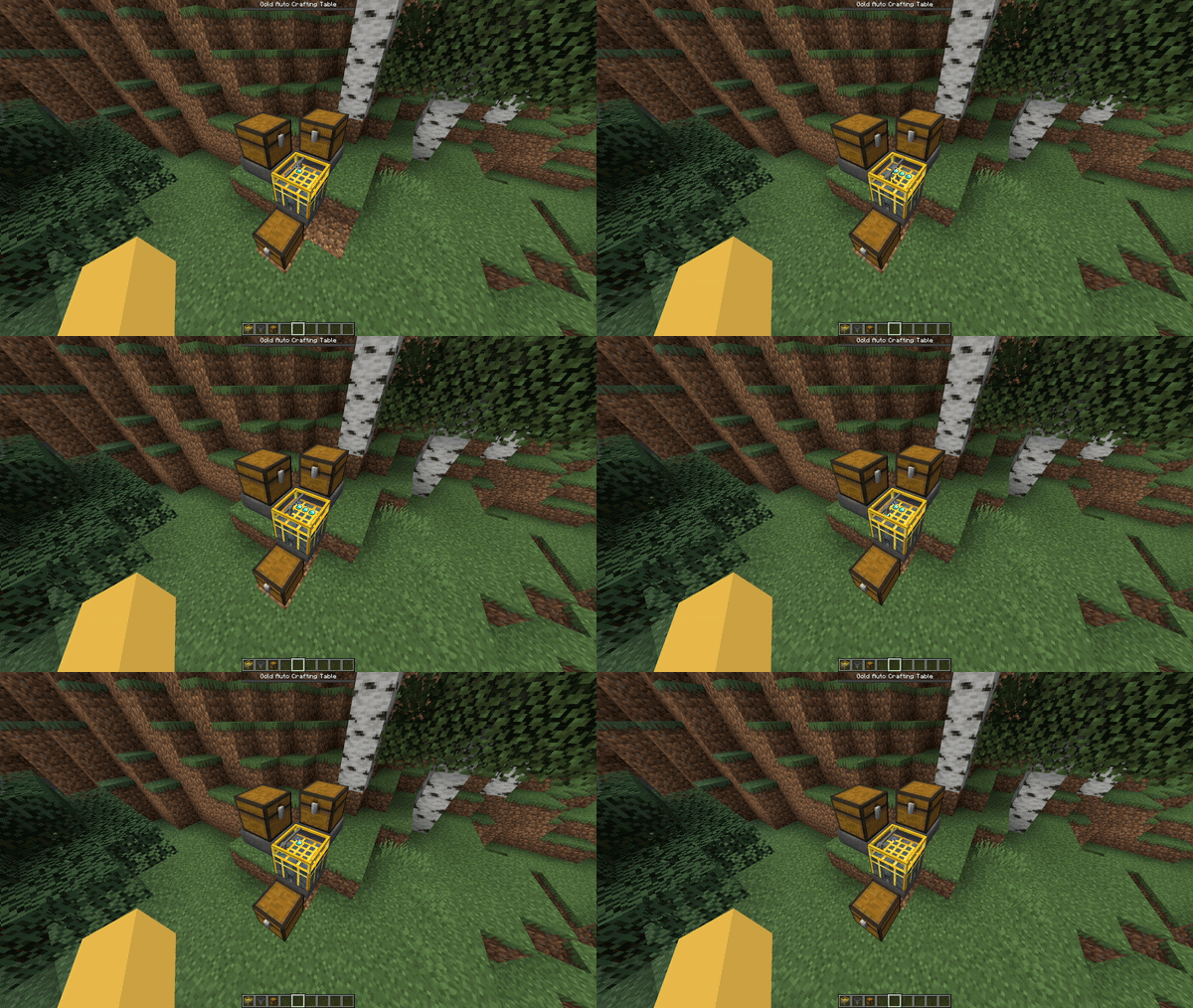

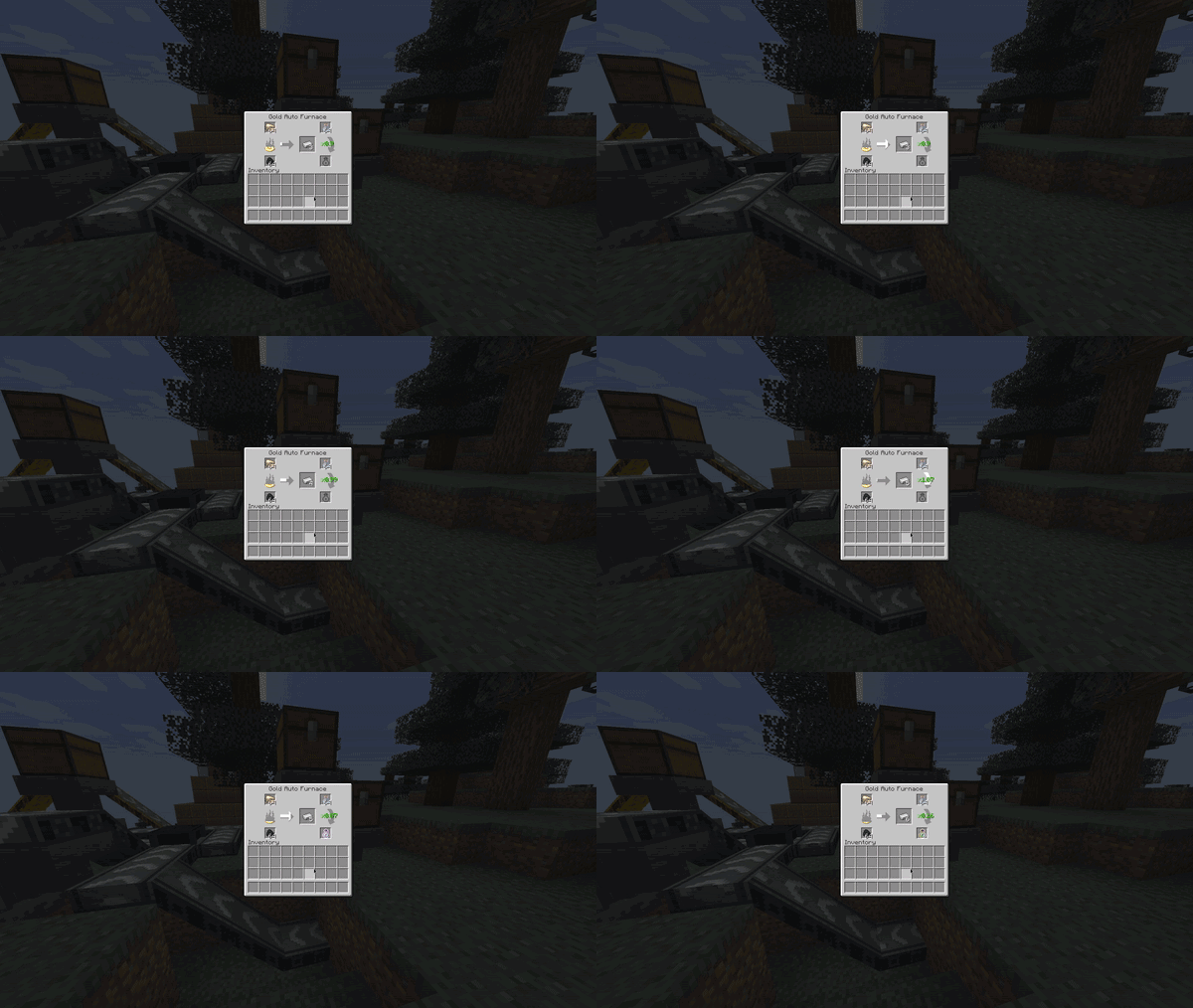
Auto Furnaces allows the automated extraction of XP. Empty glass bottles can be inserted, and they will be filled with XP to product bottles o' enchanting.
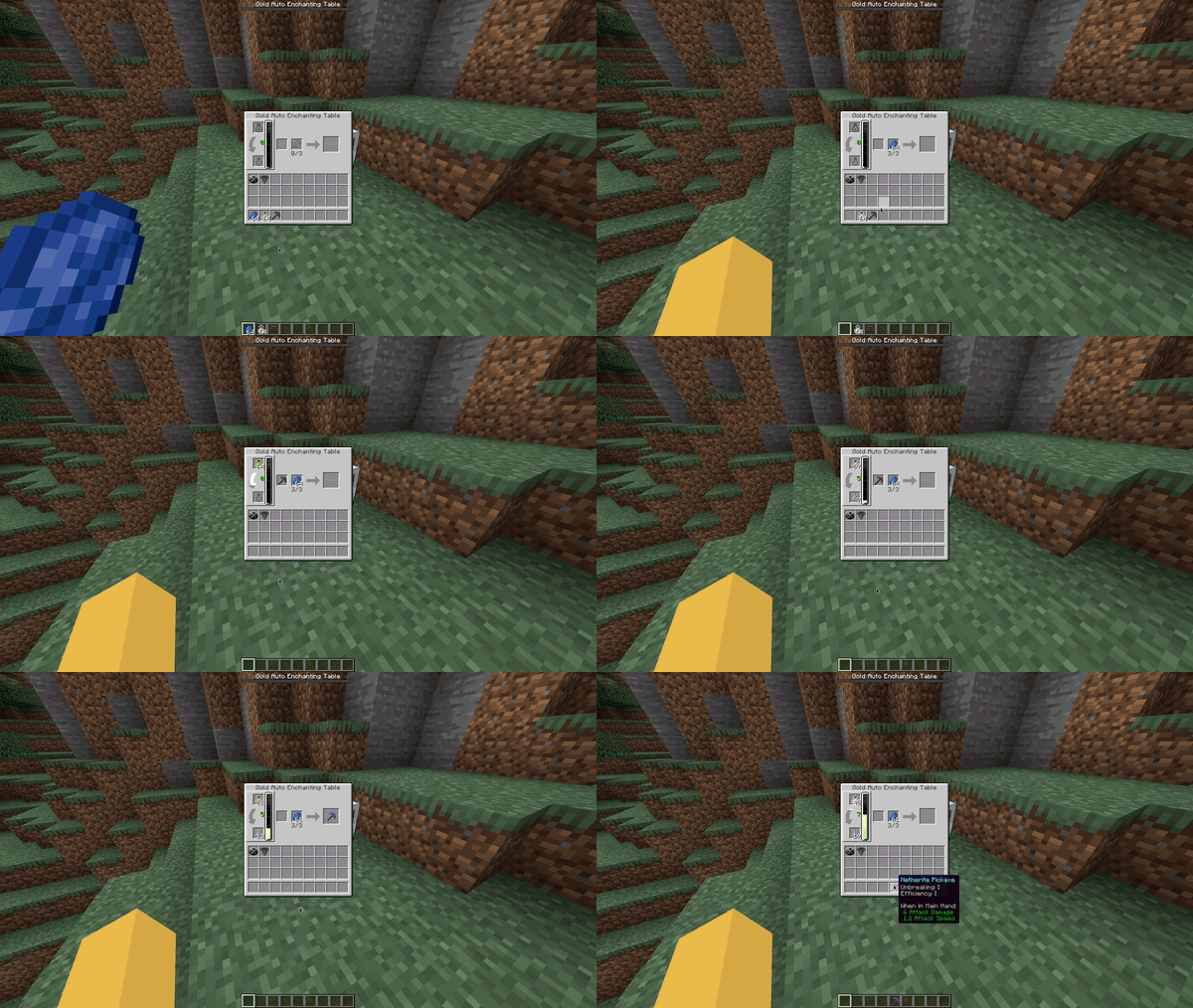
Auto Enchanting Tables can store XP, this works like a player's XP bar where each level takes longer to fill then the last. Bottles o' enchanting can be inserted and emptied into these and will output empty glass bottles.
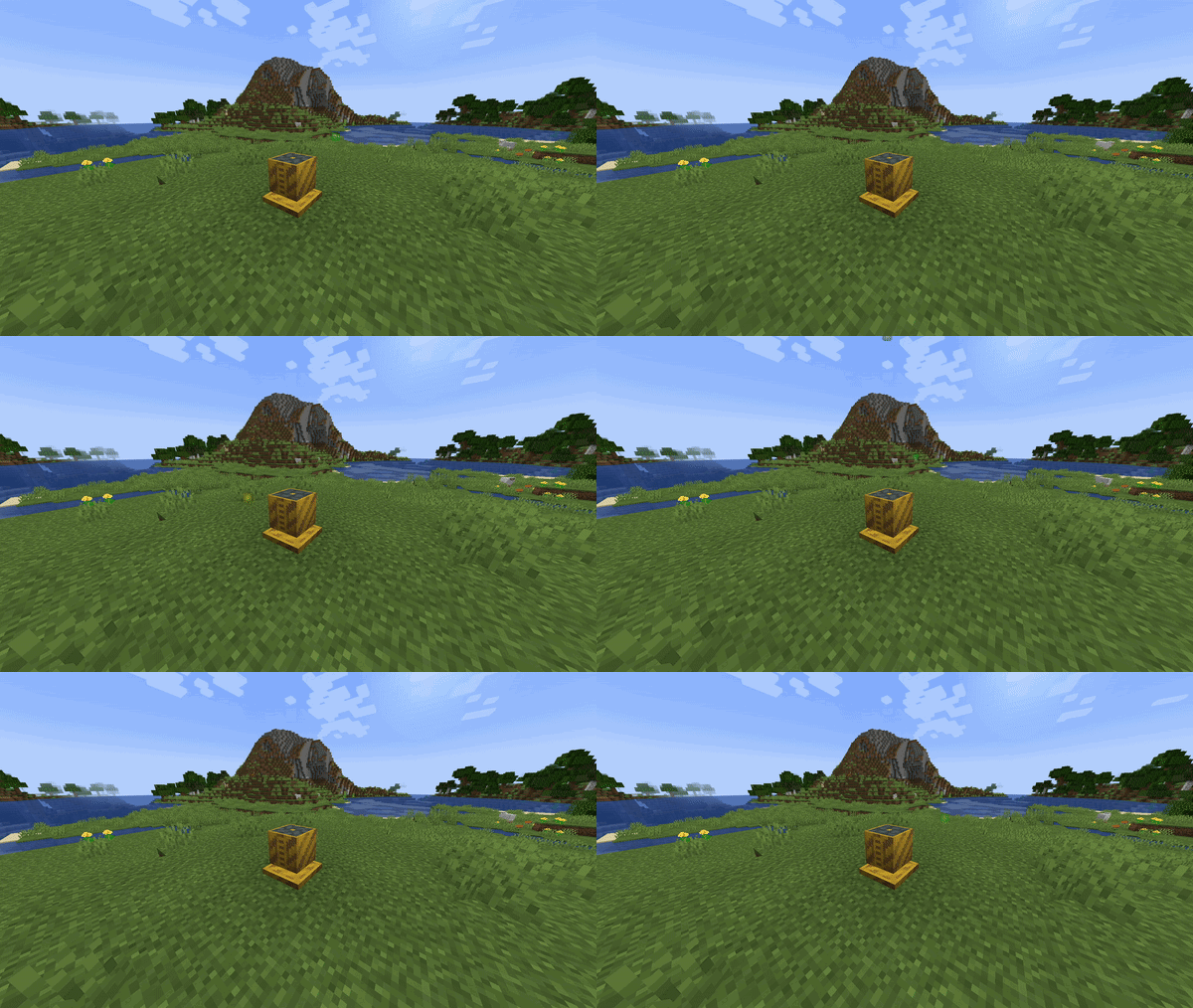
This block can suck up nearby XP orbs and bottle them up like the Auto Furnace. The gold version has a larger range than the iron one.
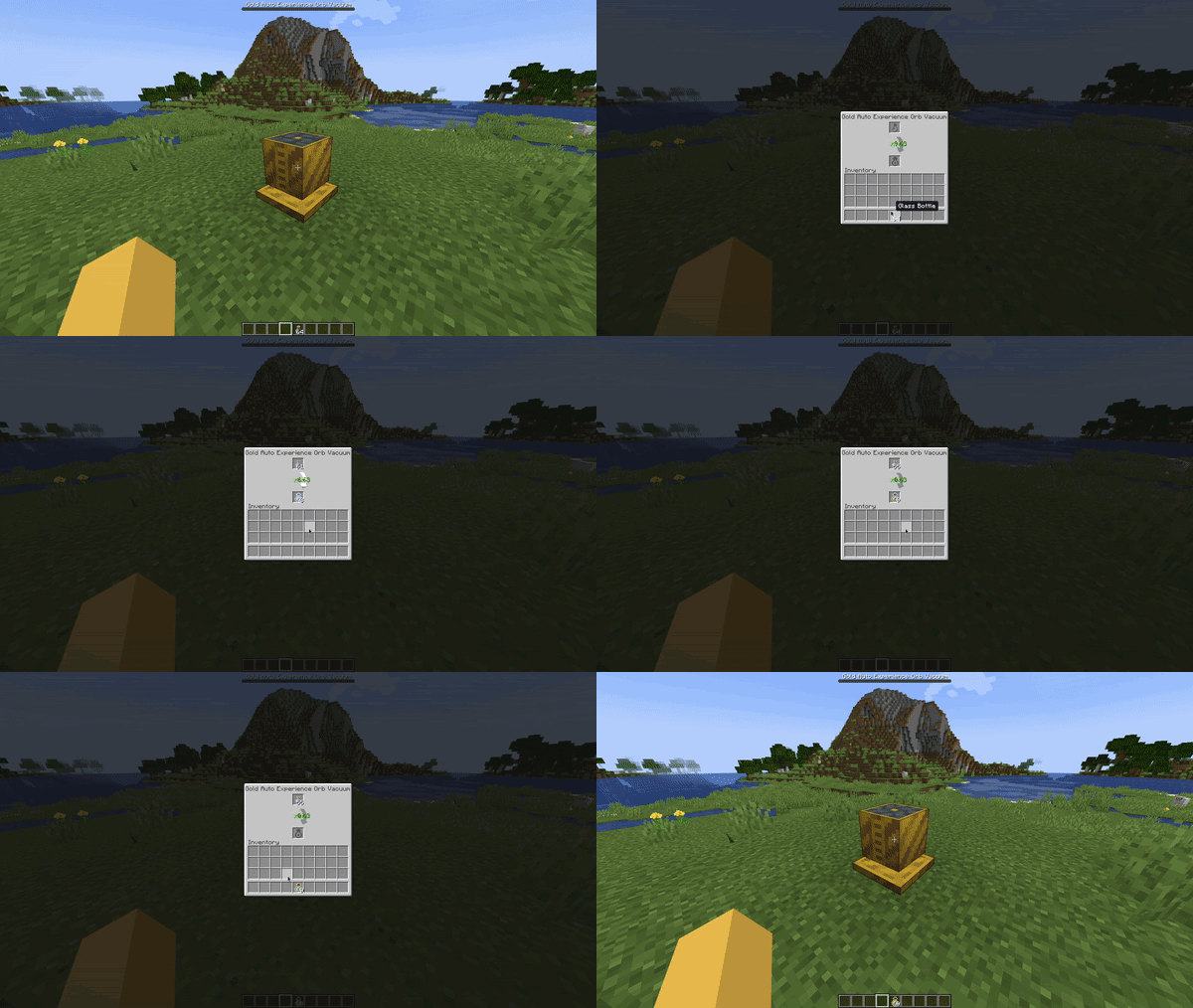

Auto Anvils can store XP, this works like a player's XP bar where each level takes longer to fill then the last. Bottles o' enchanting can be inserted and emptied into these and will output empty glass bottles.
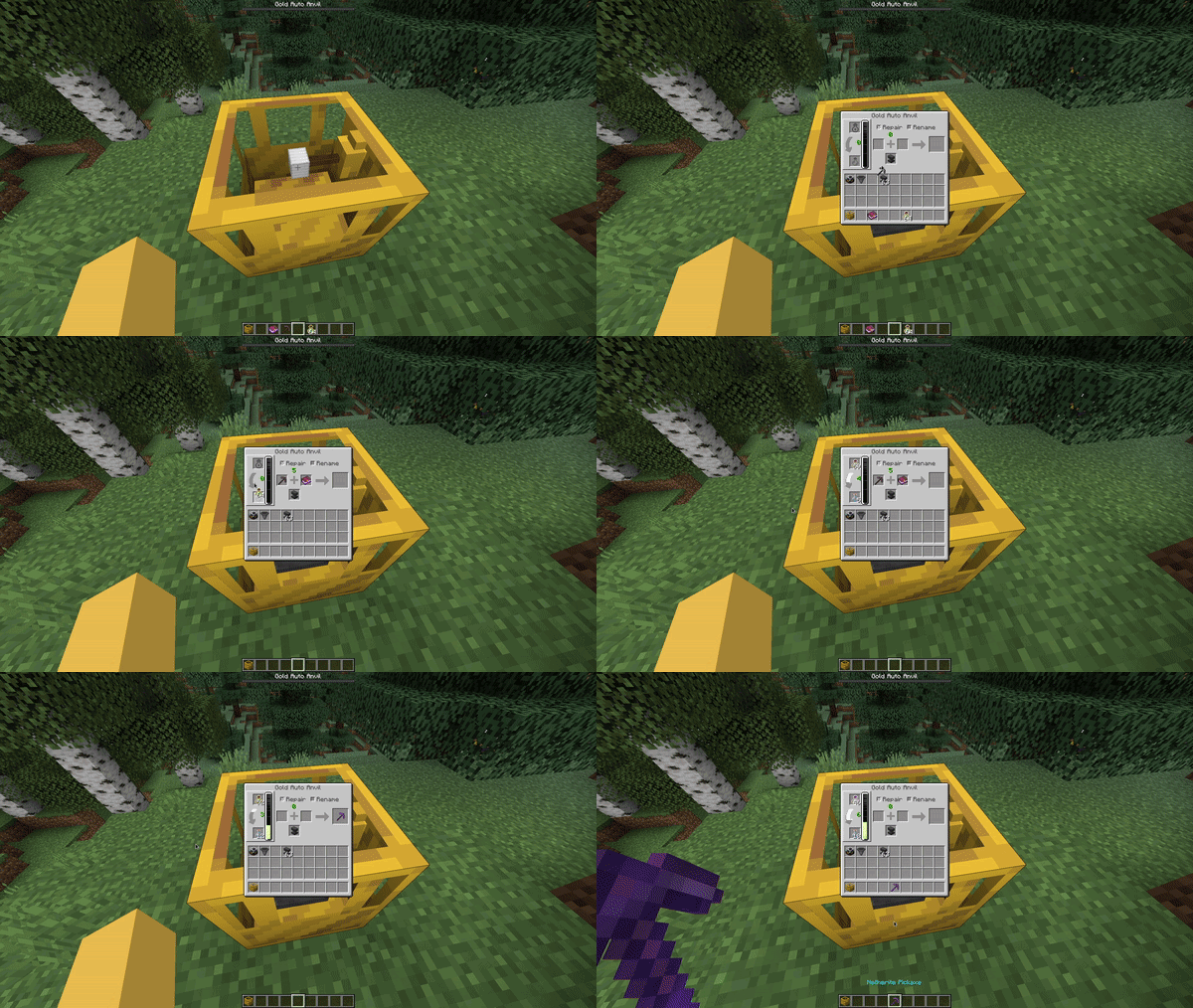
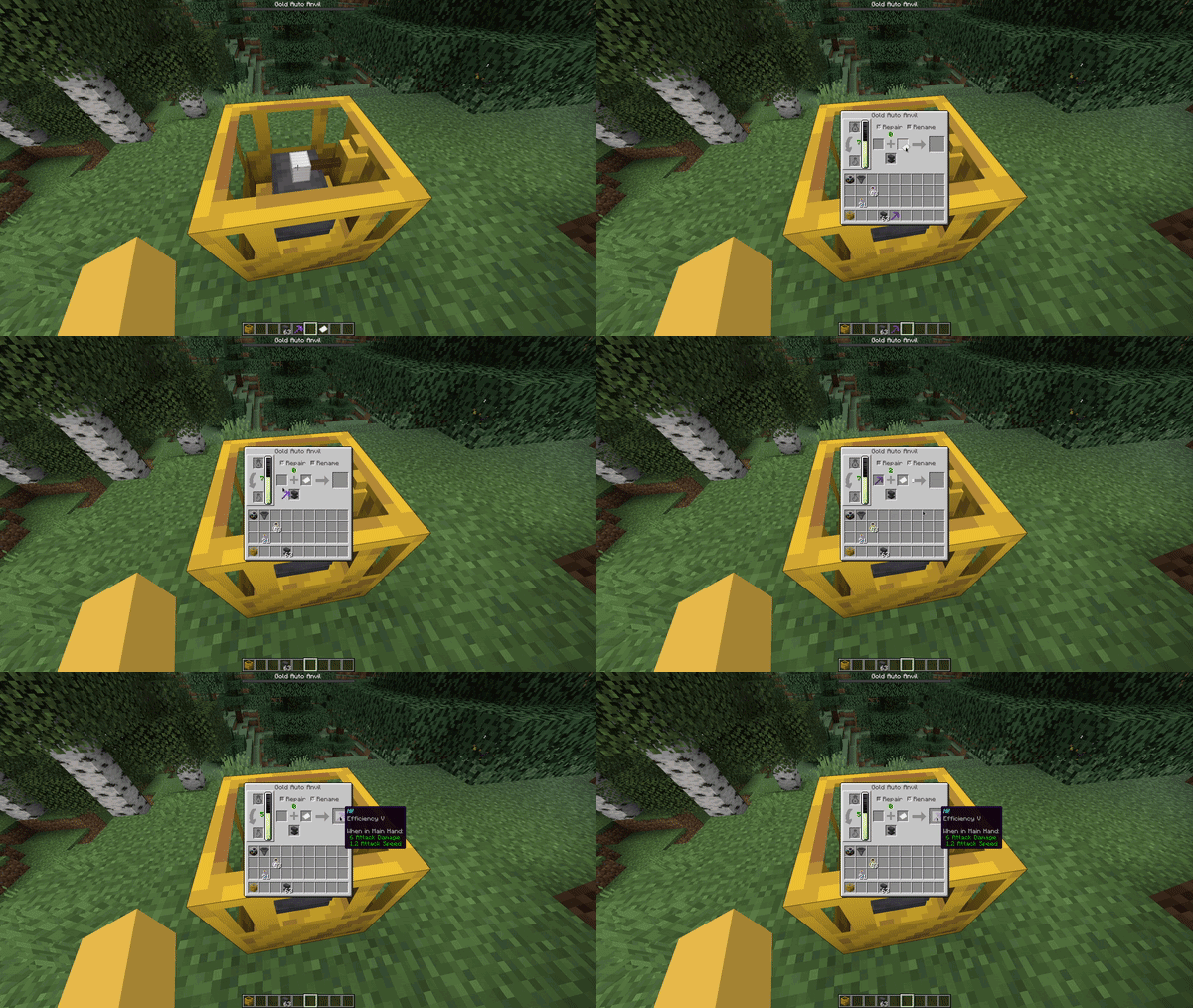
Hoppers can be attached to these to allow complete automation.
Other automated workstations are also planned:
- Smiting table
This mod is in beta, if you find an issue please contact me on discord via my Discord server or by emailing [email protected]
The conveyor belts shown in some GIFs are from: here
Verfügbare Versionen
Auto Workstations auf dem Server installieren
Server bestellen
Bestelle einen Minecraft Java Server mit mindestens 3 GB RAM (4 GB empfohlen).
fabric Loader setzen
Wähle im Panel unter "Egg" den fabric-Loader und die passende Minecraft-Version (1.21.4).
Mod installieren
Öffne den Mod-Browser im Dashboard und suche nach "Auto Workstations". Klicke "Installieren" – fertig! Alternativ: Lade die .jar via SFTP in den /mods Ordner.
Kompatibilität
Mod-Loader
Minecraft-Versionen
1.21.4, 1.21.1, 1.21 (+11 weitere)
Server-seitig
✓ ErforderlichEmpfohlener RAM
4 GB(min. 3 GB)Häufige Fragen
Auto Workstations Server crasht beim Start – was tun?
Häufigste Ursache: falsche fabric-Version oder zu wenig RAM. Prüfe im Server-Log (latest.log), ob ein "OutOfMemoryError" oder "Mixin"-Fehler auftritt. Bei Mado Hosting: Stelle sicher, dass mindestens 3 GB RAM zugewiesen sind und der Loader zur Mod-Version passt (1.21.4). Über das Panel kannst du den Loader mit einem Klick wechseln.
Ist Auto Workstations mit fabric kompatibel?
Auto Workstations unterstützt offiziell fabric für Minecraft 1.21.4, 1.21.1, 1.21. Im Mado Dashboard werden inkompatible Loader-Kombinationen automatisch erkannt.
Server laggt mit Auto Workstations – wie optimiere ich die Performance?
Empfohlener RAM: 4 GB (+1 GB pro 8 Spieler). Prüfe mit /spark profiler, ob Auto Workstations den meisten Tick-Time verbraucht. Häufige Fixes: Server-View-Distance auf 8-10 reduzieren, bei Forge "performant" oder "starlight" als Zusatz-Mod installieren. Bei Mado Hosting läuft dein Server auf NVMe-SSDs mit dedizierten CPU-Kernen für minimale Latenz.
Ähnliche Mods




Modded Server mieten
Installiere Auto Workstations mit nur einem Klick auf deinem Server.