
Better Boat Movement
Improves (ice) boating by allowing you to step up blocks
Screenshots
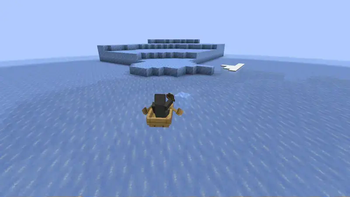
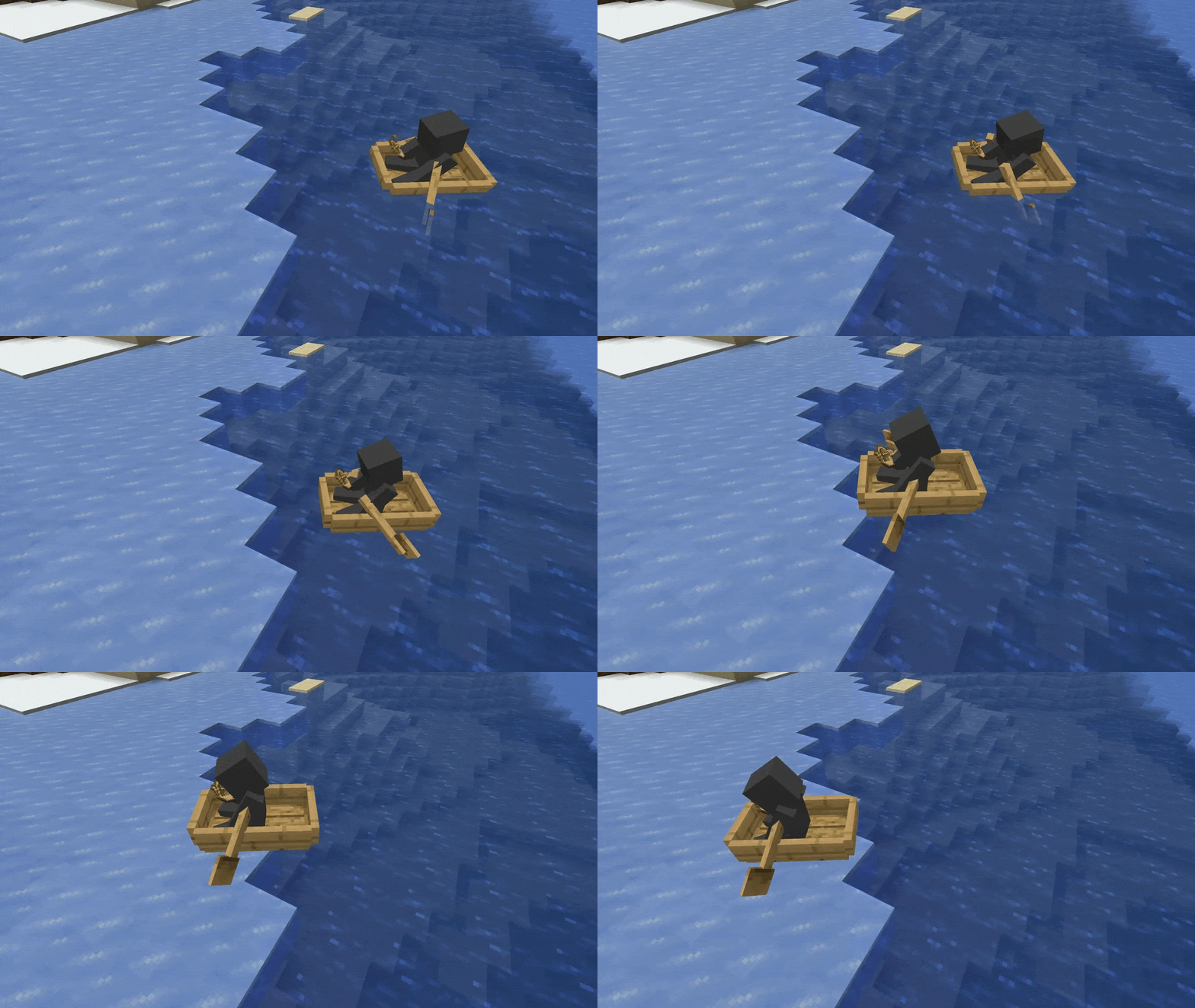
Über diese Mod
Better Boat Movement
Jump your boat! Adds the ability to jump with boats and customize some boat behavior for a more dynamic water adventure.
Take control of your voyage with new boat-jumping mechanics and personalizable settings!
✨ Features
- Obstacle-Aware Jumping: Boats automatically jump reachable obstacles using their actual collision shapes instead of trying to boost over walls that are too tall.
- Optional Manual Jumping: Enable the jump keybind to jump once per keypress; it defaults to H and can be reassigned.
- Adjustable Behavior: Fine-tune how boat jumping works to best fit your play style.
- Multiplayer Friendly: Fabric, NeoForge, Paper, Folia, and Purpur servers validate movement and synchronize their gameplay settings to connected modded players. Paper-family automatic jumping also works for vanilla clients.
🎬 Demo - See the boat jump
Settings: stepHeight = 0.4, extraCollisionDetectionRange = 2.0
⚙️ Configuration
Fabric and NeoForge use config/better-boat-movement.json. Paper, Folia, and Purpur use plugins/better-boat-movement/better-boat-movement.json.
Installation
| Platform | Install location | Required dependencies |
|---|---|---|
| Fabric / Quilt | mods |
Fabric API, Fabric Language Kotlin, and YACL |
| NeoForge | mods |
KotlinLangForge and YACL |
| Paper / Folia / Purpur | plugins |
None |
Players can join a Paper, Folia, or Purpur server without installing the mod and still receive automatic boat boosts. However, installing the matching client mod is strongly recommended: its smoother client-side prediction makes boat movement feel much more immediate and satisfying. It also enables the manual jump keybind and the synchronized read-only server settings screen.
On Paper-family servers, the two client options differ as follows:
- Vanilla client: Automatic boosts and configured ejection timing work entirely through the server plugin. There is no manual jump keybind or settings screen.
- Client mod installed (strongly recommended): Adds smoother client-side boost prediction, making jumps feel more responsive and satisfying, plus the optional manual jump keybind and a read-only view of the server's synchronized settings. The server remains authoritative.
Configure your boat-jumping experience with the same JSON options on every platform:
{
    "version": 7, // just ignore this, this is for migration purposes only
    "config": {
        "stepHeight": 0.35, // Sets the upward velocity applied by an automatic boost.
        "playerEjectTicks": 200.0, // Sets how many ticks the game waits before ejecting a player who has lost control of a boat.
        "boosting": {
            "boostStates": [
                "UNDER_WATER",
                "ON_LAND",
                "IN_WATER",
                "UNDER_FLOWING_WATER"
            ], // Sets the preferences under which states the boat should be boosted.
            "allowedSupportingBlocks": [], // Restricts boosts to boats resting on these block IDs or #tags. An empty list allows every block.
            "allowedCollidingBlocks": [], // Restricts boosts to the nearest block ID or #tag hit by the boat's path. An empty list allows every block.
            "onlyForPlayers": true, // Restricts automatic boosts to boats carrying a player.
            "extraCollisionDetectionRange": 0.5, // Looks this many blocks farther along the boat's path so it can boost before contact.
            "heightTolerance": 0.25 // Allows an obstacle to exceed the boat's predicted rise by this many blocks and still trigger a boost.
        },
        "keybind": {
            "allowJumpKeybind": false, // Enables manual boat jumping with the configurable keybind.
            "keybindJumpHeightMultiplier": 1.2, // Specifies the multiplier applied to stepHeight for a manual jump.
            "onlyKeybindJumpOnGroundOrWater": true // Prevents manual jumping while the boat is in the air.
        }
    }
}
Changes made in the local or singleplayer configuration screen apply when saved. A remote server's gameplay configuration is shown read-only and is authoritative. Dedicated-server file changes require a restart.
Detailed behavior
For the precise automatic-boost, collision, manual-jump, and multiplayer authority rules, see the gameplay behavior reference.
ℹ️ Note on Multiplayer Safety
Prior to v1.1.1 it is possible to get flagged by anti-cheat on multiplayer servers.
Please use v1.1.1 or higher to be on the safe side.
💬 Support & Feedback
Verfügbare Versionen
Better Boat Movement auf dem Server installieren
Server bestellen
Bestelle einen Minecraft Java Server mit mindestens 3 GB RAM (4 GB empfohlen).
fabric Loader setzen
Wähle im Panel unter "Egg" den fabric-Loader und die passende Minecraft-Version (26.3).
Mod installieren
Öffne den Mod-Browser im Dashboard und suche nach "Better Boat Movement". Klicke "Installieren" – fertig! Alternativ: Lade die .jar via SFTP in den /mods Ordner.
Kompatibilität
Mod-Loader
Minecraft-Versionen
26.3, 26.2, 26.2-pre-4 (+42 weitere)
Server-seitig
✓ ErforderlichEmpfohlener RAM
4 GB(min. 3 GB)Häufige Fragen
Better Boat Movement Server crasht beim Start – was tun?
Häufigste Ursache: falsche fabric-Version oder zu wenig RAM. Prüfe im Server-Log (latest.log), ob ein "OutOfMemoryError" oder "Mixin"-Fehler auftritt. Bei Mado Hosting: Stelle sicher, dass mindestens 3 GB RAM zugewiesen sind und der Loader zur Mod-Version passt (26.3). Über das Panel kannst du den Loader mit einem Klick wechseln.
Ist Better Boat Movement mit fabric und folia und forge und neoforge und paper und purpur und quilt kompatibel?
Better Boat Movement unterstützt offiziell fabric, folia, forge, neoforge, paper, purpur, quilt für Minecraft 26.3, 26.2, 26.2-pre-4. Achtung: Forge- und Fabric-Mods sind NICHT untereinander kompatibel – wähle einen Loader und bleibe dabei. Im Mado Dashboard werden inkompatible Loader-Kombinationen automatisch erkannt.
Server laggt mit Better Boat Movement – wie optimiere ich die Performance?
Empfohlener RAM: 4 GB (+1 GB pro 8 Spieler). Prüfe mit /spark profiler, ob Better Boat Movement den meisten Tick-Time verbraucht. Häufige Fixes: Server-View-Distance auf 8-10 reduzieren, bei Forge "performant" oder "starlight" als Zusatz-Mod installieren. Bei Mado Hosting läuft dein Server auf NVMe-SSDs mit dedizierten CPU-Kernen für minimale Latenz.
Ähnliche Mods






Modded Server mieten
Installiere Better Boat Movement mit nur einem Klick auf deinem Server.