Better With Patches
Reckless attempt at making Better With Mods for 1.7 playable
Screenshots
Über diese Mod
Have you ever wondered what Better With Mods would be like if it was slightly more functional on 1.7.10? You may not have to wonder much longer.
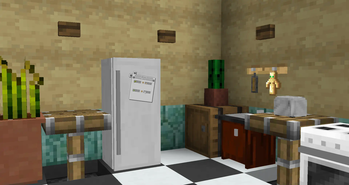
Better With Patches is a collection of various tweaks, improvements and workarounds for the last known Beta versions of Better With Mods.
Here's a complete list of features:
-A mix of small fixes and tweaks to various parts of the mod for the sake of preventing crashes, correcting implementation and potentially improving performance;
-Improvements (and outright replacement in cases) for the recipe internals, such as removing hardcoded behaviours and adding more ways to define recipes;
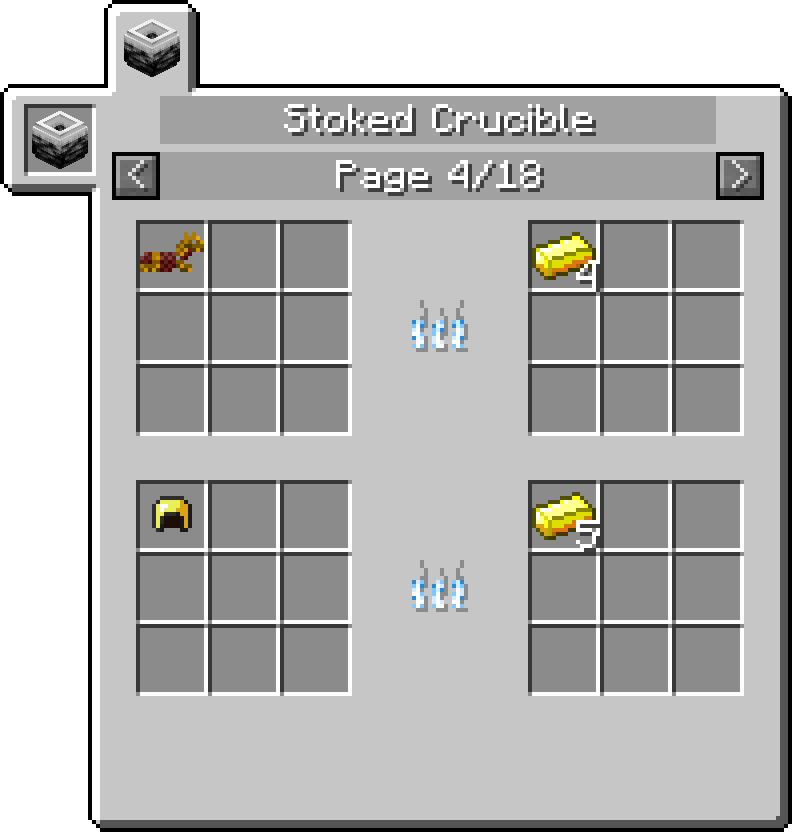
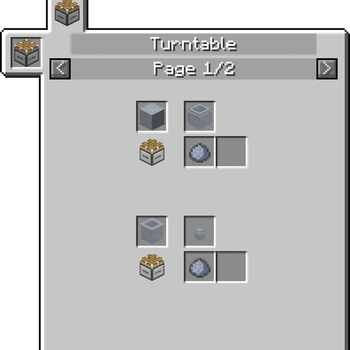
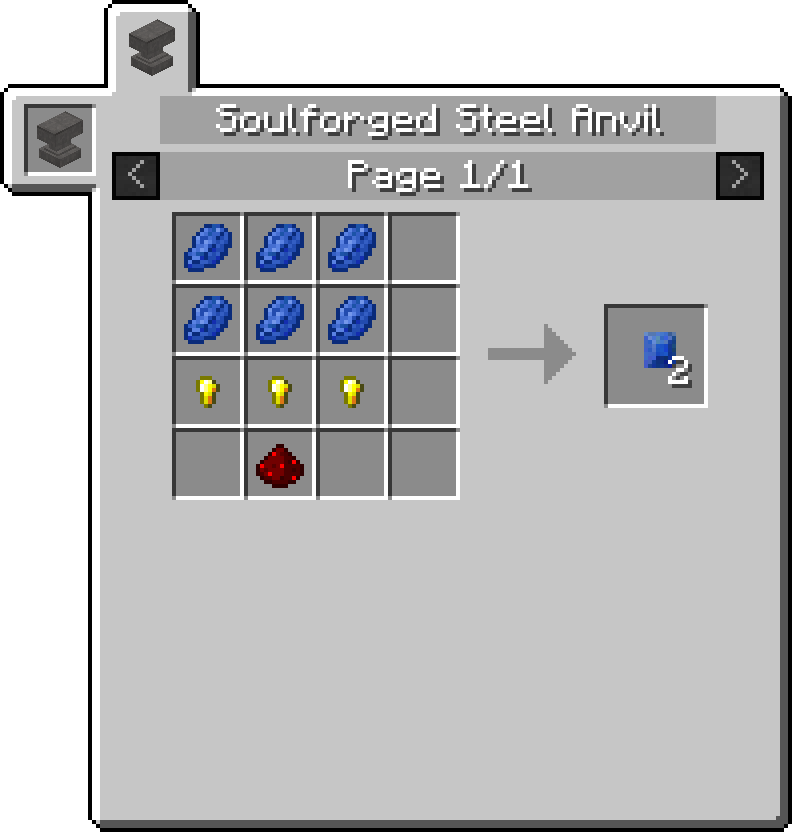
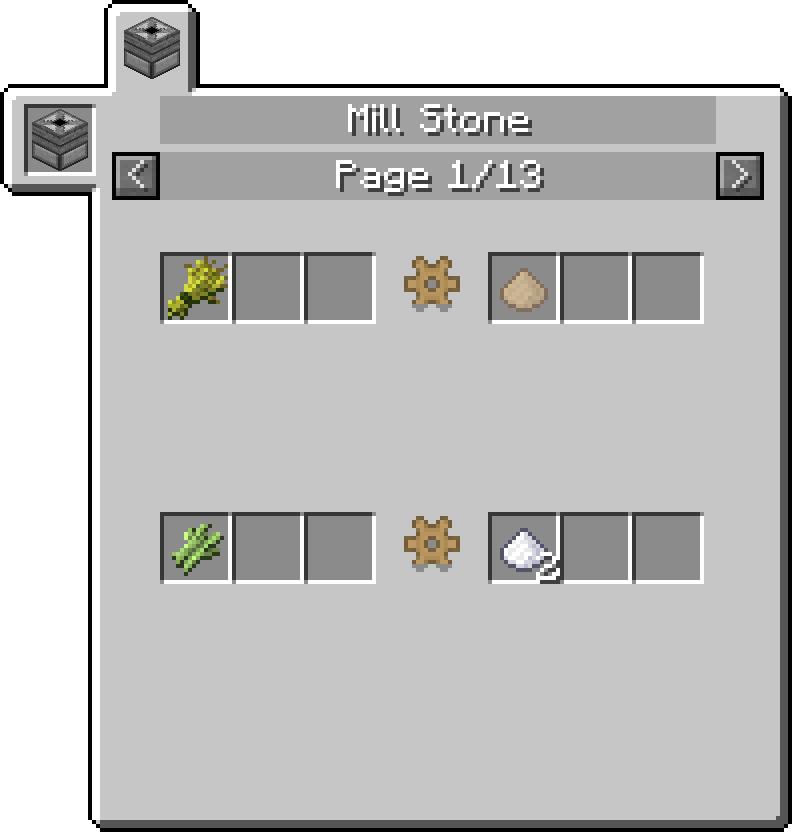
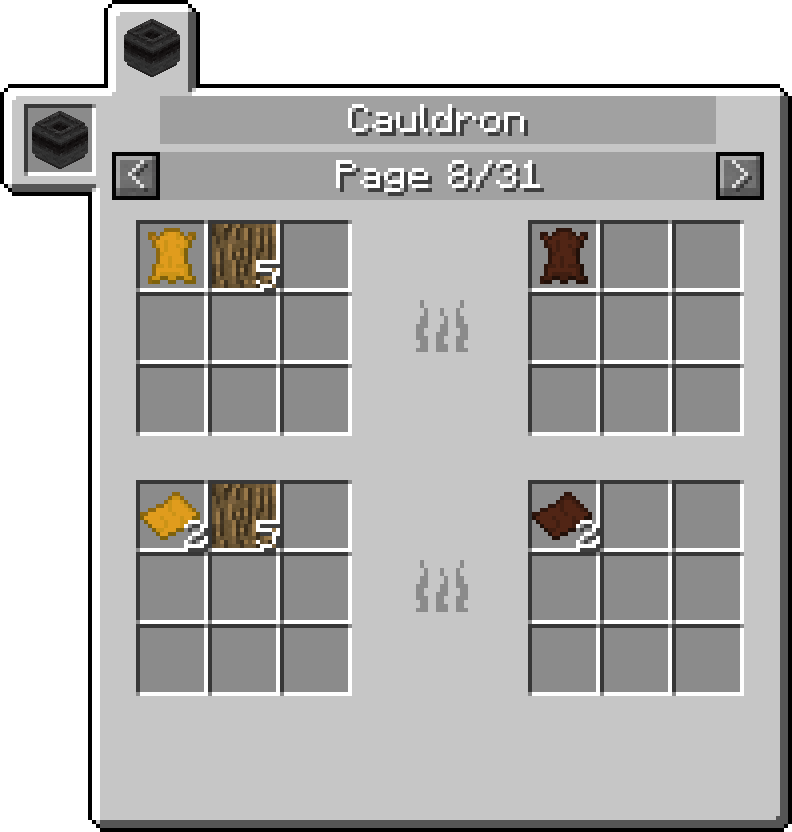
-Recipe views for NotEnoughItems, made to resemble Better With Mods' own displays from 1.9+;
-MineTweaker integration for most of the mod's features, largely resembling Better With Mods' own compat with slight differences;
-Backported Hardcore Features from the more recent versions of Better With Mods;
As of version 0.6.8, the appropriate version of Better With Mods will be automatically downloaded on startup and does not need to be downloaded manually (unless you're having connectivity issues).
This mod REQUIRES either Unimixins (Minimal modular install should be Unimix + GTNH Mixins module + SpongeMixins module) or GTNH Mixins!
For a more detailed list of changes, see the source code. Most of the patches are accompanied by JavaDoc comments, which provide (brief) reasonings for whichever changes may have been made.
Verfügbare Versionen
Better With Patches auf dem Server installieren
Server bestellen
Bestelle einen Minecraft Java Server mit mindestens 3 GB RAM (4 GB empfohlen).
forge Loader setzen
Wähle im Panel unter "Egg" den forge-Loader und die passende Minecraft-Version (1.7.10).
Mod installieren
Öffne den Mod-Browser im Dashboard und suche nach "Better With Patches". Klicke "Installieren" – fertig! Alternativ: Lade die .jar via SFTP in den /mods Ordner.
Kompatibilität
Mod-Loader
Minecraft-Versionen
1.7.10
Server-seitig
✓ ErforderlichEmpfohlener RAM
4 GB(min. 3 GB)Häufige Fragen
Better With Patches Server crasht beim Start – was tun?
Häufigste Ursache: falsche forge-Version oder zu wenig RAM. Prüfe im Server-Log (latest.log), ob ein "OutOfMemoryError" oder "Mixin"-Fehler auftritt. Bei Mado Hosting: Stelle sicher, dass mindestens 3 GB RAM zugewiesen sind und der Loader zur Mod-Version passt (1.7.10). Über das Panel kannst du den Loader mit einem Klick wechseln.
Ist Better With Patches mit forge kompatibel?
Better With Patches unterstützt offiziell forge für Minecraft 1.7.10. Im Mado Dashboard werden inkompatible Loader-Kombinationen automatisch erkannt.
Server laggt mit Better With Patches – wie optimiere ich die Performance?
Empfohlener RAM: 4 GB (+1 GB pro 8 Spieler). Prüfe mit /spark profiler, ob Better With Patches den meisten Tick-Time verbraucht. Häufige Fixes: Server-View-Distance auf 8-10 reduzieren, bei Forge "performant" oder "starlight" als Zusatz-Mod installieren. Bei Mado Hosting läuft dein Server auf NVMe-SSDs mit dedizierten CPU-Kernen für minimale Latenz.
Ähnliche Mods


Modded Server mieten
Installiere Better With Patches mit nur einem Klick auf deinem Server.