Bridge Guard
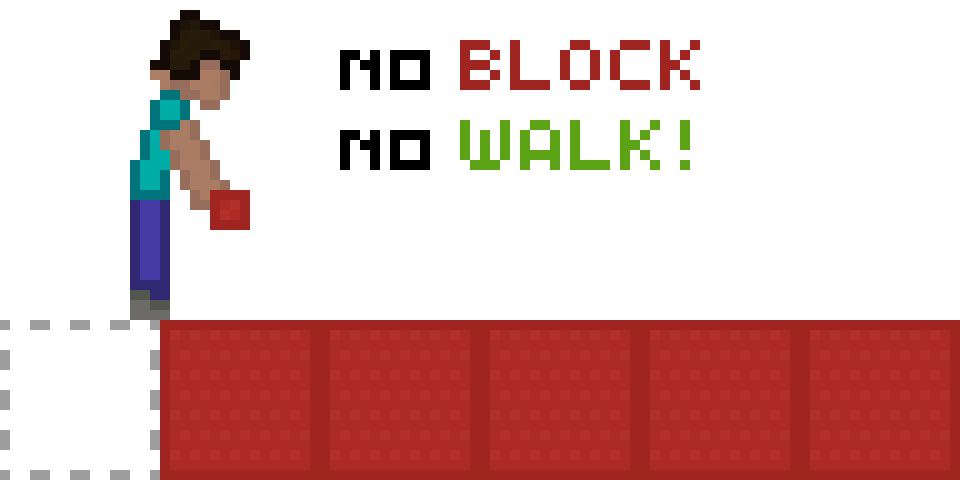
Helps you with Speed Bridging by preventing falls if you place a block too early or forget to place one entirely.
Screenshots
Über diese Mod
Bridge Guard: A Speed Bridging Mod
📋 Overview:
🎮 Multiplayer
This mod works in both single-player and multiplayer!
Important: Confirm, that you are allowed to use this mod on the multiplayer server you are playing on, as it may be considered cheating.
❓ What It Does
This mod prevents you from falling if you either:
- Place a block too early or
- forget to place it entirely.
However, it does not prevent you from falling if you fail to sneak properly.
🚀 Getting Started
- Bind the "Toggle Bridge Guard" key from the "Bridgeguard" category to a key of your choice.
- Click that key (a text should now tell you whether you switched the mod on or off)
- Have fun with the mod!
🔍 How It Works
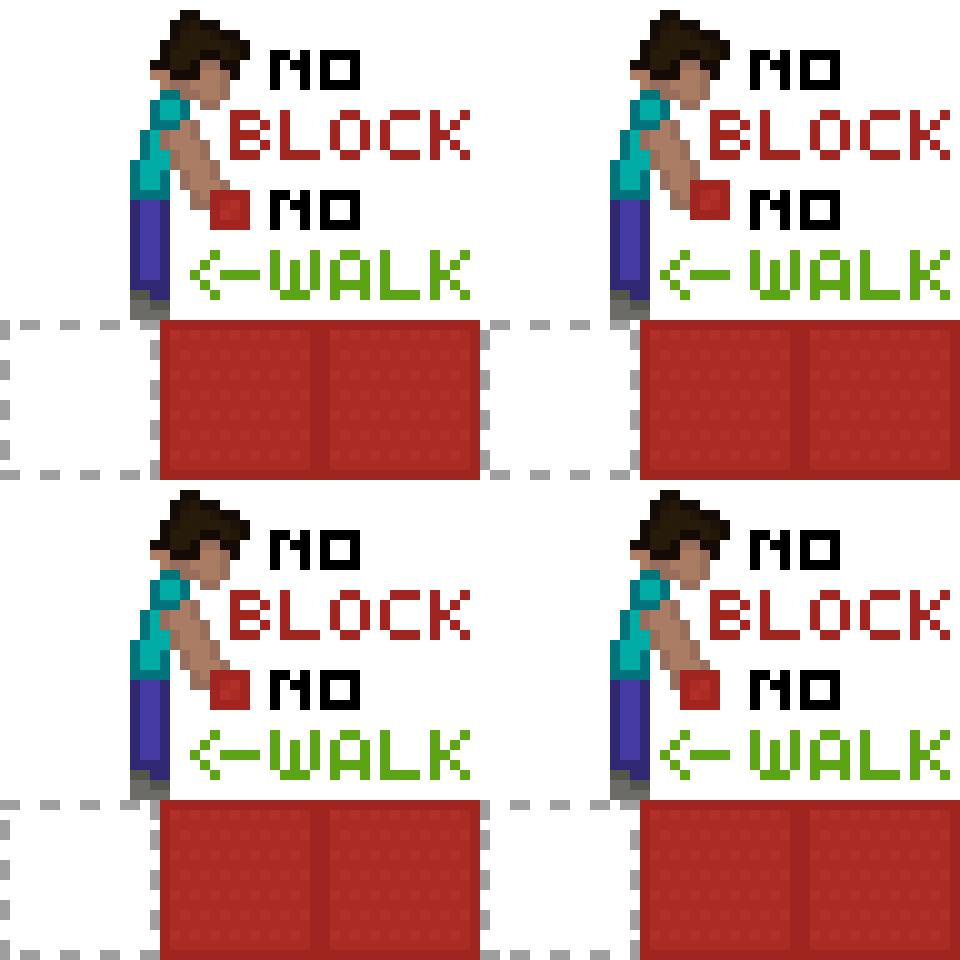
- If you attempt to place the block too early, you will click the top of the target block, which means the block will not be placed, thus you will fall. (But the Mod will save you)
Case 2:
- If you unsneak before placing the block, you will most likely fall. (But the Mod will save you)
Other Scenarios:
- If you sneak too late, you will walk off the edge. (You will not be saved)
(Note: This is not a safewalk mod.)
⚙️ Technical:
❌ Does it not work like you want it to?
The Mod has to be toggled
No text appears, when you press the button:
Did you set the correct keybinds? (The mod is unbound by default)
The game crashes:
Do you have all dependencies installed? (Fabric API)
Did you download the correct mod version for your game version?
Something Unrelated?
Suggest a Feature: Click Here
Request a Version: Click Here
Open an Issue: Click Here
(If your game crashes, please confirm, that the source of the Issue is this Mod)
🧩 Explanation
When you sneak, the mod will force you to remain sneaking for at least 1 second.
However, if you place a block during this time, the forced sneaking will be lifted.
📝 Examples
Without Mod:
- Walk near the edge of the block.
- Sneak.
- Fail to place a block.
- Unsneak.
- Fall.
With Mod:
- Walk near the edge of the block.
- Sneak.
- Fail/Forget to place a block.
- Attempt to unsneak.
- The mod forces you to sneak for at least 1 second.
- You have time to react by either placing a block or stopping your movement.
Verfügbare Versionen
Bridge Guard auf deinem Client installieren
Mod-Loader lokal installieren
Installiere fabric für deine lokale Minecraft-Version.
Passende Datei herunterladen
Wähle die Bridge Guard-Datei für fabric und Minecraft 1.21.1.
Mod installieren
Lege die .jar-Datei in deinem lokalen .minecraft/mods-Ordner ab und starte Minecraft neu. Eine Installation auf dem Server ist nicht nötig.
Kompatibilität
Mod-Loader
Minecraft-Versionen
1.21.1, 1.20.1
Server-seitig
✗ Nicht unterstütztEmpfohlener RAM
4 GB(min. 3 GB)Häufige Fragen
Muss Bridge Guard auf dem Minecraft Server installiert werden?
Nein. Modrinth kennzeichnet Bridge Guard serverseitig als nicht unterstützt. Installiere die Mod nur im lokalen Minecraft-Mods-Ordner. Dein Server kann unverändert bleiben, sofern die Mod-Seite keine zusätzliche Abhängigkeit nennt.
Welche Version und welchen Loader braucht Bridge Guard?
Nutze eine Datei für fabric und exakt deine Minecraft-Version. Unterstützte Versionen sind unter anderem 1.21.1, 1.20.1. Loader-Dateien sind nicht untereinander austauschbar.
Bridge Guard funktioniert nicht – was kann ich prüfen?
Prüfe zuerst Minecraft-Version, Loader-Version und erforderliche Abhängigkeiten. Lege die .jar-Datei im lokalen .minecraft/mods-Ordner ab und entferne ältere Duplikate. Da die Mod clientseitig ist, löst mehr Server-RAM dieses Problem nicht.
Ähnliche Mods






Minecraft Server für deine Gruppe
Bridge Guard bleibt auf deinem Client. Hoste dazu eine kompatible Welt für deine Mitspieler.
Details
- Lizenz
- Creative Commons Attribution 4.0 International
- Server-seitig
- Nicht unterstützt