
Chat-Ping
Pings you if someone writes your name in to the Chat
Screenshots
Über diese Mod
Chat-Ping (v1.21)
Chat-Ping is a lightweight Minecraft mod that notifies you whenever your name is mentioned in the chat by displaying a customizable in-game toast notification. It's perfect for staying on top of conversations in multiplayer worlds or servers, ensuring you never miss an important message again!
Features
Ping on Mention: Receive a toast notification whenever your Minecraft username appears in the chat.
Lightweight & Seamless: Works in the background without impacting gameplay performance.
How It Works
As soon as your name is mentioned in the Minecraft chat, a toast notification will appear on the top-right corner of the screen. The notification includes the message:
- "You got Pinged by
<username>"
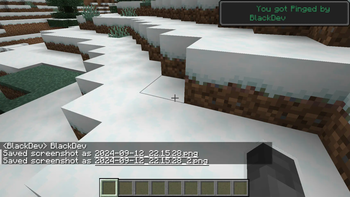
For example, if another player types your name in the chat, you will see something like: You got Pinged by BlackDev
Compatibility
- Minecraft Version: 1.21
- Works with Fabric mod loader.
- Compatible with multiplayer servers.
Screenshots
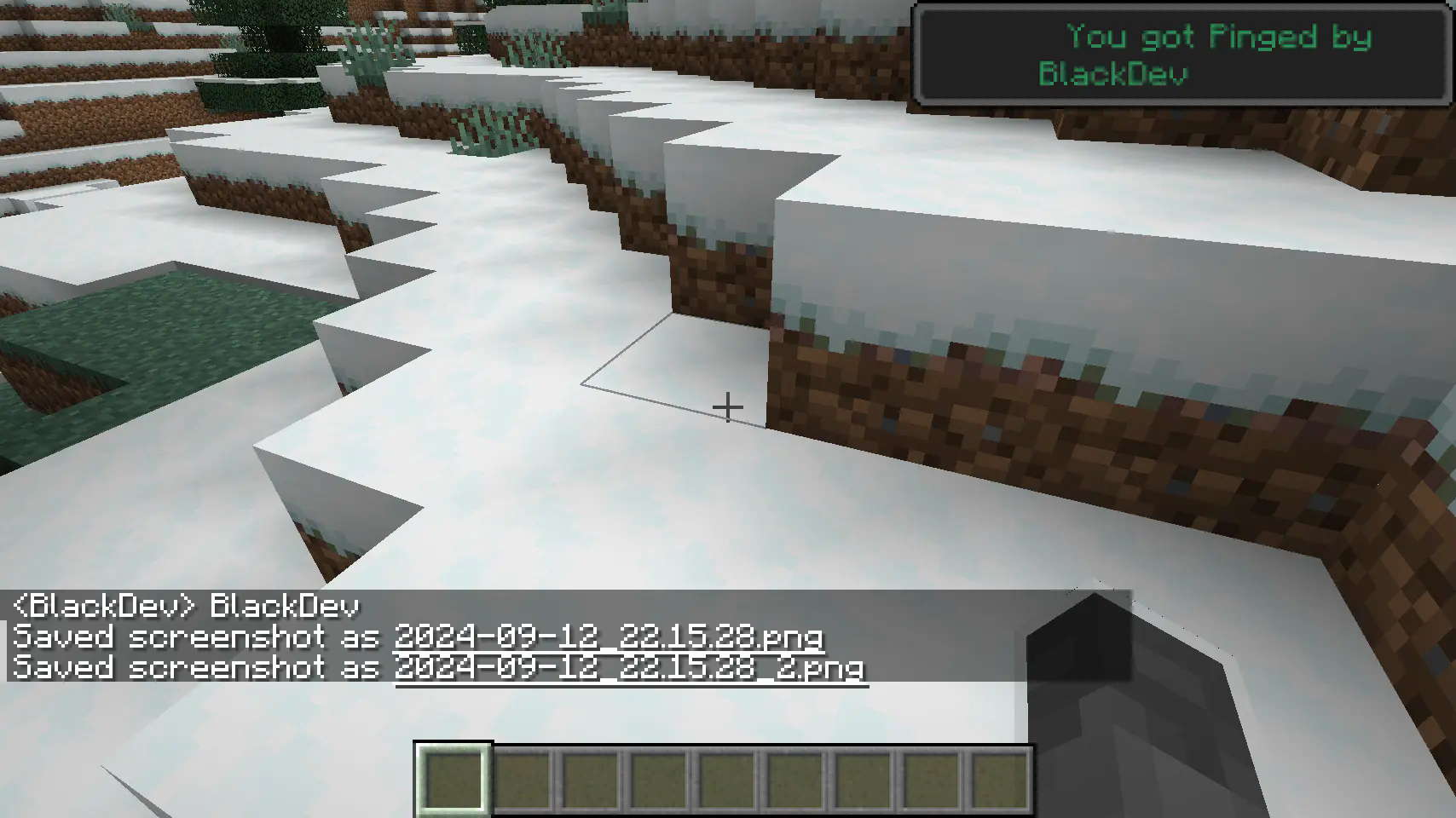
A notification is triggered when your name is mentioned in the chat.
Planned Features
- Customization: Set different colors or styles for the ping notifications.
- writing: ignore upper and lower case writing also ignore if there are letters before the name.
- Keyword Pings: Allow pings on specific keywords beyond just your username.
Feedback & Contributions
We appreciate feedback and contributions! Feel free to submit bugs or suggest features via the Discord Server.
Enjoy seamless chat monitoring with Chat-Ping, and never miss another message directed at you again!
Verfügbare Versionen
Chat-Ping auf deinem Client installieren
Mod-Loader lokal installieren
Installiere fabric für deine lokale Minecraft-Version.
Passende Datei herunterladen
Wähle die Chat-Ping-Datei für fabric und Minecraft 1.21.
Mod installieren
Lege die .jar-Datei in deinem lokalen .minecraft/mods-Ordner ab und starte Minecraft neu. Eine Installation auf dem Server ist nicht nötig.
Kompatibilität
Mod-Loader
Minecraft-Versionen
1.21
Server-seitig
✗ Nicht unterstütztEmpfohlener RAM
4 GB(min. 3 GB)Häufige Fragen
Muss Chat-Ping auf dem Minecraft Server installiert werden?
Nein. Modrinth kennzeichnet Chat-Ping serverseitig als nicht unterstützt. Installiere die Mod nur im lokalen Minecraft-Mods-Ordner. Dein Server kann unverändert bleiben, sofern die Mod-Seite keine zusätzliche Abhängigkeit nennt.
Welche Version und welchen Loader braucht Chat-Ping?
Nutze eine Datei für fabric und exakt deine Minecraft-Version. Unterstützte Versionen sind unter anderem 1.21. Loader-Dateien sind nicht untereinander austauschbar.
Chat-Ping funktioniert nicht – was kann ich prüfen?
Prüfe zuerst Minecraft-Version, Loader-Version und erforderliche Abhängigkeiten. Lege die .jar-Datei im lokalen .minecraft/mods-Ordner ab und entferne ältere Duplikate. Da die Mod clientseitig ist, löst mehr Server-RAM dieses Problem nicht.
Ähnliche Mods






Minecraft Server für deine Gruppe
Chat-Ping bleibt auf deinem Client. Hoste dazu eine kompatible Welt für deine Mitspieler.