
Client-side Custom Music Disc Fix
A simple client-side mod that fixes MC-260346 where custom music discs are cut off if they exceed the vanilla length.
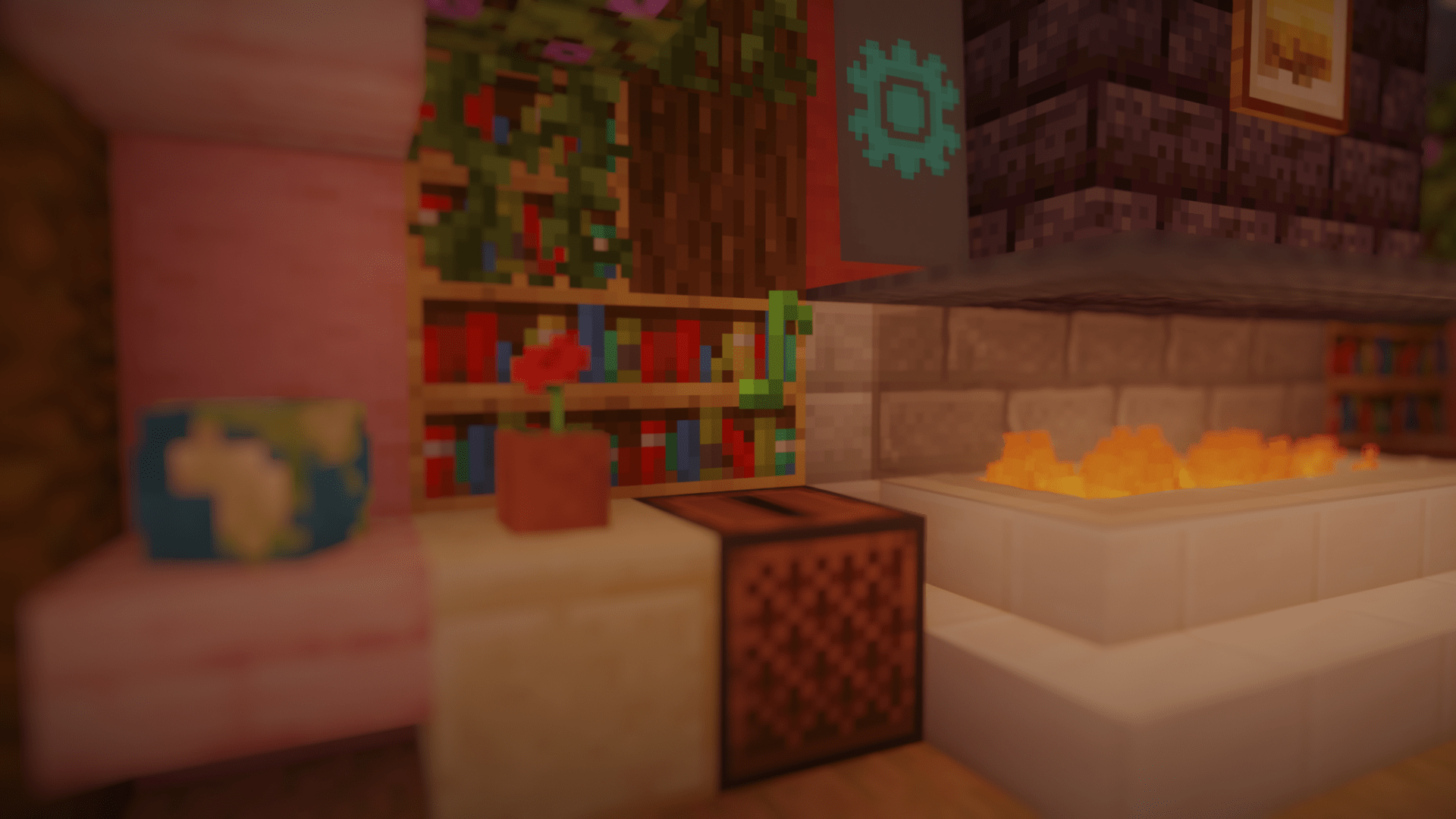
Screenshots
Über diese Mod
Client-side Custom Music Disc Fix
A simple client-side mod that fixes MC-260346 where custom music discs are cut off if they exceed the vanilla length.
Features
- Play a custom music disc at its full length
- Stop a custom music disc while it is playing
- Simulate hopper support for the jukebox on the client
- Synchronize jukebox particles with the client
- Toggle music disc attenuation to listen to music globally
Dependencies
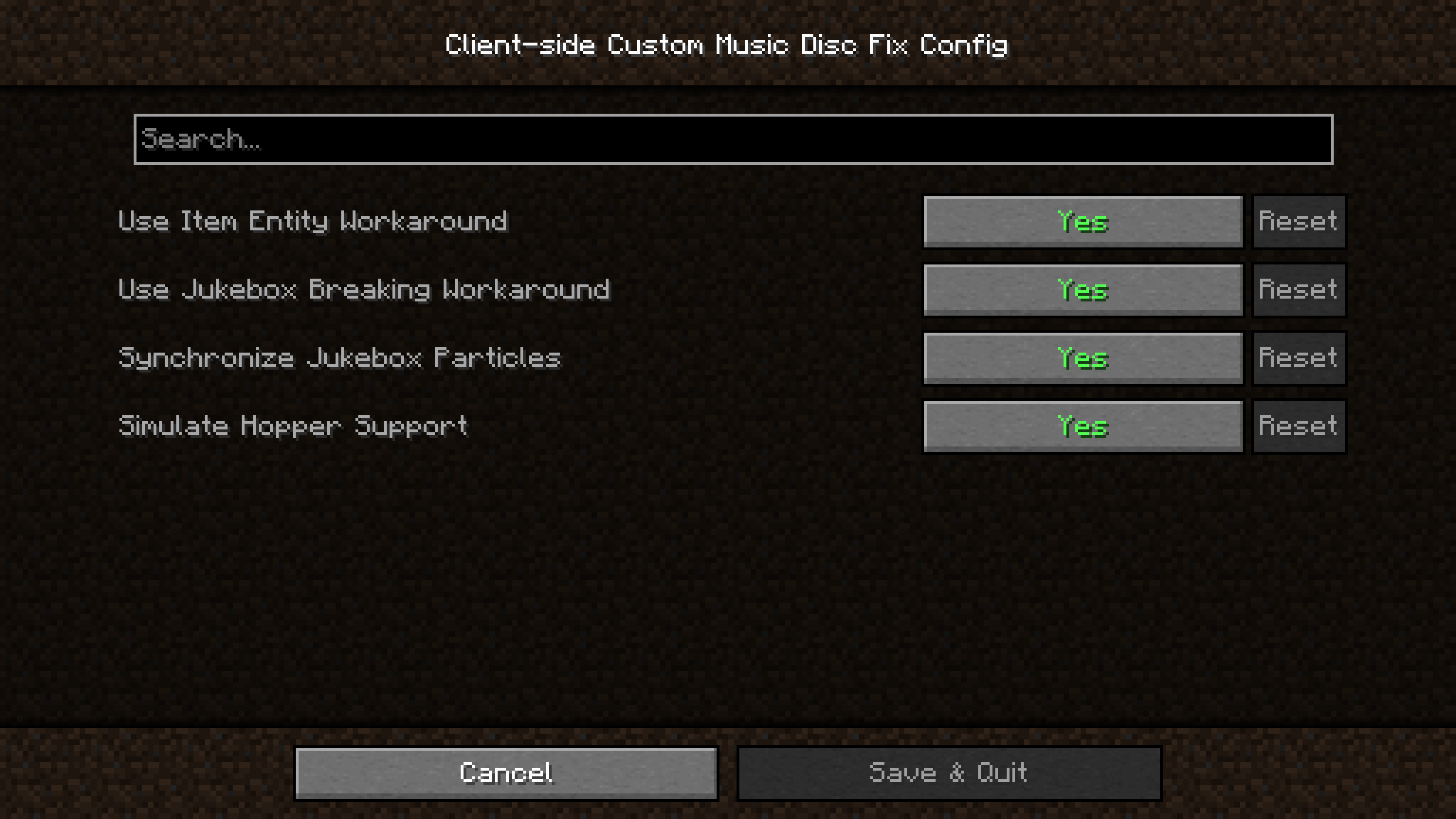
Fabric Loader and Fabric API are required. If you want to access configurations in-game, you can also install Cloth Config and Mod Menu.
Resource Pack Format
The file name of your music file must be the same as the vanilla disc you are replacing. You can follow this YouTube video or other online sources.
Technical Information, Configuration Options and Known Issues
Check out the wiki and issues pages for more info.
External Links
If you have any questions or issues, please send an email to [email protected] or send a friend request on Discord to alphads with a message mentioning the mod.
Verfügbare Versionen
Client-side Custom Music Disc Fix auf deinem Client installieren
Mod-Loader lokal installieren
Installiere fabric für deine lokale Minecraft-Version.
Passende Datei herunterladen
Wähle die Client-side Custom Music Disc Fix-Datei für fabric und Minecraft 26.3.
Mod installieren
Lege die .jar-Datei in deinem lokalen .minecraft/mods-Ordner ab und starte Minecraft neu. Eine Installation auf dem Server ist nicht nötig.
Kompatibilität
Mod-Loader
Minecraft-Versionen
26.3, 26.2, 26.1.1 (+7 weitere)
Server-seitig
✗ Nicht unterstütztEmpfohlener RAM
4 GB(min. 3 GB)Häufige Fragen
Muss Client-side Custom Music Disc Fix auf dem Minecraft Server installiert werden?
Nein. Modrinth kennzeichnet Client-side Custom Music Disc Fix serverseitig als nicht unterstützt. Installiere die Mod nur im lokalen Minecraft-Mods-Ordner. Dein Server kann unverändert bleiben, sofern die Mod-Seite keine zusätzliche Abhängigkeit nennt.
Welche Version und welchen Loader braucht Client-side Custom Music Disc Fix?
Nutze eine Datei für fabric und exakt deine Minecraft-Version. Unterstützte Versionen sind unter anderem 26.3, 26.2, 26.1.1. Loader-Dateien sind nicht untereinander austauschbar.
Client-side Custom Music Disc Fix funktioniert nicht – was kann ich prüfen?
Prüfe zuerst Minecraft-Version, Loader-Version und erforderliche Abhängigkeiten. Lege die .jar-Datei im lokalen .minecraft/mods-Ordner ab und entferne ältere Duplikate. Da die Mod clientseitig ist, löst mehr Server-RAM dieses Problem nicht.
Ähnliche Mods






Minecraft Server für deine Gruppe
Client-side Custom Music Disc Fix bleibt auf deinem Client. Hoste dazu eine kompatible Welt für deine Mitspieler.