
Modrinth · Fabric
Cobblemon Better Pokedex Scanner auf deinem Minecraft Server
Cobblemon Better Pokedex Scanner läuft auf Minecraft Servern mit Fabric. Bestell deinen Server, stell den Loader im Panel ein und installiere die Mod mit einem Klick im Mod-Browser.
Expands the functionality of the Pokedex scanner in Cobblemon
- Downloads
- 1.4M
- Autor
- Joshiki
- Loader
- Fabric
- Minecraft
- 1.21.1
- Aktualisiert
- –
Screenshots
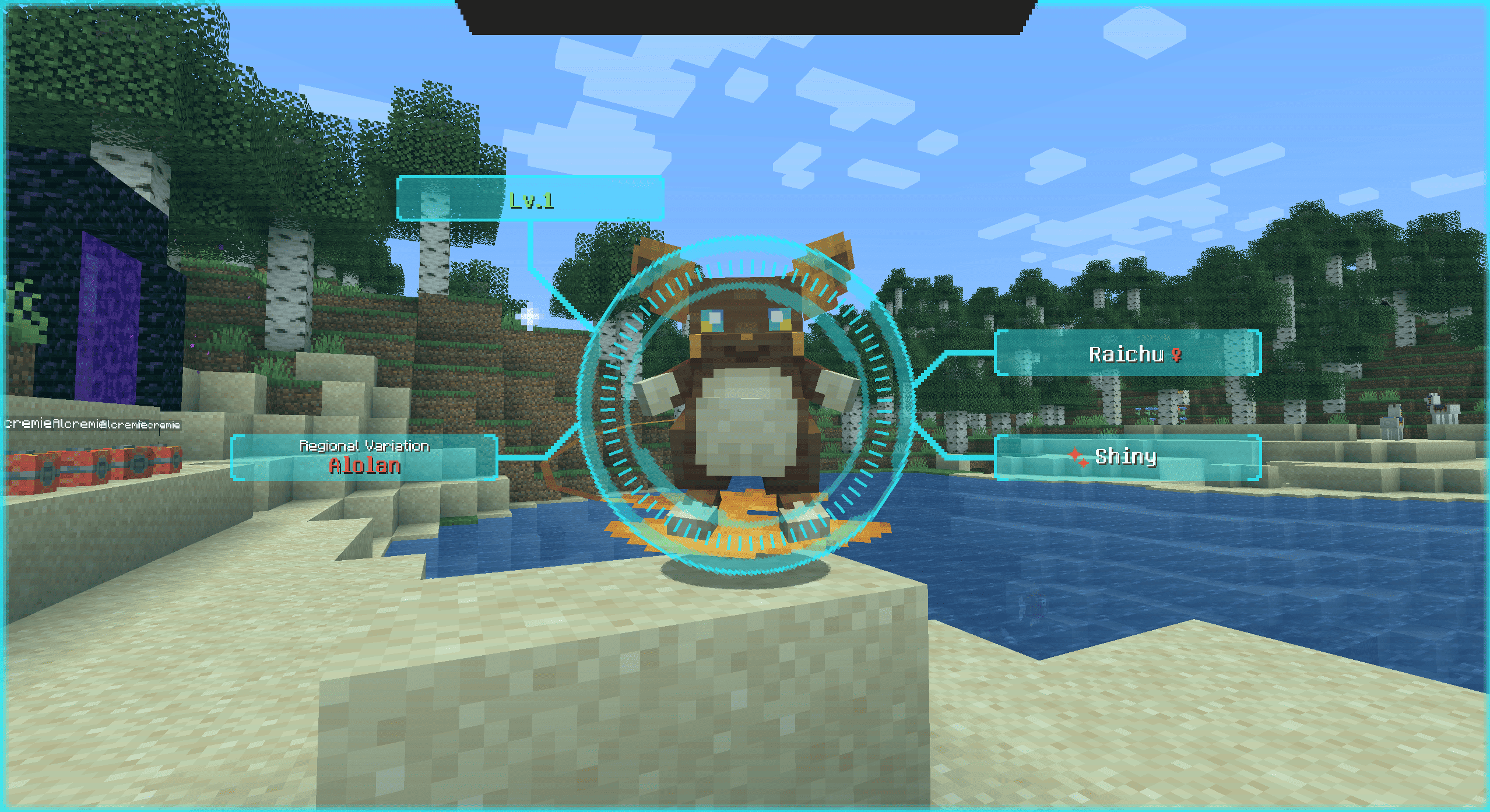
So sieht Cobblemon Better Pokedex Scanner aus


Bilder: Cobblemon Better Pokedex Scanner auf Modrinth, vom Projektteam veröffentlicht.
Einrichtung
Cobblemon Better Pokedex Scanner auf dem Server installieren
Server und Spieler brauchen denselben Loader und dieselbe Minecraft-Version. Sichere die Welt, bevor du Mods hinzufügst oder aktualisierst.
- 01
Konfigurieren
4 GB RAM sind vorausgewählt. Laufzeit und Add-ons wählst du selbst, bezahlt wird per Kreditkarte oder PayPal.
- 02
Loader einstellen
Stell im Panel die Serversoftware auf Fabric und wähl die passende Minecraft-Version, zum Beispiel 1.21.1.
- 03
Mod installieren
Such im Mod-Browser nach „Cobblemon Better Pokedex Scanner“ und installiere die Version für deinen Loader. Alternativ lädst du die .jar per SFTP in den Ordner mods. Erforderliche Abhängigkeiten stehen auf der Projektseite.
- 04
Verbinden
Alle Spieler installieren Cobblemon Better Pokedex Scanner in derselben Version lokal und verbinden sich über die Serveradresse aus dem Panel.
- Auf dem Server
- Erforderlich
- Auf dem Client
- Erforderlich
- Loader
- Fabric
- Minecraft
- 1.21.1
- Lizenz
- MIT License
Das Panel
Mods installieren, Fehler finden.
Echte Screenshots aus dem Mado Panel. Beides ist bei jedem Minecraft Server enthalten.
Mod-Browser
Modrinth und CurseForge direkt im Panel.
Der Browser filtert nach deiner Minecraft-Version. Mods installierst du mit einem Klick, ohne .jar-Dateien hochzuladen.

KI-Crash-Analyse
Wenn ein Mod crasht, liest die Analyse das Log.
Mods scheitern oft an einer falschen Loader-Version, Java-Version oder fehlenden Abhängigkeit. Die Analyse nennt eine wahrscheinliche Ursache und einen Lösungsvorschlag.

Versionen
Veröffentlichte Versionen
Nimm die Datei, die zu Loader und Minecraft-Version deines Servers passt. Server und Spieler brauchen dieselbe Version.
Cobblemon Better Pokedex Scanner · ModrinthOriginalbeschreibung des Projektautors
Overview
Better Pokédex Scanner expands Cobblemon’s Pokédex scanner in numerous ways to present useful information about entities and the environment to assist you on your Pokémon journey.
It keeps the core Cobblemon feel, but adds clearer scan presentation, richer information, better variant handling, environmental reads, non-Pokémon scans, and compatibility for scanning special block/entity cases.
What It Adds
•
Improved Pokémon scans
•
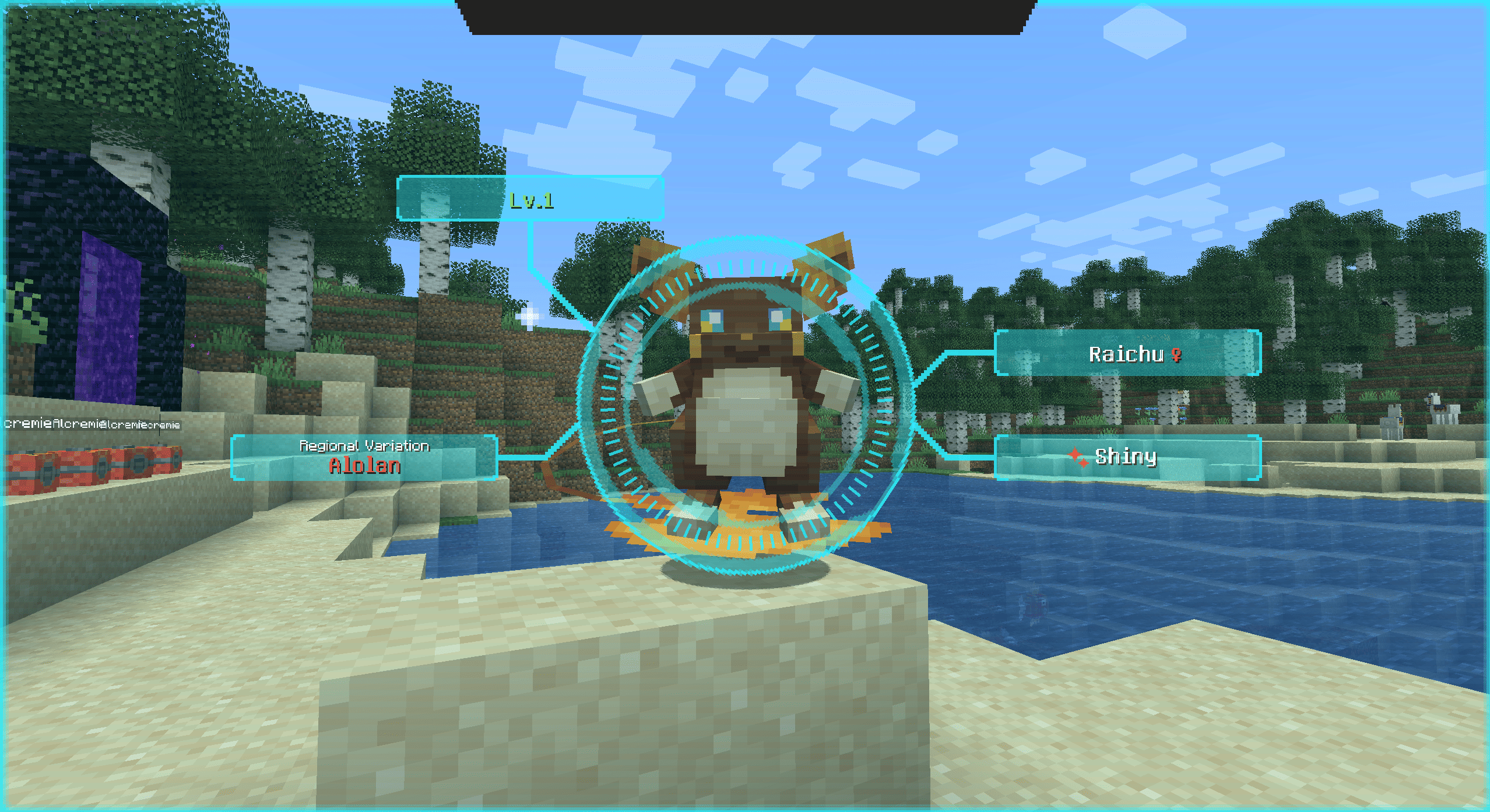
Proper handling for presenting forms, regional variants, aspects and shiny tags
•
Type-aware labelling and colour-coded type displays
•
Level threat colouring based on your current party range
•
Consistent behaviour between live Pokémon scans and contained/block-based Pokémon scans
•
Richer styling for many Cobblemon form/aspect labels
•
Environment feature scanning
•
Beehive scanning
•
Non-Pokémon entity scanning
•
Resource-pack driven label customisation for Cobblemon aspects/forms and custom entity accessors
Pokémon Scanner Features
Aspect display
Resolves forms, aspects, shiny state, and gender correctly. Pokemon with multiple aspects are carouselled through the same label position.
Threat level colouring
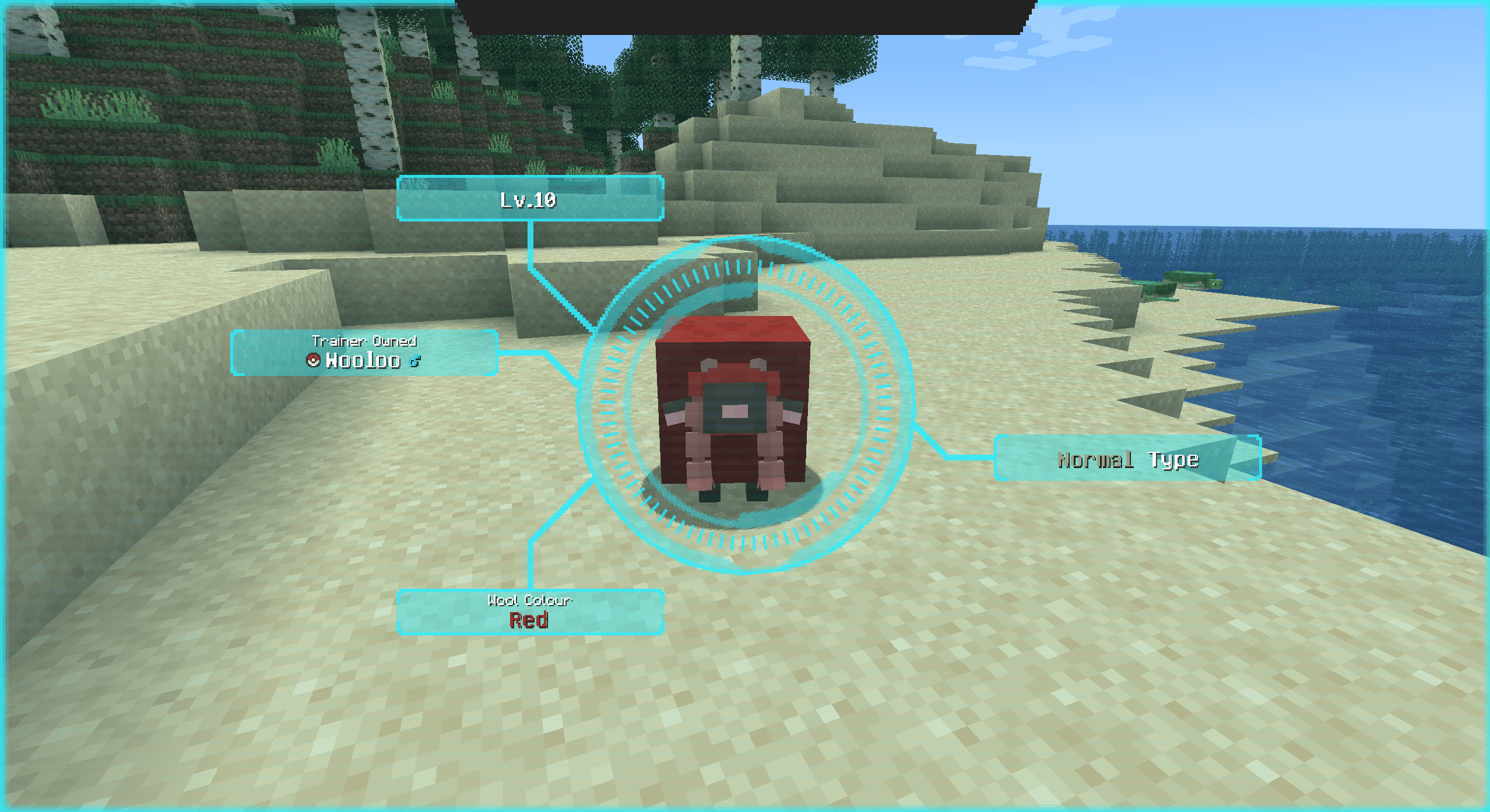
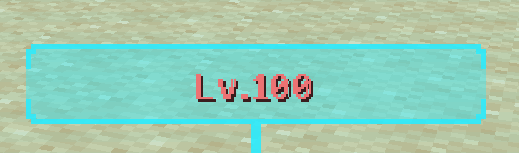
Adds level threat colouring based on your party:
◦
Higher than your party range trends warm
◦
Lower than your party range trends green
◦
Contained Pokémon use a blue high-level indicator

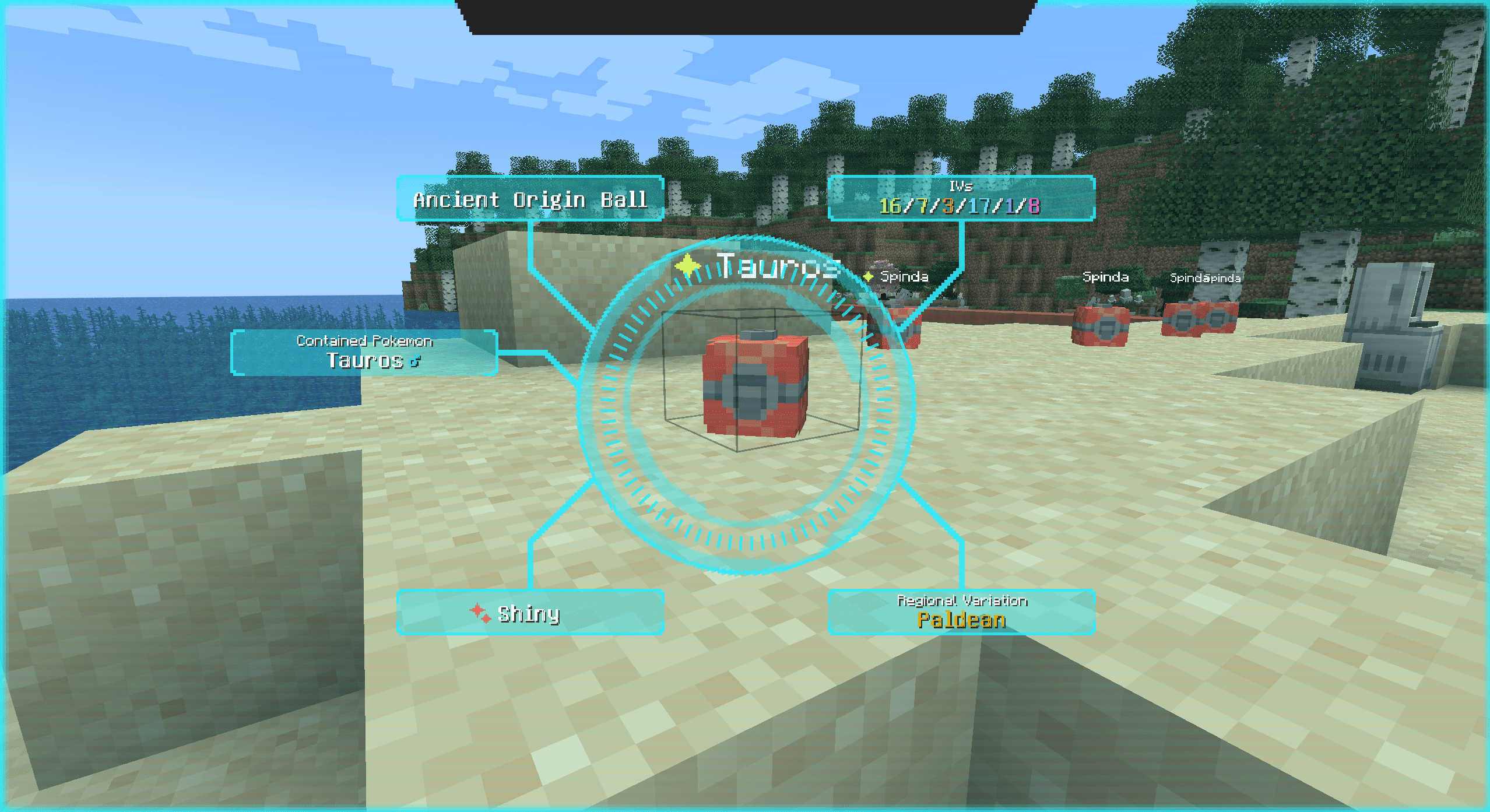
Occupied Pokéballs Support
Better Pokédex Scanner also supports Pokémon that are stored in pokeballs via the occupied pokeballs mod
A Pokemon's IV stats, nature and ability can be viewed whilst scanning a placed pokebal.
Pokémon you have not seen yet will be registered when scanned this way
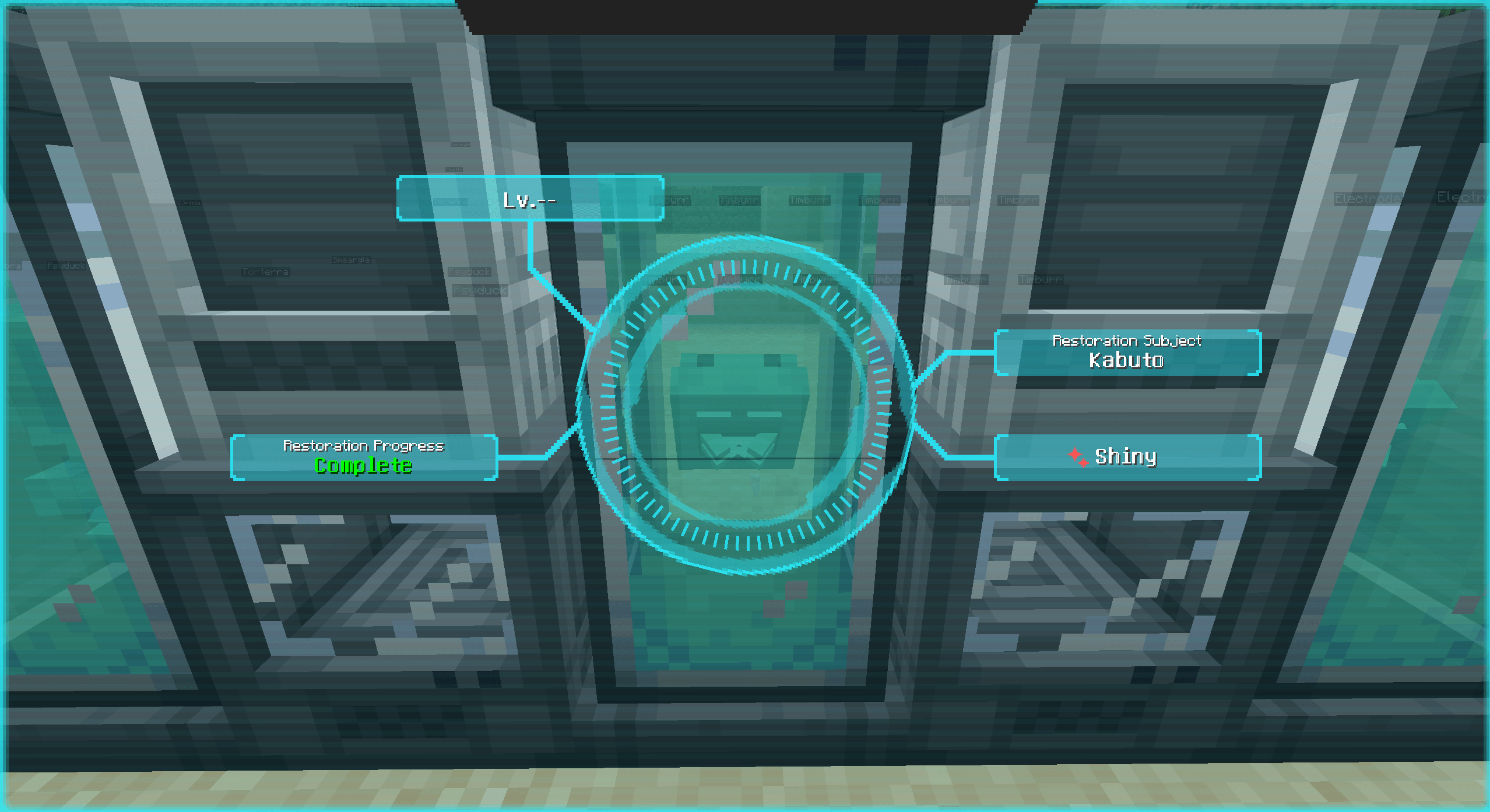
Restoration tanks
Scan fossils to view the Pokémon inside the tank
Full aspect resolving and shininess display if using a mod like special fossils or custom restoration recipes
View restoration progress
Pokémon you have not seen yet will be registered when scanned this way
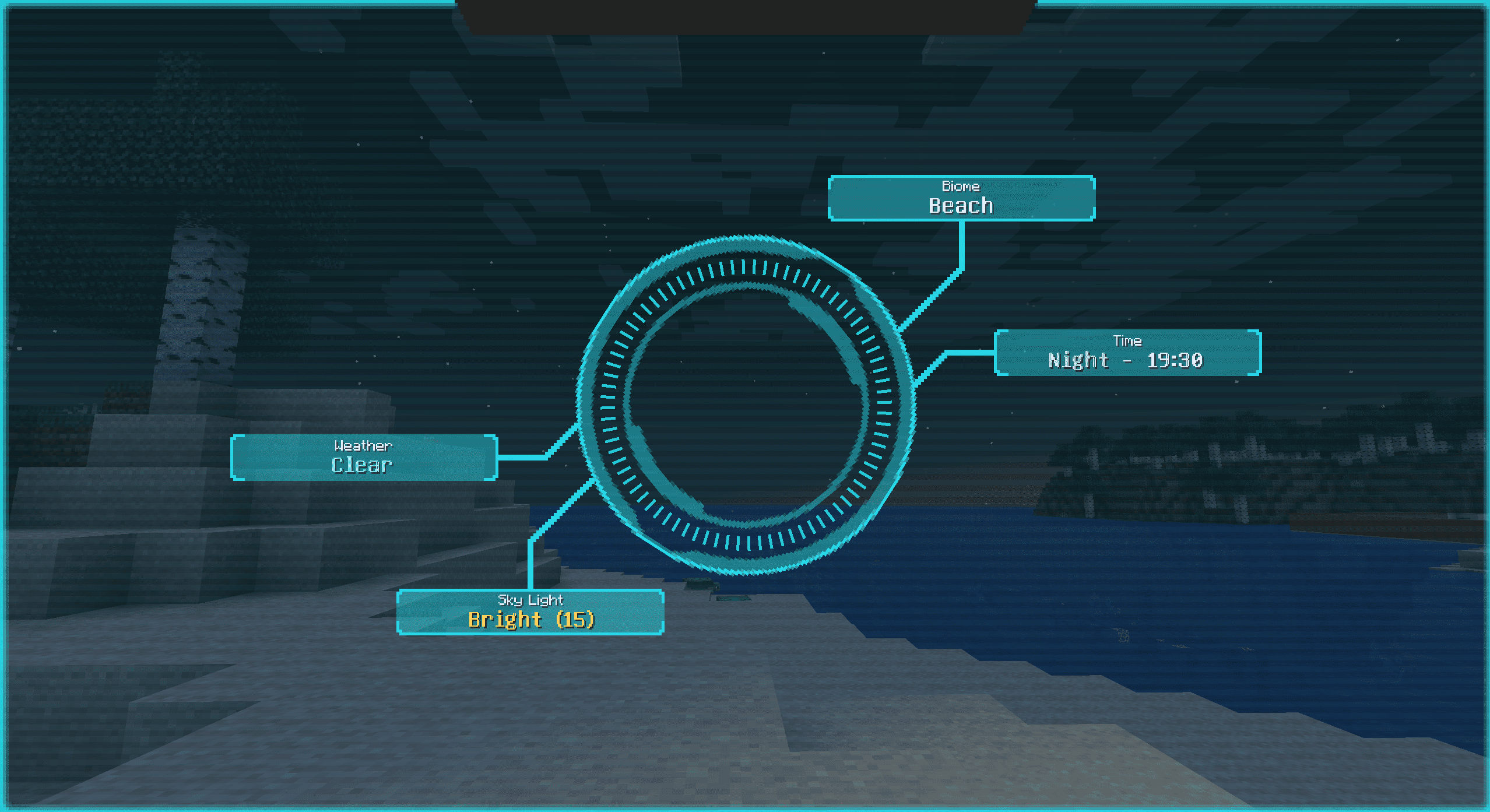
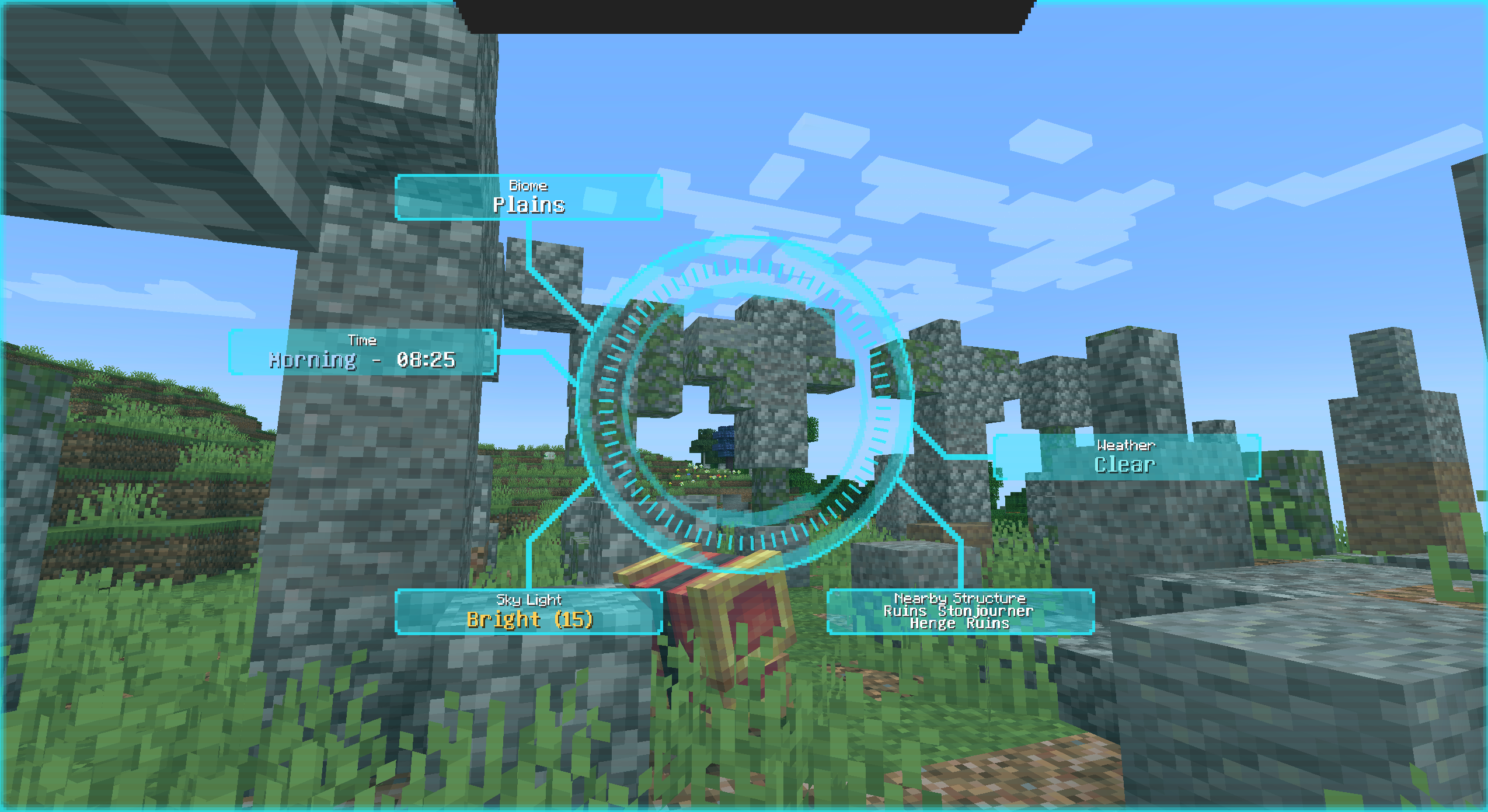
Environment Scanner
The scanner can also read the world around you, displaying helpful information such as:
•
Biome
•
Dimension
•
Weather
•
Time of day
•
Moon phase
•
Sky visibility
•
Sky light
•
Block light
• Terrain context such as:
- underwater
- on water
- surface
- underground
- cave
- high altitude
•
Nearby Structures
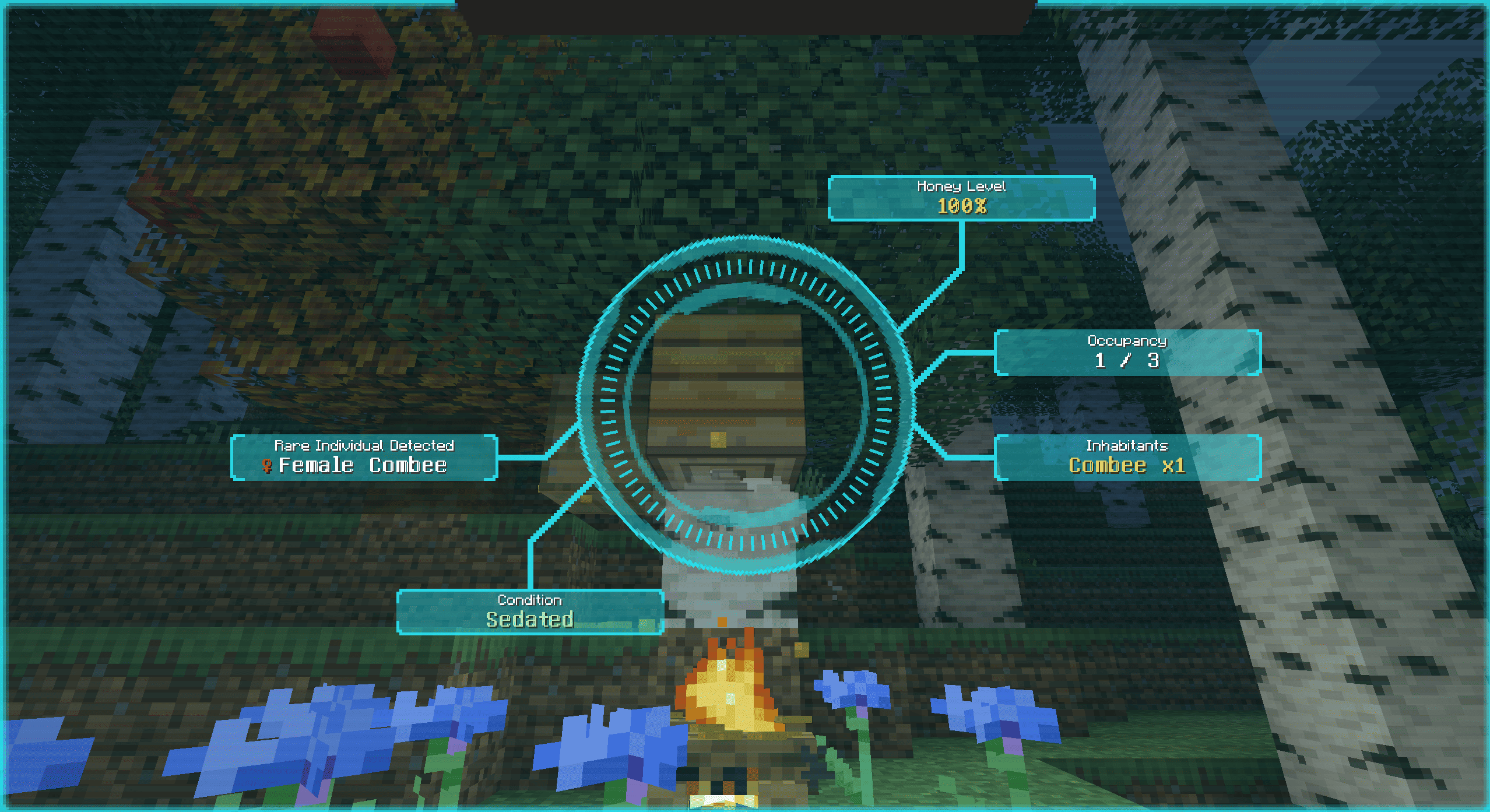
Beehive Scanner
Beehives and bee nests can be scanned for:
•
Honey level
•
Flower/sedation state, where applicable
•
Inhabitant counts
•
Combee presence
•
Rare individual detection, such as shiny/female Combee, where available
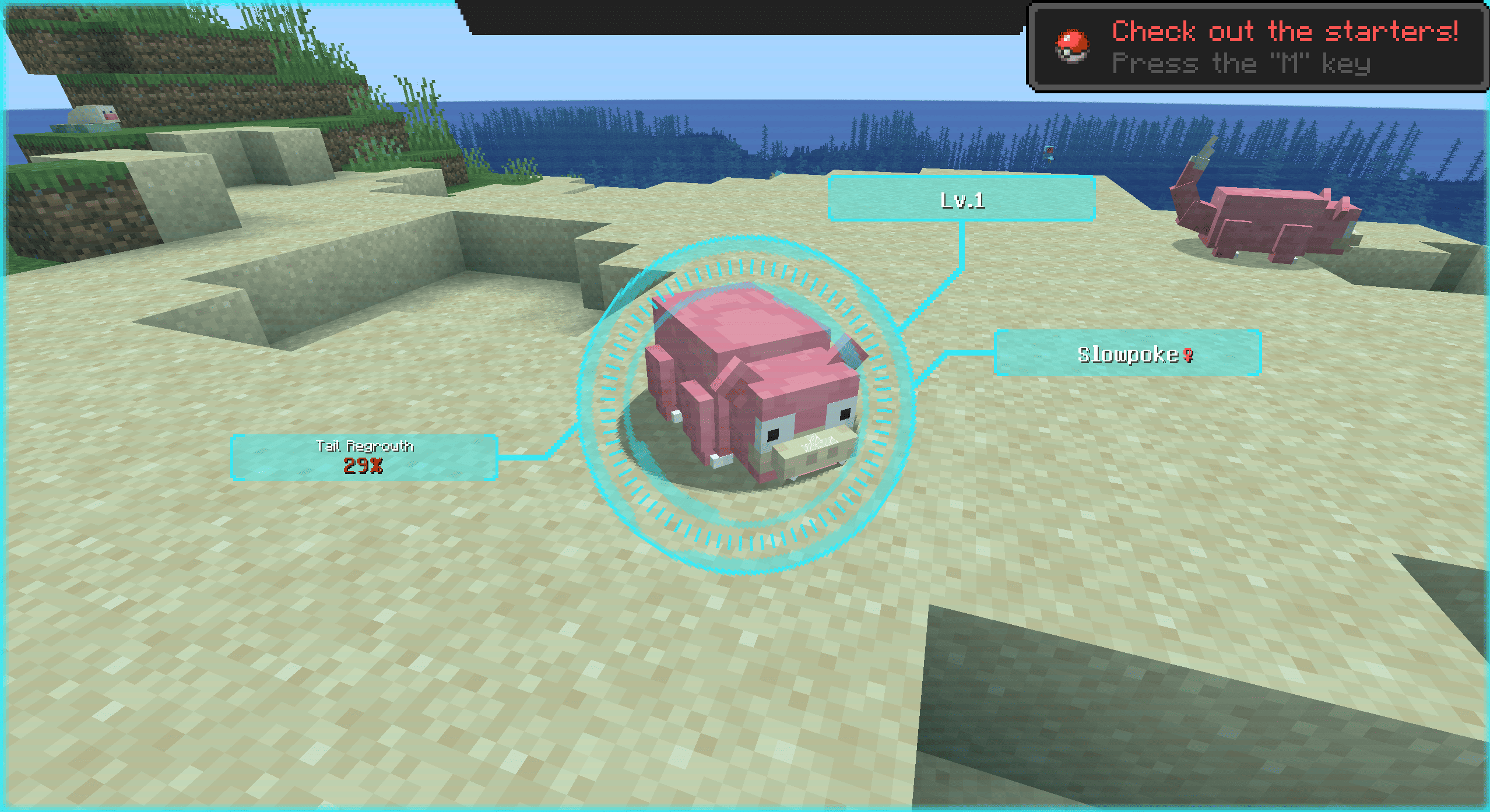
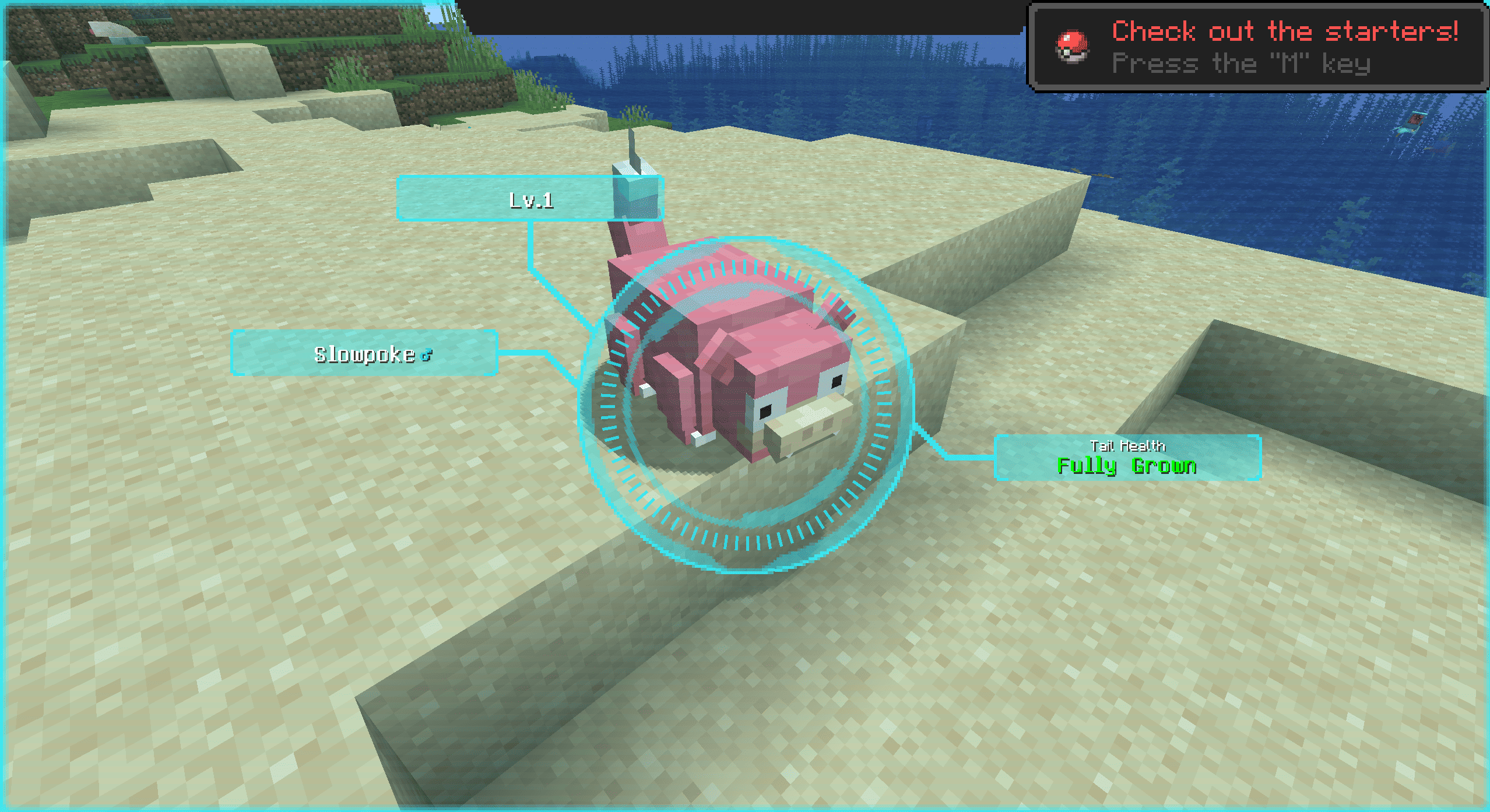
Slowpoke Tail Health Scanner
Check the status of Slowpoke's tail regrowth!
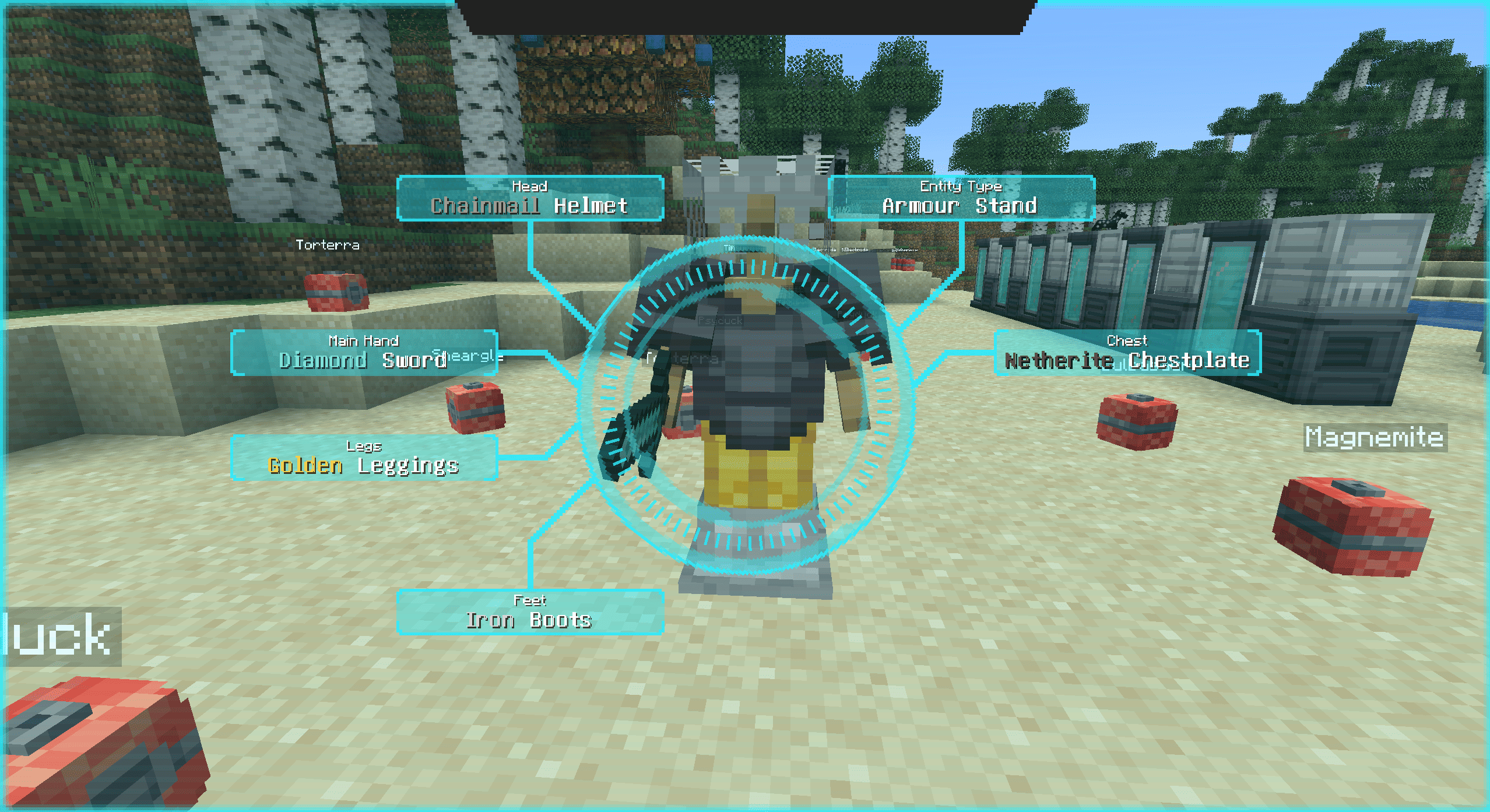
Non-Pokémon Entity Scanner
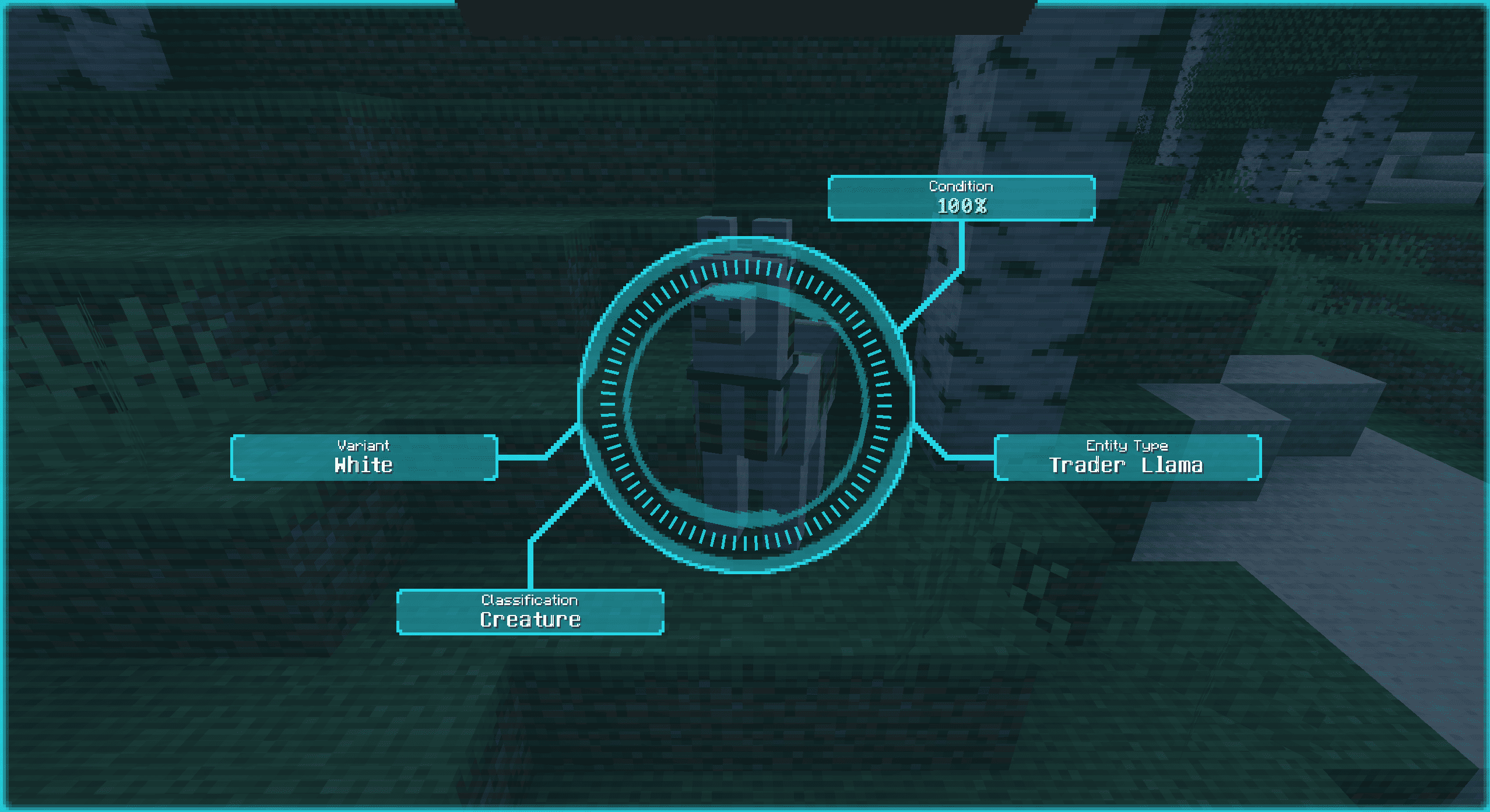
The scanner can also identify and present data for non-Pokémon entities.
This includes:
•
clean scanner snapshots for supported entities
•
color-aware presentation for many vanilla color/material states
•
persistent short-term cache behaviour, so brief focus loss does not always force a full rescan
•
support for custom accessor-driven labels through resource packs
Examples of built-in presentation support include things like:
•
dye/color states
•
horse/llama/cat/rabbit/axolotl variants
•
armour stand equipment materials
•
Other explicit non-Pokémon display cases, the mod already knows how to present
Customization
The mod supports client-resource based customization for:
•
Cobblemon forms and aspects
•
non-Pokémon entity accessor values
This means you can add, rename, localise, or color labels without editing code.
Variant Label Files
Place JSON files at:
assets/better_pokedex_scanner/variant_labels/*.json
These are used for Cobblemon form/aspect labels.
Supported label methods:
Literal text
Translation keys
Styled parts
Styled translated templates with translationKey + args
Example:
{
  "groups": [
    {
      "headerLabel": "Flower Color",
      "species": ["cobblemon:flabebe"],
      "aspectDisplays": {
        "flower-red": {
          "parts": [
            { "text": "Red", "color": "FF0000" },
            { "text": " Flower" }
          ]
        }
      }
    }
  ]
}
You can also target:
• baseFormDisplay
• formDisplays
• aspectDisplays
Priority is:
styled display
translation key
literal label
Entity Accessor Label Files
Place JSON files at:
assets/better_pokedex_scanner/entity_accessor_labels/*.json
These are used for non-Pokémon entities with stable accessor values.
Example:
{
  "groups": [
    {
      "entities": ["examplemod:example_mob"],
      "accessor": "variant",
      "accessorHeaderLabel": "Mutation",
      "valueDisplays": {
        "red": {
          "parts": [
            { "text": "Red", "color": "FF0000" }
          ]
        }
      }
    }
  ]
}
Supported accessor behavior:
• explicit entity declarations only (the scanner doesn't add accessors automatically)
• dot-path traversal
• accessor resolution through:
- zero-arg methods
- getters
- boolean getters
- public fields
Value priority is:
- styled display
- translation key
- literal label
- formatted raw accessor value fallback
For more information on adding support for your mod, check out the readmes here on the gitlab
Compatibility
Required
Optional Supported Mods
Installation environment
Single player - Works completely with client-side installation
Multiplayer - Works client-side, but some information is limited unless installed on the server too. For best results, install on both
Feature requests
Want features added, aspect support, or default support for your mod? Leave a comment here or on Gitlab!
Cobblemon Better Pokedex Scanner Server crasht beim Start – was tun?
Häufige Ursachen: Loader- oder Minecraft-Version passen nicht zur Mod-Datei, eine Abhängigkeit fehlt oder der RAM reicht nicht. Such im Log (latest.log) nach „OutOfMemoryError“, „Mixin“ oder fehlenden Mods. Bei Mado wertet die KI-Crash-Analyse das Log aus und schlägt eine Ursache vor. Loader und Version änderst du im Panel.
Mit welchem Loader läuft Cobblemon Better Pokedex Scanner?
Laut Modrinth unterstützt Cobblemon Better Pokedex Scanner Fabric für Minecraft 1.21.1.
Wie viel RAM braucht ein Server mit Cobblemon Better Pokedex Scanner?
Als Orientierung 3–4 GB für einen Server mit dieser Mod. Das ist eine Schätzung, keine gemessene Mindestanforderung. Weitere Mods, viele Spieler und große Sichtweiten brauchen mehr. Ob eine Mod die Tick-Zeit belastet, siehst du mit dem spark-Profiler.
Ähnliche Mods
Beliebte Mods aus derselben Kategorie
 Server-fähig

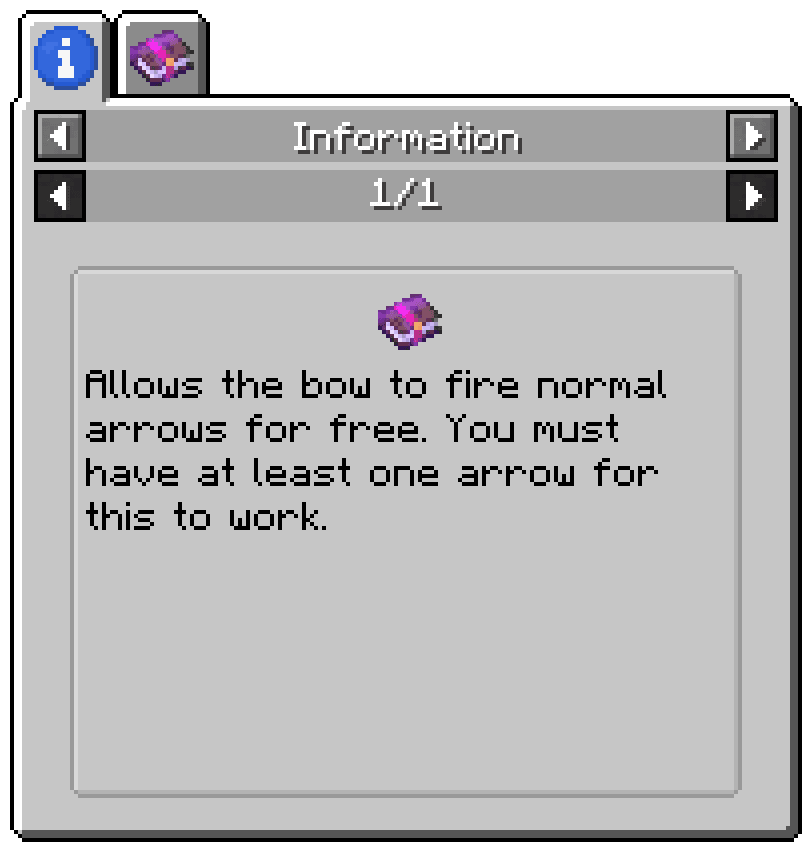
Enchantment Descriptions
von Darkhax
Provides a way to get enchantment descriptions from enchanted books.
 Server-fähig

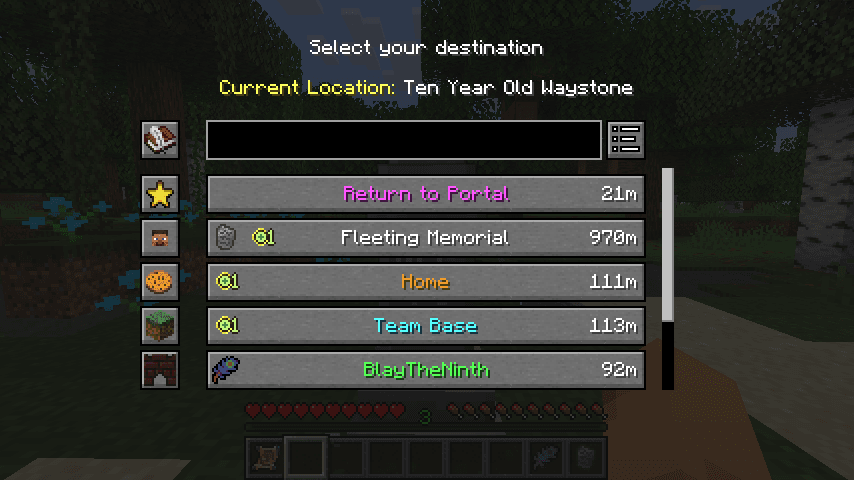
Waystones
von BlayTheNinth
Teleport from waystone to waystone or craft magical scrolls to warp.
 Server-fähig

Sinytra Connector
von Su5eD
Lets you play Fabric mods on NeoForge
 Nur Client

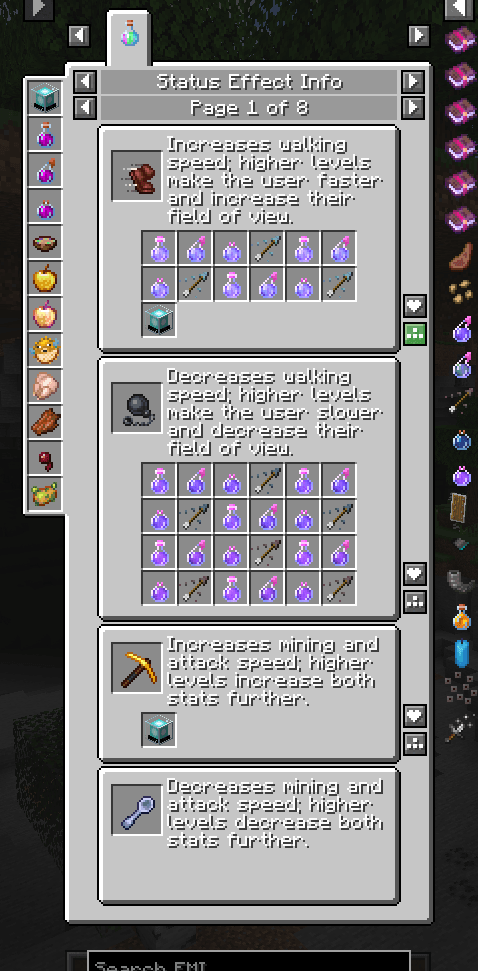
EMIffect
von moechakucha
EMI addon that appends status effects in EMI and provides information about each status effect.
Bereit für deinen Server mit Cobblemon Better Pokedex Scanner?
4 GB RAM ab 8,00 € im Monat. 35 % auf den 1. Monat mit MADO35.