
Cobblemon Rustling Spots
Rustling Spots adds dynamic, world-driven “rustling spots” across the Overworld.
Screenshots
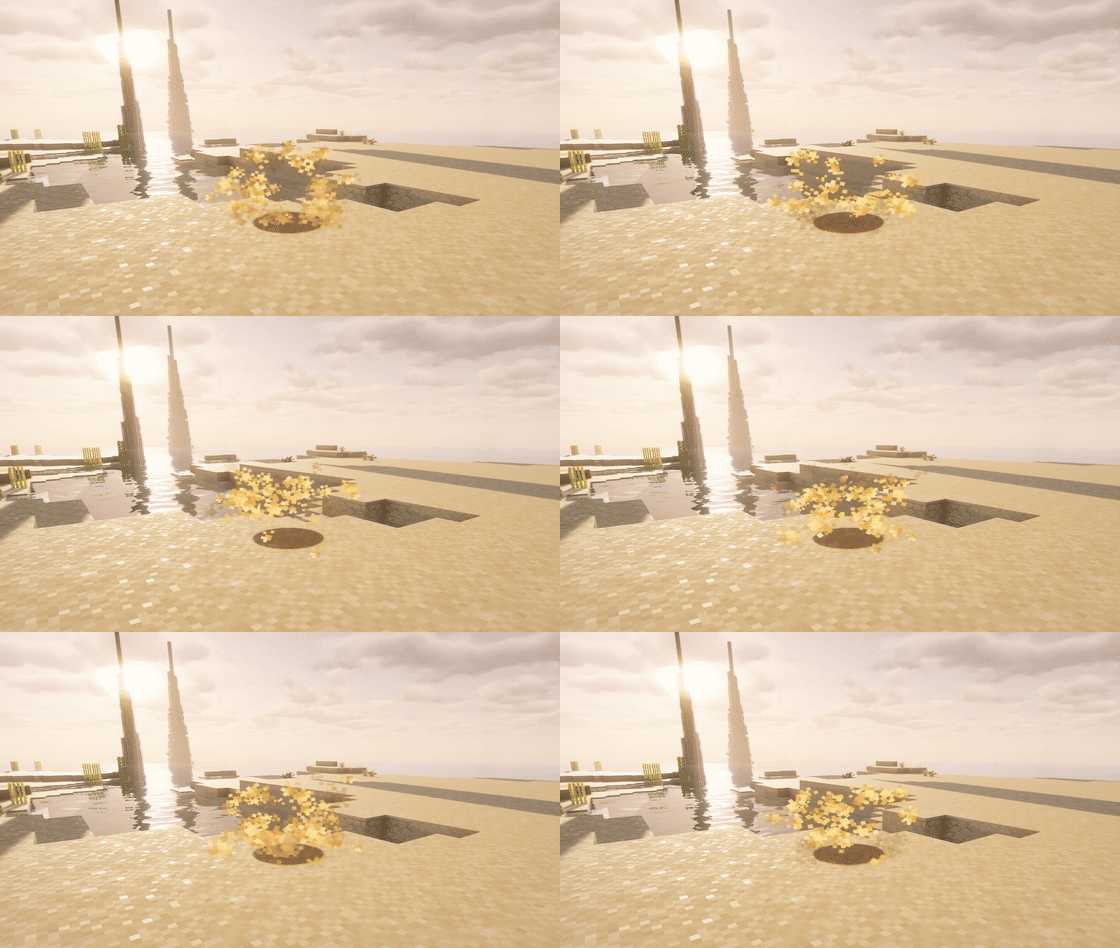
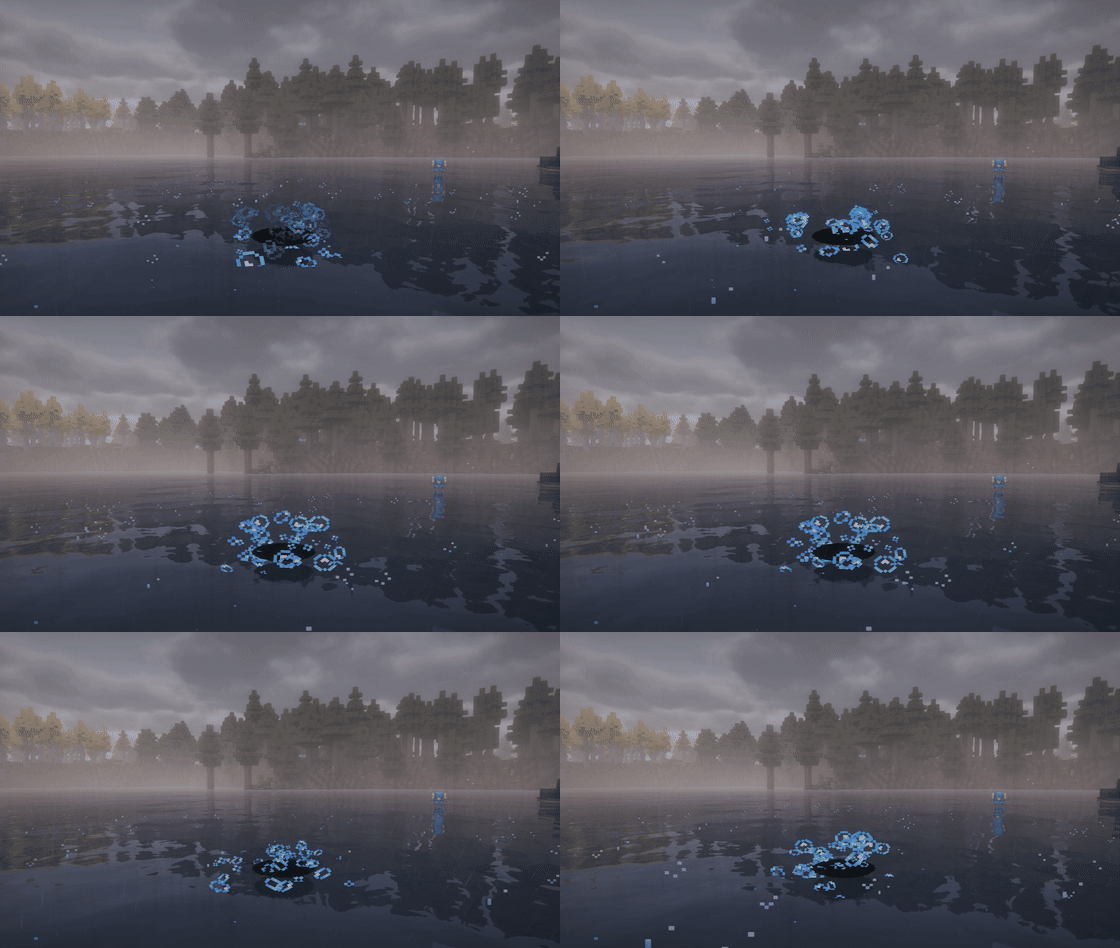
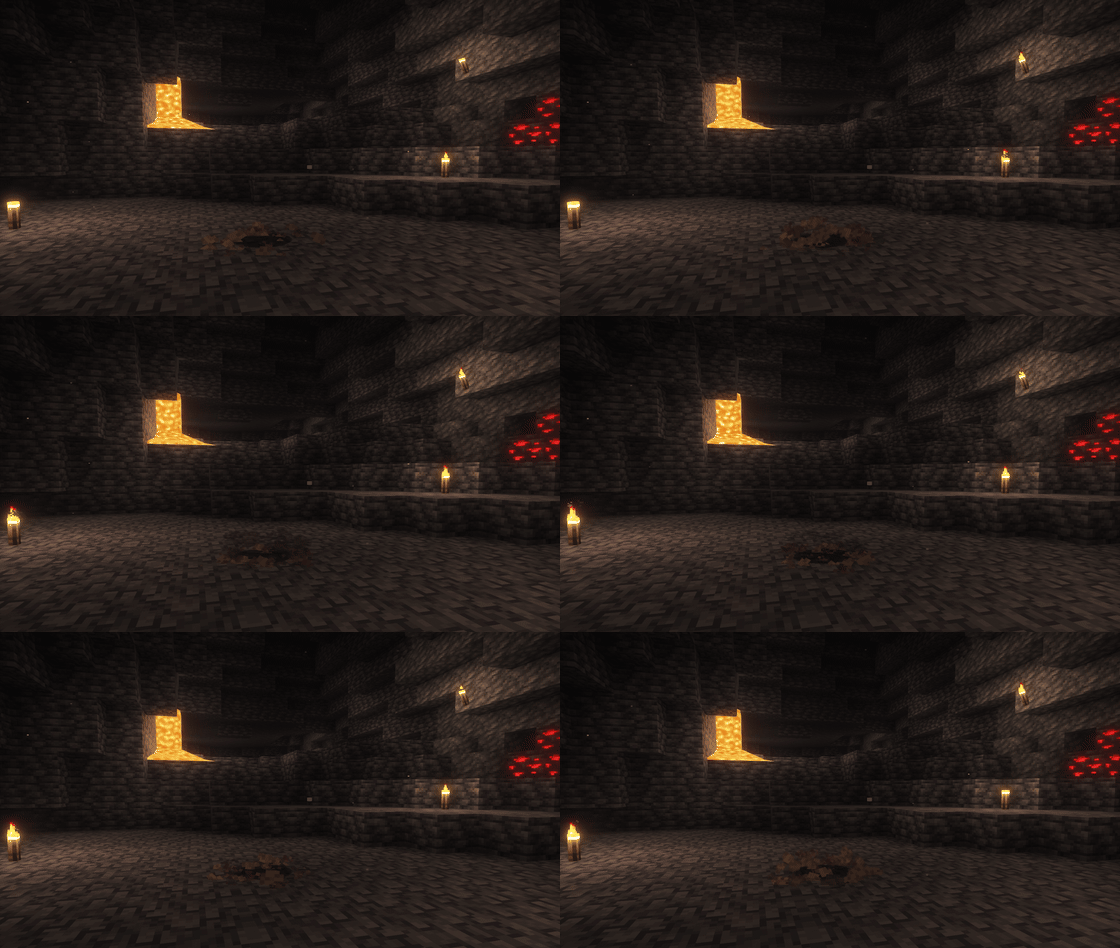

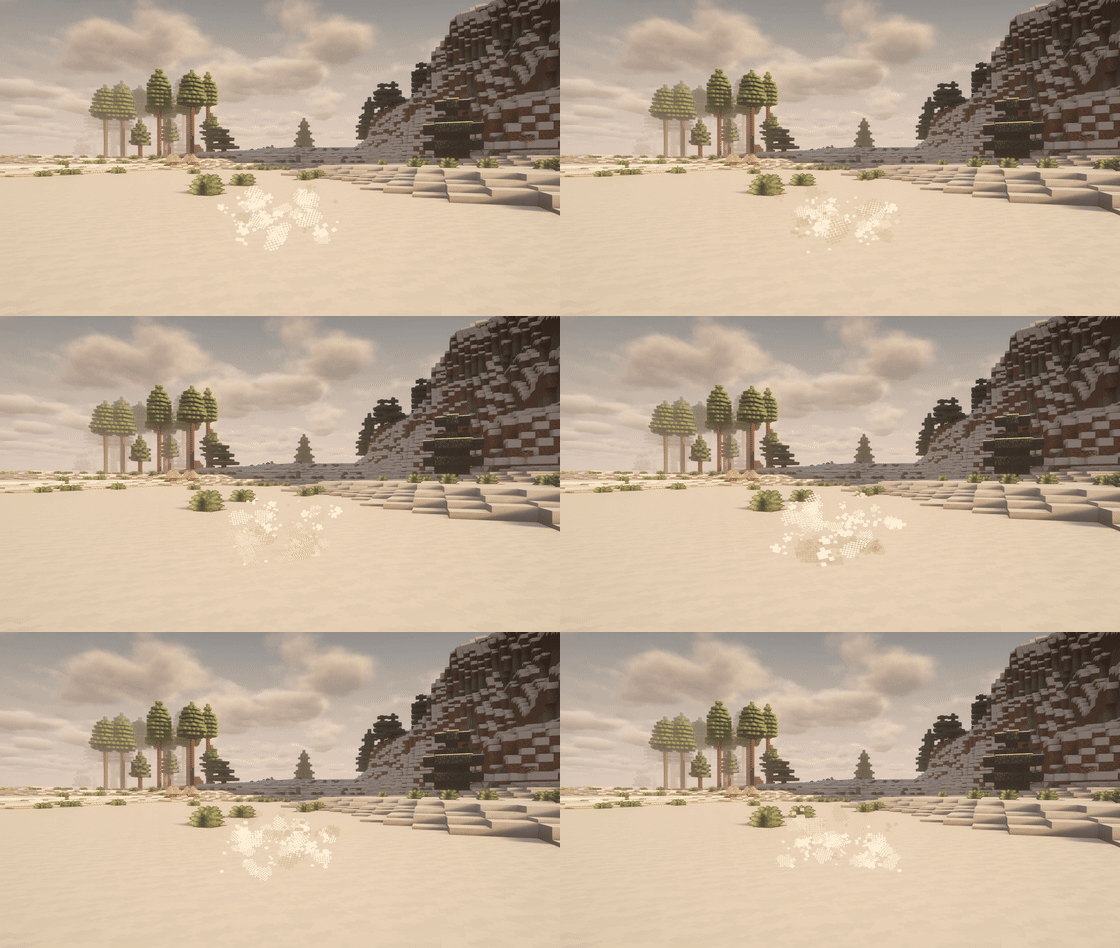

Über diese Mod
<img src="https://img.shields.io/badge/Partner-BisectHosting-0078FF?logo=bisecthosting&logoColor=white&style=for-the-badge" alt="BisectHosting Partner">





Rustling Spots
🌿 Bring Gen 5 rustling encounters into Cobblemon
Rustling Spots adds temporary event tiles that appear naturally around players, complete with particles, ambient sounds, and instant interaction.
Step into one and trigger either a Pokémon encounter or themed loot, depending on the family.
No world generation changes.
Safe for existing saves.
Built for both singleplayer and multiplayer.
✨ Why Rustling Spots stands out
- Dynamic exploration events that make the world feel more alive
- Cobblemon-only encounters, with no vanilla mob clutter
- Nine unique families with different themes, surfaces, and rewards
- Fully configurable for servers and modpacks
- JSON-driven pools for Pokémon, loot, and biome routing
- Easy testing with
/rustlingspots spawn <family>
Rustling Spots is made to feel immersive for players and practical for pack makers.
🌍 9 themed spot families
Each family brings its own atmosphere, spawn logic, encounter pool, and loot flavor:
- Grass Spots: classic field encounters
- Sand Spots: desert species and fossil-themed rewards
- Water Spots: aquatic encounters and fishing-style loot
- Snow Spots: icy biomes and frozen rewards
- Leaves Spots: canopy encounters and lighter rewards
- Cave Spots: underground exploration and spelunking loot
- Flying Spots: airborne encounters and light materials
- NetherFlamme: fiery Nether surface encounters
- SoulFlame: eerie Soul Sand and Soul Soil encounters
Every family can be enabled, disabled, rerouted, or rebalanced through config files.
⚙️ Built for modpacks and servers
Rustling Spots gives you full control without touching the code.
You can customize:
- spawn rate and max active spots
- minimum and maximum spawn distance
- spot lifetime
- interaction range
- Pokémon vs loot chance
- level range and shiny odds
- per-family spawn multipliers
- biome routing through tags or biome ids
Everything is designed to be easy to tune for your own progression and balance.
Tip for pack makers: if you want to refresh generated biome pools, delete the folders inside config/rustlingspots while keeping the main config files, then restart.
🧭 Modded biome support
Rustling Spots includes extended compatibility with modded biome and worldgen environments, including:
- Biomes O' Plenty
- Oh The Biomes You'll Go
- Regions Unexplored
- Terralith
- Wythers Overhauled
- Nature's Spirit
That means the mod fits naturally into both vanilla-style worlds and heavily modded exploration packs.
🚀 A more alive Cobblemon experience
Rustling Spots brings back that iconic “something moved over there” feeling from Gen 5.
You spot movement, hear the cue, investigate, and get rewarded with either a battle or a surprise.
It adds a simple but powerful exploration loop that makes the world feel more reactive, more immersive, and more fun to travel through.
💻 Game Hosting
Need a server for your adventure?
Host with and use code OurStory for 25% off your first month.
Every purchase helps support Our Story development.
💖 Support the Project
Want to support my work and get early previews?
Patreon - Our Story Collection
❤️ Credits
Created by LevelsCraft7 for the Our Story Collection.
Verfügbare Versionen
Cobblemon Rustling Spots auf dem Server installieren
Server bestellen
Bestelle einen Minecraft Java Server mit mindestens 3 GB RAM (4 GB empfohlen).
fabric Loader setzen
Wähle im Panel unter "Egg" den fabric-Loader und die passende Minecraft-Version (1.21.1).
Mod installieren
Öffne den Mod-Browser im Dashboard und suche nach "Cobblemon Rustling Spots". Klicke "Installieren" – fertig! Alternativ: Lade die .jar via SFTP in den /mods Ordner.
Kompatibilität
Mod-Loader
Minecraft-Versionen
1.21.1
Server-seitig
✓ ErforderlichEmpfohlener RAM
4 GB(min. 3 GB)Häufige Fragen
Cobblemon Rustling Spots Server crasht beim Start – was tun?
Häufigste Ursache: falsche fabric-Version oder zu wenig RAM. Prüfe im Server-Log (latest.log), ob ein "OutOfMemoryError" oder "Mixin"-Fehler auftritt. Bei Mado Hosting: Stelle sicher, dass mindestens 3 GB RAM zugewiesen sind und der Loader zur Mod-Version passt (1.21.1). Über das Panel kannst du den Loader mit einem Klick wechseln.
Ist Cobblemon Rustling Spots mit fabric und neoforge kompatibel?
Cobblemon Rustling Spots unterstützt offiziell fabric, neoforge für Minecraft 1.21.1. Im Mado Dashboard werden inkompatible Loader-Kombinationen automatisch erkannt.
Server laggt mit Cobblemon Rustling Spots – wie optimiere ich die Performance?
Empfohlener RAM: 4 GB (+1 GB pro 8 Spieler). Prüfe mit /spark profiler, ob Cobblemon Rustling Spots den meisten Tick-Time verbraucht. Häufige Fixes: Server-View-Distance auf 8-10 reduzieren, bei Forge "performant" oder "starlight" als Zusatz-Mod installieren. Bei Mado Hosting läuft dein Server auf NVMe-SSDs mit dedizierten CPU-Kernen für minimale Latenz.
Ähnliche Mods




Modded Server mieten
Installiere Cobblemon Rustling Spots mit nur einem Klick auf deinem Server.