
Cobblemon Poképedia: Cobblepedia
An in-game Poképedia wiki book for Cobblemon using Patchouli.
Screenshots
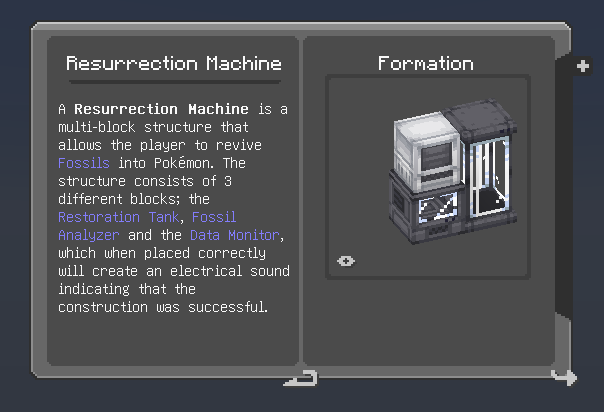
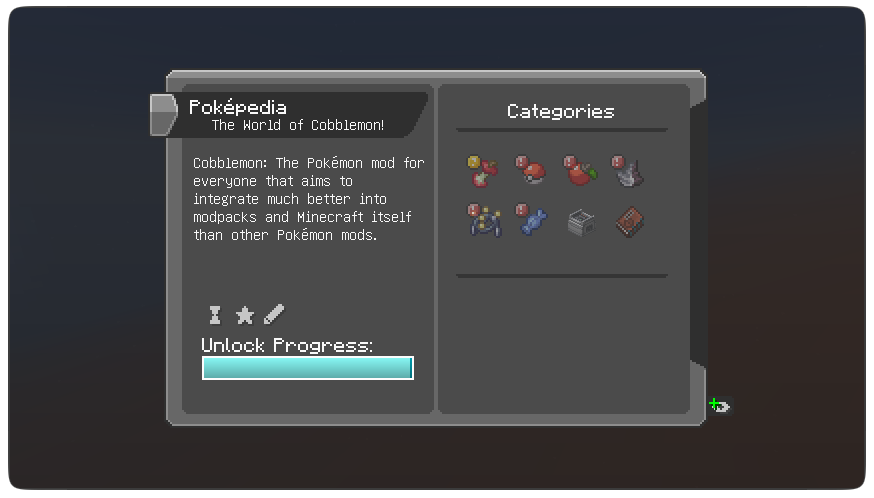
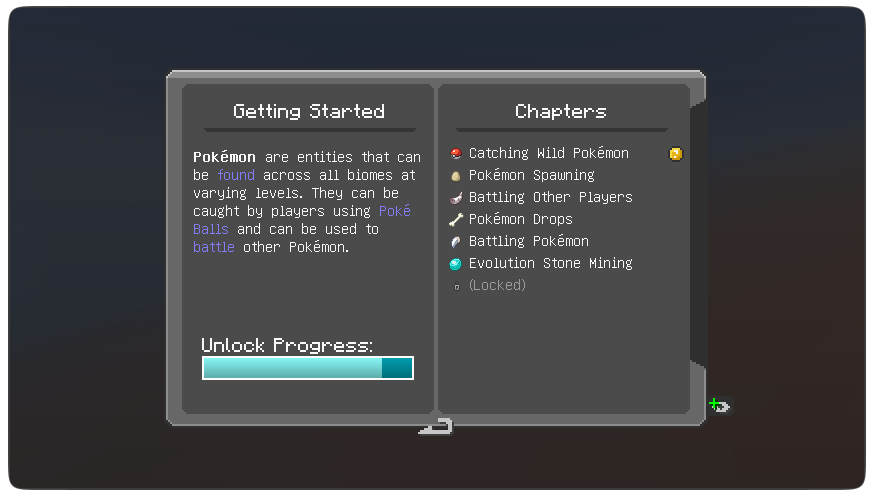
Über diese Mod
‼️ Archived ‼️
Cobblepedia will not receive any further major updates.
I discontinued this project in order to focus on developing Cobblemon Knowlogy mod, a newer mod which also adds the wiki info into a book in the game and has been updated regularly to be up to date with Cobblemon.
Cobblepedia
An in-game Poképedia wiki book item for Cobblemon using Patchouli that shows information from the official cobblemon wiki and tracks advancements added by Cobblemon.
Features:
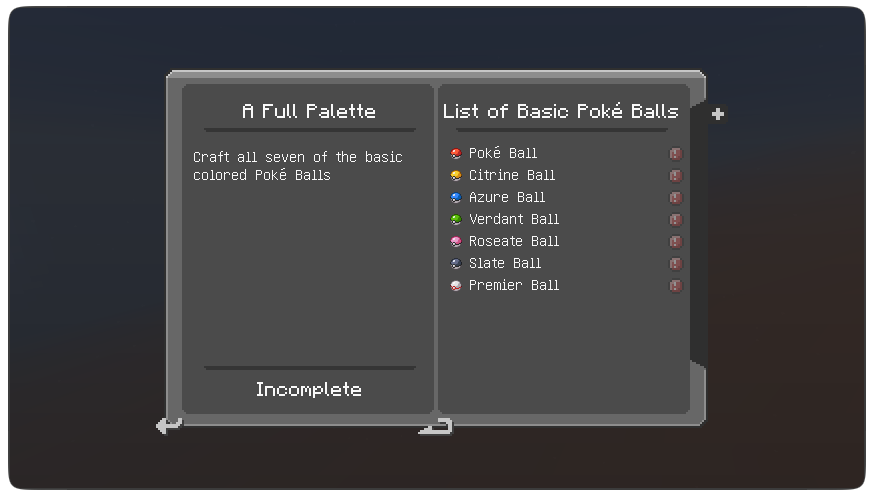
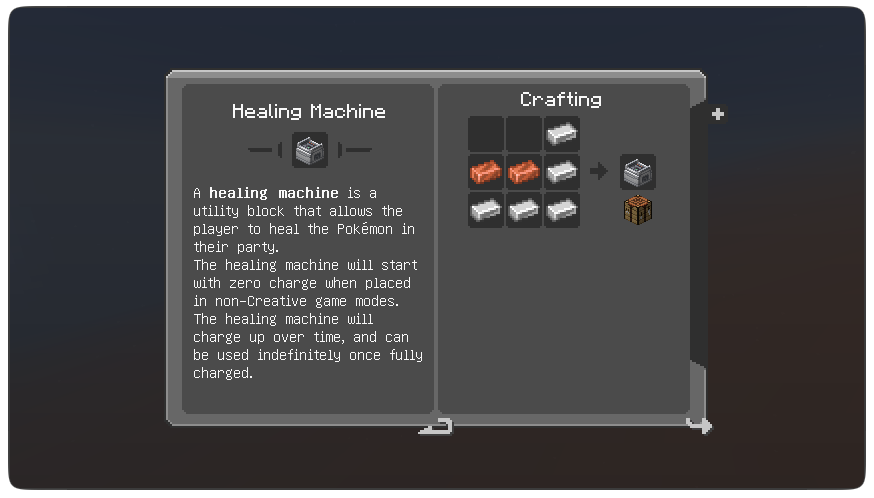
- Custom UI textures that fits with Cobblemon's aesthetics (see gallery)
- Advancements
- Crafting Recipes
- Basic Tutorial
How to get the Poképedia:
- Received by completing the "Choosing a Starter Pokémon" advancement;
- Crafted with a book and any apricorn;
- In creative mode (Found on the Tools and Utilities creative tab);
- or With the command:
/give @s patchouli:guide_book{"patchouli:book": "cobblepedia:cobblepedia"}for mc1.20.1 or/give @p patchouli:guide_book[patchouli:book="cobblepedia:cobblepedia"]for mc1.21.1.
Mod Requirements
Patchouli


Has the functionality to add the Poképedia to the game.
Cobblemon
Adds the content explained by the book.
Recommendations
Cobblemon Interface Resourcepack
Changes the minecraft interface to fit better with cobblemon's UI.
PatchouliButton Mod
Adds a button to the inventory that lists the Poképedia.
You can change it's config to go directly to the cobblemon book (useful to modpack makers).
Localization
The mod has translation files for the following languages:
- Brazilian Portuguese (pt_br), by me;
- Chinese (zh_cn), by
@x1759603258on Gitlab; - Italian (it_it), by
@mik_profilo_dion Discord; - Spanish (es_es), by
@lavinytuttinion Discord;
Obs: Some of these translations are outdated and/or incomplete.
Other:
Texture based on Torrezx-Improved Library resourcepack books and inspired by the books in Legends of Arceus trailer intro books
 on the Official Cobblemon Discord Server


Verfügbare Versionen
Cobblemon Poképedia: Cobblepedia auf dem Server installieren
Server bestellen
Bestelle einen Minecraft Java Server mit mindestens 3 GB RAM (4 GB empfohlen).
fabric Loader setzen
Wähle im Panel unter "Egg" den fabric-Loader und die passende Minecraft-Version (1.21.1).
Mod installieren
Öffne den Mod-Browser im Dashboard und suche nach "Cobblemon Poképedia: Cobblepedia". Klicke "Installieren" – fertig! Alternativ: Lade die .jar via SFTP in den /mods Ordner.
Kompatibilität
Mod-Loader
Minecraft-Versionen
1.21.1, 1.21, 1.20.1 (+1 weitere)
Server-seitig
✓ ErforderlichEmpfohlener RAM
4 GB(min. 3 GB)Häufige Fragen
Cobblemon Poképedia: Cobblepedia Server crasht beim Start – was tun?
Häufigste Ursache: falsche fabric-Version oder zu wenig RAM. Prüfe im Server-Log (latest.log), ob ein "OutOfMemoryError" oder "Mixin"-Fehler auftritt. Bei Mado Hosting: Stelle sicher, dass mindestens 3 GB RAM zugewiesen sind und der Loader zur Mod-Version passt (1.21.1). Über das Panel kannst du den Loader mit einem Klick wechseln.
Ist Cobblemon Poképedia: Cobblepedia mit fabric und forge und neoforge kompatibel?
Cobblemon Poképedia: Cobblepedia unterstützt offiziell fabric, forge, neoforge für Minecraft 1.21.1, 1.21, 1.20.1. Achtung: Forge- und Fabric-Mods sind NICHT untereinander kompatibel – wähle einen Loader und bleibe dabei. Im Mado Dashboard werden inkompatible Loader-Kombinationen automatisch erkannt.
Server laggt mit Cobblemon Poképedia: Cobblepedia – wie optimiere ich die Performance?
Empfohlener RAM: 4 GB (+1 GB pro 8 Spieler). Prüfe mit /spark profiler, ob Cobblemon Poképedia: Cobblepedia den meisten Tick-Time verbraucht. Häufige Fixes: Server-View-Distance auf 8-10 reduzieren, bei Forge "performant" oder "starlight" als Zusatz-Mod installieren. Bei Mado Hosting läuft dein Server auf NVMe-SSDs mit dedizierten CPU-Kernen für minimale Latenz.
Ähnliche Mods




![[ETF] Entity Texture Features](https://cdn.modrinth.com/data/BVzZfTc1/af683d206d50b05258d865b0d6e4aa2f2cee12f2_96.webp)

Modded Server mieten
Installiere Cobblemon Poképedia: Cobblepedia mit nur einem Klick auf deinem Server.