Comforts
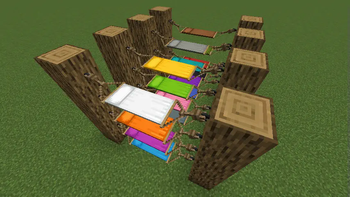
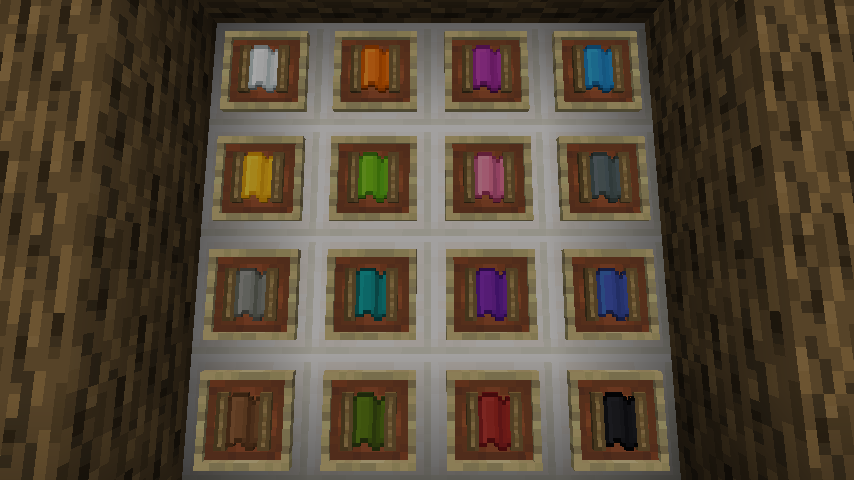
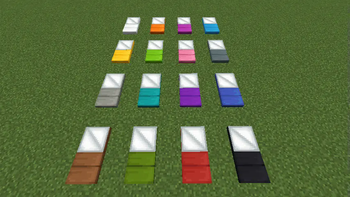
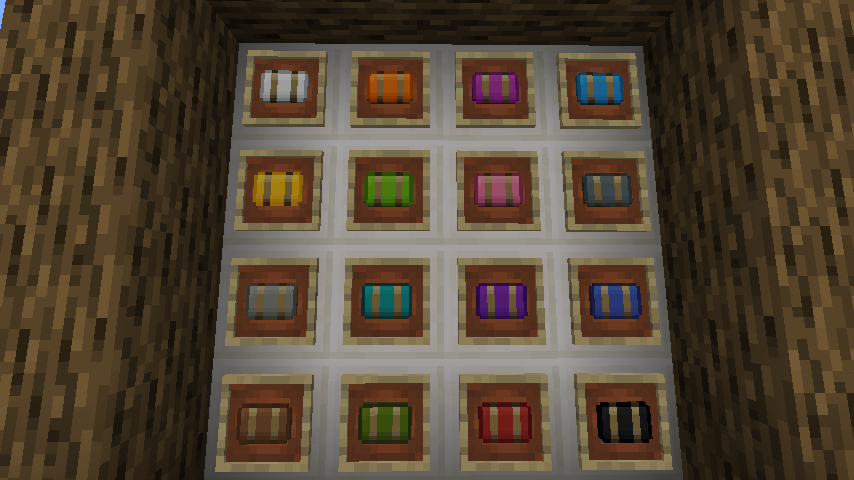
Adds sleeping bags and hammocks for, respectively, portability and turning day to night, without setting new spawns. Comes in 16 different colors!
Screenshots
Über diese Mod
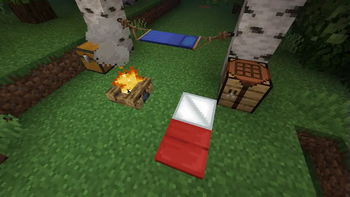
Comforts is a mod that adds sleeping bags and hammocks to Minecraft. These items can be used just
like beds except they do not set a player's spawn point on use, safely preserving a player's spawn
point at their home base. Just like beds, they also come in 16 different colors! The difference is
that sleeping bags can be stacked and are more convenient to use on adventures and hammocks are like
an inverse bed, turning day to night.
Features
Sleeping Bag
The recipe for the sleeping bag is simply three pieces of matching color wool in a straight line.
1.21 and above

1.20.6 and below

You can also dye any sleeping bag into any of the other colors!

Hammock
The recipe for the hammock cloth is simply a piece of colored wool in the center, sticks to the top
and bottom, and the rest of the slots are strings.
1.21 and above

1.20.6 and below

You can also dye any hammock cloth into any of the other colors!

Please refer to this guide for
instructions on how to build the hammock.
Configuration Options
- Auto-Use Sleeping Bag
- Well-Rested Mechanic
- Sleepiness Factor
- Hammocks at Night
- Sleeping Bag Break Chance
- Sleeping Bag Debuffs
- Insulated Sleeping Bags
Affiliates
Verfügbare Versionen
Comforts auf dem Server installieren
Server bestellen
Bestelle einen Minecraft Java Server mit mindestens 3 GB RAM (4 GB empfohlen).
fabric Loader setzen
Wähle im Panel unter "Egg" den fabric-Loader und die passende Minecraft-Version (26.2).
Mod installieren
Öffne den Mod-Browser im Dashboard und suche nach "Comforts". Klicke "Installieren" – fertig! Alternativ: Lade die .jar via SFTP in den /mods Ordner.
Kompatibilität
Mod-Loader
Minecraft-Versionen
26.2, 26.1.2, 1.21.11 (+26 weitere)
Server-seitig
✓ ErforderlichEmpfohlener RAM
4 GB(min. 3 GB)Häufige Fragen
Comforts Server crasht beim Start – was tun?
Häufigste Ursache: falsche fabric-Version oder zu wenig RAM. Prüfe im Server-Log (latest.log), ob ein "OutOfMemoryError" oder "Mixin"-Fehler auftritt. Bei Mado Hosting: Stelle sicher, dass mindestens 3 GB RAM zugewiesen sind und der Loader zur Mod-Version passt (26.2). Über das Panel kannst du den Loader mit einem Klick wechseln.
Ist Comforts mit fabric und forge und neoforge und quilt kompatibel?
Comforts unterstützt offiziell fabric, forge, neoforge, quilt für Minecraft 26.2, 26.1.2, 1.21.11. Achtung: Forge- und Fabric-Mods sind NICHT untereinander kompatibel – wähle einen Loader und bleibe dabei. Im Mado Dashboard werden inkompatible Loader-Kombinationen automatisch erkannt.
Server laggt mit Comforts – wie optimiere ich die Performance?
Empfohlener RAM: 4 GB (+1 GB pro 8 Spieler). Prüfe mit /spark profiler, ob Comforts den meisten Tick-Time verbraucht. Häufige Fixes: Server-View-Distance auf 8-10 reduzieren, bei Forge "performant" oder "starlight" als Zusatz-Mod installieren. Bei Mado Hosting läuft dein Server auf NVMe-SSDs mit dedizierten CPU-Kernen für minimale Latenz.
Ähnliche Mods




Modded Server mieten
Installiere Comforts mit nur einem Klick auf deinem Server.
Details
- Lizenz
- GNU Lesser General Public License v3.0 or later
- Server-seitig
- Erforderlich