Copper Rails
Enhances minecart transportation with new rails : oxidizable copper rails and crossings
Screenshots
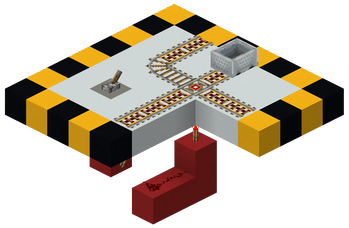
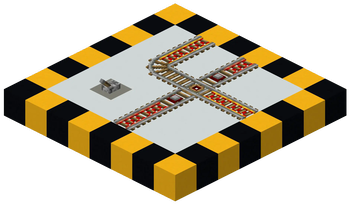
Über diese Mod

Have you always wanted to buff minecarts to make them more useful and transport you between your or your friends' bases ? This mod adds new rails : copper rails and rail crossings.
About Experimental Features : Snapshot 24w33a (1.21.2) introduced minecart improvements experiments. This doesn't make CopperRails useless as it is still a good idea to have different speeds for each level of oxidization. The mod now fully supports minecart improvements experimental feature, see below for more info.
Copper Rails
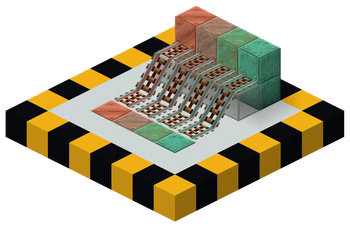
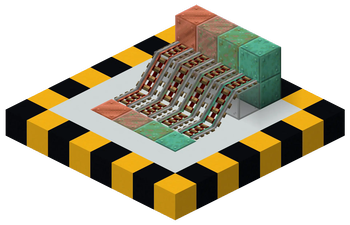
Copper rails are rails that have differents speeds than regular golden powered rails. They can be more powerful than vanilla powered rails, however their speed reduces with oxidation ! You can also use this reduced speed (slower than regular powered rails when fully oxidized) to brake carts or move them slowly.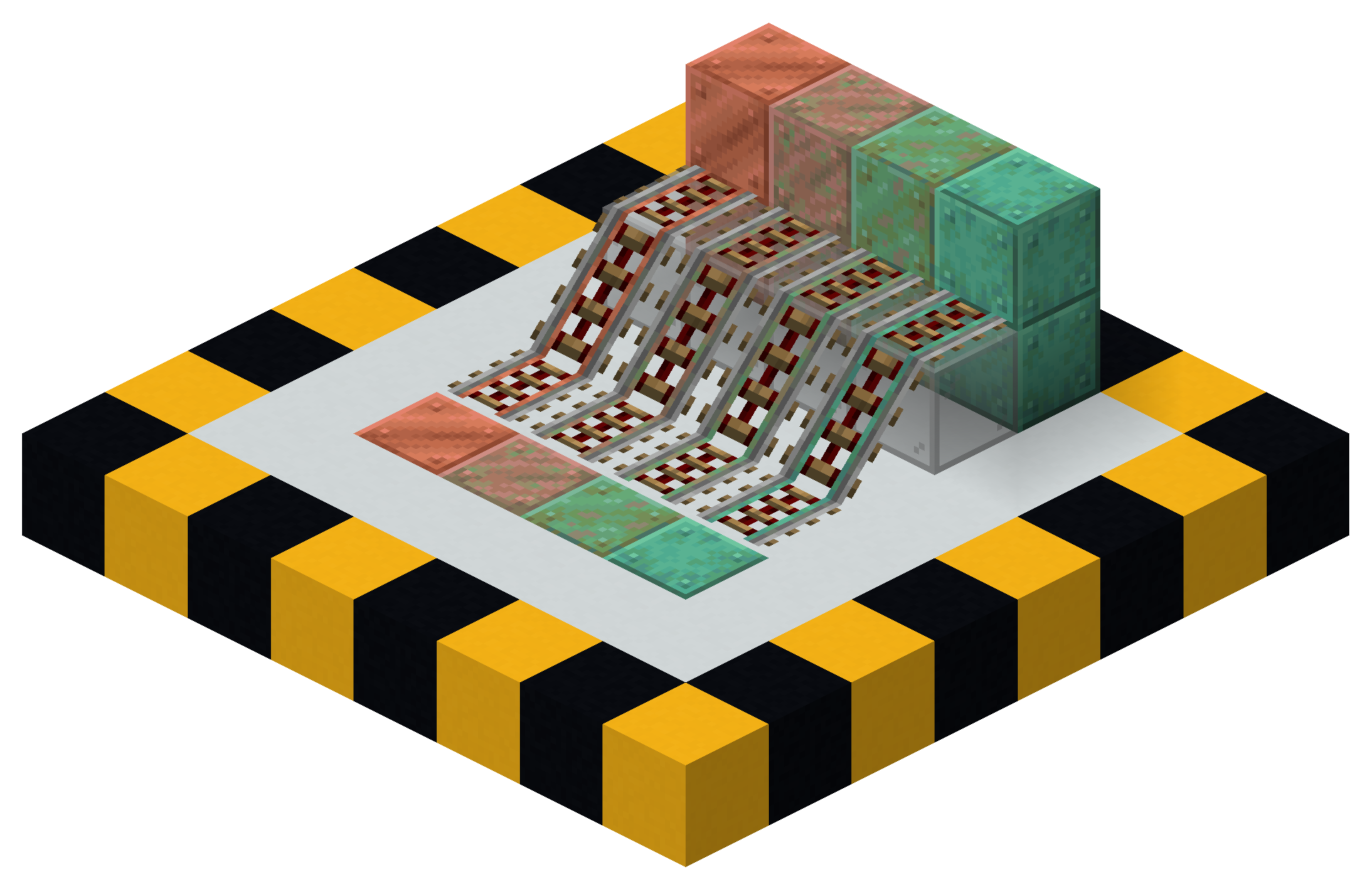
1.0.x versions of the mod (1.21.5-)
- Normal (unoxidized) copper rails are twice as fast as vanilla powered rails, making them slightly faster than the fastest horse you can theoretically get.
- Copper rails can be waxed the same ways (apply or craft) than vanilla oxidizable blocks.
1.1.x versions of the mod (1.21.11+)
The newer version now supports minecart improvements experimental feature ! In addition, Copper rails speeds are now configurable using custom gamerules which is a mechanic introduced in 1.21.11. These gamerules can modified, for example by running this sort of command :
/gamerule copperrails:max_minecart_speed_<rail type> <speed in BPS>
Note that speeds are capped to 16 blocks per second to avoid derailing issues that can't be avoided. To remove this limit, minecart experimental improvements should be used.
NB : You should always have a rail that has a 8 blocks per second speed, like the vanilla gold rail, in order to use it as a replacement of golden rails in redstone contraptions already existing.
Rail Crossing
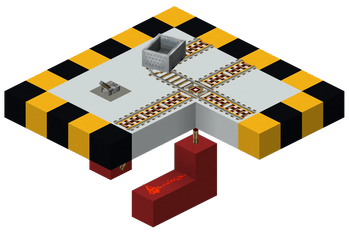
Minecraft lets you turn rails of a 3-way intersection with redstone, but it is unfortunately impossible with 4-way intersections (crossings). This is fixed with this mod, introducing the rail crossing block ! On the crossing, minecarts can only go forward, but the direction of the rail can be switched with redstone.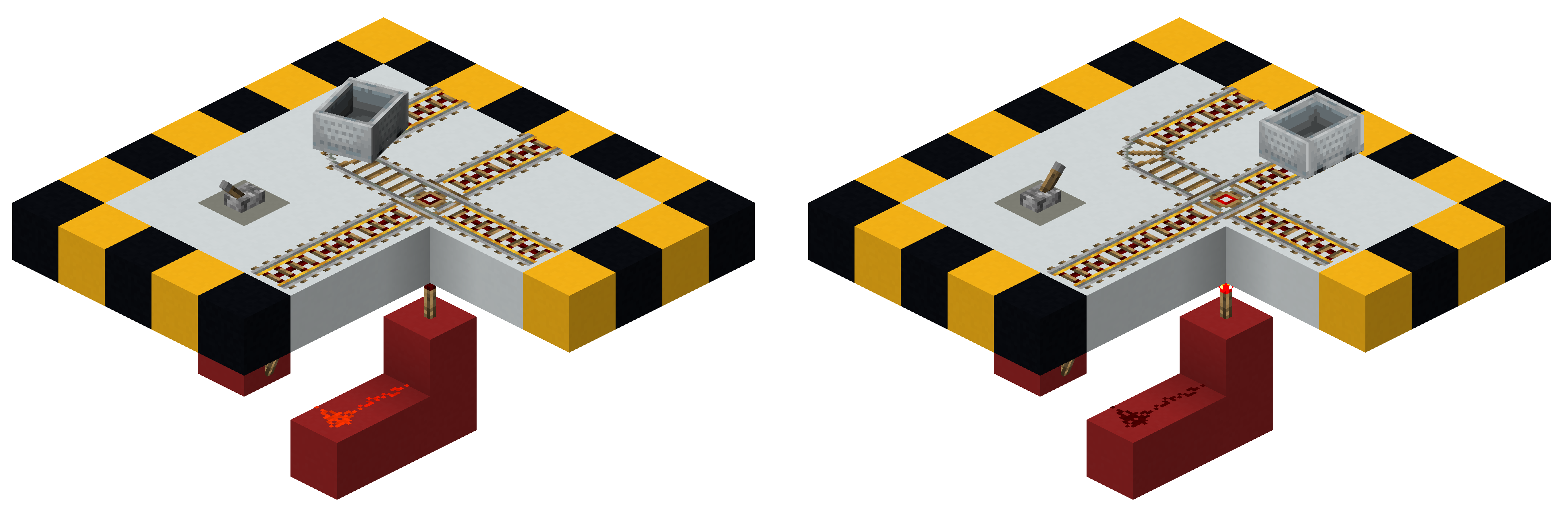
- Choose the default orientation when placing. Power the crossing via its top or bottom (all edges should be occupied by rails). If the crossing turns its default position because you placed adjacent rails next to it, just replace it.
- Crossings can not have an ascending shape (still achievable with debug stick but behaviours are not supported).
Minecart Experimental Improvements
The mod now supports worlds with the experimental minecarts improvements, allowing to push the limits of the rewriting of the minecart physics, as minecarts now can't derail even at high speeds. Hence, you can now set speeds for the differents powered rails up to 1000 blocks per second in the gamerules. The vanilla experimental gamerule minecart_max_speed still acts as a global speed cap, and should be raised as the maximum (or more) of your powered rails speeds. By default, golden rails are the fastests (48 BPS), then the copper rails, but it's really up to you.
3D Rails
A built-in resource pack is included in the mod to render 3D rails like VanillaTweaks 3D rails.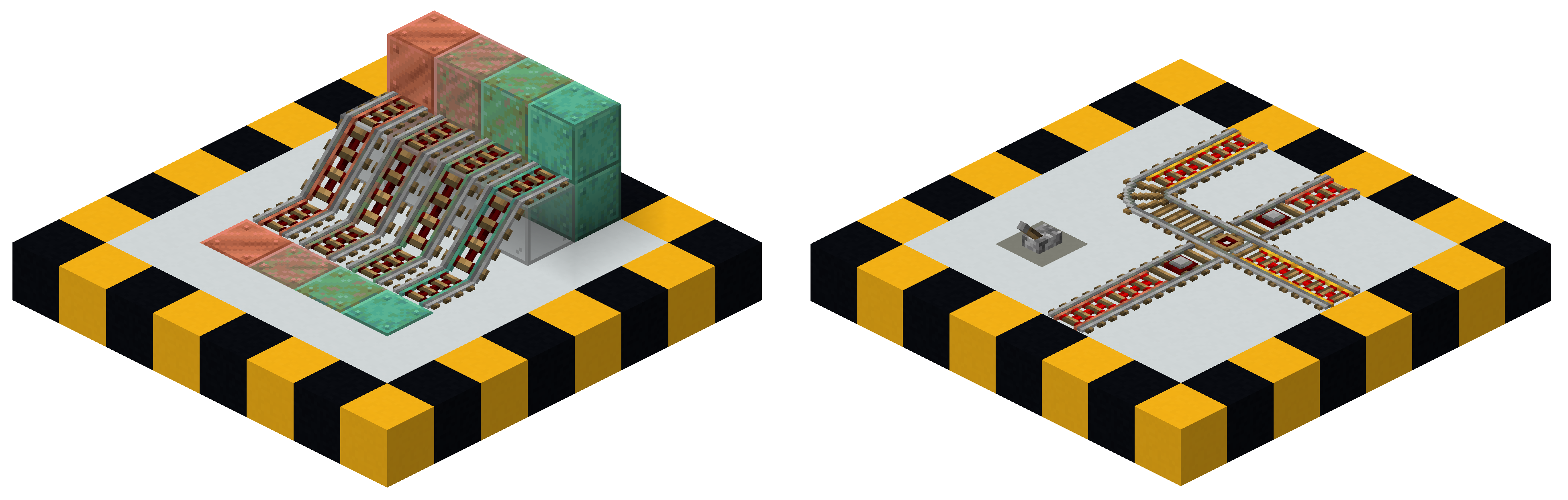
Other minor changes
- Max speed on rails (non powered rails) is now the speed of normal copper rails (instead of vanilla powered rails speed).
- Max speed is capped to lower speed when ascending (NOT Experimental features).
Supported languages
- English (US)
- Français (France)
- Français (Canada)
- Community supported languages (may not be 100% accurate) :
- 简体中文(中国大陆) (Simplified Chinese)
Not playing in these languages will display English (US) names.
Mod development road
I don't have too much time to spend on modding, and because of the mod's new philosophy to encourage enabling experimental features, and being able to modify via gamerules the speed of each type of powered rails, the mod for Minecraft's versions strictly below 1.21.11 won't be updated with the latest features anymore.
Credits
- Thanks to Modern Minecarts to have inspired this modding journey, from which I took inspiration and reused copper rails textures.
- Blockbench for creating 3D model of crossing, VanillaTweaks for powered rails model.
Verfügbare Versionen
Copper Rails auf dem Server installieren
Server bestellen
Bestelle einen Minecraft Java Server mit mindestens 3 GB RAM (4 GB empfohlen).
fabric Loader setzen
Wähle im Panel unter "Egg" den fabric-Loader und die passende Minecraft-Version (26.3).
Mod installieren
Öffne den Mod-Browser im Dashboard und suche nach "Copper Rails". Klicke "Installieren" – fertig! Alternativ: Lade die .jar via SFTP in den /mods Ordner.
Kompatibilität
Mod-Loader
Minecraft-Versionen
26.3, 26.2, 26.1.2 (+14 weitere)
Server-seitig
✓ ErforderlichEmpfohlener RAM
4 GB(min. 3 GB)Häufige Fragen
Copper Rails Server crasht beim Start – was tun?
Häufigste Ursache: falsche fabric-Version oder zu wenig RAM. Prüfe im Server-Log (latest.log), ob ein "OutOfMemoryError" oder "Mixin"-Fehler auftritt. Bei Mado Hosting: Stelle sicher, dass mindestens 3 GB RAM zugewiesen sind und der Loader zur Mod-Version passt (26.3). Über das Panel kannst du den Loader mit einem Klick wechseln.
Ist Copper Rails mit fabric kompatibel?
Copper Rails unterstützt offiziell fabric für Minecraft 26.3, 26.2, 26.1.2. Im Mado Dashboard werden inkompatible Loader-Kombinationen automatisch erkannt.
Server laggt mit Copper Rails – wie optimiere ich die Performance?
Empfohlener RAM: 4 GB (+1 GB pro 8 Spieler). Prüfe mit /spark profiler, ob Copper Rails den meisten Tick-Time verbraucht. Häufige Fixes: Server-View-Distance auf 8-10 reduzieren, bei Forge "performant" oder "starlight" als Zusatz-Mod installieren. Bei Mado Hosting läuft dein Server auf NVMe-SSDs mit dedizierten CPU-Kernen für minimale Latenz.
Ähnliche Mods






Modded Server mieten
Installiere Copper Rails mit nur einem Klick auf deinem Server.
Details
- Lizenz
- Creative Commons Attribution Non Commercial Share Alike 4.0 International
- Server-seitig
- Erforderlich