
Cosmic Horizons
A Space Mod Never seen before!!!!! Revolutionising and adding space to Minecraft....🚀💫
Screenshots
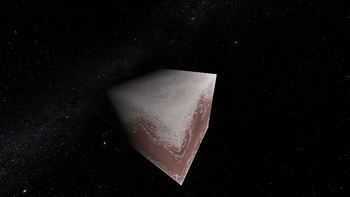
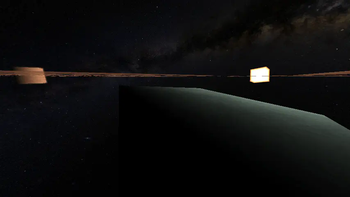
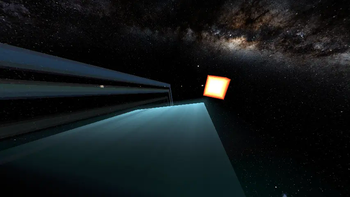
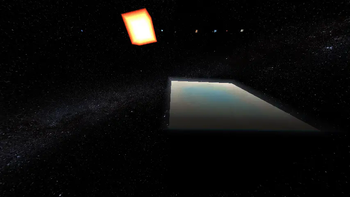
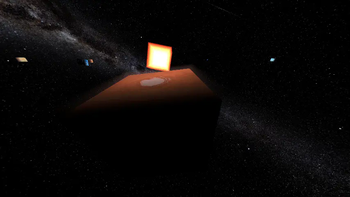
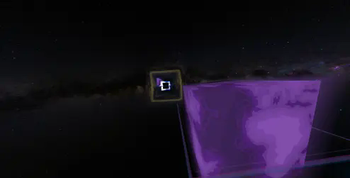
Über diese Mod
_A space mod thats never seen before !!! ...This mod expanses and introduces "Space" to Minecraft in a really fun and technological way. The mod introduces many new Planets,Moons and Galaxies in a way never done before in the Blocky Game. _
MOD STAGE :- Very Alpha(can be only played in creative mode)
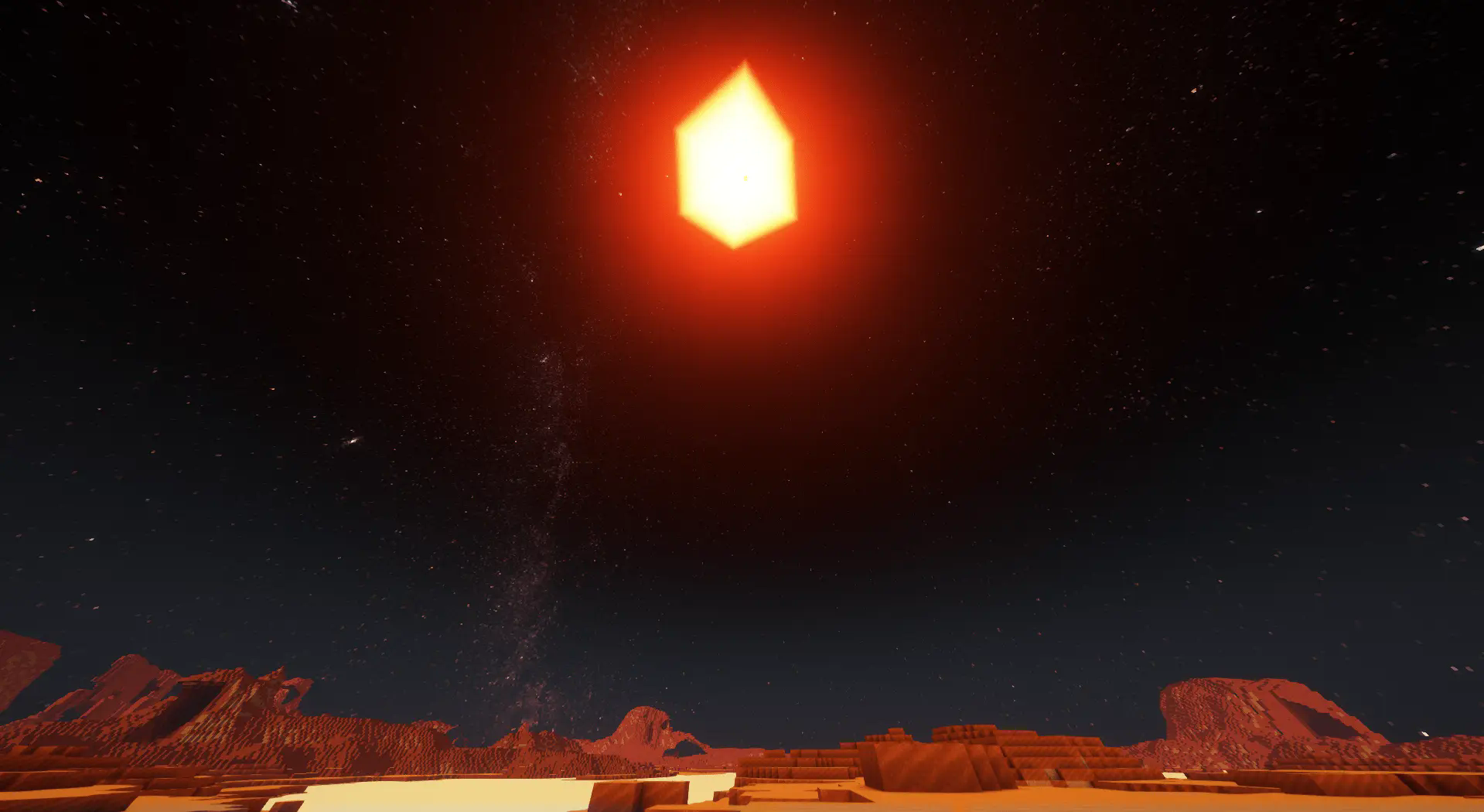
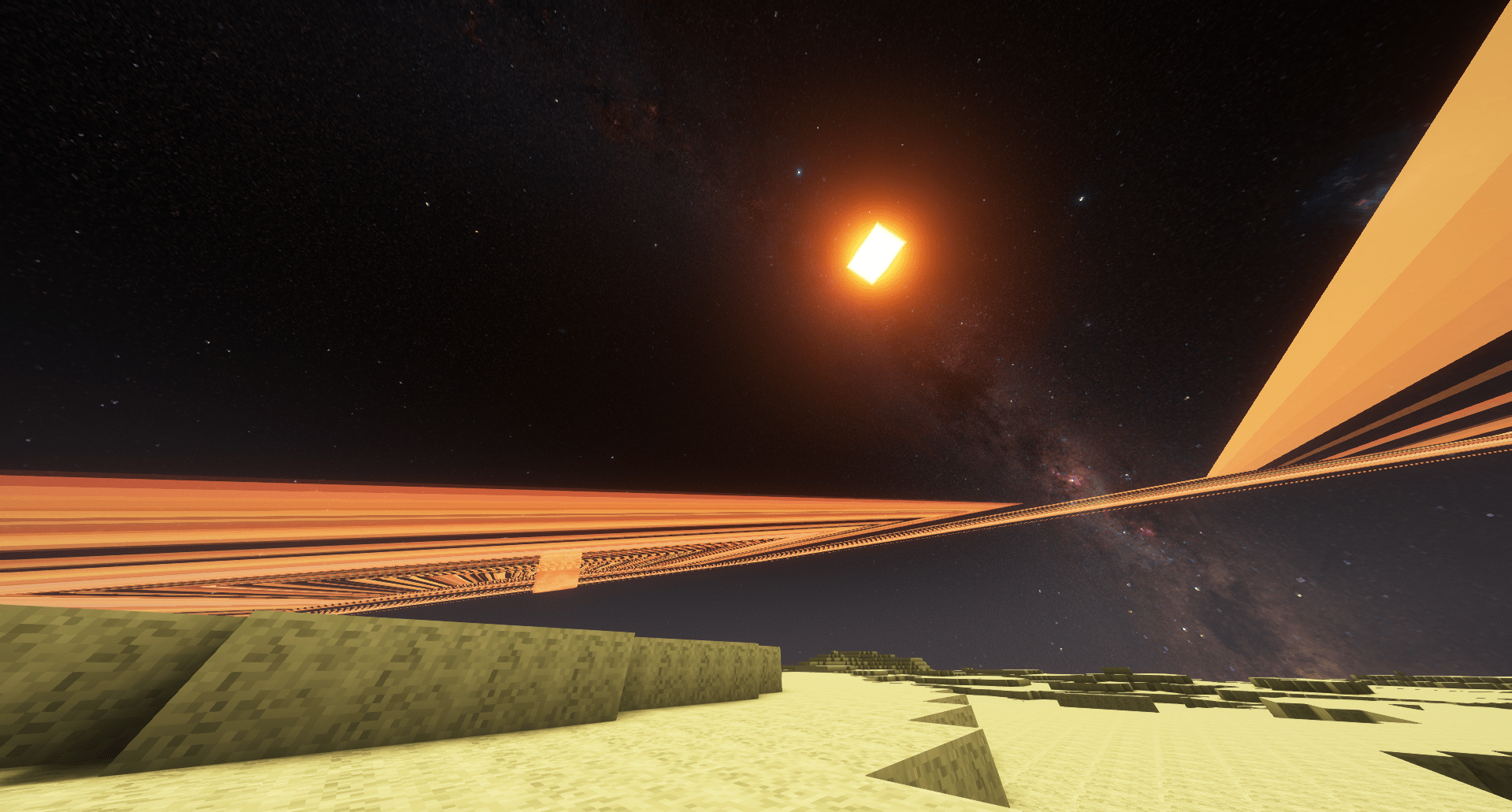
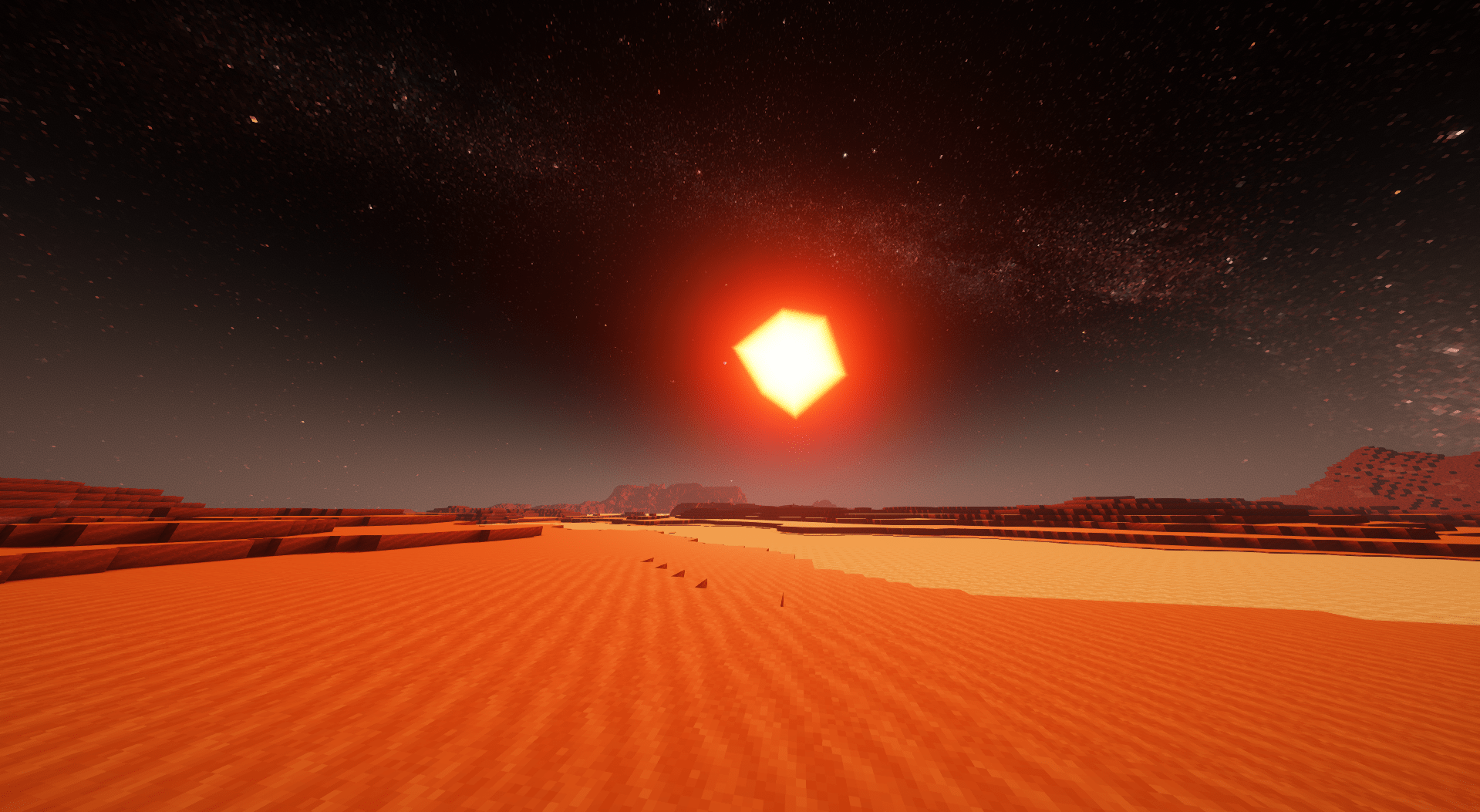
|InterPlanetary/Galactic Expansion| The mod adds its own Render system bringing so called "Space" to life...... Players can now visit planets in a Space Nodule and feel the glorific expansion in terms of size while respecting your pc specs..... [Note]:- This mod renders the given planets irrecpective of render distance and can be played with an performance enhancing mod like sodium optifine and any others.
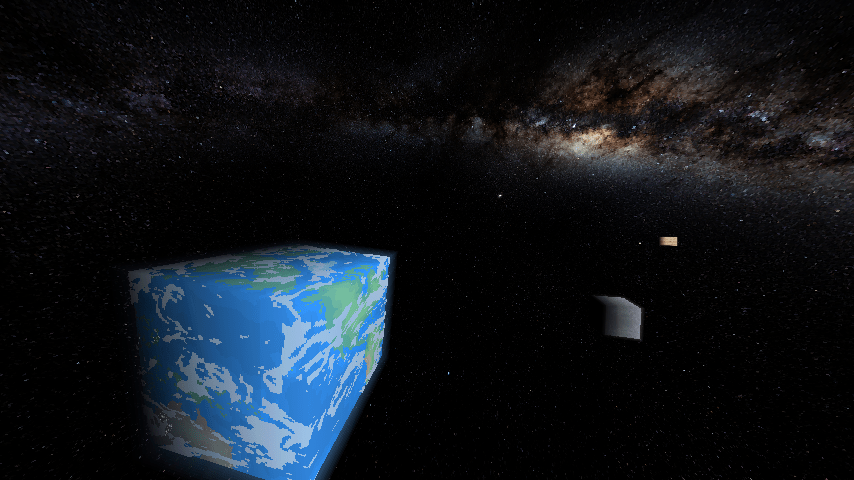
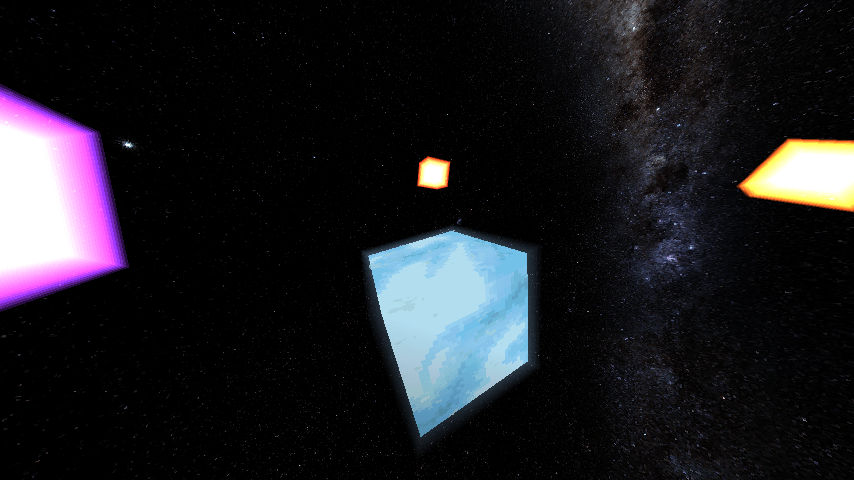
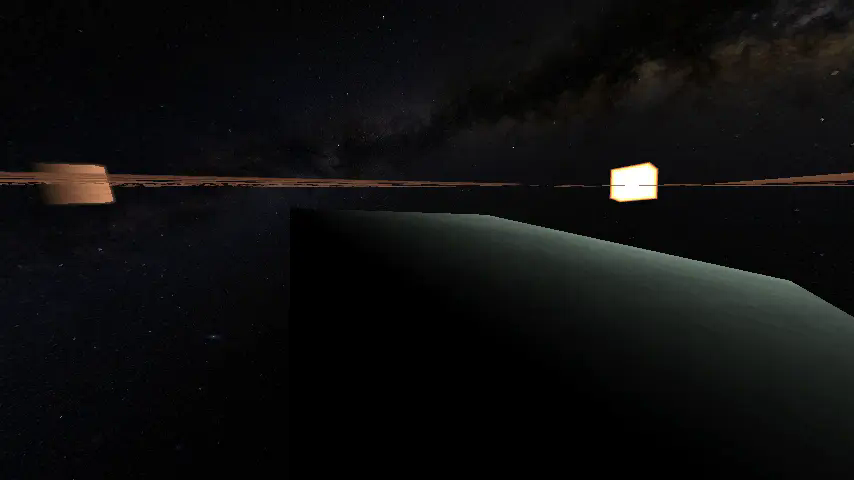
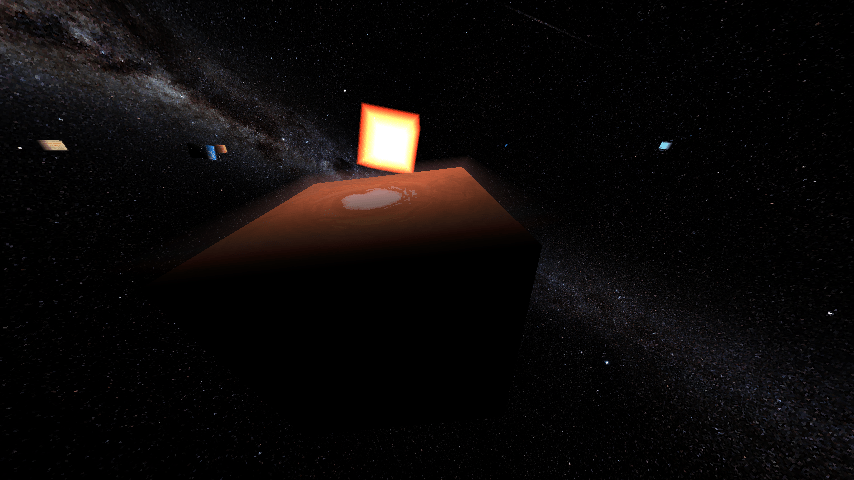
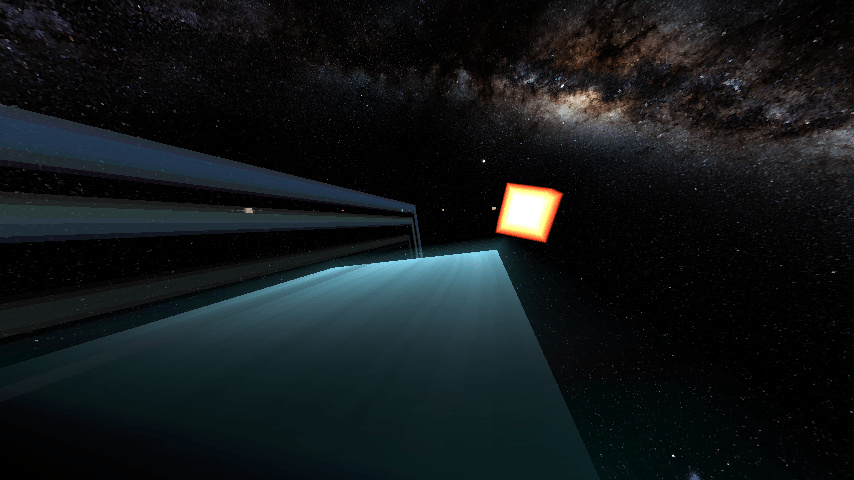
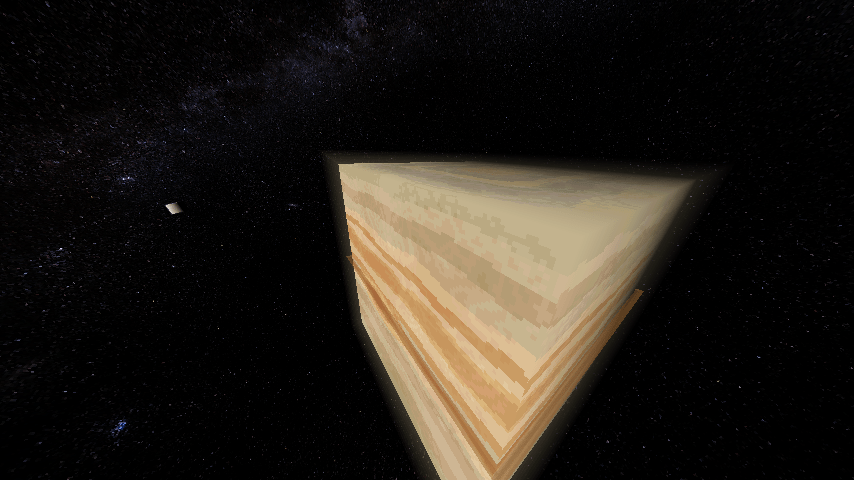
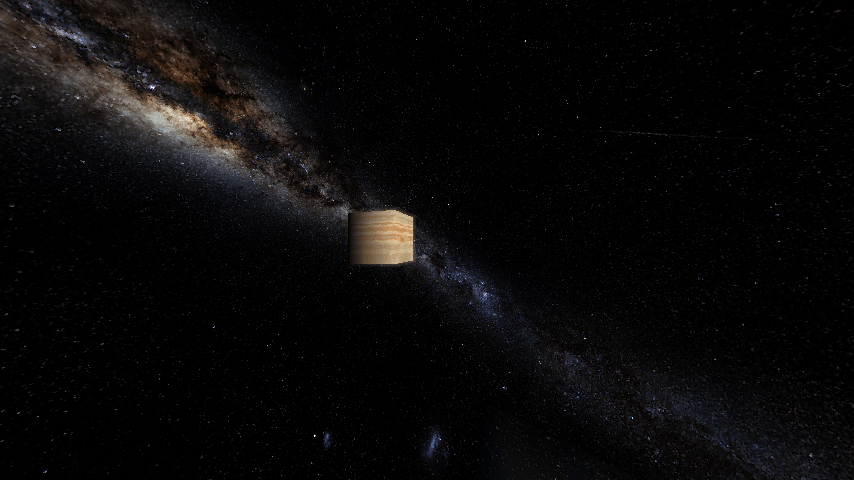
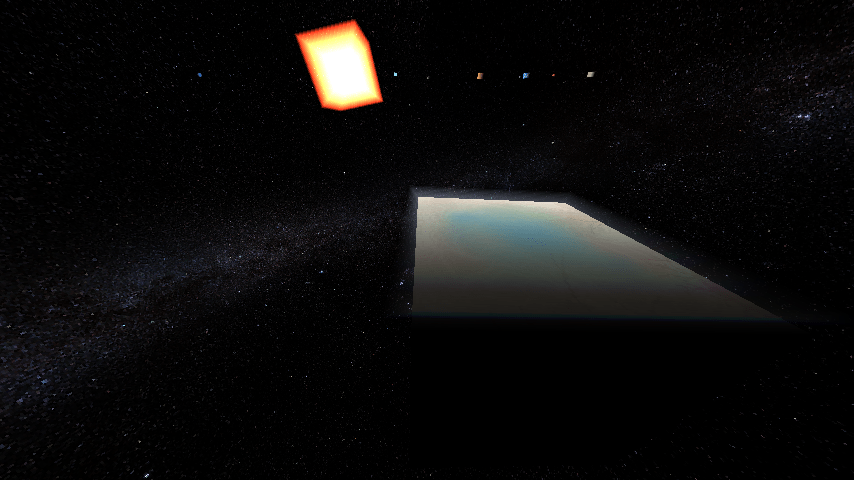
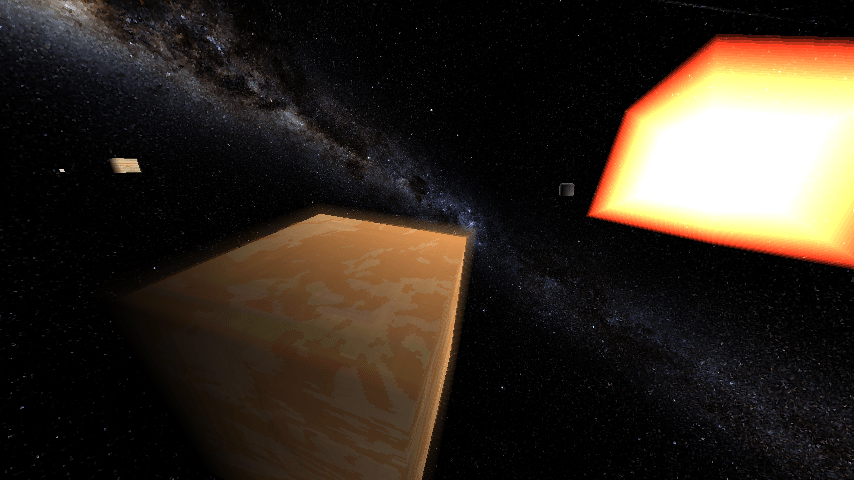
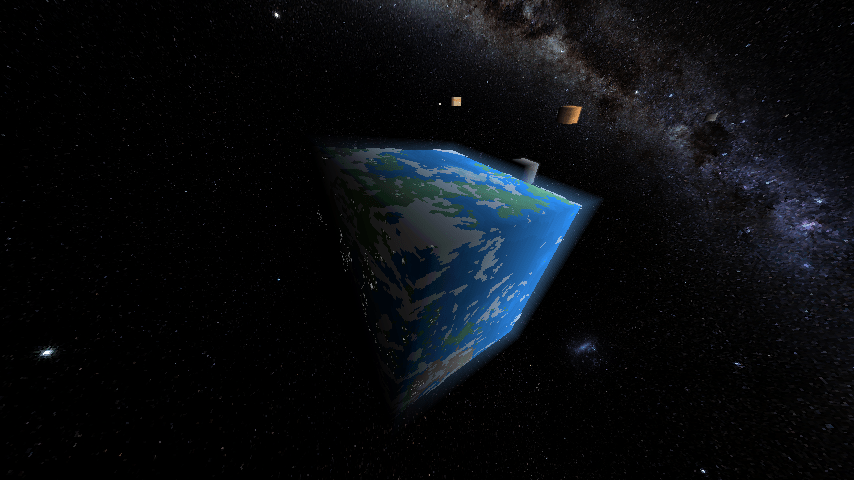
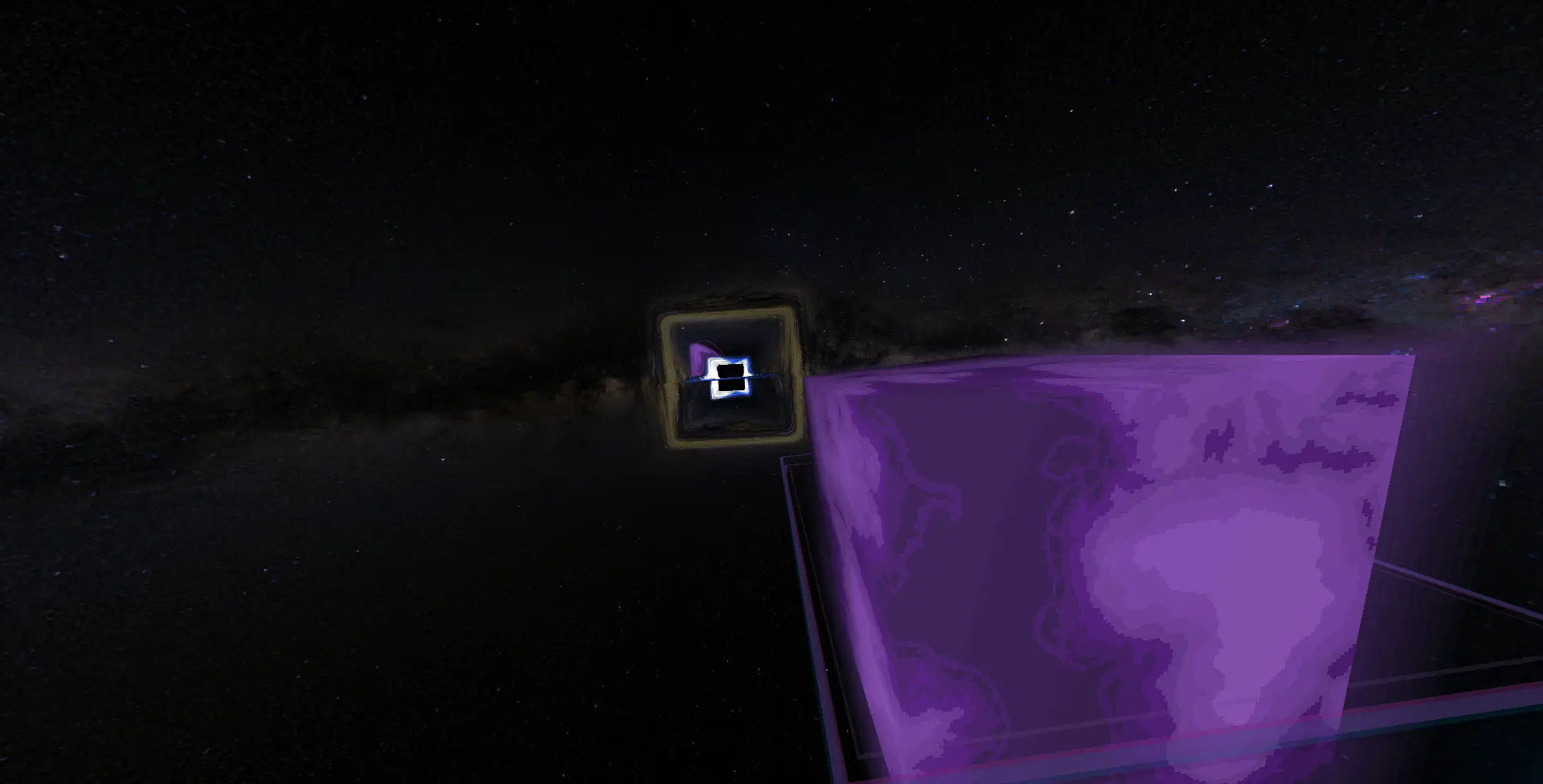
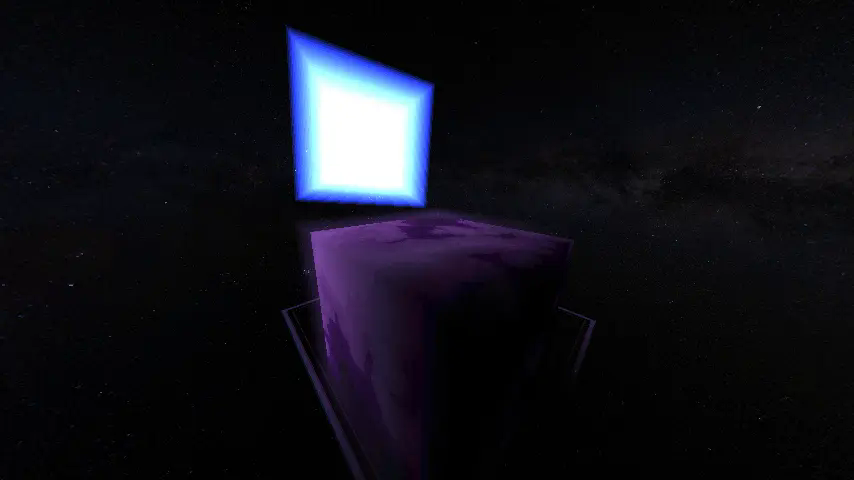
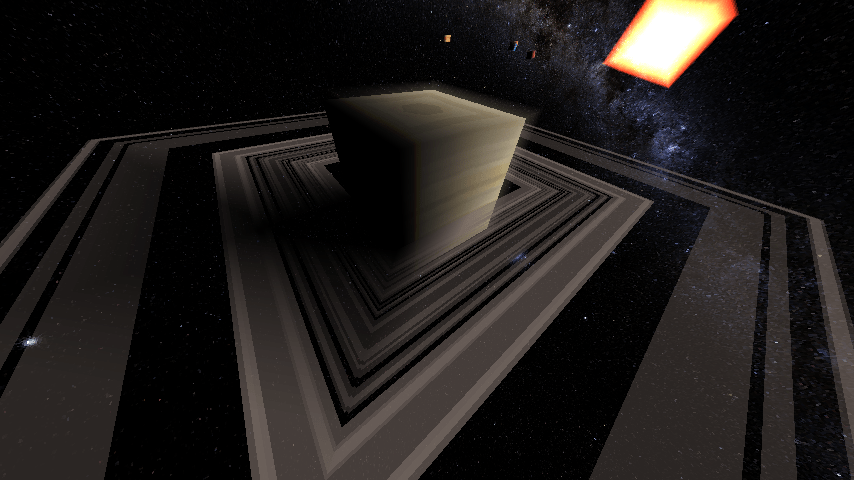
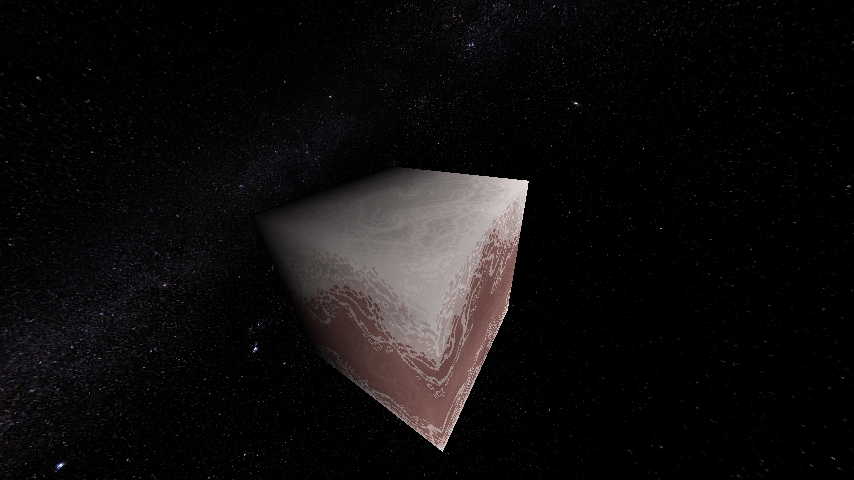
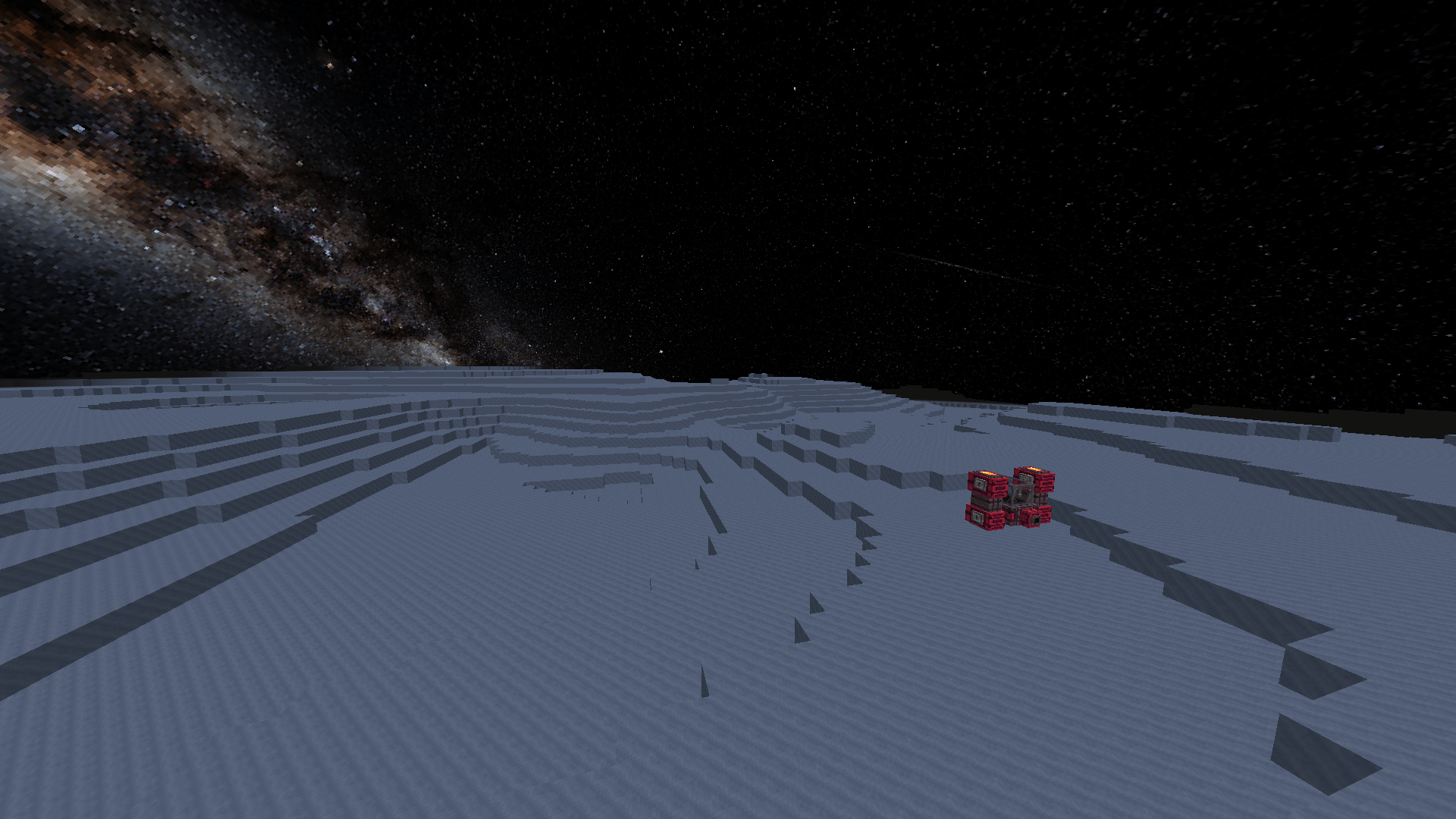
|Planetary Exploration| :- The mod adds its own system of gravity and adds dimensions for all planets and adds thier provided conditions while keeping the blocky game alive with minerals and new blocks.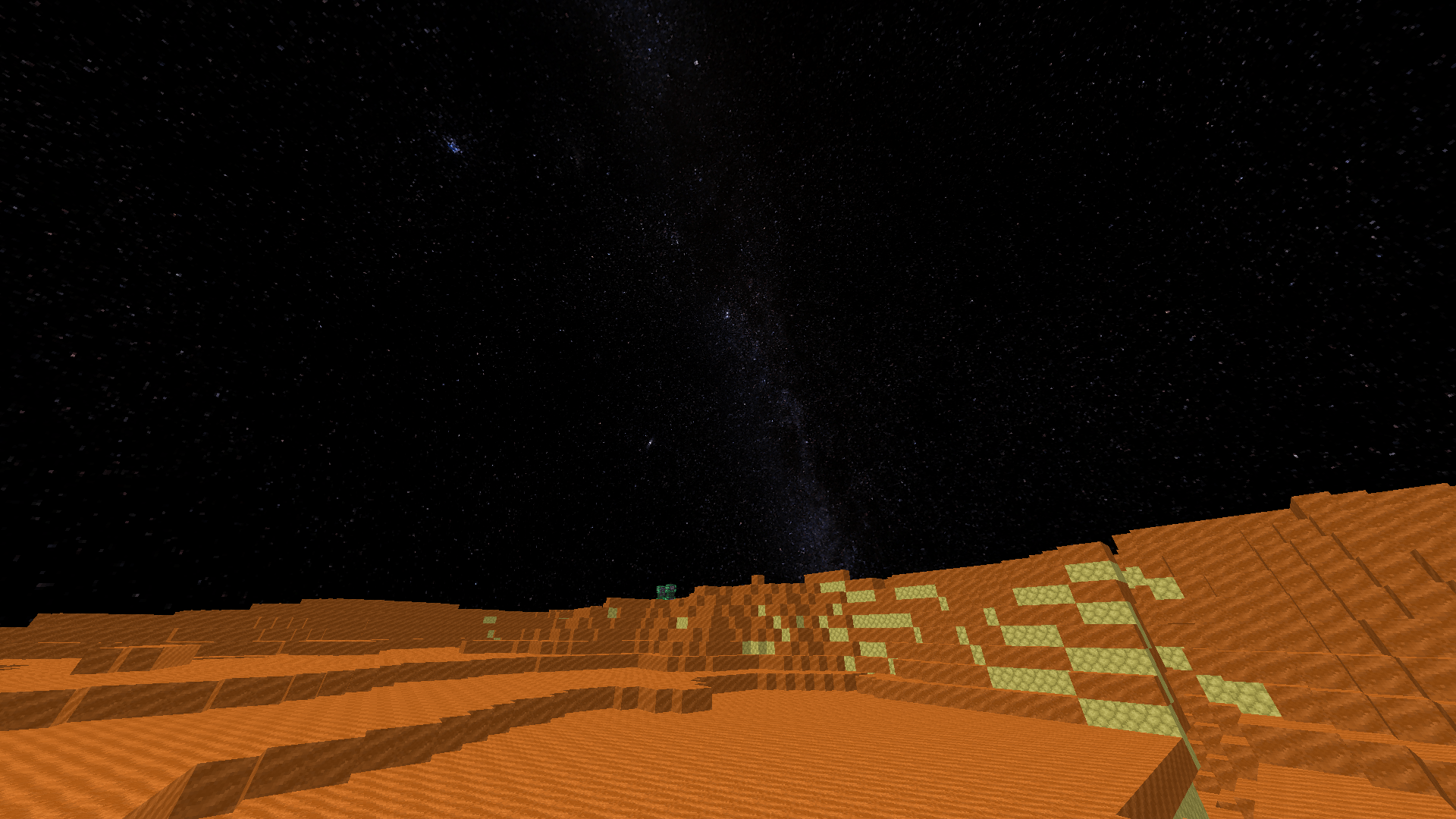
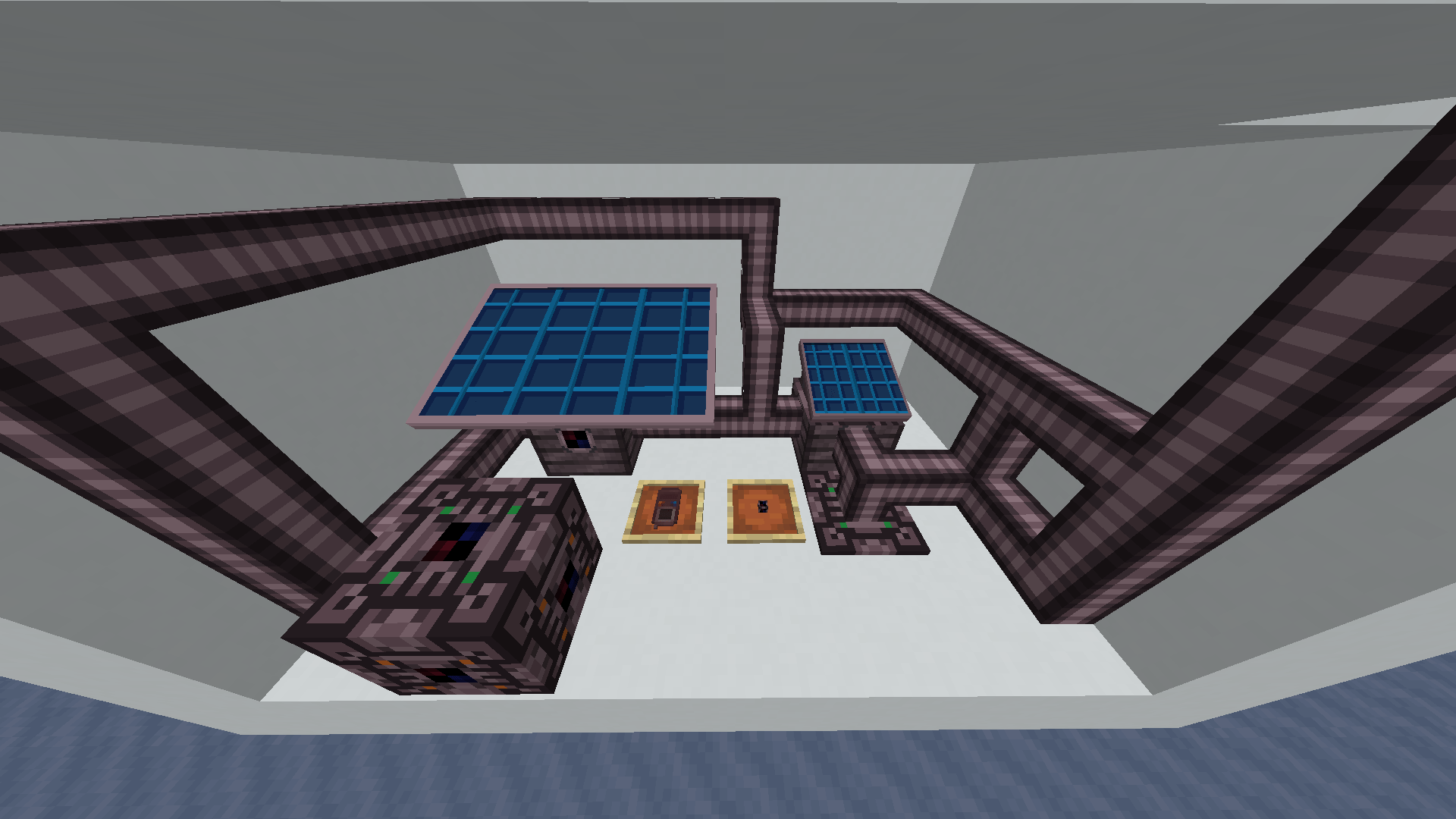
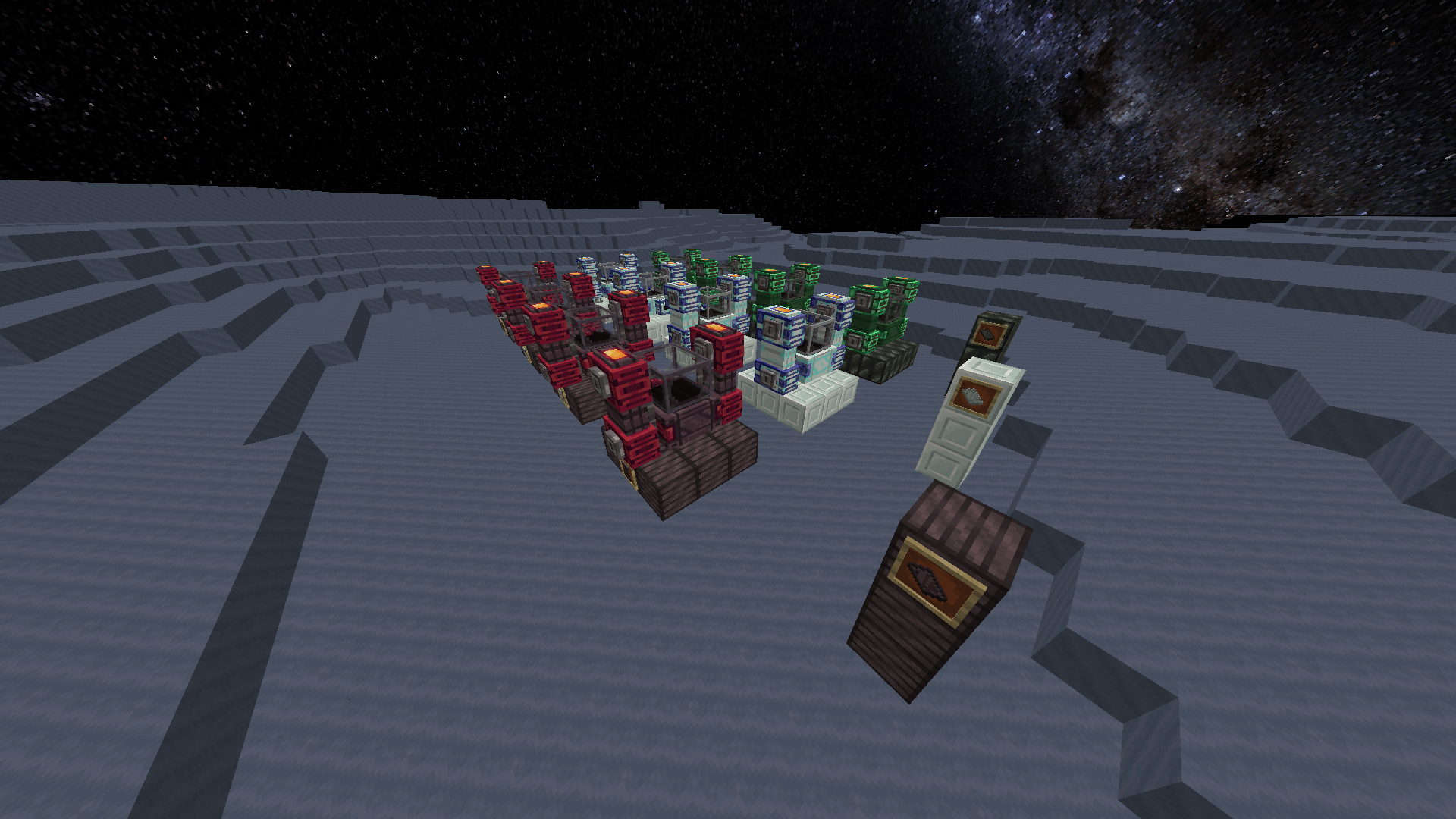
|Technological Expansion/Ingame Expansion| :- The mod provides various new blocks with interactive Gui(s) and its own electricity systems and metal expansions.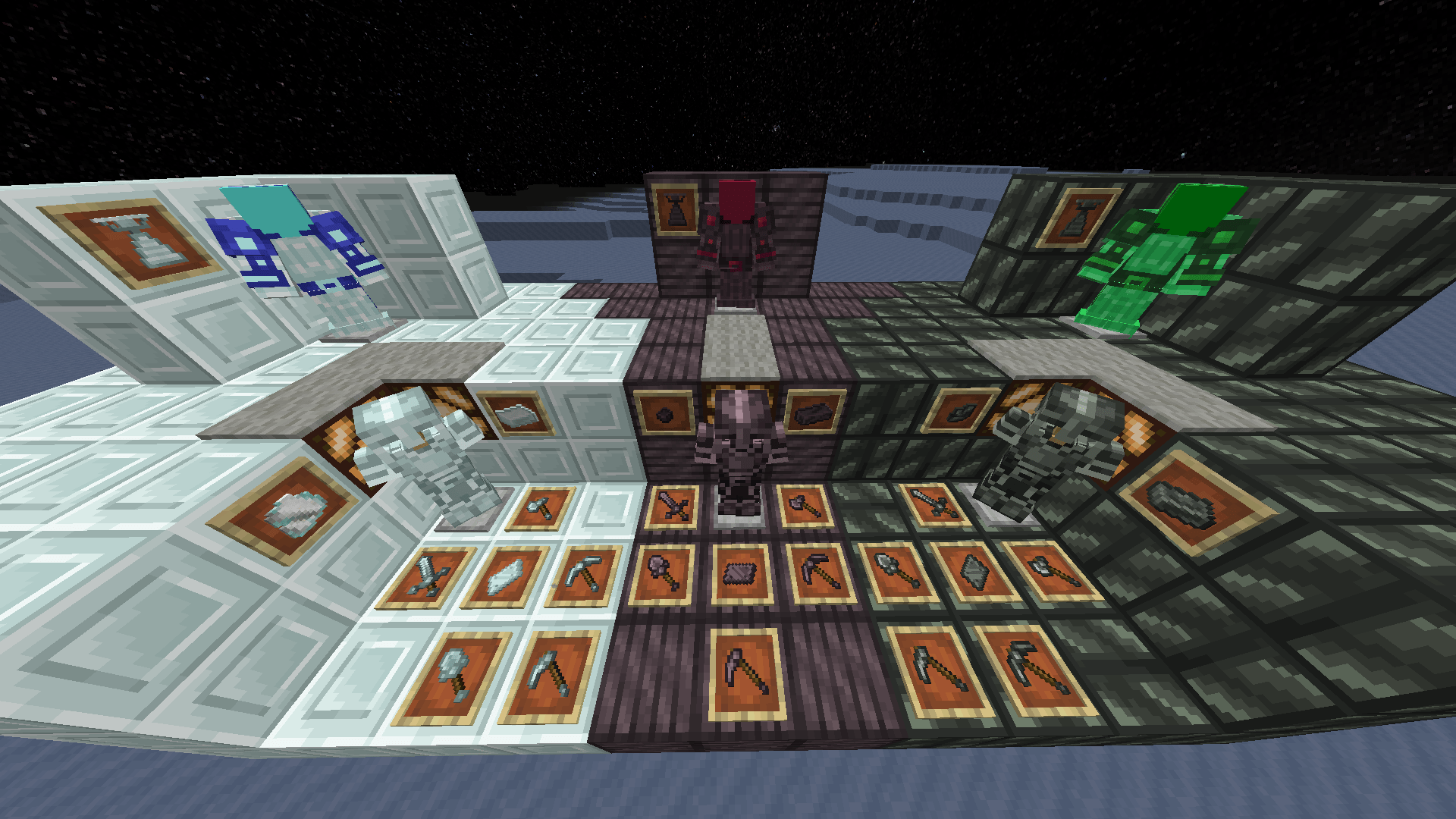
https://streamable.com/a820dv
|Exploration| :- The mods also adds its own way to travel to space used space nodules which also come with different upgrades to survive in diffente conditions and go faster.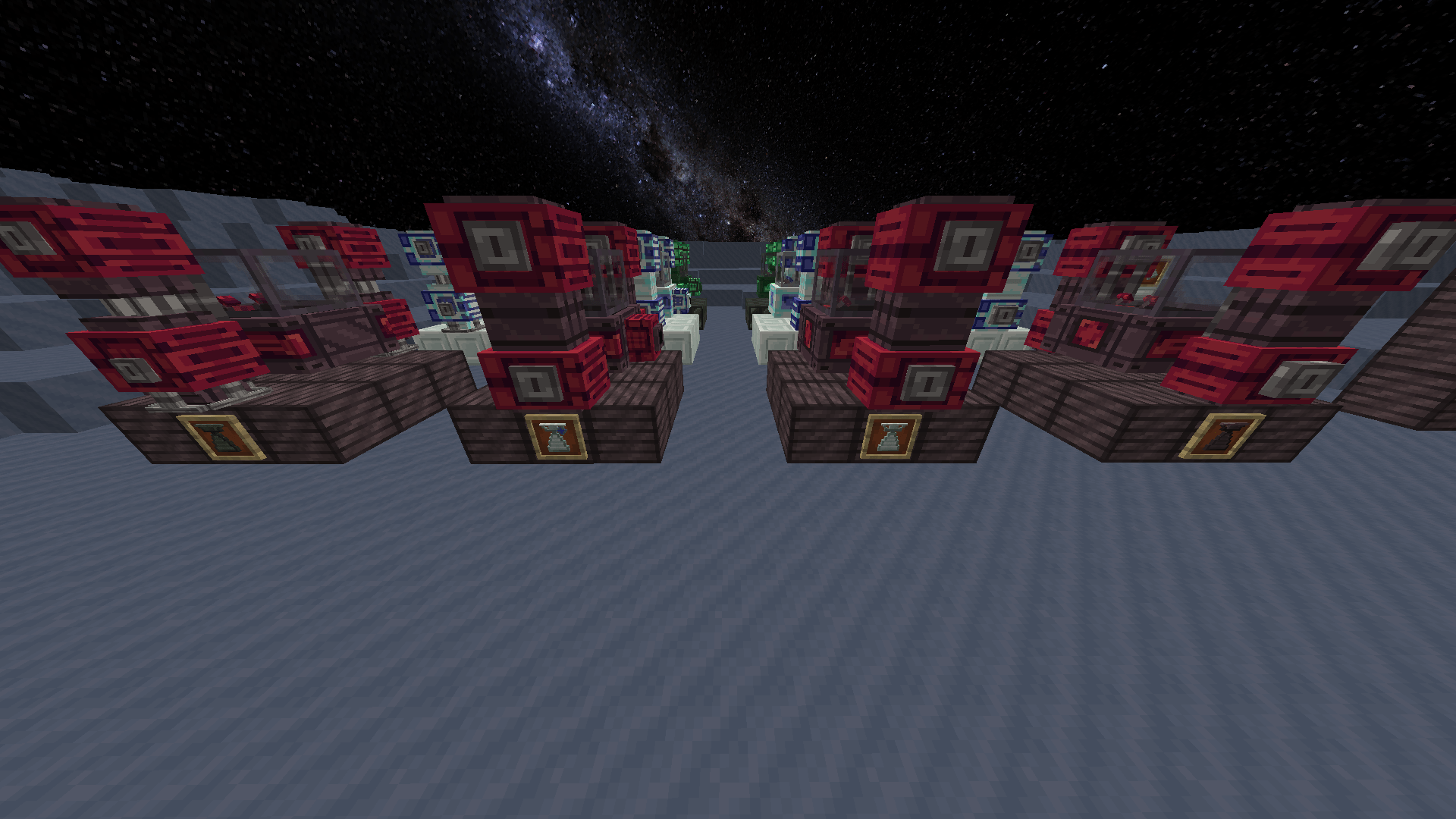
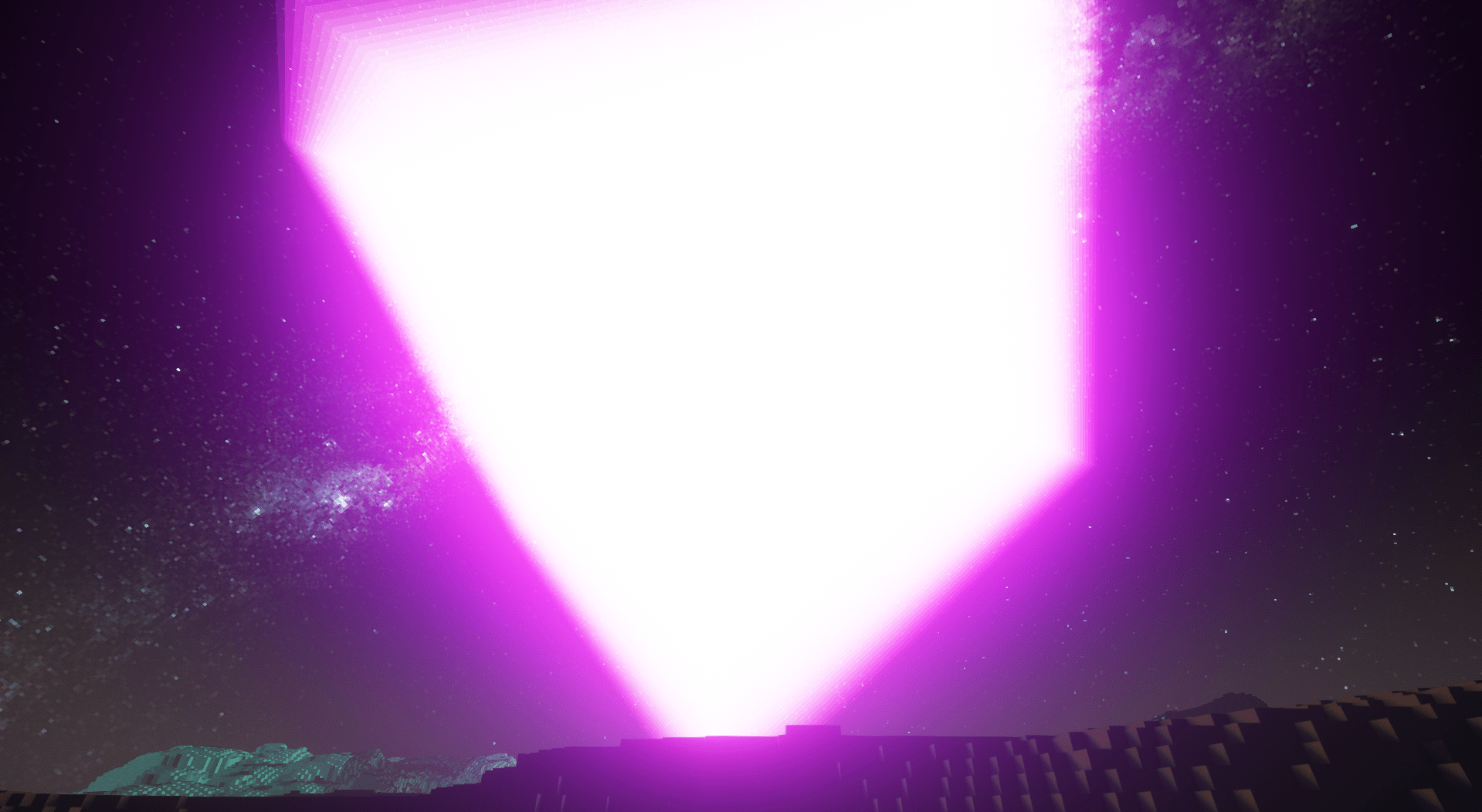
|Shader Support|: using the latest oculusmod you can try out the complementary reimageined shaders.. the mod is compatible with any litbit shader..(warning this is in beta)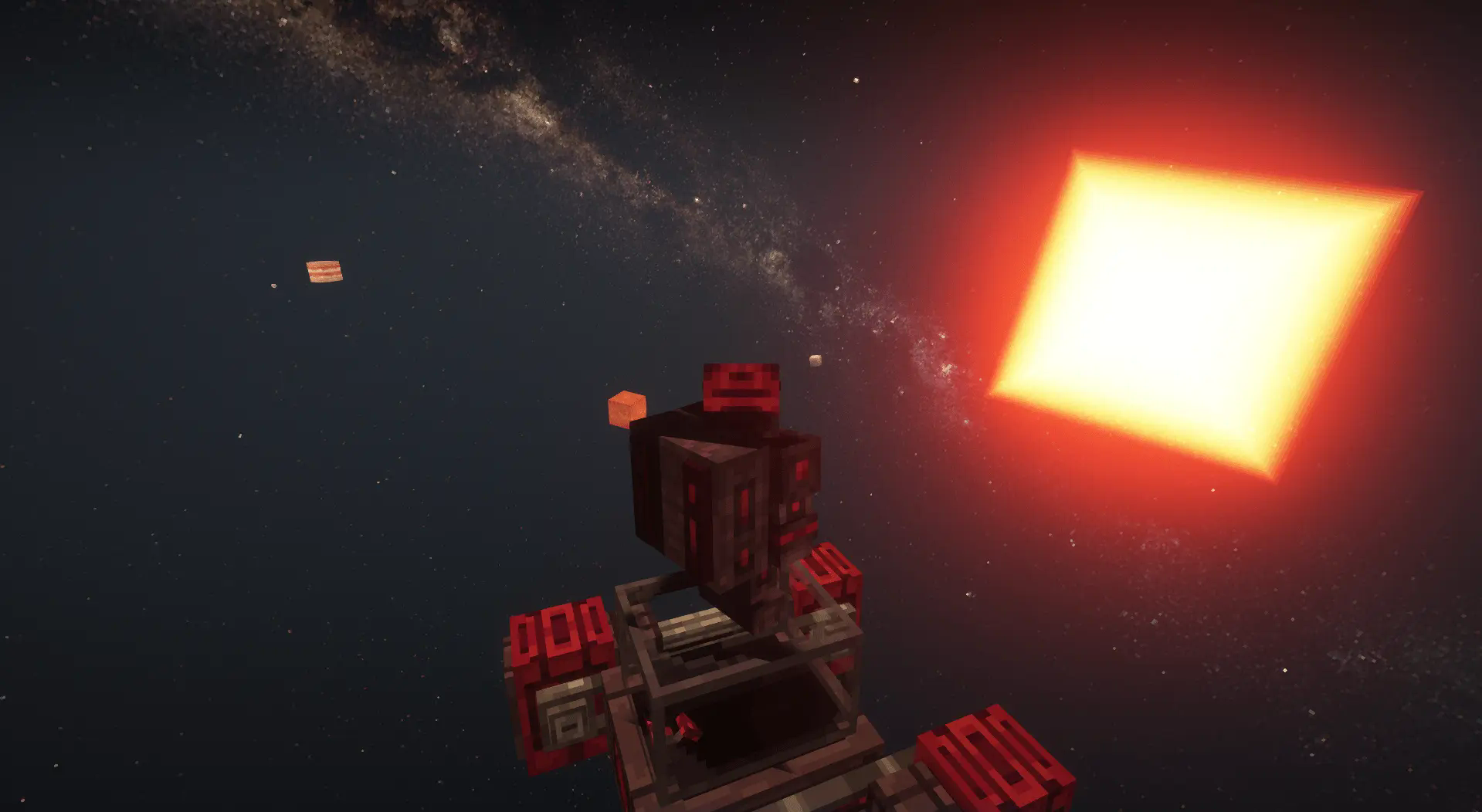
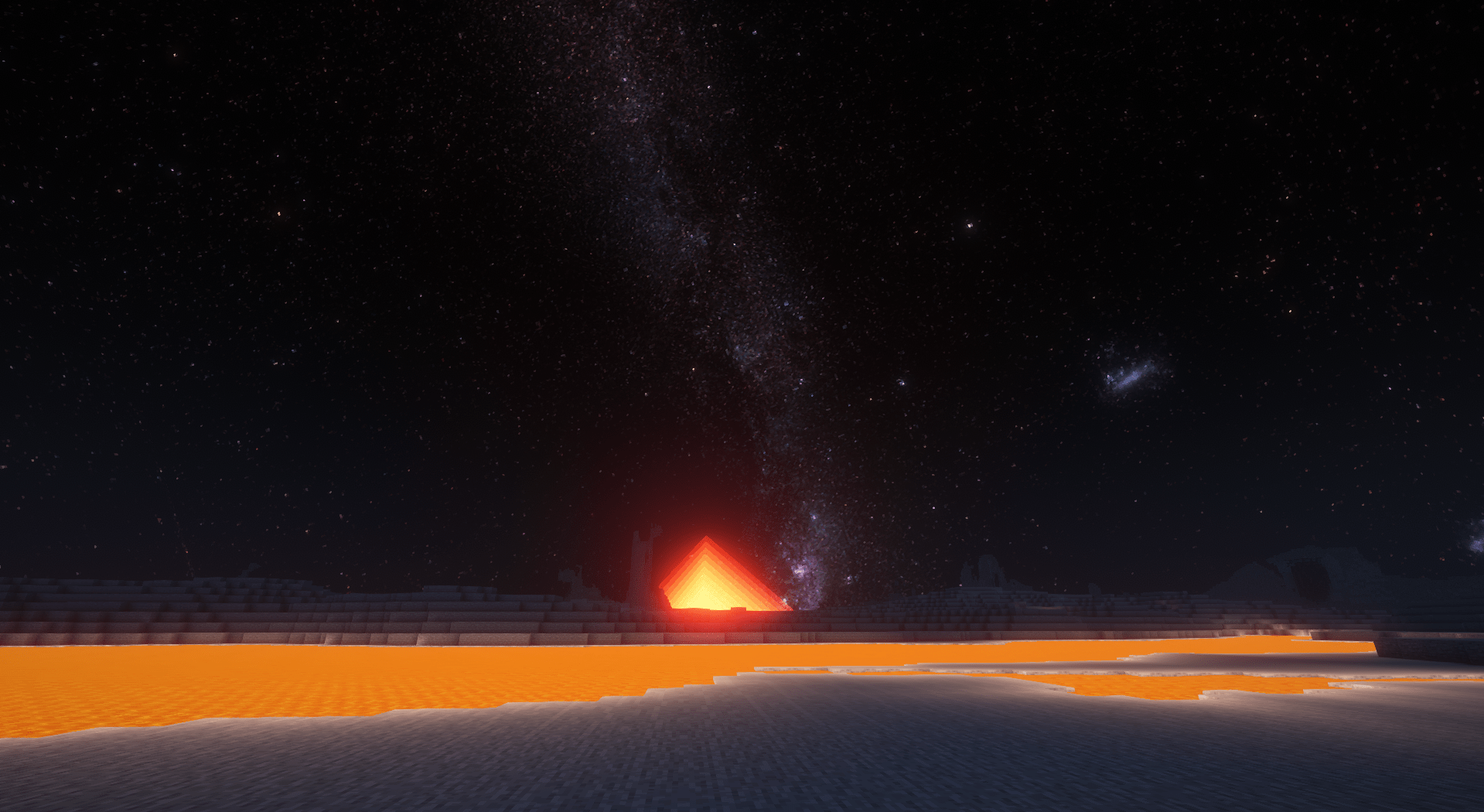
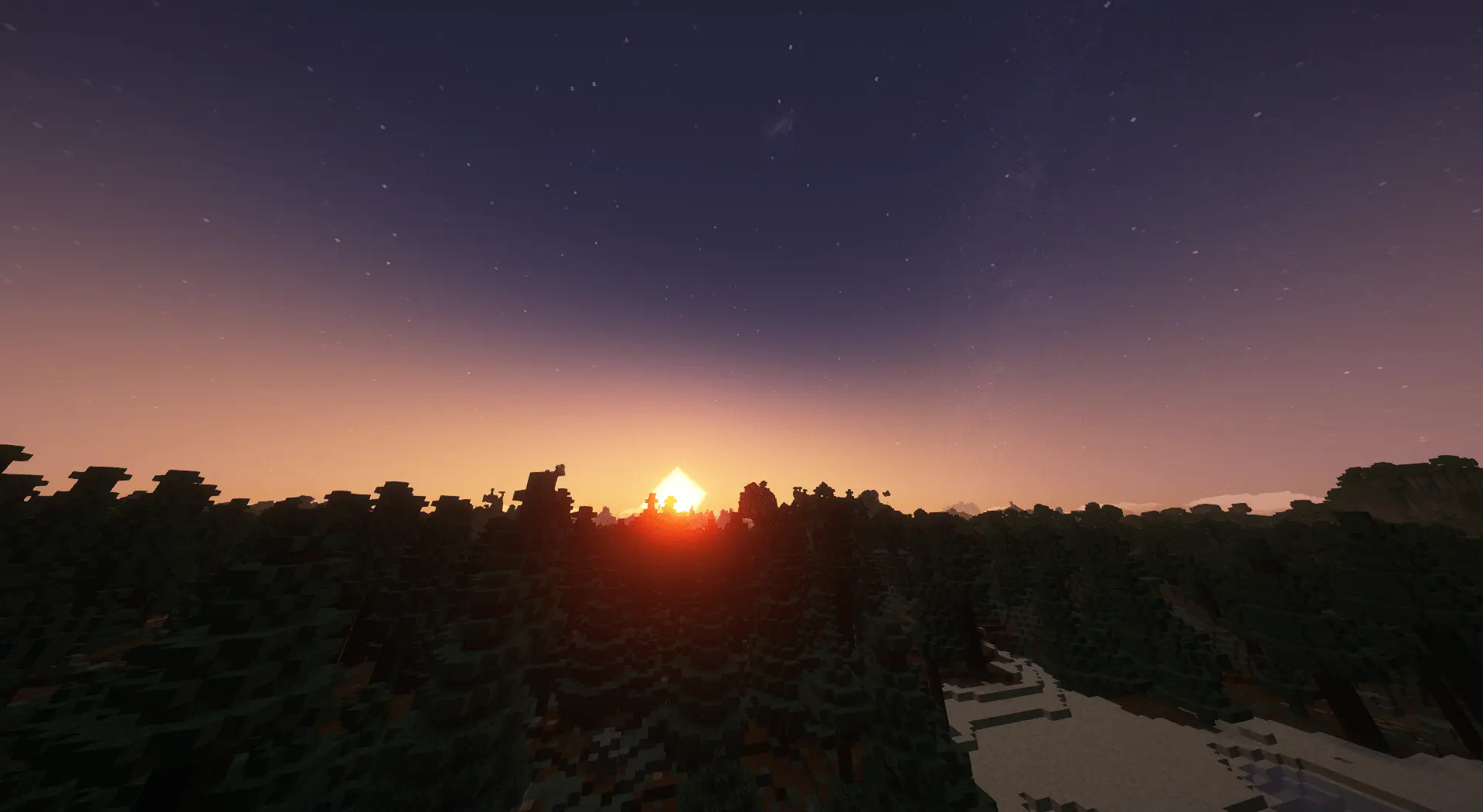
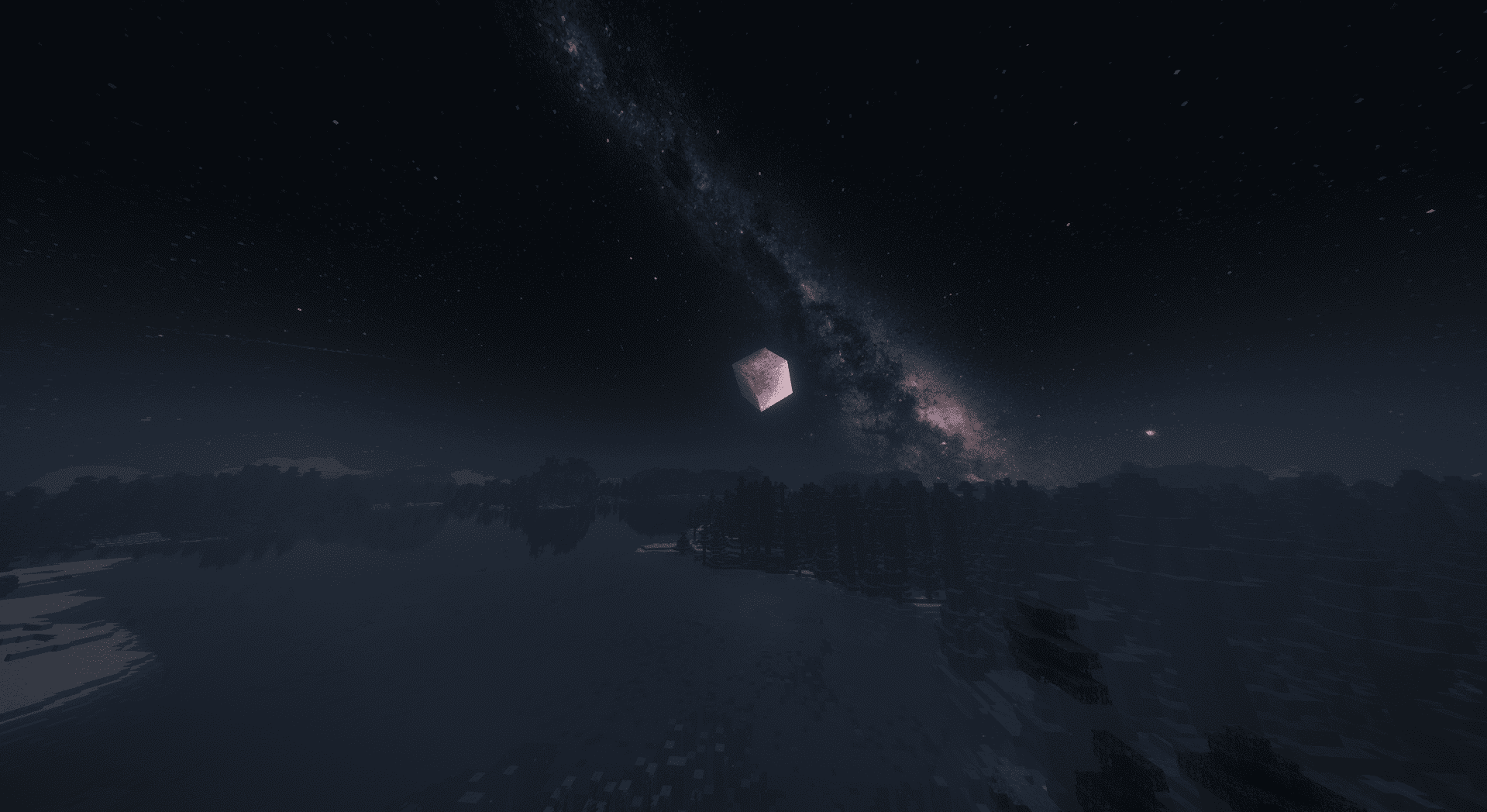
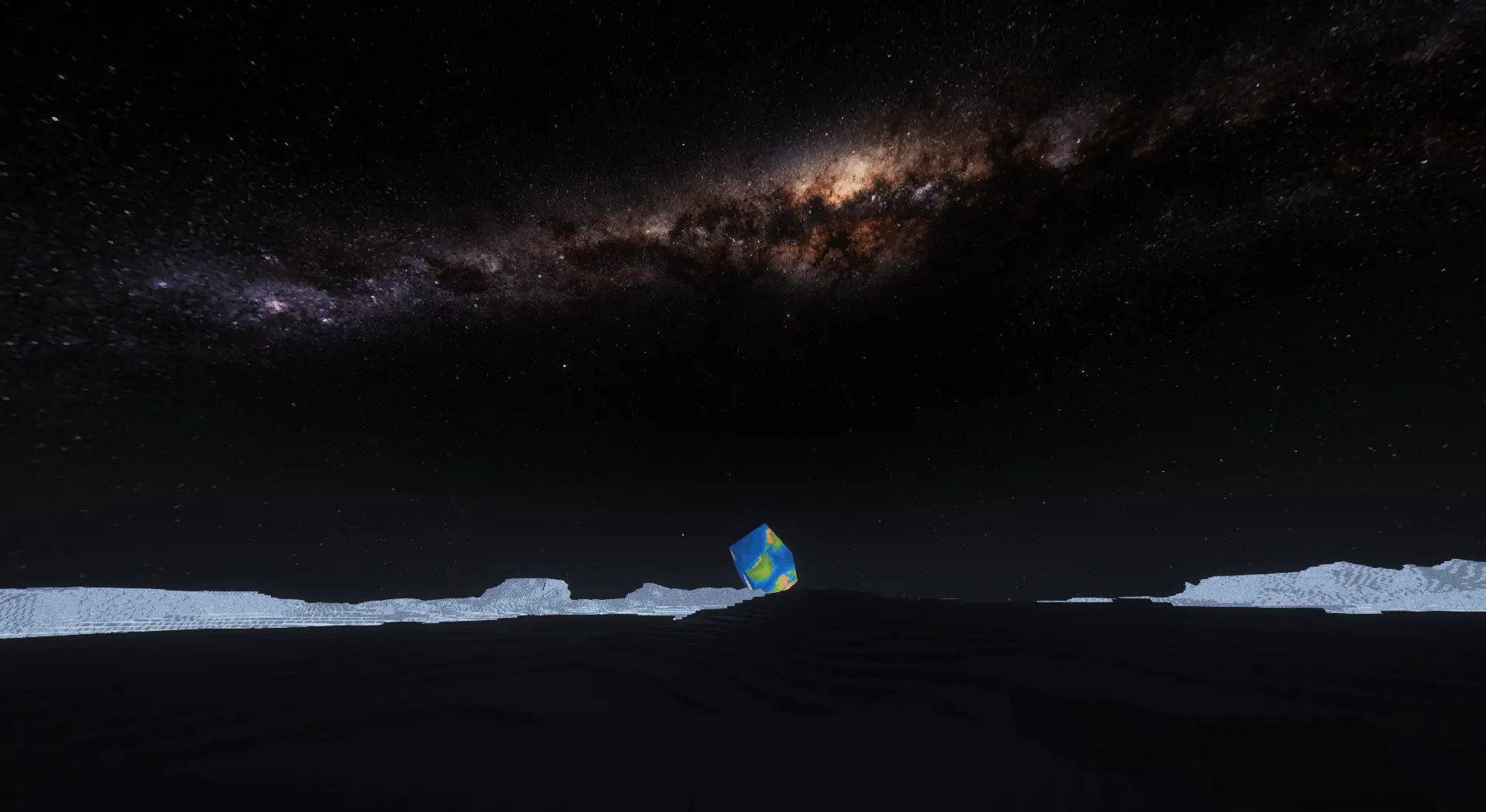
|Multiplayer Compatibility|: The mod also supports multiplayer gameplay, allowing players to embark on space adventures together and explore the cosmos as a team.
|Fun Tidbits| :- The mod also adds other tidbits like y-level counters while in ship and so on.....
|Credits| :-
Special Thanks to -
PacificCyan
YellowCake
Lilith
Frisk-256
Nikita. M.
Me rn^^
|Adoon Support!!! | :- The mod supports and adds its own datapack suport allowing people to make thier own galaxies and gui implementations while keeping the game theme intact alowing them to make use of the wonderfull rendering system. for more questions and bug reports visit our discord...... https://discord.gg/cdc6sgEExF
Verfügbare Versionen
Cosmic Horizons auf dem Server installieren
Server bestellen
Bestelle einen Minecraft Java Server mit mindestens 3 GB RAM (4 GB empfohlen).
forge Loader setzen
Wähle im Panel unter "Egg" den forge-Loader und die passende Minecraft-Version (1.20.1).
Mod installieren
Öffne den Mod-Browser im Dashboard und suche nach "Cosmic Horizons". Klicke "Installieren" – fertig! Alternativ: Lade die .jar via SFTP in den /mods Ordner.
Kompatibilität
Mod-Loader
Minecraft-Versionen
1.20.1
Server-seitig
✓ ErforderlichEmpfohlener RAM
4 GB(min. 3 GB)Häufige Fragen
Cosmic Horizons Server crasht beim Start – was tun?
Häufigste Ursache: falsche forge-Version oder zu wenig RAM. Prüfe im Server-Log (latest.log), ob ein "OutOfMemoryError" oder "Mixin"-Fehler auftritt. Bei Mado Hosting: Stelle sicher, dass mindestens 3 GB RAM zugewiesen sind und der Loader zur Mod-Version passt (1.20.1). Über das Panel kannst du den Loader mit einem Klick wechseln.
Ist Cosmic Horizons mit forge kompatibel?
Cosmic Horizons unterstützt offiziell forge für Minecraft 1.20.1. Im Mado Dashboard werden inkompatible Loader-Kombinationen automatisch erkannt.
Server laggt mit Cosmic Horizons – wie optimiere ich die Performance?
Empfohlener RAM: 4 GB (+1 GB pro 8 Spieler). Prüfe mit /spark profiler, ob Cosmic Horizons den meisten Tick-Time verbraucht. Häufige Fixes: Server-View-Distance auf 8-10 reduzieren, bei Forge "performant" oder "starlight" als Zusatz-Mod installieren. Bei Mado Hosting läuft dein Server auf NVMe-SSDs mit dedizierten CPU-Kernen für minimale Latenz.
Ähnliche Mods




Modded Server mieten
Installiere Cosmic Horizons mit nur einem Klick auf deinem Server.