
Countered's Terrain Slabs
A world generation mod that improves the terrain by adding slabs
Screenshots
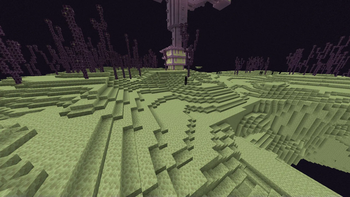
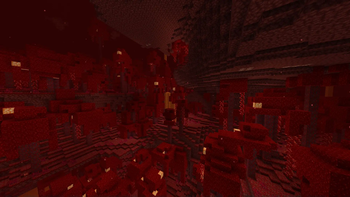
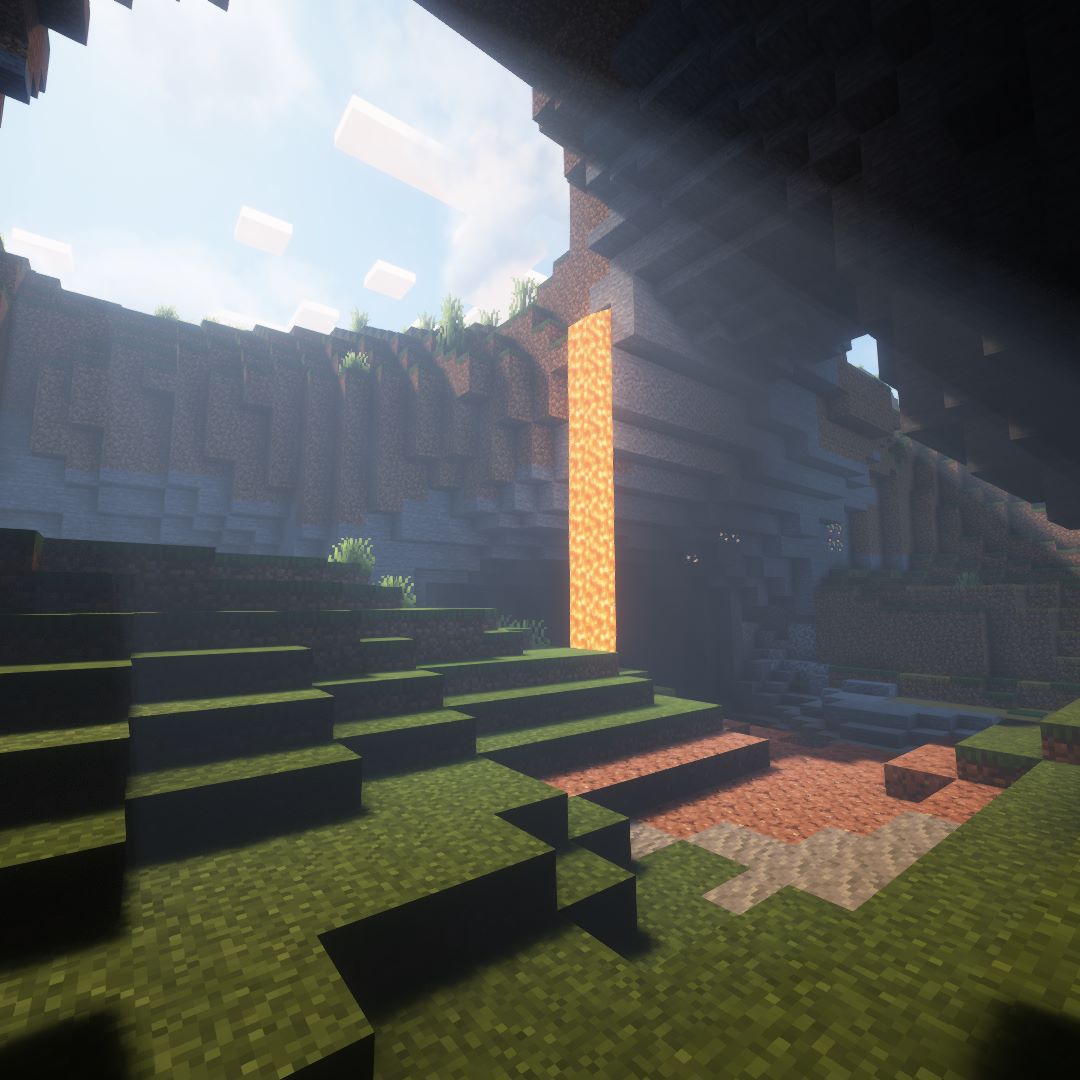
Über diese Mod
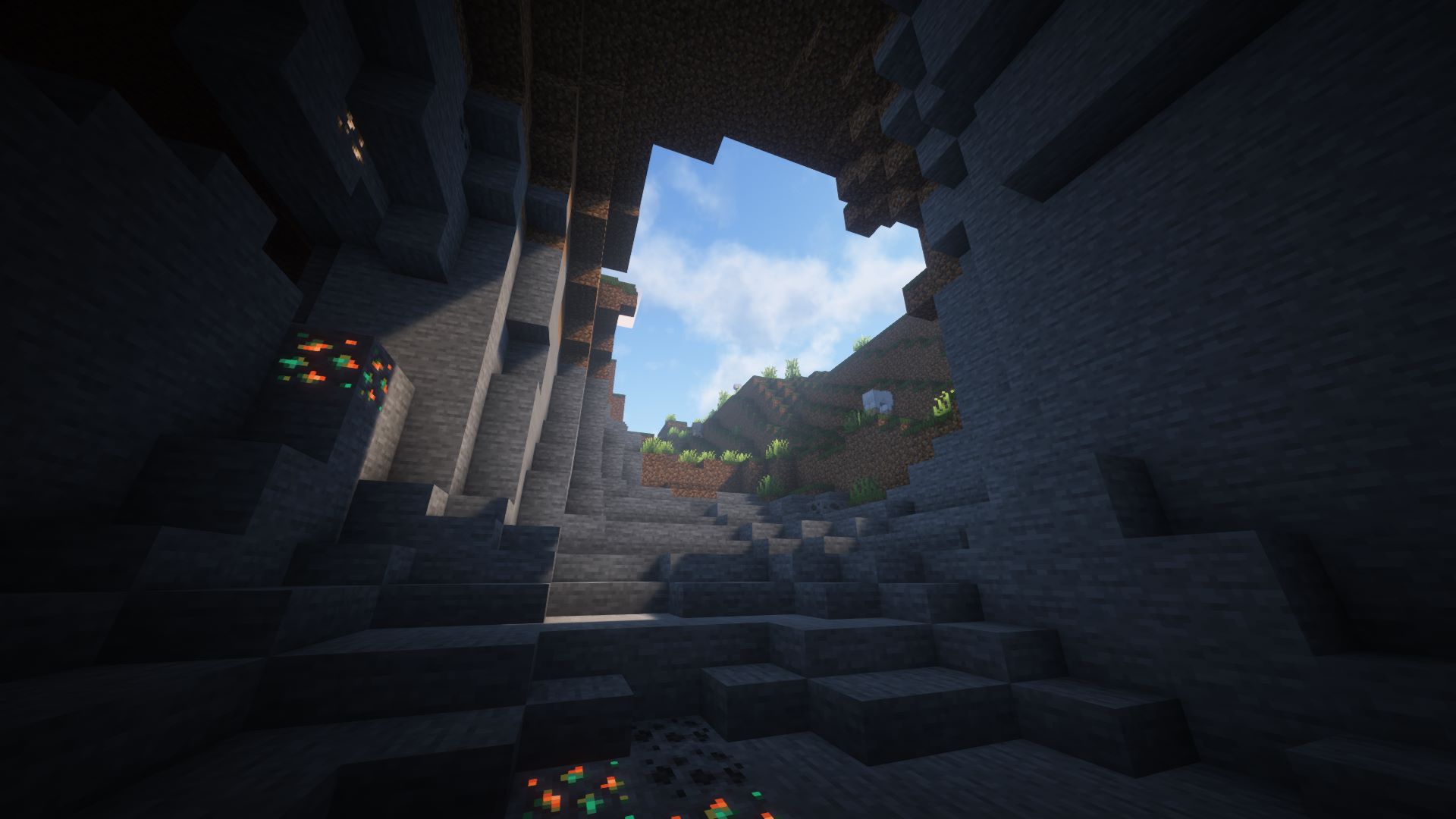
Countered's Terrain Slabs
"Countered's Terrain Slabs" is a Minecraft mod designed to transform your world into a more naturally flowing landscape! This mod enhances the way terrain is generated and experienced by introducing custom slabs that blend seamlessly with the natural world. No more harsh, blocky steps as you traverse the environment—this mod smooths out the rough edges, allowing for a more immersive and enjoyable exploration experience.
Features:
- Ground and ceiling slabs: Slabs are generated throughout the entire chunk, meaning they appear not only on the surface but also within caves, adding a more natural feel to underground exploration.
- Variety of Materials: Slabs are created from various common blocks like dirt, grass, mycelium, moss, gravel, sand, and even special blocks like clay and deepslate. Some are affected by gravity like the blocks they are made from!
- No Inventory Junk: Breaking these custom slabs causes them to drop the block they are made out of, so your inventory isn't full of things you don't want or need!
- Config: Toggle slab generation in the world via embedded Midnightlib - if you only want the slabs 😉
- Vegetation: Vegetation and Snow generate on top of slabs!
Related Mods
- Place anything on Slabs with Slabbed!
- Biomes O' Plenty & Vibrant Journeys compatibility
- Also check out Countered's Smooth Steps for a smoother experience traversing the terrain!
How It Works:
The slabs automatically generate in your world alongside your terrain, smoothing out the transitions between different block heights. The goal is to make exploration easier without drastically changing the vanilla Minecraft feel. It bridges the gap between blocky hills and steep cliffs, letting you run up slopes naturally.
Before: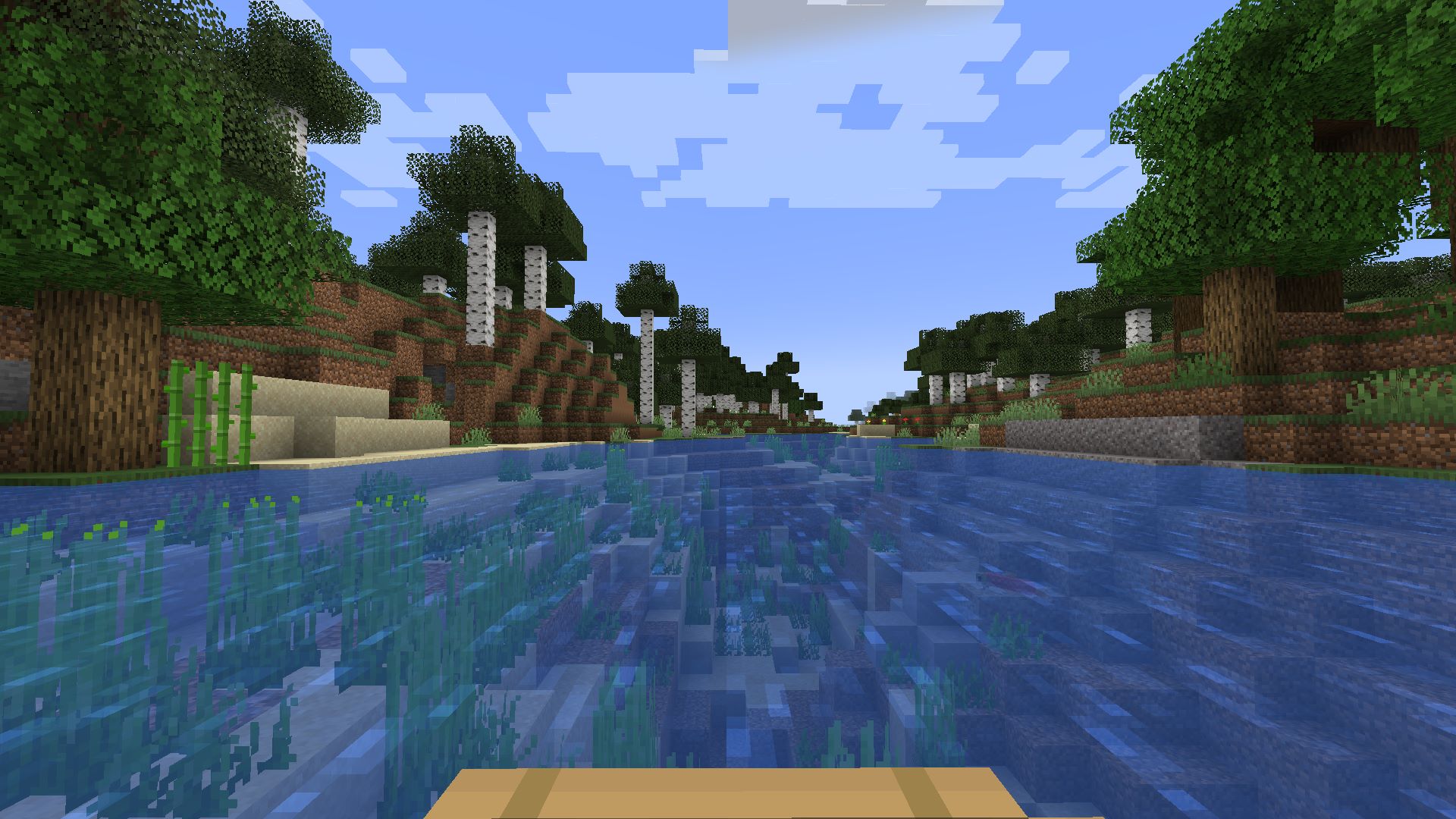
After: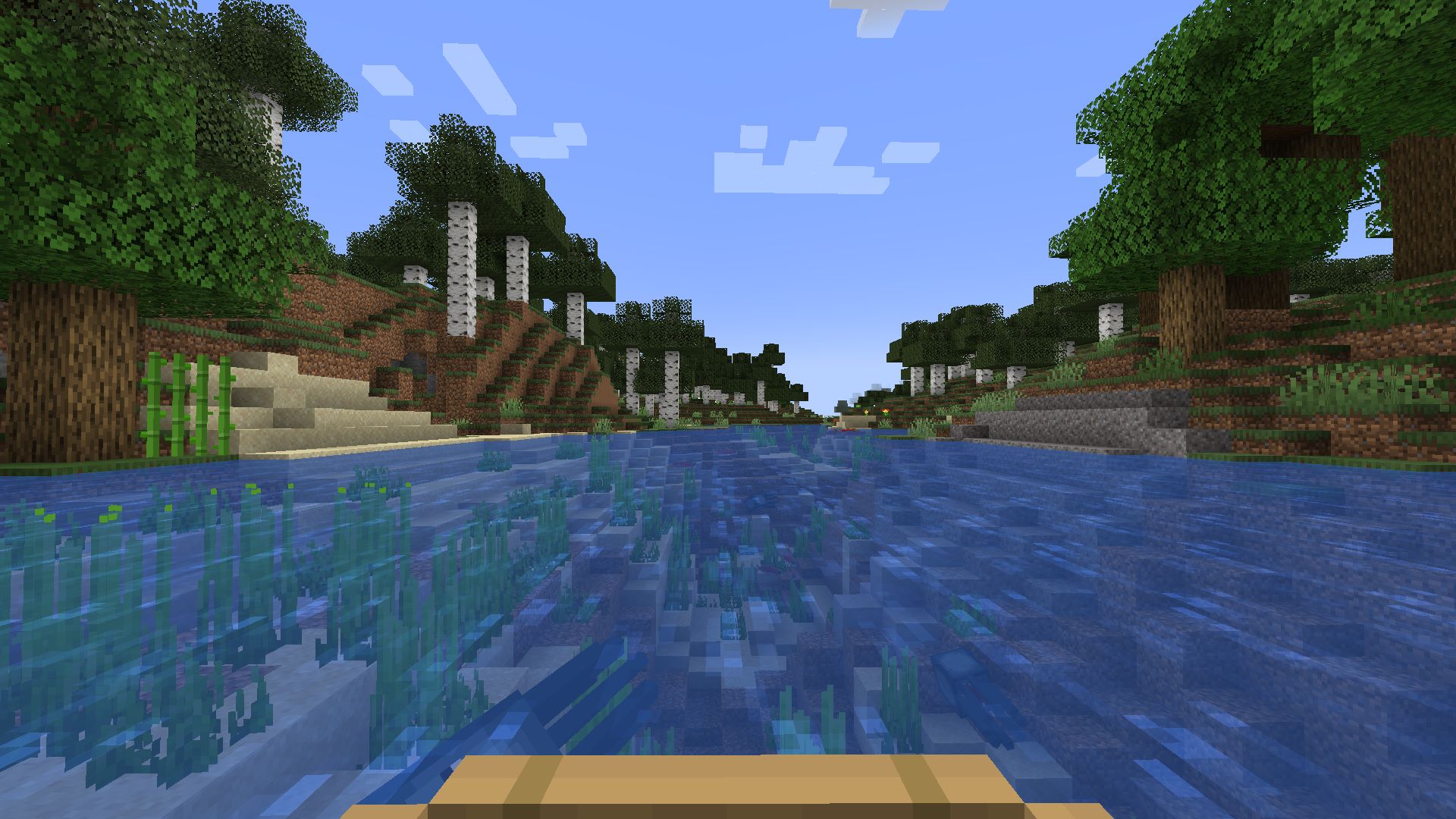
Compatibility
WARNING: Do not update from a Version below 3.0.0 to a 3.x.x version. All previously generated Slabs will be deleted
Why are my grass slabs the wrong color?
You probably have Quark installed. You can fix this problem by disabling "greener grass" in the Quark config (fixed in v3.0.2)
Why does Distant Horizons show slabs as brown cubes?
You can partially fix this by using the included resource pack
Is there a "fancy grass" option for grass slabs?
Included in the resource pack
Future Plans
- Additional Slab Types: We plan to expand the variety of slabs to include more unique terrain and biome-based blocks.
- Slab Improvements: Water running through slabs
- LOTS AND LOTS OF BUGFIXES 😅
Follow Countered for Updates!
Stay up to date with the latest news, updates, and upcoming features for "Countered's Terrain Slabs" by following me on social media:
- Twitter (X): https://twitter.com/RealCountered
- Bluesky: https://bsky.app/profile/coun7ered.bsky.social
- Discord: https://discord.gg/wANx8YbzDs
- Youtube: https://www.youtube.com/@realCountered
- GitHub: https://github.com/Coun7ered/terrain_slabs_multiloader
- Donate on PayPal: https://www.paypal.com/donate/?hosted_button_id=M6JCVGPEDKKDS
Feedback and Support
I would love to hear your feedback on the mod! If you have suggestions, bug reports, or just want to share your experience, please create an issue or DM me on X.
Credits
Thanks to demorogabrtz for translations!
Special thanks to the Minecraft modding community for their support and resources that made this project possible. A big shoutout to everyone who tested early versions and provided feedback to improve the mod!
Verfügbare Versionen
Countered's Terrain Slabs auf dem Server installieren
Server bestellen
Bestelle einen Minecraft Java Server mit mindestens 4 GB RAM (6 GB empfohlen).
fabric Loader setzen
Wähle im Panel unter "Egg" den fabric-Loader und die passende Minecraft-Version (26.3).
Mod installieren
Öffne den Mod-Browser im Dashboard und suche nach "Countered's Terrain Slabs". Klicke "Installieren" – fertig! Alternativ: Lade die .jar via SFTP in den /mods Ordner.
Kompatibilität
Mod-Loader
Minecraft-Versionen
26.3, 26.2, 26.1.2 (+7 weitere)
Server-seitig
✓ ErforderlichEmpfohlener RAM
6 GB(min. 4 GB)Häufige Fragen
Countered's Terrain Slabs Server crasht beim Start – was tun?
Häufigste Ursache: falsche fabric-Version oder zu wenig RAM. Prüfe im Server-Log (latest.log), ob ein "OutOfMemoryError" oder "Mixin"-Fehler auftritt. Bei Mado Hosting: Stelle sicher, dass mindestens 4 GB RAM zugewiesen sind und der Loader zur Mod-Version passt (26.3). Über das Panel kannst du den Loader mit einem Klick wechseln.
Ist Countered's Terrain Slabs mit fabric und forge und neoforge kompatibel?
Countered's Terrain Slabs unterstützt offiziell fabric, forge, neoforge für Minecraft 26.3, 26.2, 26.1.2. Achtung: Forge- und Fabric-Mods sind NICHT untereinander kompatibel – wähle einen Loader und bleibe dabei. Im Mado Dashboard werden inkompatible Loader-Kombinationen automatisch erkannt.
Server laggt mit Countered's Terrain Slabs – wie optimiere ich die Performance?
Empfohlener RAM: 6 GB (+1 GB pro 5 Spieler). Prüfe mit /spark profiler, ob Countered's Terrain Slabs den meisten Tick-Time verbraucht. Häufige Fixes: Server-View-Distance auf 8-10 reduzieren, bei Forge "performant" oder "starlight" als Zusatz-Mod installieren. Bei Mado Hosting läuft dein Server auf NVMe-SSDs mit dedizierten CPU-Kernen für minimale Latenz.
Ähnliche Mods




Modded Server mieten
Installiere Countered's Terrain Slabs mit nur einem Klick auf deinem Server.