
Create: Air Ducts
Air Ducts: Create add-on that adds means to manipulate airflows from encased fans.
Über diese Mod
Air Ducts – A Create Add-On for the Breeze-Inclined
Tired of rearranging your whole build just to get that Encased Fan lined up just right? Want to give your contraptions a cleaner, more flexible way to blow air around (literally)? Air Ducts is here to help!
This work-in-progress add-on mod for Create introduces a simple but powerful concept: ducting for air flow.
With a few new blocks you can now reroute fan output to wherever you need it. Chain the ducts together in a 2D or a 3D route. Around corners, through walls, across builds—no problem!
Use Air Ducts to:
Tidy up your fan-powered automation
Reach those annoying spots that just won’t line up
Look like a redstone HVAC engineer while you’re at it
Features:
Spoiler
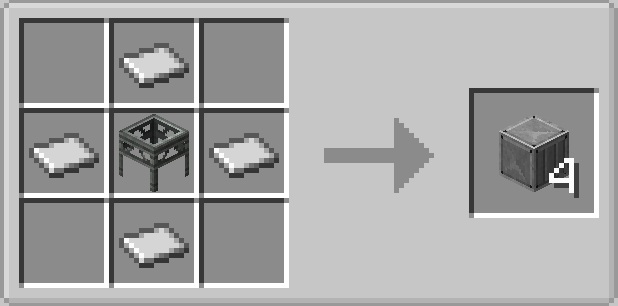
Straight vent
Straight vent: the most basic one. Simply relays the airflow forward.
Crafting ingredient for other vent types.
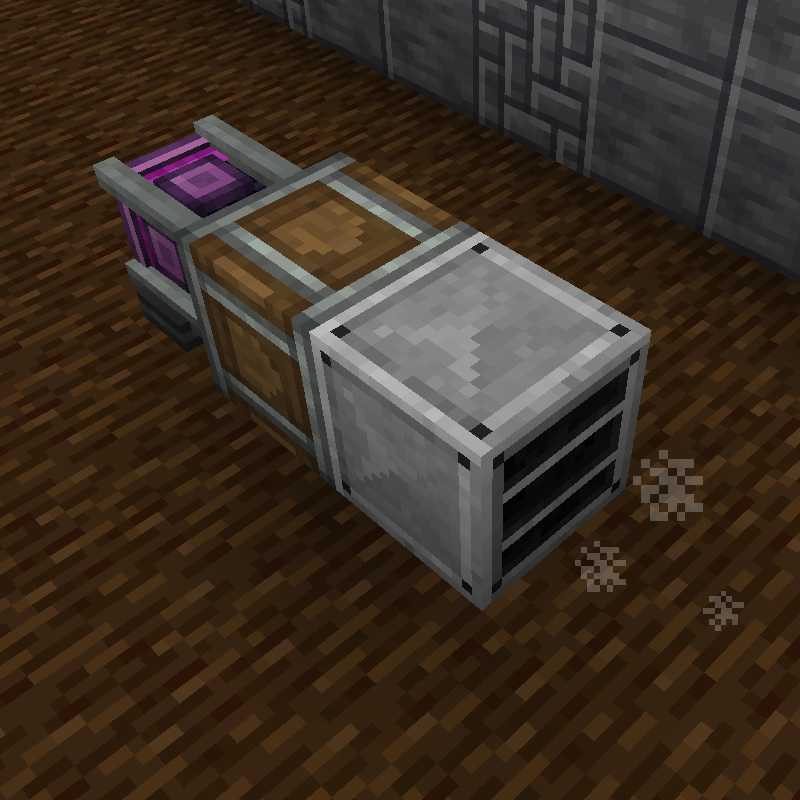
Knee vent
Knee vent: relays the airflow to 90 degrees.
Crafting ingredient for other vent types.
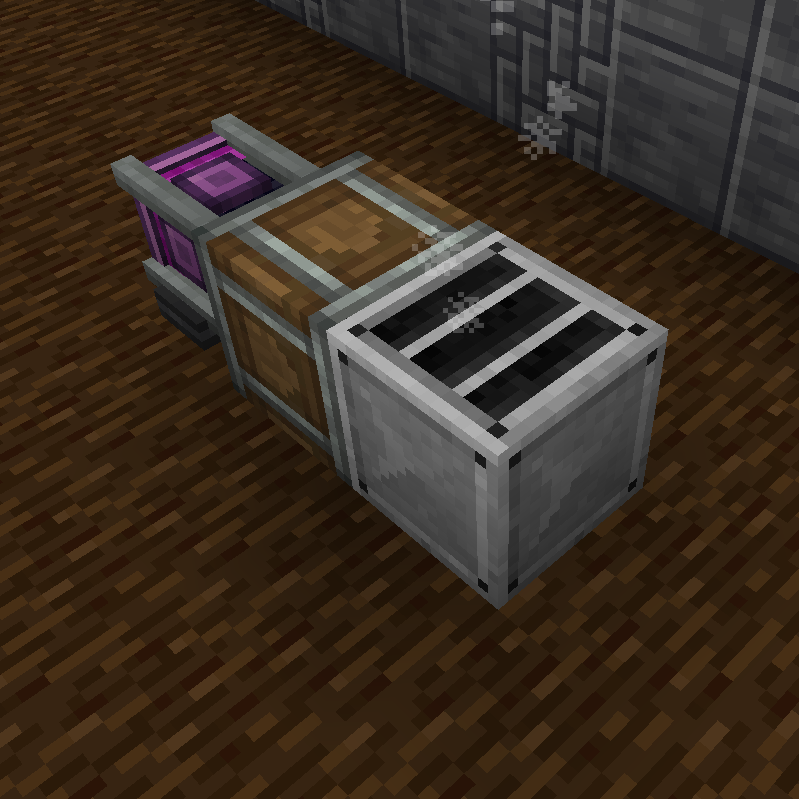
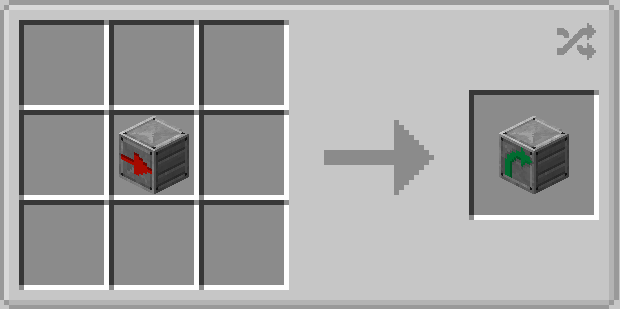
Splitter vent
Splitter vent: has two outputs: one flow continues forward and the other - at 90 degrees.
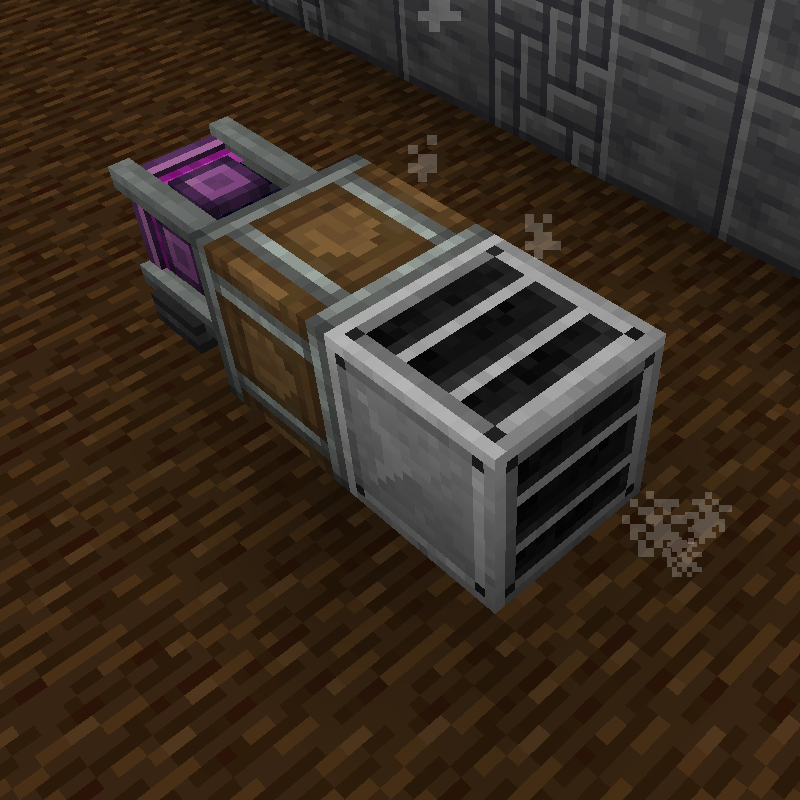
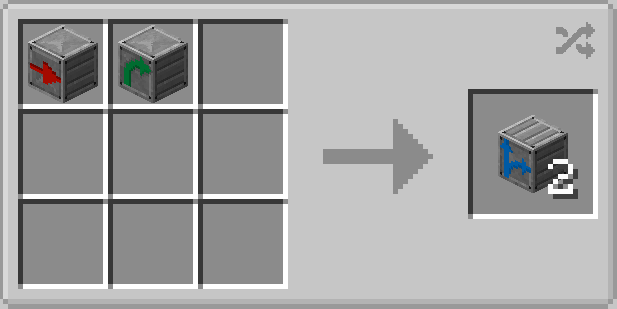
Junction vent
Junction vent: also got two outputs, both are relayed at 90 degrees and in opposite directions.
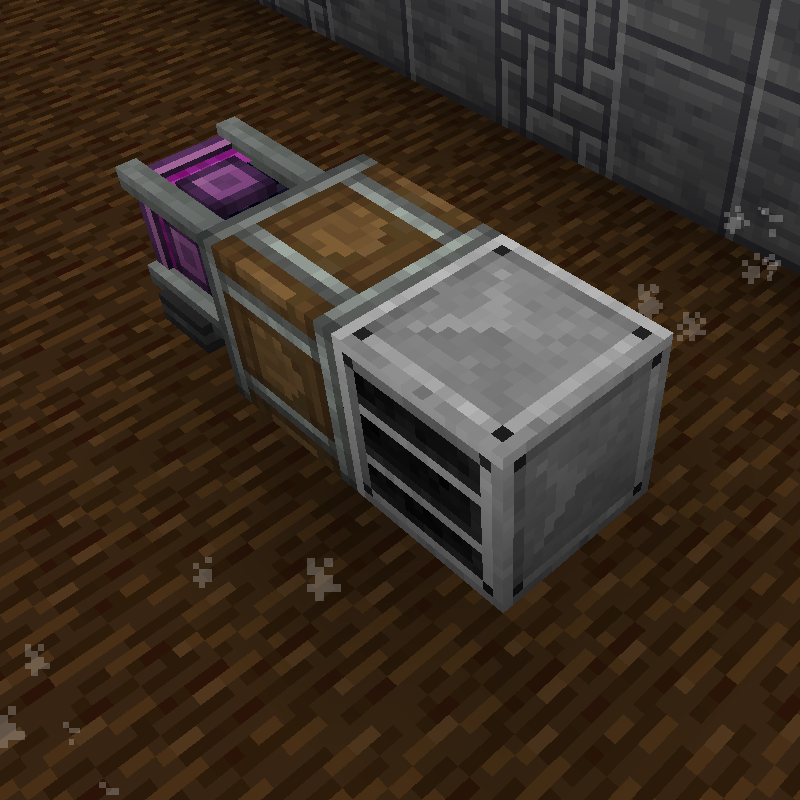
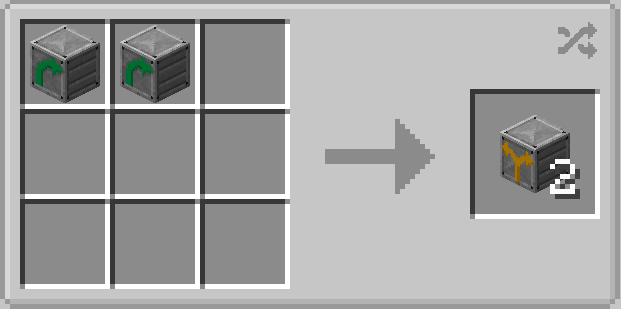
Infuser
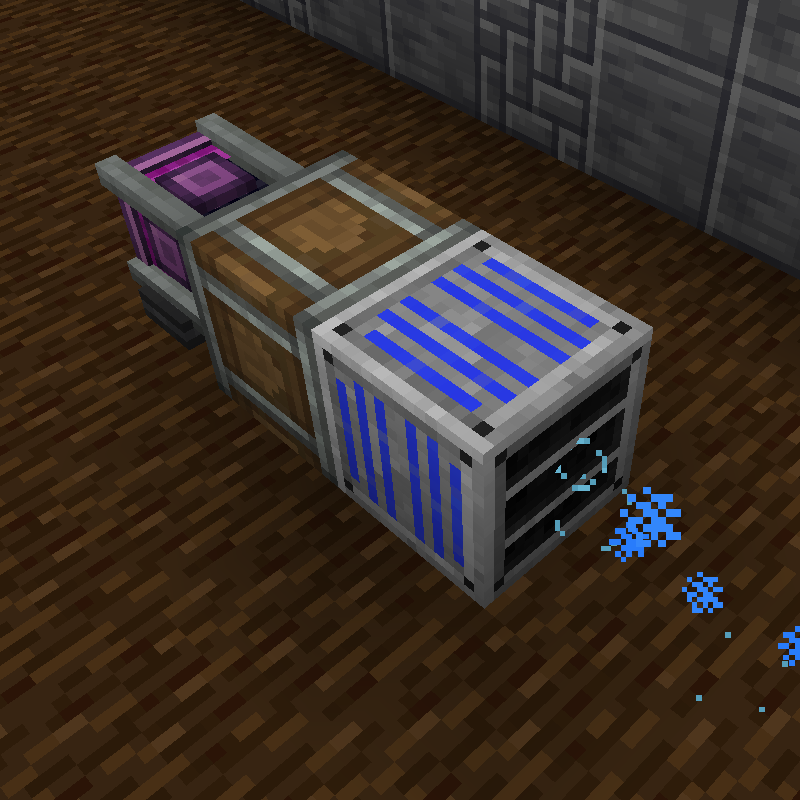
Infuser: apllies processing effect to the airflow pushing through it.
Any vent connected to the infuser will inherit and relay the processing type further.
Right-click with an empty hand to cycle through the effects.
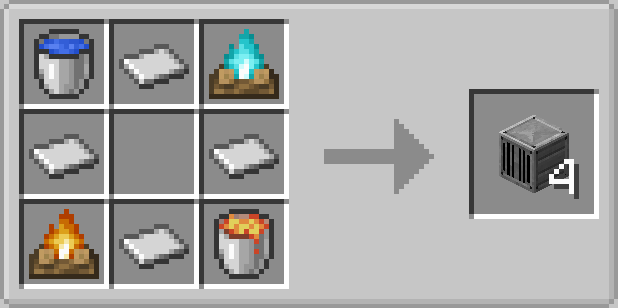
All vents can be rotated with a wrench.
Angled vents are a bit trickier to set up but it's easy to get the hang of it:
- When placed the vent will be in it's "packed" state, inoperable.
- Whack it with a wrench to put the INPUT side on the face opposite to the one you hit.
- Right-clicking it again will rotate the OUTPUT side anti-clockwise.
This mod is still WIP and more things are on the way:
- Fancier models
- New vents (valve, fast processing, crawlable?...)
- Custom flow types? (e.g. poison: to harm mobs and destroy vegetation)
💛 Like the mod? Want to support development?
You can check out my Ko-fi page! I’ll be posting behind-the-scenes stuff, in-dev features, and the occasional duct-related ramble.
Tips are totally optional—but very appreciated and help keep the airflow going. :)
Verfügbare Versionen
Create: Air Ducts auf dem Server installieren
Server bestellen
Bestelle einen Minecraft Java Server mit mindestens 4 GB RAM (6 GB empfohlen).
forge Loader setzen
Wähle im Panel unter "Egg" den forge-Loader und die passende Minecraft-Version (1.20.1).
Mod installieren
Öffne den Mod-Browser im Dashboard und suche nach "Create: Air Ducts". Klicke "Installieren" – fertig! Alternativ: Lade die .jar via SFTP in den /mods Ordner.
Kompatibilität
Mod-Loader
Minecraft-Versionen
1.20.1
Server-seitig
✓ ErforderlichEmpfohlener RAM
6 GB(min. 4 GB)Häufige Fragen
Create: Air Ducts Server crasht beim Start – was tun?
Häufigste Ursache: falsche forge-Version oder zu wenig RAM. Prüfe im Server-Log (latest.log), ob ein "OutOfMemoryError" oder "Mixin"-Fehler auftritt. Bei Mado Hosting: Stelle sicher, dass mindestens 4 GB RAM zugewiesen sind und der Loader zur Mod-Version passt (1.20.1). Über das Panel kannst du den Loader mit einem Klick wechseln.
Ist Create: Air Ducts mit forge kompatibel?
Create: Air Ducts unterstützt offiziell forge für Minecraft 1.20.1. Im Mado Dashboard werden inkompatible Loader-Kombinationen automatisch erkannt.
Server laggt mit Create: Air Ducts – wie optimiere ich die Performance?
Empfohlener RAM: 6 GB (+1 GB pro 5 Spieler). Prüfe mit /spark profiler, ob Create: Air Ducts den meisten Tick-Time verbraucht. Häufige Fixes: Server-View-Distance auf 8-10 reduzieren, bei Forge "performant" oder "starlight" als Zusatz-Mod installieren. Bei Mado Hosting läuft dein Server auf NVMe-SSDs mit dedizierten CPU-Kernen für minimale Latenz.
Ähnliche Mods






Modded Server mieten
Installiere Create: Air Ducts mit nur einem Klick auf deinem Server.