
Create: Configurable Machine Outputs
Take control of your create machinery automation! This mod lets you choose which recipe your millstones, crushing wheels and presses use when multiple addons create conflicting recipes, ensuring predictable and reliable automated systems.
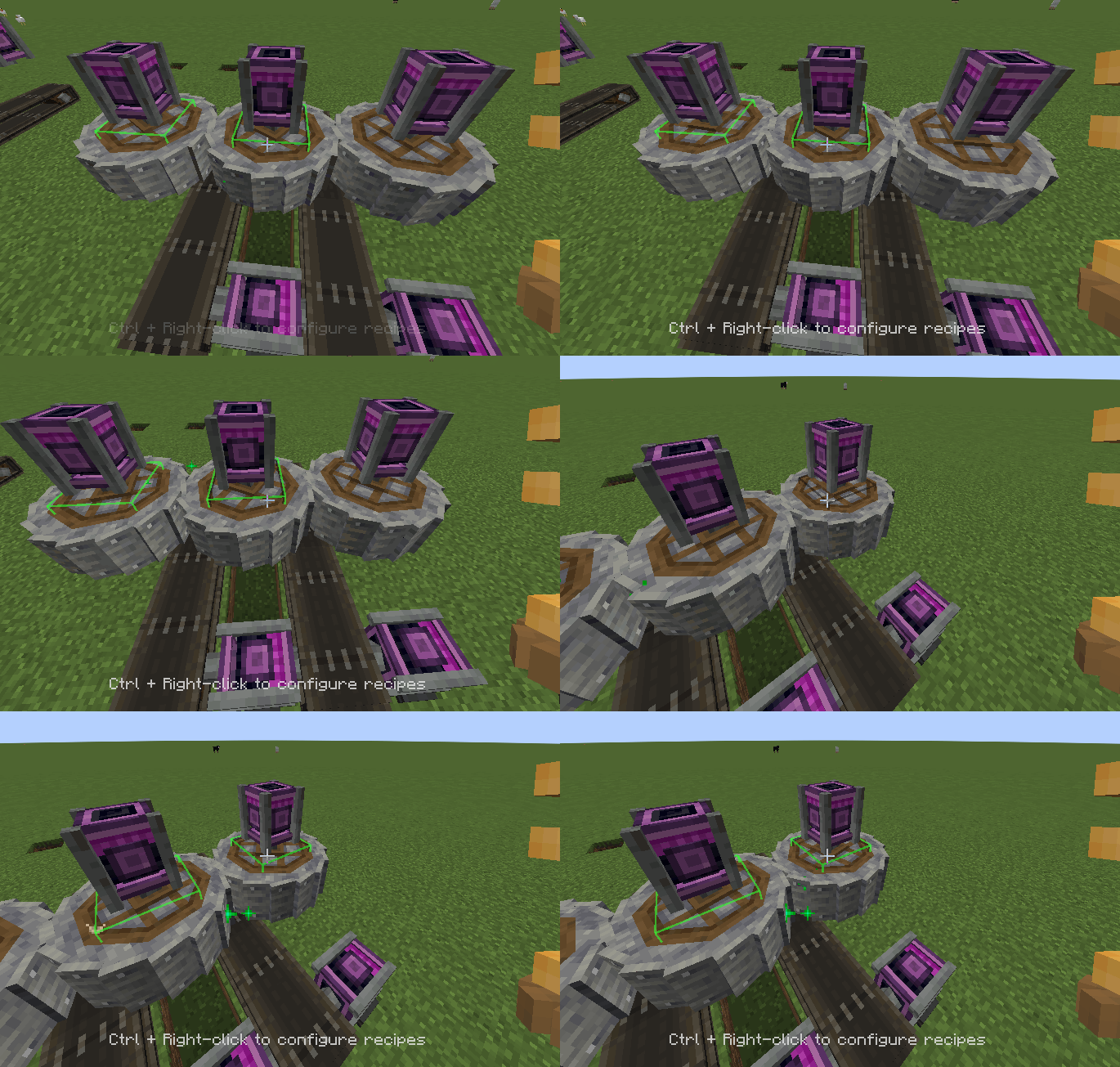
Screenshots


Über diese Mod
Ever had your Create automation produce random outputs because multiple Create addons added conflicting recipes for the same items? Create: Configurable Machinery Outputs solves this by giving you full control over which recipe your machines use - now across Crushing Wheels, the Mechanical Press, and the Millstone.
Features:
- Recipe Selection GUI: Ctrl + Right-click a supported machine with a wrench to open the selector
- Supported Machines: Crushing Wheels, Mechanical Press, and Millstone
- Desired Recipe Lookup: Lookup conflicting recipes using a search bar !
- Visual Conflict Detection: Automatically identifies items with multiple conflicting recipes
- Per-Machine Configuration: Each machine remembers your recipe choices
- World Persistence: Your selections are saved and persist across game sessions
- Pair Detection: Intelligently handles crushing wheel pairs with proper spacing
- Compatibility: Works seamlessly with Create and all its addons Perfect for players who want reliable, predictable automation without surprises!
Verfügbare Versionen
Create: Configurable Machine Outputs auf dem Server installieren
Server bestellen
Bestelle einen Minecraft Java Server mit mindestens 4 GB RAM (6 GB empfohlen).
forge Loader setzen
Wähle im Panel unter "Egg" den forge-Loader und die passende Minecraft-Version (1.21.11).
Mod installieren
Öffne den Mod-Browser im Dashboard und suche nach "Create: Configurable Machine Outputs". Klicke "Installieren" – fertig! Alternativ: Lade die .jar via SFTP in den /mods Ordner.
Kompatibilität
Mod-Loader
Minecraft-Versionen
1.21.11, 1.21.10, 1.21.9 (+14 weitere)
Server-seitig
✓ ErforderlichEmpfohlener RAM
6 GB(min. 4 GB)Häufige Fragen
Create: Configurable Machine Outputs Server crasht beim Start – was tun?
Häufigste Ursache: falsche forge-Version oder zu wenig RAM. Prüfe im Server-Log (latest.log), ob ein "OutOfMemoryError" oder "Mixin"-Fehler auftritt. Bei Mado Hosting: Stelle sicher, dass mindestens 4 GB RAM zugewiesen sind und der Loader zur Mod-Version passt (1.21.11). Über das Panel kannst du den Loader mit einem Klick wechseln.
Ist Create: Configurable Machine Outputs mit forge und neoforge kompatibel?
Create: Configurable Machine Outputs unterstützt offiziell forge, neoforge für Minecraft 1.21.11, 1.21.10, 1.21.9. Im Mado Dashboard werden inkompatible Loader-Kombinationen automatisch erkannt.
Server laggt mit Create: Configurable Machine Outputs – wie optimiere ich die Performance?
Empfohlener RAM: 6 GB (+1 GB pro 5 Spieler). Prüfe mit /spark profiler, ob Create: Configurable Machine Outputs den meisten Tick-Time verbraucht. Häufige Fixes: Server-View-Distance auf 8-10 reduzieren, bei Forge "performant" oder "starlight" als Zusatz-Mod installieren. Bei Mado Hosting läuft dein Server auf NVMe-SSDs mit dedizierten CPU-Kernen für minimale Latenz.
Ähnliche Mods






Modded Server mieten
Installiere Create: Configurable Machine Outputs mit nur einem Klick auf deinem Server.