
Create: Cyber Goggles
A client-side mod for Create that provides modular assistance features.
Screenshots


Über diese Mod




Overview
Create: Cyber Goggles is a client-side mod for Create, providing modular assistance features.
Features
All features can be toggled individually in the config.
Goggles:
- Advanced info: fuller rotation speed, stress and flow info
- Precise numbers: more decimal places, configurable
- Hide static rotation info: only show what still changes
- Better factory gauge: connect / move factory gauges in more ways
- Better store info: improved table-cloth store display and interaction
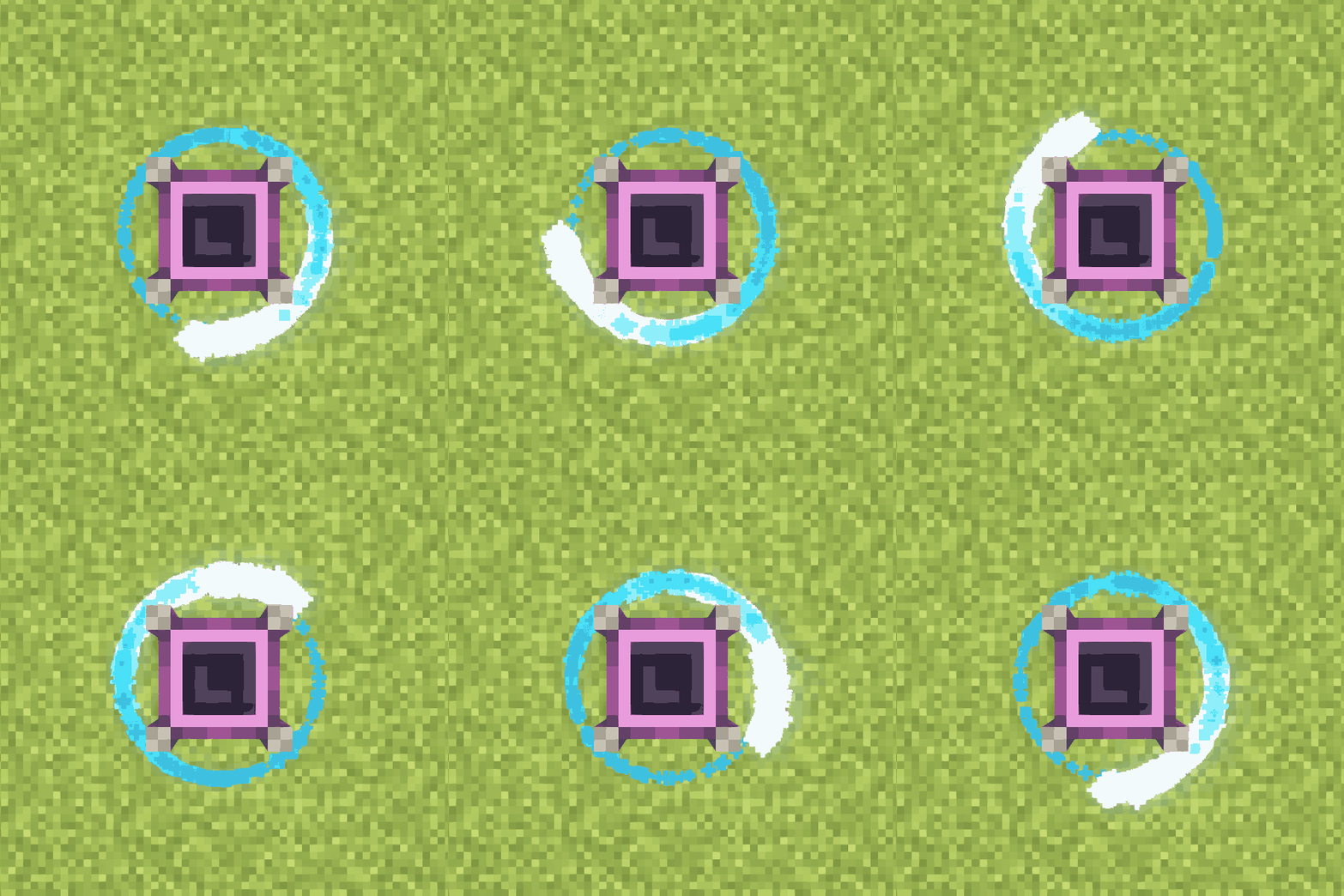
- Render rotation particles of the targeted block
Tooltips:
- Additional content will be displayed below:
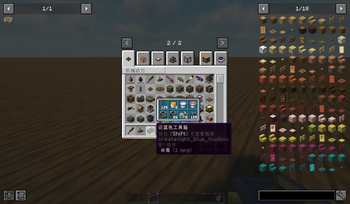
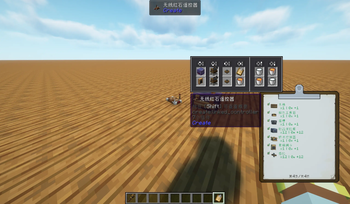
- Container, fluid container, ender chest, toolbox, clipboard, map, backtank, diving boots, wrench, linked controller, list filter,
attribute filter - Package, placard, table cloth, depot, deployer, millstone, crushing controller, redstone requester, factory gauge
Overlays:
- Item info overlay on blocks, with switchable theme and colors
- Drafting view: pixelated, outlined post-processing, with adjustable pixel scale and line color
Outliner:
- Analog box and connection lines, configurable colors and delayed render
Schematic:
- 3D preview: a rotatable, zoomable preview of the selected schematic next to the Schematic Table
- Tooltip preview: hold Alt while hovering a schematic item
- Export render: one-click render of a schematic to a PNG (1024 by default, hold Shift for 2048), with configurable orientation and
antialiasing, fluids included - Sable support: with sable installed, sub-levels (ships) in the schematic are previewed and
rendered as well - Export command:
/ccg schematic export <file> [width] [orientation] [antialiasing] - Truncate long schematic names so they no longer overflow the scroll box
Aeronautics:
- Always show mass and friction
- Force overlay: gravity, lift, drag, levitation, balloon lift, propulsion, magnetic force and center of mass for the followed contraption,
plus an HUD with mass and force values
Misc:
- Wrench and chain conveyor enhancements
- Create-style stack count, blueprint name fix, recursive blueprint scan, infinite edit-box length
- Quick request actions, JEI recipe transfer for stock keeper and redstone requester, preview filter, show stress network
- A few stability fixes (e.g. NBT crash)
Versions
| Minecraft | Forge | Fabric/Quilt | NeoForge | Create: Cyber Goggles | Create |
|---|---|---|---|---|---|
| 1.21.8-26.1.2 | ✅ | 3.0+ | 6.0+ (Create-Fly) | ||
| 1.21.1 | ✅ | 1.0+ | 6.0+ | ||
| 1.20.1 | ✅ | ✅ | ✅ | 1.0+ | 1.x: 0.5+, 6.0+; 2.0+: 6.0+ |
| 1.18.2-1.19.2 | ✅ | ✅ | 1.x | 0.5+ |
Localization
Welcome to help translate this mod into more languages on Crowdin!
Credits
This project uses some code derived from the following mods:
Verfügbare Versionen
Create: Cyber Goggles auf deinem Client installieren
Mod-Loader lokal installieren
Installiere fabric für deine lokale Minecraft-Version.
Passende Datei herunterladen
Wähle die Create: Cyber Goggles-Datei für fabric und Minecraft 26.2.
Mod installieren
Lege die .jar-Datei in deinem lokalen .minecraft/mods-Ordner ab und starte Minecraft neu. Eine Installation auf dem Server ist nicht nötig.
Kompatibilität
Mod-Loader
Minecraft-Versionen
26.2, 26.1.2, 1.21.11 (+6 weitere)
Server-seitig
✗ Nicht unterstütztEmpfohlener RAM
6 GB(min. 4 GB)Häufige Fragen
Muss Create: Cyber Goggles auf dem Minecraft Server installiert werden?
Nein. Modrinth kennzeichnet Create: Cyber Goggles serverseitig als nicht unterstützt. Installiere die Mod nur im lokalen Minecraft-Mods-Ordner. Dein Server kann unverändert bleiben, sofern die Mod-Seite keine zusätzliche Abhängigkeit nennt.
Welche Version und welchen Loader braucht Create: Cyber Goggles?
Nutze eine Datei für fabric, forge, neoforge, quilt und exakt deine Minecraft-Version. Unterstützte Versionen sind unter anderem 26.2, 26.1.2, 1.21.11. Loader-Dateien sind nicht untereinander austauschbar.
Create: Cyber Goggles funktioniert nicht – was kann ich prüfen?
Prüfe zuerst Minecraft-Version, Loader-Version und erforderliche Abhängigkeiten. Lege die .jar-Datei im lokalen .minecraft/mods-Ordner ab und entferne ältere Duplikate. Da die Mod clientseitig ist, löst mehr Server-RAM dieses Problem nicht.
Ähnliche Mods





Minecraft Server für deine Gruppe
Create: Cyber Goggles bleibt auf deinem Client. Hoste dazu eine kompatible Welt für deine Mitspieler.