
Create: Flight Control
A Minecraft Create addon for physics-based flight control
Über diese Mod

About
Tired of manually trimming and balancing your aircraft? Want stable, controllable cruising? Looking for a scientifically grounded, physics-based flight control system?
Try Create: Flight Control!
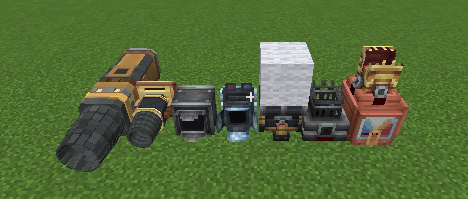
This mod provides a modular framework for building advanced flight-control systems. Simply place your engines and control components. The flight computer automatically distributes thrust based on the position and orientation of each engine, producing the forces and torques required to control your craft.
Features
- Keep your craft level automatically
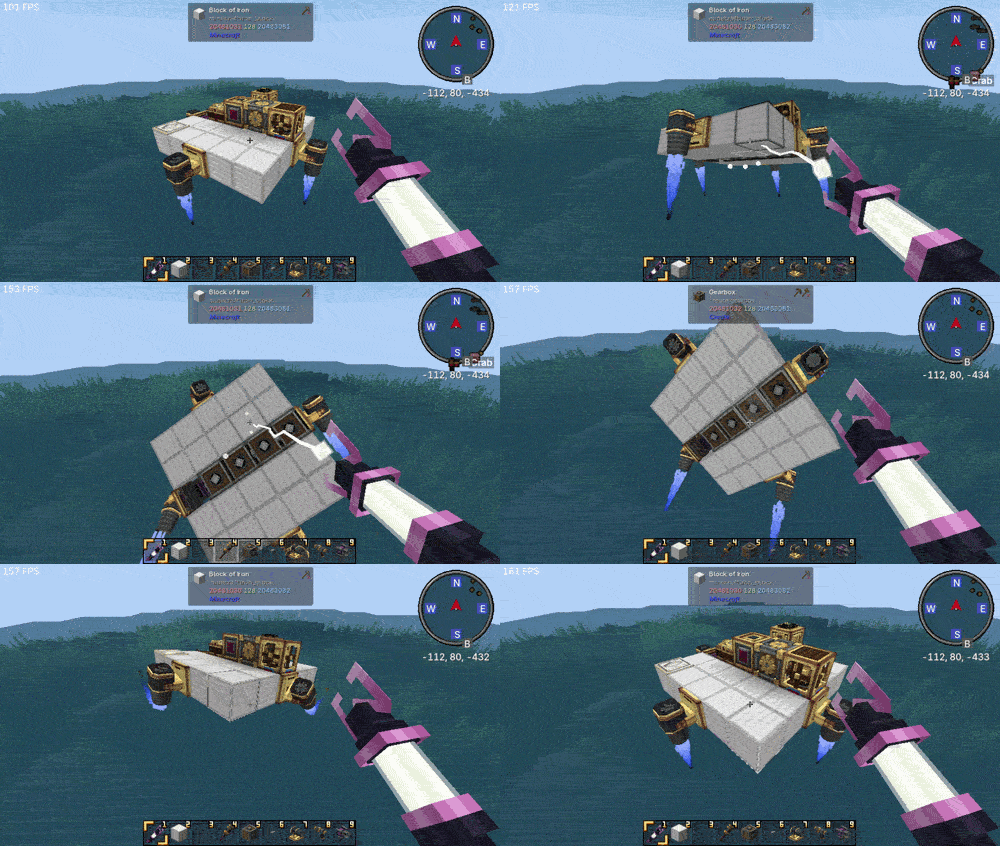
- Maintain a fixed pitch, roll, and yaw
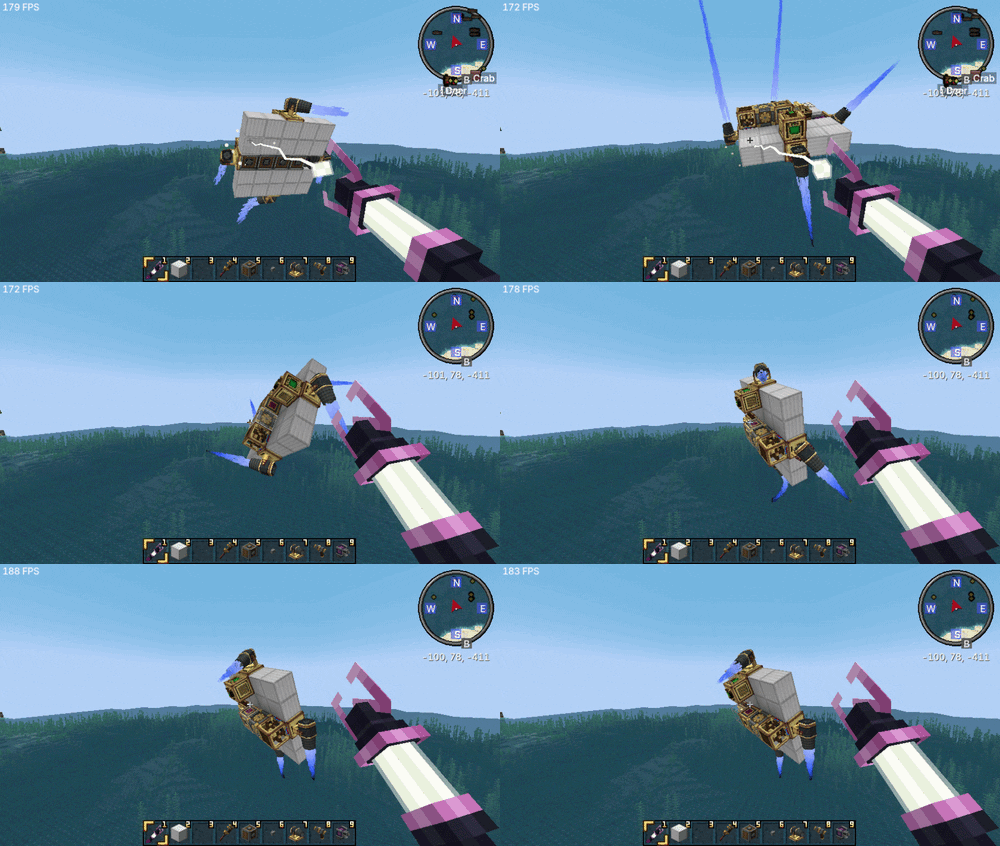
- Hold a constant flight altitude
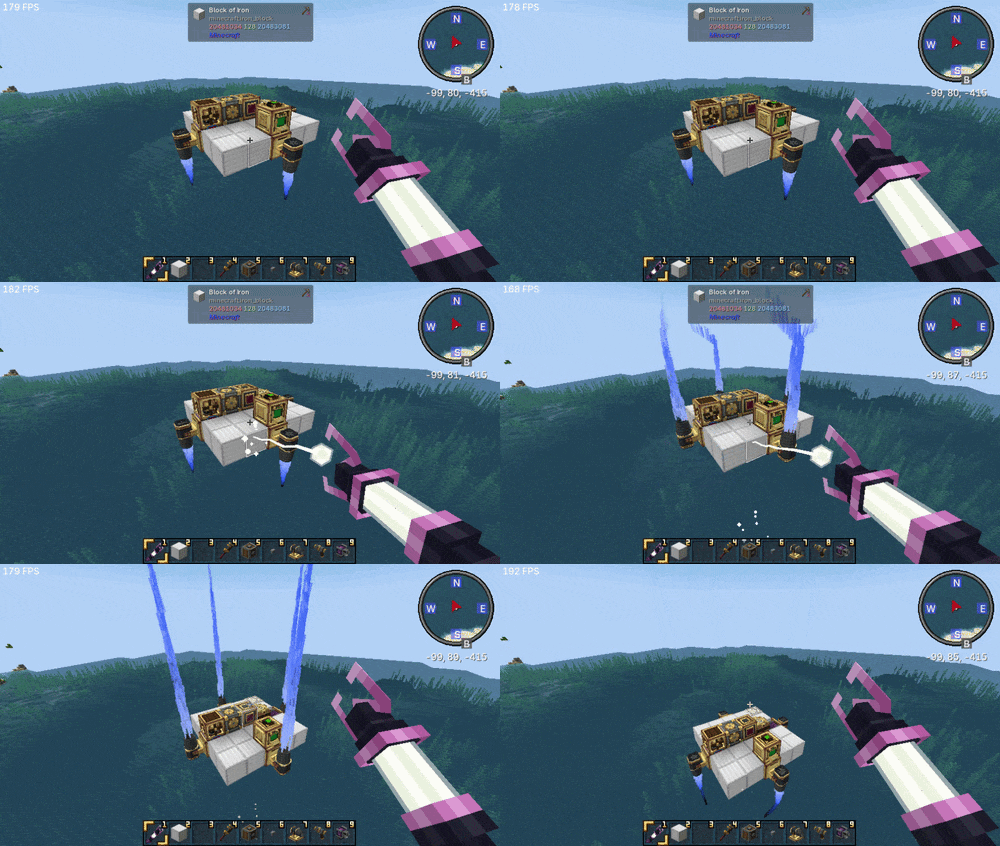
- Stabilize your craft against external disturbances
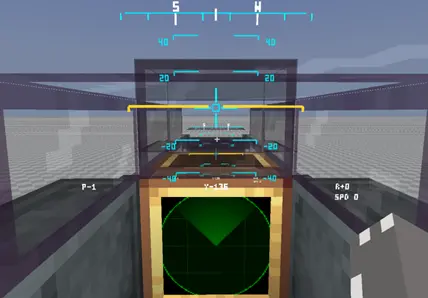
- Display real-time flight information through an integrated HUD
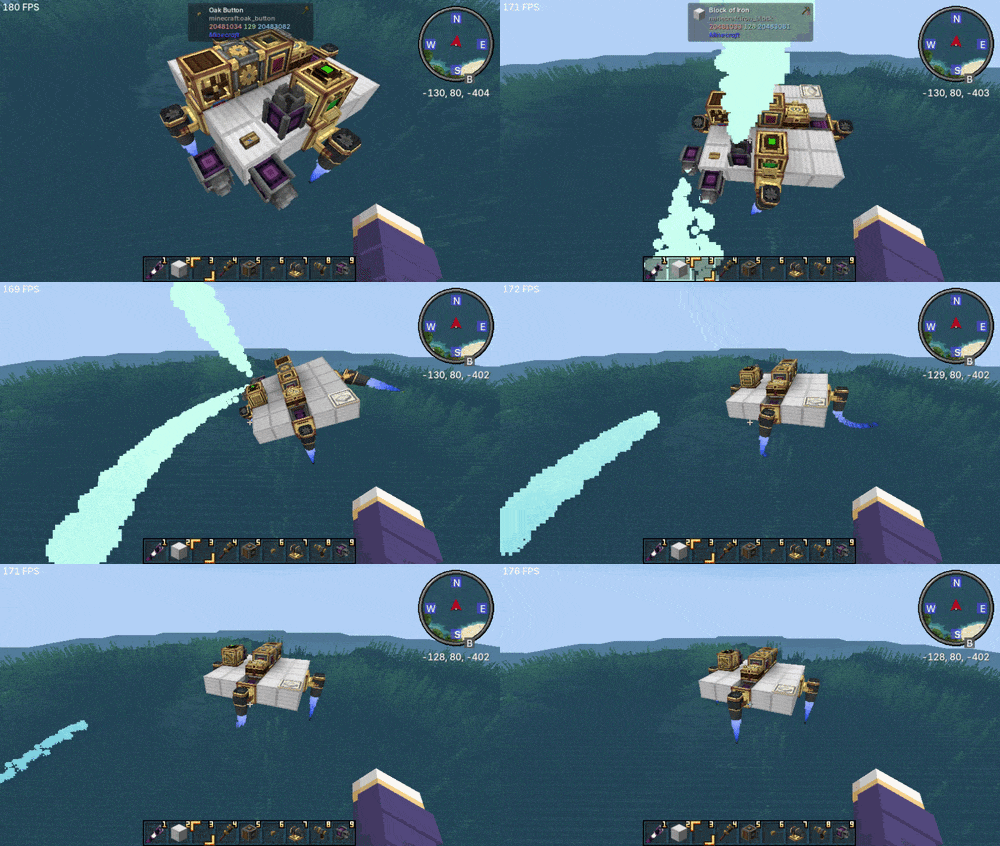
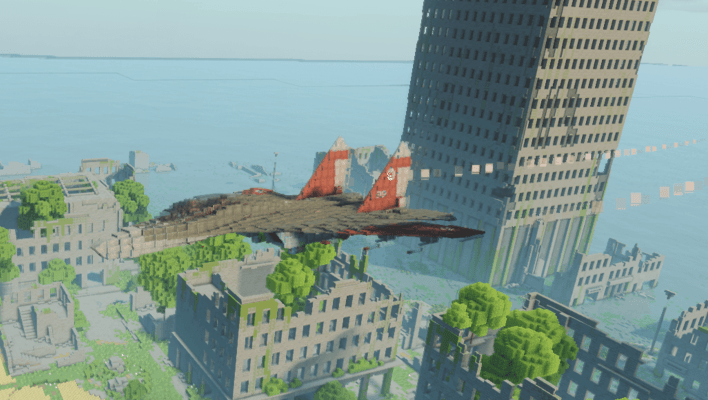
- Create highly customizable motion trails and visual/sound effects (aircraft by pipidog)
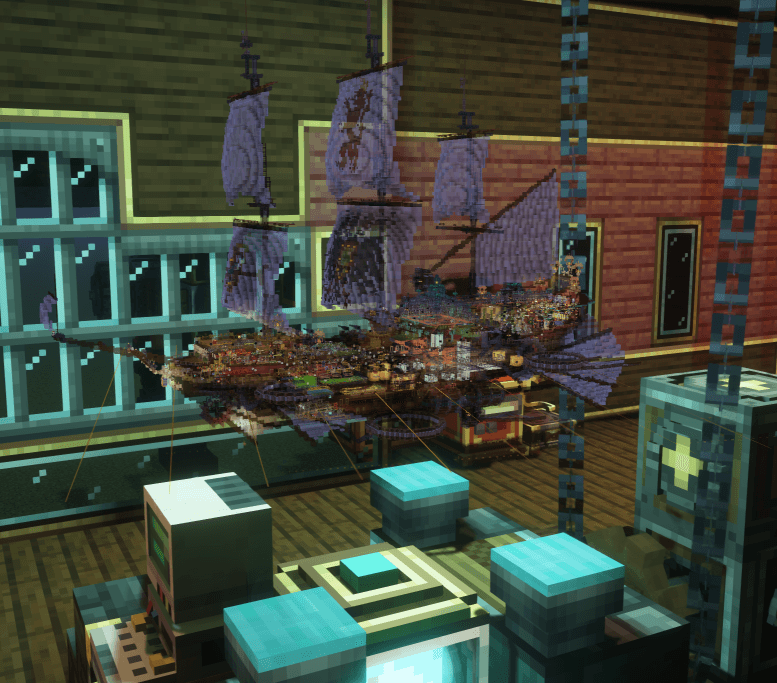
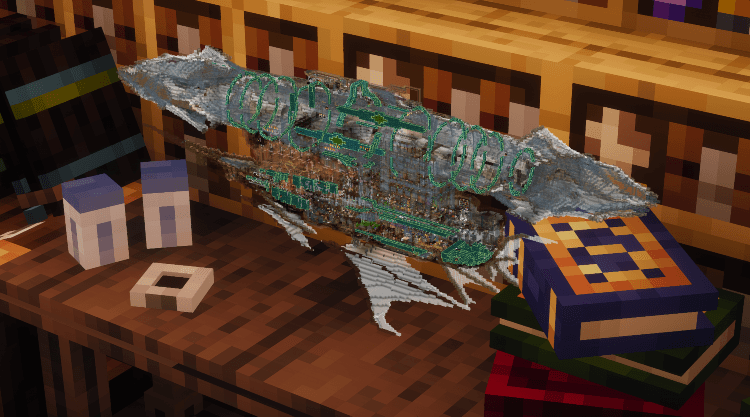
- Project a holographic model of your craft for inspection (craft by LuoMiao and Lendu)
Supported Engines
- Create: Flight Control - all thrusters
- Create Propulsion: Simulated - all thrusters
- Create Aeronautics - Gyroscopic Propeller Bearing, Hot Air Burner, Steam Vent
Dependencies
- Create 6.0.x
- Sable Physics
- Create Aeronautics
- Optional: CC: Tweaked
Verfügbare Versionen
Create: Flight Control auf dem Server installieren
Server bestellen
Bestelle einen Minecraft Java Server mit mindestens 4 GB RAM (6 GB empfohlen).
neoforge Loader setzen
Wähle im Panel unter "Egg" den neoforge-Loader und die passende Minecraft-Version (1.21.1).
Mod installieren
Öffne den Mod-Browser im Dashboard und suche nach "Create: Flight Control". Klicke "Installieren" – fertig! Alternativ: Lade die .jar via SFTP in den /mods Ordner.
Kompatibilität
Mod-Loader
Minecraft-Versionen
1.21.1
Server-seitig
✓ ErforderlichEmpfohlener RAM
6 GB(min. 4 GB)Häufige Fragen
Create: Flight Control Server crasht beim Start – was tun?
Häufigste Ursache: falsche neoforge-Version oder zu wenig RAM. Prüfe im Server-Log (latest.log), ob ein "OutOfMemoryError" oder "Mixin"-Fehler auftritt. Bei Mado Hosting: Stelle sicher, dass mindestens 4 GB RAM zugewiesen sind und der Loader zur Mod-Version passt (1.21.1). Über das Panel kannst du den Loader mit einem Klick wechseln.
Ist Create: Flight Control mit neoforge kompatibel?
Create: Flight Control unterstützt offiziell neoforge für Minecraft 1.21.1. Im Mado Dashboard werden inkompatible Loader-Kombinationen automatisch erkannt.
Server laggt mit Create: Flight Control – wie optimiere ich die Performance?
Empfohlener RAM: 6 GB (+1 GB pro 5 Spieler). Prüfe mit /spark profiler, ob Create: Flight Control den meisten Tick-Time verbraucht. Häufige Fixes: Server-View-Distance auf 8-10 reduzieren, bei Forge "performant" oder "starlight" als Zusatz-Mod installieren. Bei Mado Hosting läuft dein Server auf NVMe-SSDs mit dedizierten CPU-Kernen für minimale Latenz.
Ähnliche Mods




Modded Server mieten
Installiere Create: Flight Control mit nur einem Klick auf deinem Server.