
Create Missiles
Adds realistically physically simulated missiles to Create. Assemble missiles with over 30 different interchangeable parts
Über diese Mod




Welcome!
Create Missiles is a missile mod that adds realistically physically simulated missiles to Create. It has JEI and Ponder integration to help you get started.
Latest available version is for NeoForge 1.21.1, and requires Create 6.0.10. JEI is optional but recommended.
Features
Here are some of the features in the mod if you don't know where to start
- Clone assemblies with paper (writing this first because there's no JEI for this recipe)
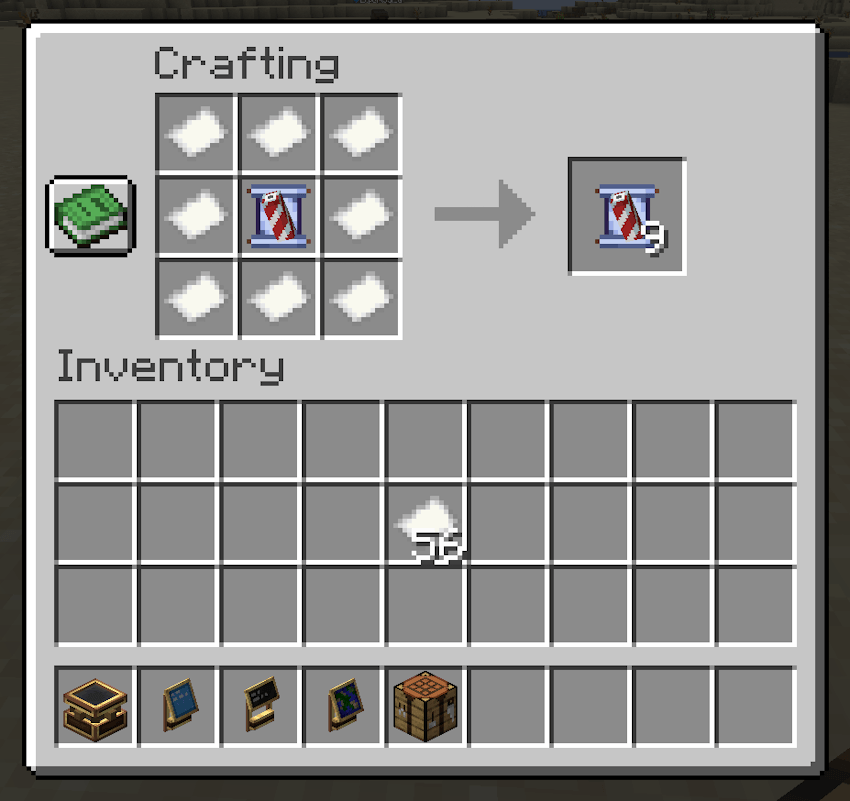
- Launch a
phantom'Drone' that flies to a specific coordinate and makes a map of the area 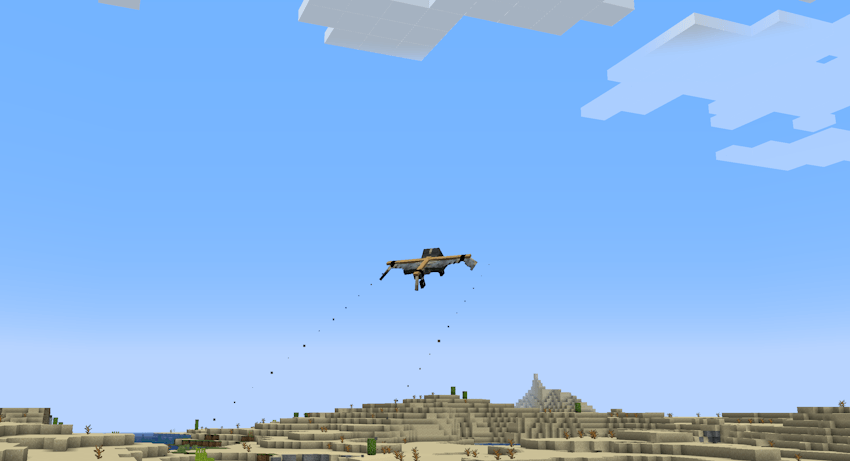
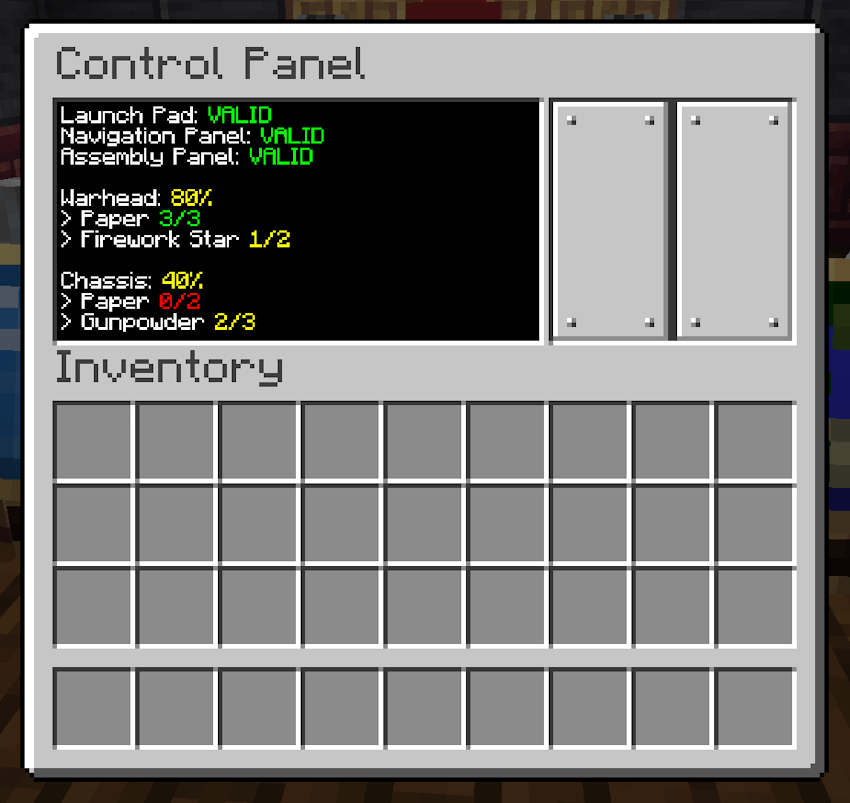
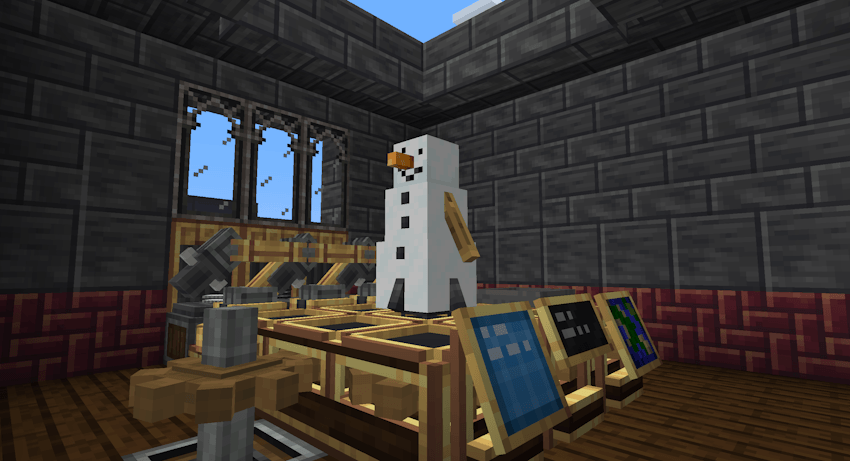
- Assemble a Launch Pad multi-block structure with a Control Panel, Assembly Panel and a Navigation Panel
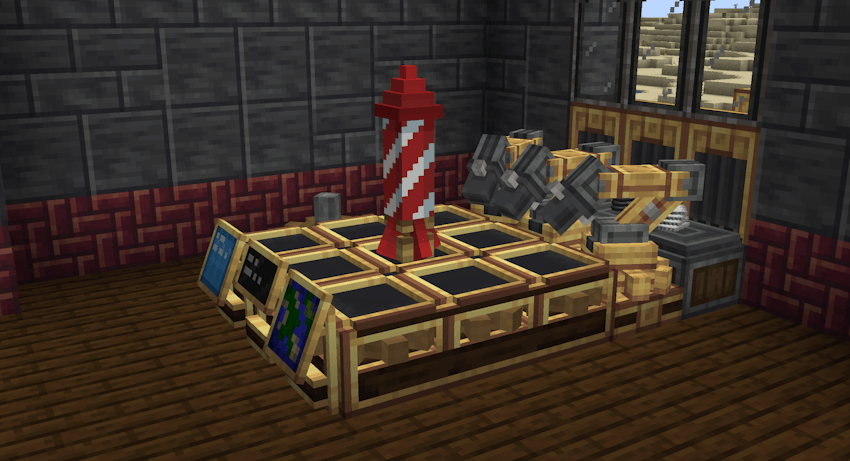
- Customize your missiles by combining different Warheads, Chassis and Thrusters
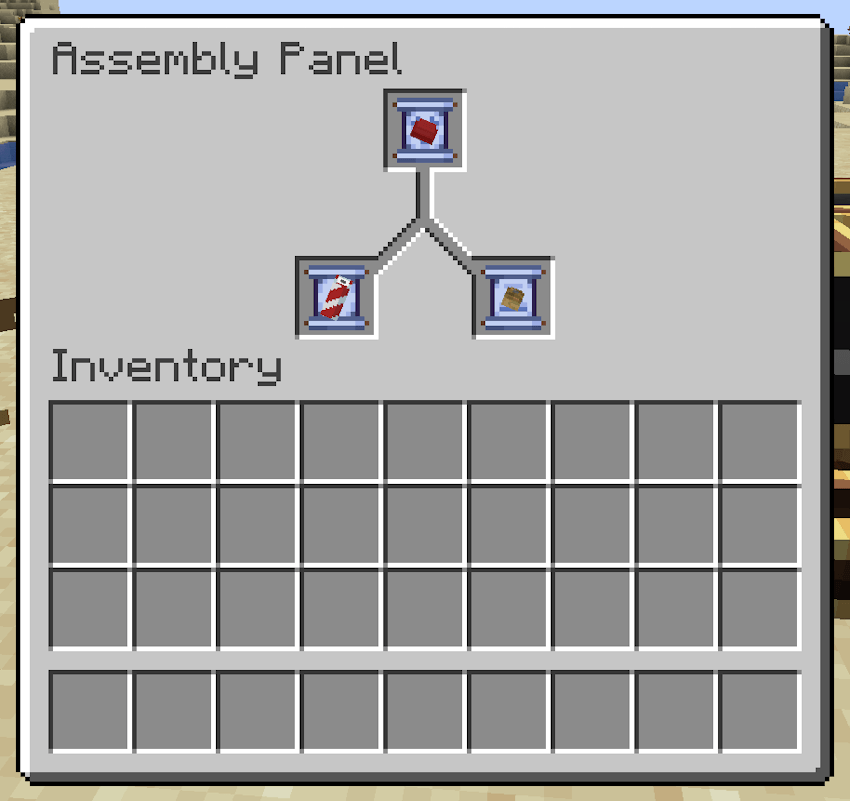
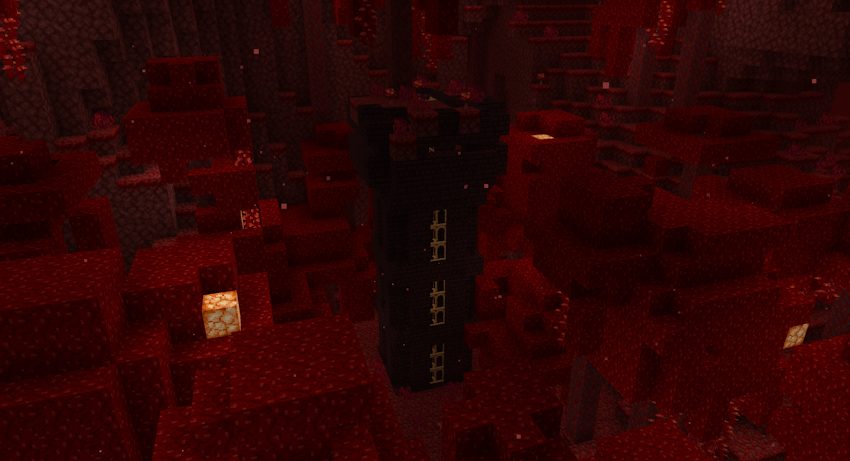
- Find upgrade cores in Bunkers across the world that make missiles more powerful
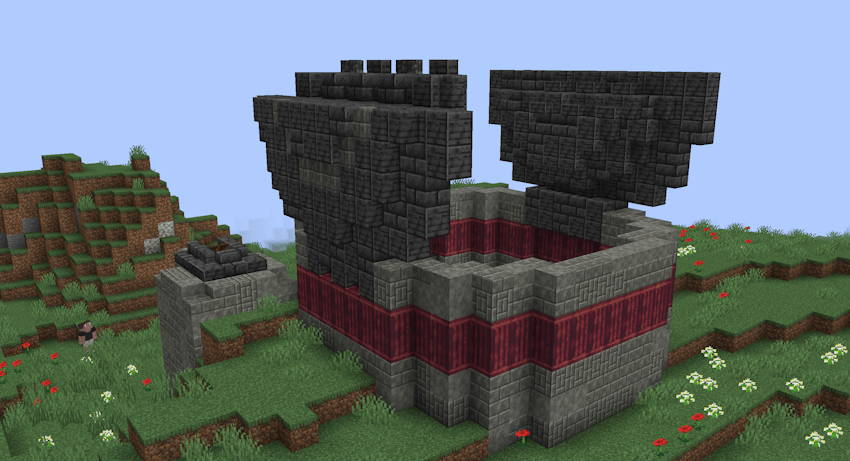
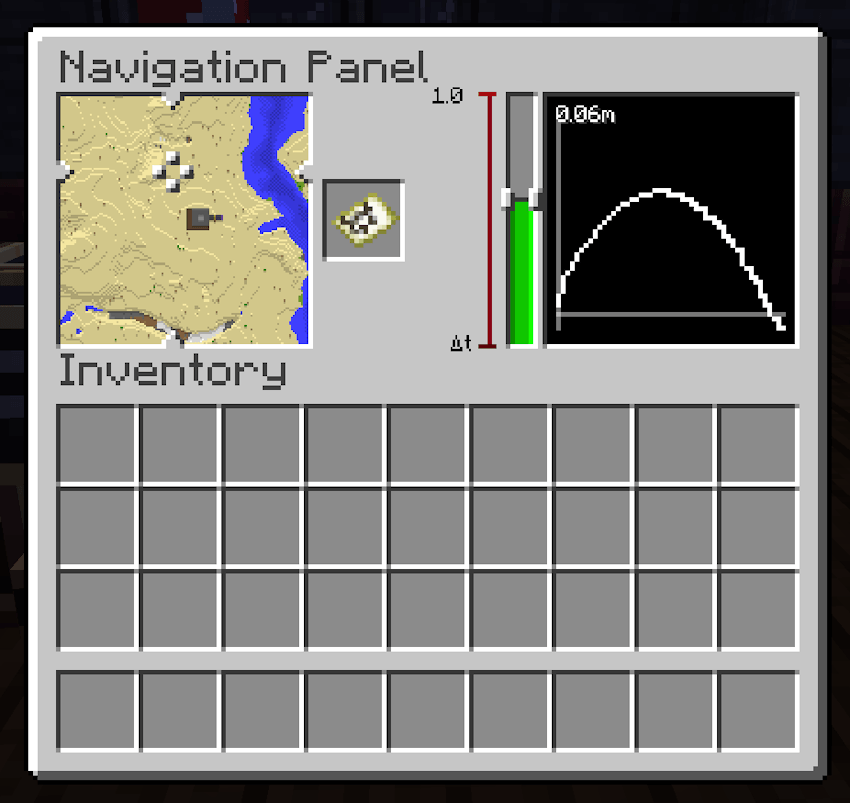
- Plot a target in the Navigation Panel by clicking on a map and setting the burn duration
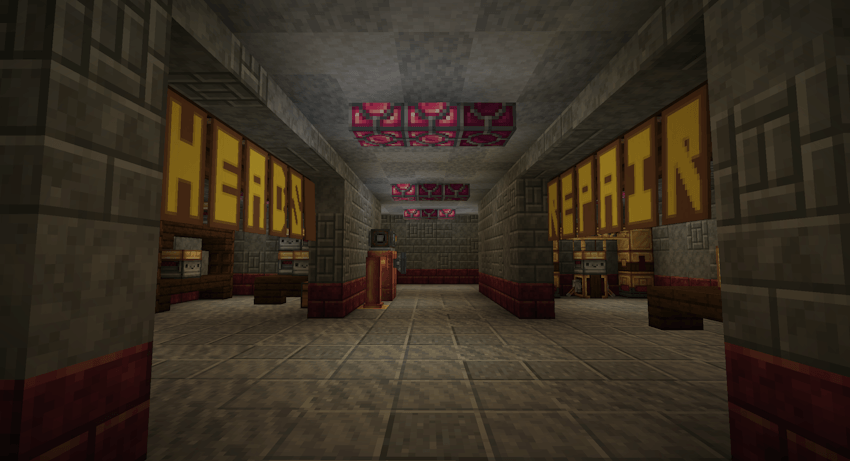
- Find depots with warhead assemblies in them
- Launch missiles from the Control Panel
- Lots of unique warheads, chassis and thrusters to play with
- Part stats are shown in JEI
- Missiles and drones can travel across unloaded chunks
- Explosions are handled asynchronously and utilize multiple threads, meaning we can afford to have more complex destruction calculations including the ability for blast-resistant blocks to protect other blocks
Contributors
I would like to thank these amazing people for lending me their time and skill to help with the project. Without them, this mod would be a fraction of the size <3
- ExpertSalad: Help with coding, including the entire physics simulation for the ballistic trajectory
- Diomorphus: Many, many, many different structures and variants of structures, many not implemented because he's such a perfectionist
Misc
- There's a website but it's a bit unfinished
- Comments welcome, bug reports go to GitHub
- There are currently no plans to downgrade the Minecraft version
- If you see the mod anywhere other than GitHub, Modrinth or CurseForge it's not me and it's probably a re-upload
Verfügbare Versionen
Create Missiles auf dem Server installieren
Server bestellen
Bestelle einen Minecraft Java Server mit mindestens 4 GB RAM (6 GB empfohlen).
fabric Loader setzen
Wähle im Panel unter "Egg" den fabric-Loader und die passende Minecraft-Version (1.21.1).
Mod installieren
Öffne den Mod-Browser im Dashboard und suche nach "Create Missiles". Klicke "Installieren" – fertig! Alternativ: Lade die .jar via SFTP in den /mods Ordner.
Kompatibilität
Mod-Loader
Minecraft-Versionen
1.21.1, 1.20.1
Server-seitig
✓ ErforderlichEmpfohlener RAM
6 GB(min. 4 GB)Häufige Fragen
Create Missiles Server crasht beim Start – was tun?
Häufigste Ursache: falsche fabric-Version oder zu wenig RAM. Prüfe im Server-Log (latest.log), ob ein "OutOfMemoryError" oder "Mixin"-Fehler auftritt. Bei Mado Hosting: Stelle sicher, dass mindestens 4 GB RAM zugewiesen sind und der Loader zur Mod-Version passt (1.21.1). Über das Panel kannst du den Loader mit einem Klick wechseln.
Ist Create Missiles mit fabric und forge und neoforge kompatibel?
Create Missiles unterstützt offiziell fabric, forge, neoforge für Minecraft 1.21.1, 1.20.1. Achtung: Forge- und Fabric-Mods sind NICHT untereinander kompatibel – wähle einen Loader und bleibe dabei. Im Mado Dashboard werden inkompatible Loader-Kombinationen automatisch erkannt.
Server laggt mit Create Missiles – wie optimiere ich die Performance?
Empfohlener RAM: 6 GB (+1 GB pro 5 Spieler). Prüfe mit /spark profiler, ob Create Missiles den meisten Tick-Time verbraucht. Häufige Fixes: Server-View-Distance auf 8-10 reduzieren, bei Forge "performant" oder "starlight" als Zusatz-Mod installieren. Bei Mado Hosting läuft dein Server auf NVMe-SSDs mit dedizierten CPU-Kernen für minimale Latenz.
Ähnliche Mods




Modded Server mieten
Installiere Create Missiles mit nur einem Klick auf deinem Server.