Cyberspace
Transfer your machines into the Cyberspace
Screenshots


Über diese Mod

{ Description }
Cyberspace adds a private digital pocket dimension for every player, plus a shared Public Cyberspace. Invite friends, visit their spaces, control visitor permissions, fly in Survival, and return to the exact location you entered from.
Also check out the Continuum addon to share one Cyberspace across multiple Minecraft saves.
{ Guide }
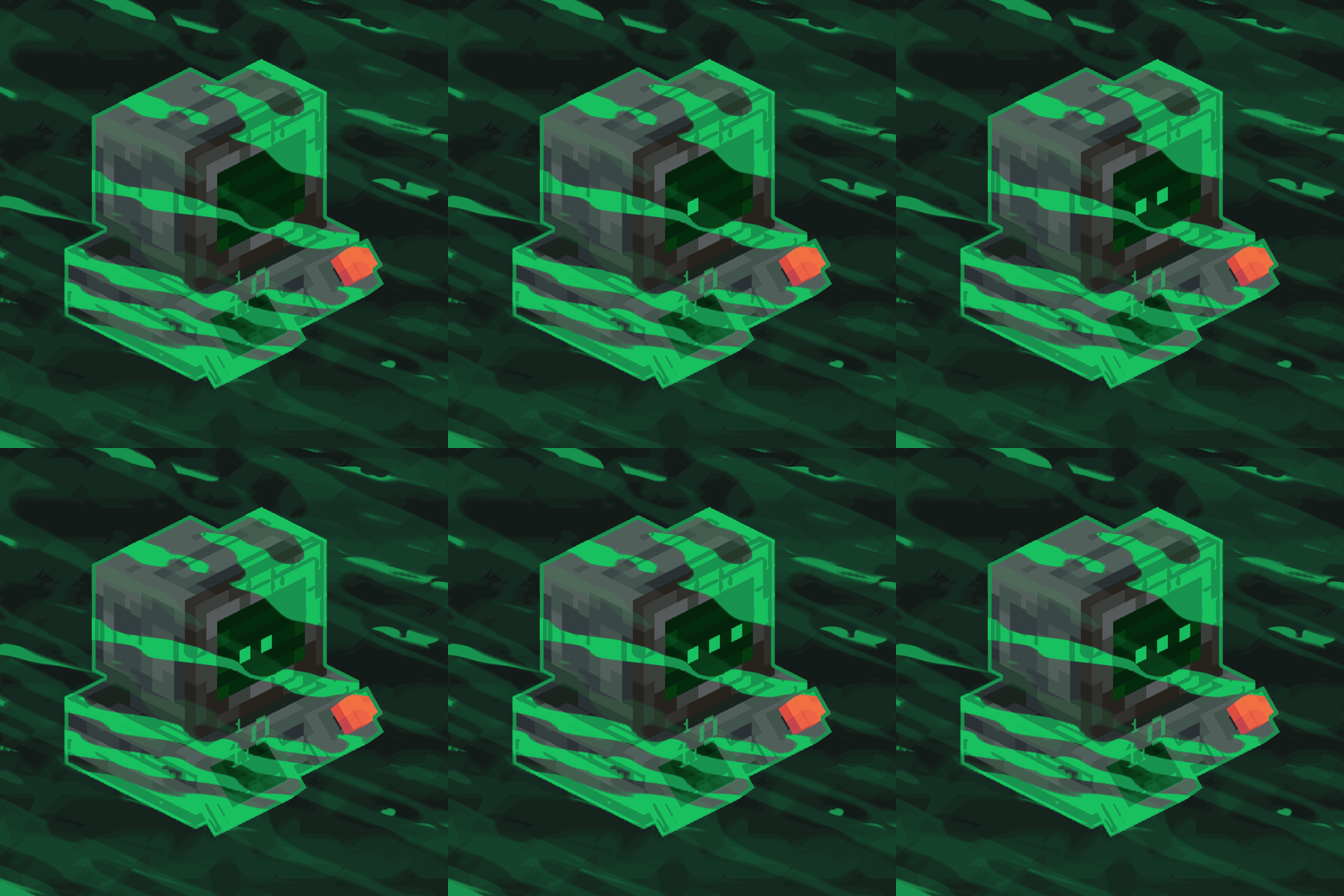
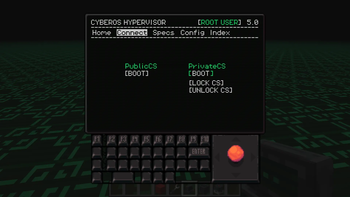
To access Public & Private Cyberspace, first build a Virtual Machine. A tutorial showing how to build it is available in the Gallery.
Each player gets their own protected 4096×4096 region inside the Private Cyberspace dimension. Regions are separated from each other, so every player has a huge personal area while still sharing the same dimension. You can invite friends, visit their regions, manage visitor permissions, and use the shared Public Cyberspace.
Use
/cyberspace invite,/accept,/decline,/visit,/home, and/revoketo manage multiplayer access. Press C (Keybind can be changed) to leave Cyberspace and return to the exact dimension and location you originally entered from.
Survival flight is enabled inside both Private and Public Cyberspace.
Cyberspace also works great with chunk loader mods, making it ideal for farms, machines, storage systems, and other automated builds.
{ Discord & Support }
If you need help, have any questions or suggestions, or want to follow the mod's development, join our Discord!
Support the project by donating on Ko-fi.
Verfügbare Versionen
Cyberspace auf dem Server installieren
Server bestellen
Bestelle einen Minecraft Java Server mit mindestens 4 GB RAM (6 GB empfohlen).
forge Loader setzen
Wähle im Panel unter "Egg" den forge-Loader und die passende Minecraft-Version (1.21.4).
Mod installieren
Öffne den Mod-Browser im Dashboard und suche nach "Cyberspace". Klicke "Installieren" – fertig! Alternativ: Lade die .jar via SFTP in den /mods Ordner.
Kompatibilität
Mod-Loader
Minecraft-Versionen
1.21.4, 1.21.1, 1.20.1
Server-seitig
~ OptionalEmpfohlener RAM
6 GB(min. 4 GB)Häufige Fragen
Cyberspace Server crasht beim Start – was tun?
Häufigste Ursache: falsche forge-Version oder zu wenig RAM. Prüfe im Server-Log (latest.log), ob ein "OutOfMemoryError" oder "Mixin"-Fehler auftritt. Bei Mado Hosting: Stelle sicher, dass mindestens 4 GB RAM zugewiesen sind und der Loader zur Mod-Version passt (1.21.4). Über das Panel kannst du den Loader mit einem Klick wechseln.
Ist Cyberspace mit forge und neoforge kompatibel?
Cyberspace unterstützt offiziell forge, neoforge für Minecraft 1.21.4, 1.21.1, 1.20.1. Im Mado Dashboard werden inkompatible Loader-Kombinationen automatisch erkannt.
Server laggt mit Cyberspace – wie optimiere ich die Performance?
Empfohlener RAM: 6 GB (+1 GB pro 5 Spieler). Prüfe mit /spark profiler, ob Cyberspace den meisten Tick-Time verbraucht. Häufige Fixes: Server-View-Distance auf 8-10 reduzieren, bei Forge "performant" oder "starlight" als Zusatz-Mod installieren. Bei Mado Hosting läuft dein Server auf NVMe-SSDs mit dedizierten CPU-Kernen für minimale Latenz.
Ähnliche Mods




Modded Server mieten
Installiere Cyberspace mit nur einem Klick auf deinem Server.