
Disable Fog
Allows you to selectively disable different types of fog.
Screenshots
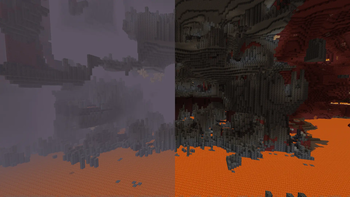
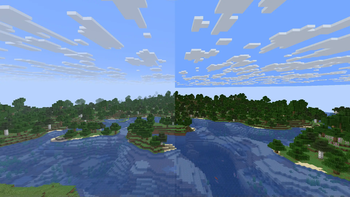
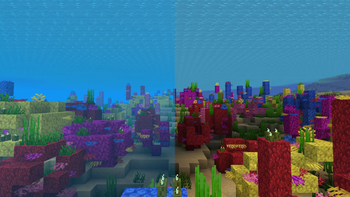
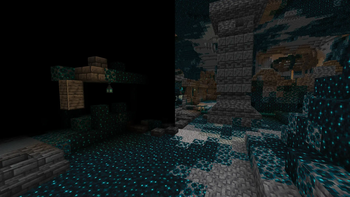
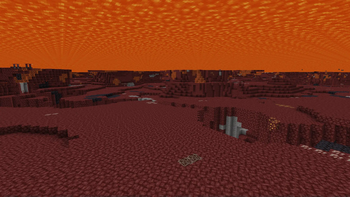

Über diese Mod
Disable Fog
This is a client mod that allows you to selectively disable certain types of fog in minecraft.
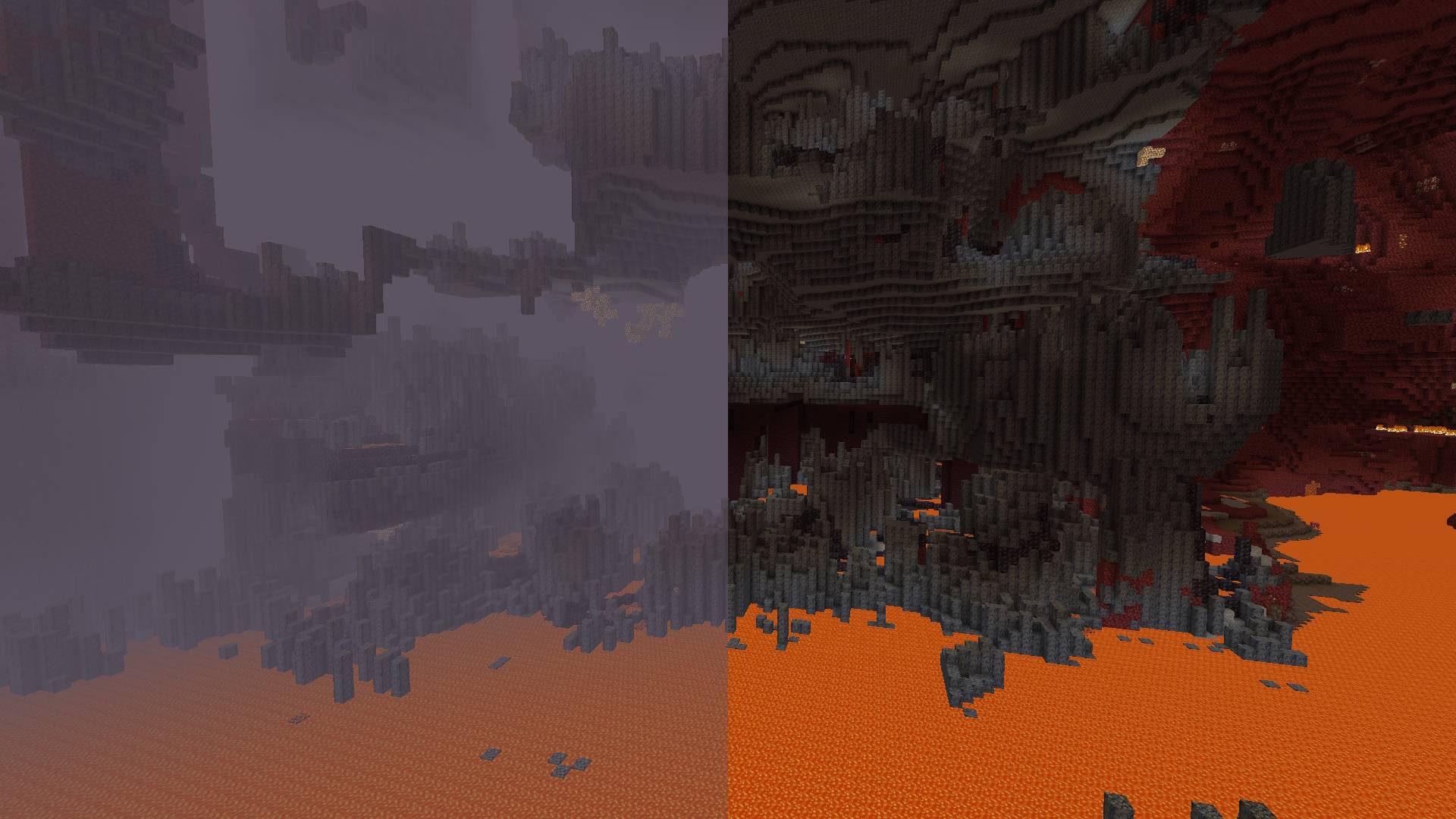


Toggleable Fog Types:
- Terrain Fog: Remove the fog that depends on the drawing distance, which hides the boundaries of the chunks.
- Atmospheric Fog: Remove sky fog in the Overworld and thick fog in the Nether.
- Lava Fog: Remove fog in lava for clearer vision.
- Water Fog: Clear underwater fog for better visibility.
- Powder Snow Fog: Eliminate fog effects in powder snow.
- Blindness Fog: Disable fog caused by the blindness effect.
- Darkness Fog: Remove fog from the darkness effect (e.g., from wardens).
By default, the mod disables terrain fog and atmospheric fog. All other fog types can be configured individually, including per-dimension overrides.
Configuration:
Starting from version 2.0.0, the mod includes a built-in configuration screen available on all mod loaders — no additional mods required.
For Fabric and Quilt:
- Install ModMenu to access the configuration screen in-game.
For Forge and NeoForge:
- No additional mods required. Select the mod from the mod list and click the "Config" button.
Per-Dimension Settings:
Each dimension can independently override the global fog settings. If a dimension setting is set to DEFAULT, it inherits the value from the global configuration. Dimensions added by other mods are supported automatically.
⚠️ Note for versions below 2.0.0:
Built-in configuration is available starting from version 2.0.0. On older versions, install ClothConfig and ModMenu to configure the mod in-game.
Verfügbare Versionen
Disable Fog auf deinem Client installieren
Mod-Loader lokal installieren
Installiere fabric für deine lokale Minecraft-Version.
Passende Datei herunterladen
Wähle die Disable Fog-Datei für fabric und Minecraft 26.3.
Mod installieren
Lege die .jar-Datei in deinem lokalen .minecraft/mods-Ordner ab und starte Minecraft neu. Eine Installation auf dem Server ist nicht nötig.
Kompatibilität
Mod-Loader
Minecraft-Versionen
26.3, 26.3-rc-2, 26.3-pre-2 (+29 weitere)
Server-seitig
✗ Nicht unterstütztEmpfohlener RAM
4 GB(min. 3 GB)Häufige Fragen
Muss Disable Fog auf dem Minecraft Server installiert werden?
Nein. Modrinth kennzeichnet Disable Fog serverseitig als nicht unterstützt. Installiere die Mod nur im lokalen Minecraft-Mods-Ordner. Dein Server kann unverändert bleiben, sofern die Mod-Seite keine zusätzliche Abhängigkeit nennt.
Welche Version und welchen Loader braucht Disable Fog?
Nutze eine Datei für fabric, forge, neoforge, quilt und exakt deine Minecraft-Version. Unterstützte Versionen sind unter anderem 26.3, 26.3-rc-2, 26.3-pre-2. Loader-Dateien sind nicht untereinander austauschbar.
Disable Fog funktioniert nicht – was kann ich prüfen?
Prüfe zuerst Minecraft-Version, Loader-Version und erforderliche Abhängigkeiten. Lege die .jar-Datei im lokalen .minecraft/mods-Ordner ab und entferne ältere Duplikate. Da die Mod clientseitig ist, löst mehr Server-RAM dieses Problem nicht.
Ähnliche Mods






Minecraft Server für deine Gruppe
Disable Fog bleibt auf deinem Client. Hoste dazu eine kompatible Welt für deine Mitspieler.