
Distant Worlds
Adds dimension with its own biomes, materials, mobs and even new crafting method
Screenshots
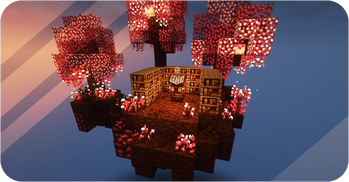
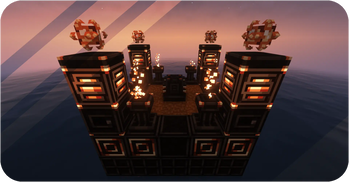
Über diese Mod

Created using MCreator
You can also download Distant Worlds: Emissive Pack
Check out the Mod Trailer and Wiki to learn more about
Trailer:
Reviews:
• About Distant Worlds •
Description: Distant Worlds mod is full of new game elements in the style of techno magic. Let's explore new dimension with different biomes, fight and tame mobs, use many building or functional blocks and discover new crafting method! (More dimensions will be added later)
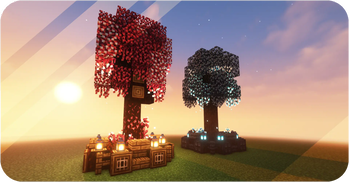
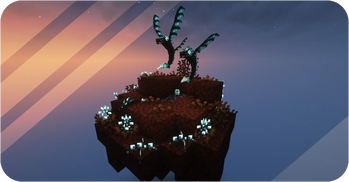
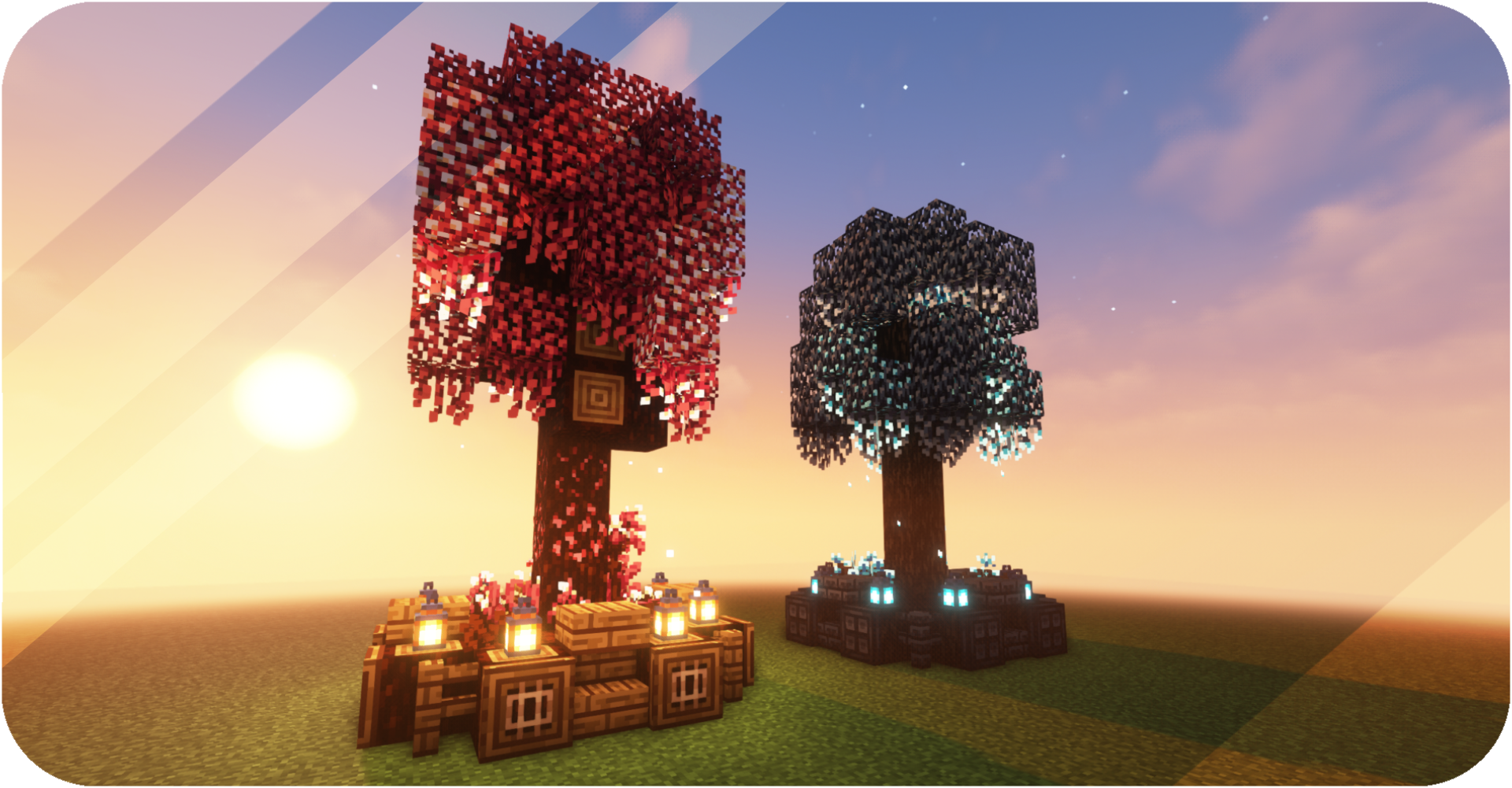
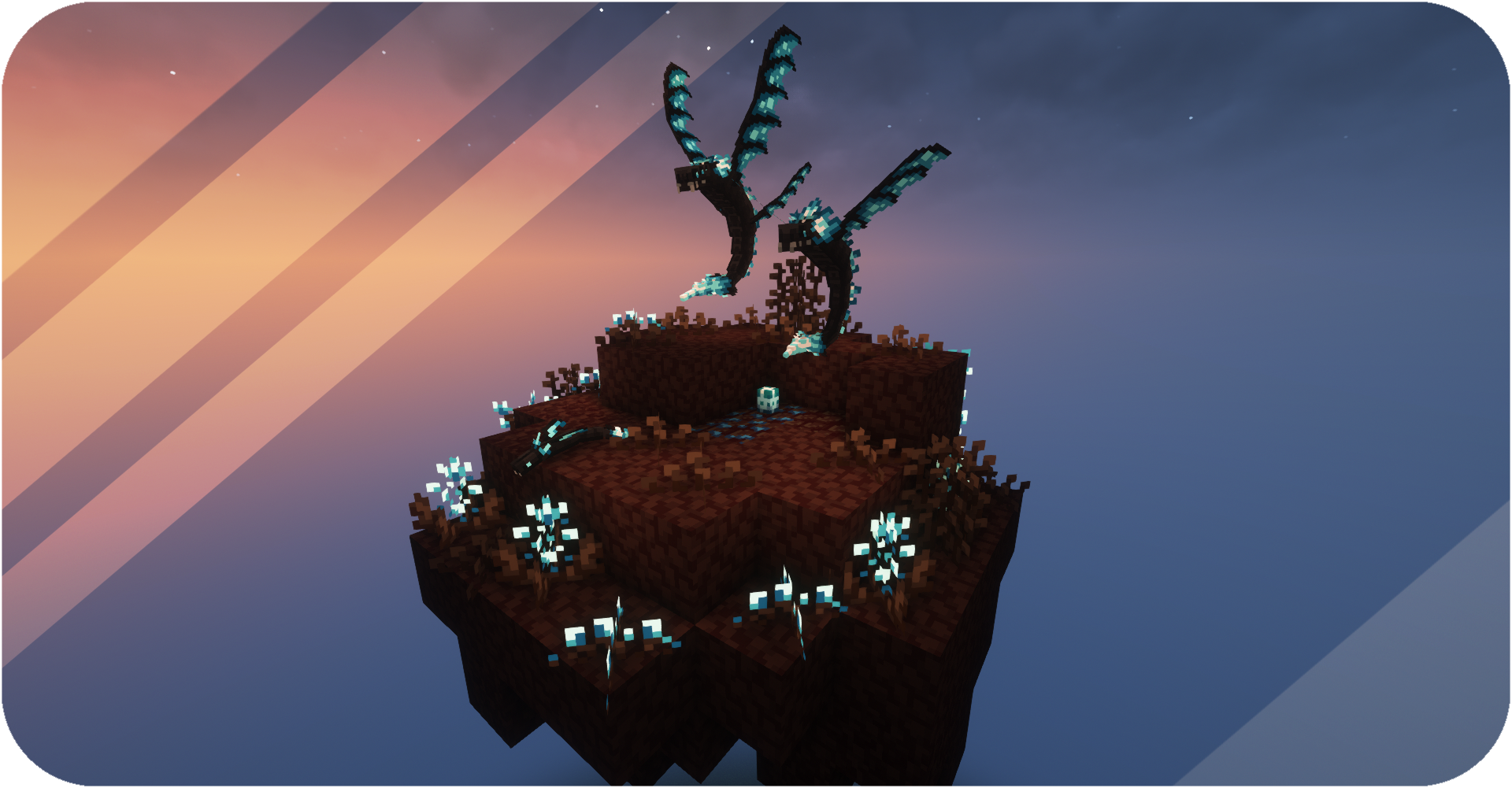
Biomes: Dimensions will be colorful and diverse with many new biomes! Each of them will have its own theme and interesting features. Here you will find many new blocks for your buildings.
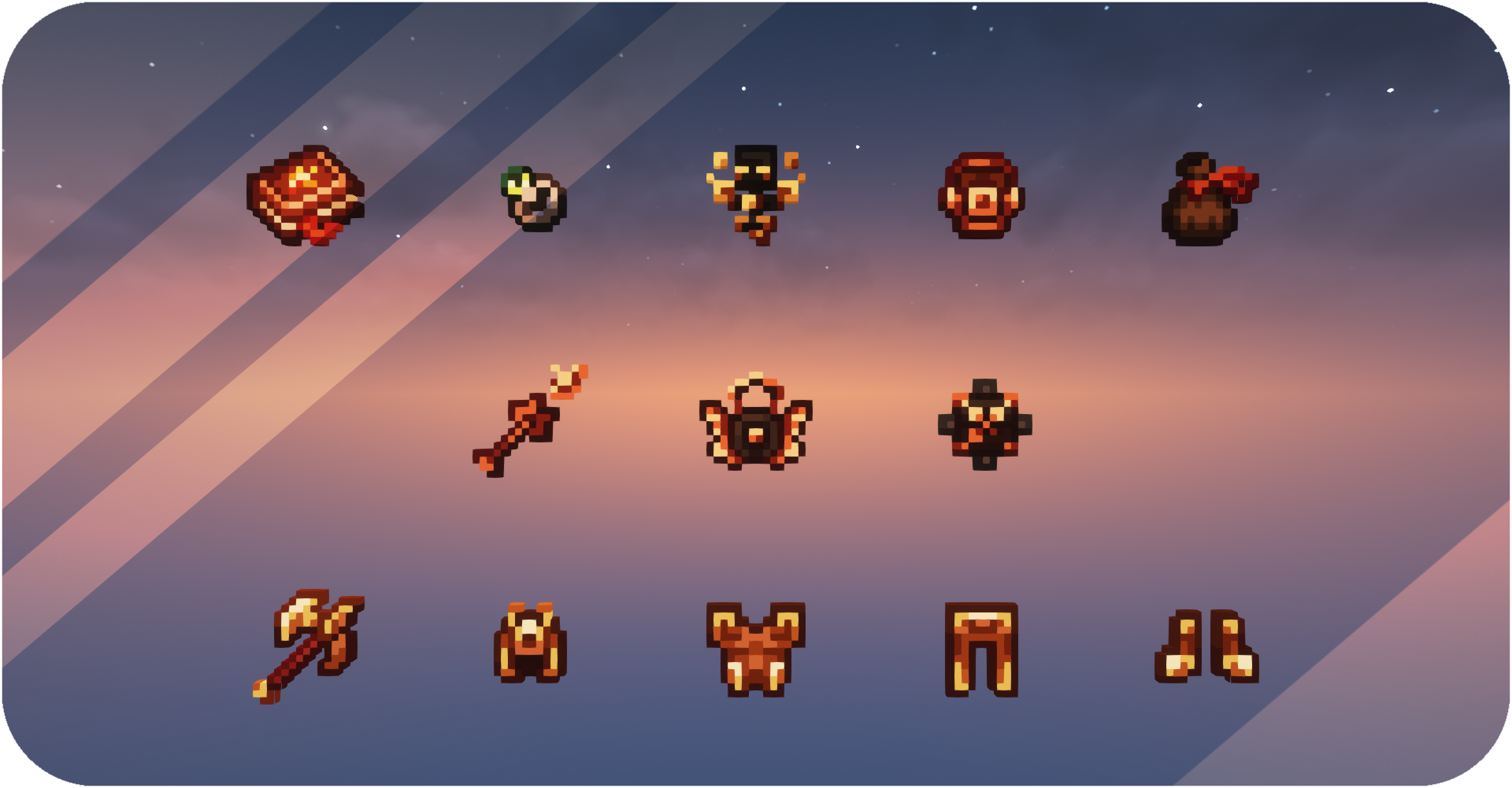
Mobs: Fight and tame! You can meet many new enemies and friends there. Loot will be really valuable, because you can create many useful things from it. Tamed animals will be able to protect you or help in a difficult battle.
Researches: Mod will be easier to understand with the research system! Find abandoned libraries, look for ancient papers, and do your own researches to find out more about what you've come across. New entries will appear in your books. Check them out to learn more.

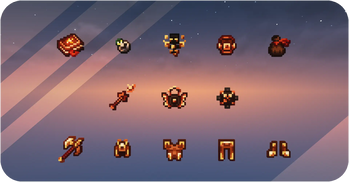
Rituals: Build structure for rituals to create stronger tools and armor using new materials. Special blocks with their functionality and various ways of receiving and moving energy are available to you. Craft and use enhancement modules to make rituals more comfortable for you!

• Getting Started •
Each player receives a Distant Worlds Book upon entering the world for the first time. Garhenna Book will receive new entries as you explore and travel. Use these books to learn all the information you need to start your journey.
Verfügbare Versionen
Distant Worlds auf dem Server installieren
Server bestellen
Bestelle einen Minecraft Java Server mit mindestens 3 GB RAM (4 GB empfohlen).
forge Loader setzen
Wähle im Panel unter "Egg" den forge-Loader und die passende Minecraft-Version (1.20.1).
Mod installieren
Öffne den Mod-Browser im Dashboard und suche nach "Distant Worlds". Klicke "Installieren" – fertig! Alternativ: Lade die .jar via SFTP in den /mods Ordner.
Kompatibilität
Mod-Loader
Minecraft-Versionen
1.20.1, 1.18.2
Server-seitig
✓ ErforderlichEmpfohlener RAM
4 GB(min. 3 GB)Häufige Fragen
Distant Worlds Server crasht beim Start – was tun?
Häufigste Ursache: falsche forge-Version oder zu wenig RAM. Prüfe im Server-Log (latest.log), ob ein "OutOfMemoryError" oder "Mixin"-Fehler auftritt. Bei Mado Hosting: Stelle sicher, dass mindestens 3 GB RAM zugewiesen sind und der Loader zur Mod-Version passt (1.20.1). Über das Panel kannst du den Loader mit einem Klick wechseln.
Ist Distant Worlds mit forge kompatibel?
Distant Worlds unterstützt offiziell forge für Minecraft 1.20.1, 1.18.2. Im Mado Dashboard werden inkompatible Loader-Kombinationen automatisch erkannt.
Server laggt mit Distant Worlds – wie optimiere ich die Performance?
Empfohlener RAM: 4 GB (+1 GB pro 8 Spieler). Prüfe mit /spark profiler, ob Distant Worlds den meisten Tick-Time verbraucht. Häufige Fixes: Server-View-Distance auf 8-10 reduzieren, bei Forge "performant" oder "starlight" als Zusatz-Mod installieren. Bei Mado Hosting läuft dein Server auf NVMe-SSDs mit dedizierten CPU-Kernen für minimale Latenz.
Ähnliche Mods




Modded Server mieten
Installiere Distant Worlds mit nur einem Klick auf deinem Server.