Double Hotbar
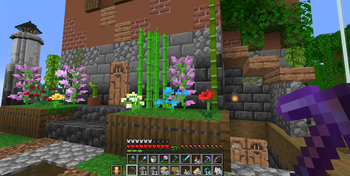
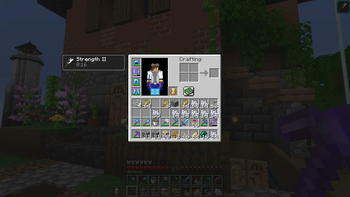
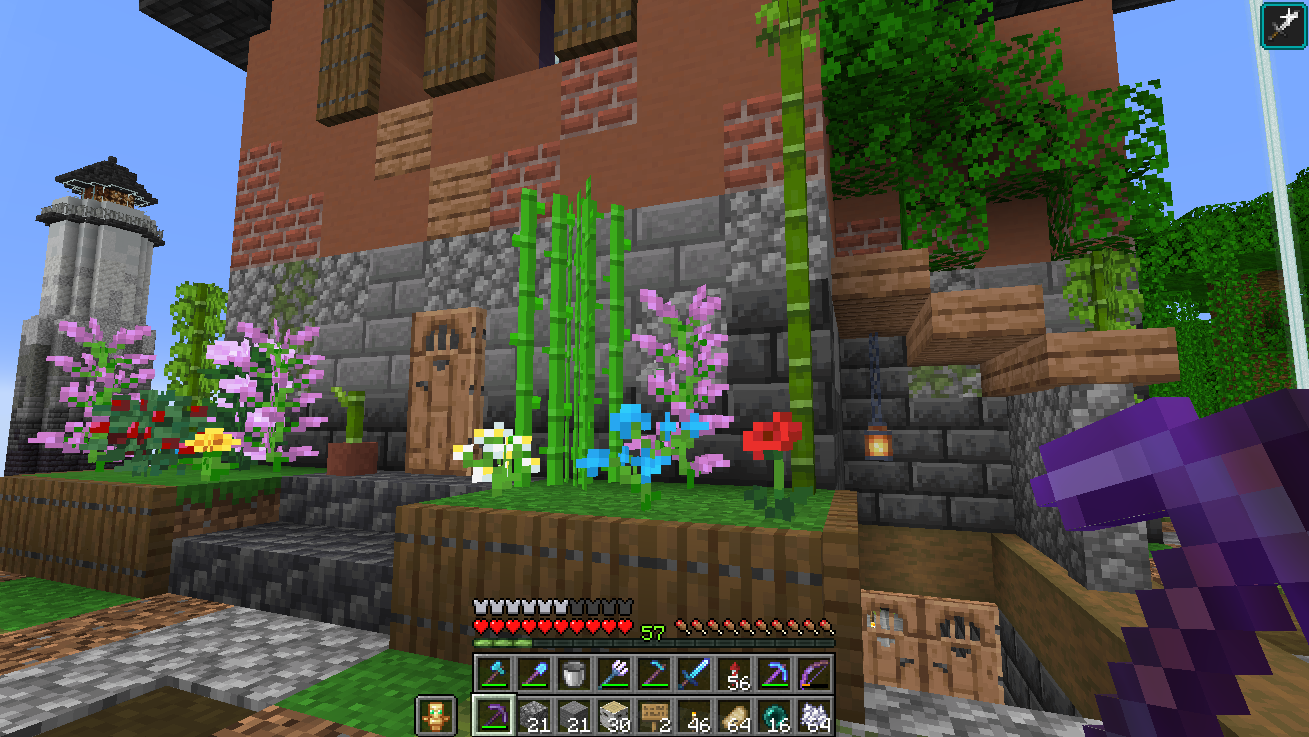
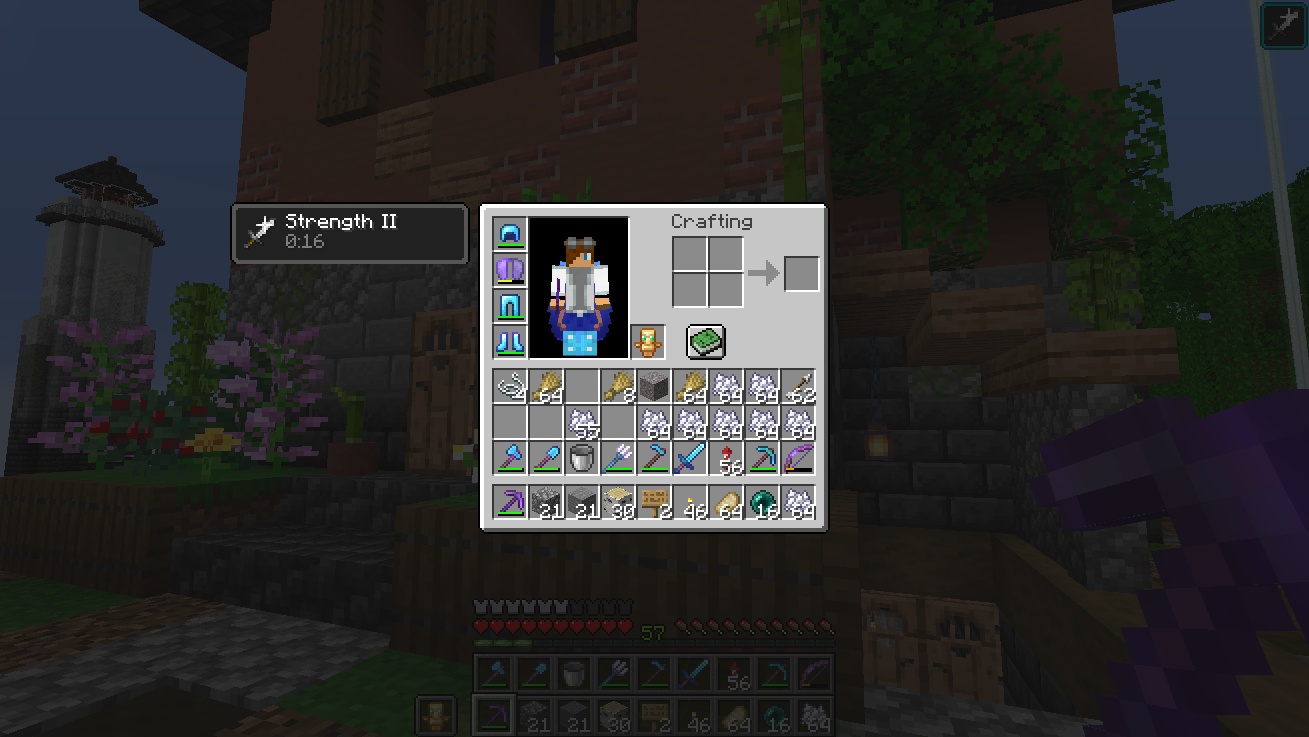
Adds a second hotbar that displays a row of the inventory on the HUD. This provides a dual hotbar setup where you can easily swap/hotswap/cycle which of the two hotbars is active. Improves inventory management.
Screenshots
Über diese Mod
Double Hotbar
Minecraft mod that expands the HUD and allows hotbar swapping.
Fully client side! Works on vanilla servers
Fabric version supports Minecraft 1.17.1 - 1.21.11 and 26.2-26.3 (Requires the Fabric API and Cloth Config API to work)
Forge version supports Minecraft 1.18.2 - 1.20.1 (No APIs required)
If there is interest in a Neoforge port please create a github issue specifying which versions
Features
Adds another hotbar that displays and allows you to use an additional row of the inventory.
Switch which hotbar is active by pressing R. (Hotkey can be changed in game settings)
Second hotbar can be hidden or changed to a different row in the inventory using the mod config
1.18.2+ ONLY: A single stack can be swapped by double tapping the slot number or by holding the swap key (Default: R)
Highly customizable options to maximize compatibility
Screenshots
Note: Fabric-v1.3.0+ requires fabric loader 0.14.9 or greater. If you have an old 1.18.2 instance you may have issues launching due to an outdated fabric loader
Some older, unmaintained versions available on curseforge
Verfügbare Versionen
Double Hotbar auf deinem Client installieren
Mod-Loader lokal installieren
Installiere fabric für deine lokale Minecraft-Version.
Passende Datei herunterladen
Wähle die Double Hotbar-Datei für fabric und Minecraft 26.3.
Mod installieren
Lege die .jar-Datei in deinem lokalen .minecraft/mods-Ordner ab und starte Minecraft neu. Eine Installation auf dem Server ist nicht nötig.
Kompatibilität
Mod-Loader
Minecraft-Versionen
26.3, 26.2, 1.21.11 (+23 weitere)
Server-seitig
✗ Nicht unterstütztEmpfohlener RAM
4 GB(min. 3 GB)Häufige Fragen
Muss Double Hotbar auf dem Minecraft Server installiert werden?
Nein. Modrinth kennzeichnet Double Hotbar serverseitig als nicht unterstützt. Installiere die Mod nur im lokalen Minecraft-Mods-Ordner. Dein Server kann unverändert bleiben, sofern die Mod-Seite keine zusätzliche Abhängigkeit nennt.
Welche Version und welchen Loader braucht Double Hotbar?
Nutze eine Datei für fabric, forge und exakt deine Minecraft-Version. Unterstützte Versionen sind unter anderem 26.3, 26.2, 1.21.11. Loader-Dateien sind nicht untereinander austauschbar.
Double Hotbar funktioniert nicht – was kann ich prüfen?
Prüfe zuerst Minecraft-Version, Loader-Version und erforderliche Abhängigkeiten. Lege die .jar-Datei im lokalen .minecraft/mods-Ordner ab und entferne ältere Duplikate. Da die Mod clientseitig ist, löst mehr Server-RAM dieses Problem nicht.
Ähnliche Mods






Minecraft Server für deine Gruppe
Double Hotbar bleibt auf deinem Client. Hoste dazu eine kompatible Welt für deine Mitspieler.