
Modrinth · Forge, NeoForge
Earth Mobs Mod auf deinem Minecraft Server
Earth Mobs Mod läuft auf Minecraft Servern mit Forge oder NeoForge. Bestell deinen Server, stell den Loader im Panel ein und installiere die Mod mit einem Klick im Mod-Browser.
With over 300,000 downloads, this mod adds a colorful new variety of mobs to discover, and more! This was a high school project of mine I did for college applications
- Downloads
- 5.8K
- Autor
- derexXD
- Loader
- Forge, NeoForge
- Minecraft
- 1.12.2 – 1.21.4
- Aktualisiert
- –
Screenshots
So sieht Earth Mobs Mod aus
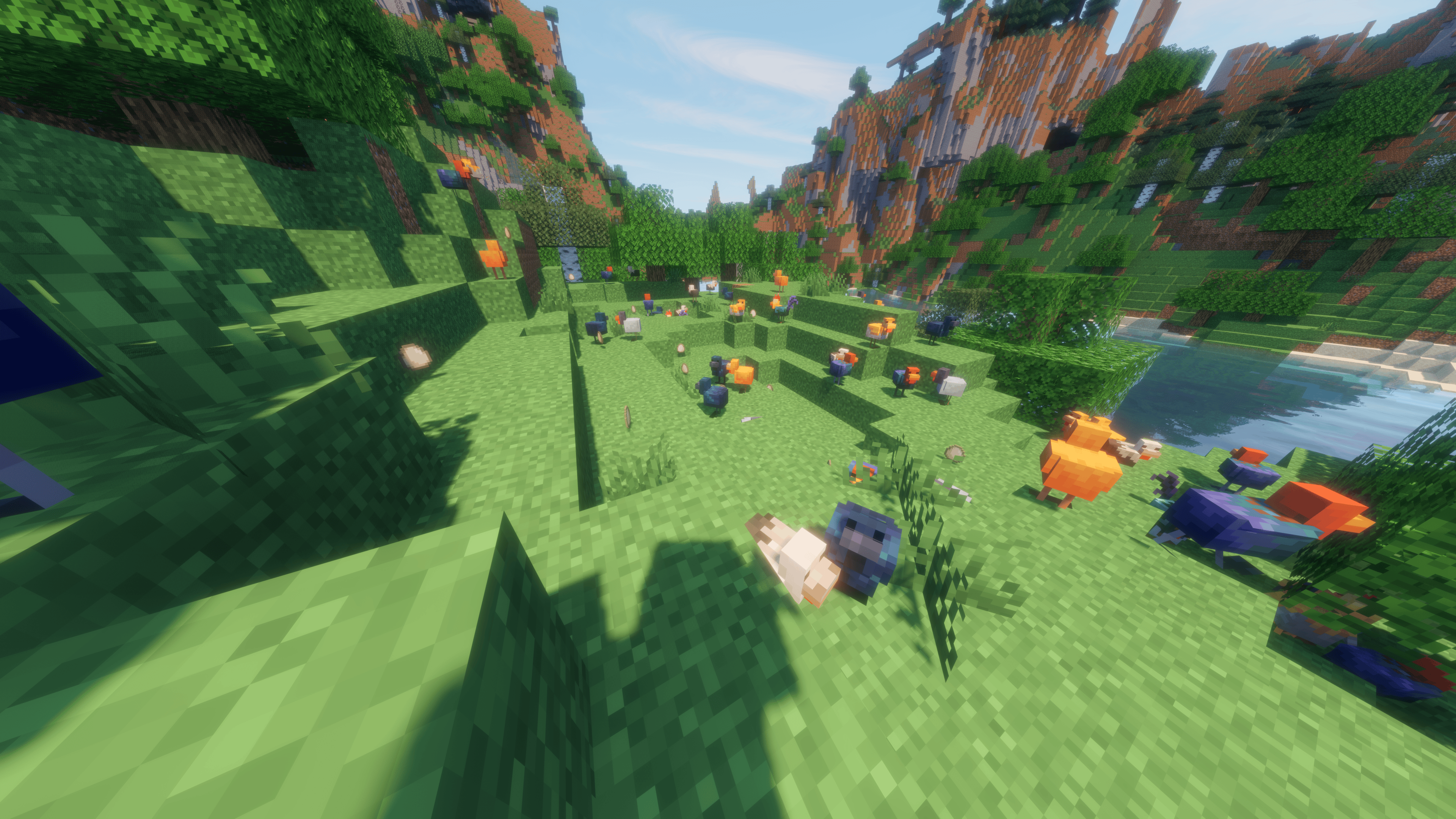
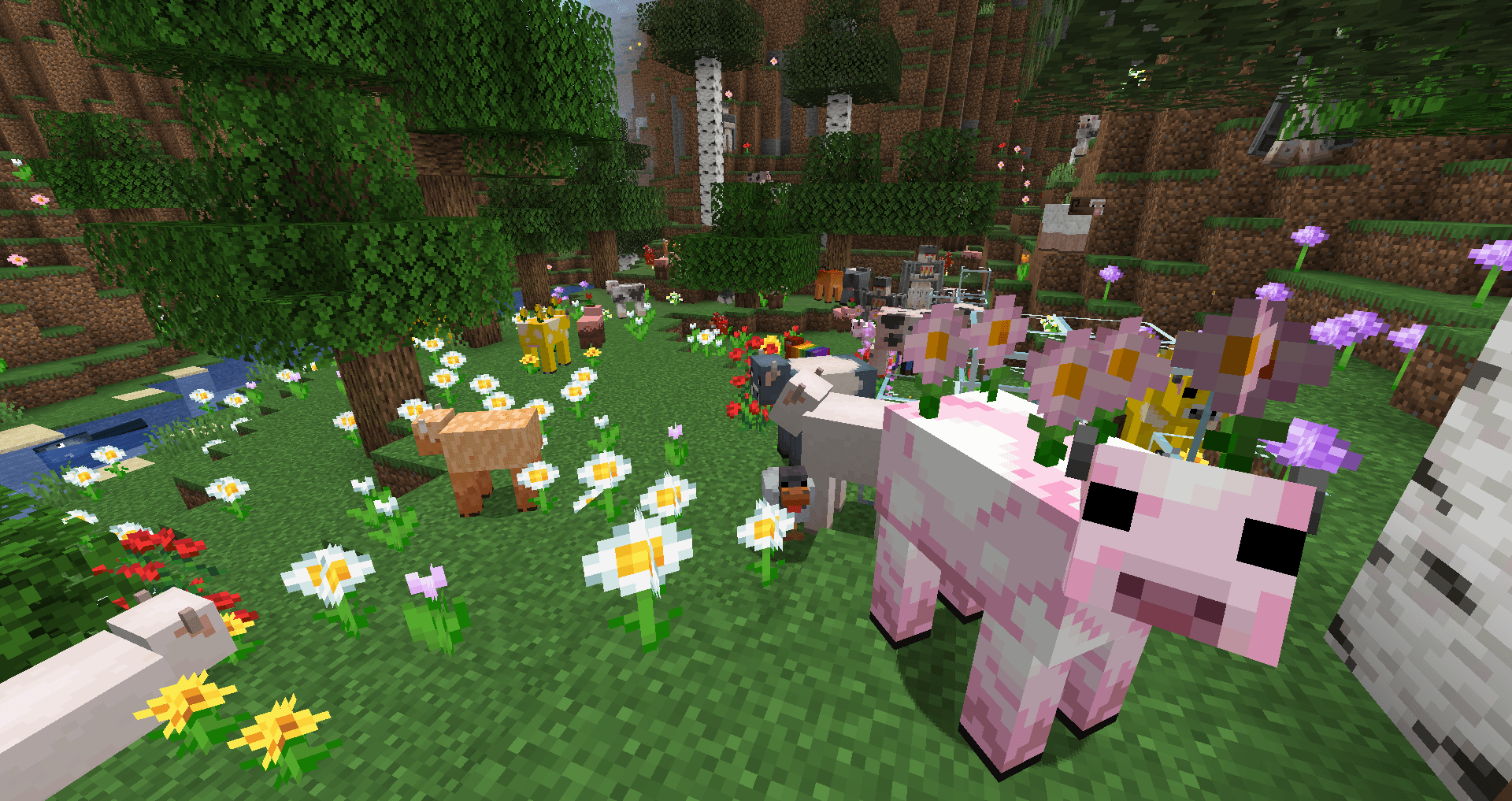
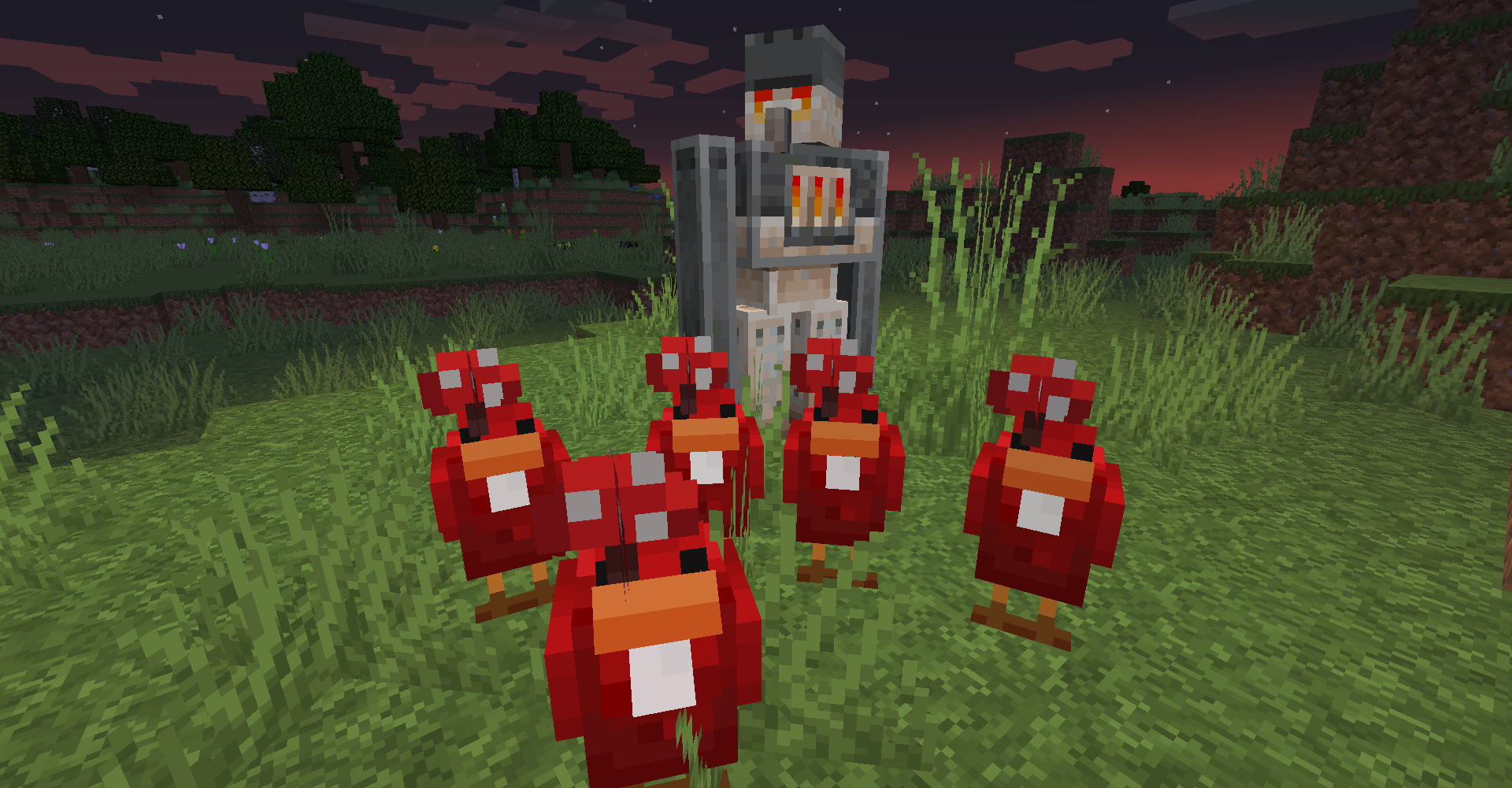
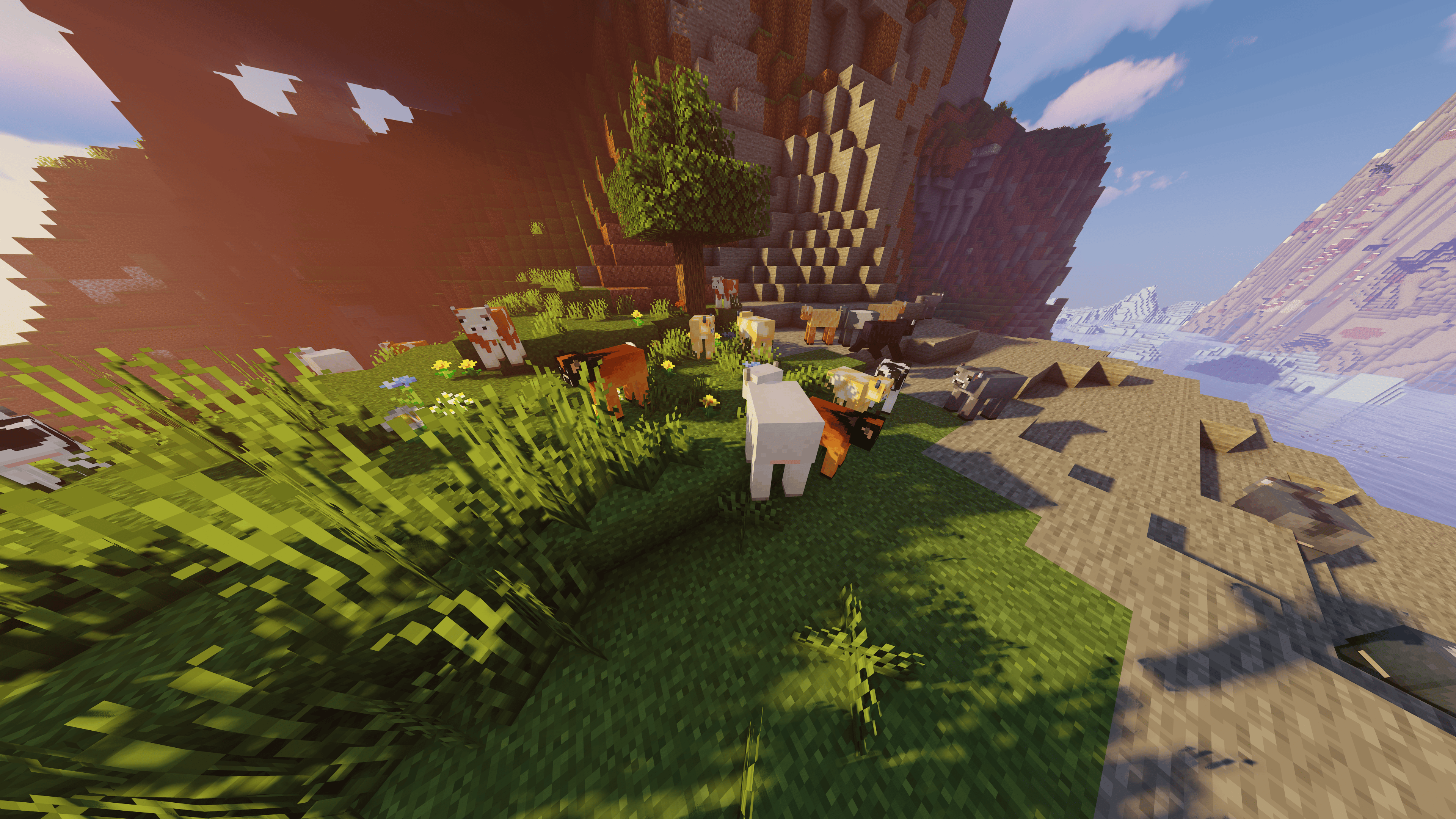
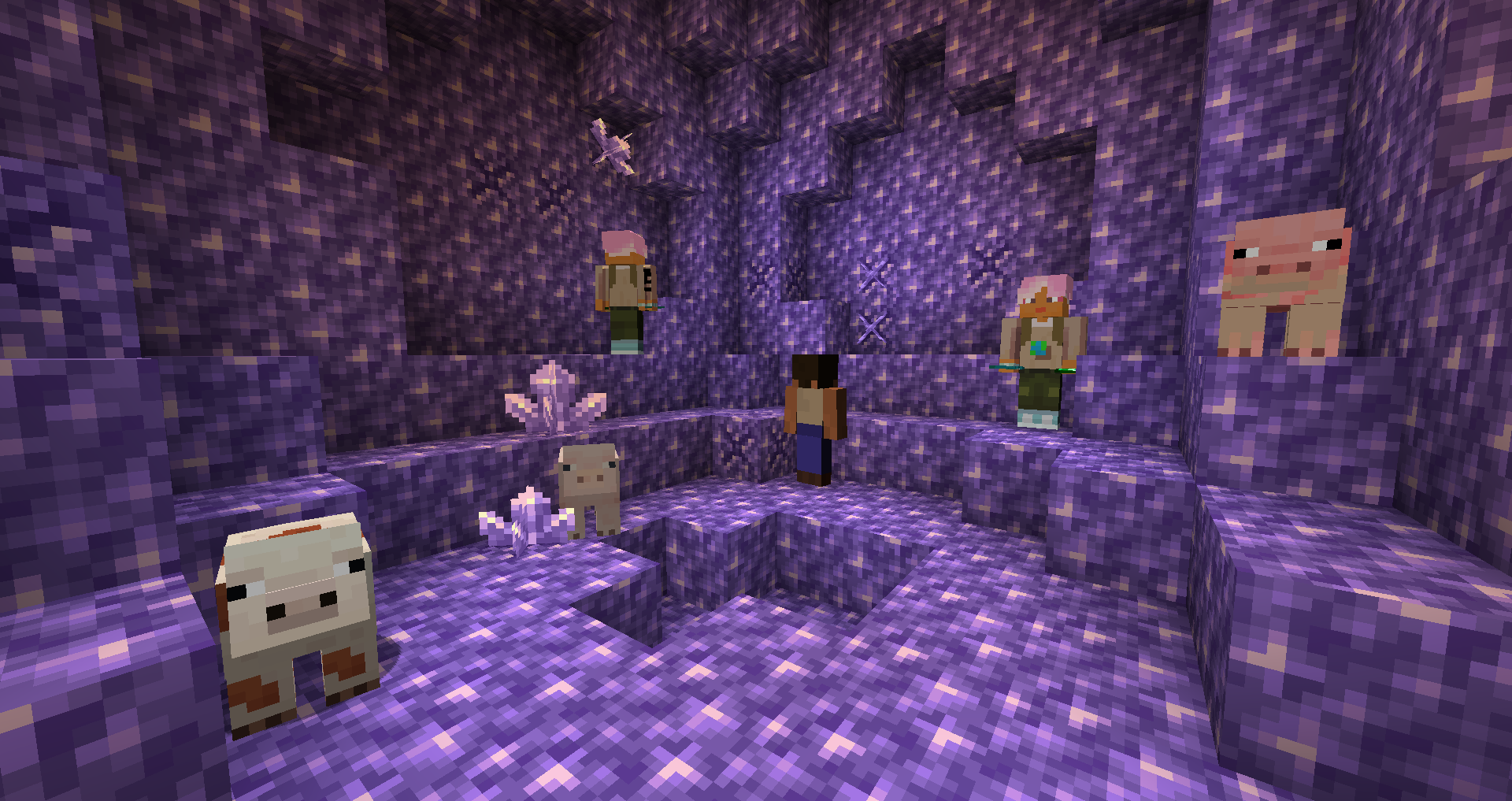
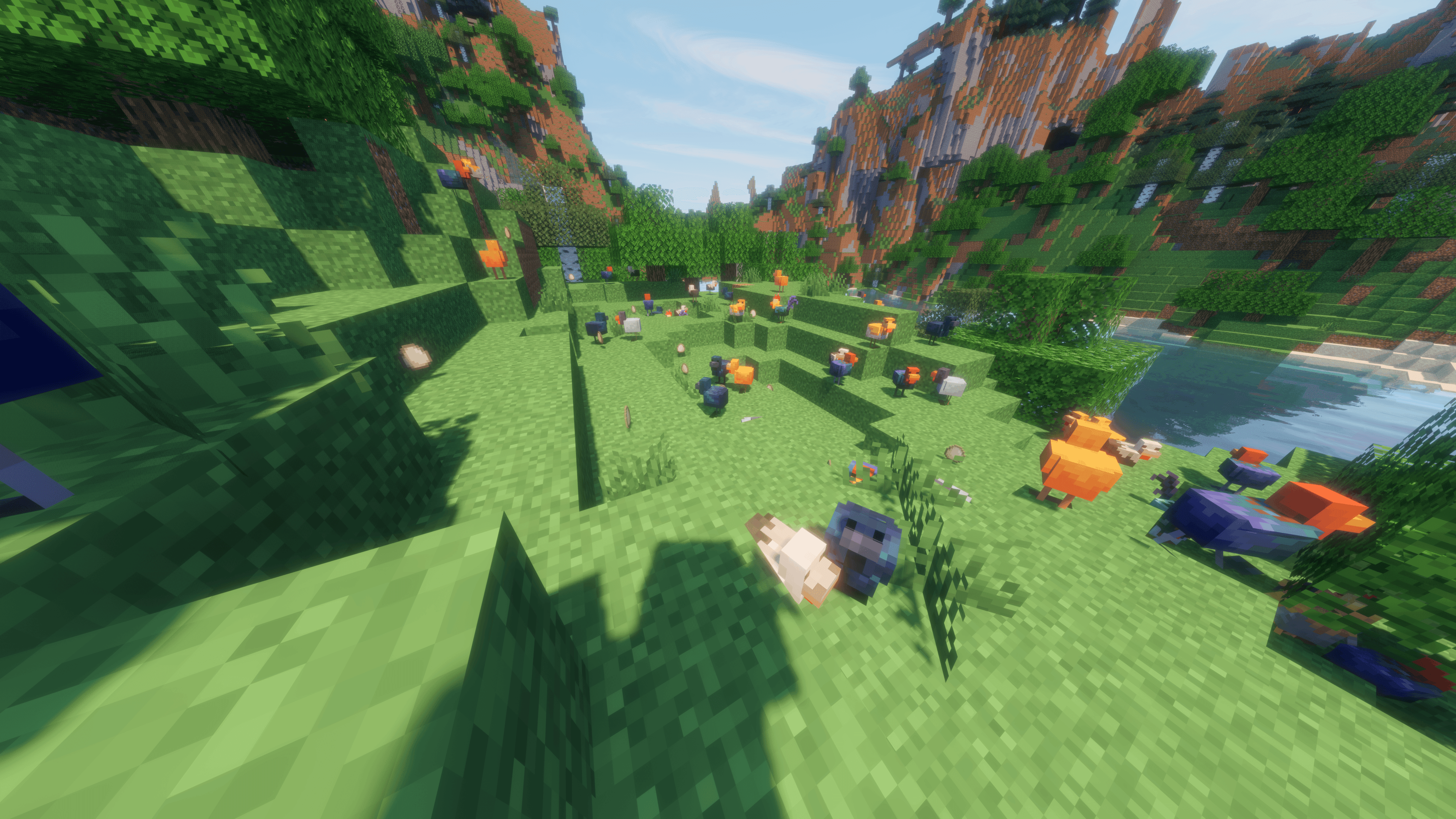
Bilder: Earth Mobs Mod auf Modrinth, vom Projektteam veröffentlicht.
Einrichtung
Earth Mobs Mod auf dem Server installieren
Server und Spieler brauchen denselben Loader und dieselbe Minecraft-Version. Sichere die Welt, bevor du Mods hinzufügst oder aktualisierst.
- 01
Konfigurieren
6 GB RAM sind vorausgewählt. Laufzeit und Add-ons wählst du selbst, bezahlt wird per Kreditkarte oder PayPal.
- 02
Loader einstellen
Stell im Panel die Serversoftware auf Forge oder NeoForge und wähl die passende Minecraft-Version, zum Beispiel 1.21.4.
- 03
Mod installieren
Such im Mod-Browser nach „Earth Mobs Mod“ und installiere die Version für deinen Loader. Alternativ lädst du die .jar per SFTP in den Ordner mods. Erforderliche Abhängigkeiten stehen auf der Projektseite.
- 04
Verbinden
Earth Mobs Mod ist auf dem Client nicht nötig. Spieler verbinden sich über die Serveradresse aus dem Panel.
- Auf dem Server
- Erforderlich
- Auf dem Client
- Nicht nötig
- Loader
- Forge, NeoForge
- Minecraft
- 1.21.4, 1.19.2, 1.17.1 +5 weitere
- Lizenz
- MIT License
Das Panel
Mods installieren, Fehler finden.
Echte Screenshots aus dem Mado Panel. Beides ist bei jedem Minecraft Server enthalten.
Mod-Browser
Modrinth und CurseForge direkt im Panel.
Der Browser filtert nach deiner Minecraft-Version. Mods installierst du mit einem Klick, ohne .jar-Dateien hochzuladen.

KI-Crash-Analyse
Wenn ein Mod crasht, liest die Analyse das Log.
Mods scheitern oft an einer falschen Loader-Version, Java-Version oder fehlenden Abhängigkeit. Die Analyse nennt eine wahrscheinliche Ursache und einen Lösungsvorschlag.

Versionen
Veröffentlichte Versionen
Nimm die Datei, die zu Loader und Minecraft-Version deines Servers passt. Server und Spieler brauchen dieselbe Version.
Earth Mobs Mod · Modrinth- Minecraft Earth Mod 1.19.2-5.2.3.025. Mai 2025Minecraft 1.19.2 · Forge
- Minecraft Earth Mod 1.15.2-1.0.1.221. Mai 2025Minecraft 1.15.2 · Forge
- Minecraft Earth Mod 1.14 Edition 1.14.4-1.1.6.221. Mai 2025Minecraft 1.14.4 · Forge
- Minecraft Earth Mod 1.16.5-2.7.0.121. Mai 2025Minecraft 1.16.5 · Forge
- Minecraft Earth Mod 1.16.4-2.0.1.021. Mai 2025Minecraft 1.16.4 · Forge
Originalbeschreibung des Projektautors
If this project helped you, please consider leaving some stars on Github and donating!


After a ton of user requests, I'm beginning to slowly migrate my mod over to Modrinth from CurseForge where it's been for years. This was one of my first mods I coded in high school!

The other mods that added Minecraft Earth were below 1.15.2 at the time and missing many features, so I made a mod that adds the Minecraft Earth features to 1.15.2 and beyond
As of the latest version, we have diverse mobs, new items, colorful blocks, amazing loot, and a secret dimension!
Uses (and requires) GeckoLib as an animation engine
You may use this mod in a modpack as long as you do not sell it via any means, you give credit (Linking back to this page), you do not make any changes to the mod aside from config files, and you follow all of the other terms listed in the license.
Let's take a look at the mod features! (A full list is on our wiki)
Mod Showcase
Join our modding discord! (dm me about the SMP if interested)
Also if you liked the mod and want to see my progress a simple follow would do!
❤️ Credits:
Coded by DerexXD

A brief list is here:
- superflitten — Provided textures for cow, sheep, and pig mobs via PMC
- CannibalSyndrome — Furnace Golem trail; suggested porting the mod to 1.12.2; shearing mechanics for Wooly Cow and Horned Sheep
- NightslayLachy — Moobloom functionality and Buttercup implementation
- blueguy0170 — Muddy lake balance adjustments
- Mrbacap — Skeleton Wolf taming
- grimmdelights — Milkable cows; spawn rate adjustments for Bone Spiders and Skeleton Wolves; prevented spawning in the End and Nether; fixed cows not following wheat
- nick_mckay_dev — Blowing in horn feature
- Juanse582 — Carved melons
- Cixon — Fixed Skeleton Wolves attacking wolves
- goti4no — Fixed Muddy Pig duplication exploit; enabled Mooblooms to plant additional yellow flowers
- LuyQyu — Cluckshrooms laying eggs
- maklehu — Skeleton Wolf sitting behavior; fixed sitting teleportation issue; Ruby Shop changes
- Hillionliat — Additional Moobloom flower planting; fixed Moobloom player-staring behavior; Moobloom model correction; Furnace Golem model changes
- ClaySoldiersIsTheOne — Pinto Cows
- White_Blaze — Mob of Me
- SacredSpirit123 — Lobber Zombie; Furnace Golem changes; Glow Squid phase-out plans; Mob of Me skin changing; Viler Witch
- EliotWL — Fixed fatal crash
- nofacekaiju — Fixed fatal crash
- JBalina — Skeleton Wolves burning in daylight; improved sit/stand interactions
- Yourname942 — Skeleton Wolves burning in daylight; configuration system
- frostfire1104 — Mob of Me skin changing
- Duckster97 — Fixed pig variants not following players holding preferred food
- rafaelkai — Mud improvements
- GoombarioFan — Corrected Pale Pig name; fixed mobs not dropping cooked meat on death
- SalehGrey — Suggested configuration system
- thepriz — Fixed turtles not spawning
- IMadeThisJustToPostThis — Fixed mud gameplay-breaking sound; added mud structure spawning config option
- PlayerSlim — Merl texture
- LionCat3125 — Viler Witch
- Tormentist — Viler Witch texture
- youser123 — Furnace Golem paved-road destruction; fixed Melon Golem hostility; fixed Cluckshroom model
- Juidius_Xentao77 — Golem configuration option
- Ravage656 — Fixed Viler Witches spawning in the End
- Devaraja99 — Reported buggy 1.19.2 models
- hihihihqq — Reported buggy 1.19.2 models
- TelepathicGrunt — Reported oversized Earth Mobs textures in texture atlas
- Milanovsk1 — Fixed Wooly Cow and Horned Sheep model bug
- Cartilagoxo — Reported/fixed Melon Golem model bug
Earth Mobs Mod Server crasht beim Start – was tun?
Häufige Ursachen: Loader- oder Minecraft-Version passen nicht zur Mod-Datei, eine Abhängigkeit fehlt oder der RAM reicht nicht. Such im Log (latest.log) nach „OutOfMemoryError“, „Mixin“ oder fehlenden Mods. Bei Mado wertet die KI-Crash-Analyse das Log aus und schlägt eine Ursache vor. Loader und Version änderst du im Panel.
Mit welchem Loader läuft Earth Mobs Mod?
Laut Modrinth unterstützt Earth Mobs Mod Forge, NeoForge für Minecraft 1.21.4, 1.19.2, 1.17.1.
Wie viel RAM braucht ein Server mit Earth Mobs Mod?
Als Orientierung 4–6 GB für einen Server mit dieser Mod. Das ist eine Schätzung, keine gemessene Mindestanforderung. Weitere Mods, viele Spieler und große Sichtweiten brauchen mehr. Ob eine Mod die Tick-Zeit belastet, siehst du mit dem spark-Profiler.
Ähnliche Mods
Beliebte Mods aus derselben Kategorie
 Server-fähig

Xaero's Minimap
von thexaero
Displays a map of the nearby world terrain, players, mobs, entities in the corner of your screen. Lets you create waypoints which help you find the locations you've marked.
 Server-fähig

Xaero's World Map
von thexaero
Adds a full screen world map which shows you what you have explored in the world. Works great together with Xaero's Minimap.
 Nur Client

Not Enough Animations
von tr7zw
Bringing first-person animations to the third-person
 Nur Client

3D Skin Layers
von tr7zw
Render the player skin layer in 3d!
Bereit für deinen Server mit Earth Mobs Mod?
6 GB RAM ab 12,00 € im Monat. 35 % auf den 1. Monat mit MADO35.