
Easel Does It!
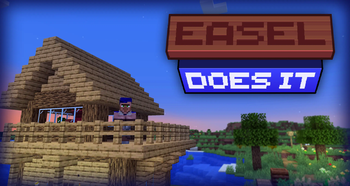
Adds the Easel and more, making interacting with paintings much easel-ier
Screenshots
Über diese Mod
About
Easel Does It is a simple mod that aims to make working with paintings easier, as first conceptualised here.
⚠️ Warning: Easel Does It requires Blueprint for all versions.
⚠️ Fast Painting players: Please go to the Fast Paintings config and set the nbt_drop value to WHEN_PLACED_WITH_NBT for intended behavior with this mod.
Features
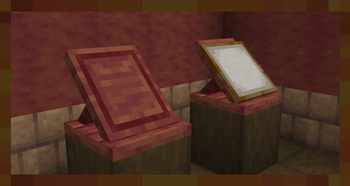
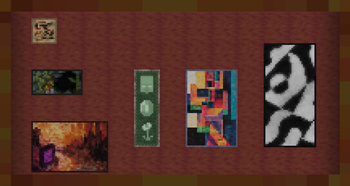
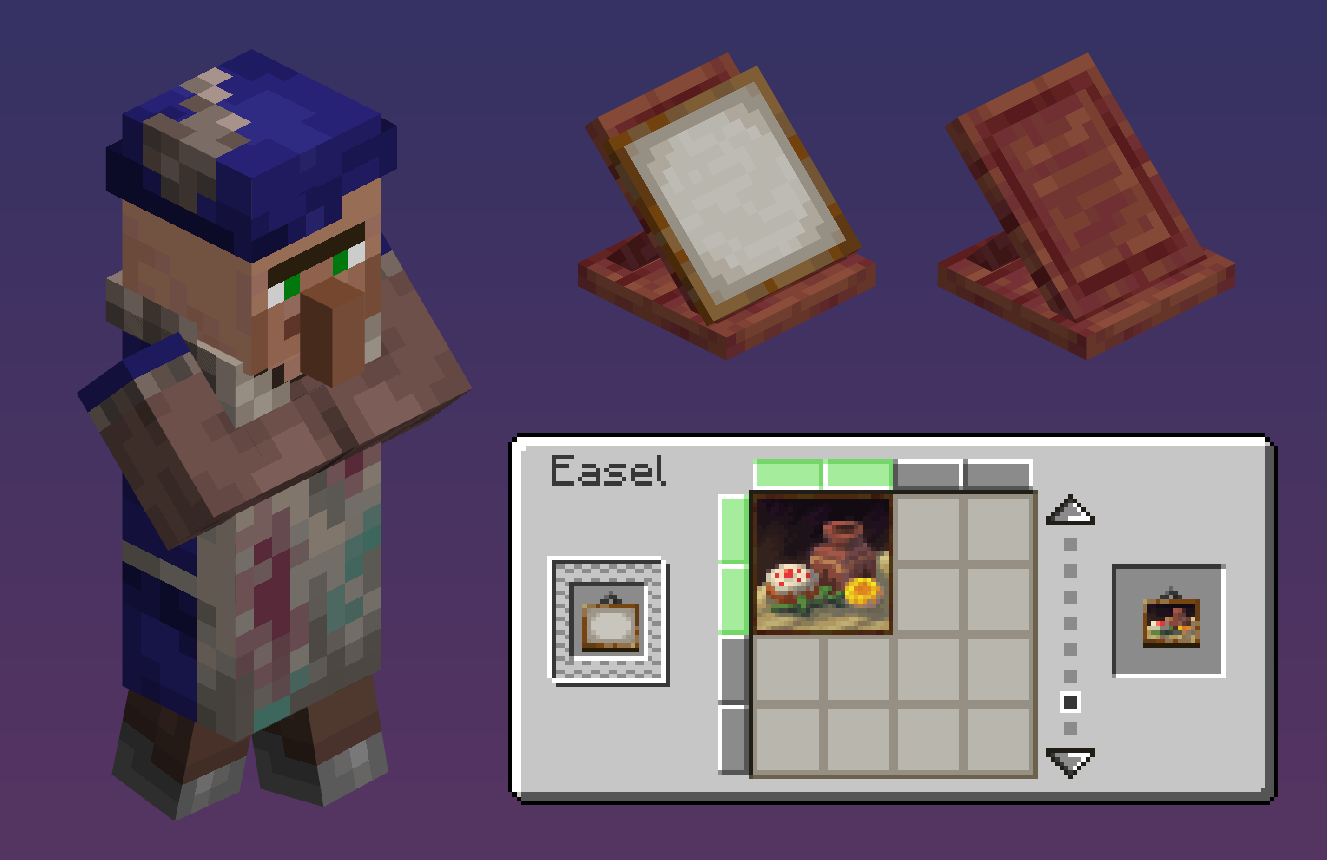
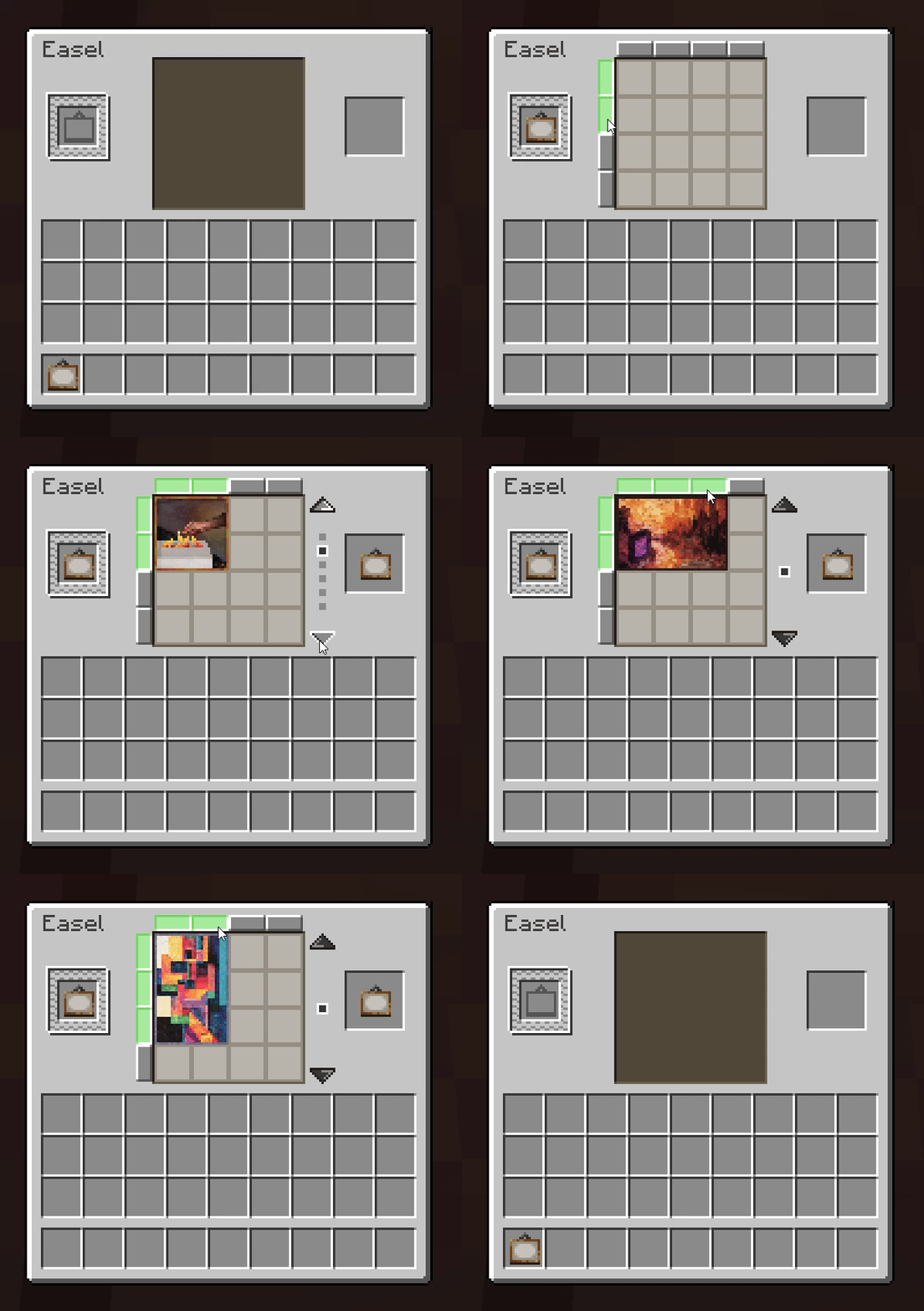
The Easel is a new workstation that allows players to set painting items to always place the variant they want via a GUI, as shown below. We add 5 new paintings to spice up your decoration game! If you want the easel to hold a painting, simply right-click it with one. To take it back, sneak + right-click it with an empty hand.
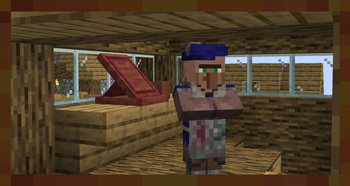
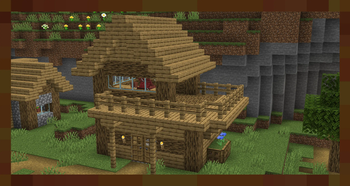
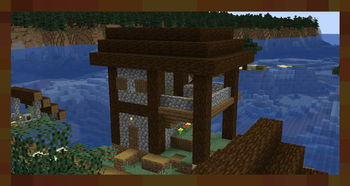
If a villager claims an easel as their job site, they become an Artist - A new profession that trades dyed blocks and items, as well as a special exclusive painting that cannot be placed normally. Easels and Artist villagers naturally generate in new Artist House structures, found in every type of village.
We also fix MC-257133, which causes a client-server desync when placing paintings on spaces where they do not fit.
⠀⠀⠀⠀⠀⠀⠀⠀⠀⠀⠀⠀
Compatibility
⚠️ FAST PAINTING USERS: ⚠️
For QOL reasons, we make paintings placed with set variants preserve their variants when broken and dropped as an item. However, Fast Paintings replaces the Painting entity and causes our code to misfire. To ensure intended behavior, PLEASE GO TO THE FAST PAINTING CONFIGURATION FILES AND SET THE nbt_drop FIELD WHEN_PLACED_WITH_NBT. Sorry for the inconvenience!
The artists will offer new trades if you have the following mods installed:
- Farmer's Delight: Artists will buy canvas and sell hanging canvas signs.
- Clayworks: Artists will sell decorated pots of all colors.
- Chalk: Artists will sell chalk of all colors.
- Dye Depot: Artist will sell items colored in the dye depot dyes.
Easels are fully compatible with modded paintings, to accomodate the abundance of painting variants that some modpacks build up. If you are in need of painting mods, we recommend the Abnormals Suite and Portfolio.
Credits
| Art & Design | Code | ||
|---|---|---|---|
 |
 |
||
| Glyphy | Dolt |
Verfügbare Versionen
Easel Does It! auf dem Server installieren
Server bestellen
Bestelle einen Minecraft Java Server mit mindestens 3 GB RAM (4 GB empfohlen).
forge Loader setzen
Wähle im Panel unter "Egg" den forge-Loader und die passende Minecraft-Version (1.21.1).
Mod installieren
Öffne den Mod-Browser im Dashboard und suche nach "Easel Does It!". Klicke "Installieren" – fertig! Alternativ: Lade die .jar via SFTP in den /mods Ordner.
Kompatibilität
Mod-Loader
Minecraft-Versionen
1.21.1, 1.20.1
Server-seitig
✓ ErforderlichEmpfohlener RAM
4 GB(min. 3 GB)Häufige Fragen
Easel Does It! Server crasht beim Start – was tun?
Häufigste Ursache: falsche forge-Version oder zu wenig RAM. Prüfe im Server-Log (latest.log), ob ein "OutOfMemoryError" oder "Mixin"-Fehler auftritt. Bei Mado Hosting: Stelle sicher, dass mindestens 3 GB RAM zugewiesen sind und der Loader zur Mod-Version passt (1.21.1). Über das Panel kannst du den Loader mit einem Klick wechseln.
Ist Easel Does It! mit forge und neoforge kompatibel?
Easel Does It! unterstützt offiziell forge, neoforge für Minecraft 1.21.1, 1.20.1. Im Mado Dashboard werden inkompatible Loader-Kombinationen automatisch erkannt.
Server laggt mit Easel Does It! – wie optimiere ich die Performance?
Empfohlener RAM: 4 GB (+1 GB pro 8 Spieler). Prüfe mit /spark profiler, ob Easel Does It! den meisten Tick-Time verbraucht. Häufige Fixes: Server-View-Distance auf 8-10 reduzieren, bei Forge "performant" oder "starlight" als Zusatz-Mod installieren. Bei Mado Hosting läuft dein Server auf NVMe-SSDs mit dedizierten CPU-Kernen für minimale Latenz.
Ähnliche Mods




Modded Server mieten
Installiere Easel Does It! mit nur einem Klick auf deinem Server.