
Elytra Swapper
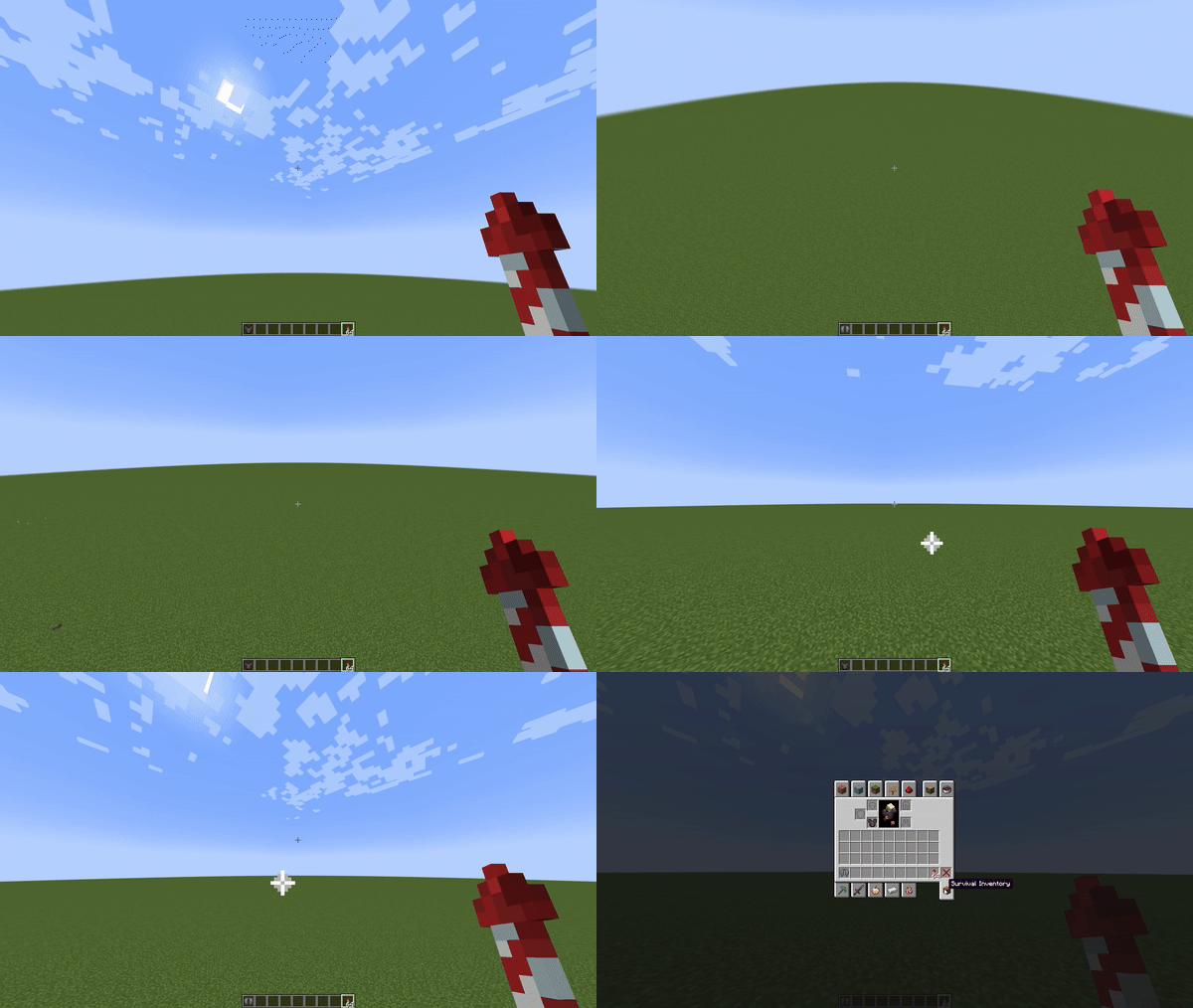
Swap the Elytra and Chestplate easily with a keybind of your choosing
Screenshots

Über diese Mod
Elytra Swapper
Elytra Swapper is a Minecraft Fabric mod that allows players to quickly swap between an Elytra and a Chestplate.
Features
- Elytra and Chestplate Swapping: Seamlessly swap between an Elytra and a Chestplate with a configurable keybinding.
- Customizable Keybinding: Set your preferred key for swapping in Minecraft's controls settings.
- Enhanced Compatibility: Improved functionality and compatibility with various Minecraft versions.
Installation
Install Fabric Loader:
- Download and install Fabric Loader from Fabric's official website.
Install Fabric API:
- Download the Fabric API from CurseForge or Modrinth.
Add Elytra Swapper:
- Download the latest version of Elytra Swapper from the Releases page.
- Place the JAR file into the
modsfolder in your Minecraft directory.
Launch Minecraft:
- Start Minecraft using the Fabric profile. The mod should be active.
Configuration
- Keybinding: By default, the key for swapping between Elytra and Chestplate is the grave accent (
`). You can customize this keybinding in Minecraft's controls settings under the "Elytra Swapper" category.
Usage
- Equip Elytra or Chestplate: Ensure that either an Elytra or a Chestplate is equipped in your inventory.
- Press the Keybinding: Press the configured key to swap between the Elytra and Chestplate.
Verfügbare Versionen
Elytra Swapper auf deinem Client installieren
Mod-Loader lokal installieren
Installiere fabric für deine lokale Minecraft-Version.
Passende Datei herunterladen
Wähle die Elytra Swapper-Datei für fabric und Minecraft 26.3.
Mod installieren
Lege die .jar-Datei in deinem lokalen .minecraft/mods-Ordner ab und starte Minecraft neu. Eine Installation auf dem Server ist nicht nötig.
Kompatibilität
Mod-Loader
Minecraft-Versionen
26.3, 26.2, 26.1.2 (+21 weitere)
Server-seitig
✗ Nicht unterstütztEmpfohlener RAM
4 GB(min. 3 GB)Häufige Fragen
Muss Elytra Swapper auf dem Minecraft Server installiert werden?
Nein. Modrinth kennzeichnet Elytra Swapper serverseitig als nicht unterstützt. Installiere die Mod nur im lokalen Minecraft-Mods-Ordner. Dein Server kann unverändert bleiben, sofern die Mod-Seite keine zusätzliche Abhängigkeit nennt.
Welche Version und welchen Loader braucht Elytra Swapper?
Nutze eine Datei für fabric, neoforge, quilt und exakt deine Minecraft-Version. Unterstützte Versionen sind unter anderem 26.3, 26.2, 26.1.2. Loader-Dateien sind nicht untereinander austauschbar.
Elytra Swapper funktioniert nicht – was kann ich prüfen?
Prüfe zuerst Minecraft-Version, Loader-Version und erforderliche Abhängigkeiten. Lege die .jar-Datei im lokalen .minecraft/mods-Ordner ab und entferne ältere Duplikate. Da die Mod clientseitig ist, löst mehr Server-RAM dieses Problem nicht.
Ähnliche Mods






Minecraft Server für deine Gruppe
Elytra Swapper bleibt auf deinem Client. Hoste dazu eine kompatible Welt für deine Mitspieler.
Details
- Lizenz
- Creative Commons Attribution 4.0 International
- Server-seitig
- Nicht unterstützt