
Enchanter Fix
Allows players to decorate their enchanting table setup by fixing the "enchantment power transmitter" block tag.
Screenshots

Über diese Mod

🔮 About
Did you ever decorate your enchanting table, but once finished, you could no longer enchant at the maximum 30 levels? Not anymore!
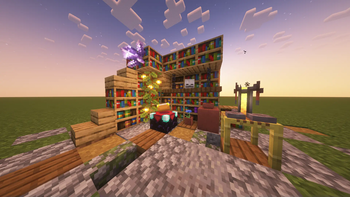
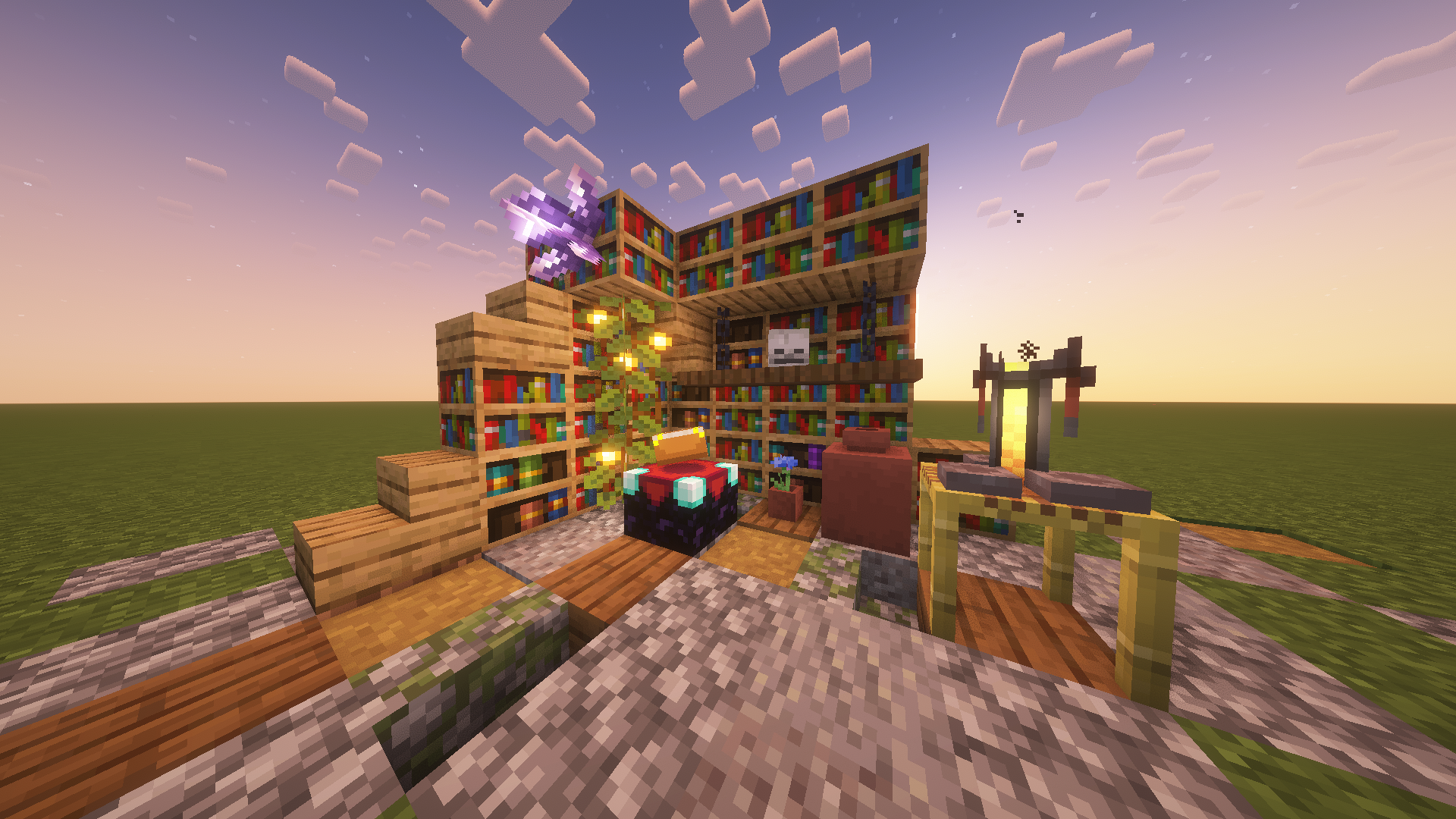
Enchanter Fix allows players to place all types of vanilla blocks (decorative, solid, redstone, etc.) within their enchanting table setup without lowering the enchanting power. Build away!
As per tradition, it is still possible to reduce the level of enchanting by placing torches in the gap between the enchanting table and bookshelves.
🌐 Wiki
If you are looking for a wiki of sorts or just a more detailed walkthrough of the content of this mod, then you can find quick and easy introductions to all the added features of this project below.
If you find no answers to your questions here or want to suggest improvements for the project, then feel free to leave a comment on the CurseForge site (here).
Decoration Example
Supported Mods
The following mods should be natively supported. However, support for any of these mods may be broken at any time. If this is the case, feel free to comment on the CurseForge site to let me know!
📬 Remarks
Please keep in mind that at any given time vast amounts of the mod may be edited or completely overhauled! These changes should not, but may leave existing worlds on older versions corrupted. Creating backups before updating to a new version is advised!
I want to reiterate that this is simply a passion project. It may occur that for longer periods no updates or bug fixes are being developed/released simply because I do not want to.
Verfügbare Versionen
Enchanter Fix auf dem Server installieren
Server bestellen
Bestelle einen Minecraft Java Server mit mindestens 3 GB RAM (4 GB empfohlen).
fabric Loader setzen
Wähle im Panel unter "Egg" den fabric-Loader und die passende Minecraft-Version (1.21.11).
Mod installieren
Öffne den Mod-Browser im Dashboard und suche nach "Enchanter Fix". Klicke "Installieren" – fertig! Alternativ: Lade die .jar via SFTP in den /mods Ordner.
Kompatibilität
Mod-Loader
Minecraft-Versionen
1.21.11, 1.21.10, 1.21.9 (+16 weitere)
Server-seitig
✓ ErforderlichEmpfohlener RAM
4 GB(min. 3 GB)Häufige Fragen
Enchanter Fix Server crasht beim Start – was tun?
Häufigste Ursache: falsche fabric-Version oder zu wenig RAM. Prüfe im Server-Log (latest.log), ob ein "OutOfMemoryError" oder "Mixin"-Fehler auftritt. Bei Mado Hosting: Stelle sicher, dass mindestens 3 GB RAM zugewiesen sind und der Loader zur Mod-Version passt (1.21.11). Über das Panel kannst du den Loader mit einem Klick wechseln.
Ist Enchanter Fix mit fabric und forge und neoforge und quilt kompatibel?
Enchanter Fix unterstützt offiziell fabric, forge, neoforge, quilt für Minecraft 1.21.11, 1.21.10, 1.21.9. Achtung: Forge- und Fabric-Mods sind NICHT untereinander kompatibel – wähle einen Loader und bleibe dabei. Im Mado Dashboard werden inkompatible Loader-Kombinationen automatisch erkannt.
Server laggt mit Enchanter Fix – wie optimiere ich die Performance?
Empfohlener RAM: 4 GB (+1 GB pro 8 Spieler). Prüfe mit /spark profiler, ob Enchanter Fix den meisten Tick-Time verbraucht. Häufige Fixes: Server-View-Distance auf 8-10 reduzieren, bei Forge "performant" oder "starlight" als Zusatz-Mod installieren. Bei Mado Hosting läuft dein Server auf NVMe-SSDs mit dedizierten CPU-Kernen für minimale Latenz.
Ähnliche Mods






Modded Server mieten
Installiere Enchanter Fix mit nur einem Klick auf deinem Server.