
Entity Render Disabler
A minecraft mod to disable selected Entity Render
Screenshots
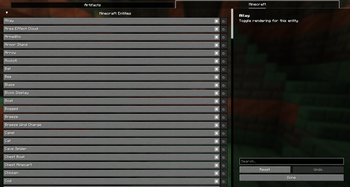
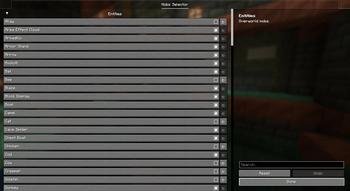
Über diese Mod
✨ Entity Render Disabler ✨
Are too many mobs ruining your FPS? Say goodbye to lag spikes with Entity Render Disabler!
This mod gives you the power to enable or disable the rendering of specific entities directly through a user-friendly configuration menu. By customizing which entities are rendered, you can significantly reduce FPS lag and improve performance without compromising gameplay.
🎯 Key Features:
- Multi-Mod Support: Automatically detects and organizes entities from all installed mods
- Organized by Mod: Entities are neatly categorized by their source mod for easy navigation
- Configurable Entity Rendering: Choose which entities you want to hide or show
- Global Toggle: Quickly enable or disable the entire mod with a single keystroke
- Convenient Keybindings: Open config menu (O key) and toggle mod state (G key) easily
- FPS Optimization: Reduce visual clutter and boost your game's performance
- Easy to Use: Accessible and intuitive configuration powered by YACL
Whether you're on a low-end system or just looking to fine-tune your game, Entity Render Disabler helps you create a smoother Minecraft experience.
🛠 Built for Fabric & NeoForge
🖼 Configuration Examples
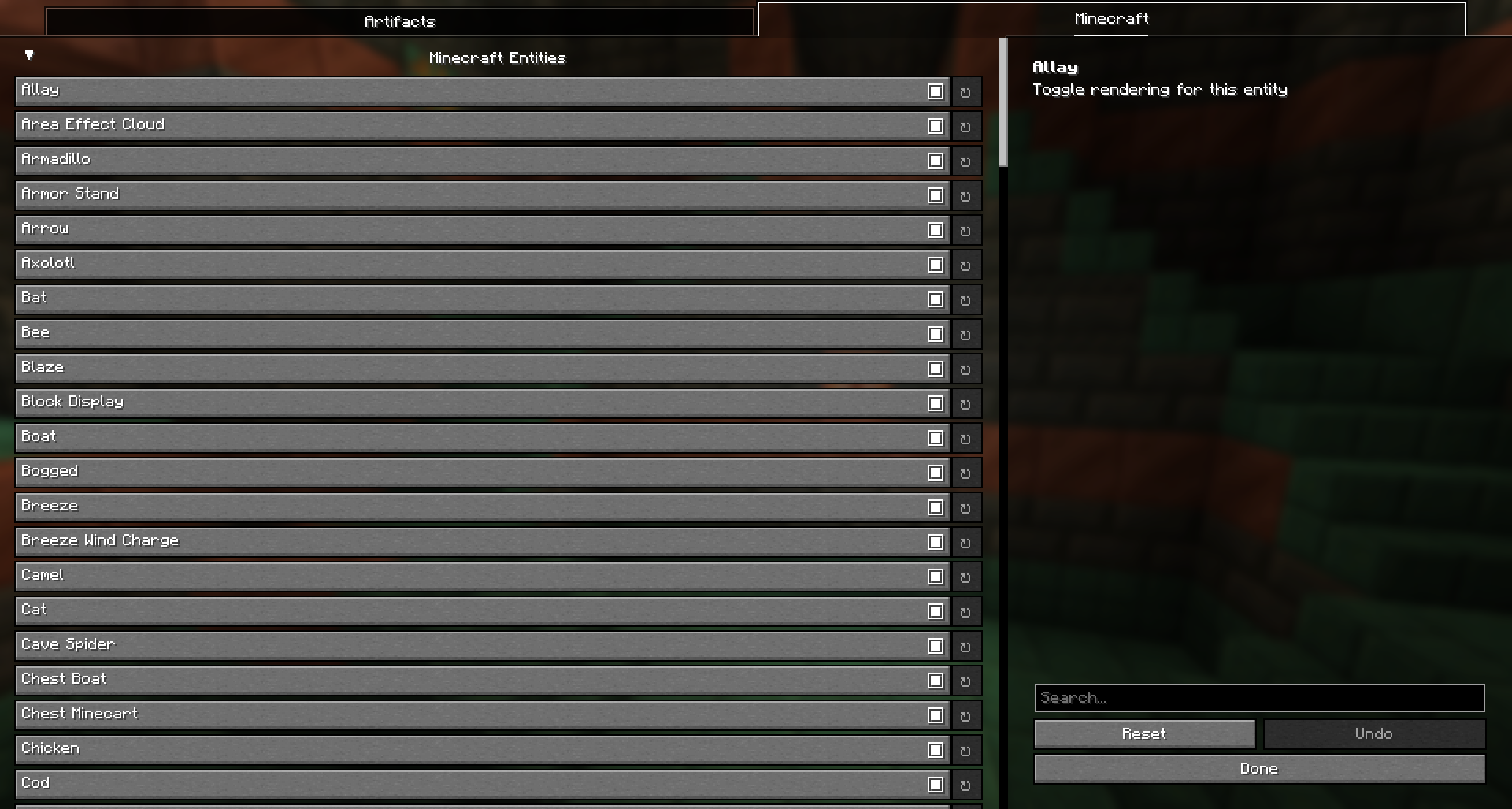
Easily customize which entities are rendered! Here is a screenshot of the mod's configuration menu showing how entities are now organized by mod:
- Example: Toggle entities on/off using the organized selection list
🔄 Before vs After – Performance Comparison
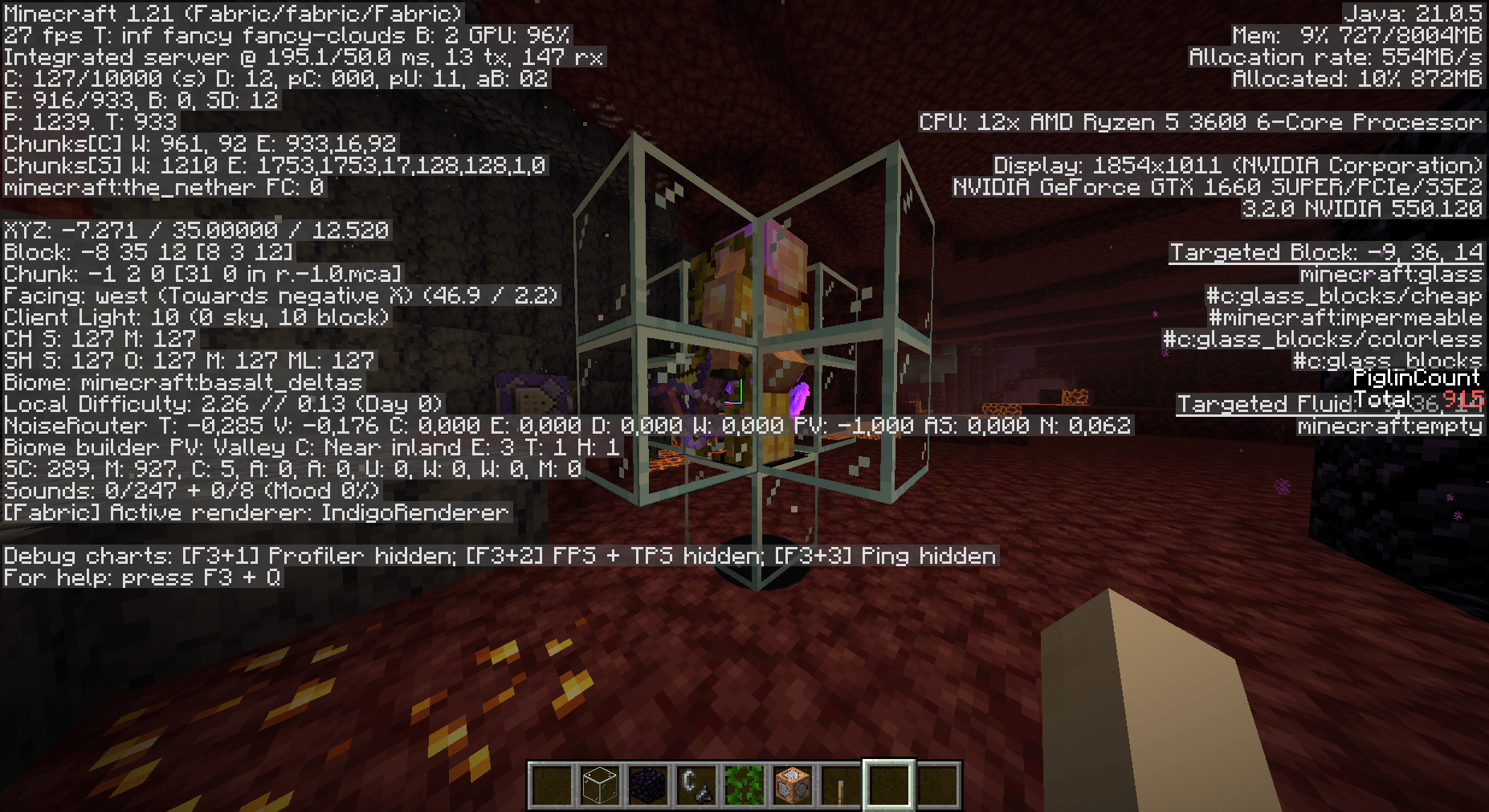
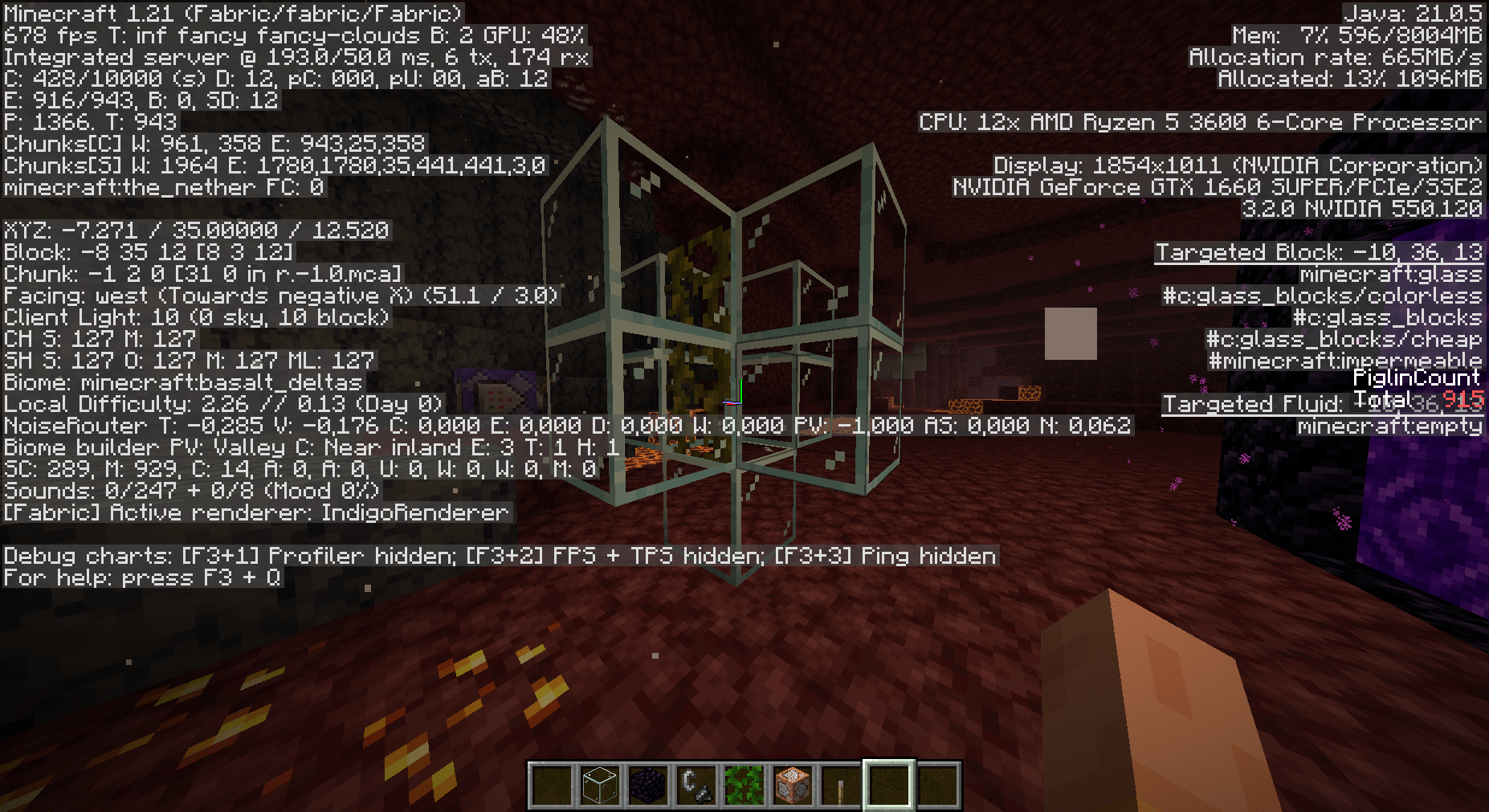
See the difference for yourself! Below are two comparison images:
- With Entities Rendered: Full mob rendering causing lower FPS
- Without Entities Rendered: Selected entities hidden, boosting performance and FPS
⌨️ Controls
- Press O to open the configuration screen
- Press G to quickly toggle the mod on/off
Boost your game's performance and eliminate unnecessary rendering – Entity Render Disabler is here to make your Minecraft experience smoother than ever!
Verfügbare Versionen
Entity Render Disabler auf deinem Client installieren
Mod-Loader lokal installieren
Installiere fabric für deine lokale Minecraft-Version.
Passende Datei herunterladen
Wähle die Entity Render Disabler-Datei für fabric und Minecraft 1.21.11.
Mod installieren
Lege die .jar-Datei in deinem lokalen .minecraft/mods-Ordner ab und starte Minecraft neu. Eine Installation auf dem Server ist nicht nötig.
Kompatibilität
Mod-Loader
Minecraft-Versionen
1.21.11, 1.21.10, 1.21.9 (+10 weitere)
Server-seitig
✗ Nicht unterstütztEmpfohlener RAM
4 GB(min. 3 GB)Häufige Fragen
Muss Entity Render Disabler auf dem Minecraft Server installiert werden?
Nein. Modrinth kennzeichnet Entity Render Disabler serverseitig als nicht unterstützt. Installiere die Mod nur im lokalen Minecraft-Mods-Ordner. Dein Server kann unverändert bleiben, sofern die Mod-Seite keine zusätzliche Abhängigkeit nennt.
Welche Version und welchen Loader braucht Entity Render Disabler?
Nutze eine Datei für fabric, neoforge und exakt deine Minecraft-Version. Unterstützte Versionen sind unter anderem 1.21.11, 1.21.10, 1.21.9. Loader-Dateien sind nicht untereinander austauschbar.
Entity Render Disabler funktioniert nicht – was kann ich prüfen?
Prüfe zuerst Minecraft-Version, Loader-Version und erforderliche Abhängigkeiten. Lege die .jar-Datei im lokalen .minecraft/mods-Ordner ab und entferne ältere Duplikate. Da die Mod clientseitig ist, löst mehr Server-RAM dieses Problem nicht.
Ähnliche Mods
![[EMF] Entity Model Features](https://cdn.modrinth.com/data/4I1XuqiY/6e5bbd0d06b1741bfdab6c0cfab6de8fdaf0064c_96.webp)


Minecraft Server für deine Gruppe
Entity Render Disabler bleibt auf deinem Client. Hoste dazu eine kompatible Welt für deine Mitspieler.