![[EMF] Entity Model Features](https://cdn.modrinth.com/data/4I1XuqiY/6e5bbd0d06b1741bfdab6c0cfab6de8fdaf0064c_96.webp)
[EMF] Entity Model Features
EMF is an, OptiFine format, Custom Entity Model replacement mod available for Fabric and Forge.
Screenshots





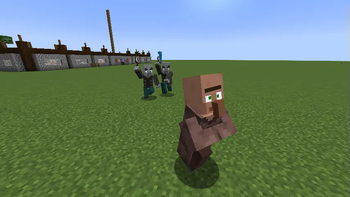
Über diese Mod

Entity Model Features


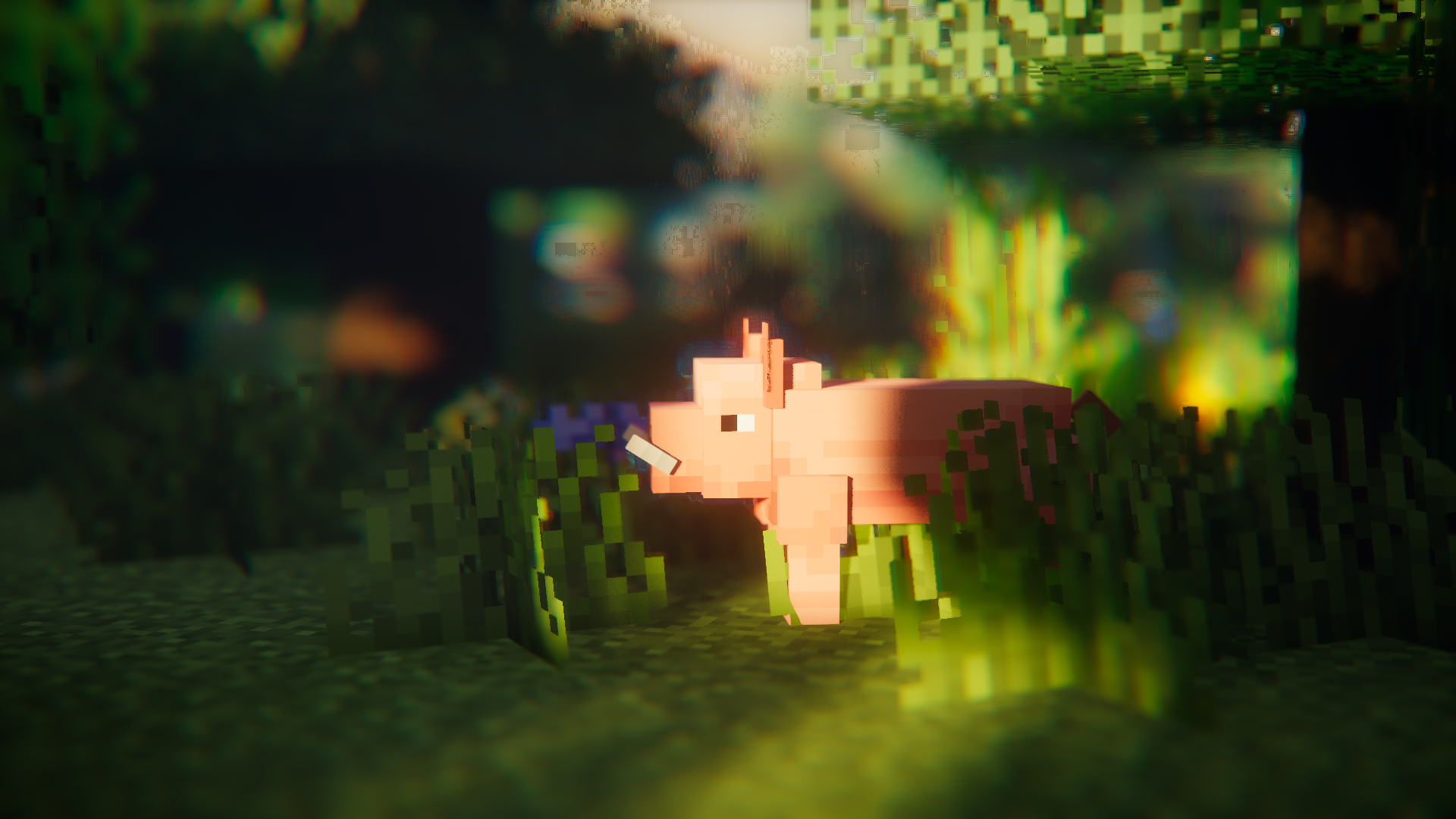
About
Entity Model Features (EMF) is a Fabric, Forge, & NeoForge mod that adds support for OptiFine's Custom Entity Models (CEM).
designed for anyone who wants to use CEM resource pack features but also use OptiFine alternative mods such as Sodium, Continuity or ETF.
Required Mods
Please also install the below mods if you can, the obvious ones such as Sodium are not mentioned.
It should also go without saying EMF is NOT compatible with dorianpb's CEM and OptiFine / OptiFabric.
Required
- Entity Texture Features (ETF): EMF uses several features from my other mod ETF, so it is required. (primarily used to support the random model feature, the config screen, and allow textures set in models to vary like in OptiFine)
Highly recommended
- Entity Culling: This mod does wonders for reducing entity rendering lag, doing even more than Sodium's included entity culling. This is very beneficial when using animation heavy packs like Fresh Animations.
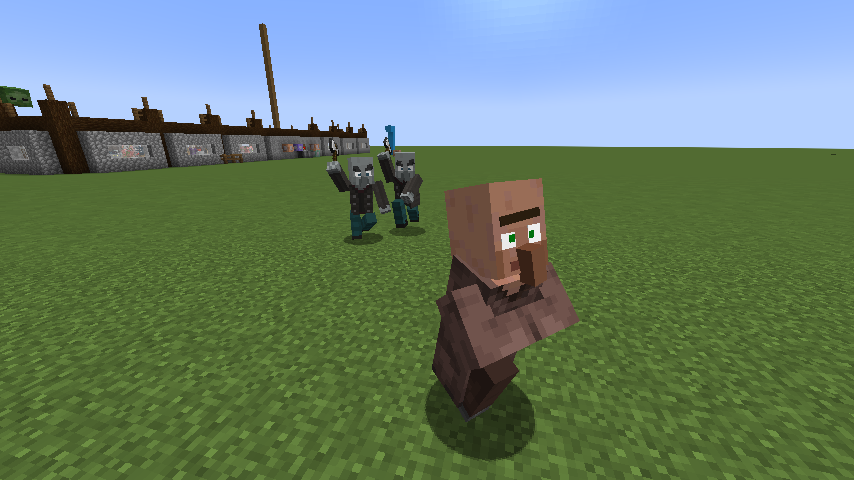
Fresh Animations?
Yes.
it works :)
Features & OptiFine differences & Known Bugs
Up-to-date feature details page : Features & Optifine differences
Changelog
You can find the changelog here.
Need help or have questions?
You can reach out on my Discord (preferred) or open an issue on GitHub.
Hosting Partner deal

Verfügbare Versionen
[EMF] Entity Model Features auf deinem Client installieren
Mod-Loader lokal installieren
Installiere fabric für deine lokale Minecraft-Version.
Passende Datei herunterladen
Wähle die [EMF] Entity Model Features-Datei für fabric und Minecraft 26.3.
Mod installieren
Lege die .jar-Datei in deinem lokalen .minecraft/mods-Ordner ab und starte Minecraft neu. Eine Installation auf dem Server ist nicht nötig.
Kompatibilität
Mod-Loader
Minecraft-Versionen
26.3, 26.2, 26.1.2 (+37 weitere)
Server-seitig
✗ Nicht unterstütztEmpfohlener RAM
4 GB(min. 3 GB)Häufige Fragen
Muss [EMF] Entity Model Features auf dem Minecraft Server installiert werden?
Nein. Modrinth kennzeichnet [EMF] Entity Model Features serverseitig als nicht unterstützt. Installiere die Mod nur im lokalen Minecraft-Mods-Ordner. Dein Server kann unverändert bleiben, sofern die Mod-Seite keine zusätzliche Abhängigkeit nennt.
Welche Version und welchen Loader braucht [EMF] Entity Model Features?
Nutze eine Datei für fabric, forge, neoforge, quilt und exakt deine Minecraft-Version. Unterstützte Versionen sind unter anderem 26.3, 26.2, 26.1.2. Loader-Dateien sind nicht untereinander austauschbar.
[EMF] Entity Model Features funktioniert nicht – was kann ich prüfen?
Prüfe zuerst Minecraft-Version, Loader-Version und erforderliche Abhängigkeiten. Lege die .jar-Datei im lokalen .minecraft/mods-Ordner ab und entferne ältere Duplikate. Da die Mod clientseitig ist, löst mehr Server-RAM dieses Problem nicht.
Ähnliche Mods


Minecraft Server für deine Gruppe
[EMF] Entity Model Features bleibt auf deinem Client. Hoste dazu eine kompatible Welt für deine Mitspieler.
Details
- Lizenz
- GNU Lesser General Public License v3.0 only
- Server-seitig
- Nicht unterstützt