Exposure
Camera mod with focus on process and aesthetics
Screenshots
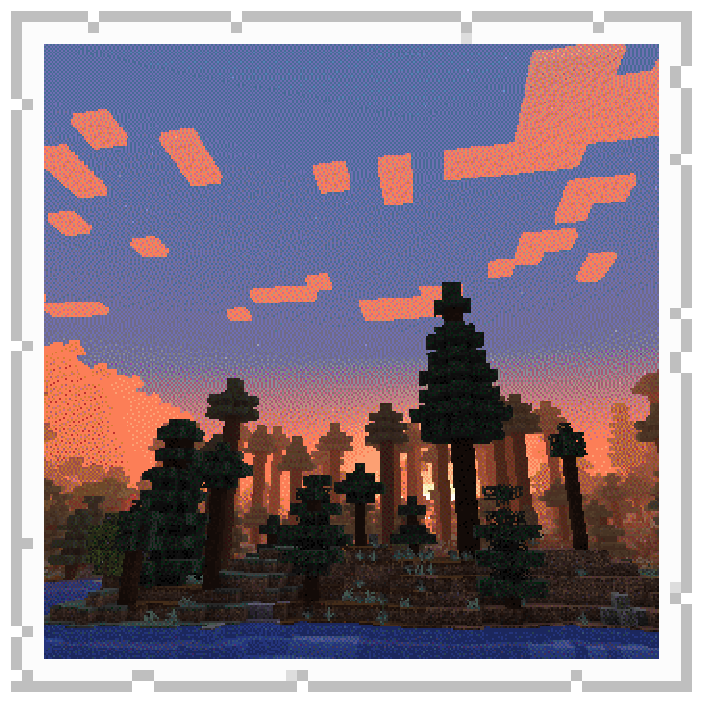
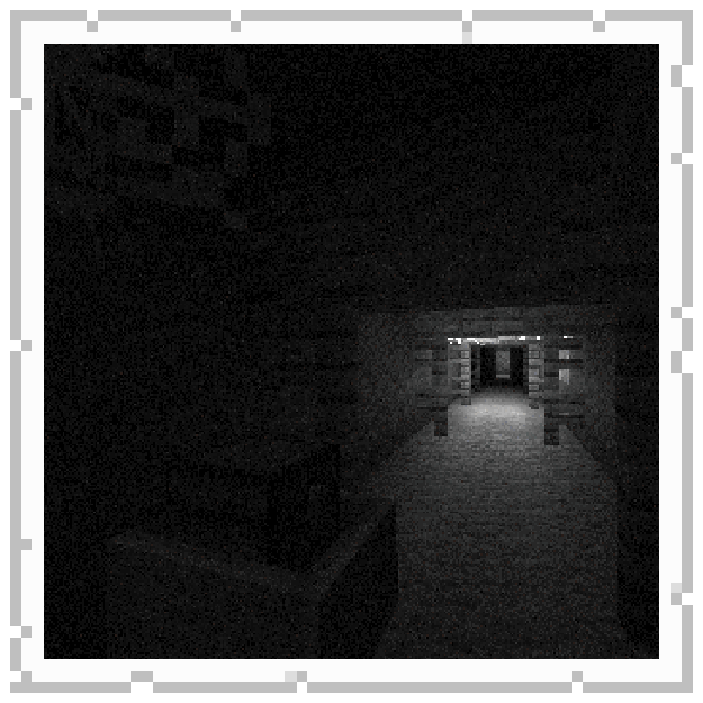
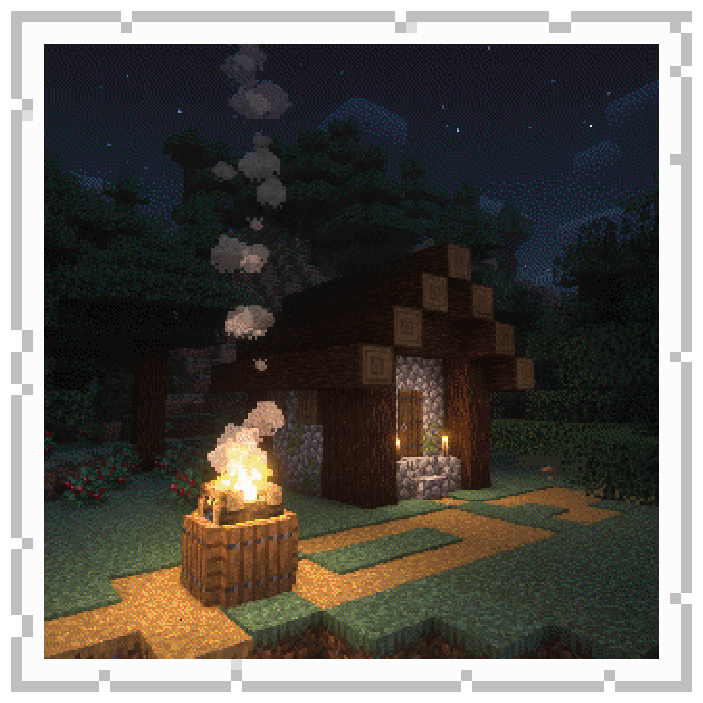
Über diese Mod
Film photography mod






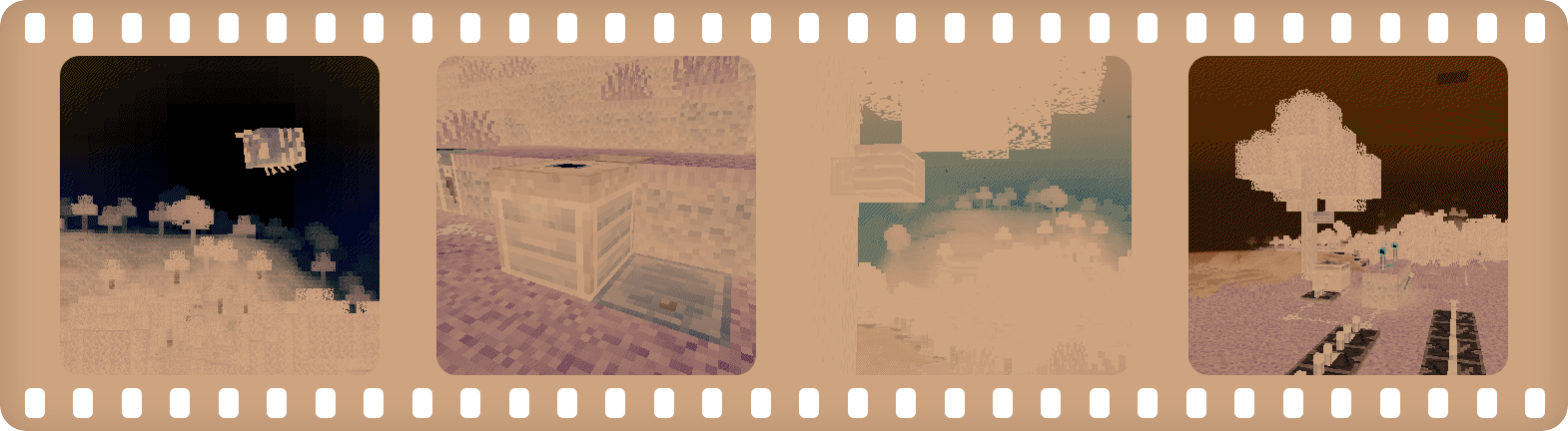
Description in text form
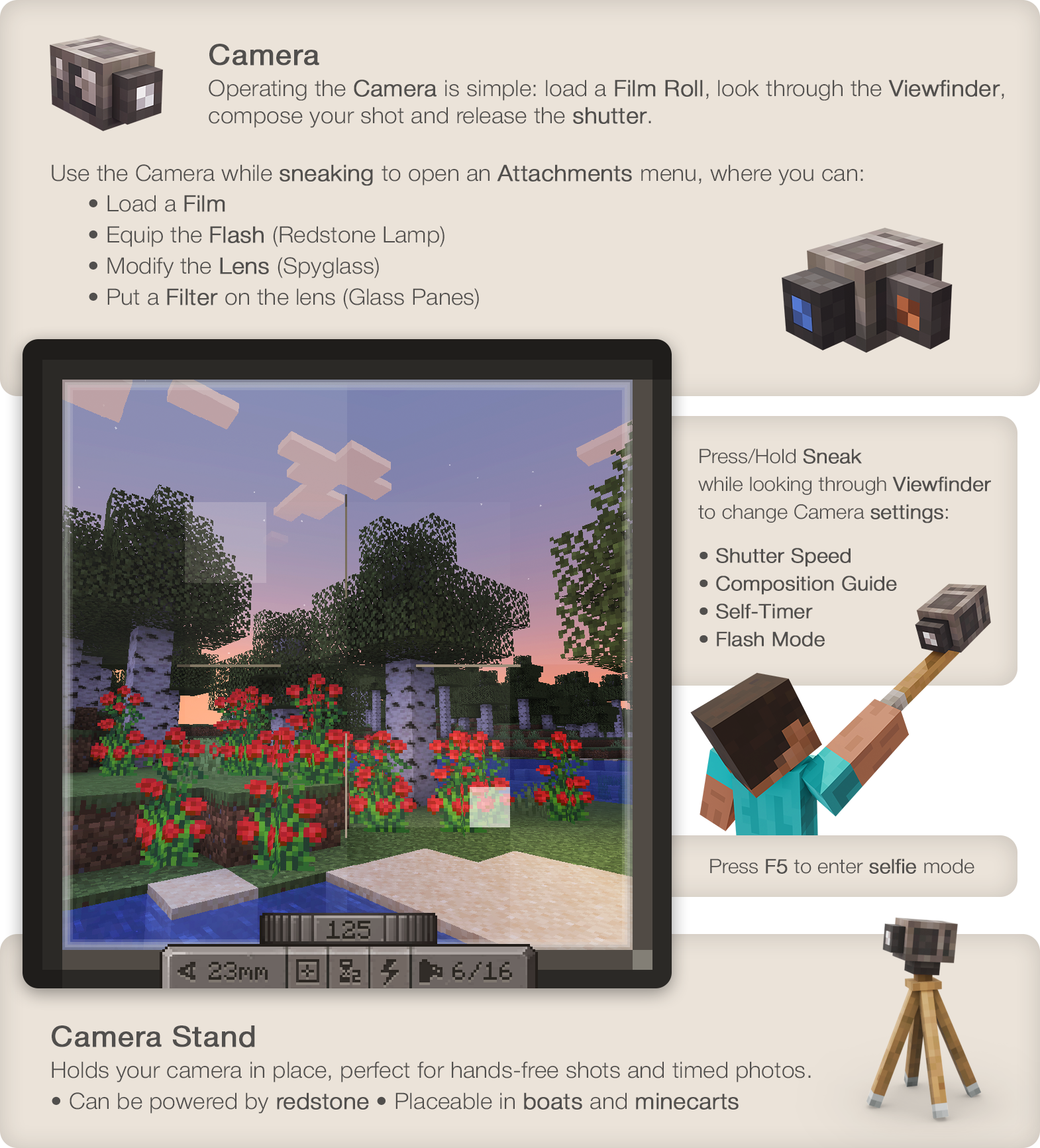
Camera
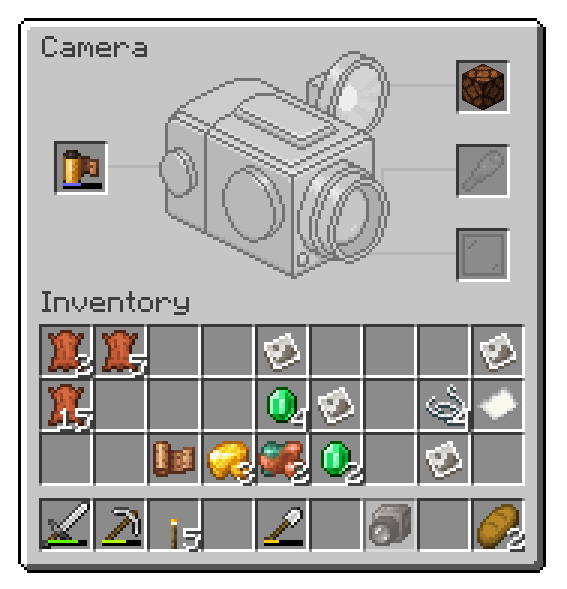
- Operating the Camera is simple: load a Film Roll, open the Viewfinder,
compose your shot and release the shutter. - Press/Hold Sneak when looking through Viewfinder to control Camera
settings: Focal Length, Shutter Speed, Flash mode, Composition Guides. - Use the Camera while sneaking to open the Attachments window,
where you'd be able to:- Load a Film
- Equip the Flash (Redstone Lamp)
- Modify the Lens (Spyglass)
- Put a Filter on the lens (Glass Panes)
Film
- To capture an image you'll need to expose light-sensitive film.
- You can use simpler black and white film or, more sophisticated
and harder to make and process, color film. - Single film roll can fit 16 frames on it.
- Developing is required to prepare film for printing.
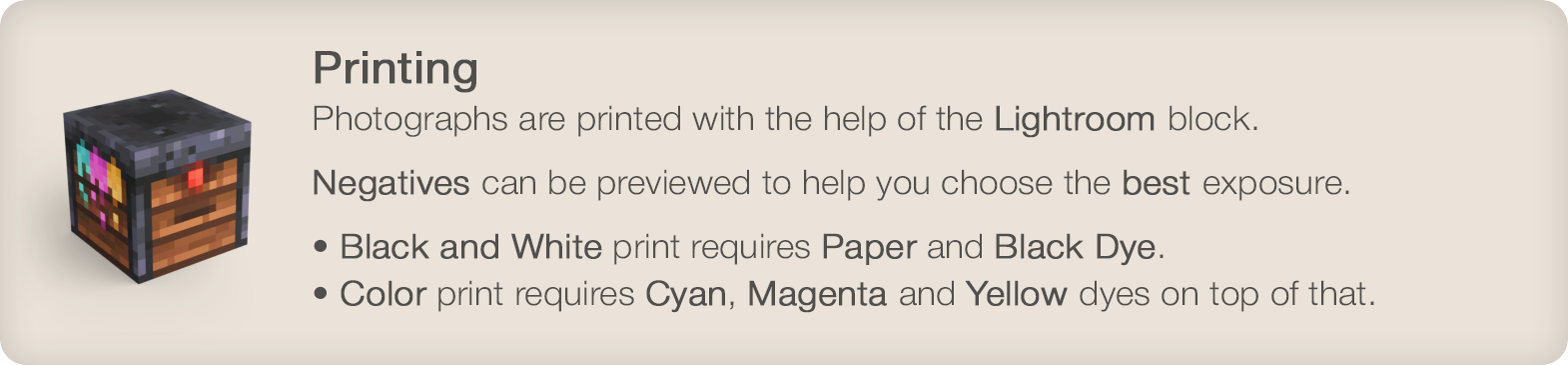
Lightroom
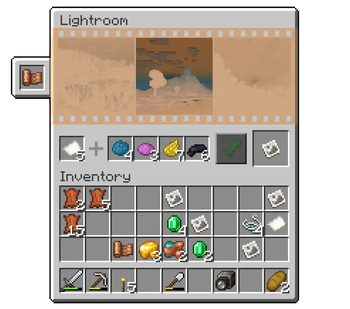
- Photographs are printed with the help of a Lightroom block.
- Negatives can be previewed before printing to help you choose the
best exposure. - Black and white print requires Paper and Black Dye.
Color print will require Cyan, Magenta and Yellow dyes on top of that.
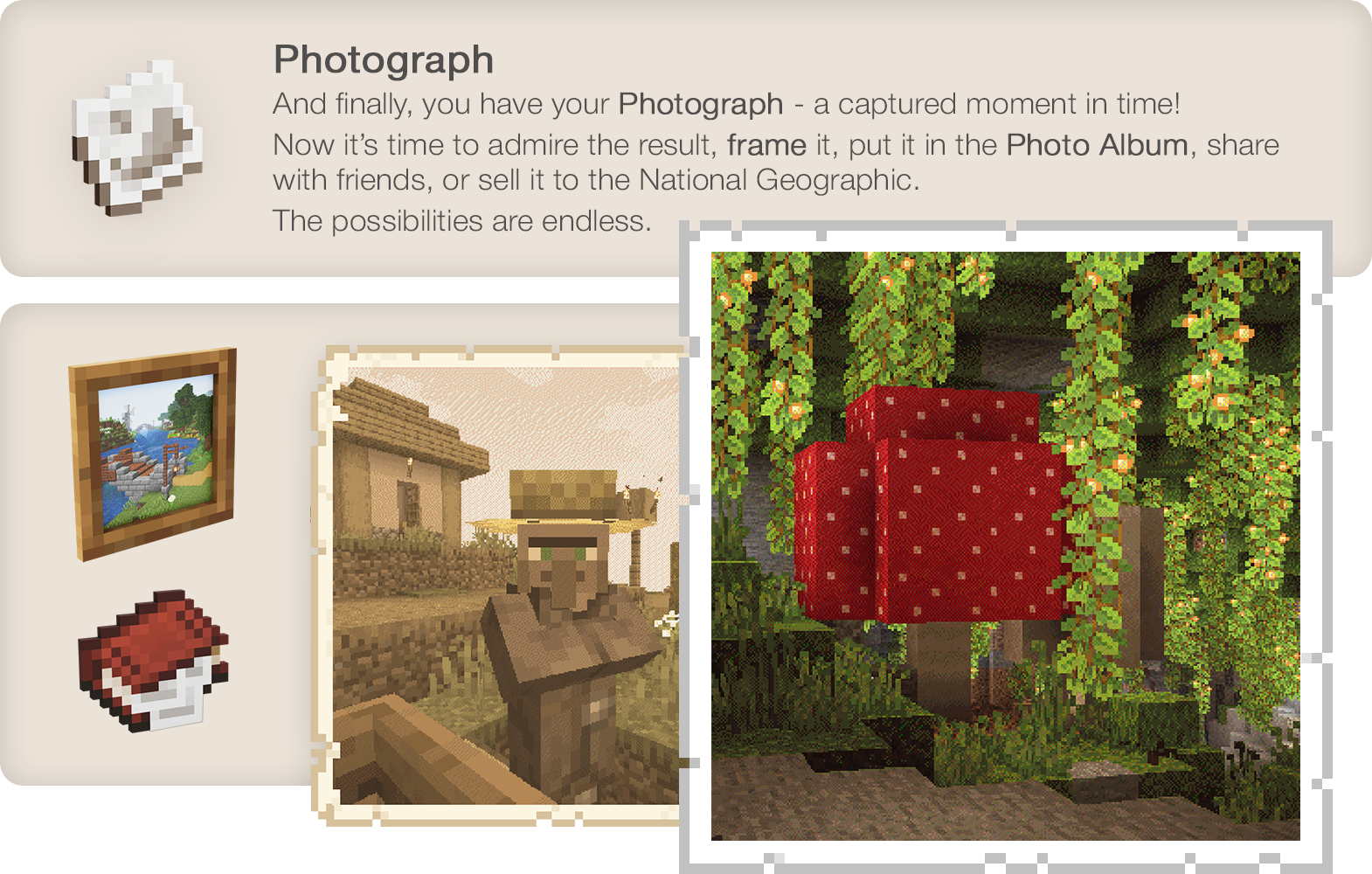
Photograph
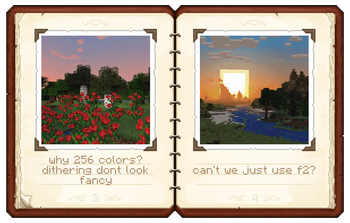
And finally, you have your Photograph - a captured moment in time!
Now it's time to admire the result, hang it on the wall, share with
friends, sell it to the National Geographic. The possibilities are endless.
Wiki
Known incompatibilities:
- Optifine - known for causing problems with other mods. Use Sodium/Embeddium instead.
- Visual Overhaul - crashes when opening camera controls - GitHub Issue
- Exordium - causes issues and flickering when looking through viewfinder.
- FastAnim (Fabric) - breaks player model animations with camera. Github Issue
Enjoying the mod? Your support would allow me to continue working on it and on other mods!




Verfügbare Versionen
Exposure auf dem Server installieren
Server bestellen
Bestelle einen Minecraft Java Server mit mindestens 3 GB RAM (4 GB empfohlen).
fabric Loader setzen
Wähle im Panel unter "Egg" den fabric-Loader und die passende Minecraft-Version (1.21.1).
Mod installieren
Öffne den Mod-Browser im Dashboard und suche nach "Exposure". Klicke "Installieren" – fertig! Alternativ: Lade die .jar via SFTP in den /mods Ordner.
Kompatibilität
Mod-Loader
Minecraft-Versionen
1.21.1, 1.20.1, 1.19.2
Server-seitig
✓ ErforderlichEmpfohlener RAM
4 GB(min. 3 GB)Häufige Fragen
Exposure Server crasht beim Start – was tun?
Häufigste Ursache: falsche fabric-Version oder zu wenig RAM. Prüfe im Server-Log (latest.log), ob ein "OutOfMemoryError" oder "Mixin"-Fehler auftritt. Bei Mado Hosting: Stelle sicher, dass mindestens 3 GB RAM zugewiesen sind und der Loader zur Mod-Version passt (1.21.1). Über das Panel kannst du den Loader mit einem Klick wechseln.
Ist Exposure mit fabric und forge und neoforge und quilt kompatibel?
Exposure unterstützt offiziell fabric, forge, neoforge, quilt für Minecraft 1.21.1, 1.20.1, 1.19.2. Achtung: Forge- und Fabric-Mods sind NICHT untereinander kompatibel – wähle einen Loader und bleibe dabei. Im Mado Dashboard werden inkompatible Loader-Kombinationen automatisch erkannt.
Server laggt mit Exposure – wie optimiere ich die Performance?
Empfohlener RAM: 4 GB (+1 GB pro 8 Spieler). Prüfe mit /spark profiler, ob Exposure den meisten Tick-Time verbraucht. Häufige Fixes: Server-View-Distance auf 8-10 reduzieren, bei Forge "performant" oder "starlight" als Zusatz-Mod installieren. Bei Mado Hosting läuft dein Server auf NVMe-SSDs mit dedizierten CPU-Kernen für minimale Latenz.
Ähnliche Mods




Modded Server mieten
Installiere Exposure mit nur einem Klick auf deinem Server.