
Modrinth · Fabric
FPV Drone auf deinem Minecraft Server
FPV Drone läuft auf Minecraft Servern mit Fabric. Bestell deinen Server, stell den Loader im Panel ein und installiere die Mod mit einem Klick im Mod-Browser.
Drone FPV is a high-tech tactical drone mod for Minecraft that introduces a fully functional First-Person View (FPV) flight experience.
- Downloads
- 10.0K
- Autor
- –
- Loader
- Fabric
- Minecraft
- 1.20.1
- Aktualisiert
- –
Screenshots
So sieht FPV Drone aus
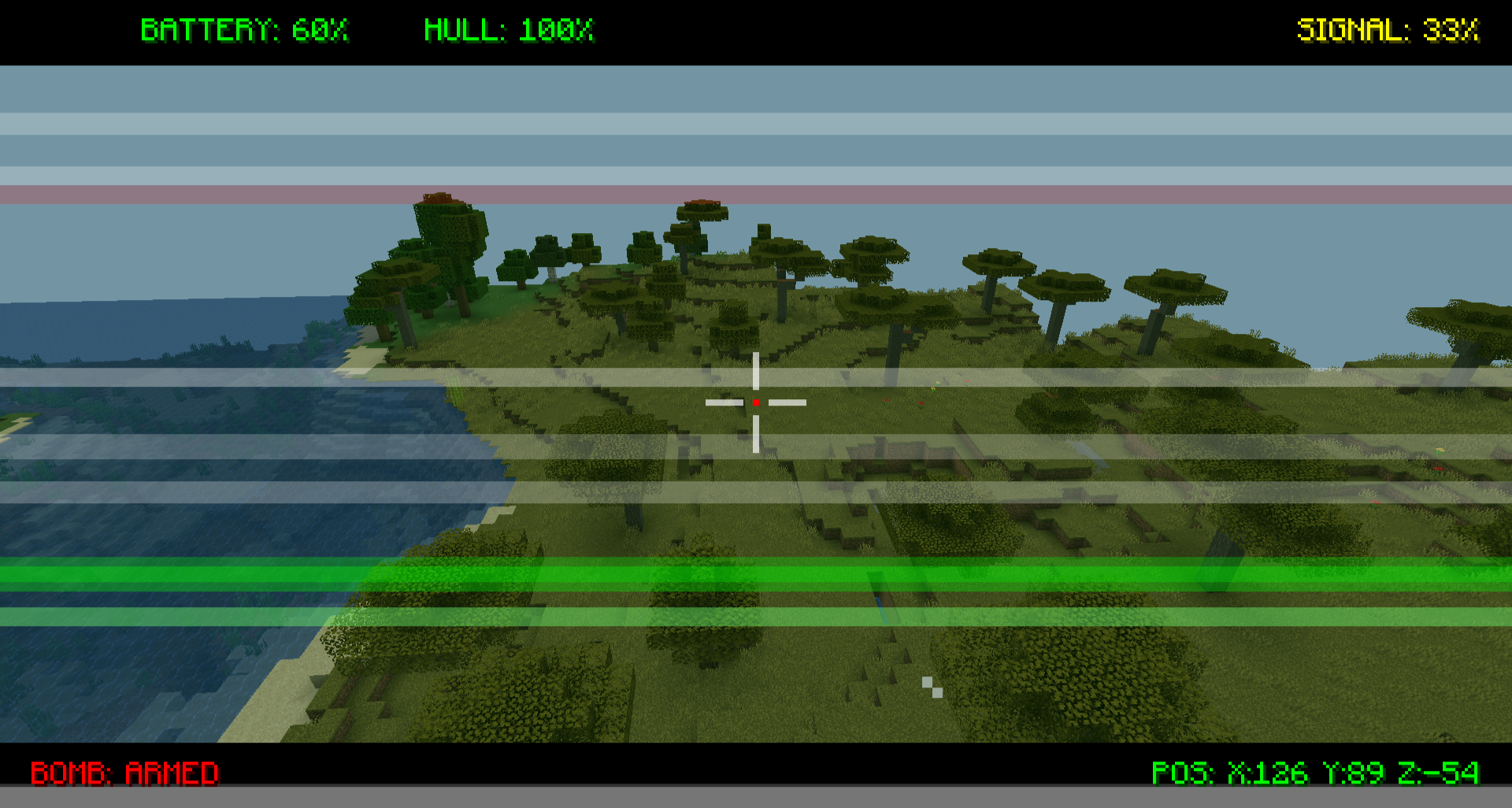
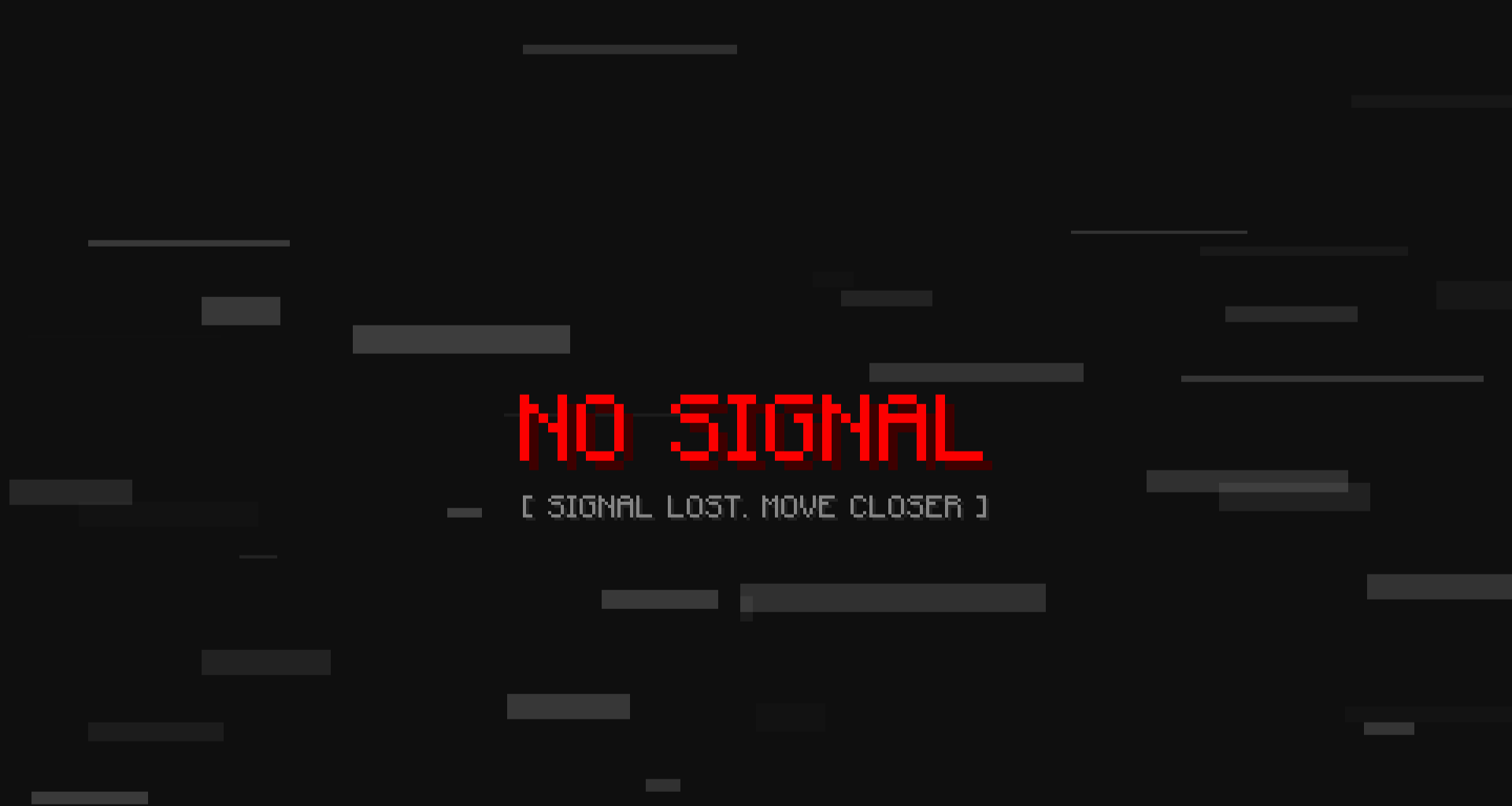
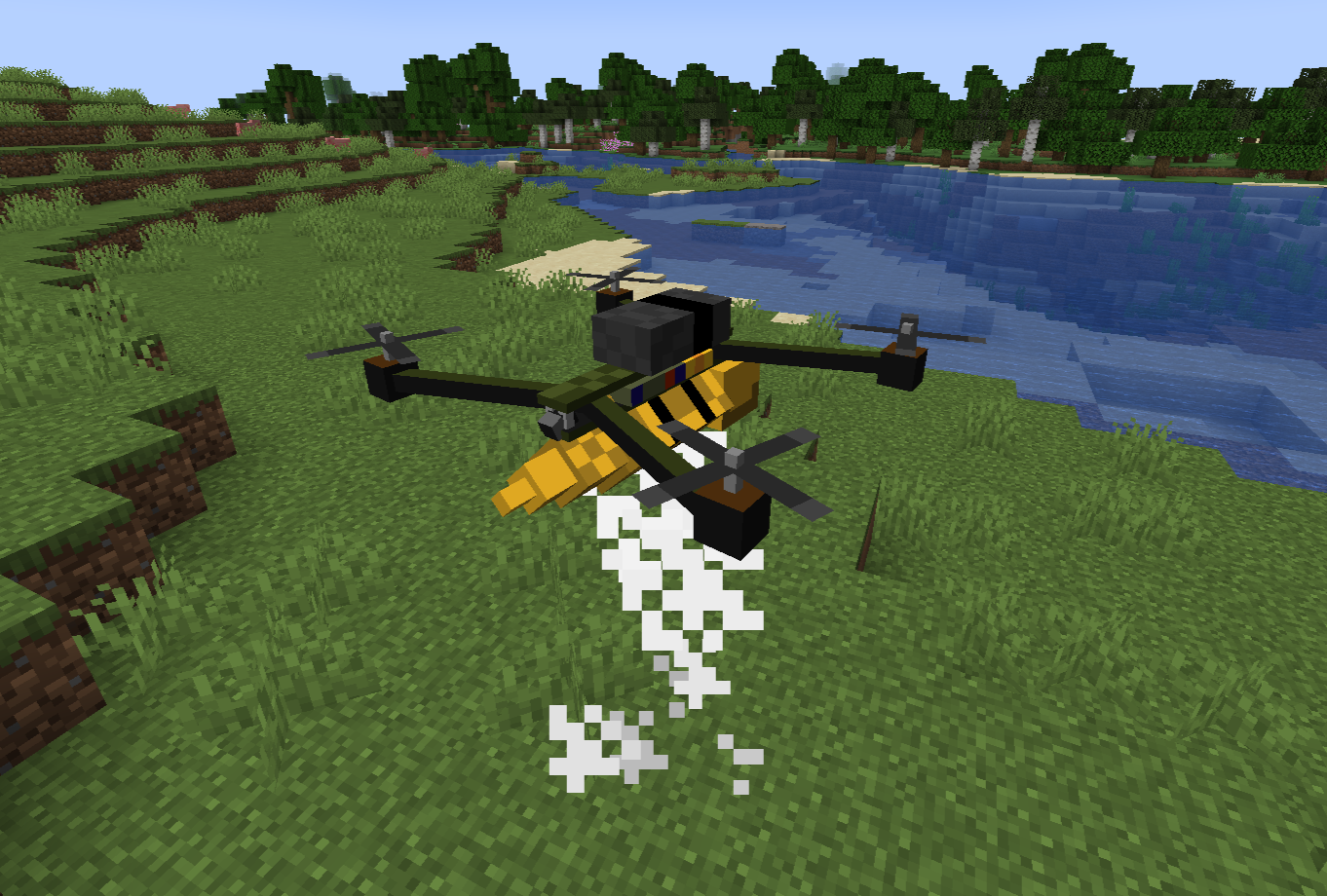
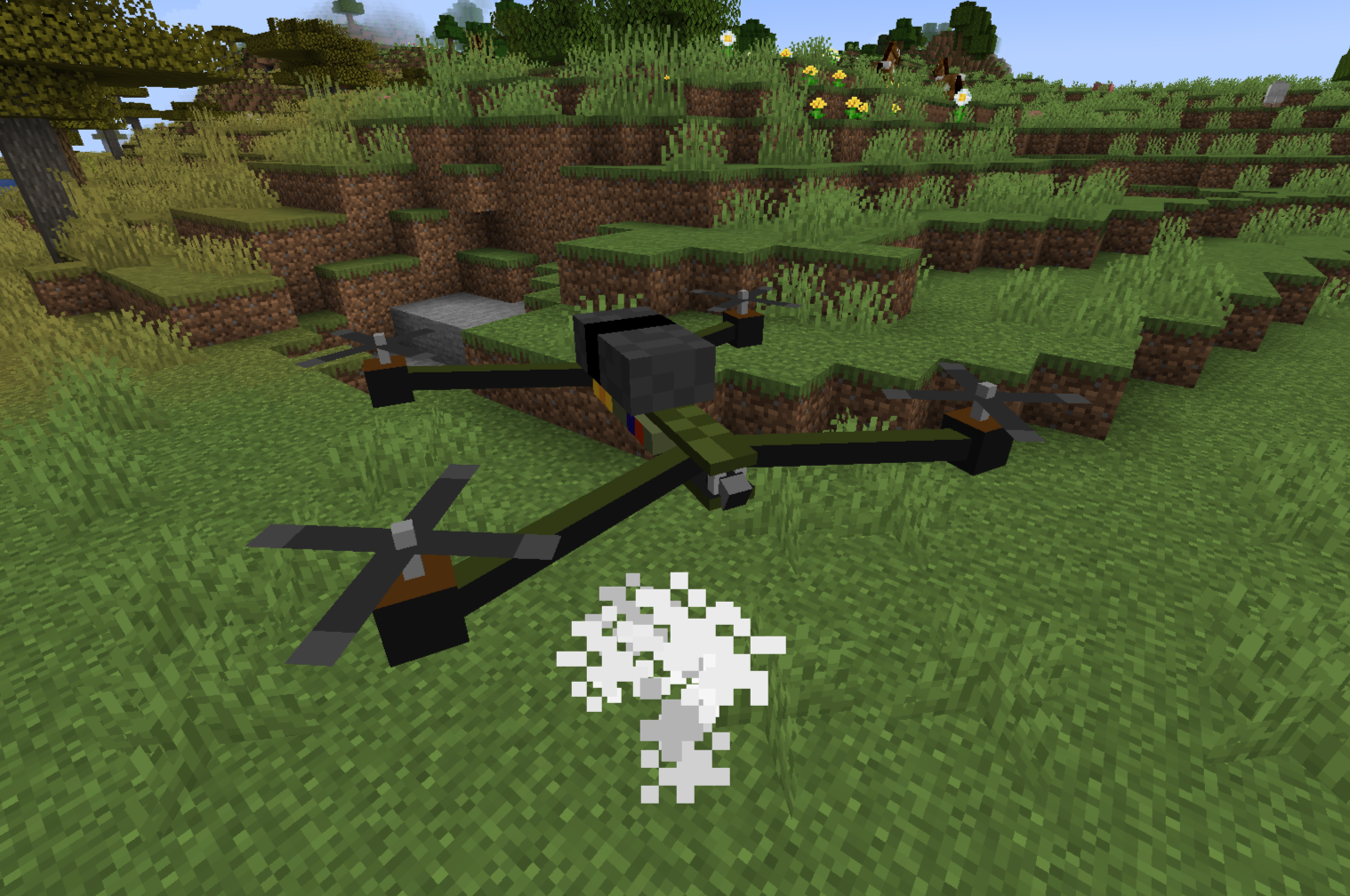
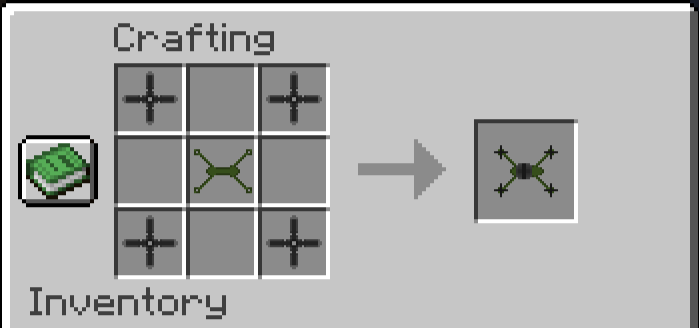
Bilder: FPV Drone auf Modrinth, vom Projektteam veröffentlicht.
Einrichtung
FPV Drone auf dem Server installieren
Server und Spieler brauchen denselben Loader und dieselbe Minecraft-Version. Sichere die Welt, bevor du Mods hinzufügst oder aktualisierst.
- 01
Konfigurieren
4 GB RAM sind vorausgewählt. Laufzeit und Add-ons wählst du selbst, bezahlt wird per Kreditkarte oder PayPal.
- 02
Loader einstellen
Stell im Panel die Serversoftware auf Fabric und wähl die passende Minecraft-Version, zum Beispiel 1.20.1.
- 03
Mod installieren
Such im Mod-Browser nach „FPV Drone“ und installiere die Version für deinen Loader. Alternativ lädst du die .jar per SFTP in den Ordner mods. Erforderliche Abhängigkeiten stehen auf der Projektseite.
- 04
Verbinden
Alle Spieler installieren FPV Drone in derselben Version lokal und verbinden sich über die Serveradresse aus dem Panel.
- Auf dem Server
- Erforderlich
- Auf dem Client
- Erforderlich
- Loader
- Fabric
- Minecraft
- 1.20.1
- Lizenz
- LicenseRef-All-Rights-Reserved
Das Panel
Mods installieren, Fehler finden.
Echte Screenshots aus dem Mado Panel. Beides ist bei jedem Minecraft Server enthalten.
Mod-Browser
Modrinth und CurseForge direkt im Panel.
Der Browser filtert nach deiner Minecraft-Version. Mods installierst du mit einem Klick, ohne .jar-Dateien hochzuladen.

KI-Crash-Analyse
Wenn ein Mod crasht, liest die Analyse das Log.
Mods scheitern oft an einer falschen Loader-Version, Java-Version oder fehlenden Abhängigkeit. Die Analyse nennt eine wahrscheinliche Ursache und einen Lösungsvorschlag.

Versionen
Veröffentlichte Versionen
Nimm die Datei, die zu Loader und Minecraft-Version deines Servers passt. Server und Spieler brauchen dieselbe Version.
FPV Drone · ModrinthOriginalbeschreibung des Projektautors
FPV Drone: Advanced UAV Simulator
FPV Drone is a comprehensive, highly realistic tactical drone mod for Minecraft. It introduces a fully functional First-Person View (FPV) quadcopter with deep mechanics including signal interference, battery management, vehicle durability, and aerial payload deployment.
Whether you are scouting enemy bases, exploring ravines from the safety of your home, or dropping explosives on a zombie horde, FPV Drone provides an immersive piloting experience unlike any other.
⚙️ Requirements & Dependencies
To run this mod, you will need the following installed in your Minecraft client/server:
- Mod Loader: Fabric
- Required API: Fabric API
- Minecraft Version: Fabric 1.20.1
🎮 Core Mechanics & Features
1. FPV Piloting & Custom HUD
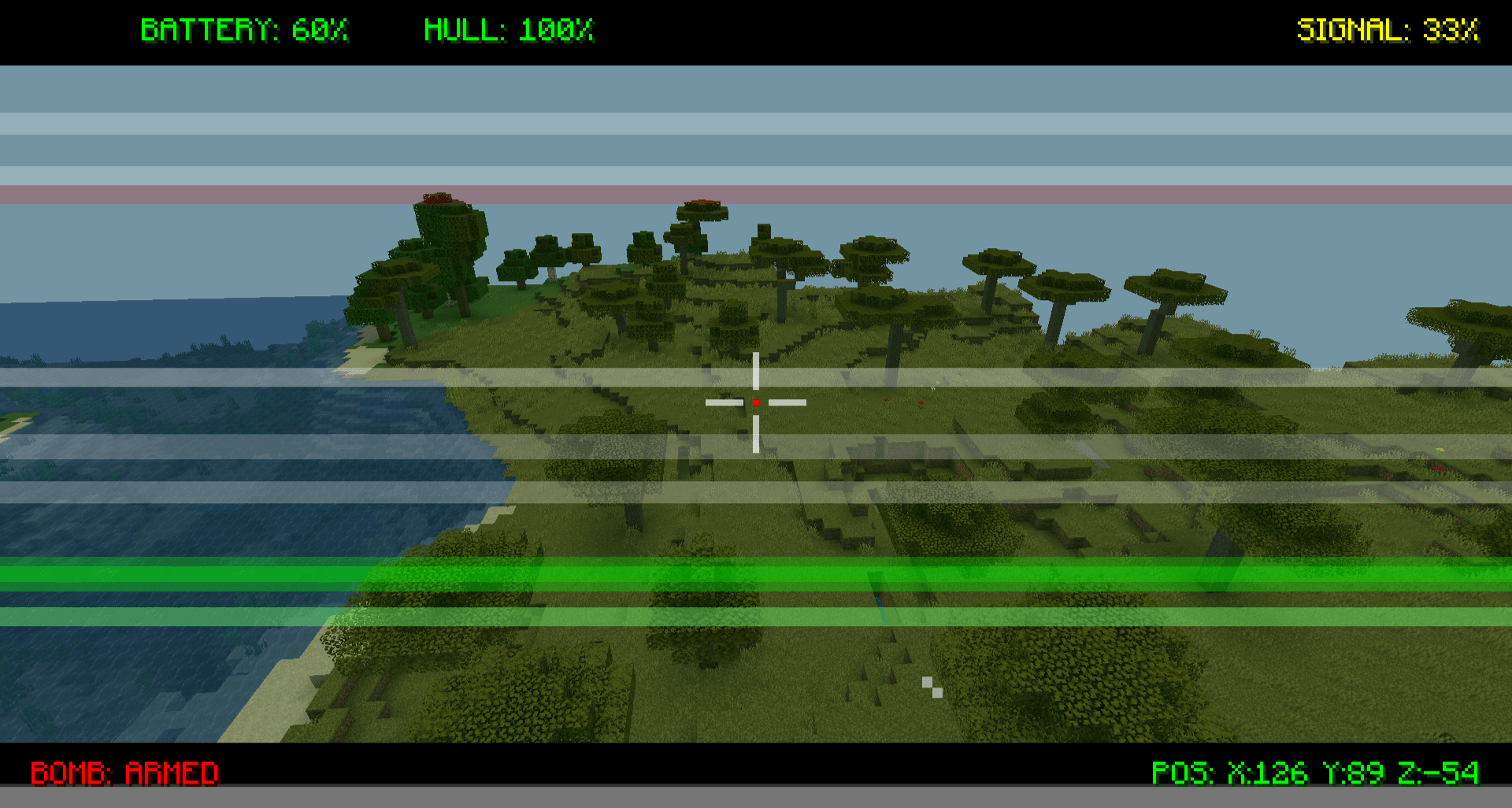
Take control of your drone using the Drone Controller. Once linked, your camera seamlessly shifts to the drone's perspective. The custom Heads-Up Display (HUD) provides critical real-time telemetry:
- Coordinates (POS): Exact X, Y, and Z location of the drone.
- Hull Integrity (HULL): Current health percentage.
- Battery Level (BATTERY): Remaining power percentage.
- Signal Strength (SIGNAL): Connection quality based on your distance.
- Payload Status (BOMB): Indicates if a bomb is currently armed and ready.

2. Signal Interference & Range
You can't fly forever. As the drone flies further away from the pilot (past 100 blocks), the video feed will begin to degrade. You will experience visual static, glitching, and a "WEAK SIGNAL" warning. If you exceed the absolute maximum range (150 blocks), the signal is entirely lost, your screen will turn to static, and the drone will hover in place until you get closer.
3. Battery & Power Management
Drones require power to operate. A fully charged Drone Battery provides exactly 2 minutes of continuous flight time.
- At 15%, a flashing "LOW BATTERY" warning appears on your HUD.
- At 0%, the motors will shut down, the camera feed will die, and the drone will perform an emergency forced landing.
- To recharge: Simply right-click the grounded drone with a fresh Drone Battery item.

4. Tactical Payload (Bombs)
Turn your reconnaissance drone into a strike aircraft.
- Right-click the drone with a Drone Bomb item to attach it to the underbelly.
- While flying in FPV mode, press the drop key (customizable/default attack key) to release the payload.
5. Durability, Damage & Repairs
Your drone is a fragile piece of technology (20 HP / 10 Hearts). It can be shot down by projectiles or other players.
- Wear & Tear: As health drops below 50%, the motors will sustain damage. Top speed will decrease, thick black smoke will emit from the rotors, and the camera feed will glitch from the physical shock.
- Destruction: If HP reaches 0, the drone will be destroyed in a small electrical explosion (or a massive one, if it was carrying a bomb!).
- Maintenance: Use the Wrench item (Right-click on the drone) to repair it. Each click restores 5 HP and consumes 1 durability from the Wrench.
6. Dynamic Hazards
- Short-Circuiting: Drones are not waterproof! If your drone touches a river, ocean, or any water block, it will instantly short-circuit, spark, and explode. Fly carefully around waterfalls!
🚀 Quick Start Guide (How to Fly)
- Place the Drone: Right-click the ground with the FPV Drone item.
- Bind the Controller: Hold the Drone Controller in your hand and Right-Click the drone. You are now the registered owner.
- Connect the Camera: Right-Click the air with the bound controller to enter FPV mode.
- Fly: Use your standard movement keys (W, A, S, D, Space, Ctrl) to pilot the drone.
FPV Drone Server crasht beim Start – was tun?
Häufige Ursachen: Loader- oder Minecraft-Version passen nicht zur Mod-Datei, eine Abhängigkeit fehlt oder der RAM reicht nicht. Such im Log (latest.log) nach „OutOfMemoryError“, „Mixin“ oder fehlenden Mods. Bei Mado wertet die KI-Crash-Analyse das Log aus und schlägt eine Ursache vor. Loader und Version änderst du im Panel.
Mit welchem Loader läuft FPV Drone?
Laut Modrinth unterstützt FPV Drone Fabric für Minecraft 1.20.1.
Wie viel RAM braucht ein Server mit FPV Drone?
Als Orientierung 3–4 GB für einen Server mit dieser Mod. Das ist eine Schätzung, keine gemessene Mindestanforderung. Weitere Mods, viele Spieler und große Sichtweiten brauchen mehr. Ob eine Mod die Tick-Zeit belastet, siehst du mit dem spark-Profiler.
Ähnliche Mods
Beliebte Mods aus derselben Kategorie
 Server-fähig

Xaero's Minimap
von thexaero
Displays a map of the nearby world terrain, players, mobs, entities in the corner of your screen. Lets you create waypoints which help you find the locations you've marked.
 Server-fähig

Xaero's World Map
von thexaero
Adds a full screen world map which shows you what you have explored in the world. Works great together with Xaero's Minimap.
 Nur Client

Not Enough Animations
von tr7zw
Bringing first-person animations to the third-person
 Nur Client

3D Skin Layers
von tr7zw
Render the player skin layer in 3d!
Bereit für deinen Server mit FPV Drone?
4 GB RAM ab 8,00 € im Monat. 35 % auf den 1. Monat mit MADO35.