
FramePacer
🔥FramePacer - Stable FPS cap without jitters!🔥
Screenshots
Über diese Mod
🔥 FramePacer - Stable FPS without jitters! 🔥
Ever noticed stuttering when using an FPS cap?
You're not imagining it — those are frame time jitters!
FramePacer aims to fix this!
📊 Benchmarks 📊
The vanilla frame limiter in versions <=1.21.11 puts the thread to sleep, but due to OS timer resolution limitations, this introduces timing inaccuracies, resulting in unstable frame times.
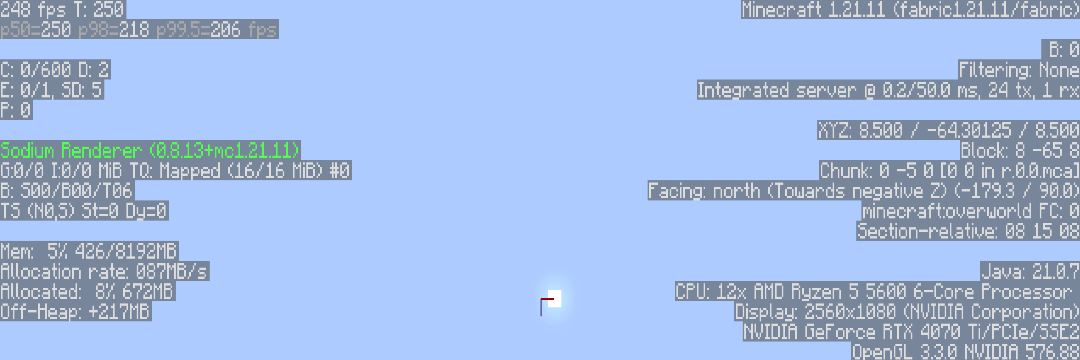
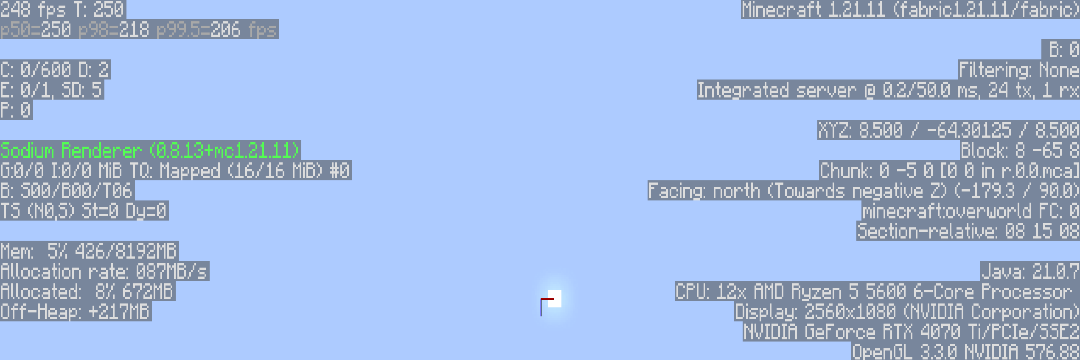
#frame drops are visible here.
In versions >=26.1, developers attempted to fix the limiter by switching to a hybrid approach.
However, the vanilla implementation introduces excessive architectural complexity, which can still lead to timing imprecision.
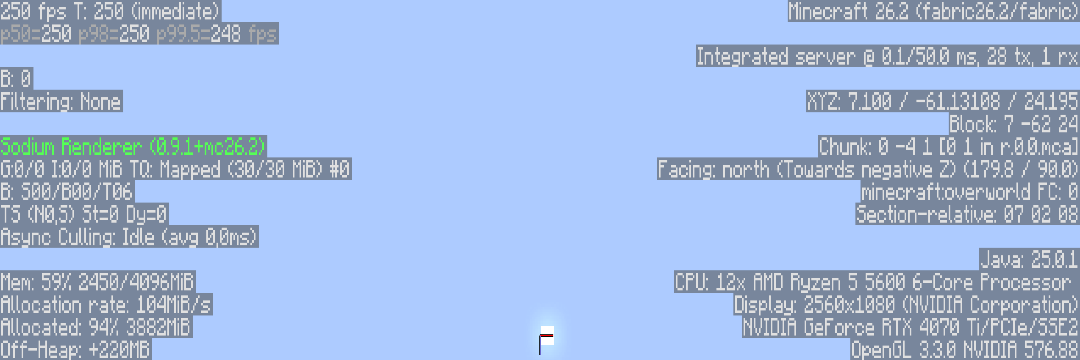
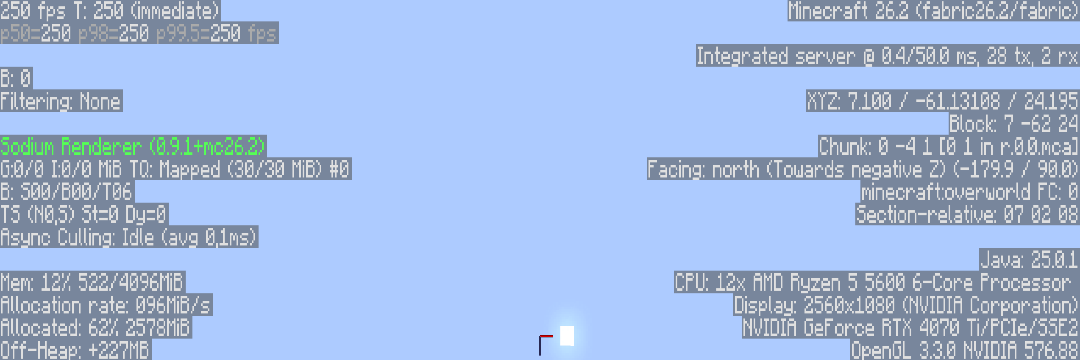
#Frame drops became less visible, but it still not disappear on my test.
FramePacer uses a lightweight, optimized hybrid sleep algorithm to improve frame limiting precision.
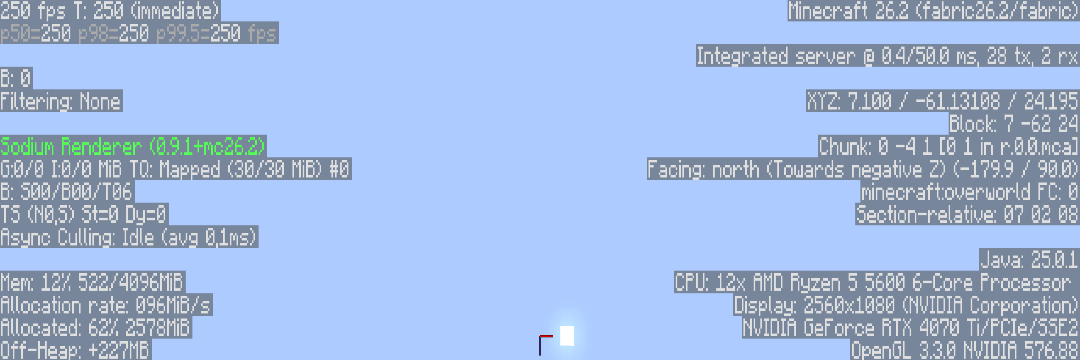
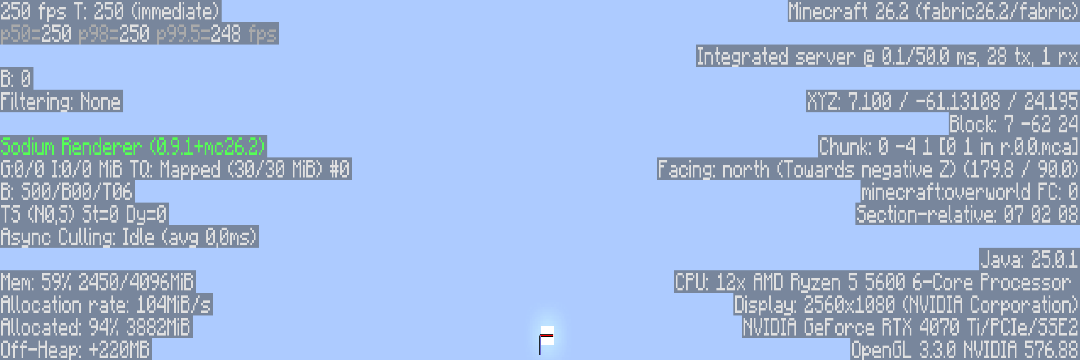
#Testing on 26.2 + FramePacer shows smoother framerate.
❓ Benchmark Notes ❓
Tests were conducted using Fabric + Sodium. Sodium does not alter frame-limiting methods and eliminates game-specific variables.
Tests were performed in an empty world to isolate the limiter's performance from gameplay overhead.
👑 Features & Highlights 👑
Size <5 KB.
Zero dependencies.
MIT License. Feel free to include FramePacer in any modpack.
Compatible with other mods (except similar mods).
Multi-version and multiloader support
Precision frame pacing.
❗ Important Notes ❗
FramePacer does not increase FPS! it improves FPS cap stability.
Do not use vsync and fps cap together. Vanilla vsync+fps cap overwrite each other and make unstable fps.
🌲 Supported Versions 🌲
Fabric 1.14 - 26.4
Quilt 1.14.4 - 26.4
NeoForge 1.20.1 - 26.3
Forge 1.15 - 26.3
Verfügbare Versionen
FramePacer auf deinem Client installieren
Mod-Loader lokal installieren
Installiere fabric für deine lokale Minecraft-Version.
Passende Datei herunterladen
Wähle die FramePacer-Datei für fabric und Minecraft 26.4-snapshot-3.
Mod installieren
Lege die .jar-Datei in deinem lokalen .minecraft/mods-Ordner ab und starte Minecraft neu. Eine Installation auf dem Server ist nicht nötig.
Kompatibilität
Mod-Loader
Minecraft-Versionen
26.4-snapshot-3, 26.4-snapshot-2, 26.4-snapshot-1 (+403 weitere)
Server-seitig
✗ Nicht unterstütztEmpfohlener RAM
4 GB(min. 3 GB)Häufige Fragen
Muss FramePacer auf dem Minecraft Server installiert werden?
Nein. Modrinth kennzeichnet FramePacer serverseitig als nicht unterstützt. Installiere die Mod nur im lokalen Minecraft-Mods-Ordner. Dein Server kann unverändert bleiben, sofern die Mod-Seite keine zusätzliche Abhängigkeit nennt.
Welche Version und welchen Loader braucht FramePacer?
Nutze eine Datei für fabric, forge, neoforge, quilt und exakt deine Minecraft-Version. Unterstützte Versionen sind unter anderem 26.4-snapshot-3, 26.4-snapshot-2, 26.4-snapshot-1. Loader-Dateien sind nicht untereinander austauschbar.
FramePacer funktioniert nicht – was kann ich prüfen?
Prüfe zuerst Minecraft-Version, Loader-Version und erforderliche Abhängigkeiten. Lege die .jar-Datei im lokalen .minecraft/mods-Ordner ab und entferne ältere Duplikate. Da die Mod clientseitig ist, löst mehr Server-RAM dieses Problem nicht.
Ähnliche Mods


Minecraft Server für deine Gruppe
FramePacer bleibt auf deinem Client. Hoste dazu eine kompatible Welt für deine Mitspieler.