
Modrinth · Forge
Geotagged Screenshots auf deinem Minecraft Server
Geotagged Screenshots läuft auf Minecraft Servern mit Forge. Bestell deinen Server, stell den Loader im Panel ein und installiere die Mod mit einem Klick im Mod-Browser.
Enriches screenshots with metadata like in-game coordinates to make them viewable in Xaero's World Map.
- Downloads
- 83.1K
- Autor
- CCr4ft3r
- Loader
- Forge
- Minecraft
- 1.19.2 – 1.20.1
- Aktualisiert
- –
Screenshots
So sieht Geotagged Screenshots aus
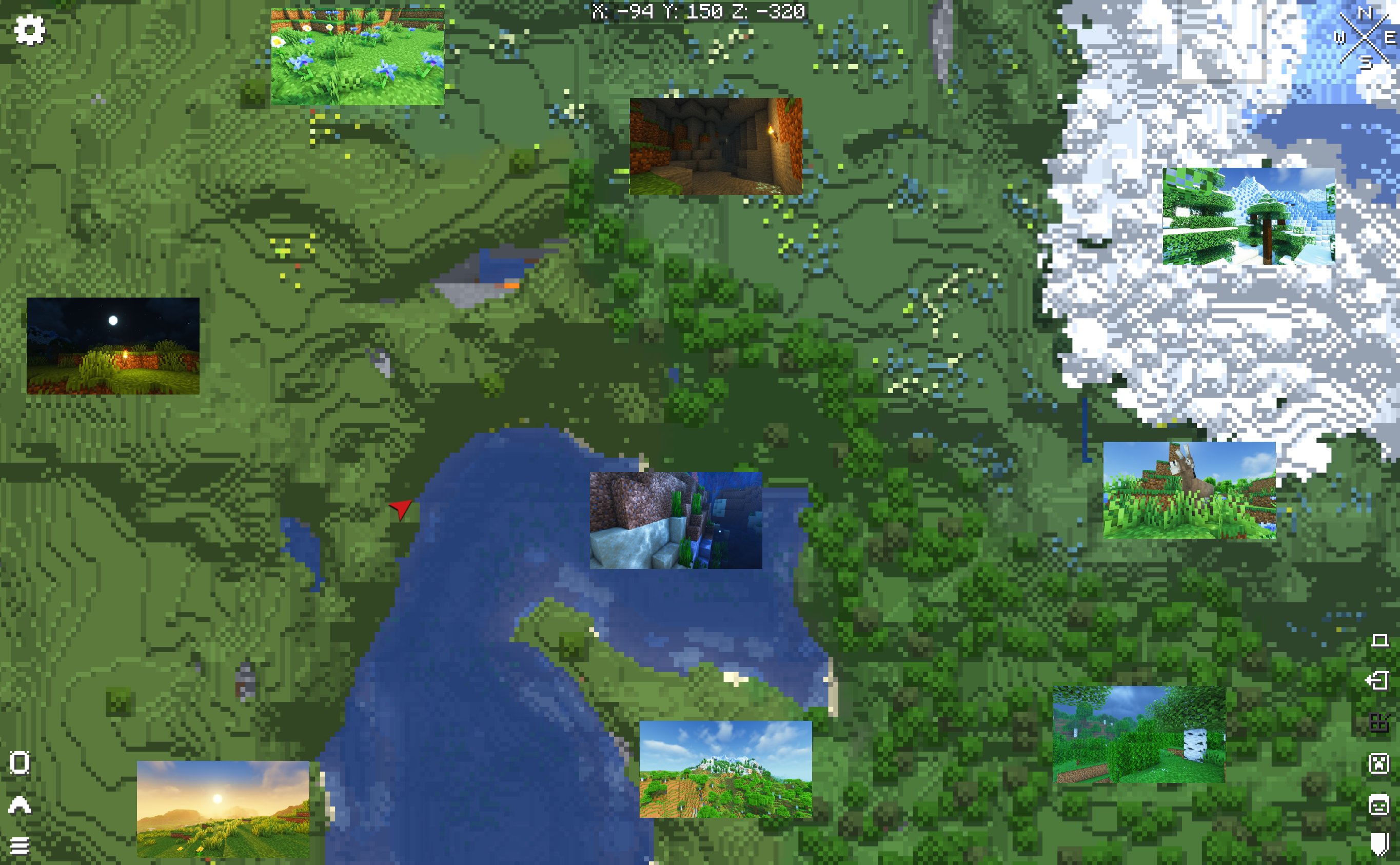
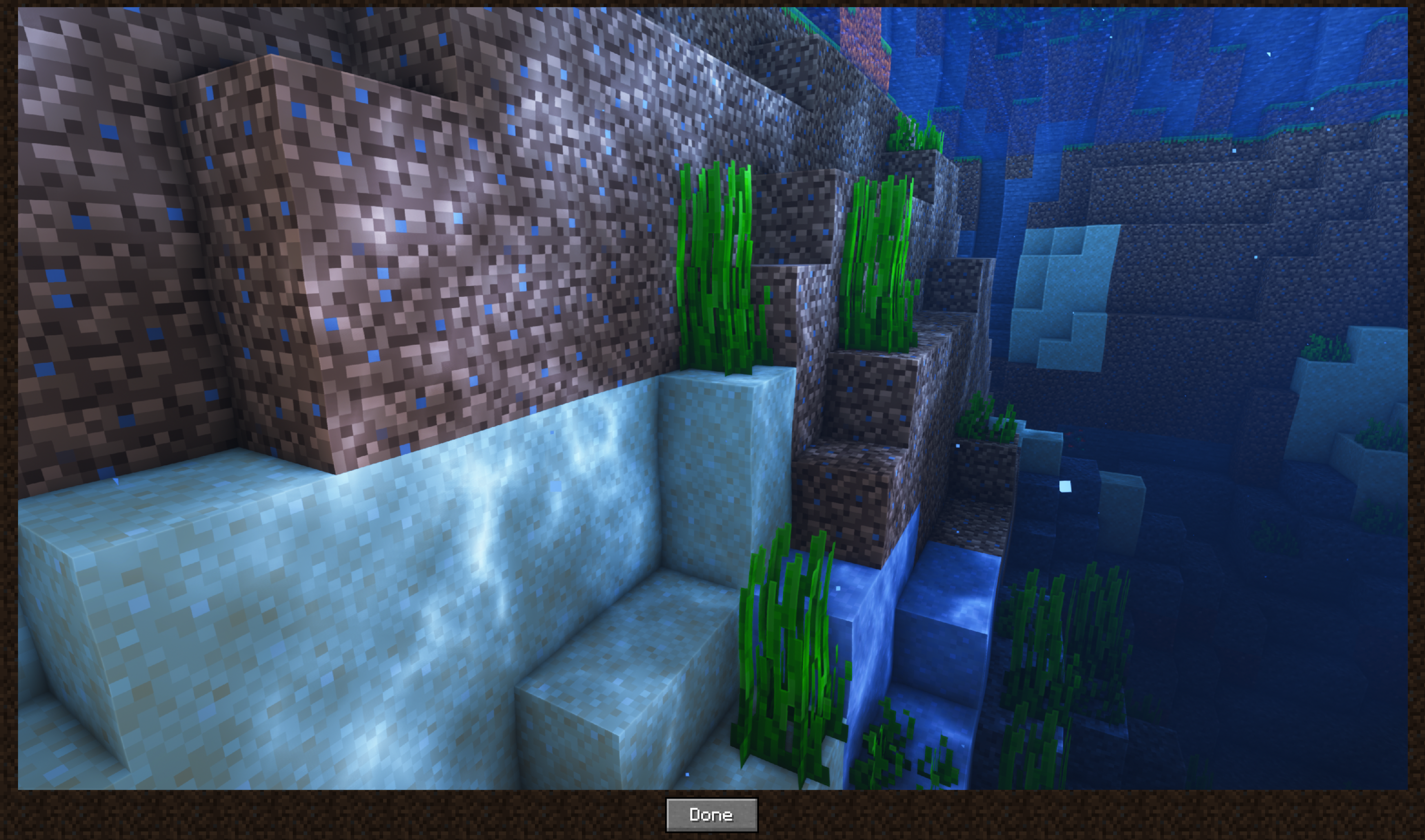
Bilder: Geotagged Screenshots auf Modrinth, vom Projektteam veröffentlicht.
Einrichtung
Geotagged Screenshots auf dem Server installieren
Server und Spieler brauchen denselben Loader und dieselbe Minecraft-Version. Sichere die Welt, bevor du Mods hinzufügst oder aktualisierst.
- 01
Konfigurieren
4 GB RAM sind vorausgewählt. Laufzeit und Add-ons wählst du selbst, bezahlt wird per Kreditkarte oder PayPal.
- 02
Loader einstellen
Stell im Panel die Serversoftware auf Forge und wähl die passende Minecraft-Version, zum Beispiel 1.20.1.
- 03
Mod installieren
Such im Mod-Browser nach „Geotagged Screenshots“ und installiere die Version für deinen Loader. Alternativ lädst du die .jar per SFTP in den Ordner mods. Erforderliche Abhängigkeiten stehen auf der Projektseite.
- 04
Verbinden
Alle Spieler installieren Geotagged Screenshots in derselben Version lokal und verbinden sich über die Serveradresse aus dem Panel.
- Auf dem Server
- Erforderlich
- Auf dem Client
- Erforderlich
- Loader
- Forge
- Minecraft
- 1.20.1, 1.19.2
- Lizenz
- GNU Lesser General Public License v3.0 only
Das Panel
Mods installieren, Fehler finden.
Echte Screenshots aus dem Mado Panel. Beides ist bei jedem Minecraft Server enthalten.
Mod-Browser
Modrinth und CurseForge direkt im Panel.
Der Browser filtert nach deiner Minecraft-Version. Mods installierst du mit einem Klick, ohne .jar-Dateien hochzuladen.

KI-Crash-Analyse
Wenn ein Mod crasht, liest die Analyse das Log.
Mods scheitern oft an einer falschen Loader-Version, Java-Version oder fehlenden Abhängigkeit. Die Analyse nennt eine wahrscheinliche Ursache und einen Lösungsvorschlag.

Versionen
Veröffentlichte Versionen
Nimm die Datei, die zu Loader und Minecraft-Version deines Servers passt. Server und Spieler brauchen dieselbe Version.
Geotagged Screenshots · Modrinth- Geotagged Screenshots 1.20.1-0.2.0beta20. Dezember 2023Minecraft 1.20.1 · Forge
- Geotagged Screenshots 1.19.2-0.2.0beta20. Dezember 2023Minecraft 1.19.2 · Forge
Originalbeschreibung des Projektautors
Ever wanted to make memorable memories memorizable? Give this mod a shot.
📜 Motivation
Minecraft saves all taken screenshots inside a single folder without context information. Making it difficult if you are looking for specific screenshots of a certain world or a special place.
This can be improved so that players can take an imaginary journey back to visited places.
💡 About
Whenever you create a new screenshot in Minecraft this mods adds various information about your in-game location to the screenshot file.
In addition to that it also creates new waypoints to Xaero's World Map and Minimap to the exact same location in a separate waypoint set: Geotagged Screenshots
These two pieces of information are being used to render the screenshots in Xaero's World Map.
All of these can be viewed in a full screen viewer by left-clicking it.
Both mods, Xaero's World Map and Minimap, are required dependencies.

⚙️ How does it work?
Geotagged Screenshots currently adds the following metadata to newly created screenshots:
- a generated screenshot identifier
- a generated identifier of the world in which the screenshot was taken
- player coordinates at the time of creation
- dimension-id at the time of creation
Furthermore it creates a separate directory for thumbnails (each file includes the same metadata as the original one). These thumbnails are used to display them in the world map. Screenshots will only be loaded for the fullscreen viewer.
❗ Important Notes
- This mod has been tested carefully. However it is still in beta. Please report any bugs you are facing.
- This project is not associated neither officially supported by Xaero's World Map/Minimap.
- Geotagged Screenshots tries to be as less invasive as possible. However it needed to achieve compatbility with Xaero's World Map and Minimap by itself. Before reporting any bugs to Xaero make sure the bug is still happen without Geotagged Screenshots installed. Otherwise report it to me.
- Removing a screenshots waypoint will make the screenshot dissapear from the world map.
🔭 Limitations and Roadmap
- Currently world backups needs to include the thumbnails directory since they are not recreated. This will be improved in future. Thumbnail regeneration has been added in 0.2.0
- Location metadata is only added to newly created screenshots. Enriching existing ones will be added in the future.
- A proper config file is work in progress
📝 FAQ
Q: I cannot see my created screenshots in the world map.
A: Make sure to select the waypoint set "Geotagged Screenshots".
Q: Can I use Geotagged Screenshots in my modpack?
A: Yes - Feel free to include it - Remember to give credit and don't claim it as your own creation.
Q: Are you going to create or support a Fabric version?
A: No. But every other dev is allowed to do so under the given conditions of the license.
Q: Can you add ?
A: Please create a feature request on GitHub.
🔨 ModLoader
This mod is only available for Forge. Support for NeoForge will be added with the next major release at the earliest.
🌎 Links
Geotagged Screenshots Server crasht beim Start – was tun?
Häufige Ursachen: Loader- oder Minecraft-Version passen nicht zur Mod-Datei, eine Abhängigkeit fehlt oder der RAM reicht nicht. Such im Log (latest.log) nach „OutOfMemoryError“, „Mixin“ oder fehlenden Mods. Bei Mado wertet die KI-Crash-Analyse das Log aus und schlägt eine Ursache vor. Loader und Version änderst du im Panel.
Mit welchem Loader läuft Geotagged Screenshots?
Laut Modrinth unterstützt Geotagged Screenshots Forge für Minecraft 1.20.1, 1.19.2.
Wie viel RAM braucht ein Server mit Geotagged Screenshots?
Als Orientierung 3–4 GB für einen Server mit dieser Mod. Das ist eine Schätzung, keine gemessene Mindestanforderung. Weitere Mods, viele Spieler und große Sichtweiten brauchen mehr. Ob eine Mod die Tick-Zeit belastet, siehst du mit dem spark-Profiler.
Ähnliche Mods
Beliebte Mods aus derselben Kategorie
 Server-fähig

Xaero's Minimap
von thexaero
Displays a map of the nearby world terrain, players, mobs, entities in the corner of your screen. Lets you create waypoints which help you find the locations you've marked.
 Server-fähig

Xaero's World Map
von thexaero
Adds a full screen world map which shows you what you have explored in the world. Works great together with Xaero's Minimap.
 Nur Client

Not Enough Animations
von tr7zw
Bringing first-person animations to the third-person
 Nur Client

3D Skin Layers
von tr7zw
Render the player skin layer in 3d!
Bereit für deinen Server mit Geotagged Screenshots?
4 GB RAM ab 8,00 € im Monat. 35 % auf den 1. Monat mit MADO35.