
Glow Ink Plus
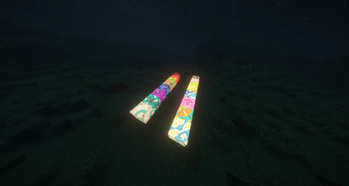
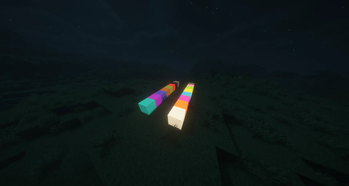
Add more functions to the glow ink, in this mod you can make the wool and carpets glow
Screenshots

Über diese Mod
Features
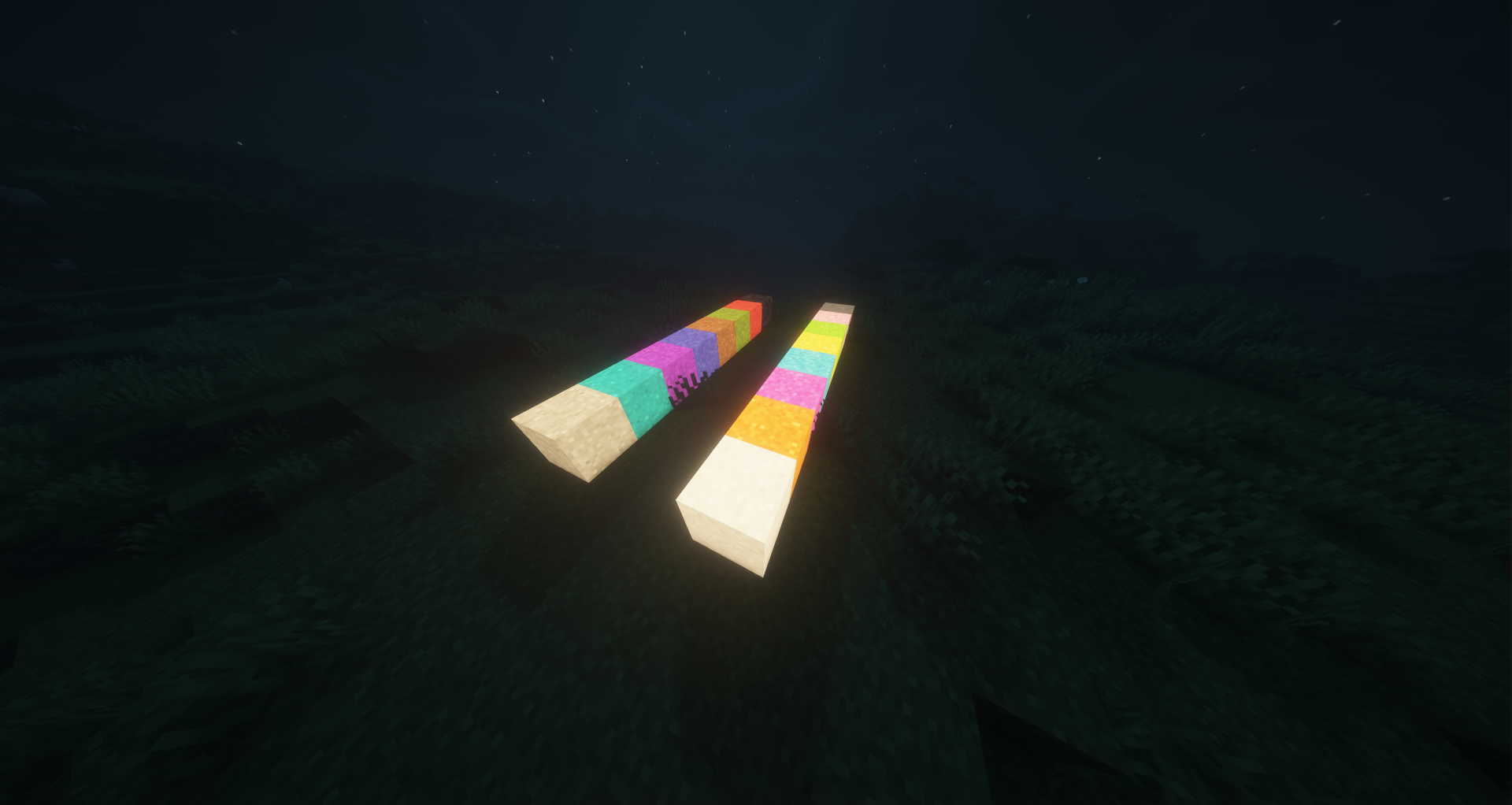
This mod adds new uses to the glow ink sac that was added in version 1.17. With this mod you can make wool, carpets,
beds, stained-glass, candles, glass panes, concrete, glazed terracotta, terracotta, concrete powder, leather armor,
banners, shields, and even sheep glow with emissive rendering (perfect for use with shaders).
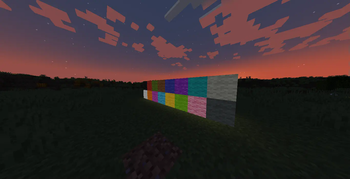
The wool textures of the texture packs are supported.
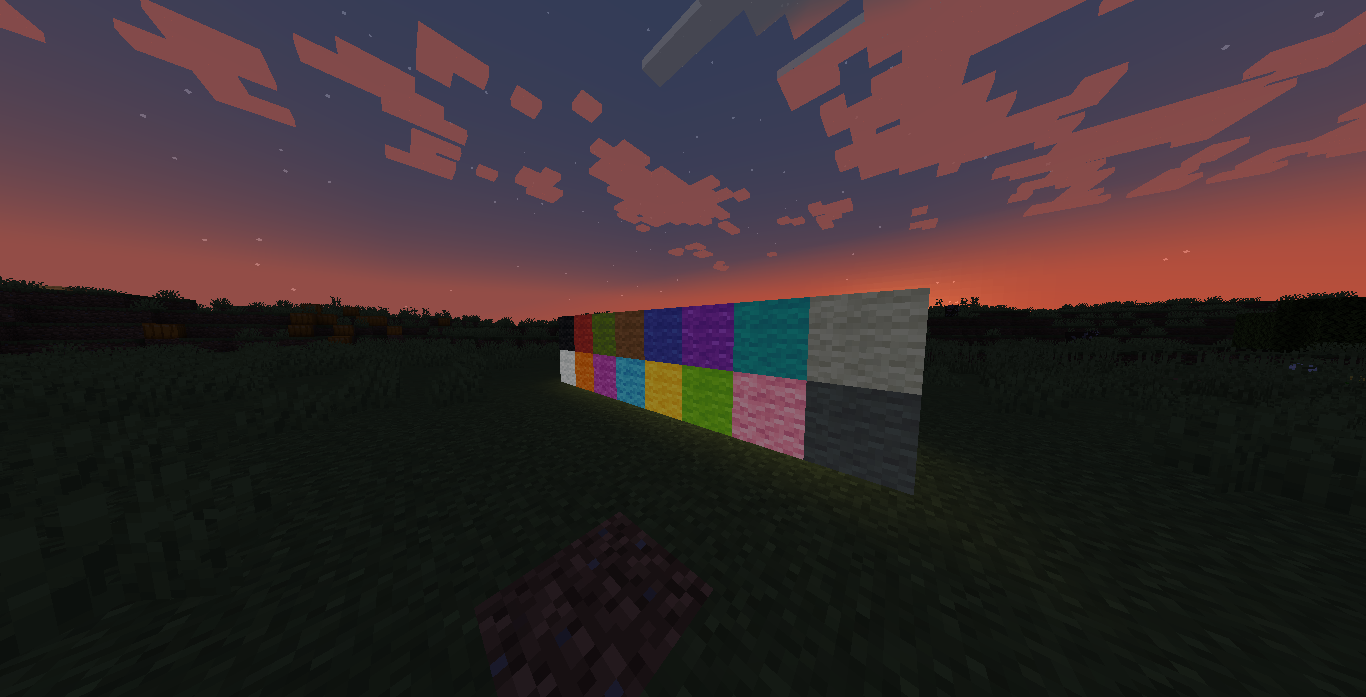
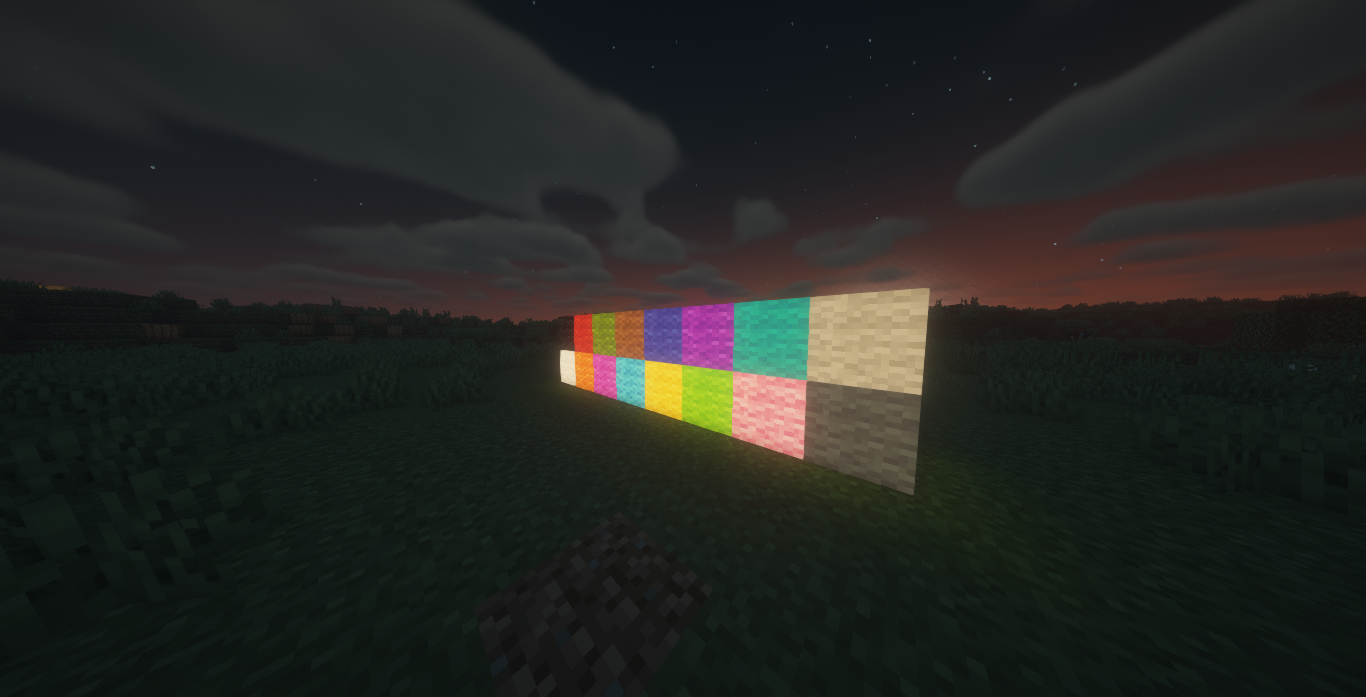
Glow Wool
Craft any wool with a Glow Ink Sac to create a glowing variant that emits a low light level and renders at full
brightness.
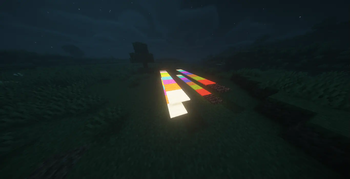
Glow Carpets
Craft any carpet with a Glow Ink Sac to create a glowing carpet variant.
Glow Beds
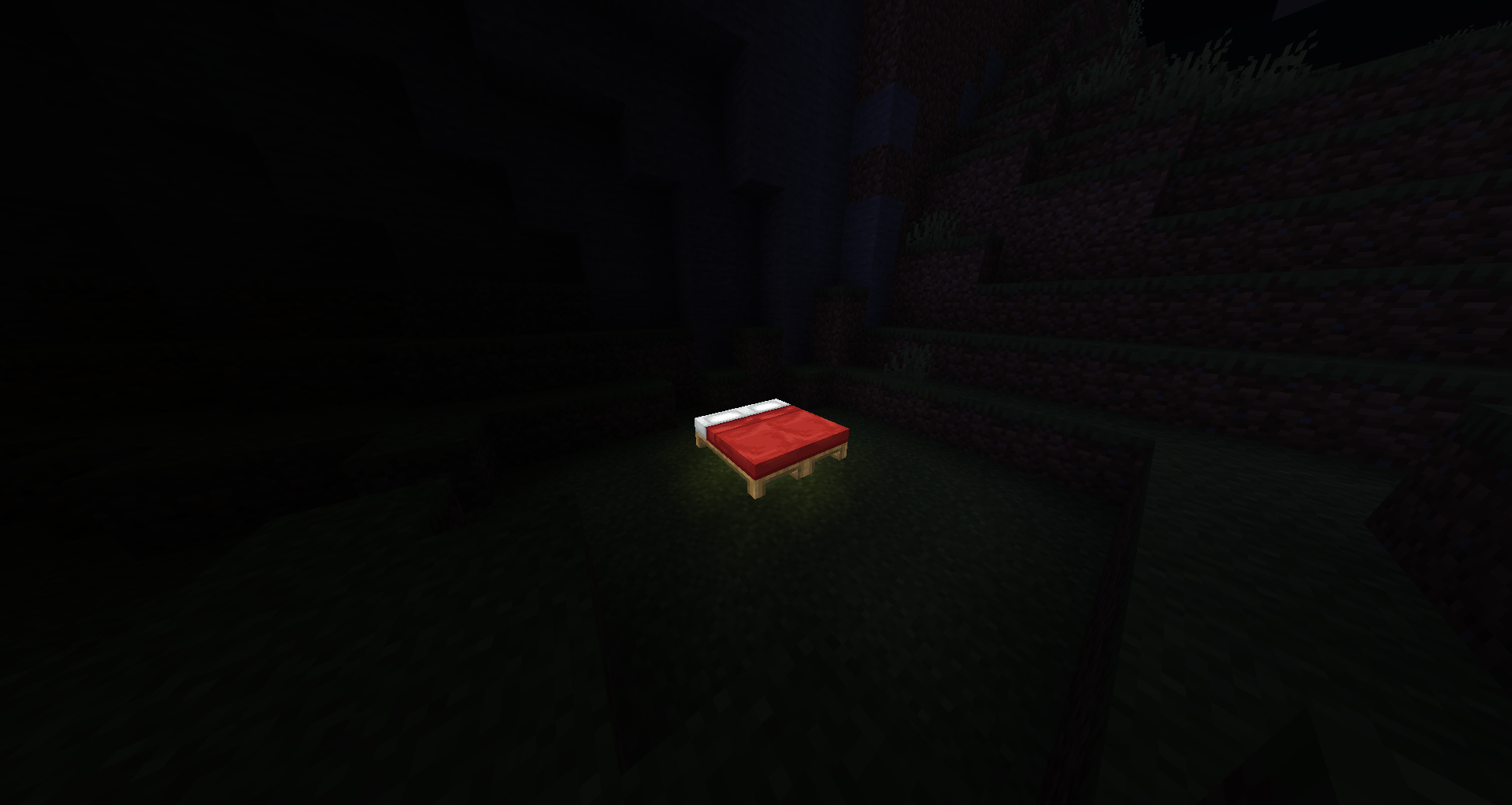
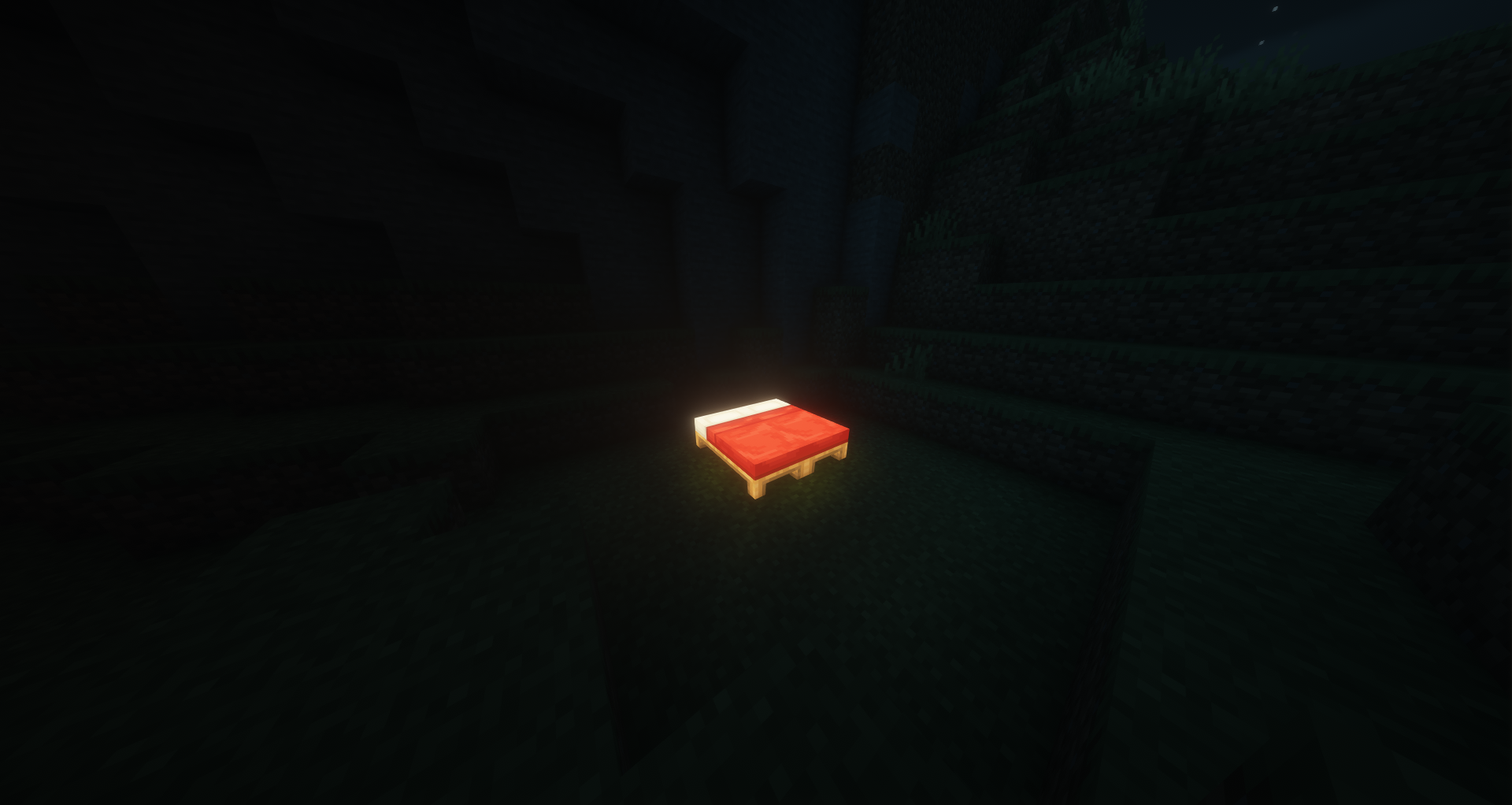
Craft any bed with a Glow Ink Sac, or craft glow wool with planks, to create a glowing bed variant. Glow beds work
exactly like vanilla beds (sleeping, setting spawn) with added emissive rendering.
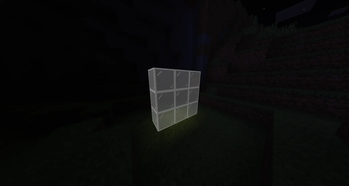
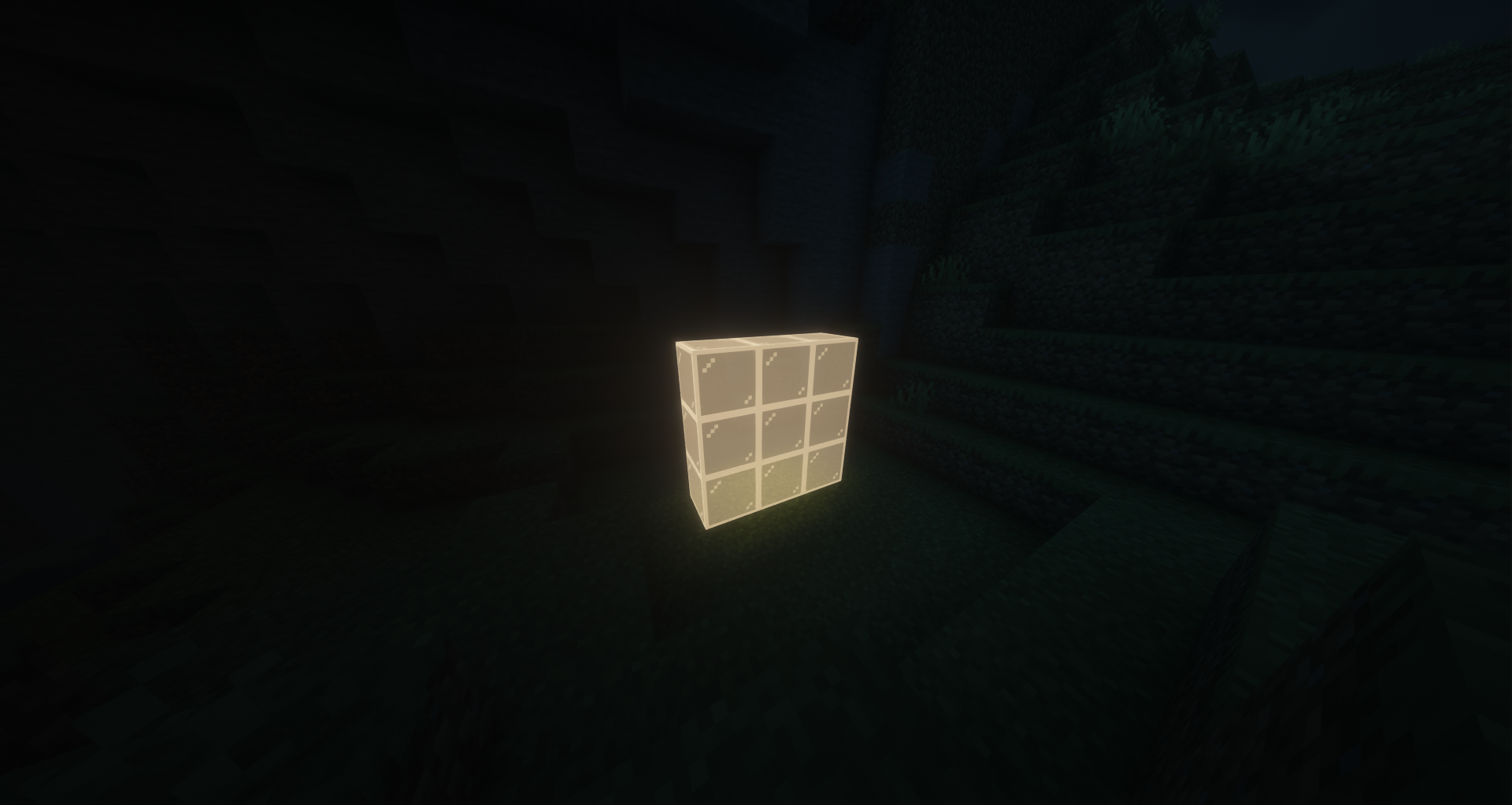
Glow Stained Glass
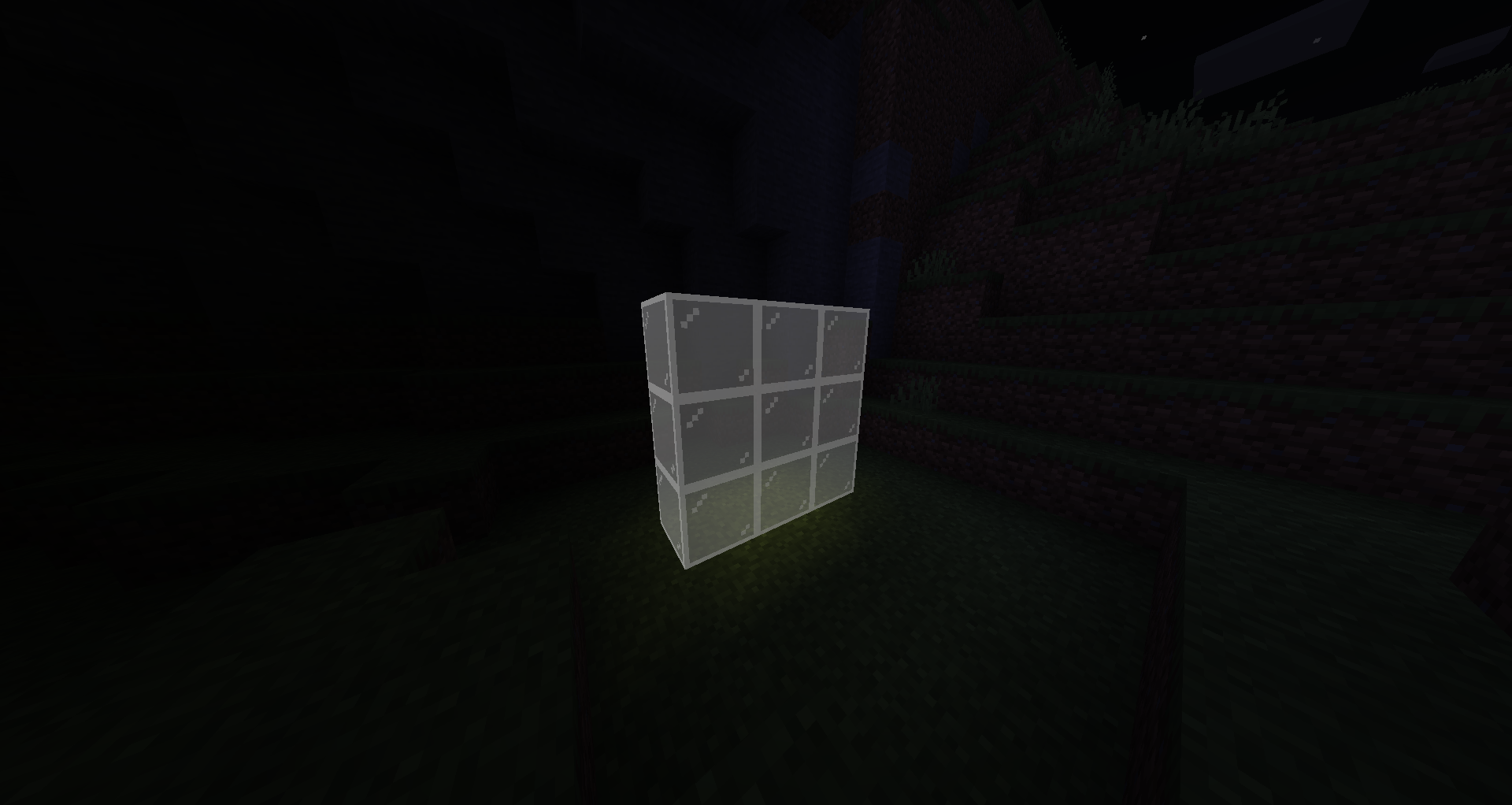
Craft 8 stained-glass with 1 Glow Ink Sac (3×3 pattern) to make 8 glowing stained-glass blocks. Fully transparent with
emissive rendering, compatible with beacons.
Glow Candles
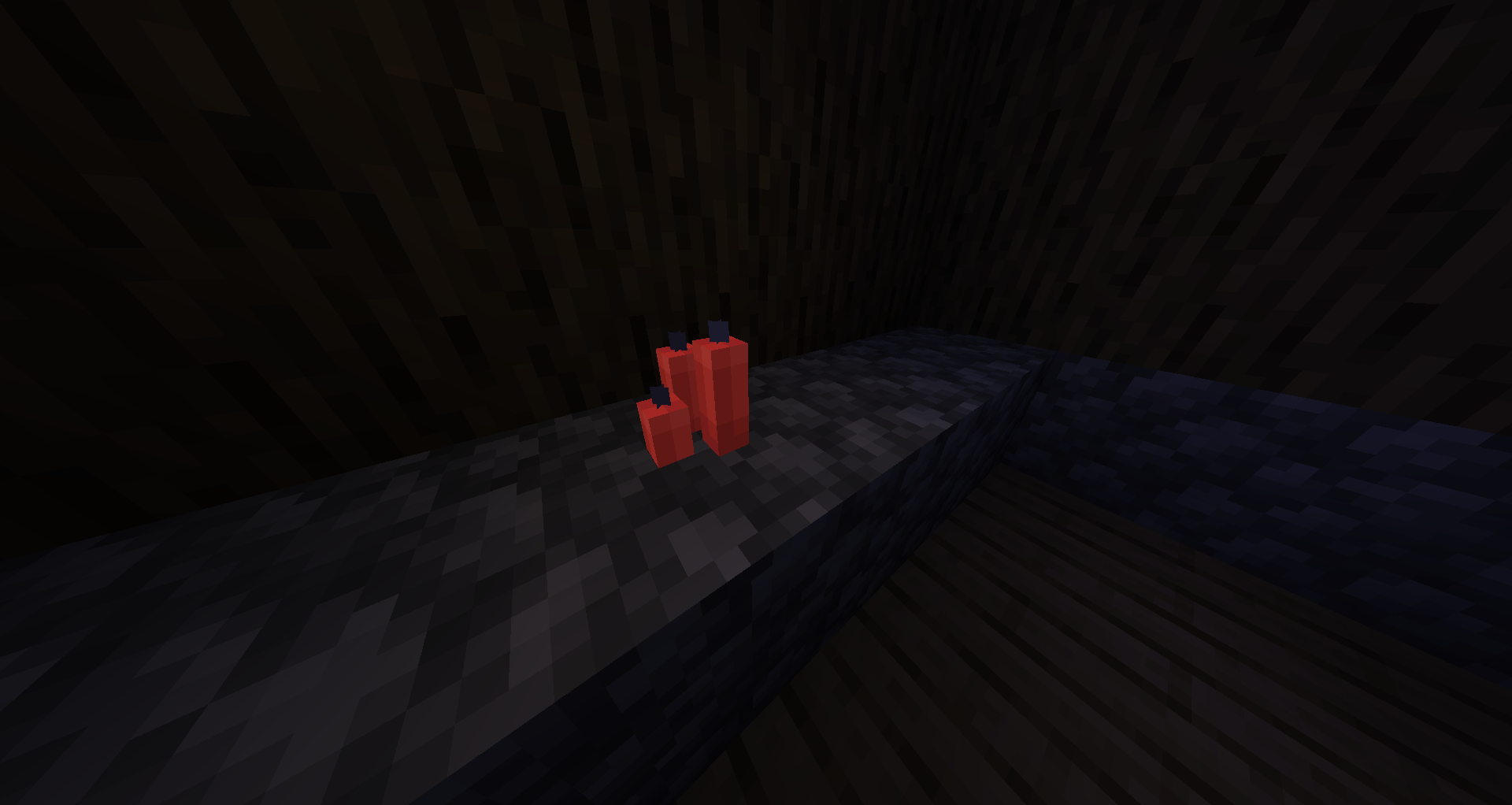
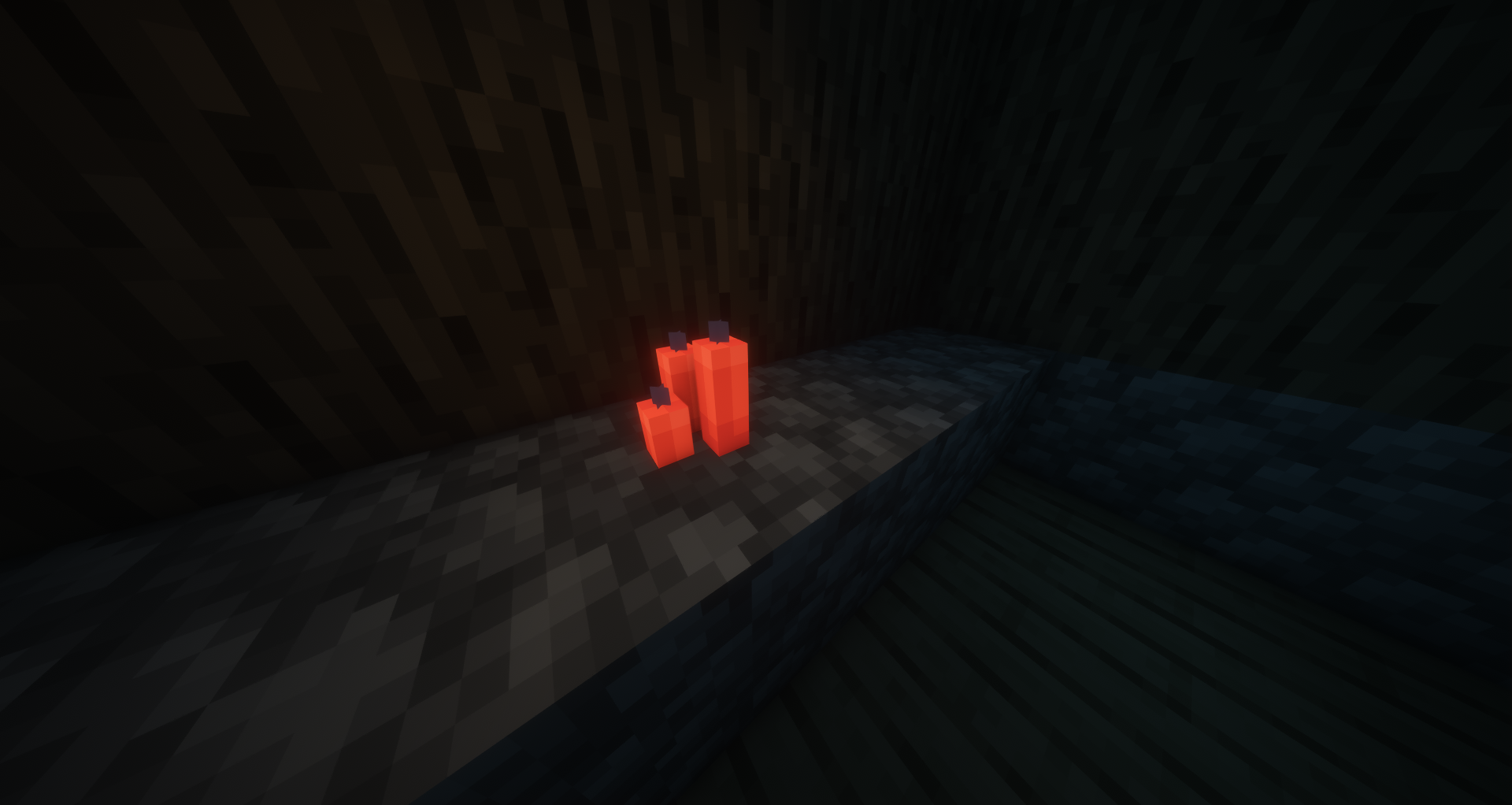
Craft any candle with a Glow Ink Sac to create a glowing candle. Place up to 4 per block and light them — the glow
effect stacks with the candle's natural light.
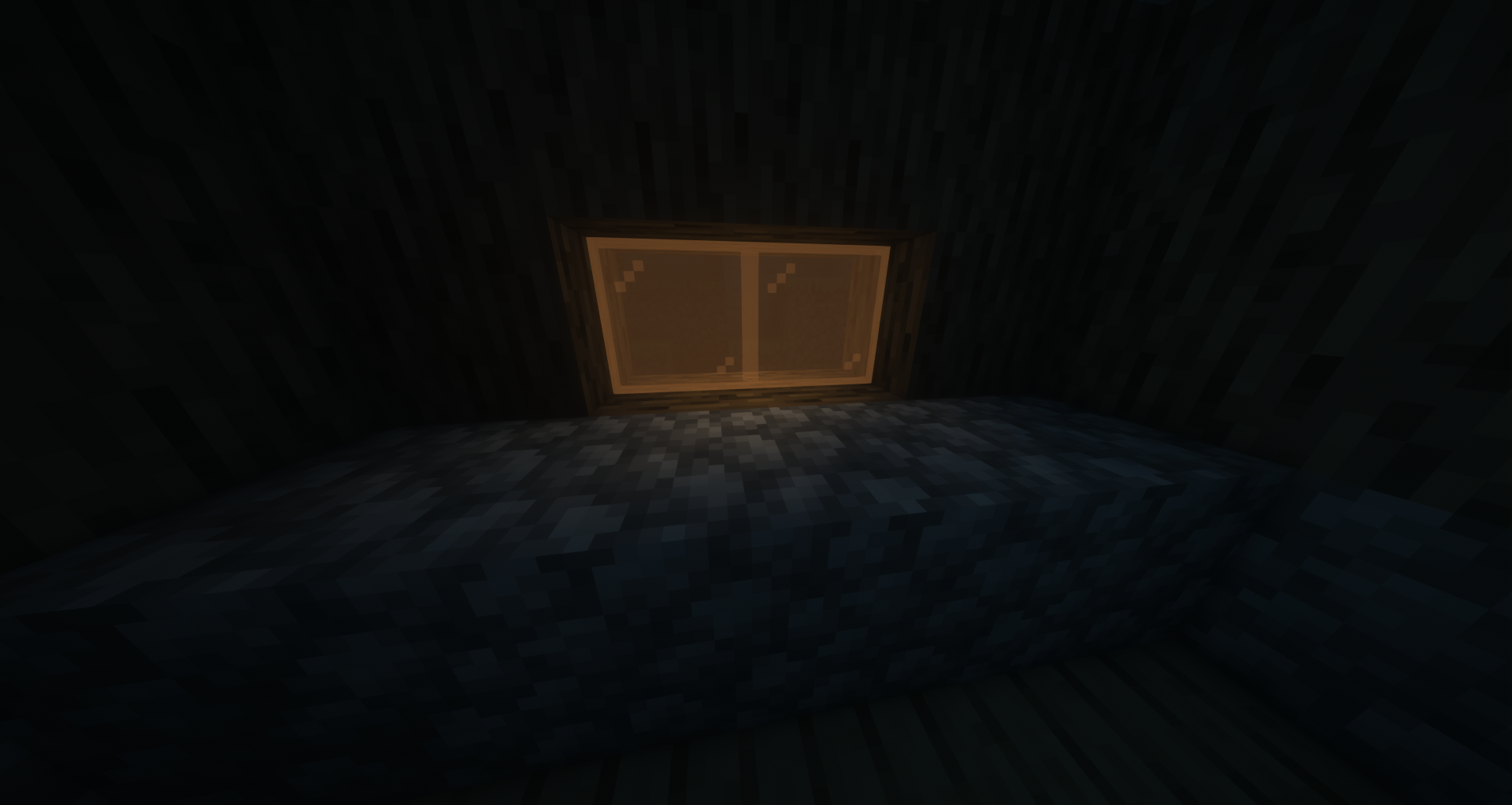
Glow Stained Glass Panes
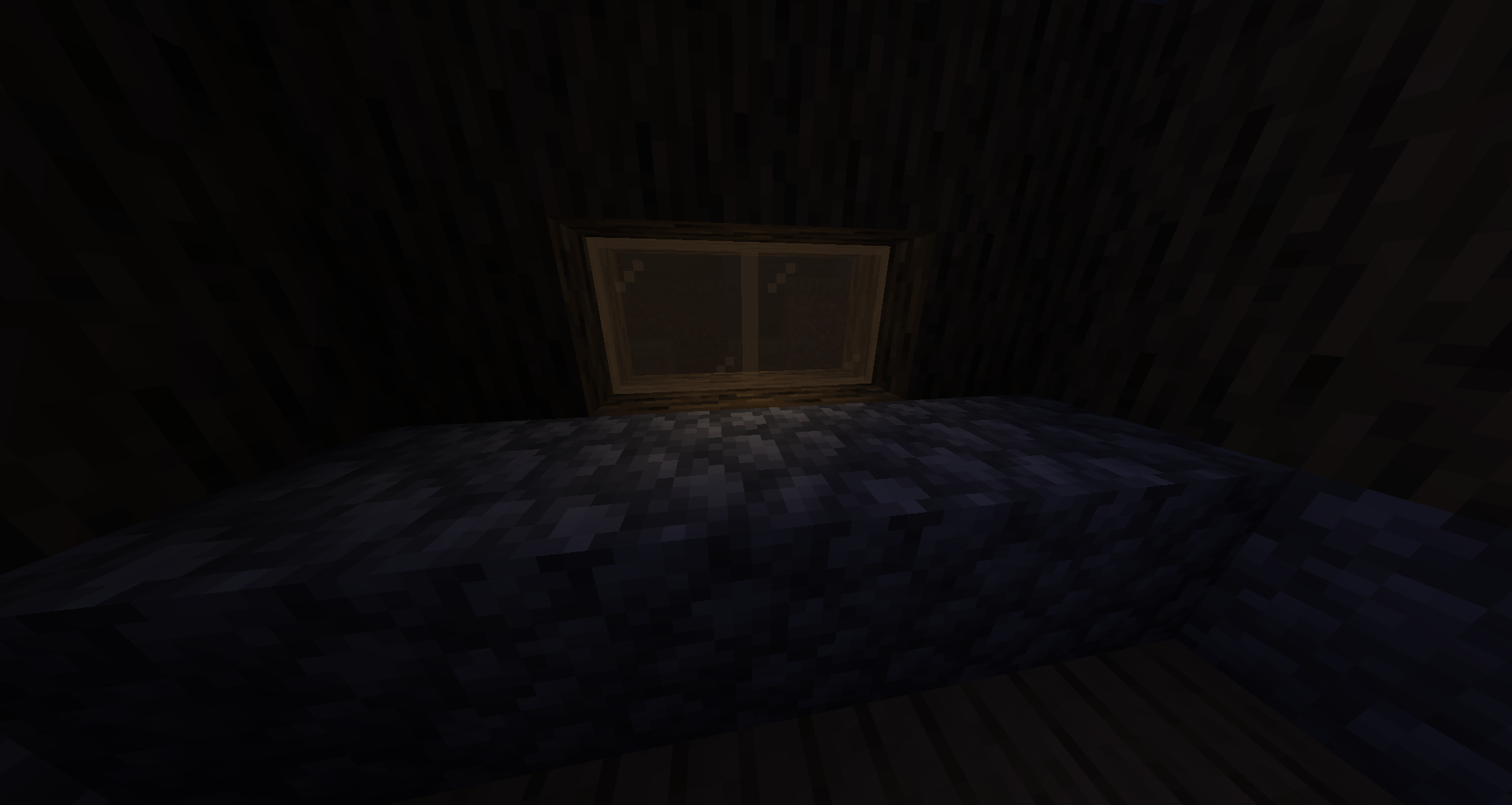
Craft 8 stained-glass panes with 1 Glow Ink Sac (3×3 pattern) for 8 glow panes, or craft 6 glow stained-glass in a 3×2
pattern for 16 glow panes. Pane connections and transparency work exactly like vanilla.
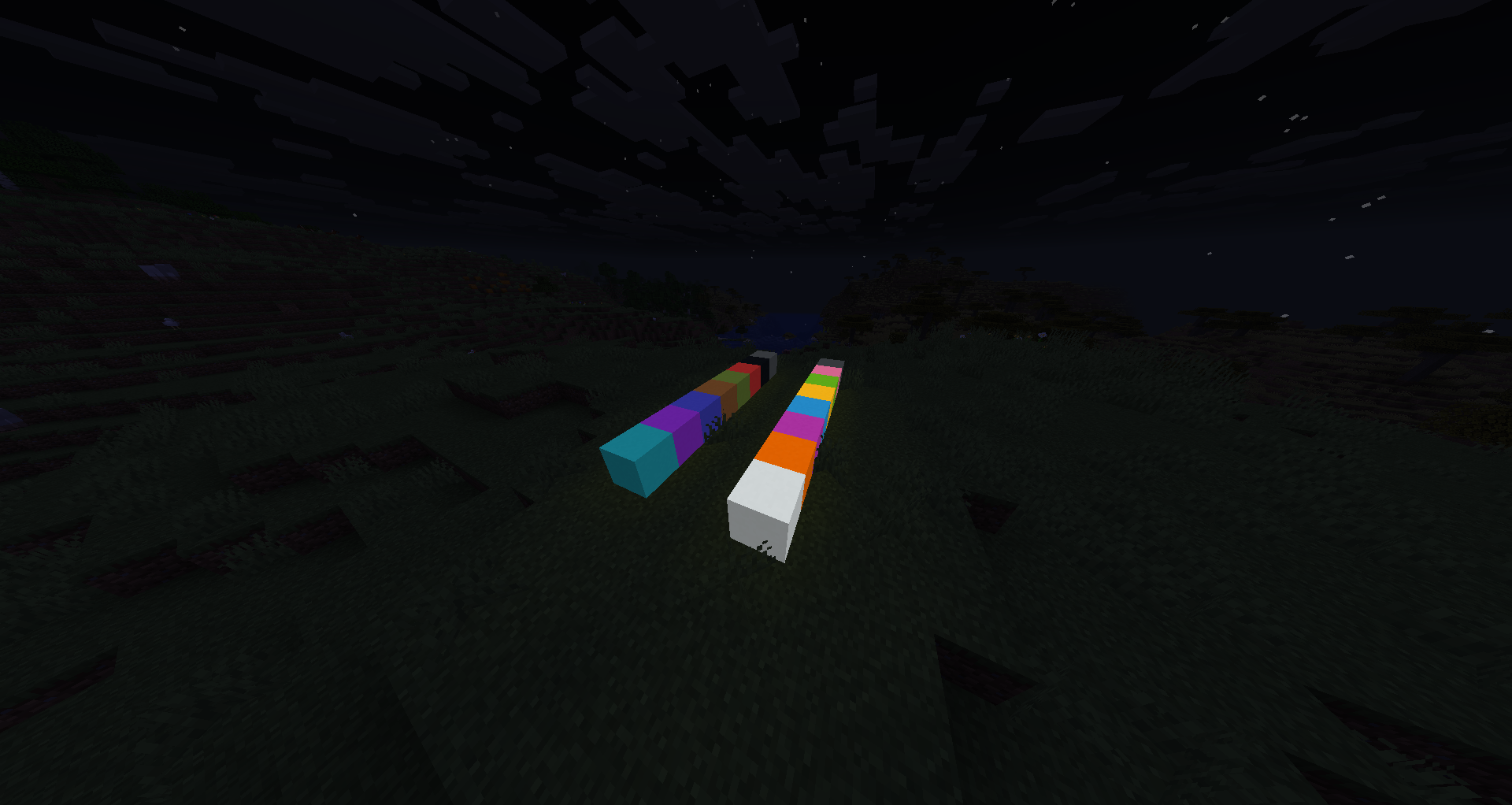
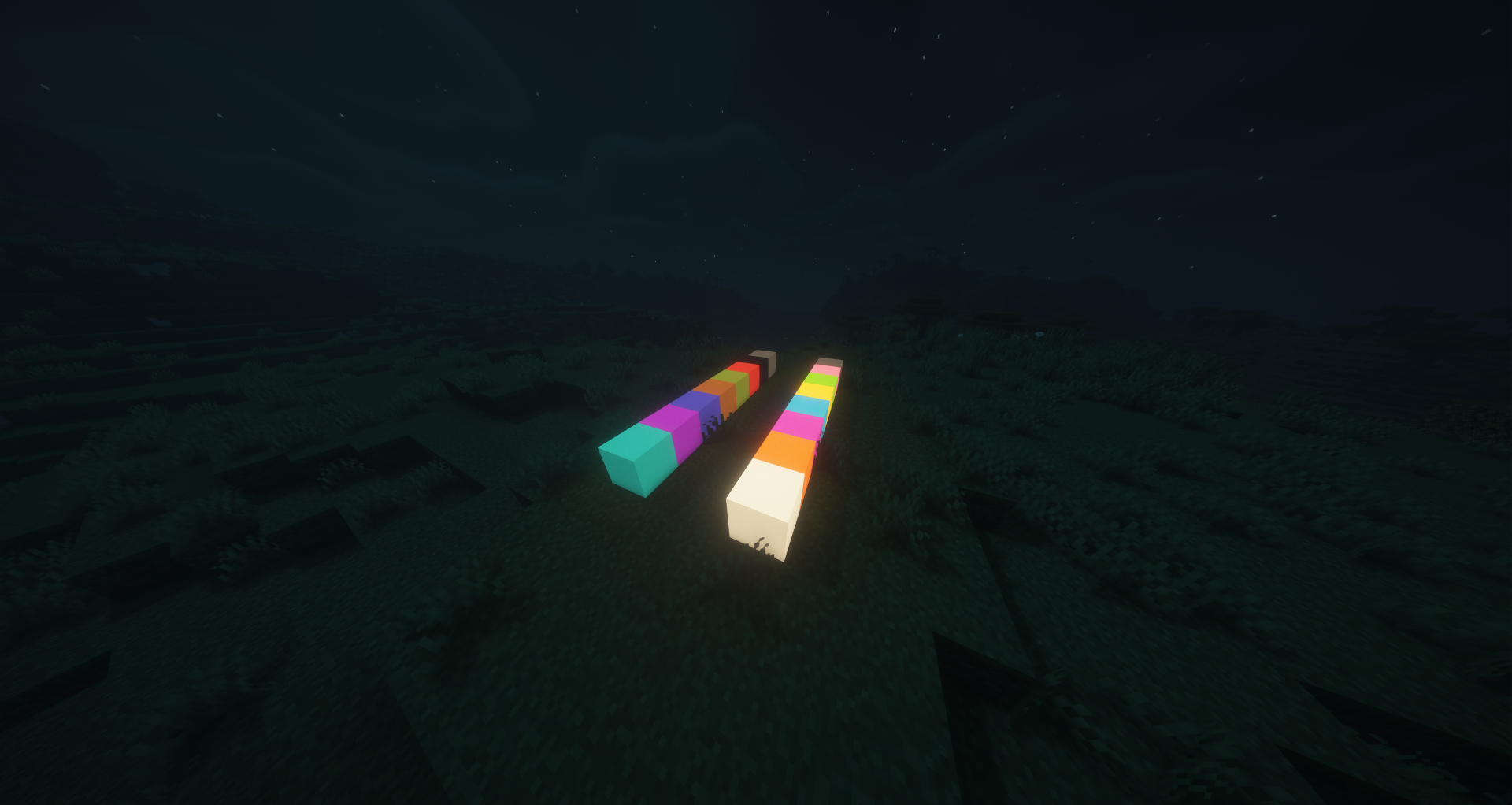
Glow Concrete
Craft any concrete block with a Glow Ink Sac to create glowing concrete. All 16 colors available.
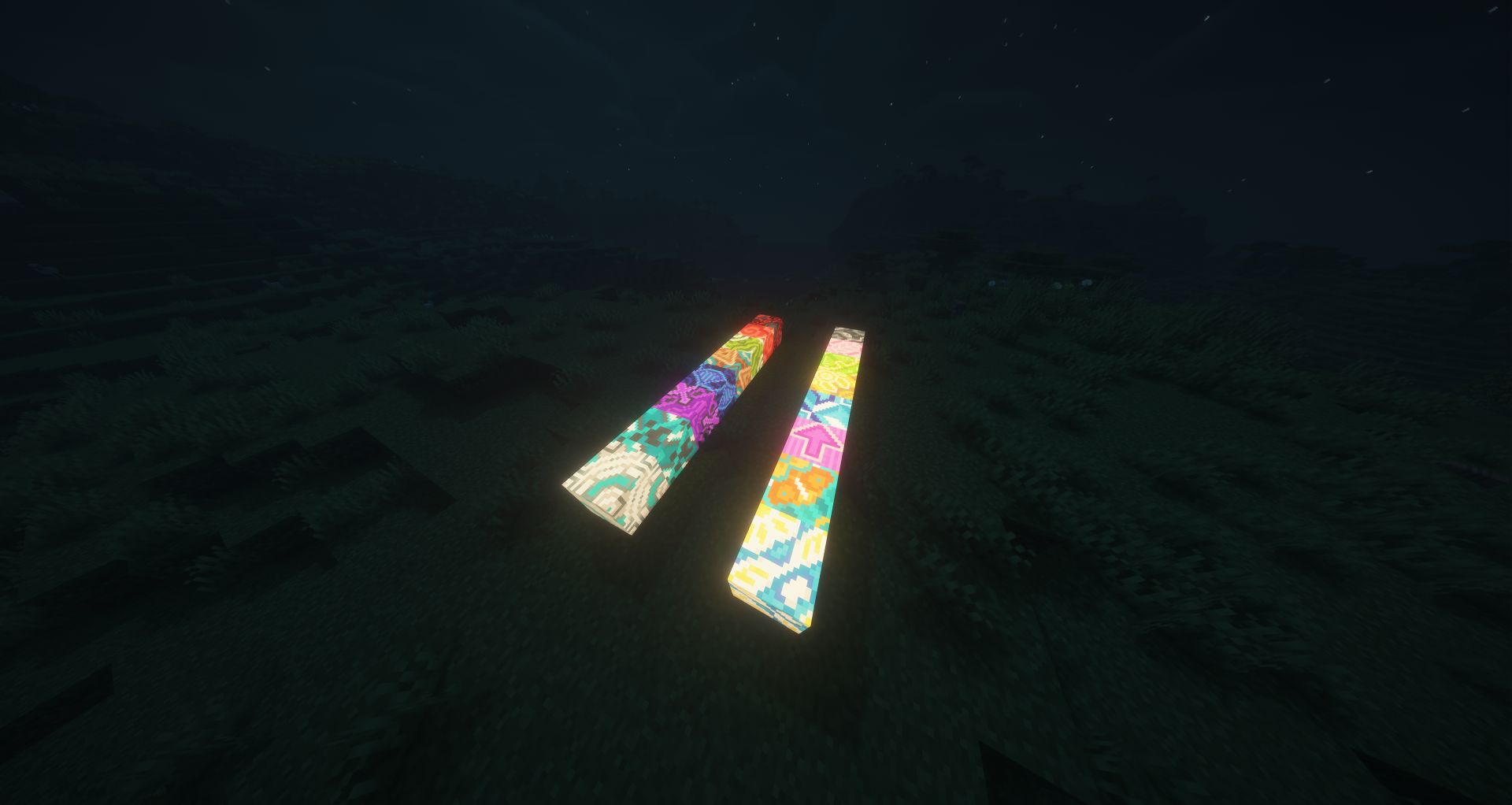
Glow Glazed Terracotta
Craft any glazed terracotta with a Glow Ink Sac to create a glowing directional variant. Rotation placement works like
vanilla.
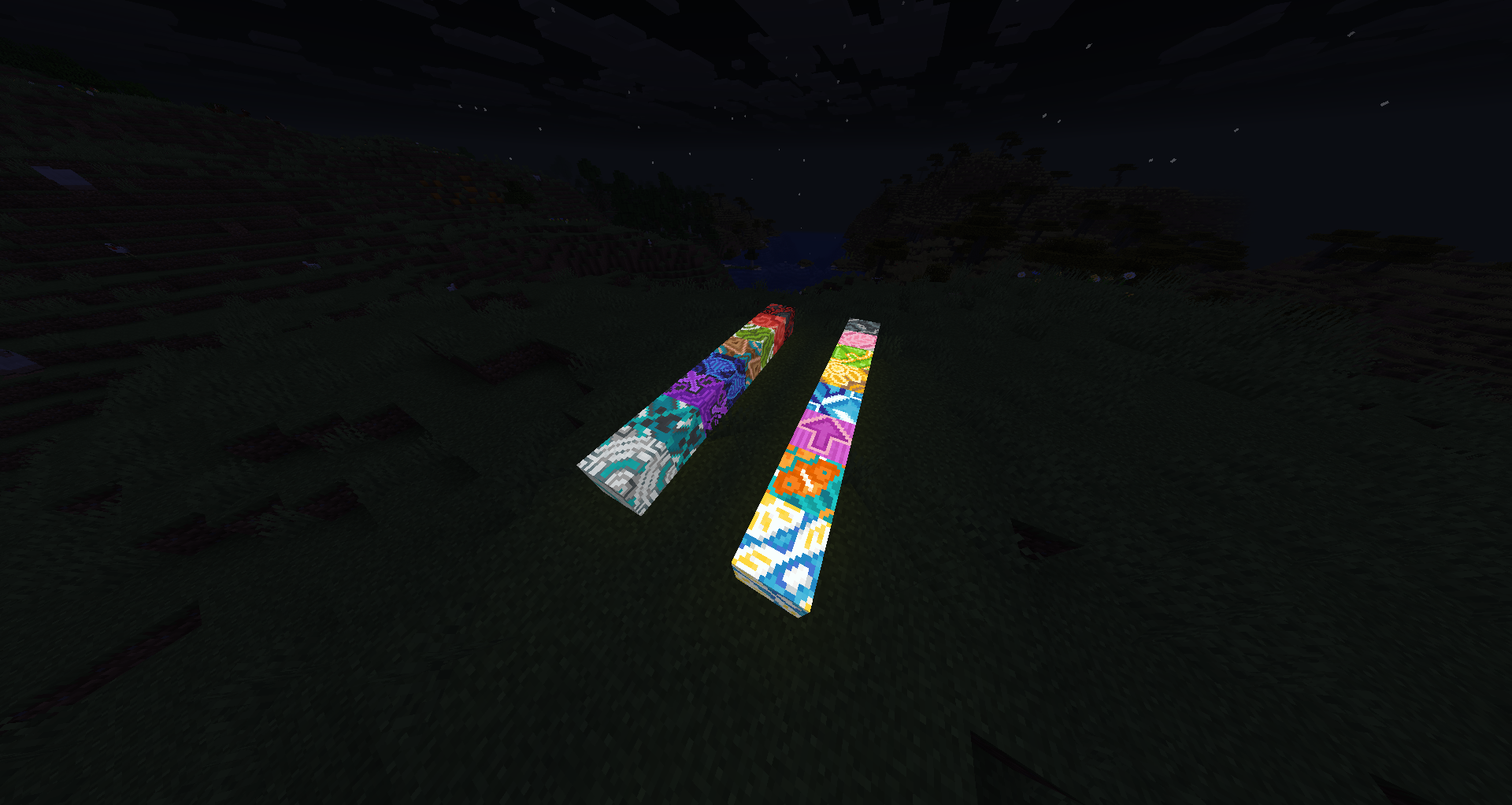
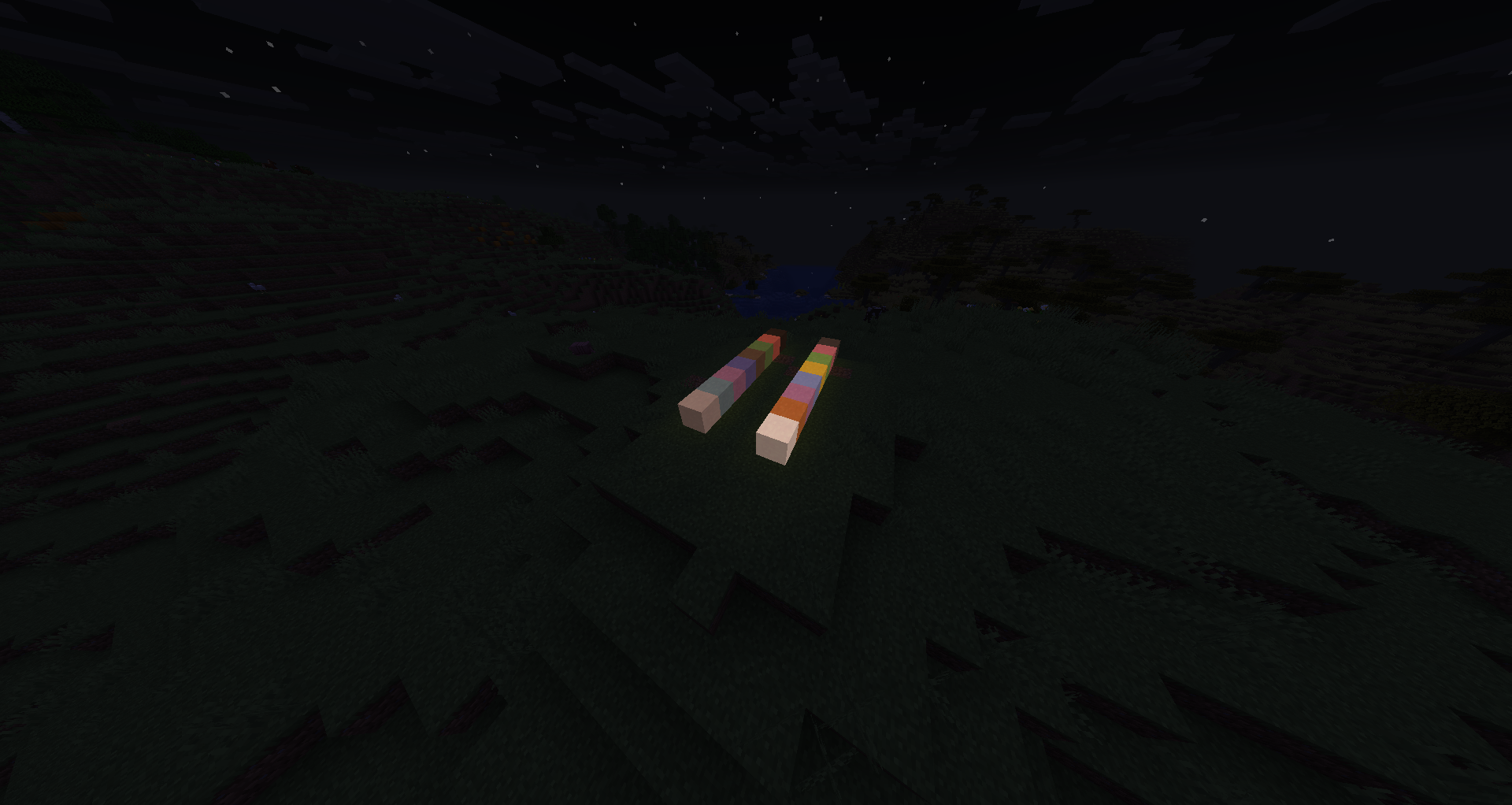
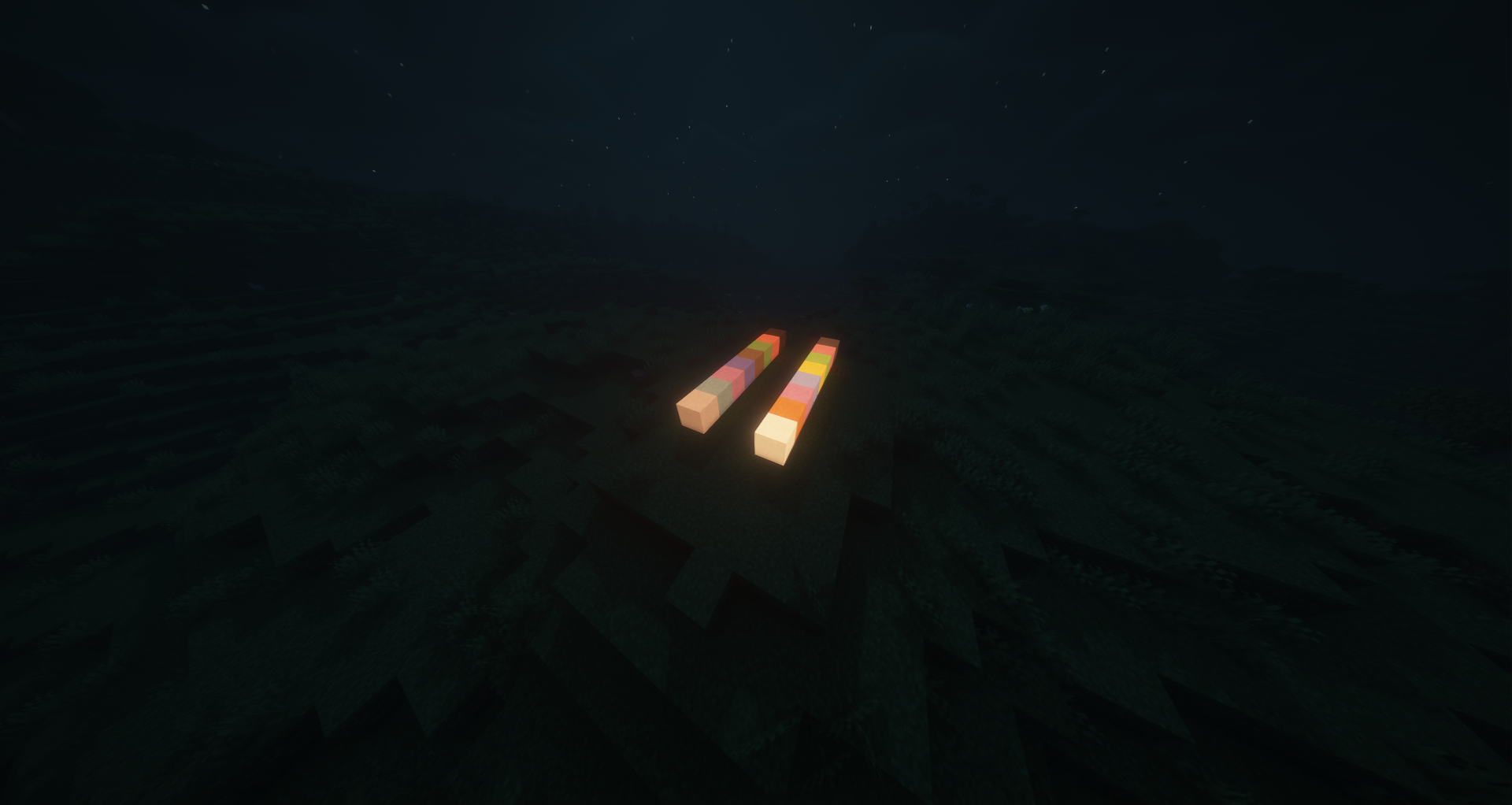
Glow Terracotta
Craft any terracotta with a Glow Ink Sac to create glowing terracotta blocks.
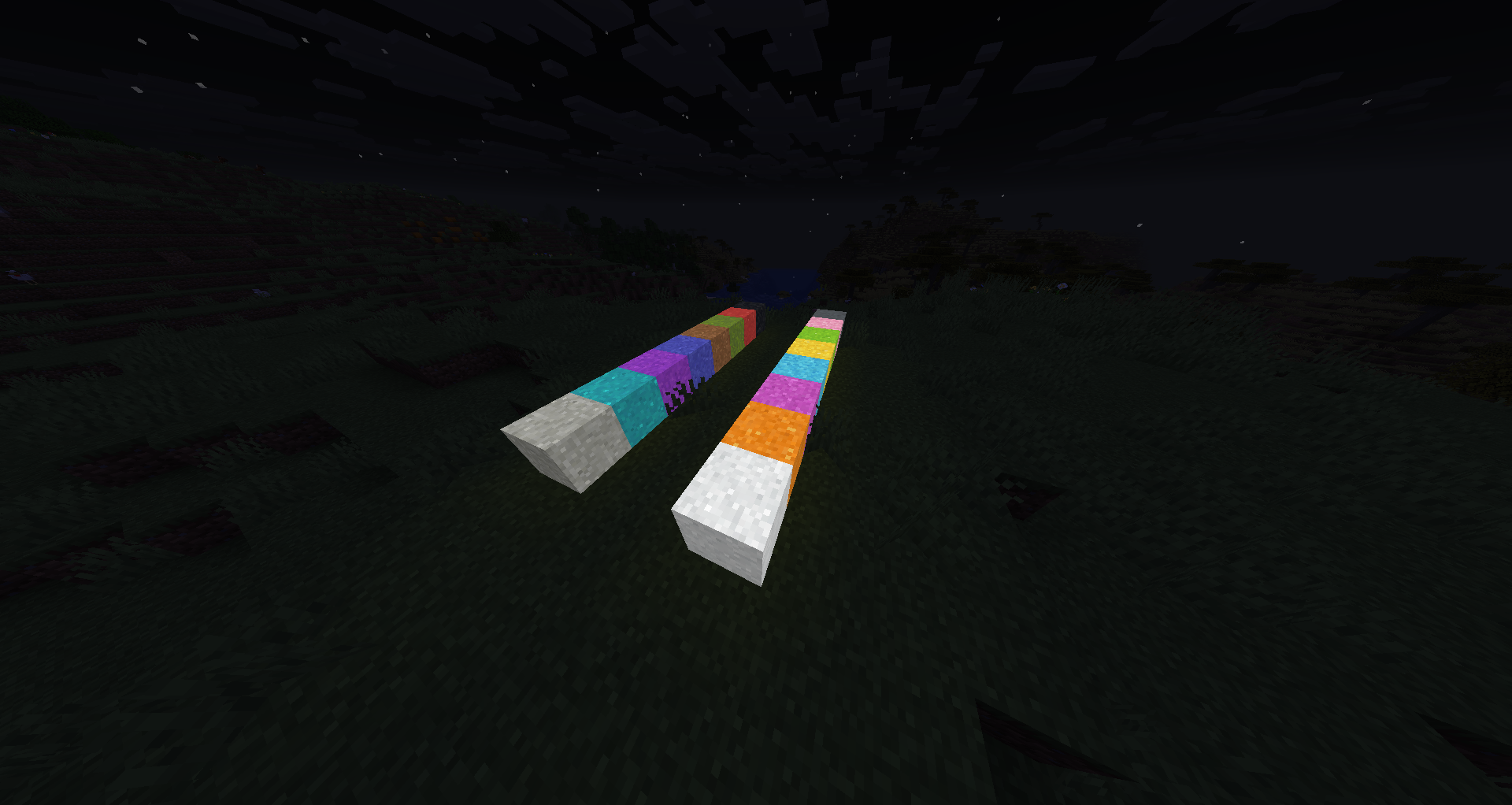
Glow Concrete Powder
Craft any concrete powder with a Glow Ink Sac to create glowing concrete powder. Like vanilla, it falls with gravity and
hardens into glowing concrete on contact with water.
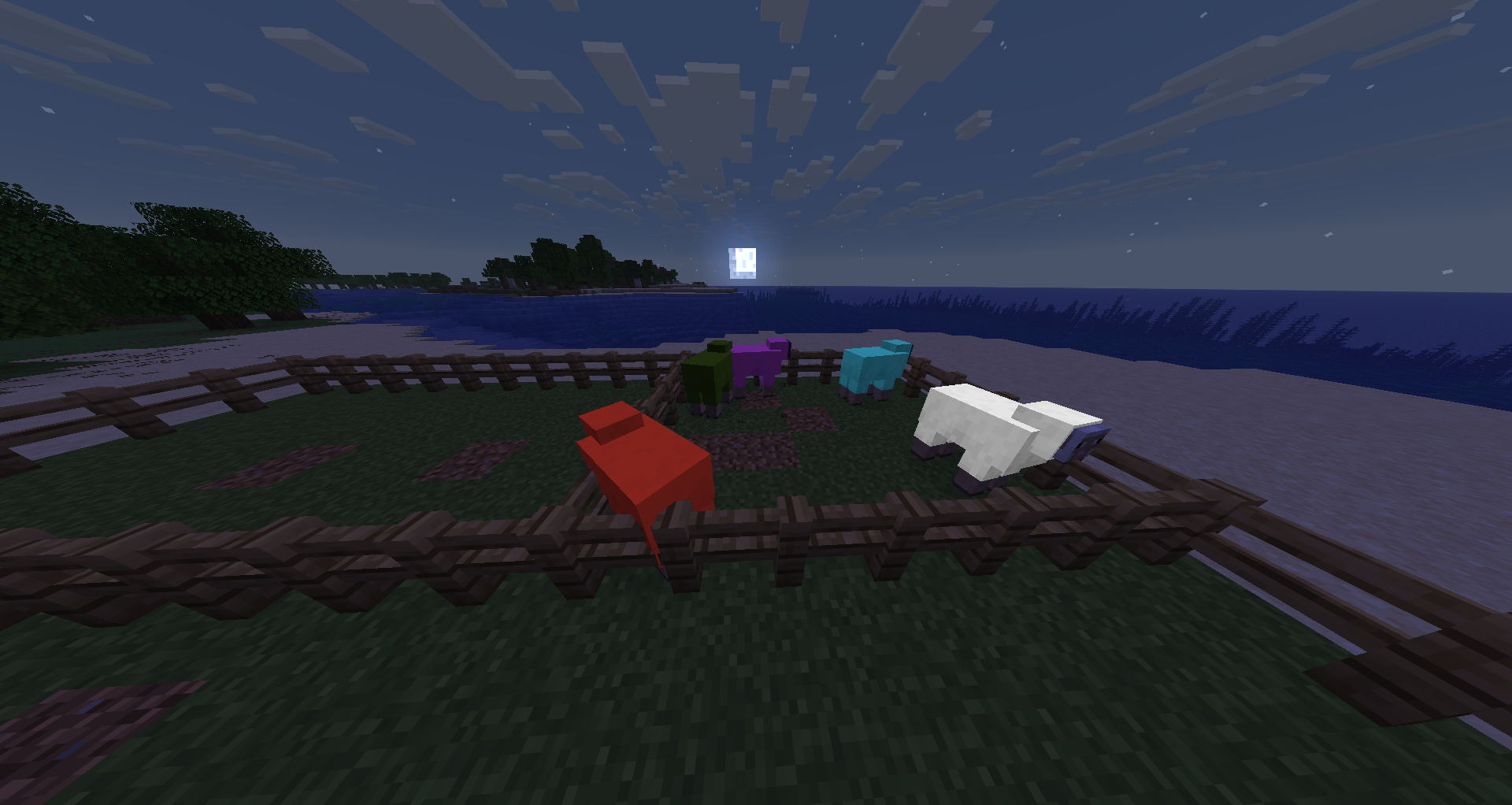
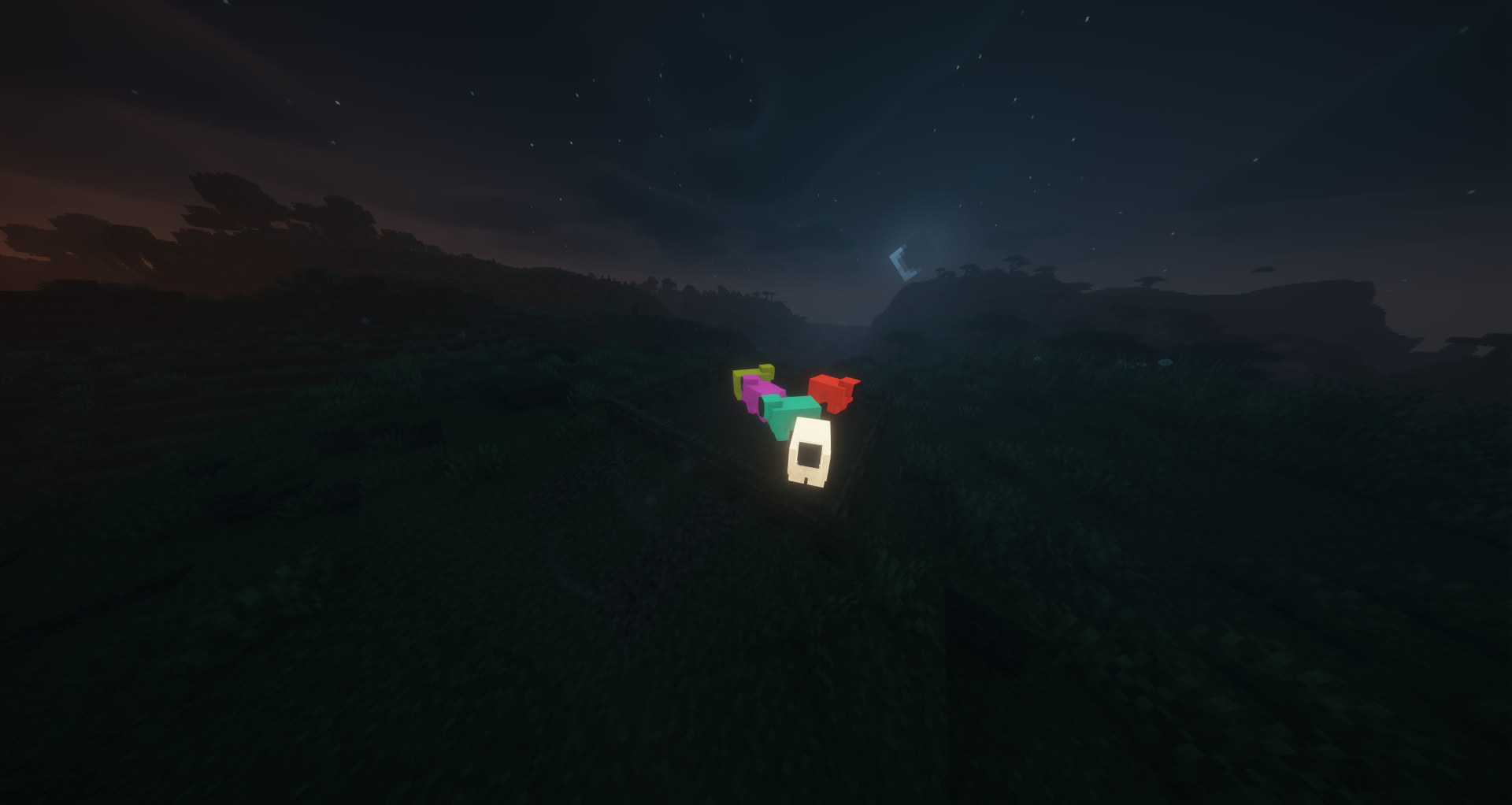
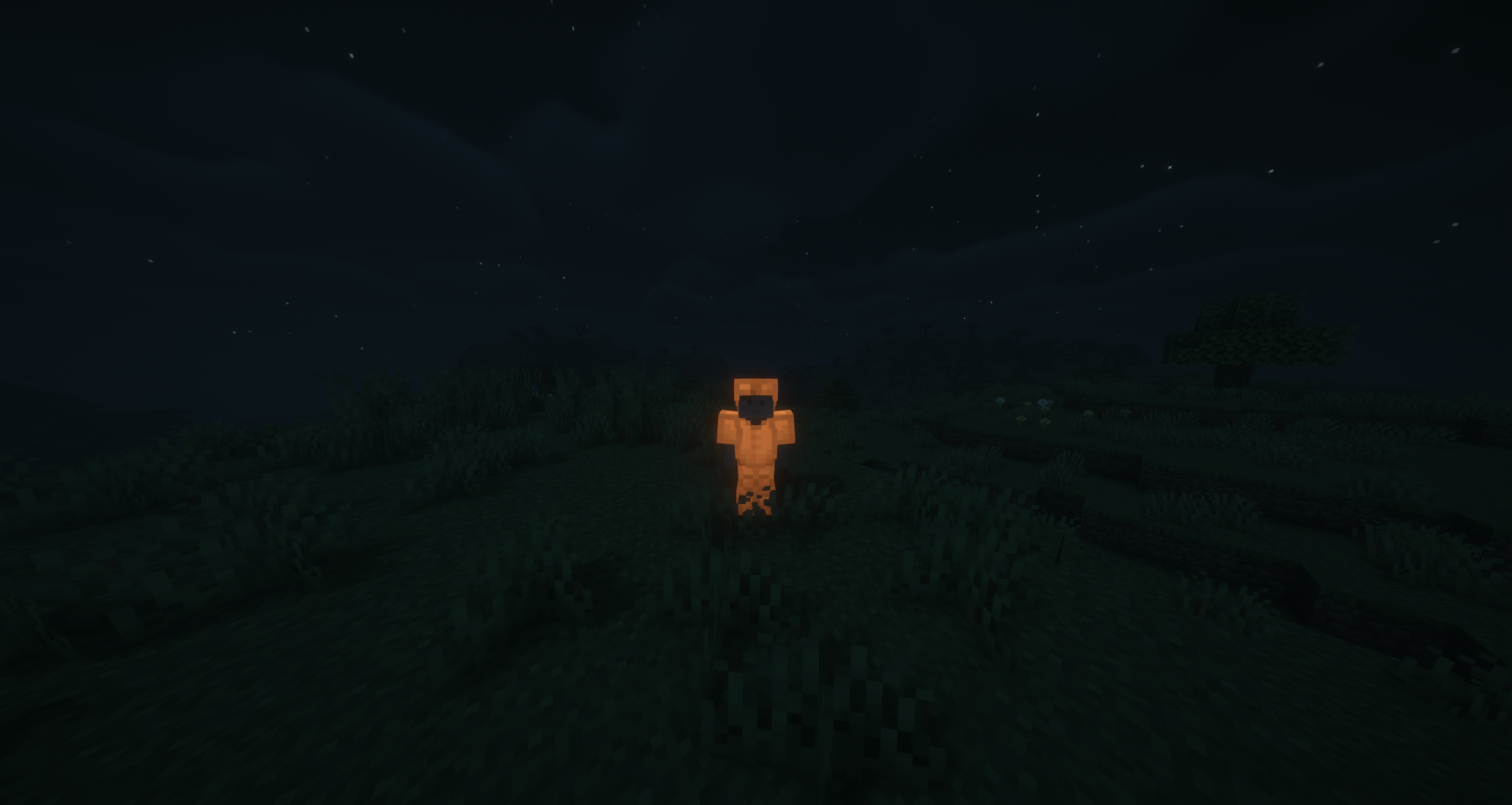
Glowing Sheep
Right-click a sheep with a Glow Ink Sac to make its wool glow. The glowing state persists and is visible to all players
in multiplayer. Shearing a glowing sheep drops 1-3 Glow Wool items matching its dye color.
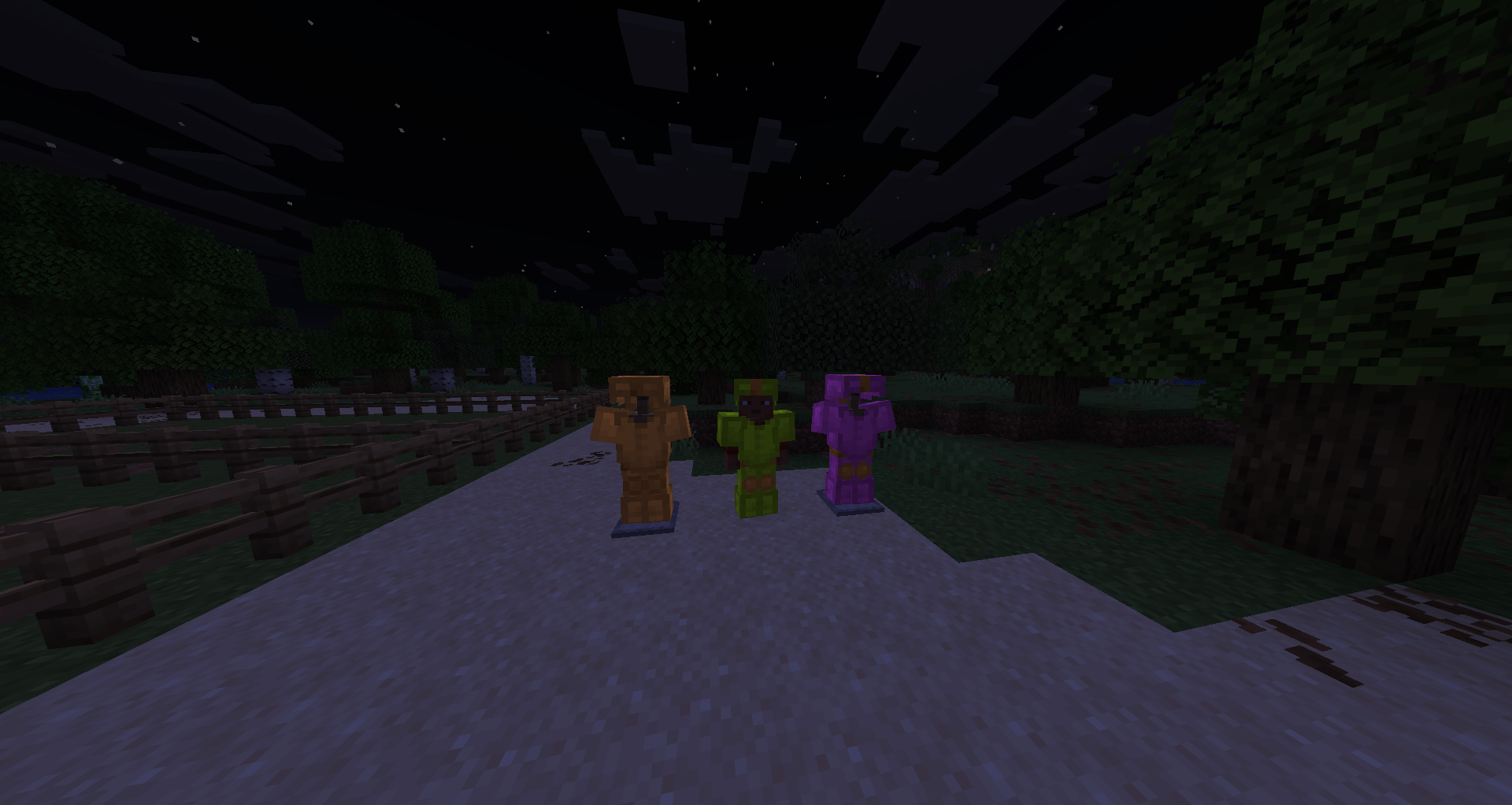
Glowing Leather Armor
Place any leather armor piece in a Smithing Table with a Glow Ink Sac (no template needed) to make it glow at full
brightness. Dyed leather armor retains its color while glowing. The effect can be washed off in a water cauldron.
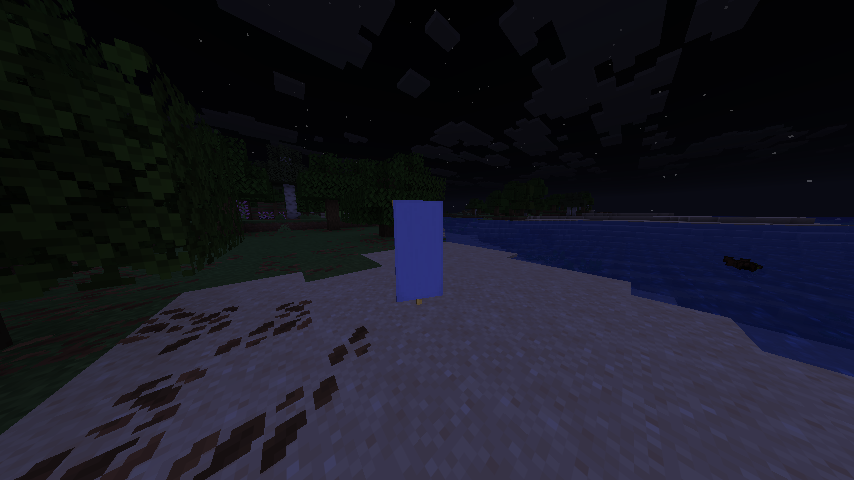
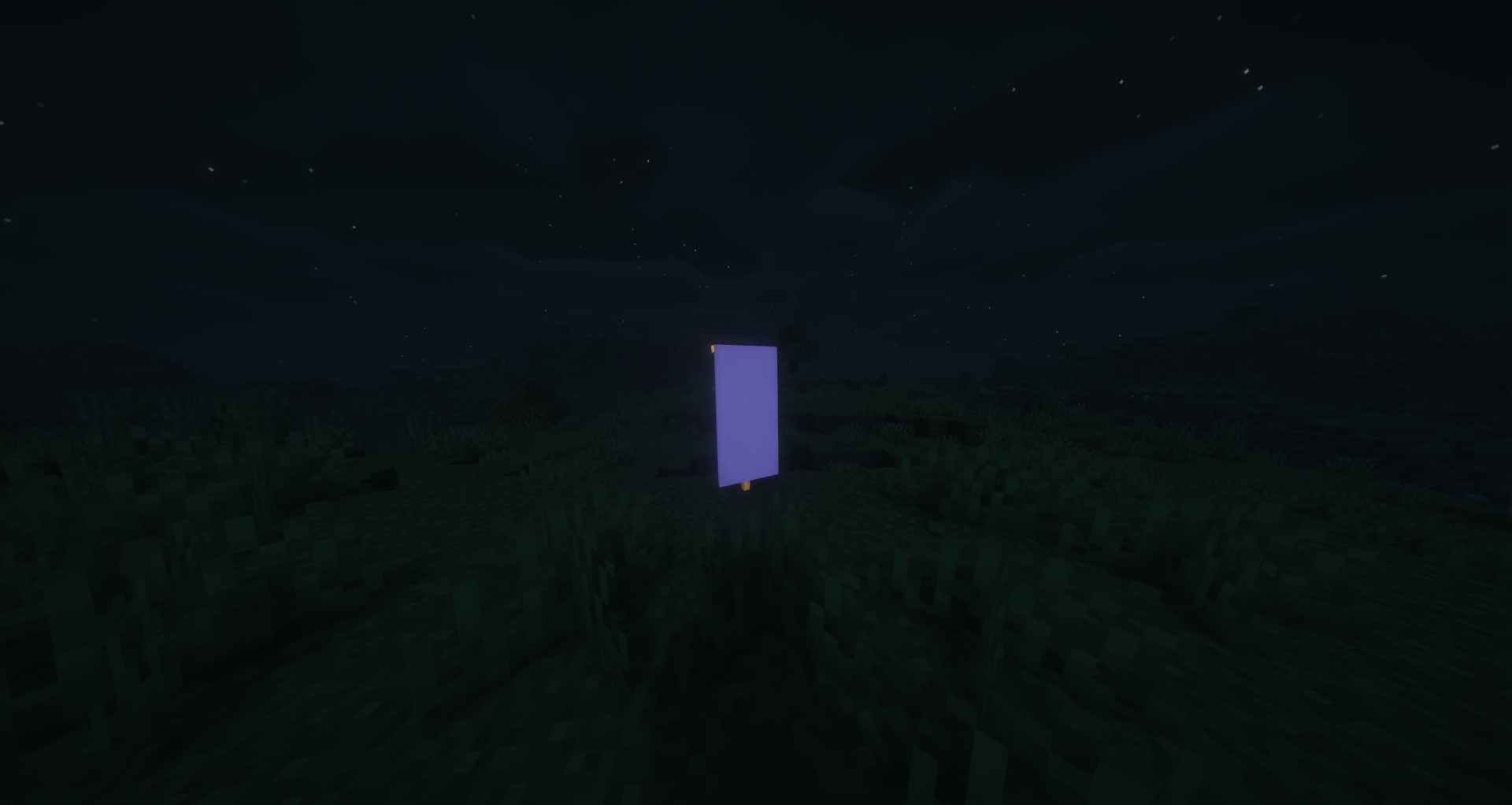
Glowing Banners
Combine any banner with a Glow Ink Sac in a Crafting Table to make it glow. All patterns, colors, and custom names are
preserved. Glowing banners render at full brightness both when placed in the world and when held in hand or displayed in
item frames.
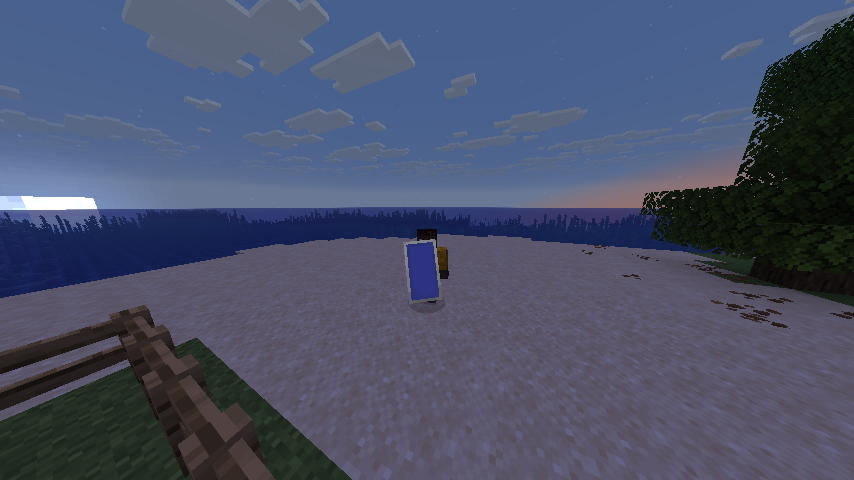
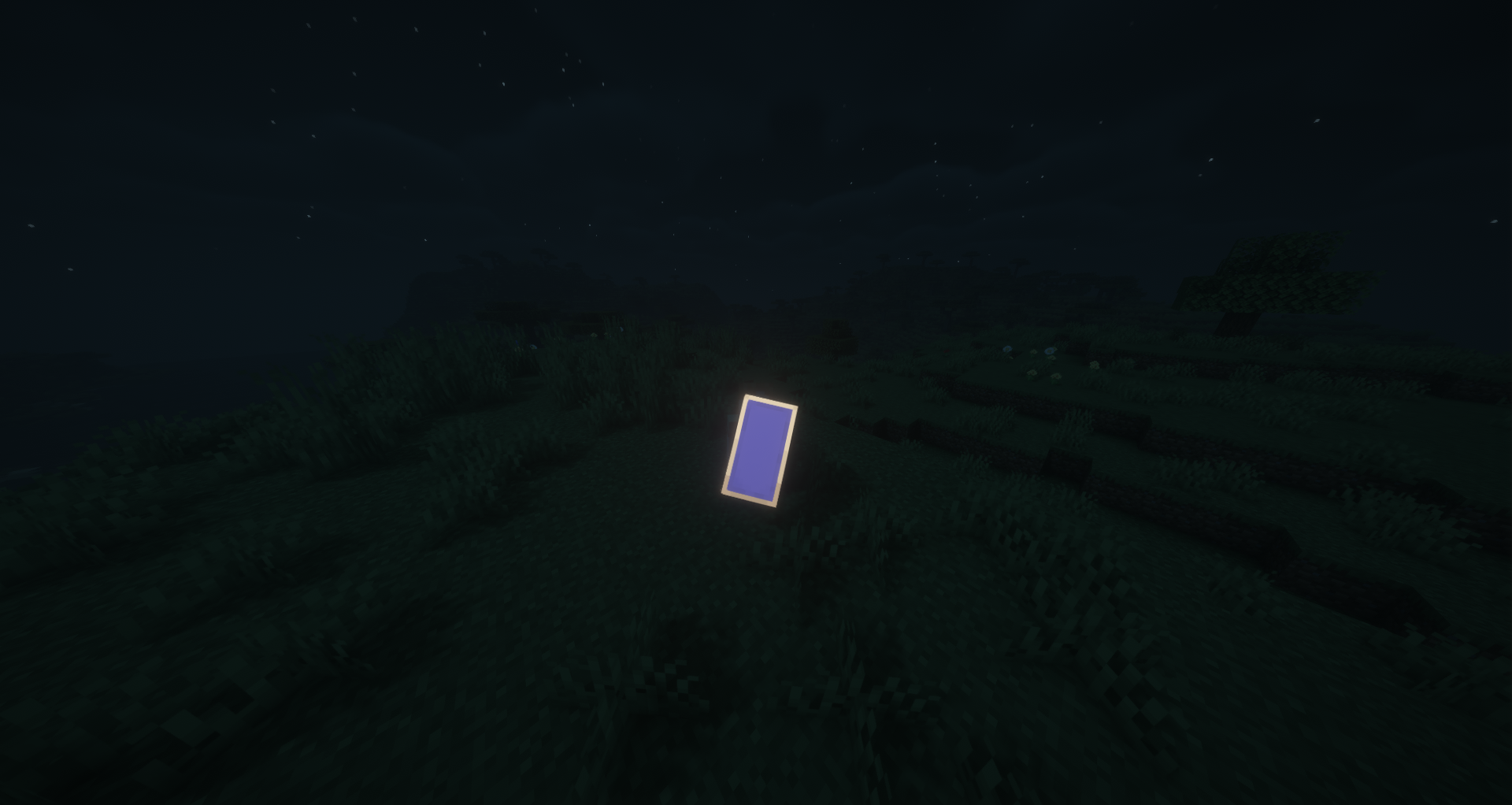
Glowing Shields
Combine a decorated shield (one with a banner pattern) with a Glow Ink Sac in a Crafting Table to make it glow.
Alternatively, applying a glowing banner to a shield will automatically transfer the glow effect. Glowing shields render
at full brightness when held.
Additional Info
- All glowing items display a yellow "Glowing" tooltip
- Glowing leather armor can be washed off in a water cauldron
- All 16 dye colors are supported for wool, carpets, beds, stained-glass, candles, glass panes, concrete, glazed
terracotta, terracotta, concrete powder, banners, and sheep - Compatible with Fabric, NeoForge, and Quilt
Shader used: BSL Shaders
Some translations were generated automatically!
Verfügbare Versionen
Glow Ink Plus auf dem Server installieren
Server bestellen
Bestelle einen Minecraft Java Server mit mindestens 3 GB RAM (4 GB empfohlen).
fabric Loader setzen
Wähle im Panel unter "Egg" den fabric-Loader und die passende Minecraft-Version (26.3).
Mod installieren
Öffne den Mod-Browser im Dashboard und suche nach "Glow Ink Plus". Klicke "Installieren" – fertig! Alternativ: Lade die .jar via SFTP in den /mods Ordner.
Kompatibilität
Mod-Loader
Minecraft-Versionen
26.3, 26.2, 26.1.2 (+26 weitere)
Server-seitig
✓ ErforderlichEmpfohlener RAM
4 GB(min. 3 GB)Häufige Fragen
Glow Ink Plus Server crasht beim Start – was tun?
Häufigste Ursache: falsche fabric-Version oder zu wenig RAM. Prüfe im Server-Log (latest.log), ob ein "OutOfMemoryError" oder "Mixin"-Fehler auftritt. Bei Mado Hosting: Stelle sicher, dass mindestens 3 GB RAM zugewiesen sind und der Loader zur Mod-Version passt (26.3). Über das Panel kannst du den Loader mit einem Klick wechseln.
Ist Glow Ink Plus mit fabric und forge und neoforge und quilt kompatibel?
Glow Ink Plus unterstützt offiziell fabric, forge, neoforge, quilt für Minecraft 26.3, 26.2, 26.1.2. Achtung: Forge- und Fabric-Mods sind NICHT untereinander kompatibel – wähle einen Loader und bleibe dabei. Im Mado Dashboard werden inkompatible Loader-Kombinationen automatisch erkannt.
Server laggt mit Glow Ink Plus – wie optimiere ich die Performance?
Empfohlener RAM: 4 GB (+1 GB pro 8 Spieler). Prüfe mit /spark profiler, ob Glow Ink Plus den meisten Tick-Time verbraucht. Häufige Fixes: Server-View-Distance auf 8-10 reduzieren, bei Forge "performant" oder "starlight" als Zusatz-Mod installieren. Bei Mado Hosting läuft dein Server auf NVMe-SSDs mit dedizierten CPU-Kernen für minimale Latenz.
Ähnliche Mods






Modded Server mieten
Installiere Glow Ink Plus mit nur einem Klick auf deinem Server.