
Glowing Eyes
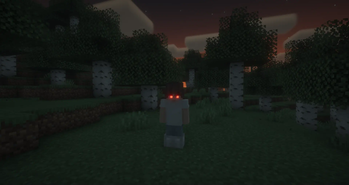
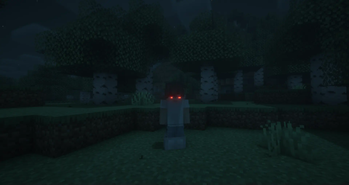
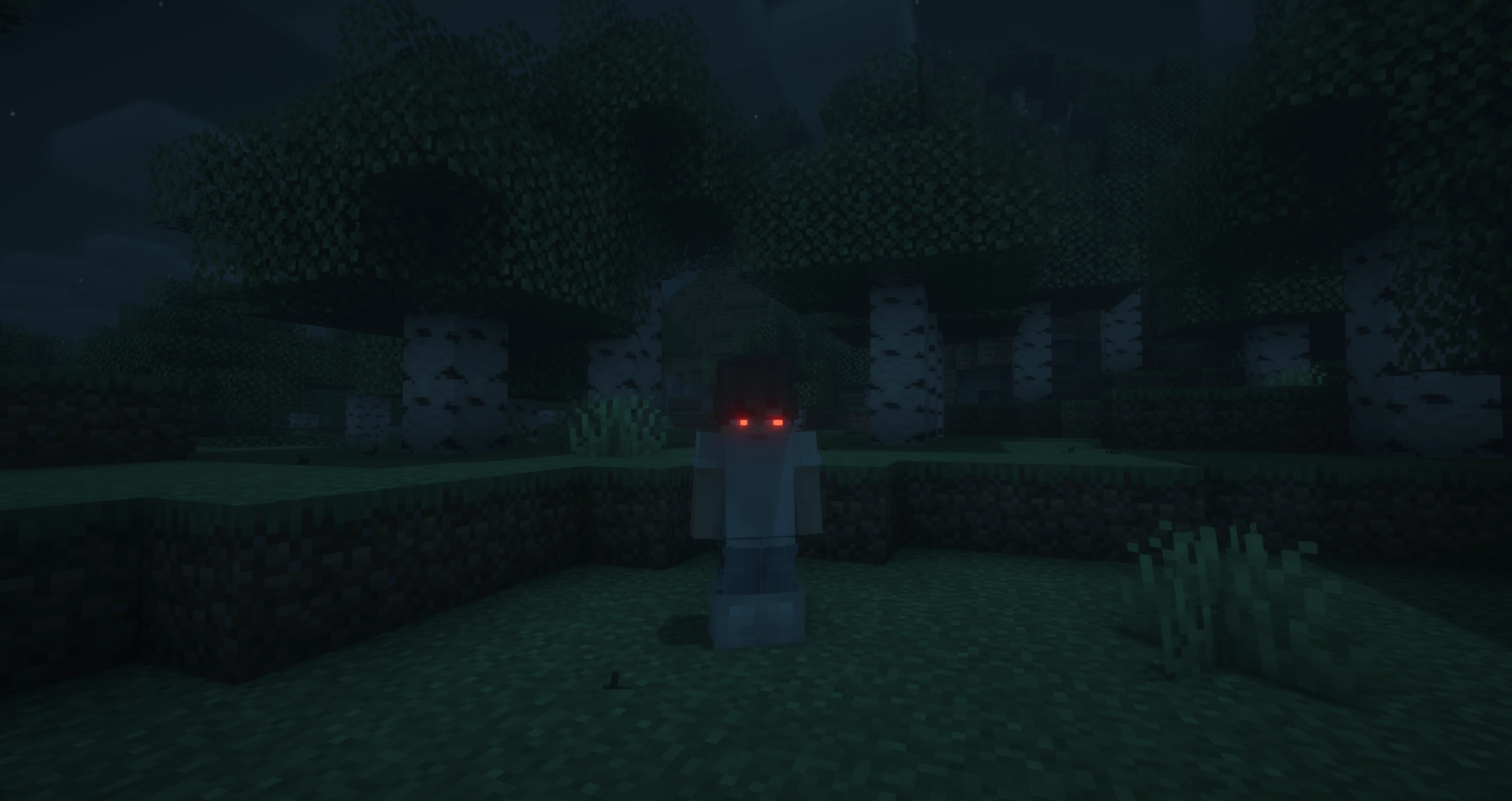
Glowing Eyes is a Minecraft Mod to make your eyes glow, inspired by the Vampirism mod!
Screenshots


Über diese Mod
Glowing Eyes
Glowing Eyes is a Minecraft mod that lets you customize and make your character’s eyes glow! Inspired by the Vampirism mod, this mod adds a detailed eye editor with color selection, presets, and new customization options. Stand out in the dark with glowing eyes!
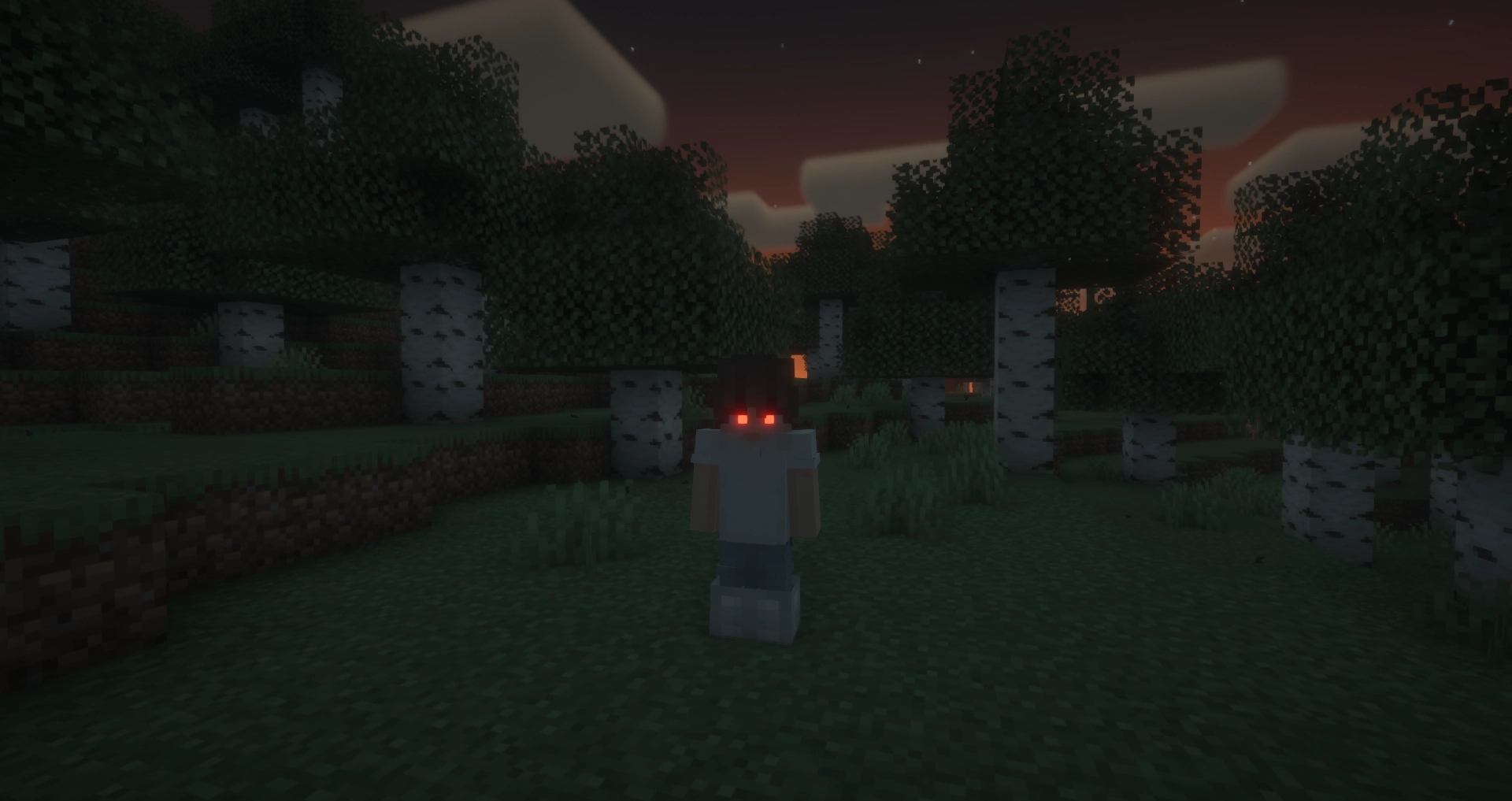
With Fresh Moves support!
FAQ
Does this mod work in multiplayer?
Yes, however, the mod must be installed on both the server and the client for it to work properly. Players that do not have the mod can still play, but will not see the glowing eyes.
Why doesn’t the mod work / why don’t my eyes glow?
Most likely, you accidentally turned off your eyes. The default keybinding to toggle glowing eyes on and off is G. If that doesn’t fix the issue, please report a bug on the GitHub issues tab or in the Discord server.
Usage
General Usage
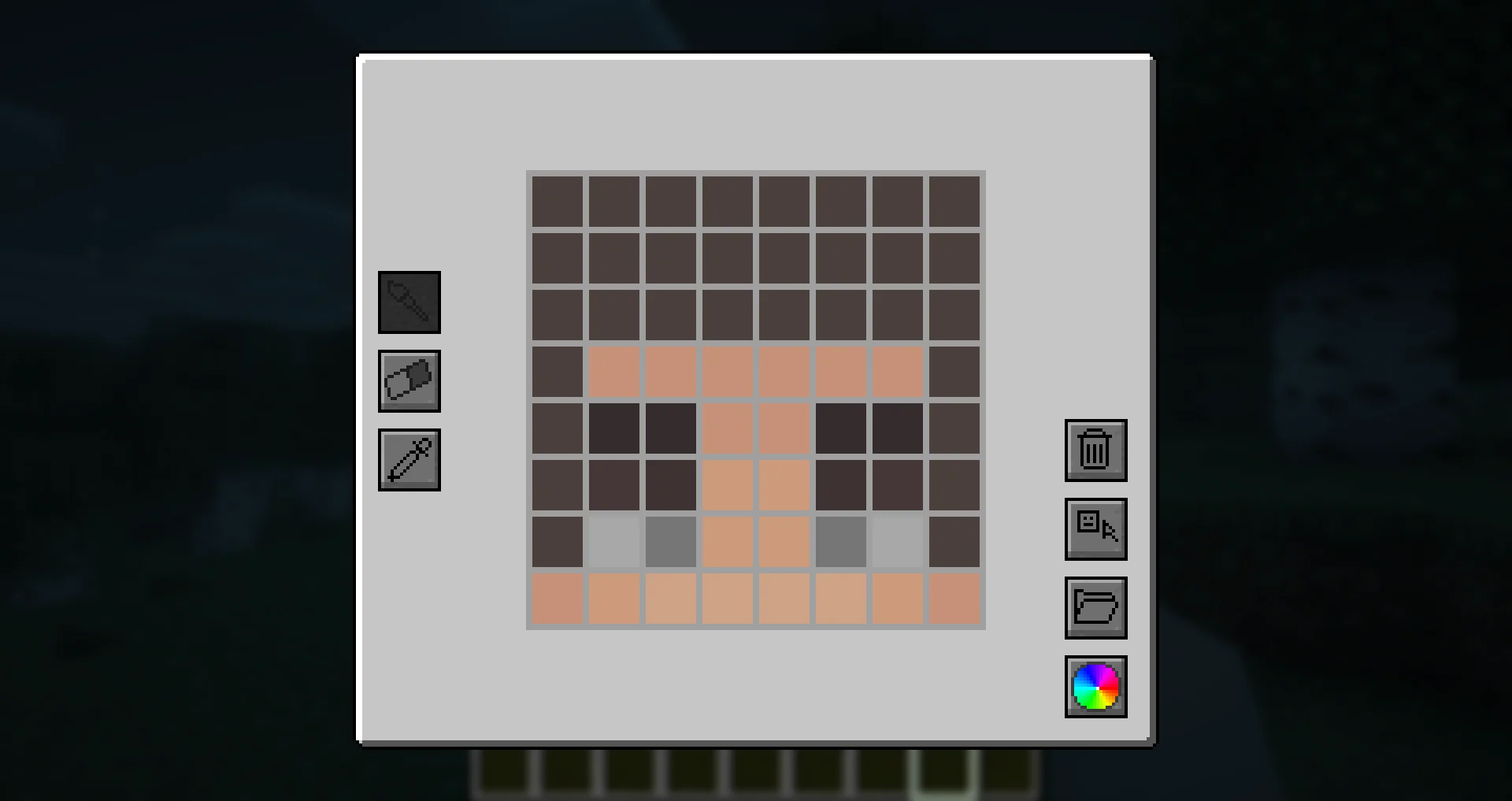
To access the eye editor, use the /eyes command or press the keybinding (H by default). This will open the customization menu, where you can tweak your glowing eyes.
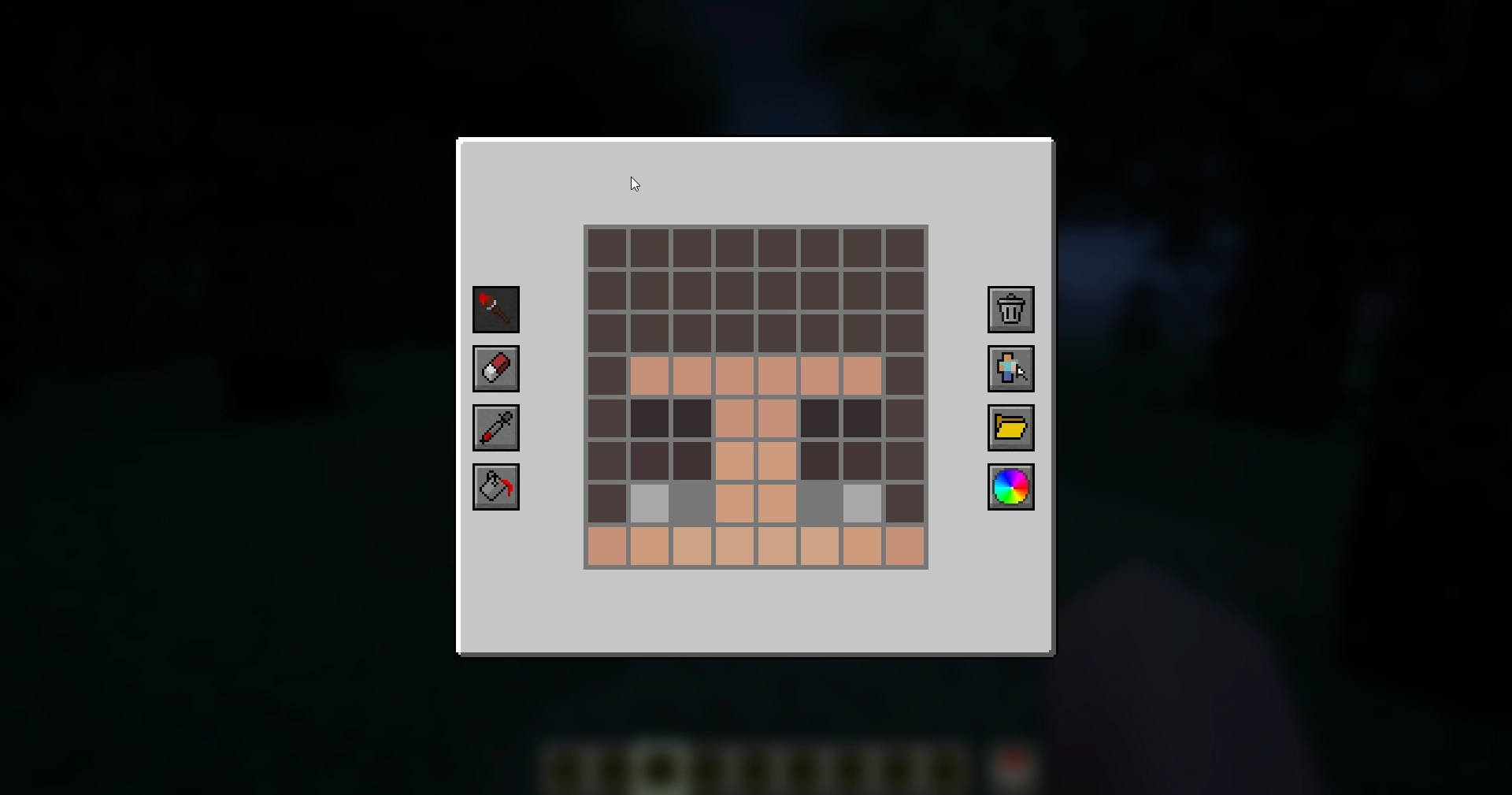
- Left side: Drawing, erasing and color picking tools to design your glowing eyes.
- Right side: Preset manager, color picker, and two additional buttons:
- Skin part selector: Choose which part of the skin you want to apply glowing eyes to.
- Reset button: Completely removes your current eyes, including other skin parts (but not presets).
Skin Parts
With the skin parts system, you are no longer limited to adding eyes only to the front of your character’s head. Now, you can apply glowing eyes anywhere on your head and head overlay!
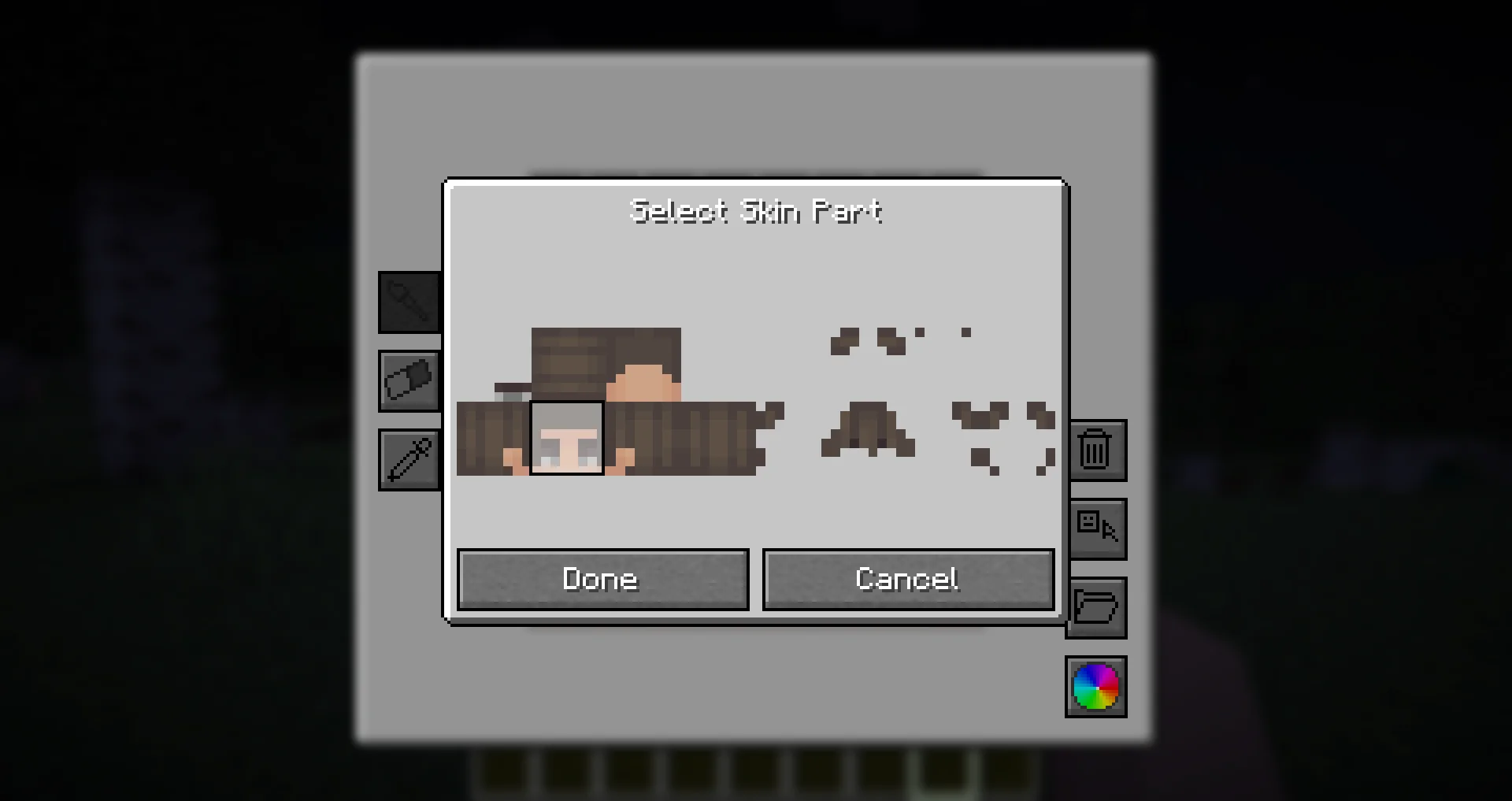
This feature allows for more creative and unique glowing eye designs, such as side or back-facing eyes!
Presets
Presets allow you to save and quickly switch between different glowing eye designs.
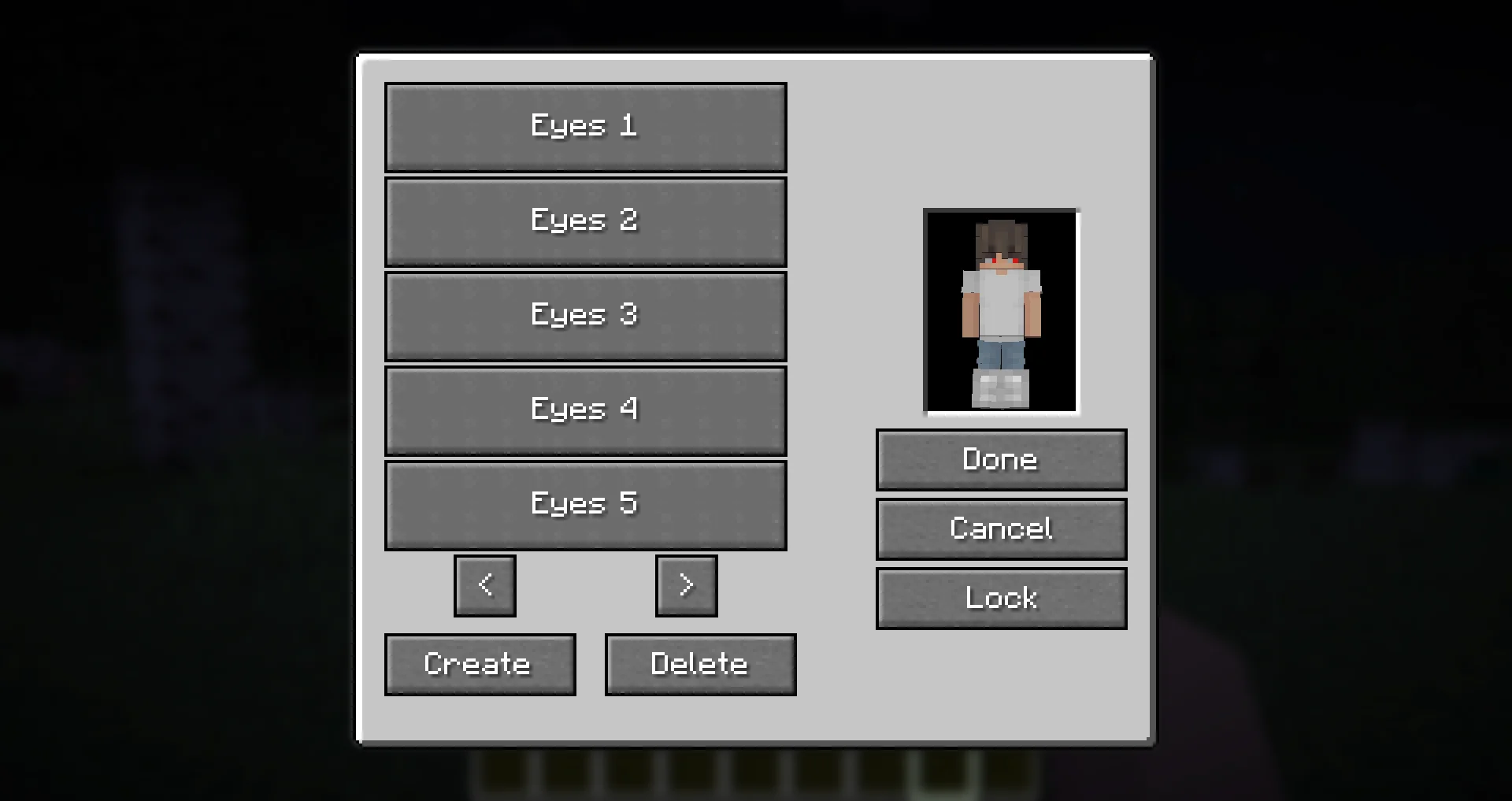
- The preset menu lets you create, save, and apply different presets.
- All presets are saved in the
presets.jsonfile in your Minecraft directory. - Easily experiment with different glowing eye styles without losing your designs!
Need Support?
If you need help, have a question, or just want to chat, join the Discord server.
To report bugs or suggest features, please use the GitHub repository.
Thanks!
Big thanks to Olivo for helping with the editor GUI screen! If not him, this all would not be possible!
Thanks to the Vampirism mod and its authors/contributors for the idea, inspiration, and some code, please check them out!
Huge thanks to the Modded Minecraft Discord Server for their help with coding!
Verfügbare Versionen
Glowing Eyes auf dem Server installieren
Server bestellen
Bestelle einen Minecraft Java Server mit mindestens 3 GB RAM (4 GB empfohlen).
fabric Loader setzen
Wähle im Panel unter "Egg" den fabric-Loader und die passende Minecraft-Version (1.21.11).
Mod installieren
Öffne den Mod-Browser im Dashboard und suche nach "Glowing Eyes". Klicke "Installieren" – fertig! Alternativ: Lade die .jar via SFTP in den /mods Ordner.
Kompatibilität
Mod-Loader
Minecraft-Versionen
1.21.11, 1.21.10, 1.21.9 (+20 weitere)
Server-seitig
~ OptionalEmpfohlener RAM
4 GB(min. 3 GB)Häufige Fragen
Glowing Eyes Server crasht beim Start – was tun?
Häufigste Ursache: falsche fabric-Version oder zu wenig RAM. Prüfe im Server-Log (latest.log), ob ein "OutOfMemoryError" oder "Mixin"-Fehler auftritt. Bei Mado Hosting: Stelle sicher, dass mindestens 3 GB RAM zugewiesen sind und der Loader zur Mod-Version passt (1.21.11). Über das Panel kannst du den Loader mit einem Klick wechseln.
Ist Glowing Eyes mit fabric und forge und neoforge und quilt kompatibel?
Glowing Eyes unterstützt offiziell fabric, forge, neoforge, quilt für Minecraft 1.21.11, 1.21.10, 1.21.9. Achtung: Forge- und Fabric-Mods sind NICHT untereinander kompatibel – wähle einen Loader und bleibe dabei. Im Mado Dashboard werden inkompatible Loader-Kombinationen automatisch erkannt.
Server laggt mit Glowing Eyes – wie optimiere ich die Performance?
Empfohlener RAM: 4 GB (+1 GB pro 8 Spieler). Prüfe mit /spark profiler, ob Glowing Eyes den meisten Tick-Time verbraucht. Häufige Fixes: Server-View-Distance auf 8-10 reduzieren, bei Forge "performant" oder "starlight" als Zusatz-Mod installieren. Bei Mado Hosting läuft dein Server auf NVMe-SSDs mit dedizierten CPU-Kernen für minimale Latenz.
Ähnliche Mods




![[ETF] Entity Texture Features](https://cdn.modrinth.com/data/BVzZfTc1/af683d206d50b05258d865b0d6e4aa2f2cee12f2_96.webp)

Modded Server mieten
Installiere Glowing Eyes mit nur einem Klick auf deinem Server.
Details
- Lizenz
- GNU Lesser General Public License v3.0 or later
- Server-seitig
- Optional